GPT Image 2 for Text, Layouts, and Consistency

Explore GPT Image 2, OpenAI's next-gen image model for text rendering, realism, and more consistent commercial visuals across layouts and campaigns.

GPT Image 2

GPT Image 2 is OpenAI's next-generation image model for creators who need readable text, believable realism, and stable results across posters, mockups, comics, and commercial visual systems.

GPT Image 2 hero visual

What GPT Image 2 Does Better

GPT Image 2 is strongest when a brief combines readable text, believable realism, structured composition, and repeated visual identity in the same workflow.

0104

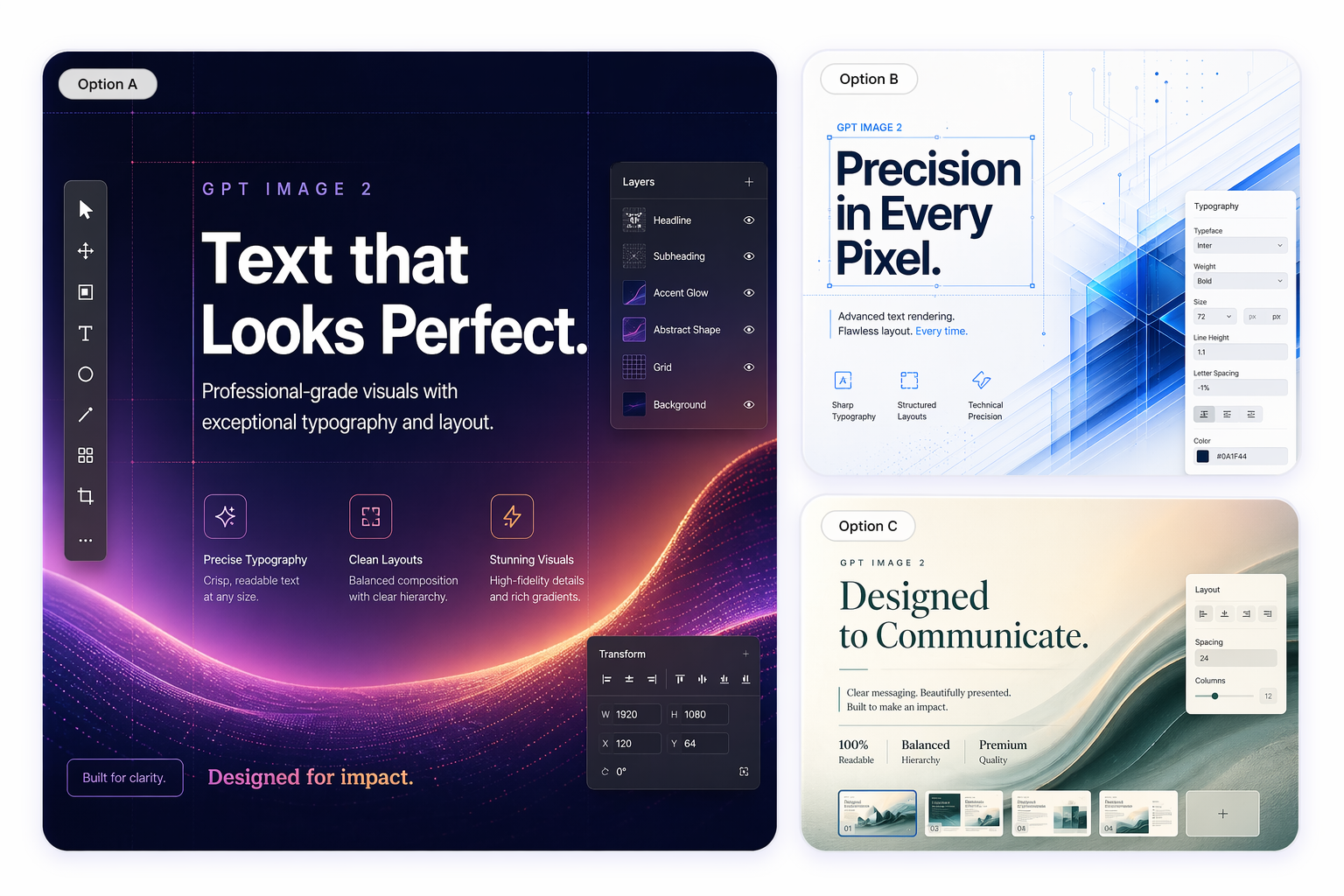
Cleaner Text Rendering

GPT Image 2 is built for image tasks that include labels, headlines, packaging copy, signage, or interface text. That makes it more useful for posters, menus, UI mockups, and multilingual layouts where weaker models often distort characters or spacing.
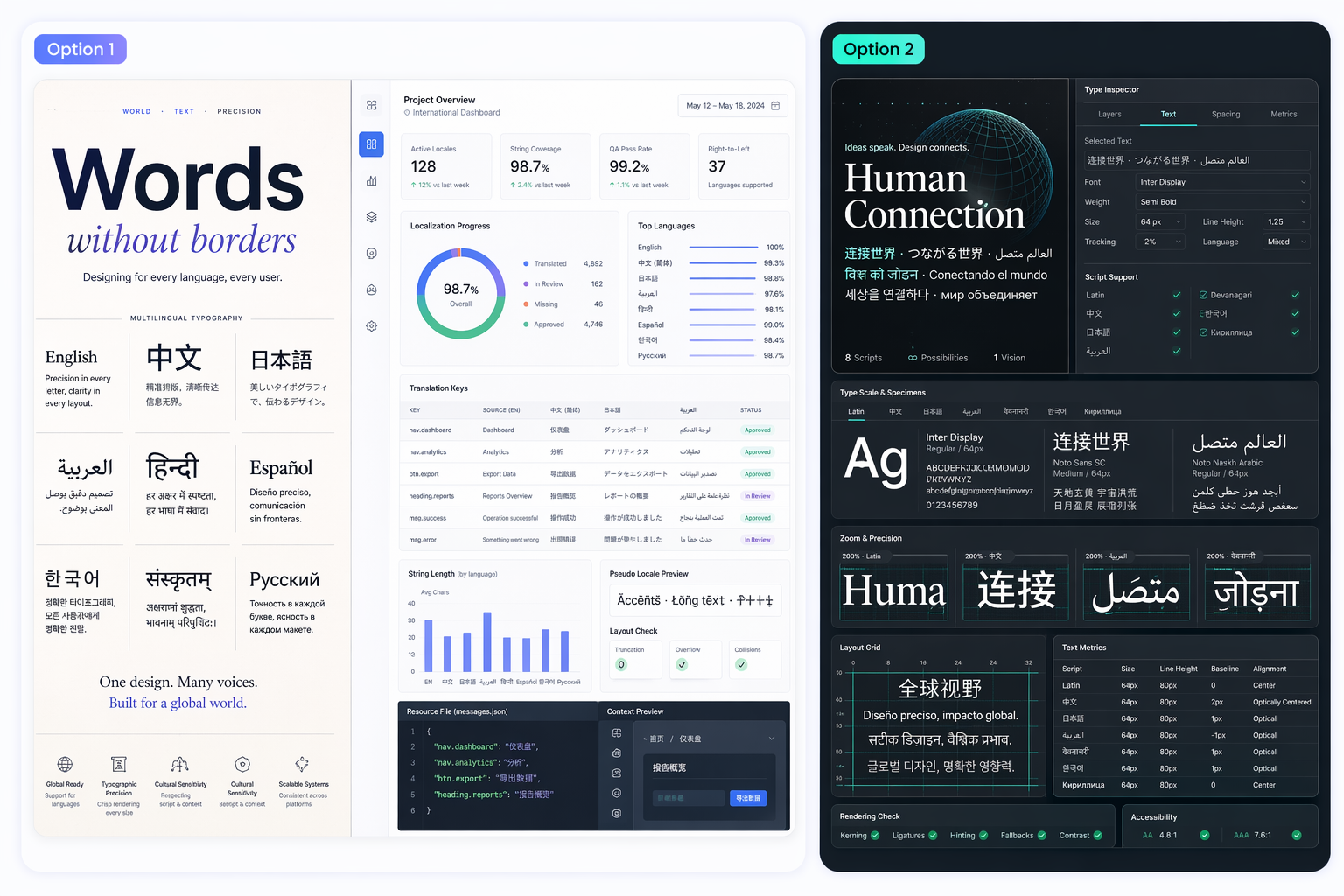
GPT Image 2 example with clean multilingual text rendering

0204

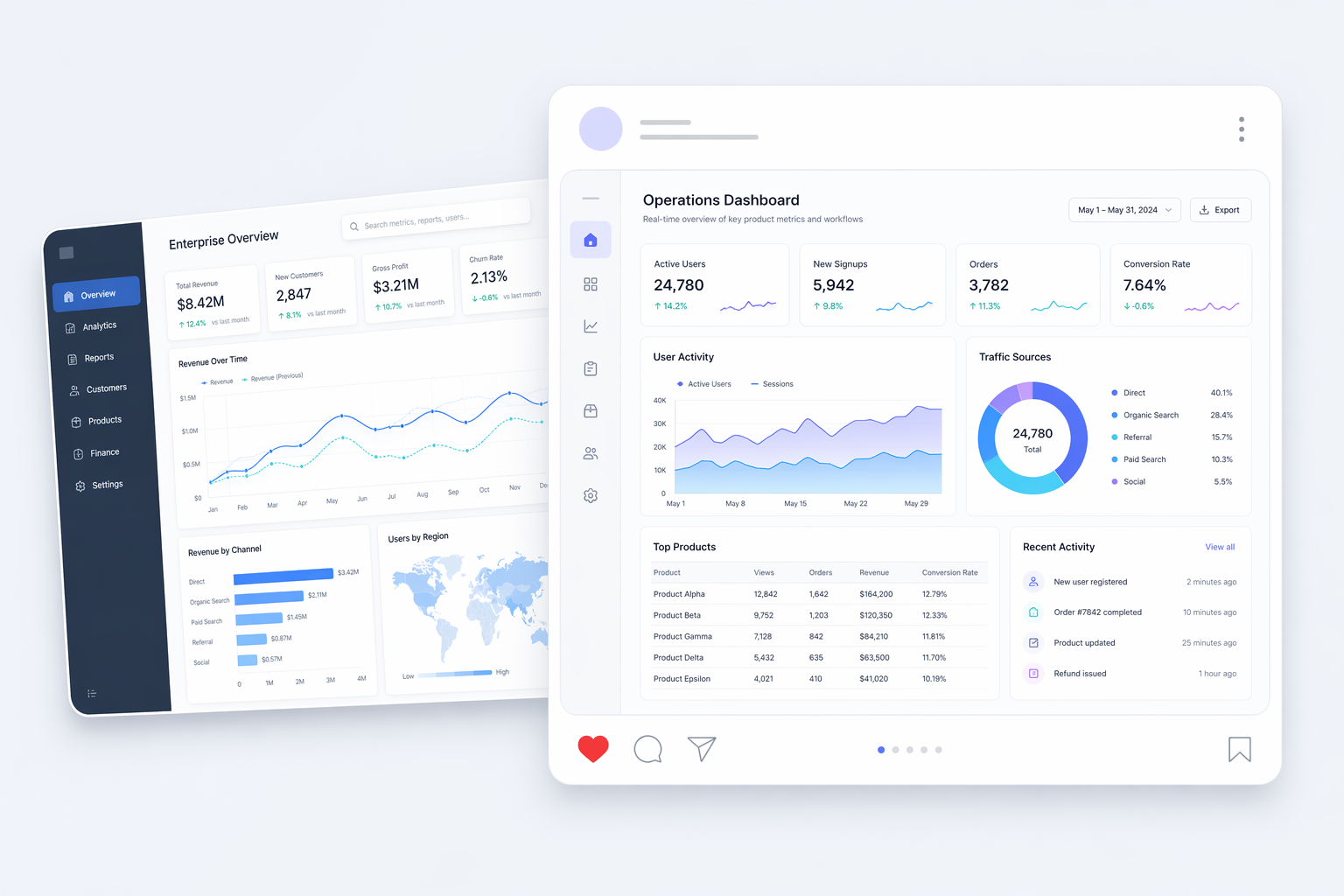
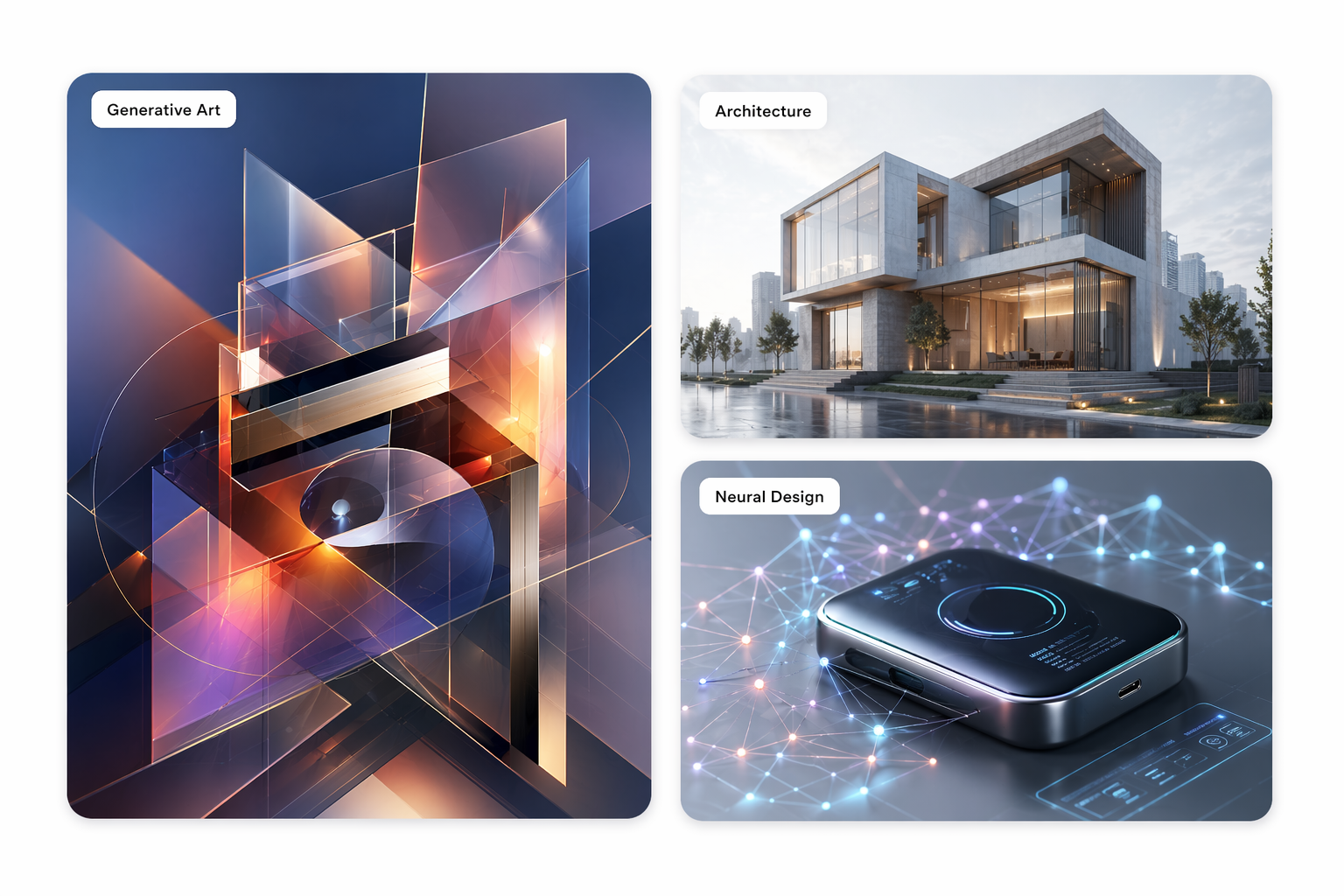
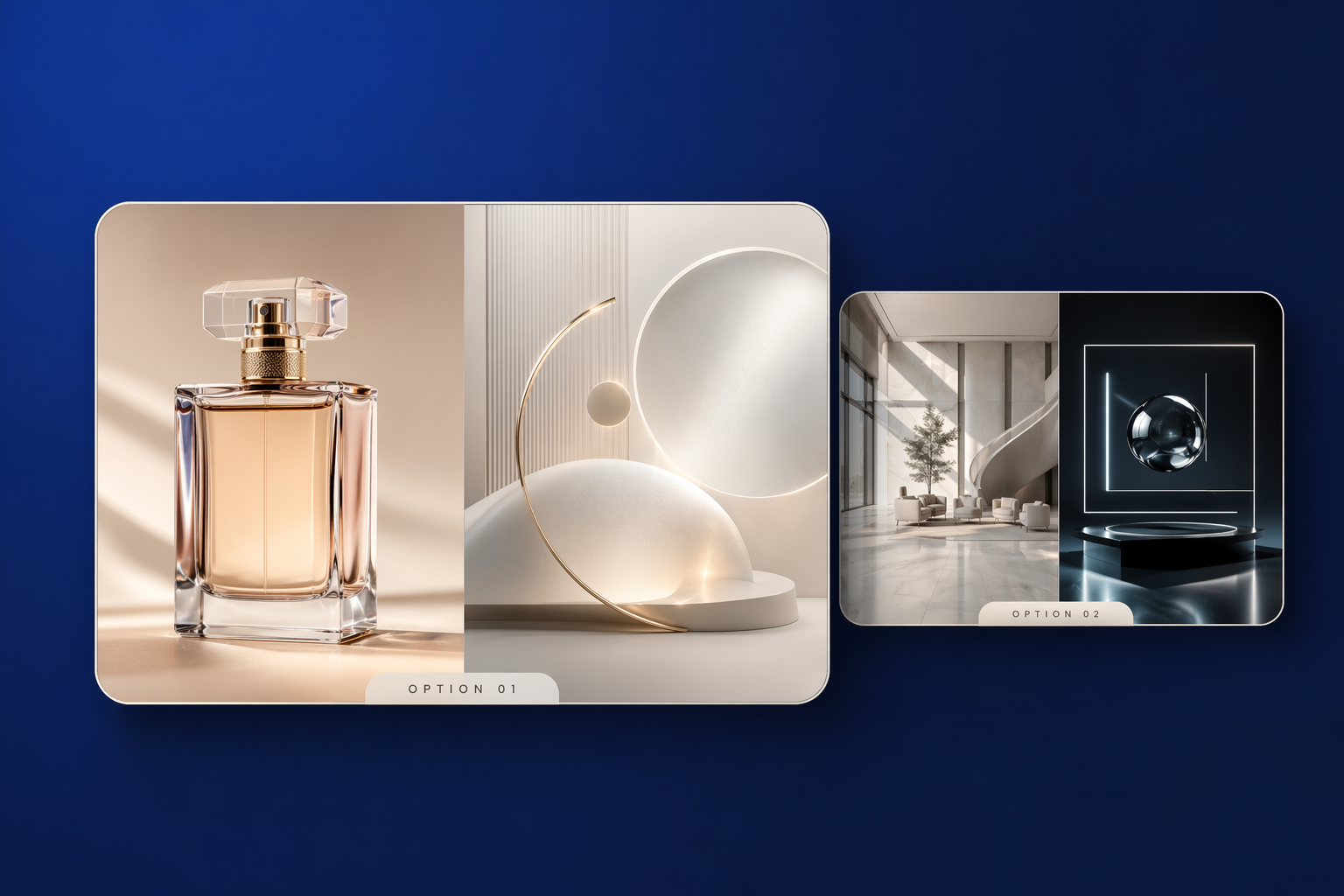
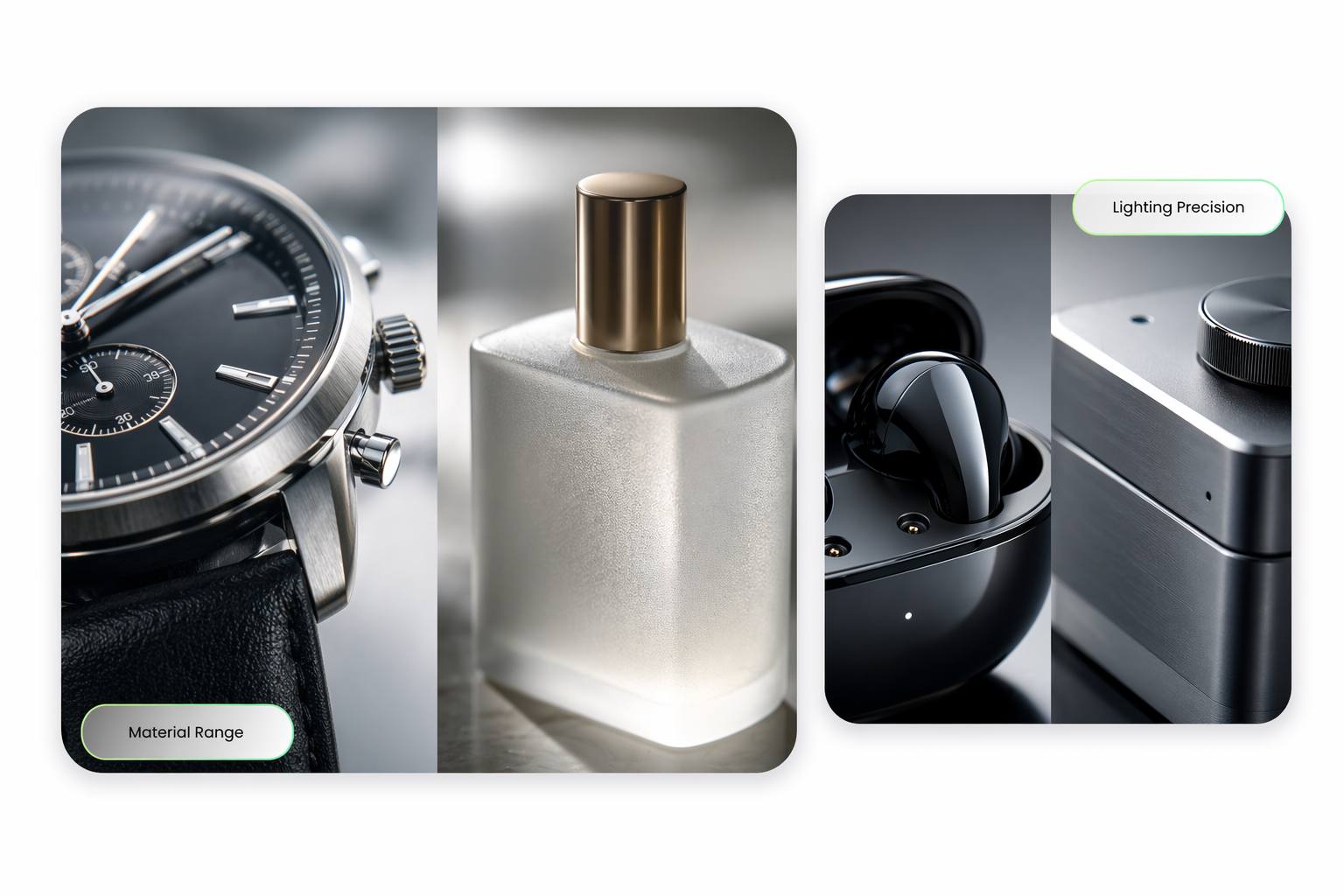
Believable Photorealism

The model is well suited to client-facing visuals because lighting, materials, and scene detail feel more convincing. That helps when you need campaign concepts, editorial visuals, or product-style images that look closer to publishable work.

Photorealistic GPT Image 2 commercial image example

0304

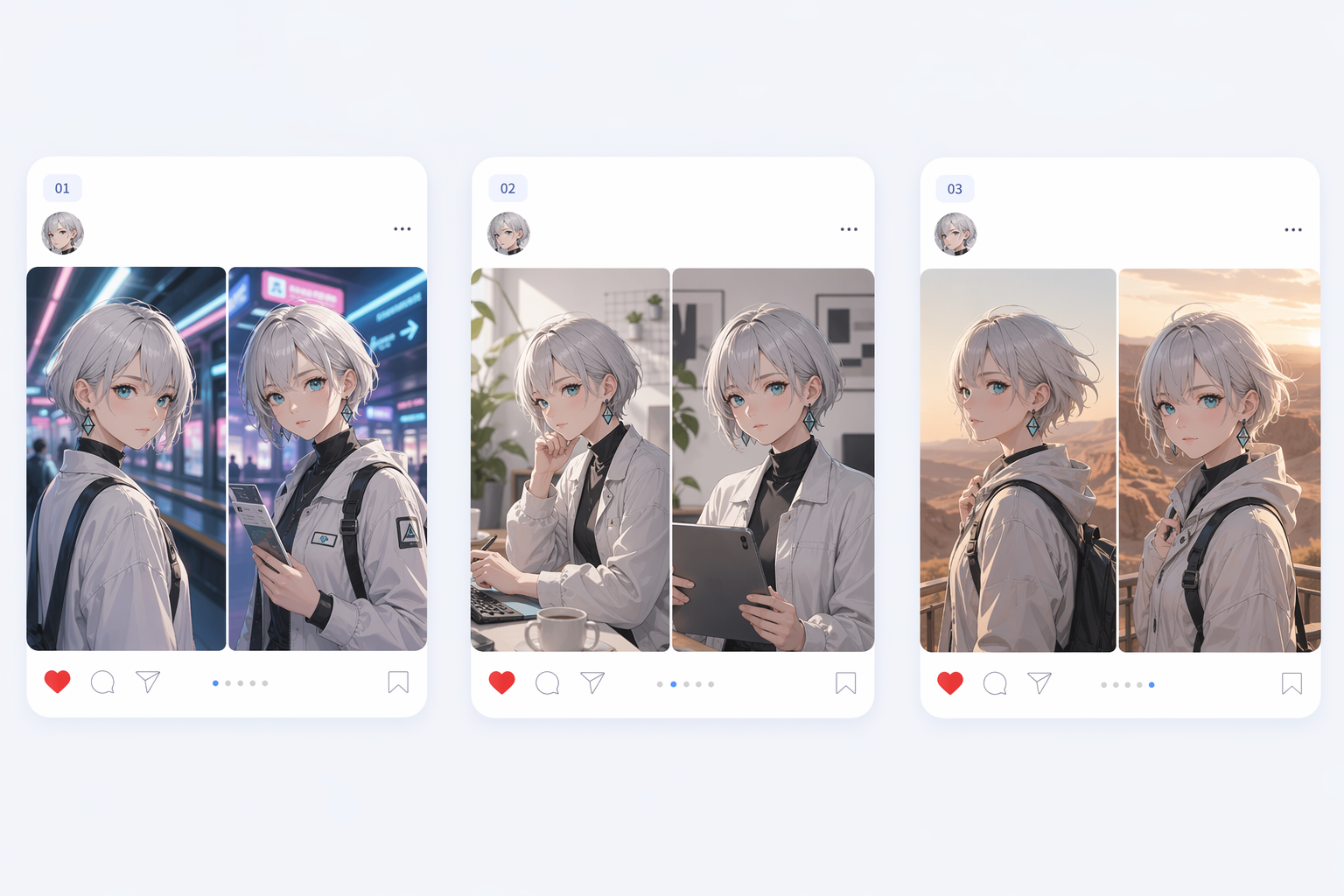
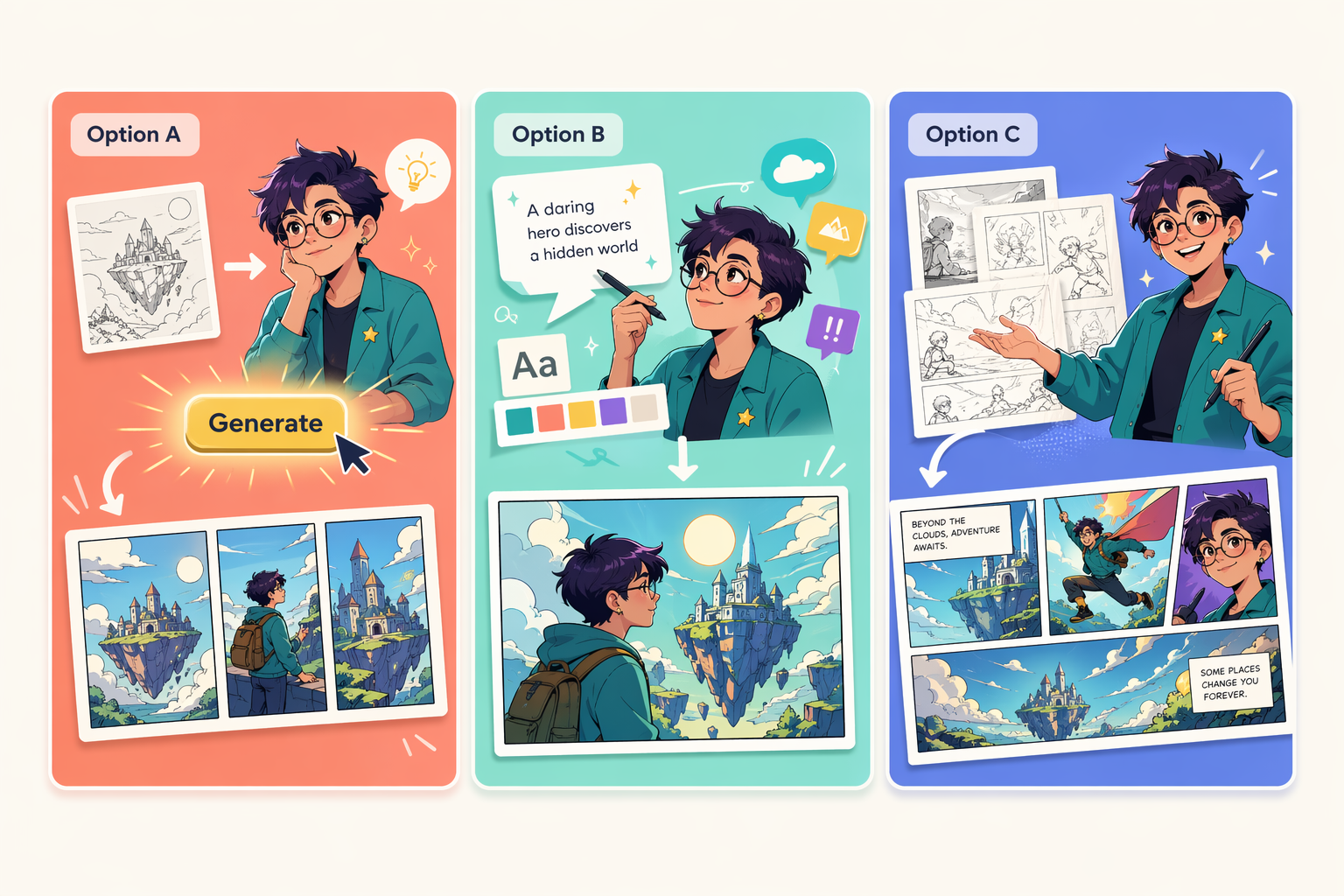
Stable Character Identity

GPT Image 2 matters for repeated visual systems because faces, outfits, and proportions hold together more reliably across multiple outputs. That is valuable for comics, campaigns, catalogs, and any workflow that depends on consistency.

Consistent GPT Image 2 character outputs across multiple images

0404

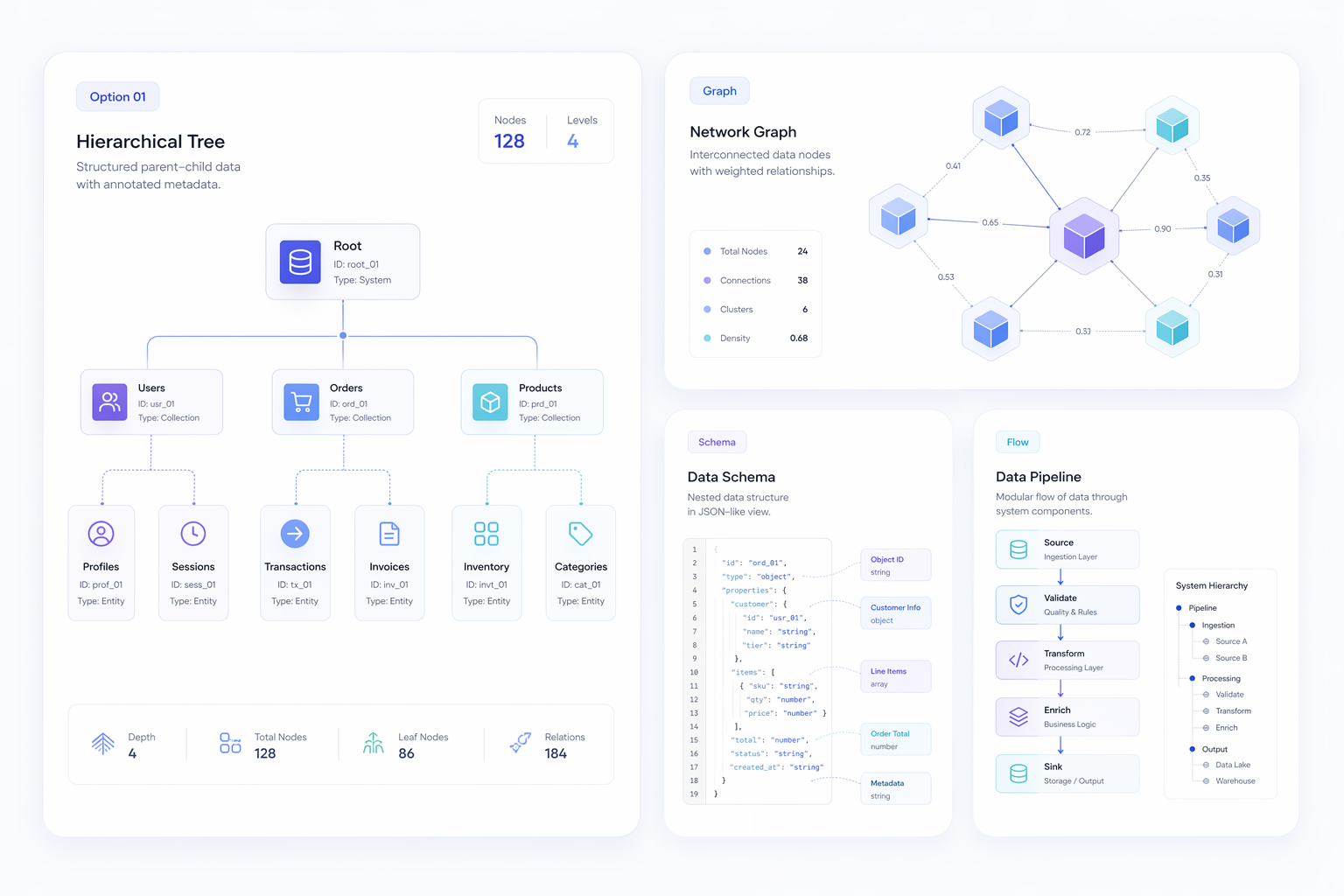
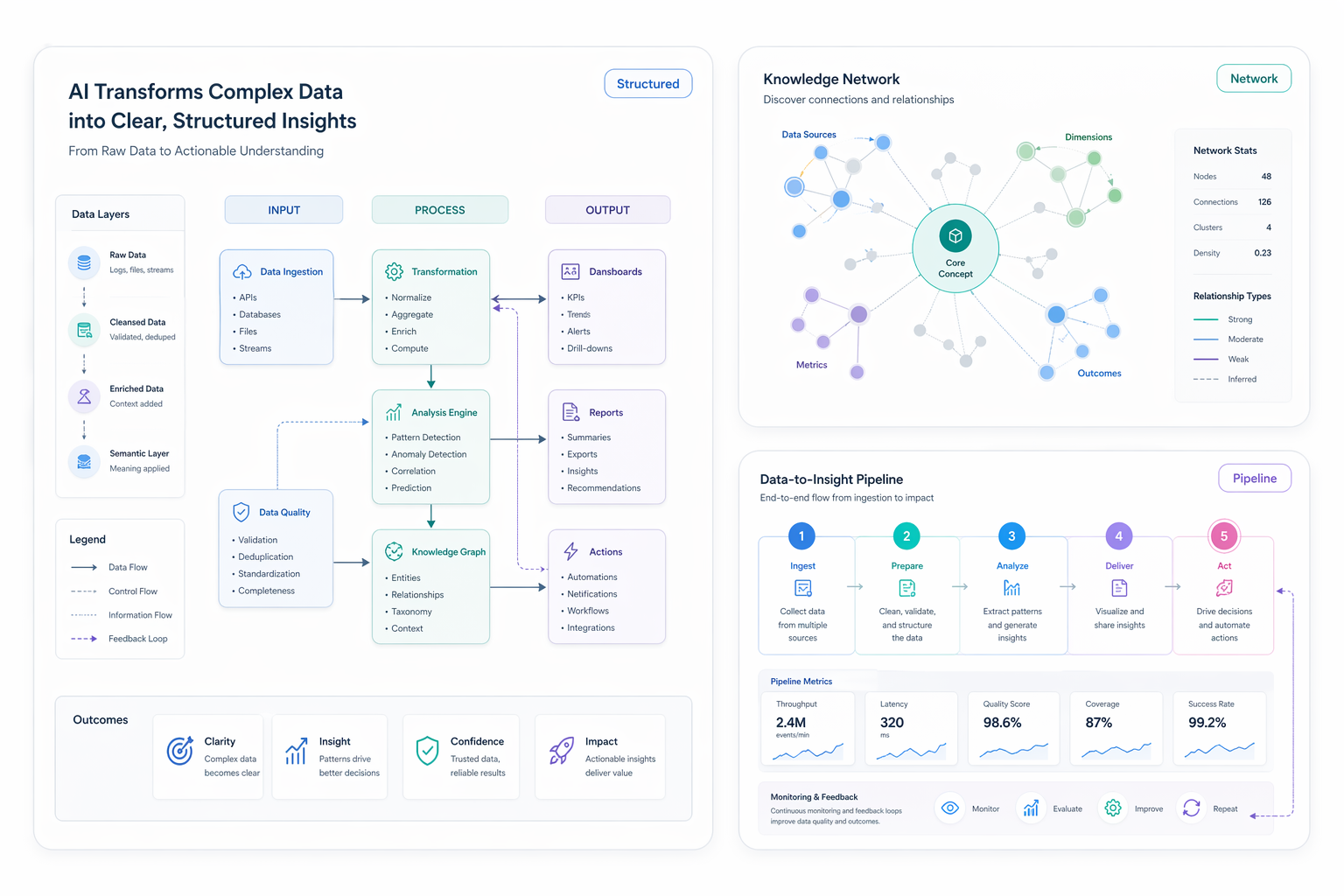
Structured Scene Logic

The model is also stronger when an image contains several interdependent elements, such as labels, diagrams, UI panels, or information-dense layouts. Better scene planning makes those outputs more coherent and easier to use in real design reviews.

GPT Image 2 visual showing structured scene composition and labeled layout

Use Cases

Best GPT Image 2 Use Cases

GPT Image 2 is most valuable when a project needs text fidelity, layout control, realism, or visual continuity across several outputs.

  • Commercial Posters

    Build ad-style visuals with readable prices, headlines, and supporting text.

  • UI Mockups

    Create interface concepts with labels, panels, and clearer visual hierarchy.

  • Comics

    Keep recurring characters more stable across panels and visual story sequences.

  • Diagrams

    Generate maps and structured educational visuals with more coherent layout logic.

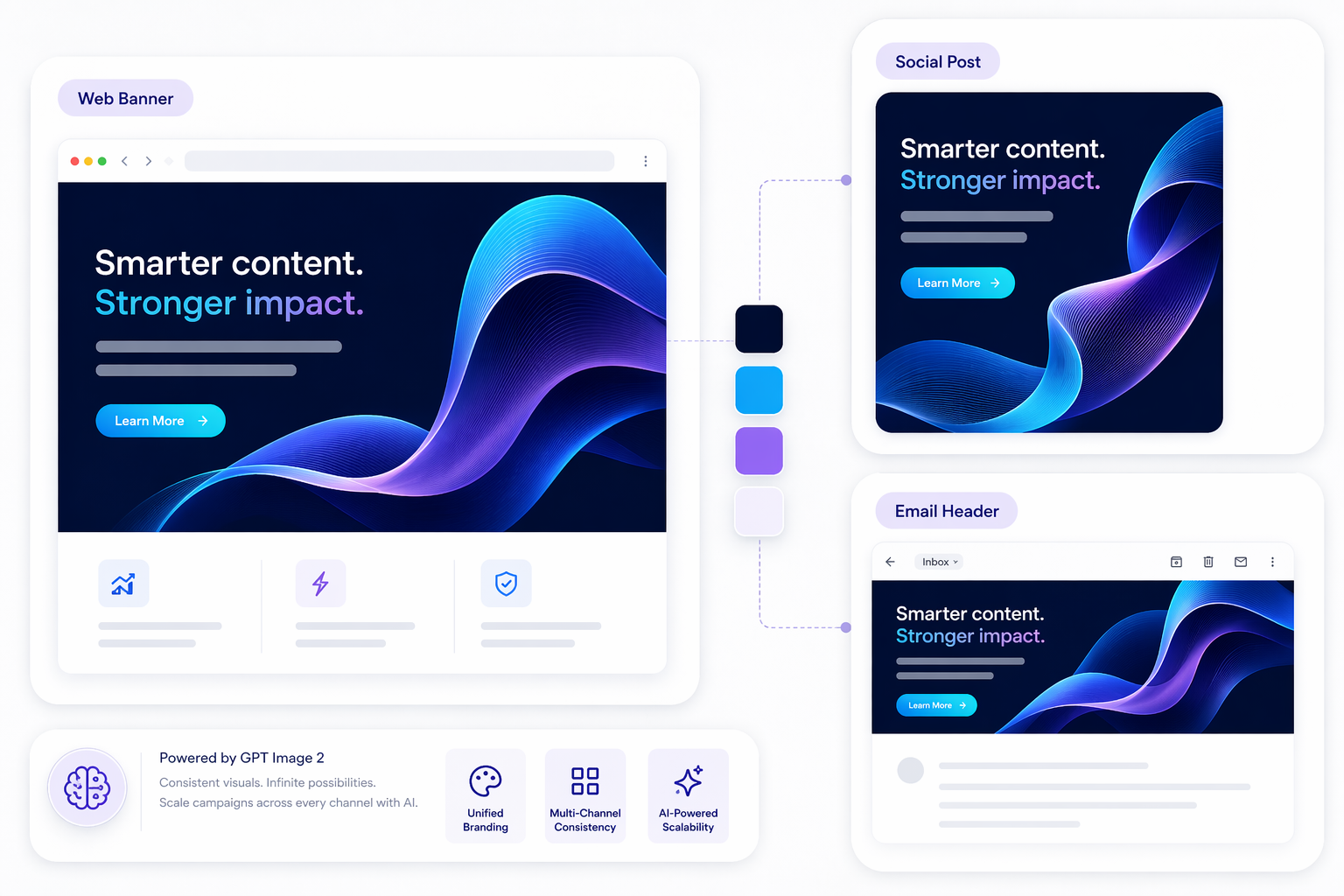
  • Brand Campaigns

    Maintain visual identity across repeated assets for marketing and product storytelling.

Core GPT Image 2 Capabilities

GPT Image 2 stands out because it treats text, realism, scene structure, and consistency as part of the same production problem instead of separate isolated wins.

  • 01

    Text-heavy outputs

    Useful for posters, menus, packaging, dashboards, and interface previews where text must stay legible.

  • 02

    Realistic scene detail

    Better lighting, materials, and object coherence make concept visuals feel more client-ready.

  • 03

    Multi-image stability

    Helps keep people, outfits, and design language more consistent across campaigns or stories.

  • 04

    Reasoning-led composition

    Structured scenes such as maps, diagrams, and dense layouts benefit from stronger spatial planning.

How to Use GPT Image 2 for Better Results

The best GPT Image 2 prompts define the job first, then clarify layout, text, and consistency requirements before refining visual style.

  1. Define the output type

    Start with the actual job, like a poster, UI mockup, product shot, comic panel, or diagram, so GPT Image 2 knows what needs to stay stable.

  2. Describe text and layout early

    If the image needs labels, titles, pricing, or interface copy, put those requirements near the top of the prompt instead of adding them after the composition is set.

  3. Refine for consistency

    Run follow-up iterations that lock identity markers, spacing, and scene clarity until the output is strong enough for review as a real creative asset.

01

Less correction on text

Useful for visuals that fail the moment labels break.

Readable typography is one of the clearest reasons GPT Image 2 feels production-oriented instead of purely experimental.

02

More coherent complex scenes

Structured layouts survive better when composition is planned.

Maps, diagrams, dashboards, and infographic-style scenes benefit when the model understands where information should live.

03

Stronger repeatability

Stable identity matters in campaigns and narrative content.

If a team needs several related outputs instead of one lucky generation, consistency becomes a core buying reason.

What People Are Seeing with GPT Image 2

GPT Image 2 FAQ

Common questions about GPT Image 2 for creators, marketers, and design teams evaluating where the model fits in a production workflow.

What is GPT Image 2?

GPT Image 2 is an AI image generation model positioned around cleaner text rendering, stronger scene planning, believable realism, and better consistency across repeated outputs. It is most interesting when a project needs more than a single pretty image and instead depends on layout control, readable text, or repeatable visual identity.

What is GPT Image 2 best at?

Its strongest use cases include posters, UI mockups, diagrams, campaign visuals, comics, and other image workflows where text clarity or cross-image consistency matters. The model becomes more useful as the brief gets more structured, especially when several visual elements have to work together inside the same composition.

Can GPT Image 2 generate readable text inside images?

That is one of the main reasons people care about it. GPT Image 2 appears better suited to images with labels, titles, menus, packaging copy, or interface text than many weaker image generators. It still helps to write text and layout requirements early in the prompt, because dense typography can still need iteration.

Why does character consistency matter so much?

Because production workflows usually need more than one image. If a team is making comics, product storytelling, campaign assets, or catalogs, stable faces, outfits, and proportions reduce rework. Consistency is what separates a fun one-off image model from something that can support a repeated visual system.

Is GPT Image 2 mainly for photorealistic work?

No. Photorealism is one advantage, but the bigger value is that realism, text fidelity, and structured layout can appear together in the same workflow. A model can look realistic and still fail commercially if labels break, layouts collapse, or repeated assets drift too much between generations.

Can GPT Image 2 help with posters and UI mockups?

Yes, those are exactly the kinds of scenarios where the model becomes easier to justify. Posters, menus, dashboards, landing-page ideas, and interface mockups all benefit when text placement and scene structure survive generation more reliably. It is still smart to treat those results as draft assets until a designer reviews the final details.

What limitations should teams expect from GPT Image 2?

Teams should still expect iteration around dense text, exact spacing, edge-case layouts, and perfect repeatability. It is safer to think of GPT Image 2 as a strong production draft engine instead of a magic final-art button. Human review is still important when assets are heading toward customers or paid campaigns.

Who should test GPT Image 2 first?

Design teams, marketers, product teams, comic creators, and educators are strong early candidates because they often need readable, structured, repeatable visuals instead of one-off art experiments. If text, layout logic, or multi-image stability matters to the workflow, GPT Image 2 is easier to evaluate in a serious way.

Create with GPT Image 2 on OCMaker AI

GPT Image 2 for Text, Layouts, and Consistency