
Luma AI: Dream Machine Video Creation
Create cinematic clips with Luma AI video generator, from prompts to image-to-video workflows in a simple, creative process.
Luma AI Video Generator
Create cinematic clips with Luma AI video generator, from prompts to image-to-video workflows in a simple, creative process.
Discover Luma AI Video Generation
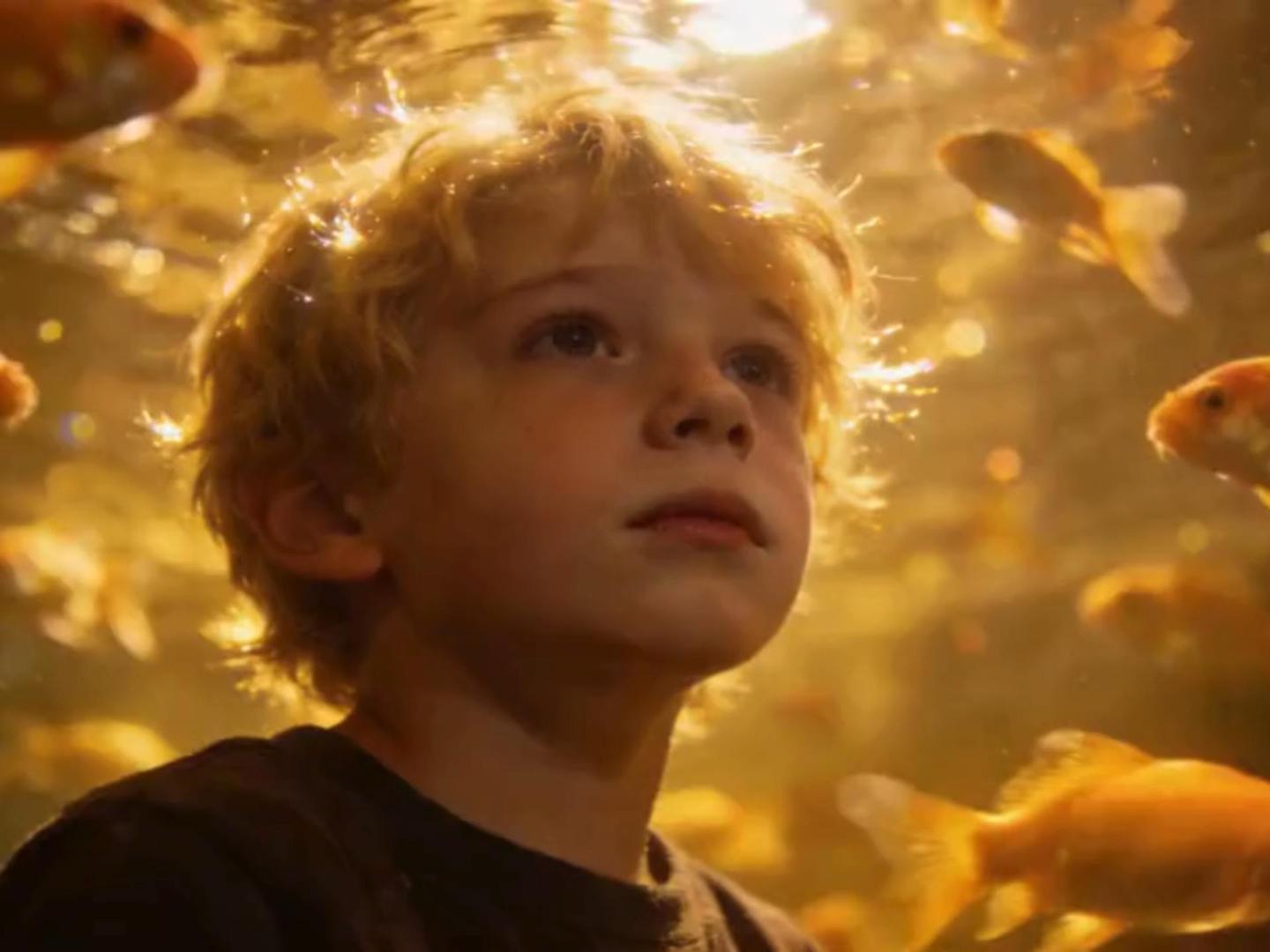
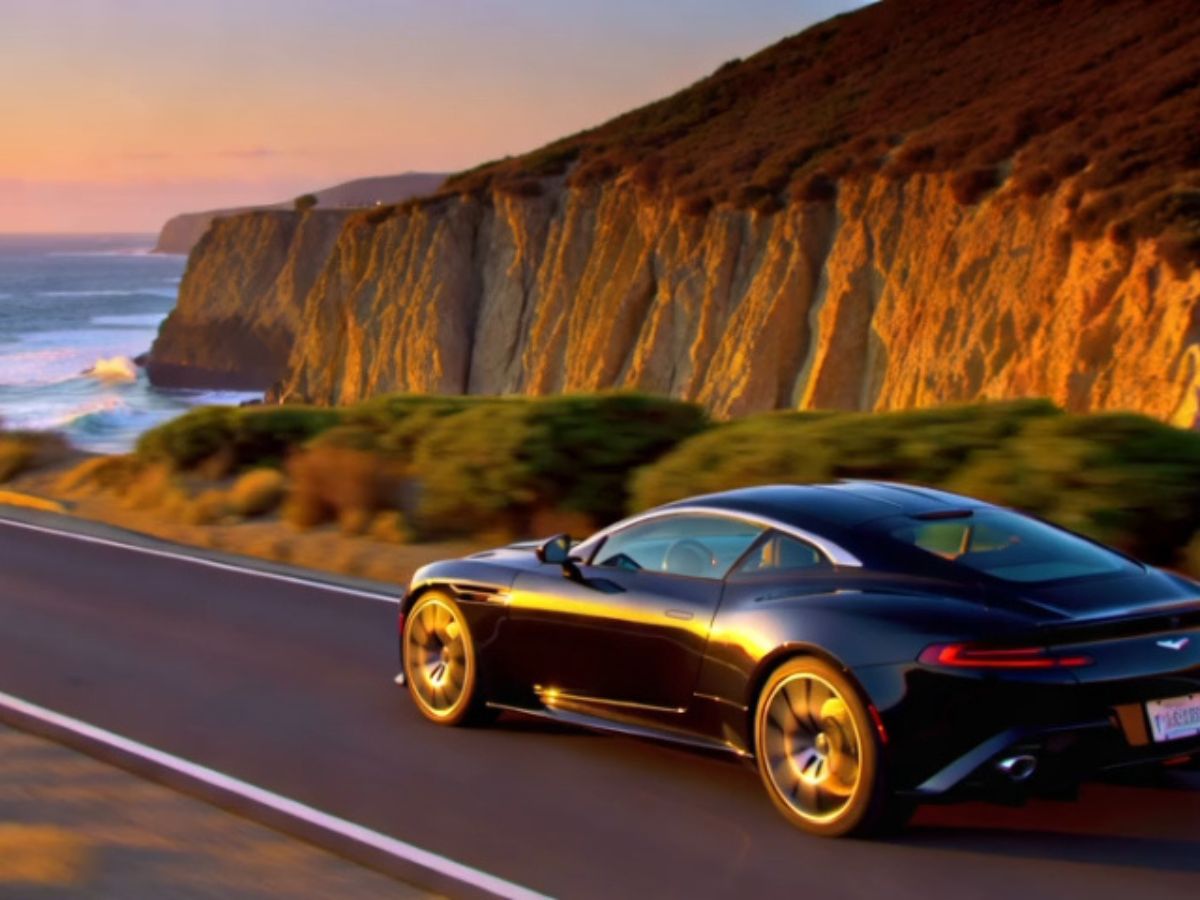
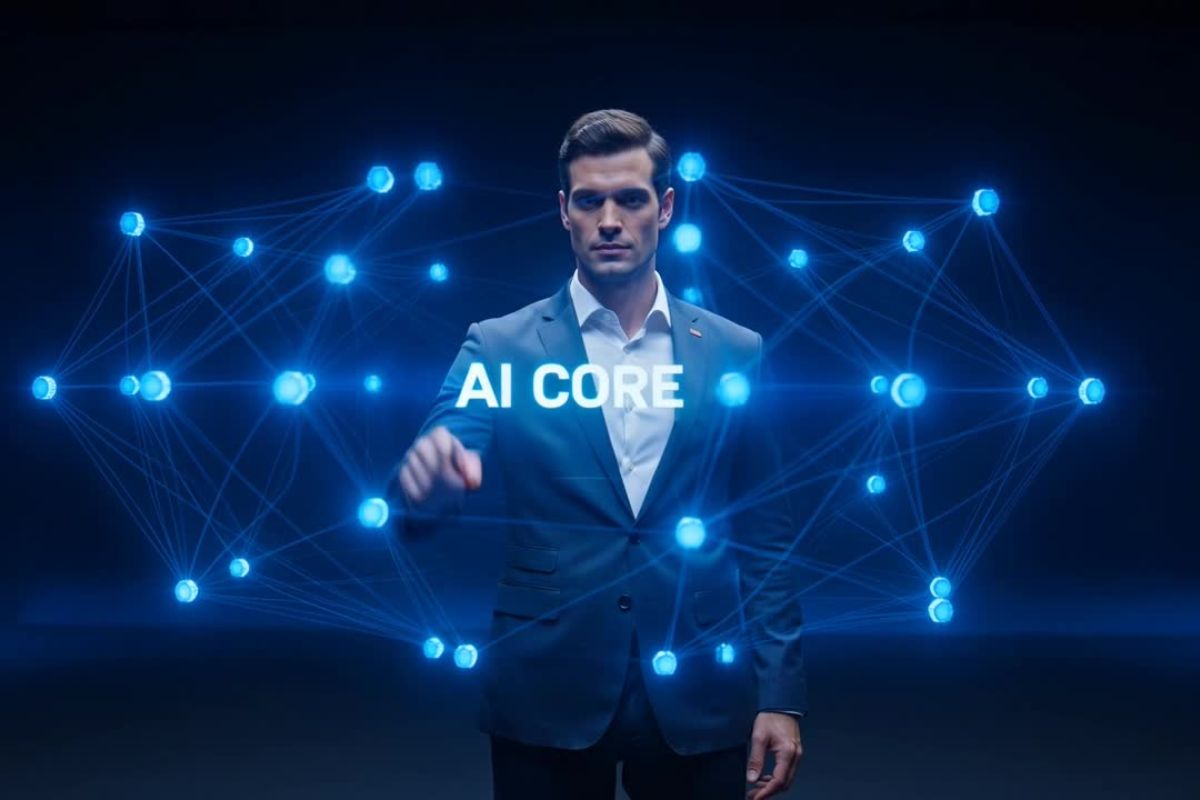
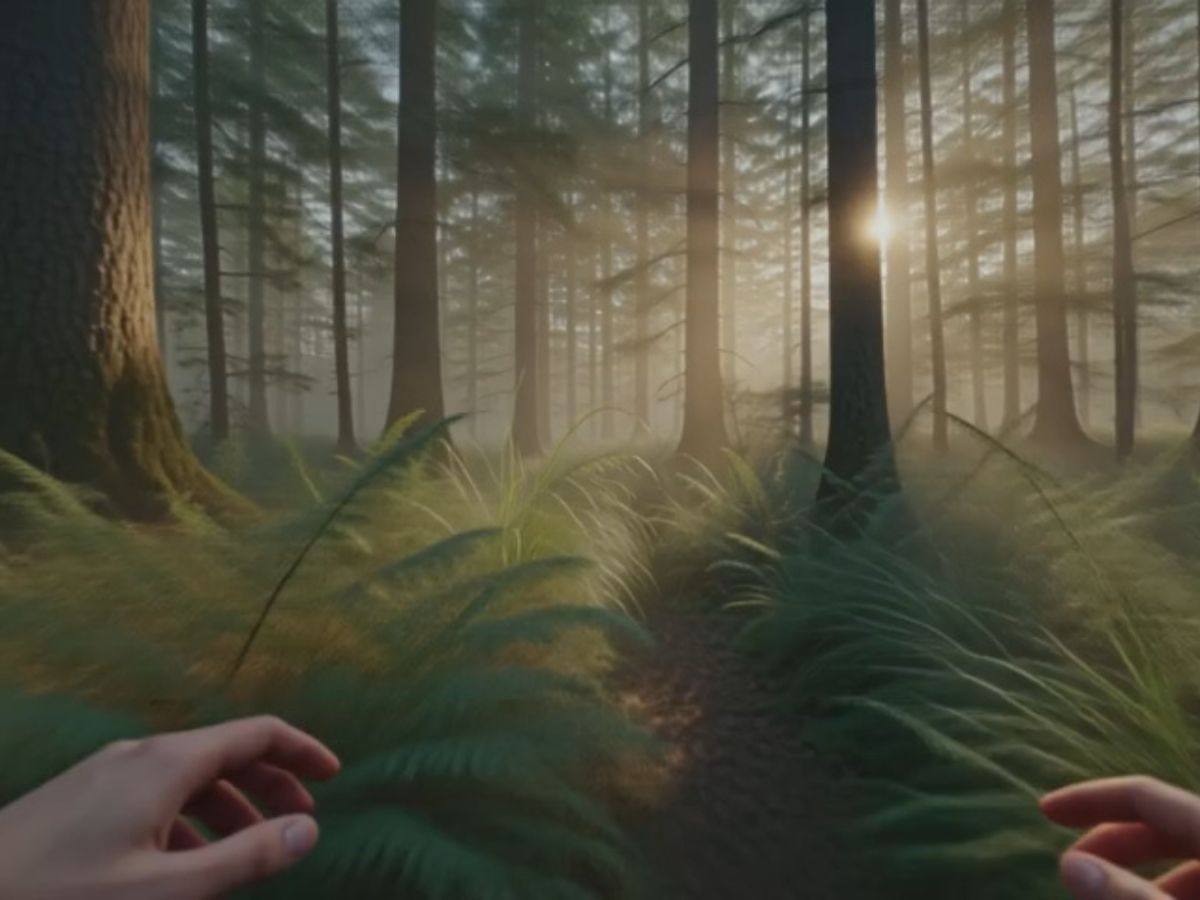
Realistic Motion Scenes
Cinematic Style Videos
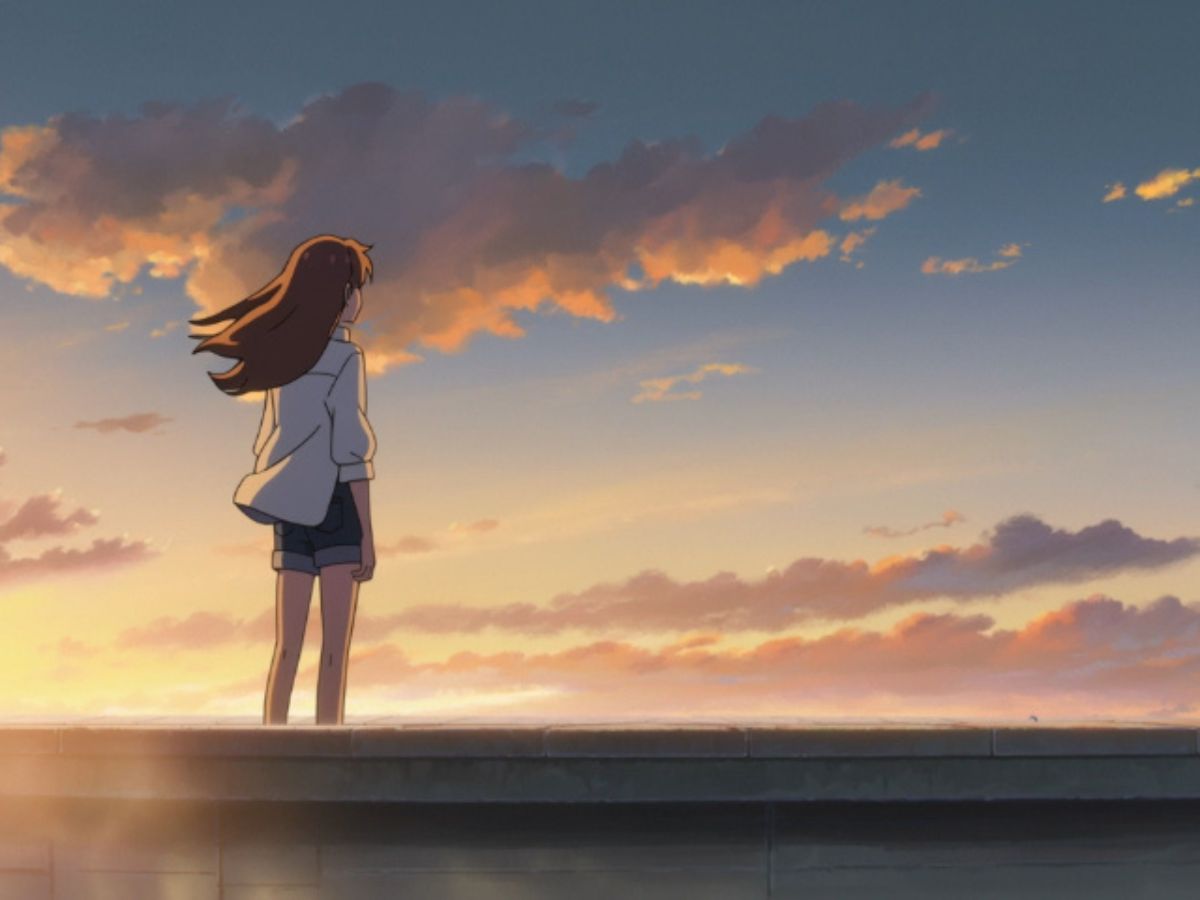
Creative Animation Variations
Luma AI Video Generator Features Overview
A quick look at how Luma AI supports different creative entry points—from raw prompts to refined video outputs.
Creator-Friendly Workflow
A smooth path from idea to shareable video.
Image to Video Flow
Animate still visuals with subtle, believable motion.
Prompt Enhancement
Expand rough ideas into richer visual directions.
Luma AI Features That Expand Creative Possibilities
Prompting That Feels Like Directing
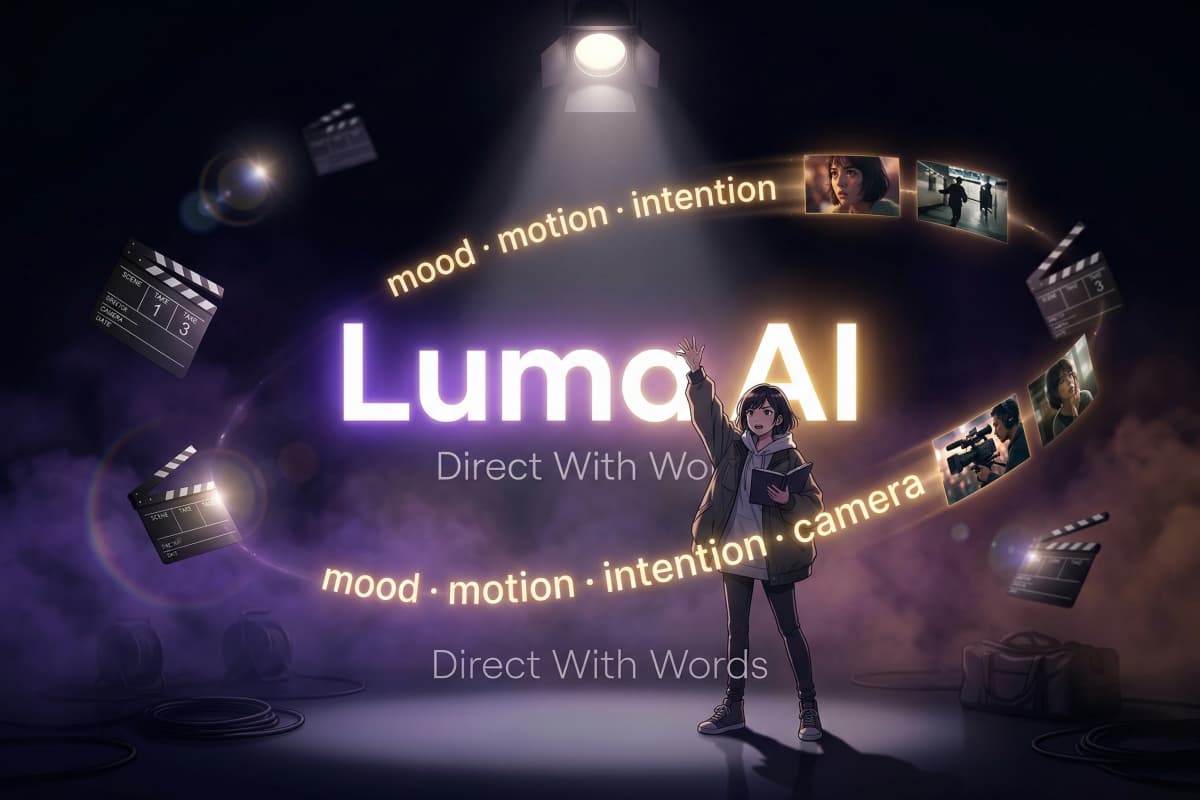
Luma AI prompts don't feel like commands—they feel like giving direction on a film set. With luma ai dream machine prompts, you can describe motion, mood, and camera behavior in natural language, and the system interprets it with surprising sensitivity. It's less about technical precision and more about intention, especially when paired with tools like text to video workflows.
A System That Understands Visual Continuity
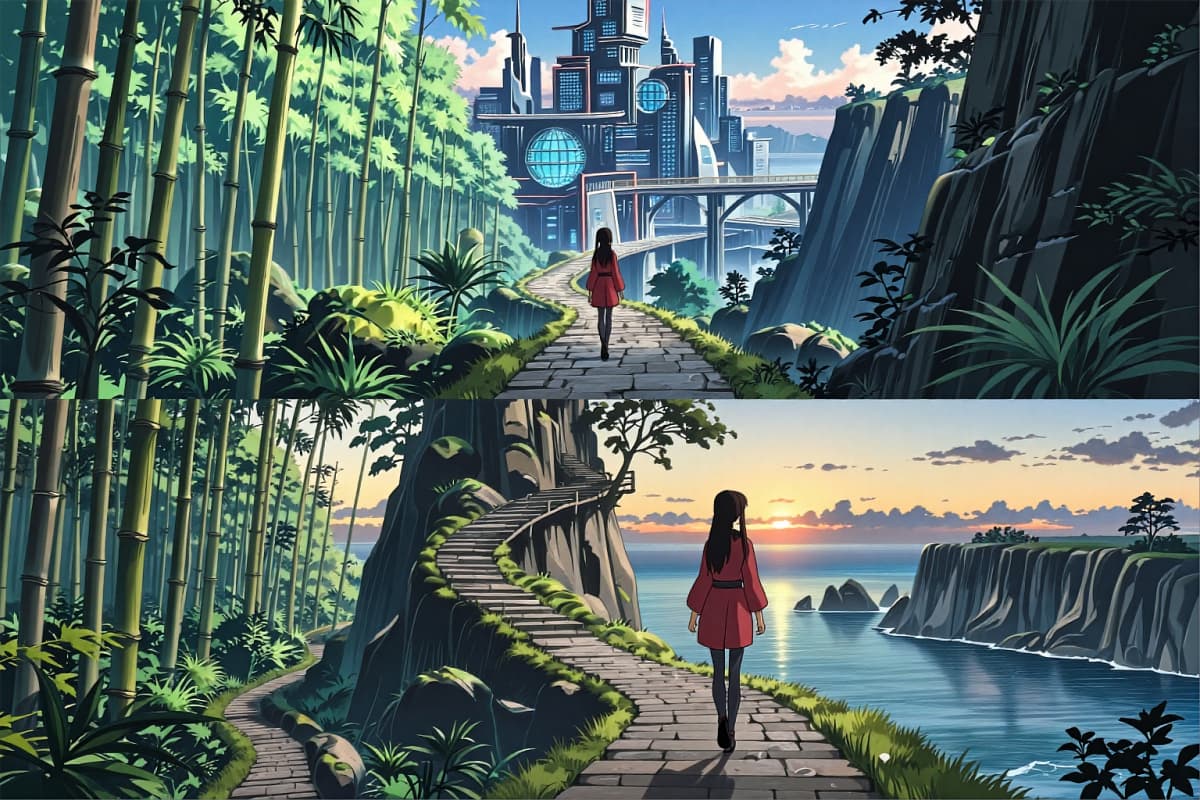
Unlike many tools, Luma AI holds onto spatial and motion consistency. When you begin a scene in OCMaker AI and carry that idea forward, the visuals don't just animate—they evolve. This makes it especially useful for creators building sequences rather than isolated clips.
Prompt Enhancement That Feels Collaborative
The luma ai enhance prompt feature works like a quiet collaborator. You start with a rough idea, and it expands into something more cinematic—adding lighting, camera motion, and environmental detail. It works seamlessly when refining visuals generated through image to video pipelines.

From 3D Understanding to Motion Realism
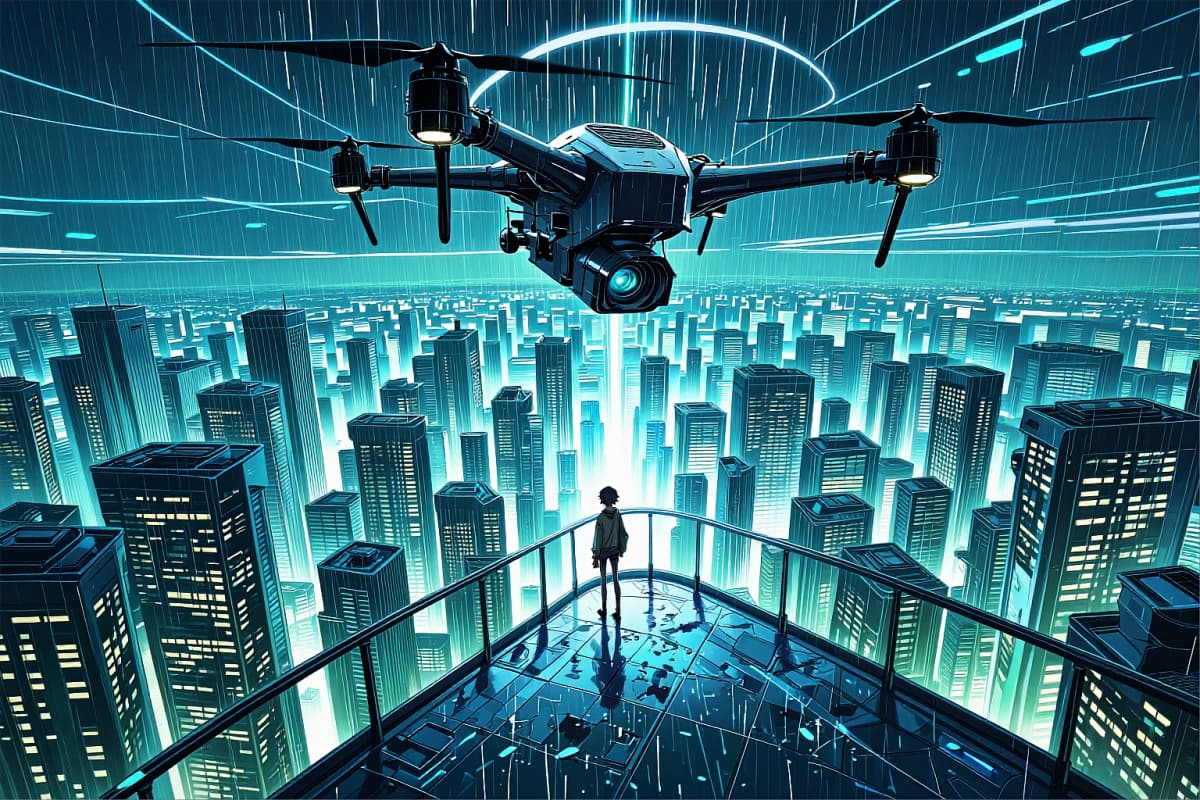
With roots in luma ai 3d model technology, the system interprets depth and movement in a way that feels grounded. This is why camera pans, object motion, and environmental physics often feel more natural compared to flatter video generators.
Explore the Features of Luma AI Video Generator
Text-to-Video & Image-to-Video
Photorealistic Motion & Physics
Multi-style Video Generation
AI-assisted Prompt Enhancement
Fast Video Generation
User-friendly Workflow
How to Use Luma AI Video Generator
Input Your Prompt or Image
Start by entering a detailed text prompt or uploading an image that you want to animate.
Generate Your Video
Let Luma AI's Dream Machine work its magic, transforming your idea into a stunning video.
Download and Share
Once your video is ready, download it and share it across your platforms.
More Popular Models






Working with Luma AI: What Creators Ask Most
Experience Fast and Realistic Video Creation
Create dynamic, high-quality videos effortlessly with Luma AI's Dream Machine. Start your creative journey today!