
Vidu Q2 AI Video Generator: Create Cinematic Clips
Create cinematic videos with the vidu q2 ai video generator. Learn image-to-video, text-to-video workflows, and practical tips in this simple Vidu Q2 tutorial.
Vidu Q2 AI Video Generator
Create cinematic videos with the vidu q2 ai video generator. Learn image to video, text to video workflows, and practical tips in this simple Vidu Q2 tutorial.
Vidu Q2 AI Videos
Bar Singer
Mist Elf
Rolling Wheat Waves
Vidu Q2 AI Video Generator Features
Cinematic Character Expression That Feels Alive
One of the most distinctive strengths of Vidu Q2 is its ability to generate subtle micro-expressions and natural body language. Instead of stiff or robotic characters, the model produces nuanced facial movements, eye shifts, and breathing details that make characters feel emotionally believable. For creators working on storytelling, ads, or short films, this means your scenes can convey real emotion without complex animation workflows. With tools like OCMaker AI, you can quickly transform a static concept into a cinematic clip where characters actually perform rather than simply move.
Frame-to-Frame Visual Consistency
Many AI video models struggle with identity drift, flickering textures, or changing costumes between frames. Vidu Q2 significantly reduces these issues with stronger visual consistency across frames, keeping characters, lighting, and environments stable throughout the shot. For creators, this translates to cleaner footage and less post-production fixing. When using image to video, a single reference image can remain visually coherent as it evolves into a full animated sequence.

Precision Prompt Understanding for Creative Control
Another standout advantage of Vidu Q2 is its improved prompt adherence. The model interprets scene descriptions, camera directions, and style cues more accurately, allowing creators to guide the output closer to their original vision. Whether you're generating cinematic camera moves or stylized environments through text to video, Vidu Q2 follows creative instructions with far less drift than typical AI video generators.

More Physically Realistic Motion
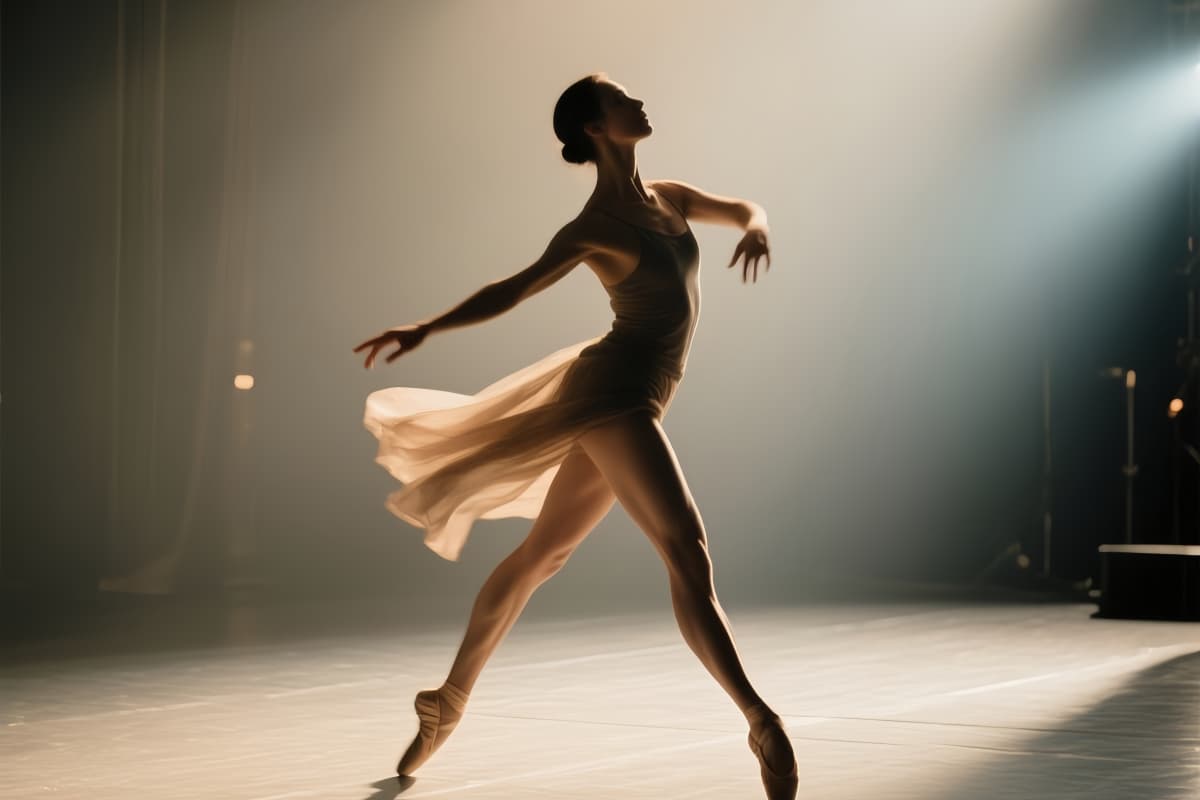
Motion quality is where many AI video models break immersion. Vidu Q2 improves this with physically plausible motion dynamics, enabling smooth camera pushes, natural gestures, and more believable scene movement. From subtle head nods to dramatic cinematic push-ins, motion feels intentional rather than random, which is especially important for narrative content and product storytelling.
Vidu Q2 Offerings and Modalities
Cinematic Video Quality
AI-Driven Efficiency
Versatile Input Options
How to Use Vidu Q2 AI Video Generator
Select the Vidu Q2 Model
Open your video generation platform and choose the Vidu Q2 model from the available AI video tools. This ensures the system uses its cinematic motion and character consistency capabilities.
Add Your Visual Idea
Upload a reference image if you want to animate an existing scene, or write a clear prompt describing the environment, character, and camera style you want to generate.
Generate and Refine the Video
Click generate and let Vidu Q2 produce the clip. Review the result and adjust the prompt or image if needed to improve motion, lighting, or storytelling.
More Popular Models







Vidu Q2 AI Video Generator FAQs
Transform Your Vision with Vidu Q2 AI
Experience the cutting-edge of video creation. Vidu Q2 empowers your storytelling with AI-enhanced video generation. Try creating cinematic video content today!