AI Generator

Nano Banana 2.1 AI Image Generator & Editor

Use Google's Nano Banana 2.1 on OCMaker AI for detailed anime scenes, clear in-image text, manga panels and character-consistent edits at 2K.

Nano Banana 2.1 AI Image Generator

Nano Banana 2.1 is Google’s newer Nano Banana image model, with better visual quality, text rendering and consistency. Use it on OCMaker AI to create detailed anime scenes, infographic-style cards and manga panels, or to put your character into a new scene from one reference image. Every image comes out at 2K.

Images made with Nano Banana 2.1 on OCMaker AI: a four-panel manga strip, a festival edit and a rainy cafe scene

What You Can Make with Nano Banana 2.1

Every example on this page was generated on OCMaker AI with Nano Banana 2.1.

0104

Richly Detailed Scenes

Nano Banana 2.1 handles busy backgrounds well: hanging lamps, rain on the glass, neon reflections and a cat asleep on the next chair all came from one short prompt. A good fit for wallpapers, visual novel backgrounds and story key art.
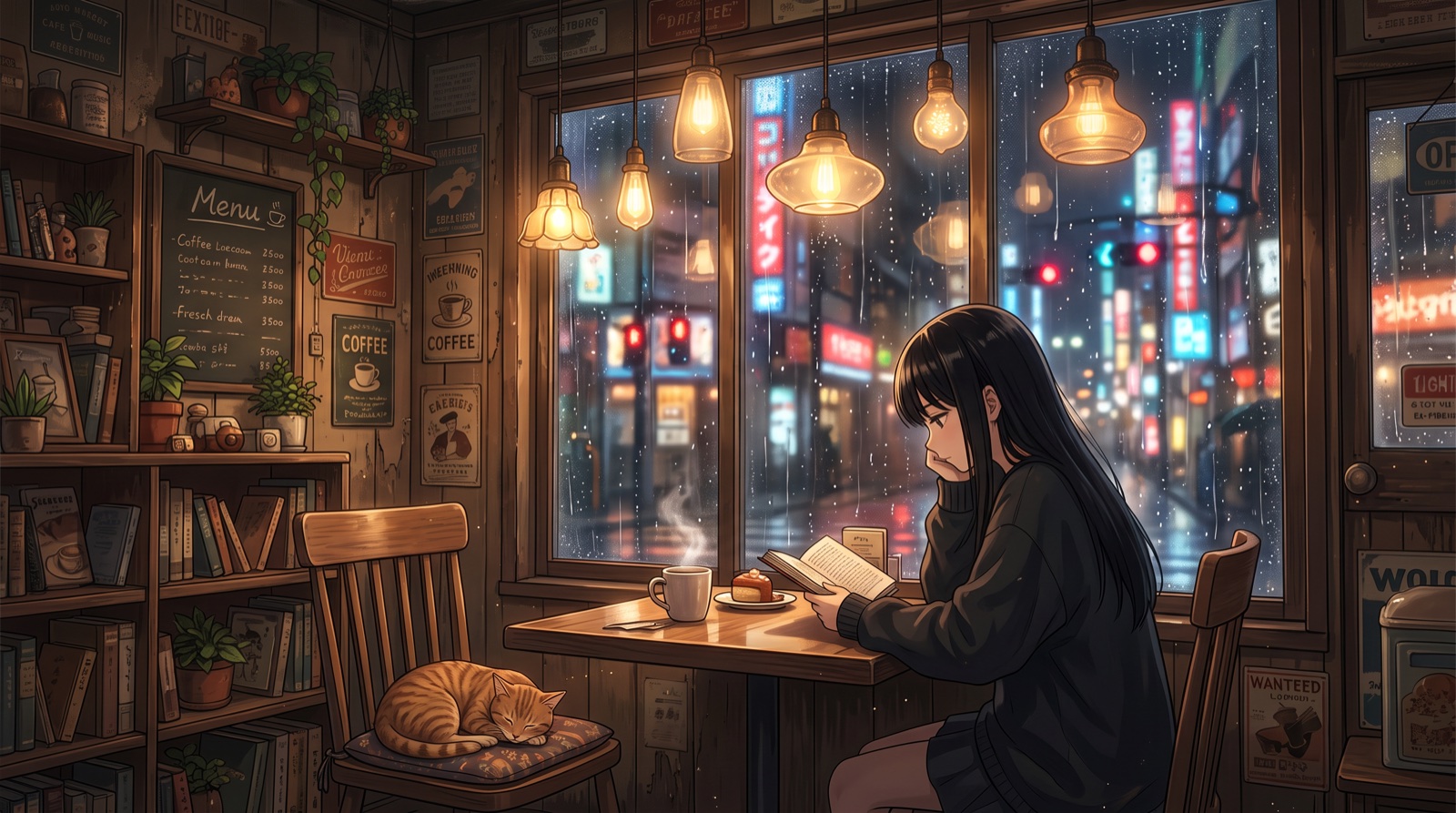
Anime girl reading in a Tokyo cafe on a rainy night, made with Nano Banana 2.1

0204

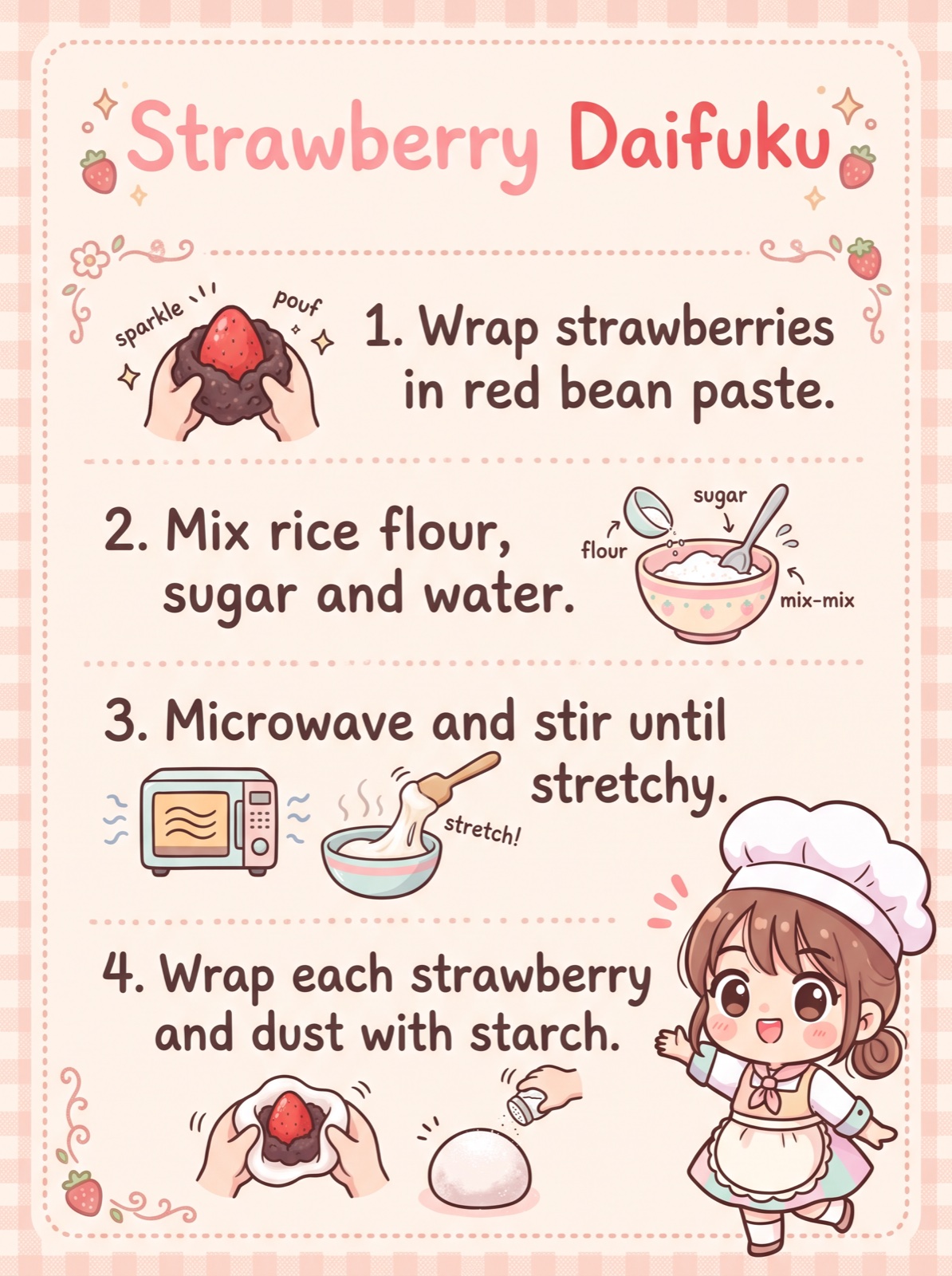
Cards and Infographics with Clear Text

Ask for a title, numbered steps and small drawings, and the text comes out readable. This recipe card was generated from a prompt listing the four steps. Try it for recipe cards, character profiles, study notes and event schedules.

Illustrated anime recipe card for strawberry daifuku with four numbered steps

0304

Put Your Character in a New Scene

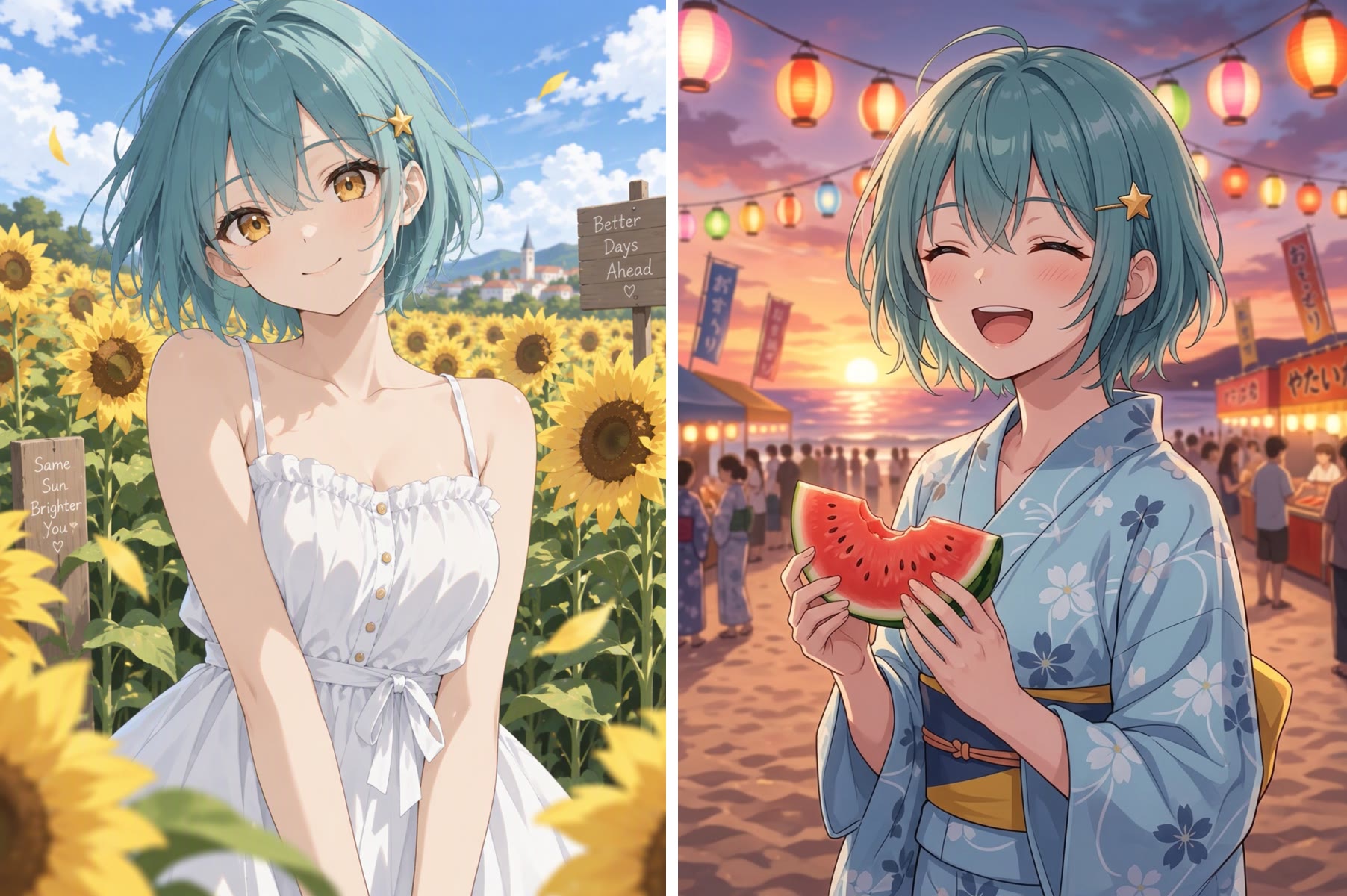
Upload one image of your character and describe the new scene. Left: the reference. Right: the same girl at a summer beach festival in a yukata, holding watermelon. Face, hair, star hairclip and art style stay recognisable.

Before and after: an anime girl moved from a sunflower field to a beach festival in a yukata

0404

Manga Panels and Comic Strips

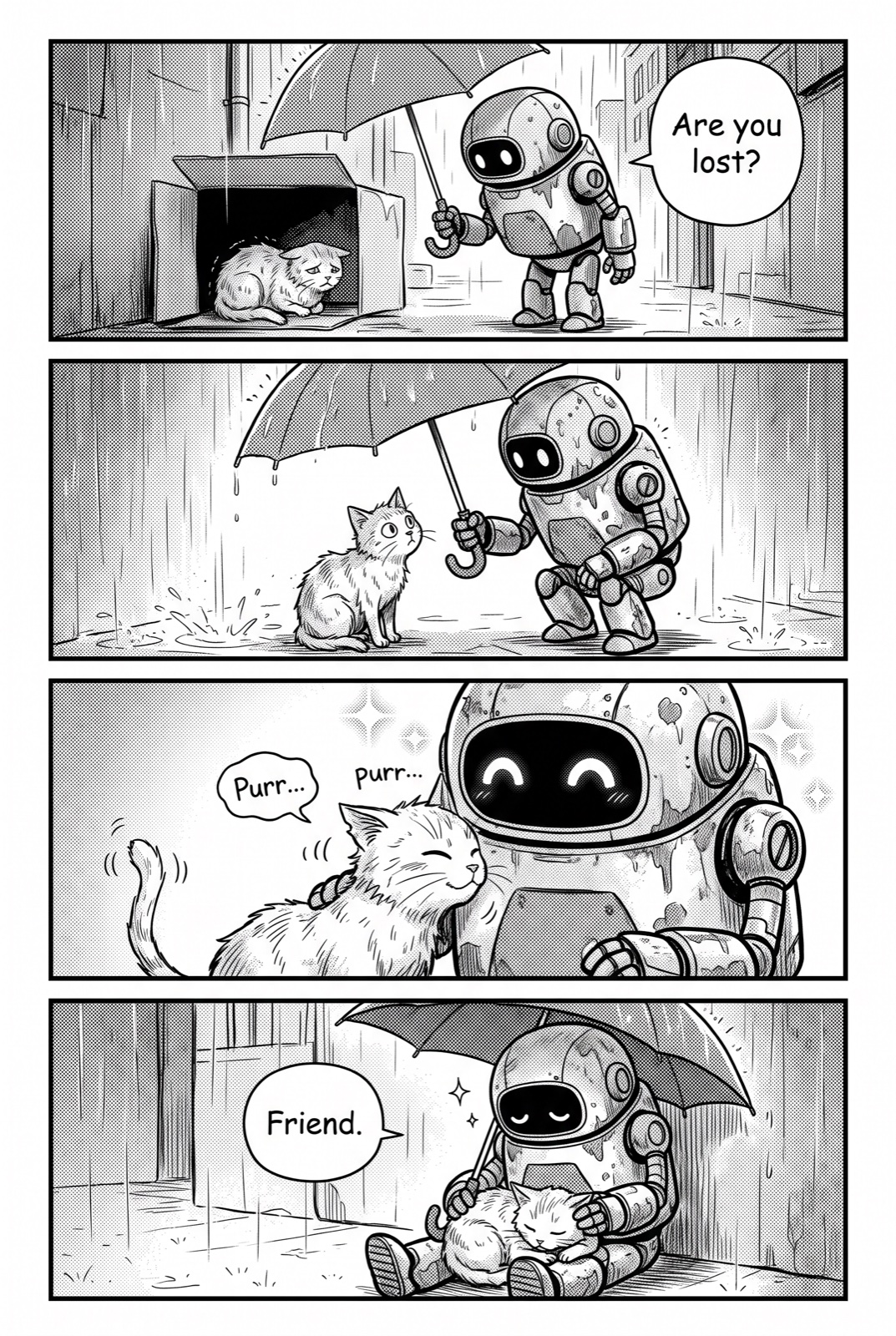
Describe each panel and its dialogue, and Nano Banana 2.1 lays out a black-and-white strip with screentones and lettered speech bubbles. This four-panel story of a robot and a stray cat came from a single prompt.

Four-panel black and white manga strip of a robot and a stray cat

Nano Banana 2.1 on OCMaker AI at a Glance

What you get when you pick Nano Banana 2.1 in the generator above.

  • 01

    Better text rendering

    Titles, numbered steps and speech bubbles are easier to read than with earlier Nano Banana models.

  • 02

    Consistent characters

    Upload one reference image to keep a character’s face, hair and style in a new scene or outfit.

  • 03

    2K output

    Every image is generated at 2K.

  • 04

    Square, portrait or widescreen

    Pick 1:1, 2:3, 3:2, 9:16 or 16:9, or keep the shape of the image you upload when editing.

  • 05

    Up to 4 images per run

    Generate 1, 2 or 4 variations at once.

  • 06

    Member model

    Nano Banana 2.1 is available to members and costs 4 credits per image.

How to Use Nano Banana 2.1

Three steps from idea to finished image.

  1. Open the generator

    Nano Banana 2.1 is already selected at the top of this page. Choose an aspect ratio and how many images you want.

  2. Write the scene, or upload a reference

    Describe the subject, setting, mood and style. For text, put the exact words in quotes. To reuse a character, upload one image of them and describe the new scene, outfit or pose.

  3. Generate and compare

    Pick the best result, adjust the prompt one detail at a time, and download the image you like.

FAQ

What is Nano Banana 2.1?

Nano Banana 2.1 is Google’s newer Nano Banana image model, with improved visual quality, text rendering and consistency. OCMaker AI offers it for both text-to-image and image editing with a reference image.

Who can use Nano Banana 2.1 on OCMaker AI?

Nano Banana 2.1 is a members-only model. Each image costs 4 credits, so a run of four images costs 16 credits. Free-plan users can try GPT Image 2.5 instead.

How is Nano Banana 2.1 different from Nano Banana 2?

Nano Banana 2.1 is the newer release, with improvements to visual quality, text rendering and consistency. On OCMaker AI both cost 4 credits per image, so you can compare them on the same prompt; Nano Banana 2 is still available.

Can Nano Banana 2.1 keep my character consistent?

Yes. Upload one clear image of your character and describe the new scene. Say what must stay the same, such as the face, hair colour and accessories, and what should change.

What sizes does Nano Banana 2.1 support?

Images are generated at 2K. You can choose 1:1, 2:3, 3:2, 9:16 or 16:9, and when you edit an uploaded image you can keep its original shape.

Can I animate a Nano Banana 2.1 image?

Yes. Download the image and use it as the start frame in Vidu Q4, which also generates sound, or in the image to video generator.

Create with Nano Banana 2.1 on OCMaker AI

Detailed scenes, clear text and consistent characters at 2K.

Nano Banana 2.1 AI Image Generator & Editor