MiniMax H3 Image

MiniMax H3 Image is the open-weight image model MiniMax released on November 10, 2026. One model handles both text-to-image and image editing, renders about 16 megapixels at every aspect ratio without an upscaler, and accepts up to 16 reference images. MiniMax H3 Image is now on OCMaker AI, free plan included. Use the generator on this page to create characters and scenes at 1K or 2K, or upload one image to edit.

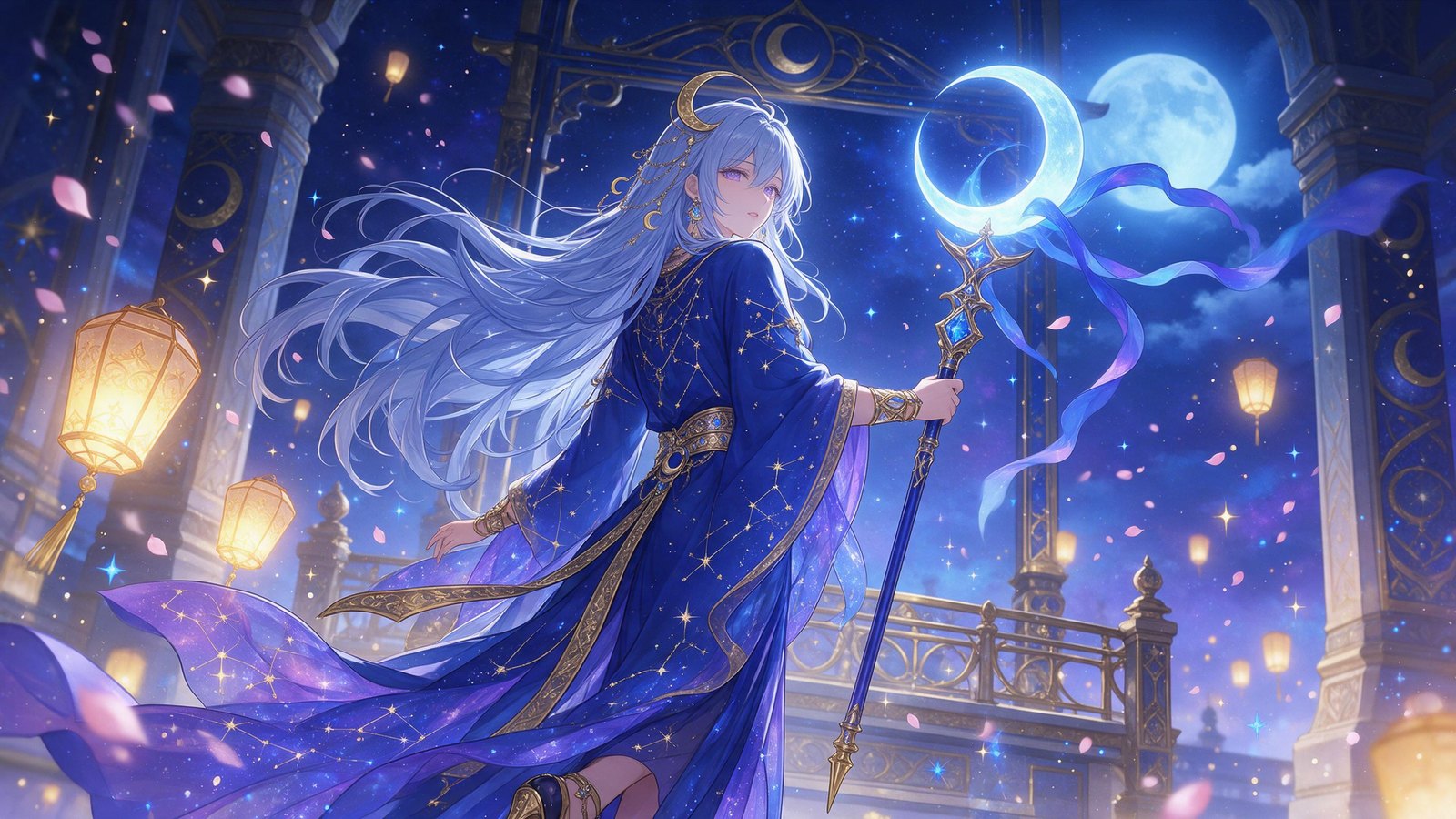
An anime celestial priestess in a moonlit temple, made with Seedream 5.0 Pro on OCMaker AI

What MiniMax H3 Image Brings to Anime and Character Art

The features below come from MiniMax's model card. The examples were made on OCMaker AI before MiniMax H3 Image was added, so each one names the model that made it.

0105

Native 16-Megapixel Detail

Most image models output 1 to 4 megapixels. MiniMax H3 Image renders about 16 megapixels directly, from 4096×4096 at 1:1 to 6272×2688 at 21:9, with no upscaling step, and MiniMax says it kept the compute cost practical. That much detail pays off in crowded key art, wallpapers and prints. This harbor night market was made with Seedream 5.0 Pro at 2K.
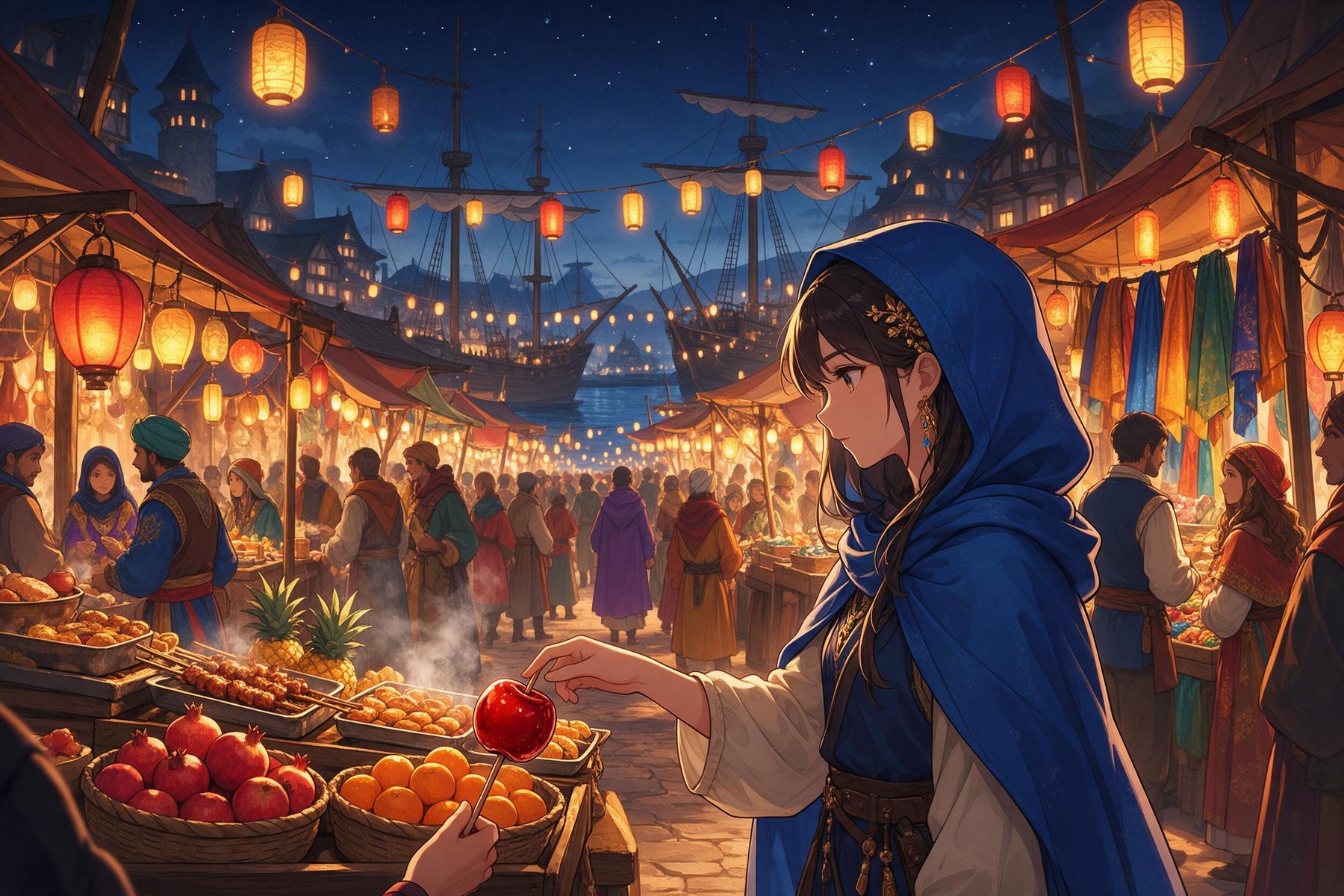
A busy fantasy harbor night market under red lanterns, made with Seedream 5.0 Pro on OCMaker AI

0205

Detail Without the AI Look

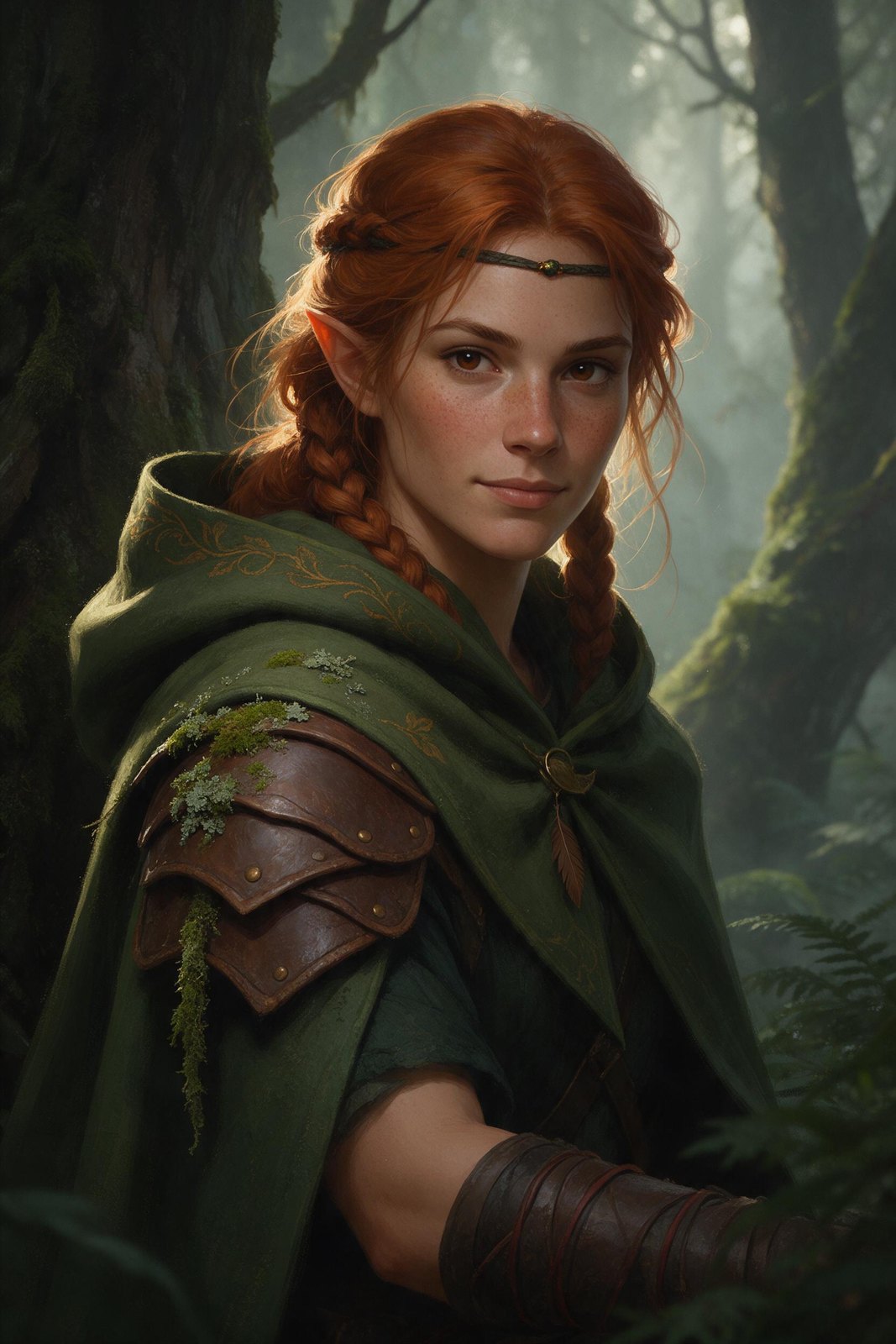
MiniMax says H3 Image goes beyond the familiar AI look, with intricate detail and lifelike texture in skin, hair and fabric. Its showcase runs from documentary-style photos to surreal editorial shots. This elf ranger portrait was made with Seedream 5.0 Pro.

Semi-realistic portrait of an elf ranger with braided copper hair, made with Seedream 5.0 Pro on OCMaker AI

0305

Character, Creature and Prop Designs

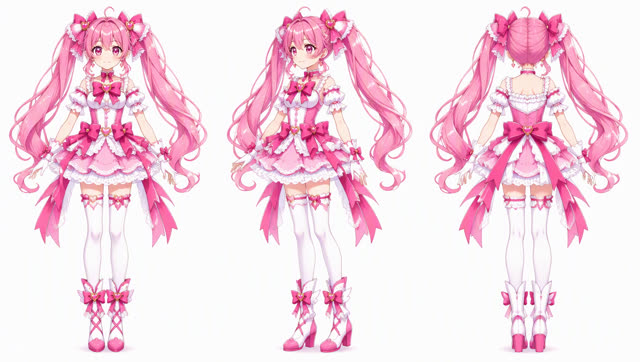
MiniMax's showcase includes character, creature and prop concepts and a three-view character design sheet, the format OC creators use to keep a character consistent across art. This front, side and back turnaround was made with GPT Image 2.5 on OCMaker AI.

Magical girl character turnaround with front, side and back views, made with GPT Image 2.5 on OCMaker AI

0405

Painterly Illustration Styles

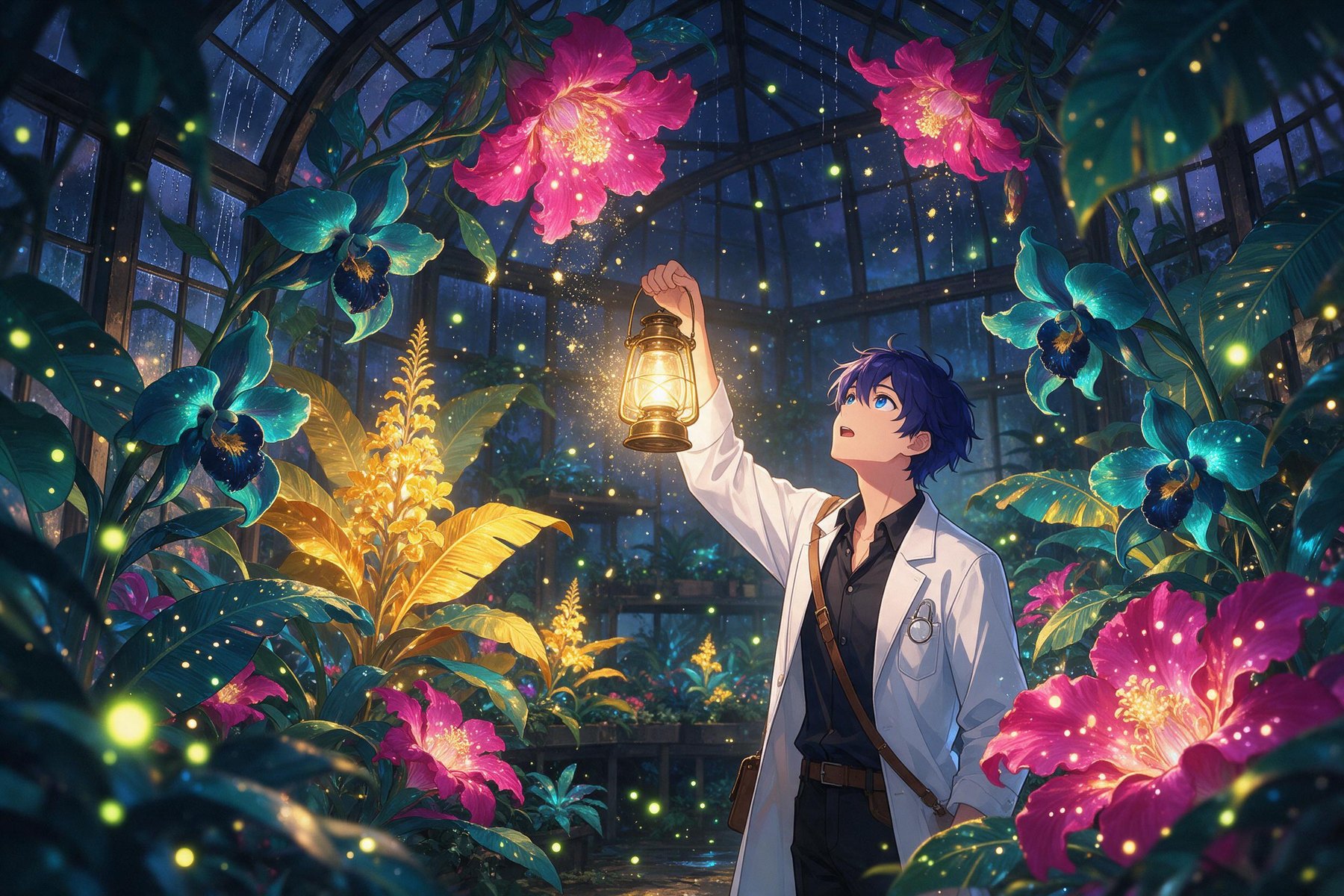
Beyond photos, MiniMax shows oil painting, watercolor, Chinese gongbi and tarot-card illustrations, along with surreal scenes and environment concepts. Name the medium, the palette and the light source in your prompt. This glowing greenhouse was made with Seedream 5.0 Pro.

A night greenhouse full of glowing magenta, teal and gold flowers, made with Seedream 5.0 Pro on OCMaker AI

0505

Edits with Up to 16 Reference Images

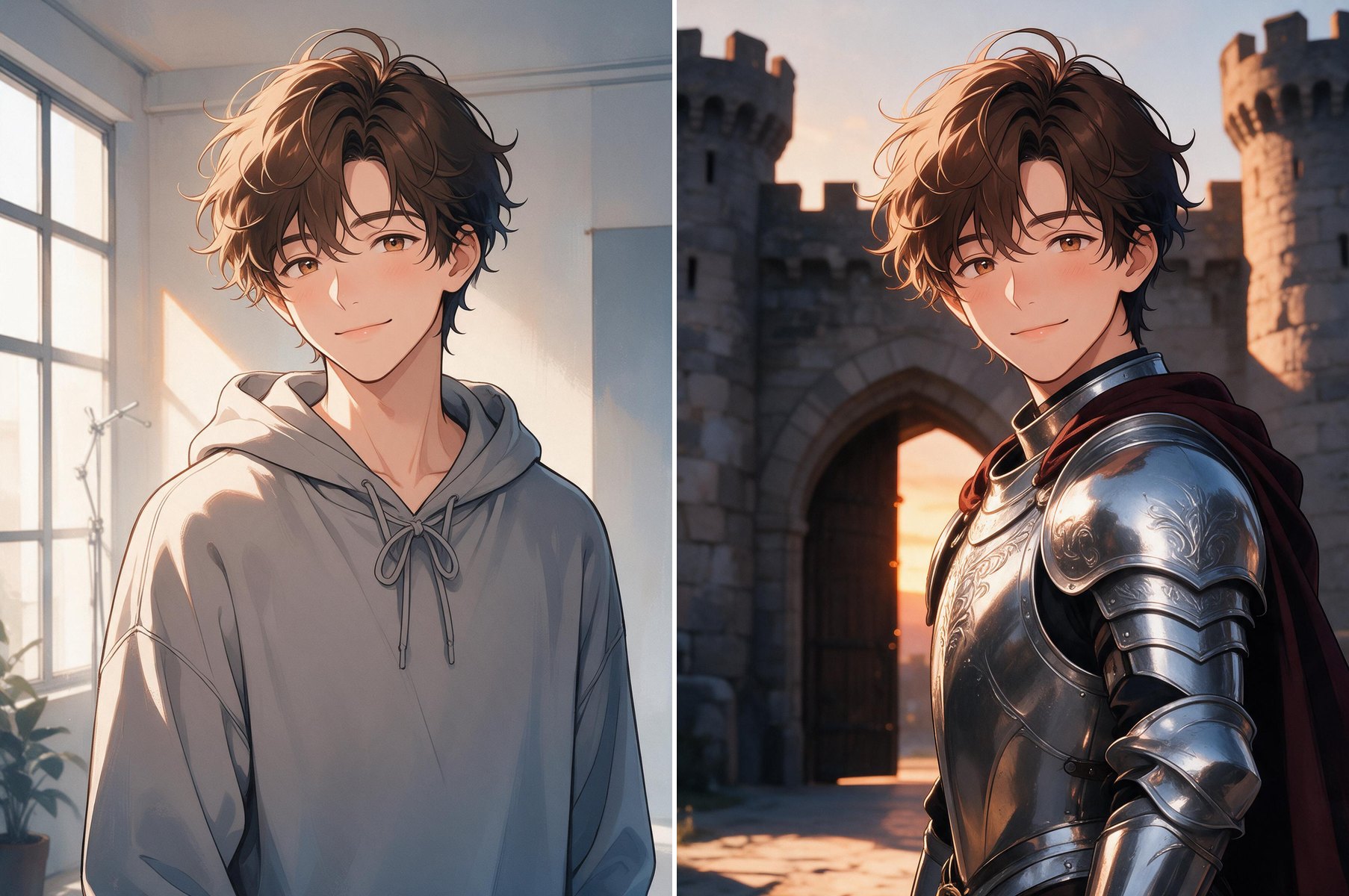
Upload 1 to 16 images and refer to them in upload order as Picture 1, Picture 2 and so on. MiniMax combines an empty room and nine furniture photos into one living room, turns an untextured 3D render into a film still and turns a game map into a first-person view. On OCMaker AI, MiniMax H3 Image edits from one reference image. This outfit change was made earlier with Seedream 5.0 Pro.

Before and after: an anime man in a grey hoodie, then the same man as a knight in silver armor, edited with Seedream 5.0 Pro

MiniMax H3 Image at a Glance

Key facts from MiniMax's model card and API documentation.

  • 01

    Released November 10, 2026

    Made by MiniMax, with open weights on Hugging Face.

  • 02

    One model, two jobs

    Text-to-image, plus image editing with 1 to 16 reference images.

  • 03

    About 16MP at any ratio

    Best results at around 16 megapixels, usable from about 4 to 20. The API accepts ratios from 1:3 to 3:1 and has 1K, 2K and 4K presets.

  • 04

    6 sampling steps

    Distilled to 6 steps with no classifier-free guidance, so negative prompts are not supported.

  • 05

    Built on MiniMax H3

    A 33.1-billion-parameter diffusion transformer on the H3 architecture without the audio layers, using the same text encoder.

  • 06

    Not supported

    Masked (inpainting) edits and transparent backgrounds.

  • 07

    Where to use it

    The MiniMax API, the Hailuo AI web app and the MiniMax Agent desktop app; locally with SGLang, vLLM-Omni, diffusers or ComfyUI.

  • 08

    On OCMaker AI

    Available on every plan: 2 credits per image at 1K and 4 at 2K, for text-to-image and edits from one reference image.

How to Prompt MiniMax H3 Image

Tips from MiniMax's documentation, plus how to use the model on OCMaker AI.

  1. Describe the whole image

    The model expects a detailed English description: who the character is, outfit, pose, setting, lighting, camera angle and art style. On the MiniMax API, a built-in prompt enhancer called H3-Image-Context-IR expands a short prompt in any language into that description.

  2. Name your references by number

    For edits, the first upload is Picture 1 and the second is Picture 2. Write instructions such as "dress the character from Picture 1 in the outfit from Picture 2 and keep her face and hair".

  3. Refine the revised prompt

    The API returns the expanded prompt it actually used. If a result is close but not right, edit that text, turn enhancement off and generate again.

  4. Start on OCMaker AI

    MiniMax H3 Image is already selected in the generator above. Pick 1K or 2K and an aspect ratio, then describe your character or scene. To edit, upload one image: it becomes Picture 1, and the result keeps its aspect ratio.

FAQ

What is MiniMax H3 Image?

MiniMax H3 Image is an open-weight image generation and editing model from MiniMax, part of the MiniMax H3 family, released on November 10, 2026. One model creates images from text and edits with reference images, at about 16 megapixels. MiniMax describes its instruction following as the strongest among open-source image models.

Can I use MiniMax H3 Image on OCMaker AI?

Yes. MiniMax H3 Image is selected in the generator at the top of this page and is in the image model list, on every plan including free. It costs 2 credits per image at 1K and 4 at 2K. You can generate from text or edit one uploaded image; edits keep that image's aspect ratio.

Is MiniMax H3 Image good for anime and original characters?

MiniMax's showcase includes character, creature and prop designs, a three-view character sheet and illustration styles from watercolor to gongbi, though most of its examples lean realistic. We have not tested anime prompts on it yet. For OC turnarounds today, use the Character Reference Sheet Maker.

What resolution does MiniMax H3 Image support?

It works best at about 16 megapixels, for example 4096×4096 at 1:1, 5472×3072 at 16:9 or 6272×2688 at 21:9. Through the API, any size from about 0.66 to 20 megapixels with a ratio between 1:3 and 3:1 is accepted, with 1K, 2K and 4K presets. On OCMaker AI, you can choose 1K (about 1 megapixel) or 2K (about 4 megapixels).

How many reference images can I use?

Image editing takes 1 to 16 reference images, numbered in upload order so your prompt can say Picture 1, Picture 2 and so on. Masked edits and transparent backgrounds are not supported. On OCMaker AI, you can attach one reference image per edit.

How much does MiniMax H3 Image cost?

On the MiniMax API, a standard text-to-image call costs $0.02179 at 1K, $0.02333 at 2K and $0.06879 at 4K. The Highspeed version uses the same parameters and costs more. Until November 17, 2026, MiniMax gives 50% off images of 16.6 megapixels or more. On OCMaker AI, it costs 2 credits per image at 1K and 4 at 2K.

How is it related to the MiniMax H3 video model?

H3 Image uses the MiniMax H3 architecture with the audio layers removed and the same text encoder. You can already turn your characters into videos with MiniMax H3 on OCMaker AI.

Can I run MiniMax H3 Image on my own computer?

The weights are on Hugging Face, with example scripts. MiniMax lists SGLang, vLLM-Omni, diffusers and ComfyUI for local use. The 33.1-billion-parameter transformer alone is about 66 GB, so plan for a large GPU setup.

Create Your Characters Now

MiniMax H3 Image is ready in the generator above. Describe your character or scene, pick 1K or 2K, and generate, or upload one image to edit.

MiniMax H3 Image: 16MP AI Image Model for Anime Art & OCs