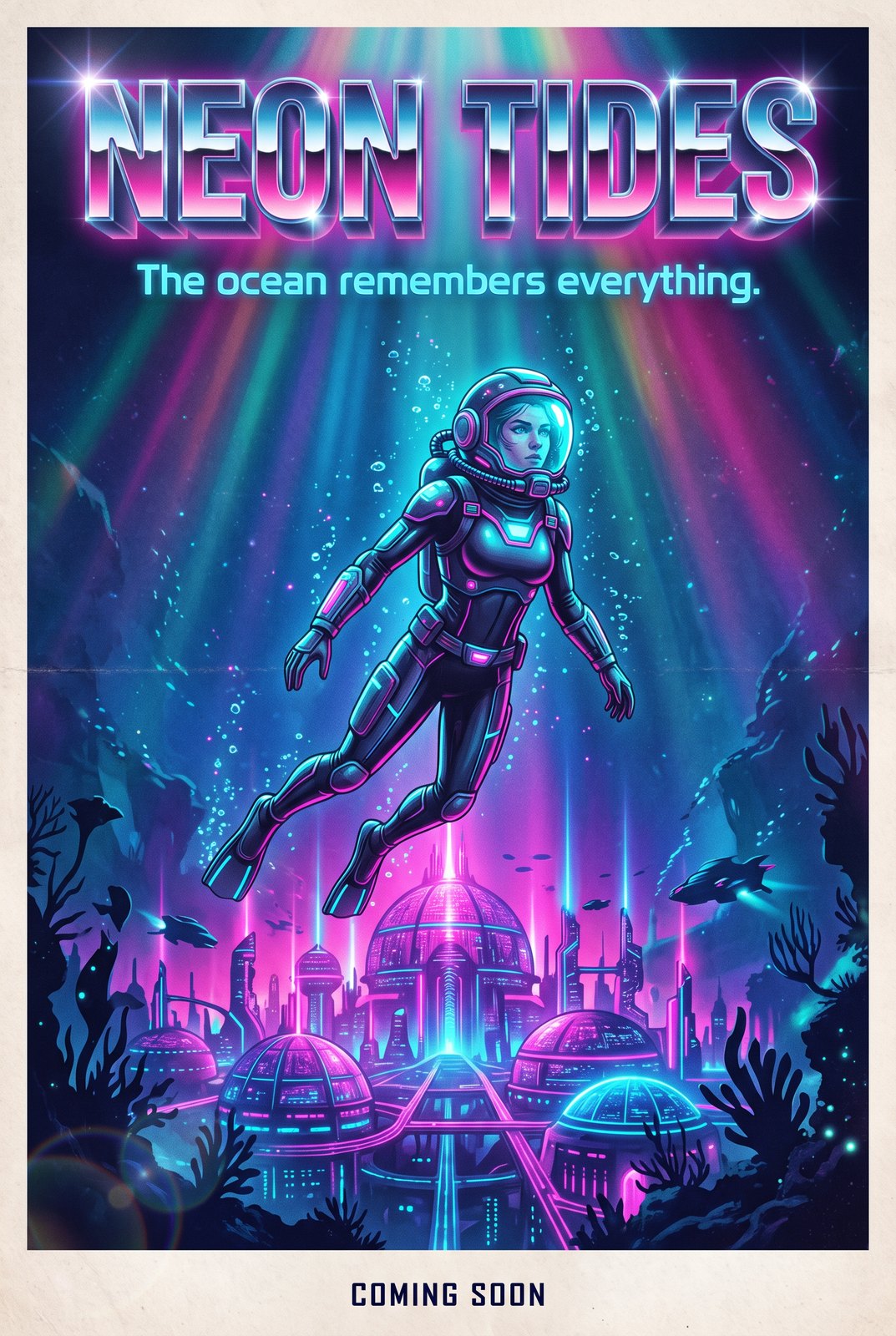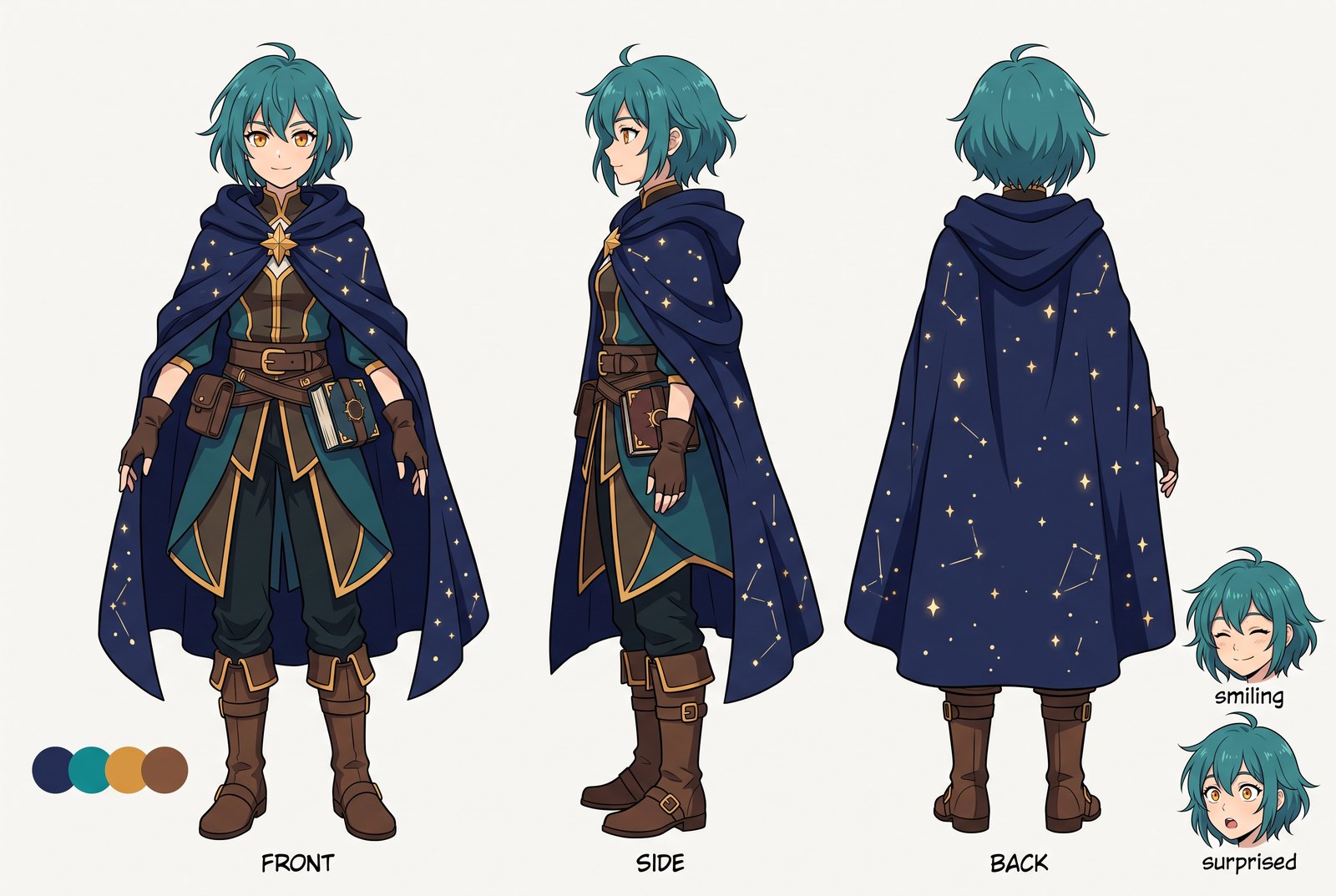
Demo Preview

Nano Banana Pro

Nano Banana Pro AI Image Generator

Use Nano Banana Pro when you need richer prompt control, more serious image workflow behavior, and a clearer upgrade path beyond baseline Nano Banana experimentation.
Nano Banana Pro hero visual

Why Nano Banana Pro Feels More Useful

Upgrade With Stakes

A Pro label only matters if it changes real image workflow outcomes. Nano Banana Pro should feel like a model people open when they need stronger confidence in prompt behavior, richer revisions, and more usable output across repeated creative attempts instead of one-off novelty generations.

Nano Banana Pro upgrade value shown through a richer creative workflow

Revision-Ready Workflow

Nano Banana Pro is more interesting when the job does not stop at the first image. If the user needs to refine, compare, and push several visual directions before deciding what survives, the model has to behave well across iterations instead of only producing one striking first pass.

Nano Banana Pro image revision workflow across multiple iterations

Vs Nano Banana 2

Nano Banana Pro vs Nano Banana 2 is best understood through same-prompt comparison and repeated subject testing. Users want to know whether Pro creates stronger texture control, more usable consistency, or better response to structured image prompts before they commit to the upgrade.

Nano Banana Pro and Nano Banana 2 prompt comparison scene

Pipeline-Level Value

Nano Banana Pro makes more sense when image generation is only one step inside a larger creator pipeline. Stylized portraits, 3D previsualization, and repeated subject variation are easier to evaluate when the page explains where the model fits before and after the generated image itself.

Nano Banana Pro used inside a larger creator image workflow pipeline
Use Cases

Best Nano Banana Pro Use Cases

Nano Banana Pro is most useful when image generation sits inside a richer creative workflow instead of a one-shot experiment.

Character Variation

Compare repeated character directions with more serious prompt control.

3D Prep

Create 2D source visuals before moving into later 3D or model stages.

Model Comparison

Run same-prompt tests that reveal where Pro changes the workflow.

How to Use Nano Banana Pro

Three practical steps
01

Define the task

Start with the real image goal, like character variation, stylized portrait work, or a model comparison test, so the prompt has a concrete target.

02

Run a controlled prompt

Use a clear prompt or same-subject comparison setup that makes it easier to judge whether Pro changes texture, consistency, or workflow usefulness.

03

Compare and refine

Evaluate the output across several iterations, then decide whether the model is strong enough for the next stage of the creative pipeline.

Who Nano Banana Pro Fits Best

  • Prompt-sensitive creators: Pro matters more when a user actively notices how a model responds to structured image instructions.
  • Comparison-heavy testers: This page is strongest for people deciding between Nano Banana Pro and Nano Banana 2.
  • Pipeline-focused teams: The upgrade is easier to justify when image outputs feed later stages like review, design, or 3D prep.

Prompt-sensitive creators

Creators who compare prompt behavior across repeated tries are more likely to notice the difference between a baseline family model and a Pro-tier workflow.

Comparison-heavy testers

If the work already includes same-prompt comparisons, subject consistency tests, or family upgrade decisions, a model-detail page becomes more useful than generic category copy.

Pipeline-focused teams

Teams that treat image generation as one stage inside a larger workflow usually care more about repeatability and revision quality than casual one-off users do.

What People Are Testing with Nano Banana Pro

Frequently Asked Questions

Nano Banana Pro FAQ

Try Nano Banana Pro on OCMaker AI
Start with Pro