AI Generator

AI Pet Video Maker

Turn your pet into a character and give it a short video with sound.

See what you can make

Real output from these templates — same pipeline you'll run

Vlog

Cat's Daily Vlog

Mochi

Cozy

Blanket Fort Sunday

Mochi

Comedy

Midnight Snack Raid

Mochi

Absurd

Elevator to Nowhere

Mochi

Vlog

First Day at Work

Sesame

Cozy

Rainy Window Watch

Sesame

Comedy

The Judging Stare

Sesame

Absurd

The Board Meeting

Sesame

Vlog

Slow Morning Routine

Cloud

Cozy

The Long Nap

Cloud

Comedy

The Yarn Incident

Cloud

Absurd

The Tiny Umbrella

Cloud

AI Pet Portrait Generator

Create custom pet portraits, fantasy companions, cute avatars, and social-ready animal images from a short prompt or pet reference. Build dogs, cats, rabbits, birds, and original pets in one focused AI pet portrait generator.

AI pet portrait generator

AI Pet Portrait Images You Can Create

Generate pet portraits for realistic keepsakes, fantasy companions, sticker packs, profile avatars, and story-ready animal characters.

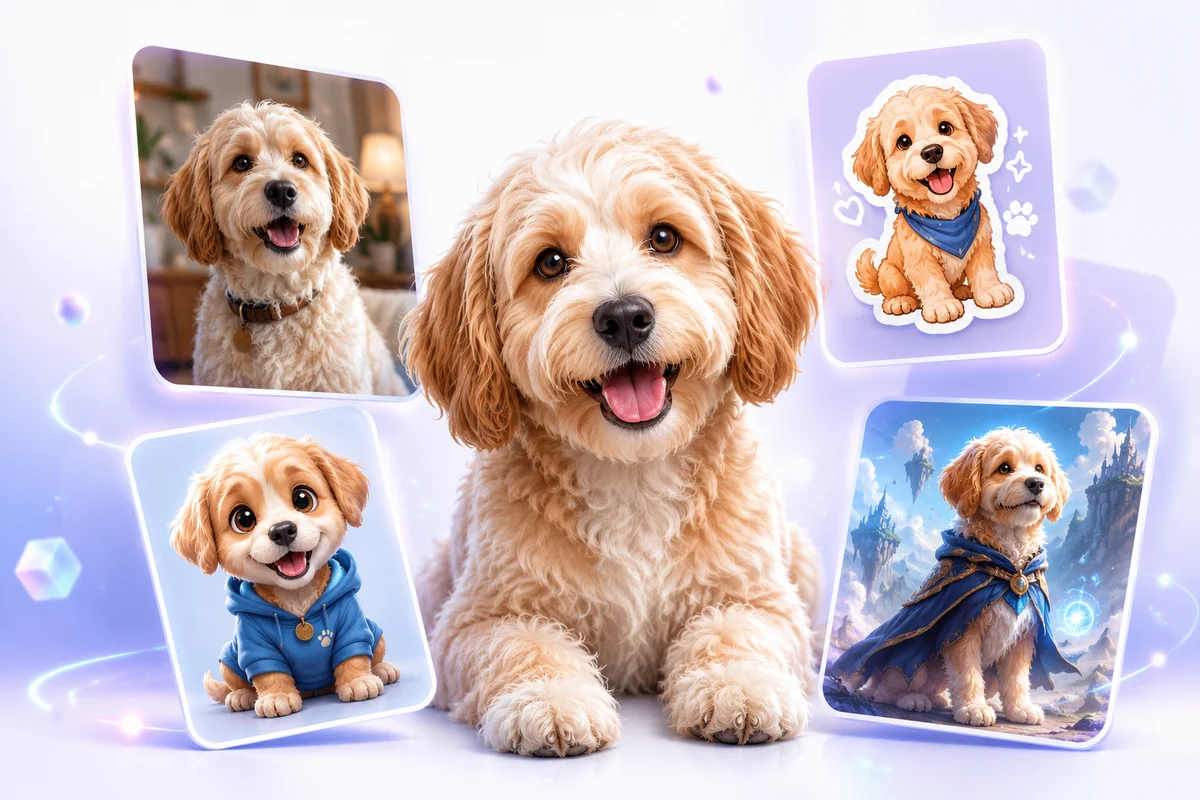
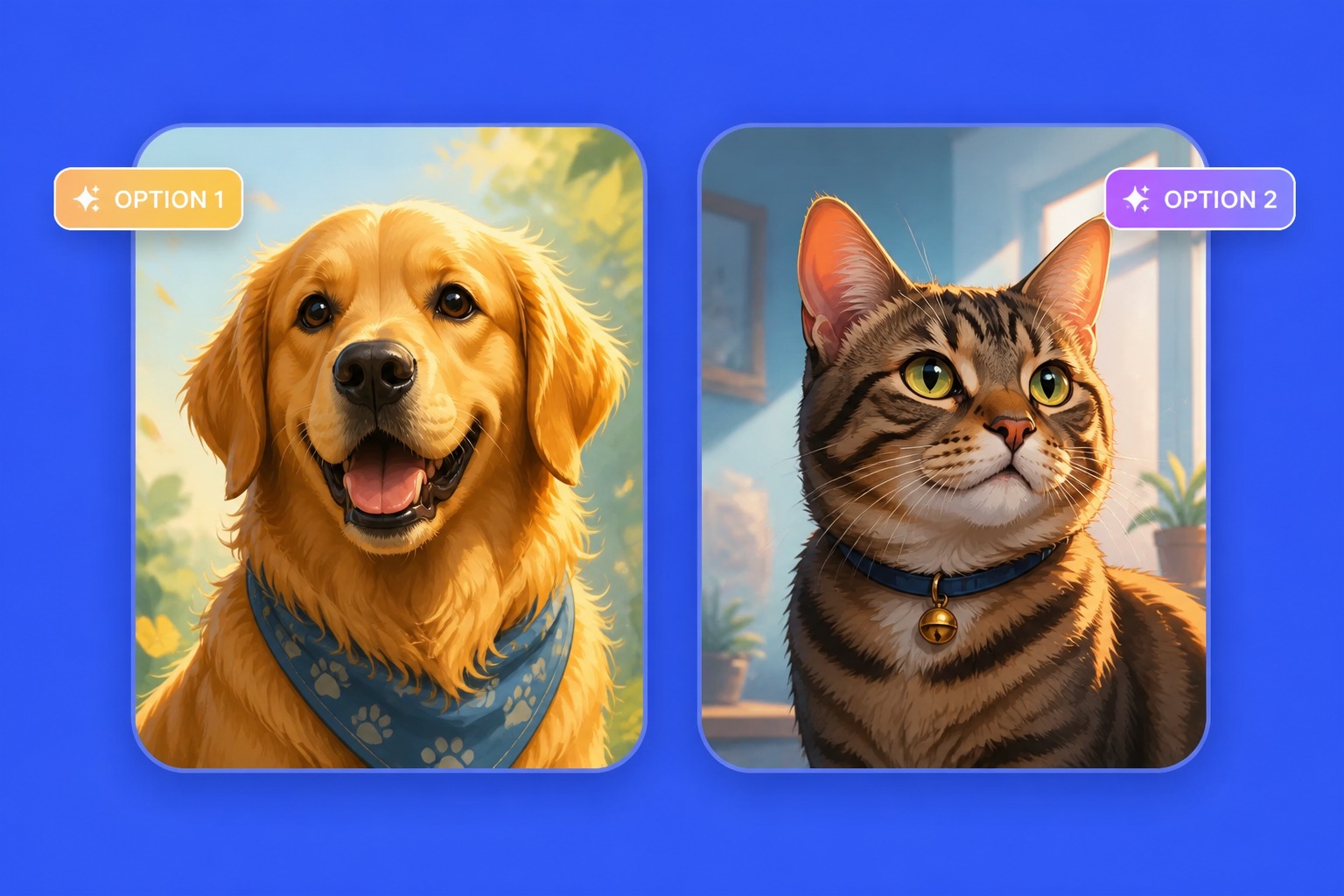
  • Realistic AI pet portrait01

    AI Pet Portrait

    Turn a pet idea or reference into a polished portrait with clear eyes, fur texture, and a clean photo-style composition.

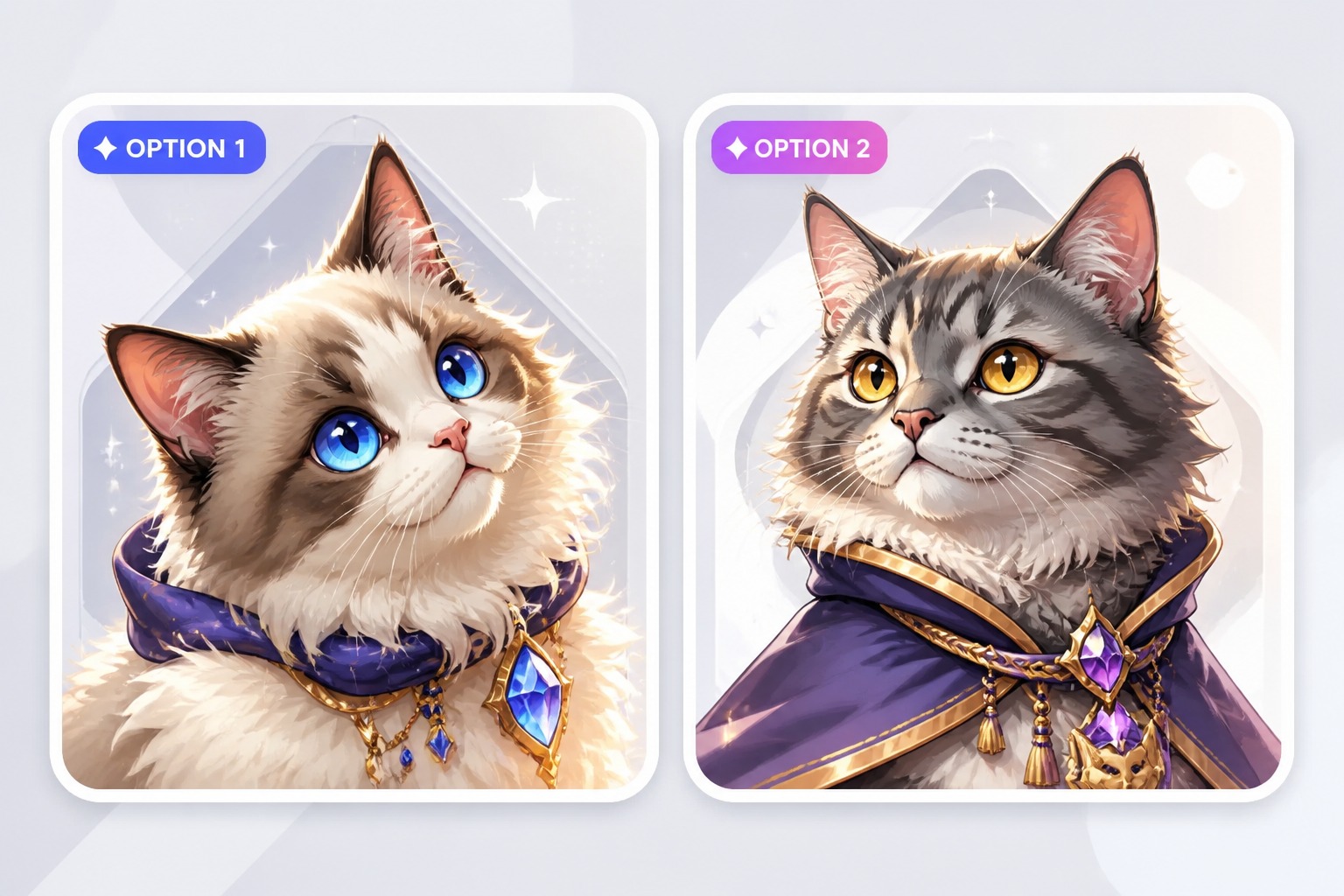
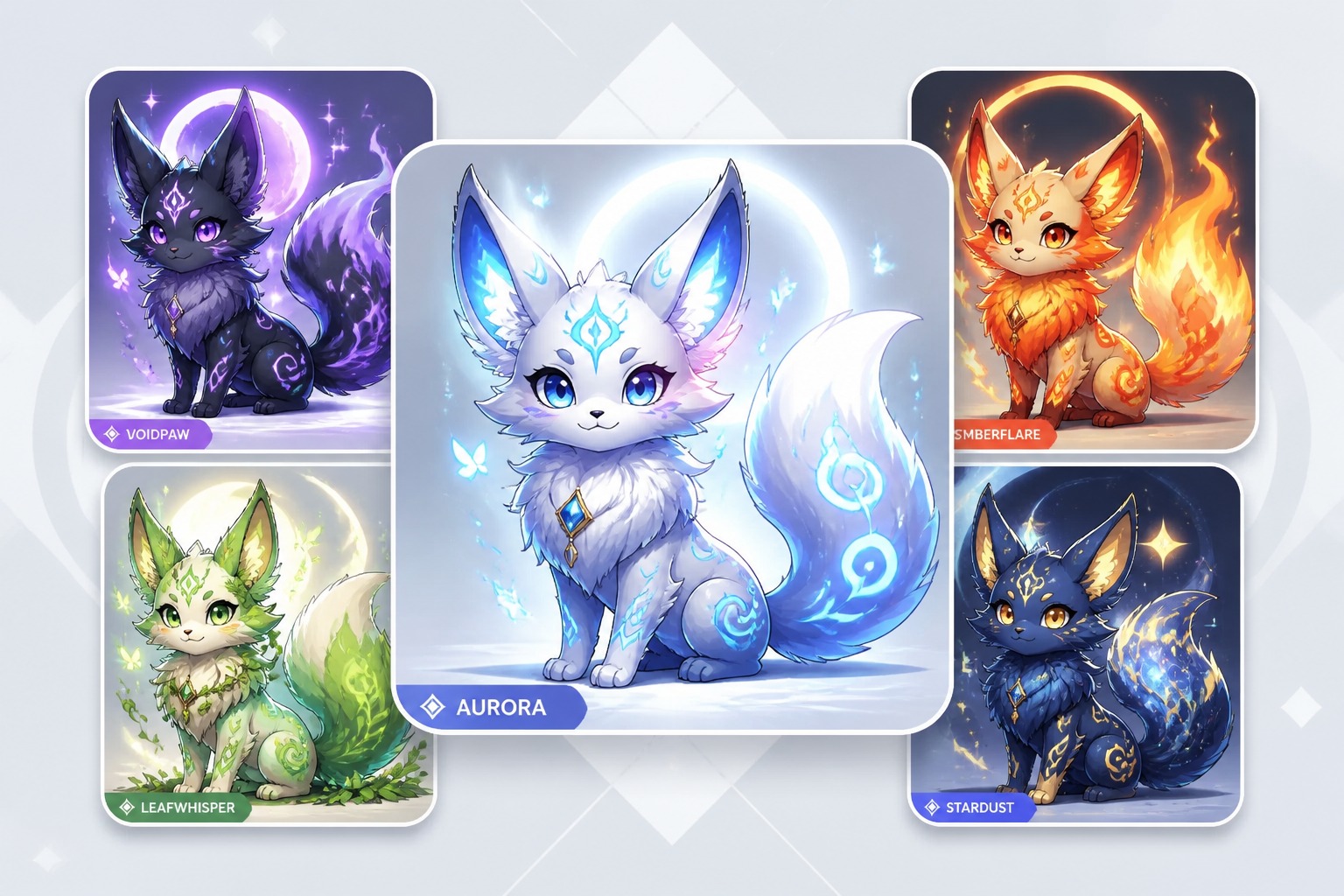
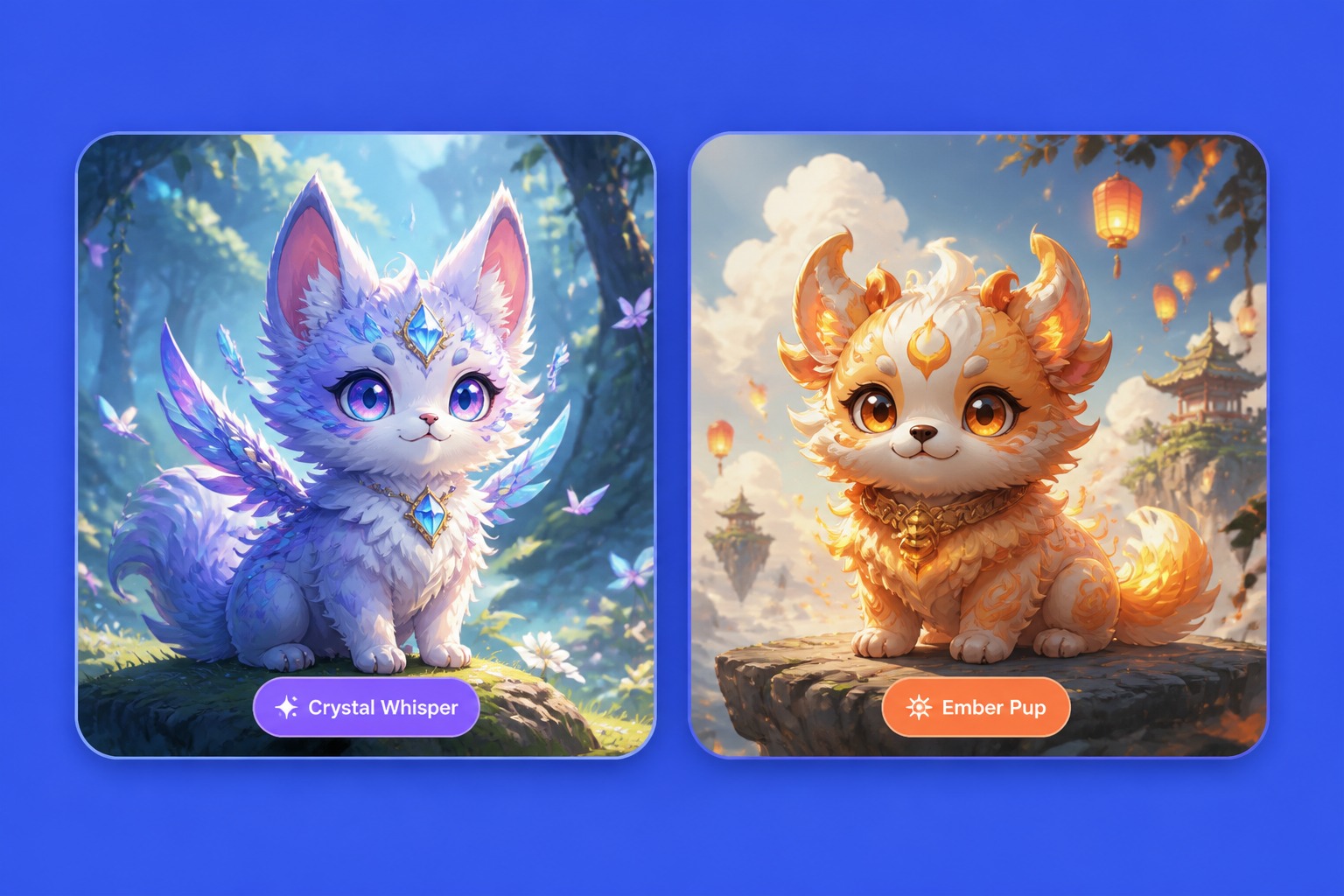
  • Fantasy AI pet portrait companion02

    Fantasy Companion Portrait

    Create a magical animal companion portrait with expressive features, soft lighting, and a memorable character mood.

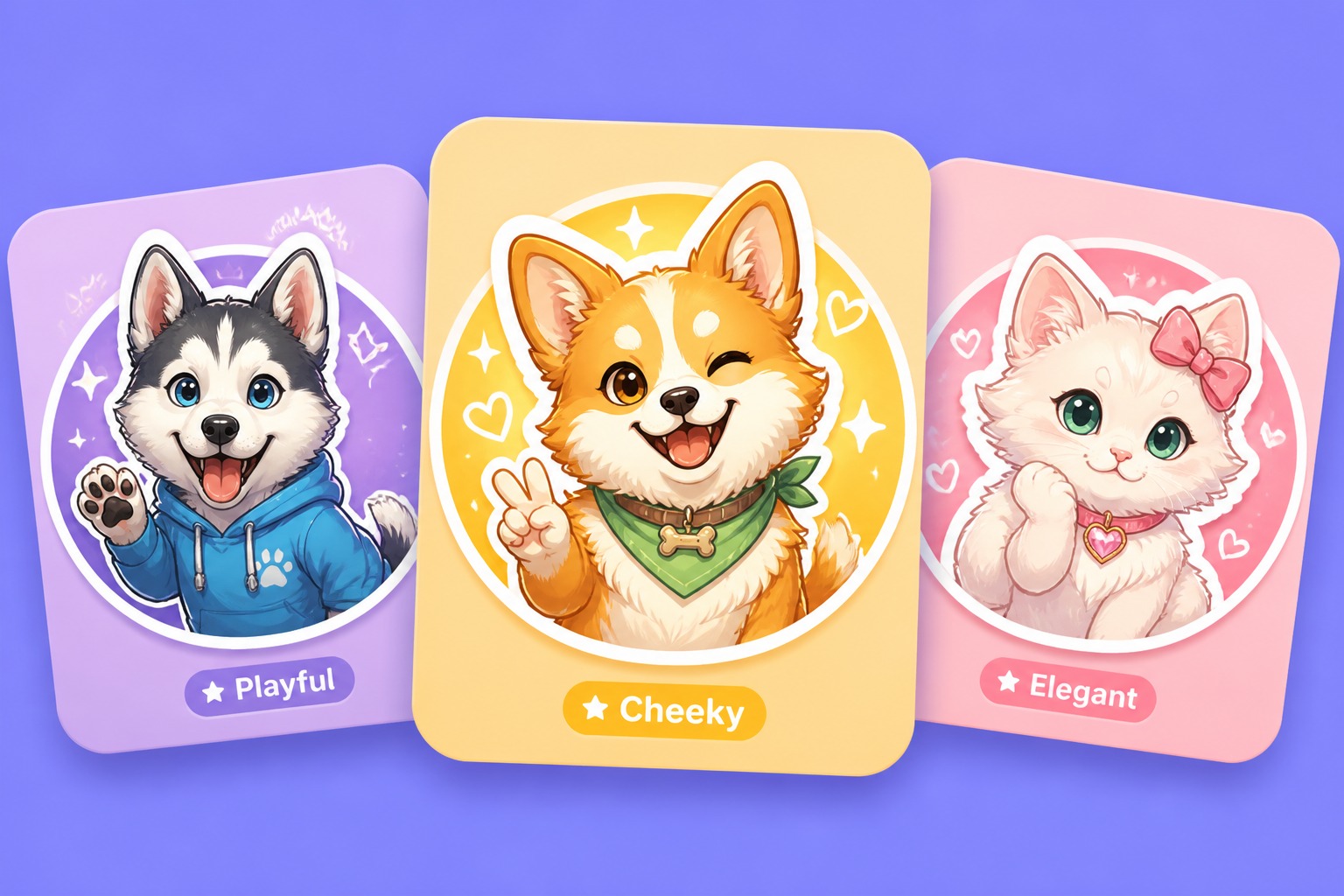
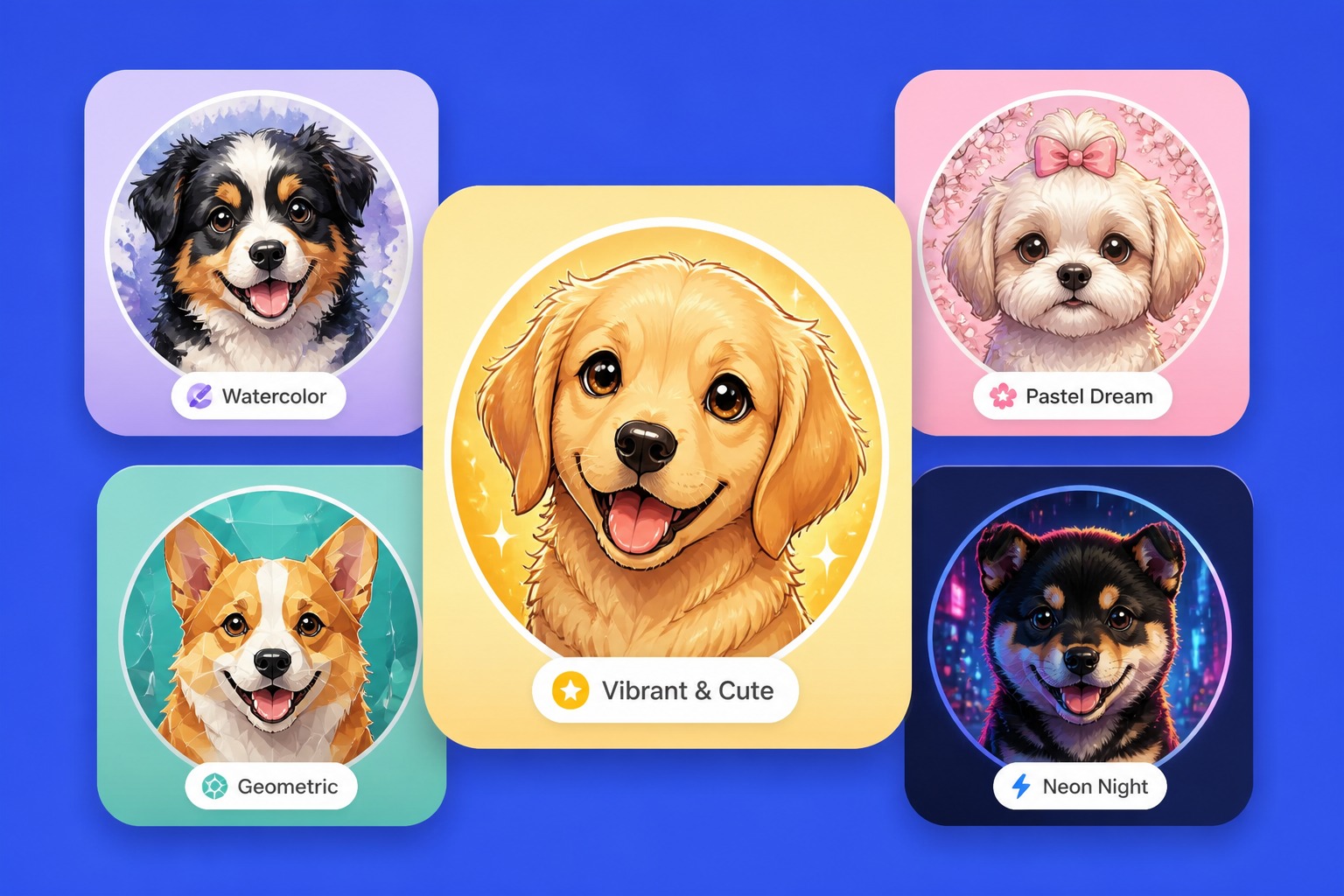
  • Cute AI pet portrait avatar03

    Cute Pet Avatar

    Make a round, readable pet avatar with a simple background, strong expression, and profile-friendly framing.

Generate Pet Portraits for Real Creative Jobs

Use prompts or pet references to create portraits, avatars, stylized companions, and reusable social assets with clearer control over animal type, style, framing, and final use.

0104

Generate Prompt-Based Pet Portraits

Start with a text to image generator that names the animal, coat or feather details, pose, scene, and visual style. The AI pet portrait generator turns that brief into a finished pet image you can use for concept drafts, social posts, thumbnails, or playful pet account visuals.
Generate from Texts
Generate Prompt-Based Pet Portraits

0204

Transform Uploaded Pet References

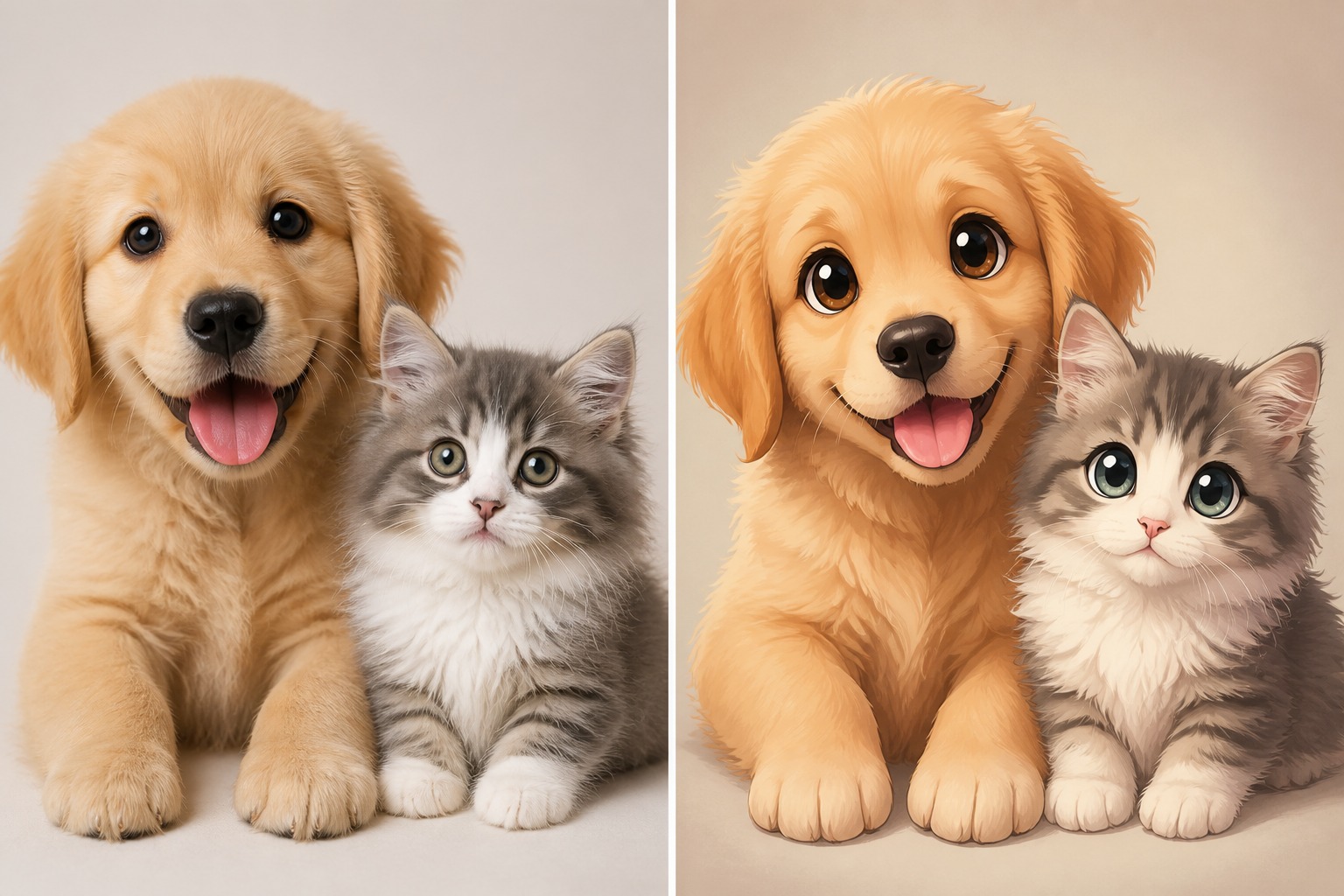
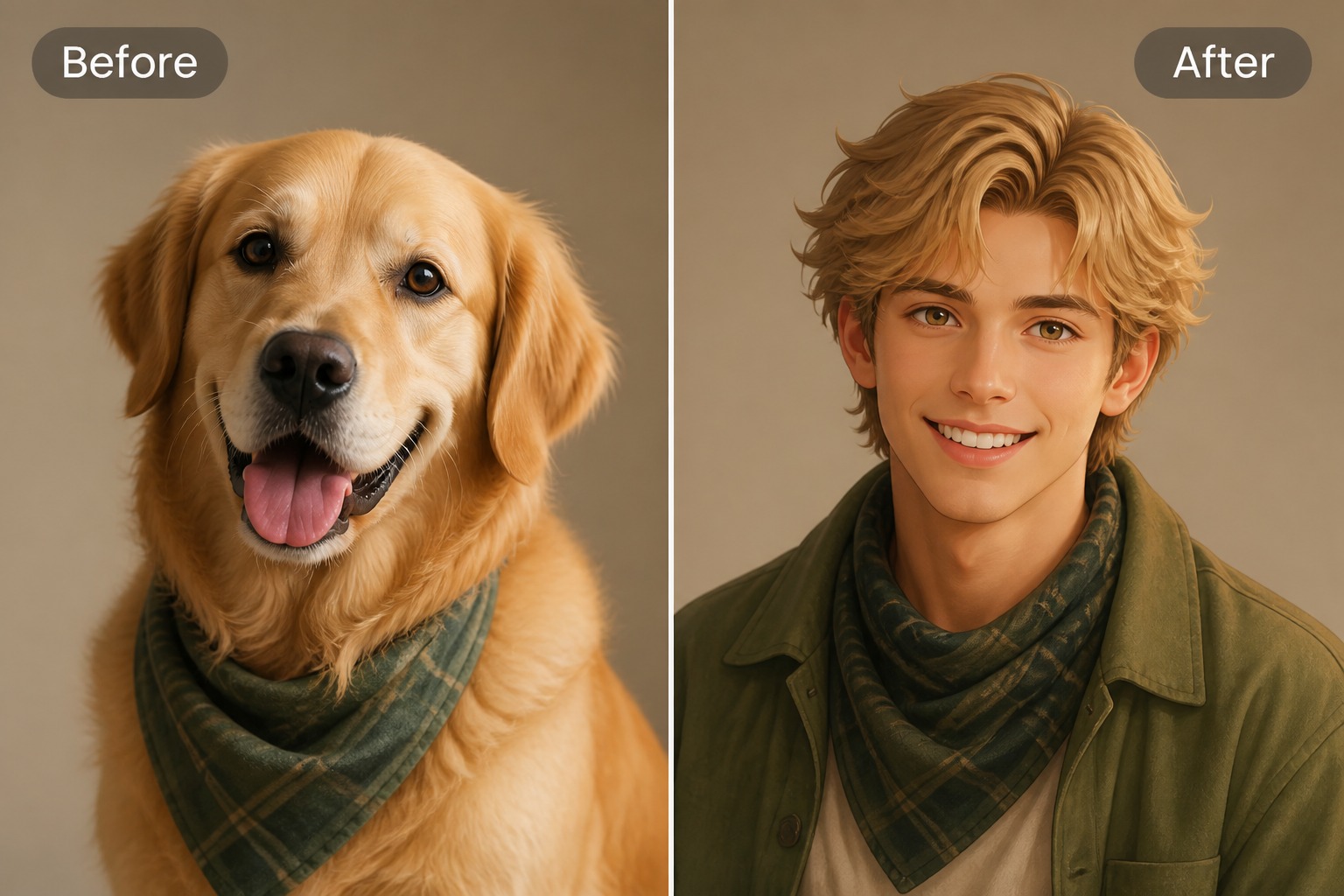
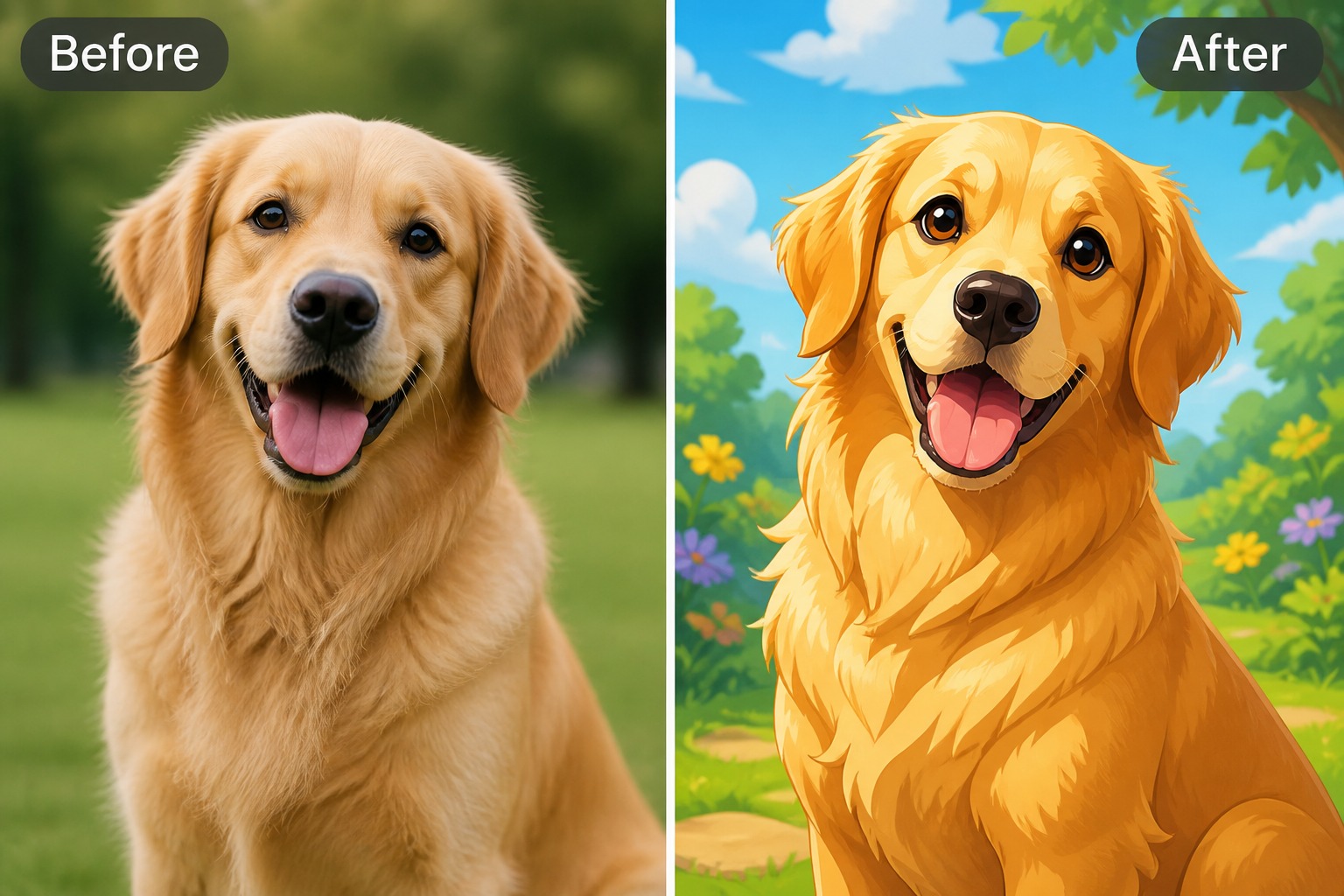
Upload or describe a real pet reference when you want image to AI pet portrait styling. The tool can reinterpret the animal as a portrait, avatar, fantasy companion, or illustrated keepsake while you review markings, ears, eyes, and body shape before publishing.

Transform Pet Images
Transform Uploaded Pet References

0304

Create Multi-Species Portrait Concepts

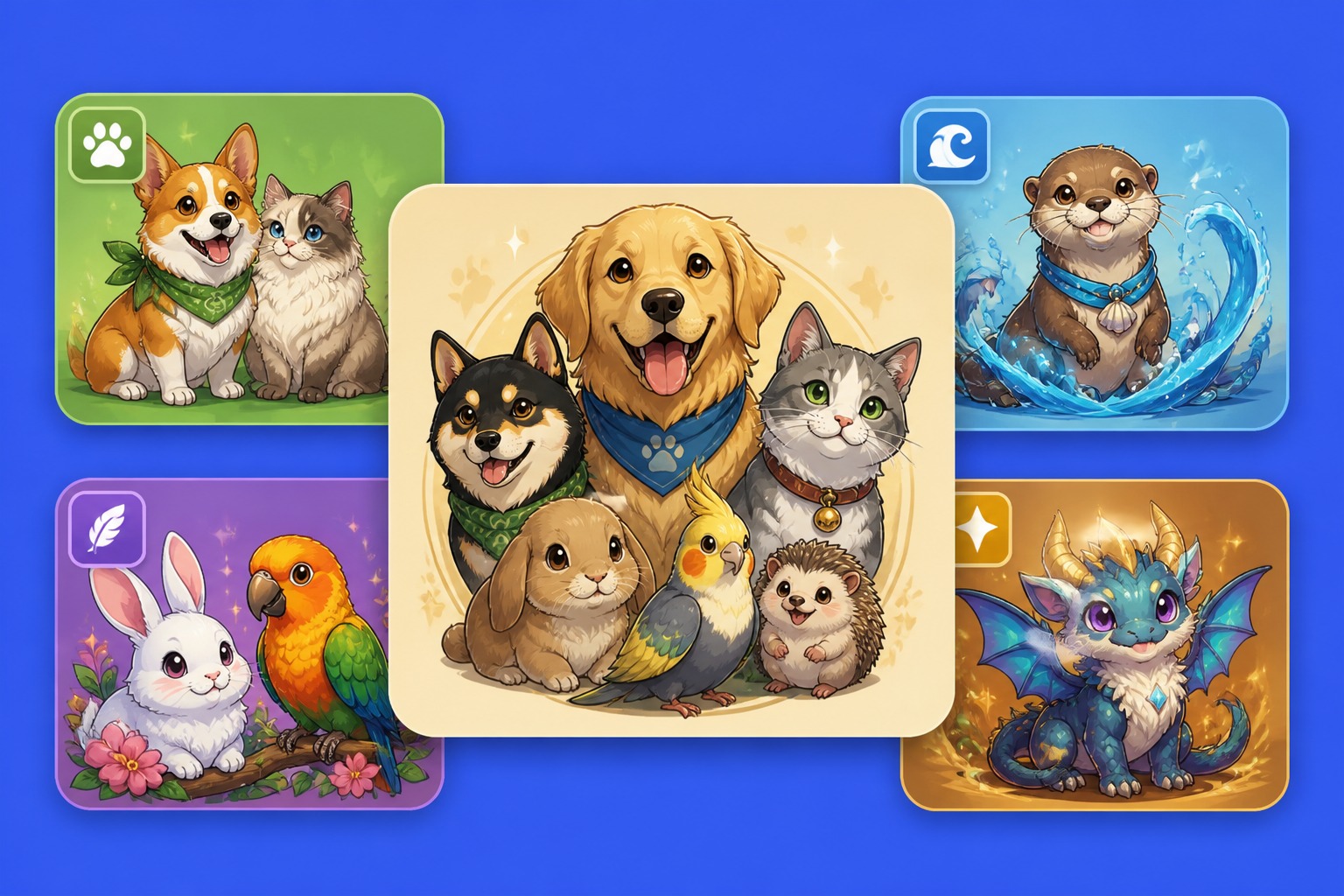
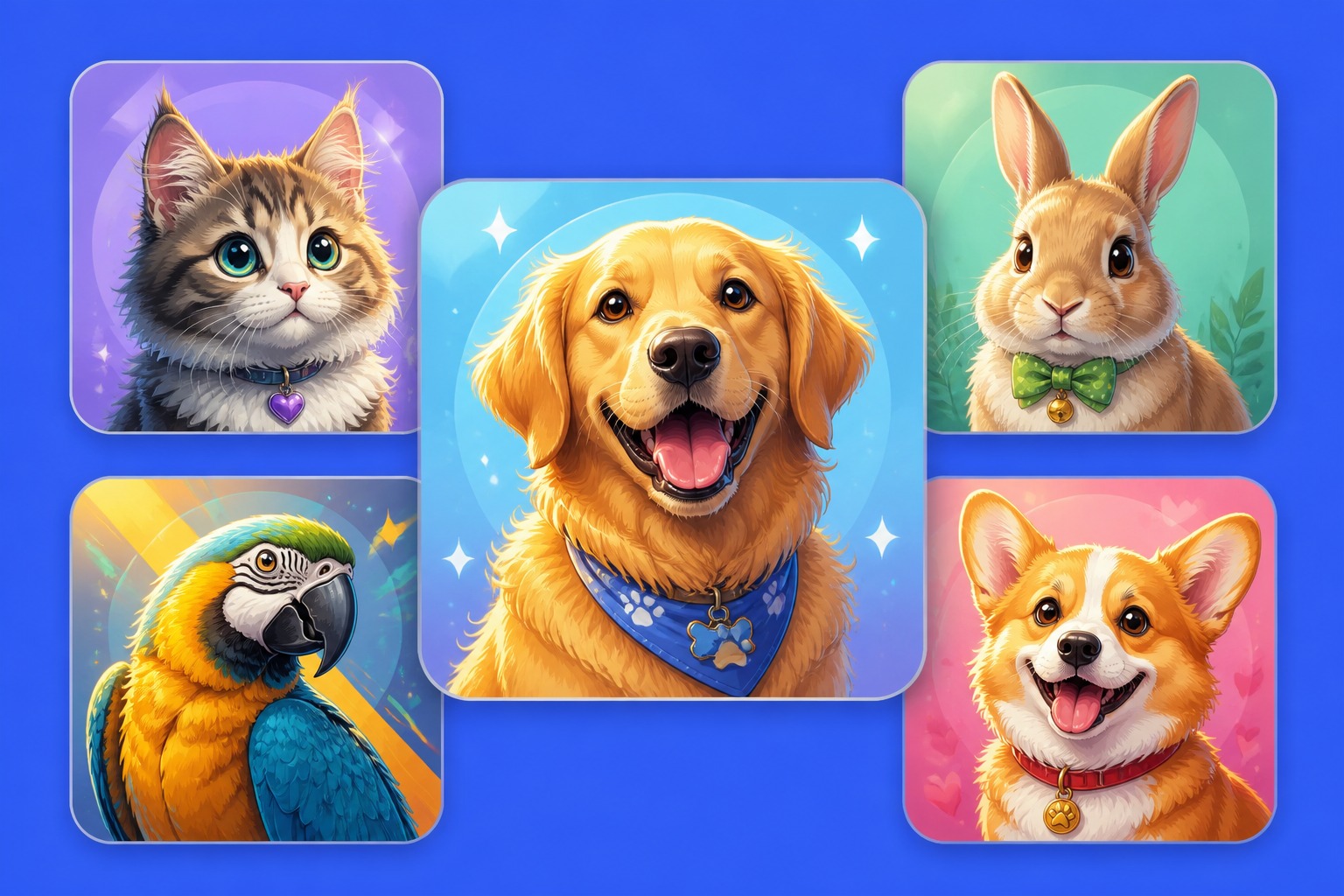
Generate dogs, cats, rabbits, birds, reptiles, and fantasy pets from one workspace instead of switching tools for every animal type. Adjust species, body shape, fur, feathers, scales, accessories, and background to get a more usable AI pet portrait generator result.

Create Pet Portrait
Create Multi-Species Portrait Concepts

0404

Make Social-Ready Pet Portrait Assets

Turn a pet idea into profile icons, sticker crops, post images, mascot drafts, or story visuals. Tight face framing, clean backgrounds, and expressive poses help the output stay readable in feeds, chat stickers, cover images, and small avatar circles.

Make Pet Portraits
Make Social-Ready Pet Portrait Assets

Explore More AI Pet Tools

Why This AI Pet Portrait Generator Is Useful

It gives creators control over pet type, reference input, style, framing, and publishing use so the result feels like a usable portrait asset, not a random animal image.

  • 01

    Prompt-to-Portrait Control

    Turn a short idea into a specific animal portrait by controlling species, pose, expression, coat pattern, background, and style in one prompt.

  • 02

    Reference-Based Portrait Styling

    Use image to AI pet portrait workflows when you want a real animal reimagined as an avatar, portrait, sticker, or fantasy companion.

  • 03

    Avatar-Ready Crops

    Create close-up pet faces with simple backgrounds and strong eye detail so the image works in profile circles and small thumbnails.

  • 04

    Fast Style Variations

    Test realistic, watercolor, anime pet, sticker, mascot, or fantasy portrait looks without rebuilding the whole pet concept from scratch.

  • 05

    Multi-Pet Portrait Use Cases

    Make assets for pet accounts, story companions, social posts, adoption-style concepts, stickers, covers, or creative mood boards.

  • 06

    Safer Original Outputs

    Build original pet portrait visuals and avoid famous cartoon animals, logos, real celebrity pets, or brand mascots when preparing images for publishing.

How to Create an AI Pet Portrait

Choose a prompt or reference image, set the pet portrait style, then refine the result for portraits, avatars, stickers, or fantasy companions.

  1. Choose Prompt or Image

    Write a pet portrait prompt from scratch or start with a reference image if you want the result to follow a real animal’s markings, pose, or overall look.

  2. Set Pet Portrait Style

    Pick realistic portrait, cute avatar, fantasy familiar, watercolor, anime pet, sticker design, or cinematic animal art before adding accessories.

  3. Refine the Output

    Check eyes, paws, fur direction, wings, ears, markings, and background clutter. Regenerate with fewer props or tighter framing for cleaner pet portrait results.

AI Pet Portrait Generator FAQ

Answers about AI pet portrait generator prompts, text to AI pet portrait, image to AI pet portrait, pet portraits, credits, and usage rights.

What is an AI pet portrait generator?

An AI pet portrait generator creates pet portrait images from prompts or references. You can generate realistic pet portraits, cute avatars, fantasy companions, sticker-style animals, or original pet characters without drawing from scratch.

How does a text to AI pet portrait workflow work?

In a text to AI pet portrait workflow, you describe the animal, coat or feather details, expression, pose, background, and style. The tool then generates pet portrait visuals from that description, which is useful when you want a new animal concept rather than a likeness of a real pet.

Can I use image to AI pet portrait with my own animal photo?

Image to AI pet portrait workflows are useful when you want a stylized version of an existing pet. Use a clear reference with visible eyes, markings, and body shape, then review the result carefully because AI may change small markings or proportions.

What pet types can I create?

You can create cats, dogs, rabbits, birds, hamsters, reptiles, fantasy animals, and original companion creatures. Results are strongest when the prompt gives species, pose, mood, texture, and the intended output format, such as avatar, portrait, or sticker.

Is this AI pet portrait generator good for avatars?

Yes. Pet portrait avatars work best with close-up framing, simple backgrounds, clear eyes, and strong color contrast. Avoid tiny accessories or crowded scenes if the image needs to stay readable in a small profile circle.

Can I make fantasy or magical pet portraits?

Fantasy pet portraits are a strong fit. Describe the animal base, magical detail, color mood, collar or accessory, and environment. A “moonlit fox familiar” or “tiny dragon pet with glass wings” gives the model more direction than only saying magical pet.

Does OCMaker AI offer free credits?

OCMaker AI may offer free credits, trial usage, or limited free generations depending on the current product setup. After those credits are used, more credits or a paid plan may be required, so check the live pricing details before running a large pet portrait image batch.

Can I use AI pet portrait images commercially?

Commercial use depends on OCMaker AI terms, source images, likeness rights, and the platform where you publish. Use original prompts, avoid protected mascots or famous cartoon pets, and review current licensing before using pet portrait images in ads, merchandise, or client work.

Create Custom AI Pet Portrait Images Today

Turn prompts or pet references into portraits, avatars, fantasy companions, stickers, and social-ready animal visuals.

Explore More Tools