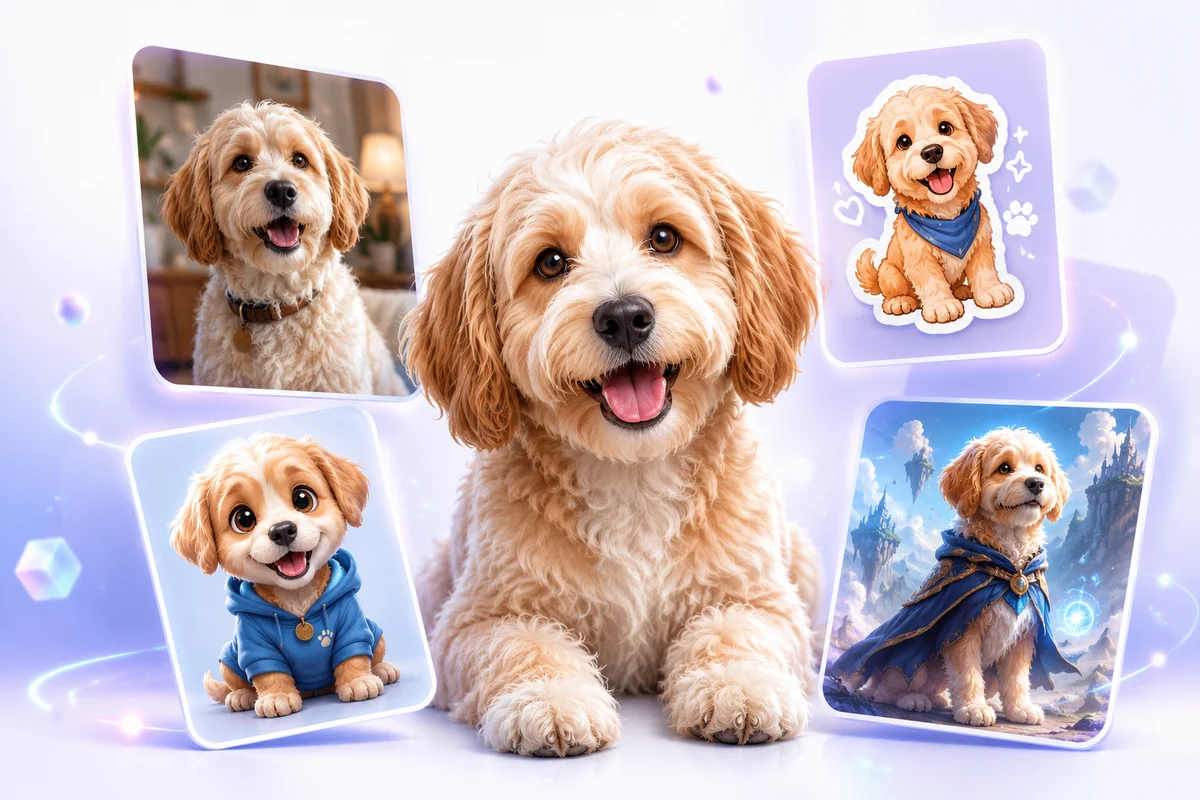
AI Dog Generator

Create custom dog portraits, puppy avatars, sticker-style dogs, fantasy companions, and social-ready dog pictures. Upload or describe a dog, guide the breed, coat, pose, expression, and background, then generate polished dog artwork in seconds.

AI dog generator

Dog Images You Can Create

Choose a dog image style and generate portraits, avatars, fantasy pets, stickers, and social media visuals from one simple idea.

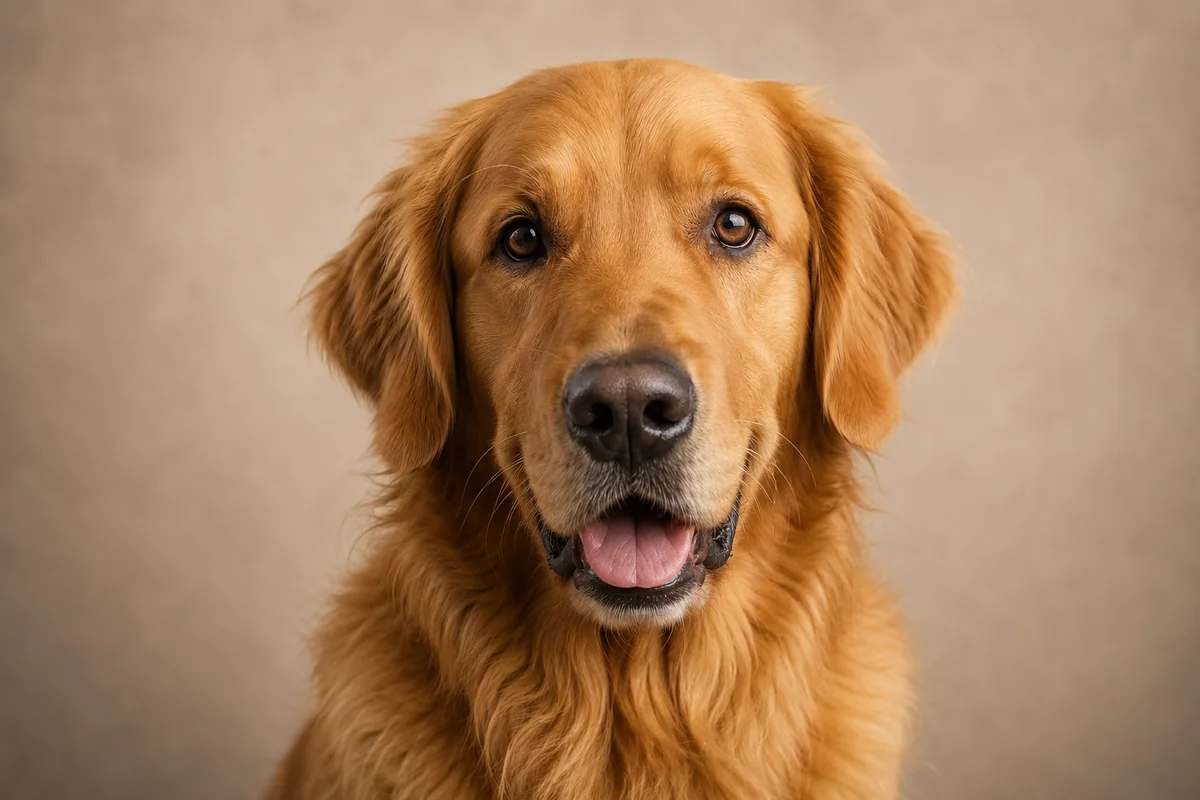
  • Realistic AI generated dog portrait01

    Realistic Dog Portrait

    Create a natural dog portrait with clear eyes, detailed fur, soft lighting, and a clean crop for keepsakes, pet profiles, or announcement posts.

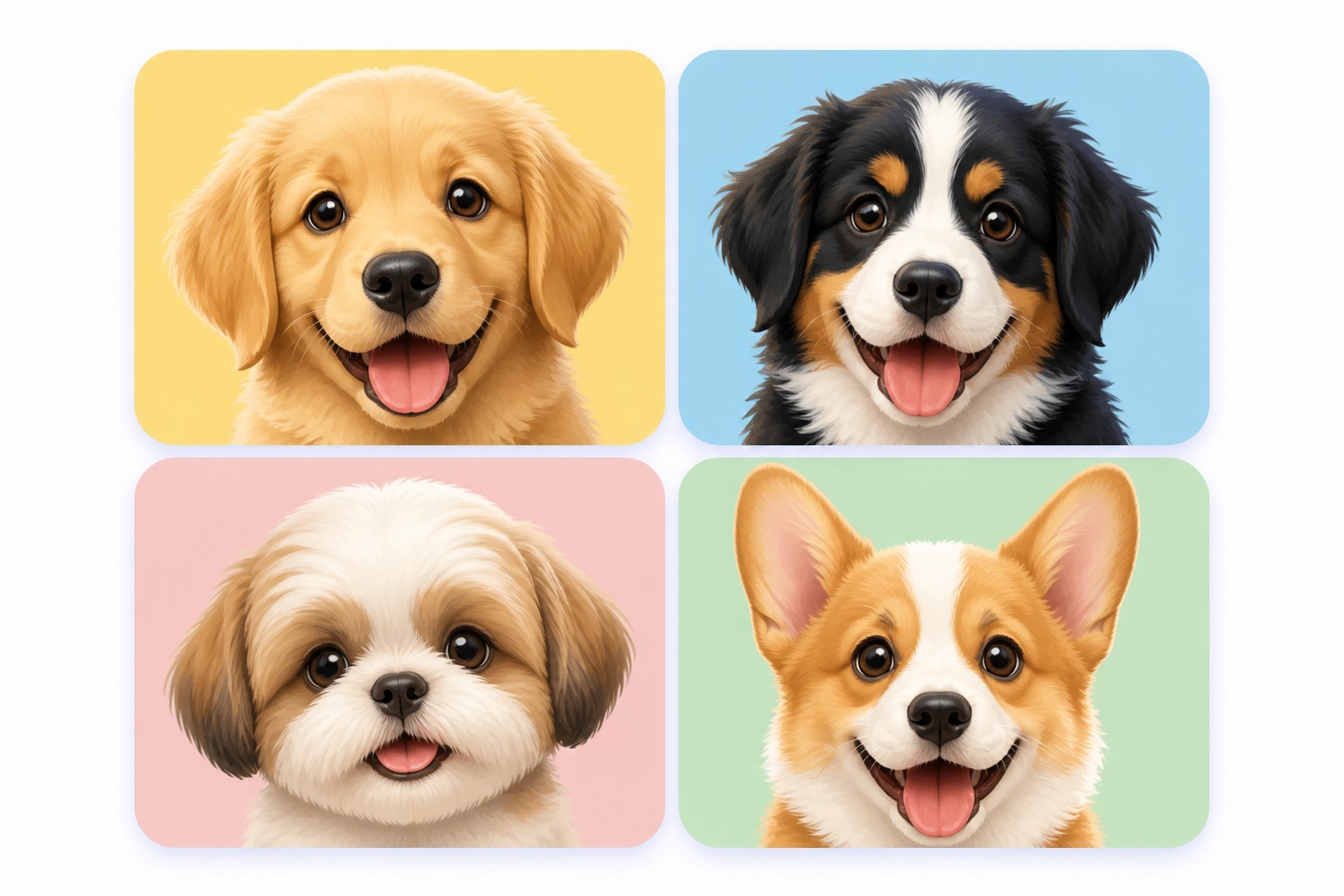
  • Cute AI dog avatar image02

    Cute Puppy Avatar

    Generate a bright puppy avatar with expressive ears, soft eyes, friendly colors, and a profile-ready layout for chat icons or pet accounts.

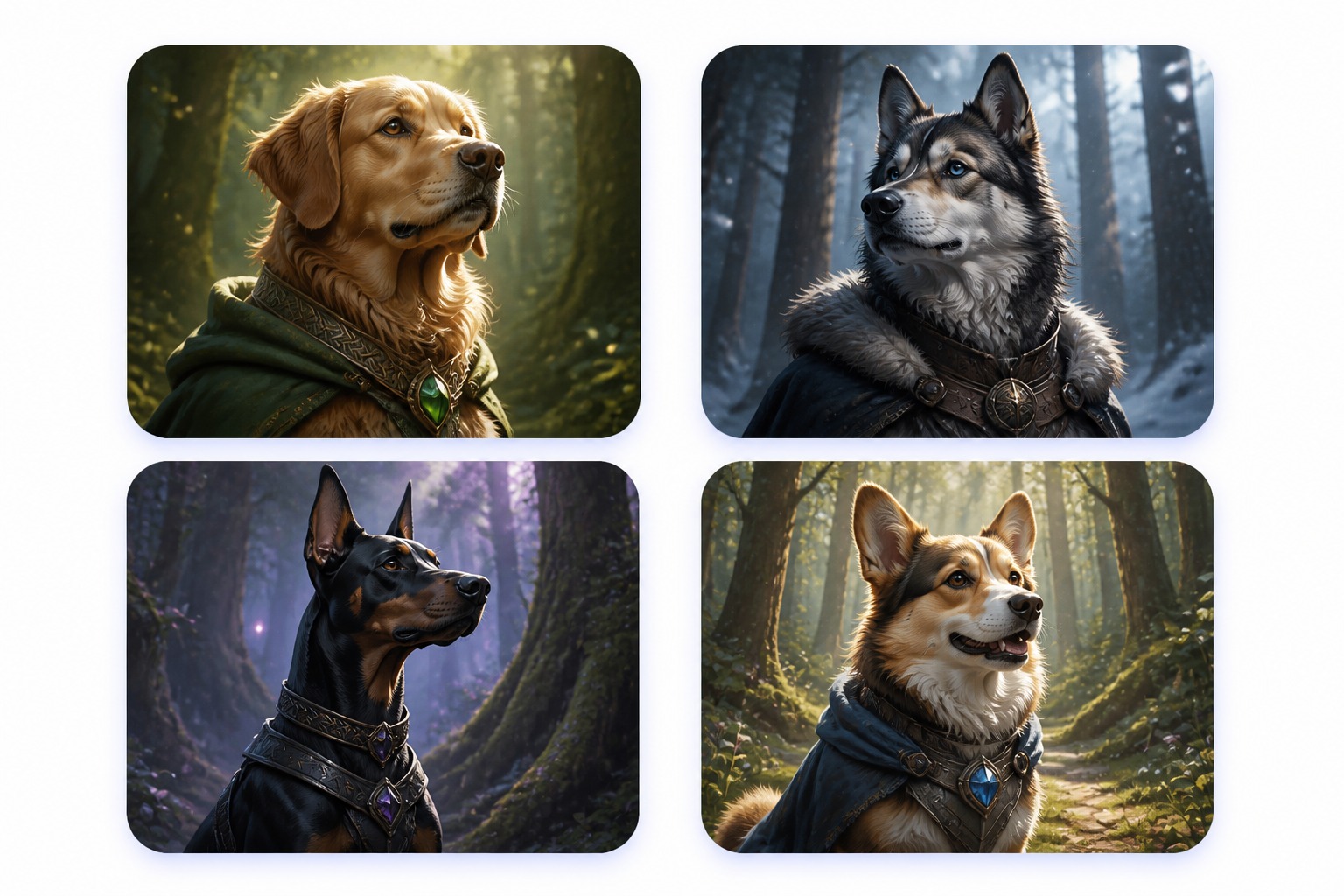
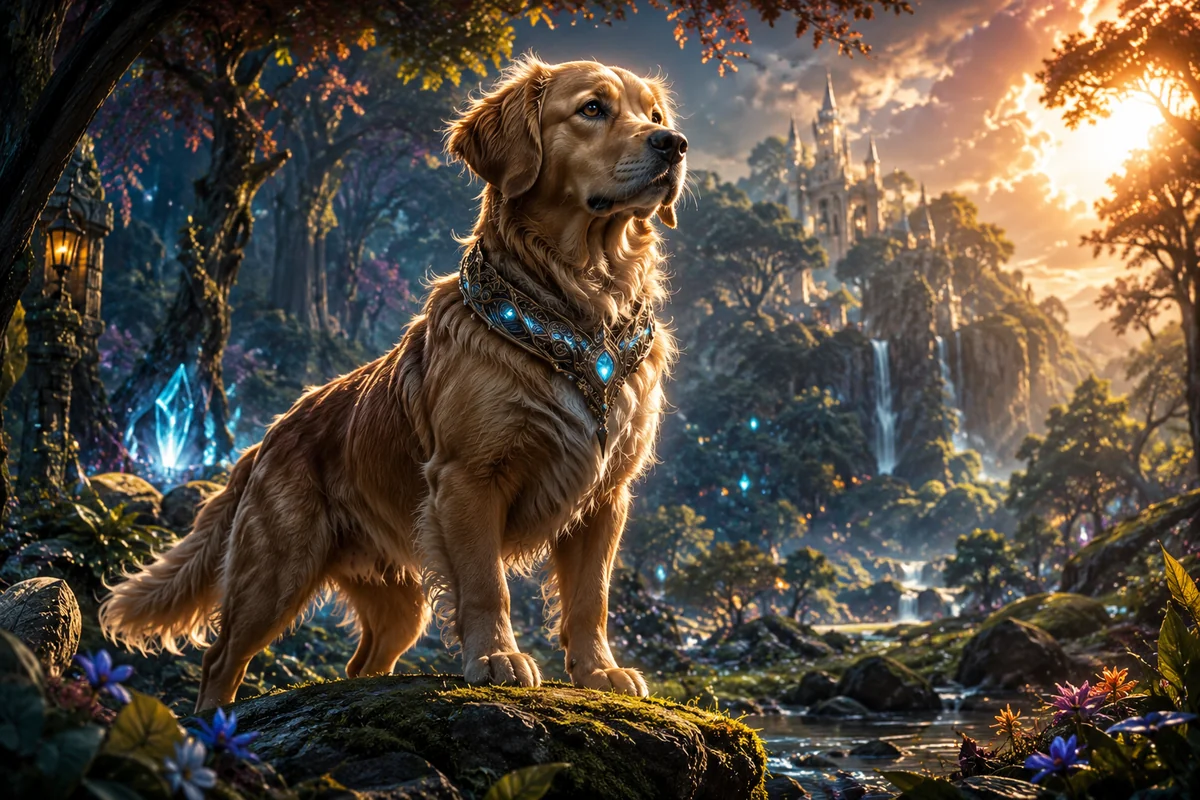
  • Fantasy AI generated dog companion03

    Fantasy Dog Companion

    Design a heroic, magical, or story-inspired dog companion with a distinctive collar, dramatic mood, and cinematic background.

Create Dog Images for Any Pet Idea

Use the AI dog generator to make realistic portraits, cute avatars, sticker art, mascot concepts, and fantasy dog characters with clearer control over style and details.

0104

Generate Custom Dog Portraits

Turn a dog idea into a polished portrait by guiding breed, coat color, markings, eye shape, ears, muzzle, pose, and lighting. Use realistic pet photography, soft illustration, or stylized portrait directions to create dog images for profiles, keepsakes, posts, and creative projects.
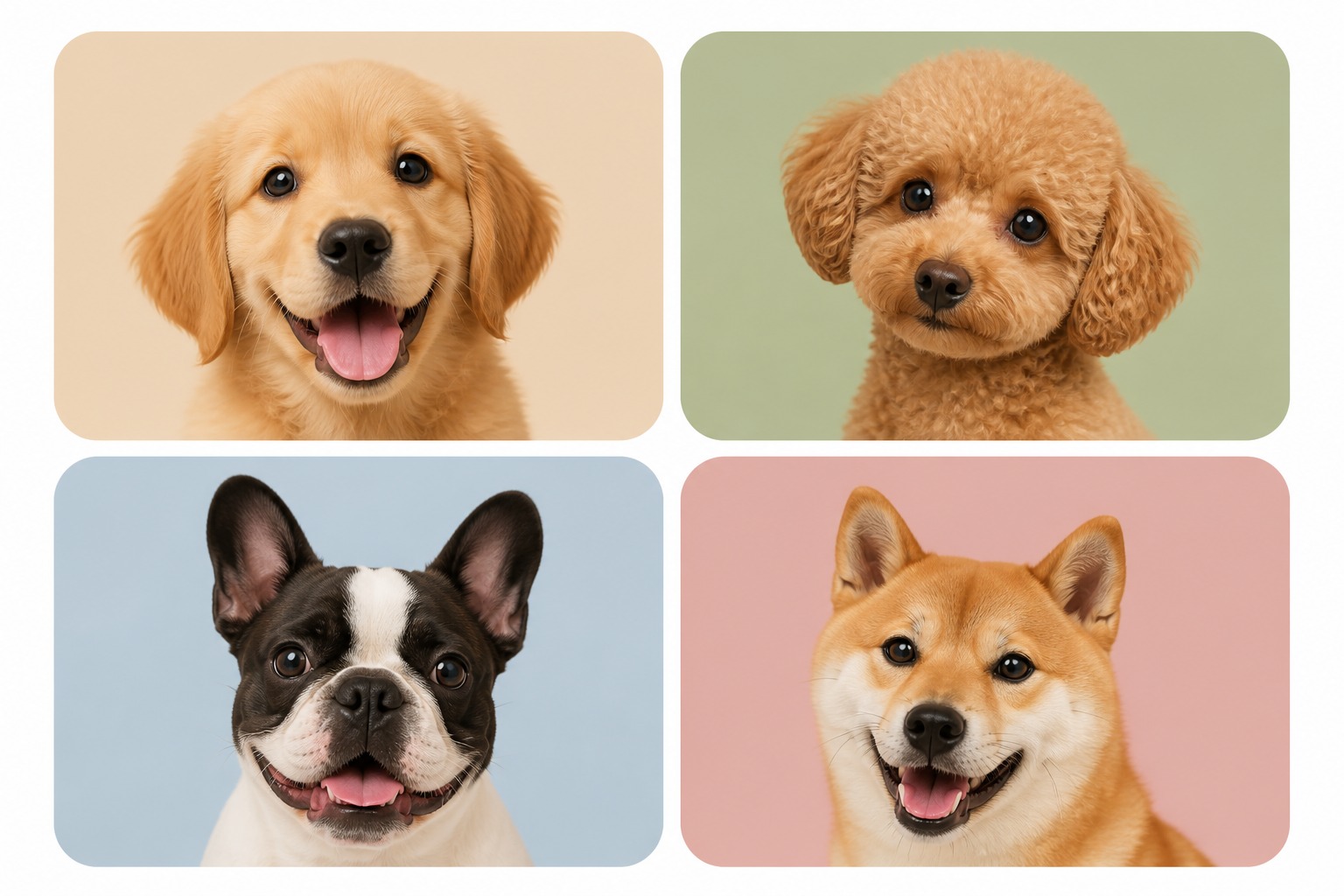
Generate Dog Photos
Generate dog portraits

0204

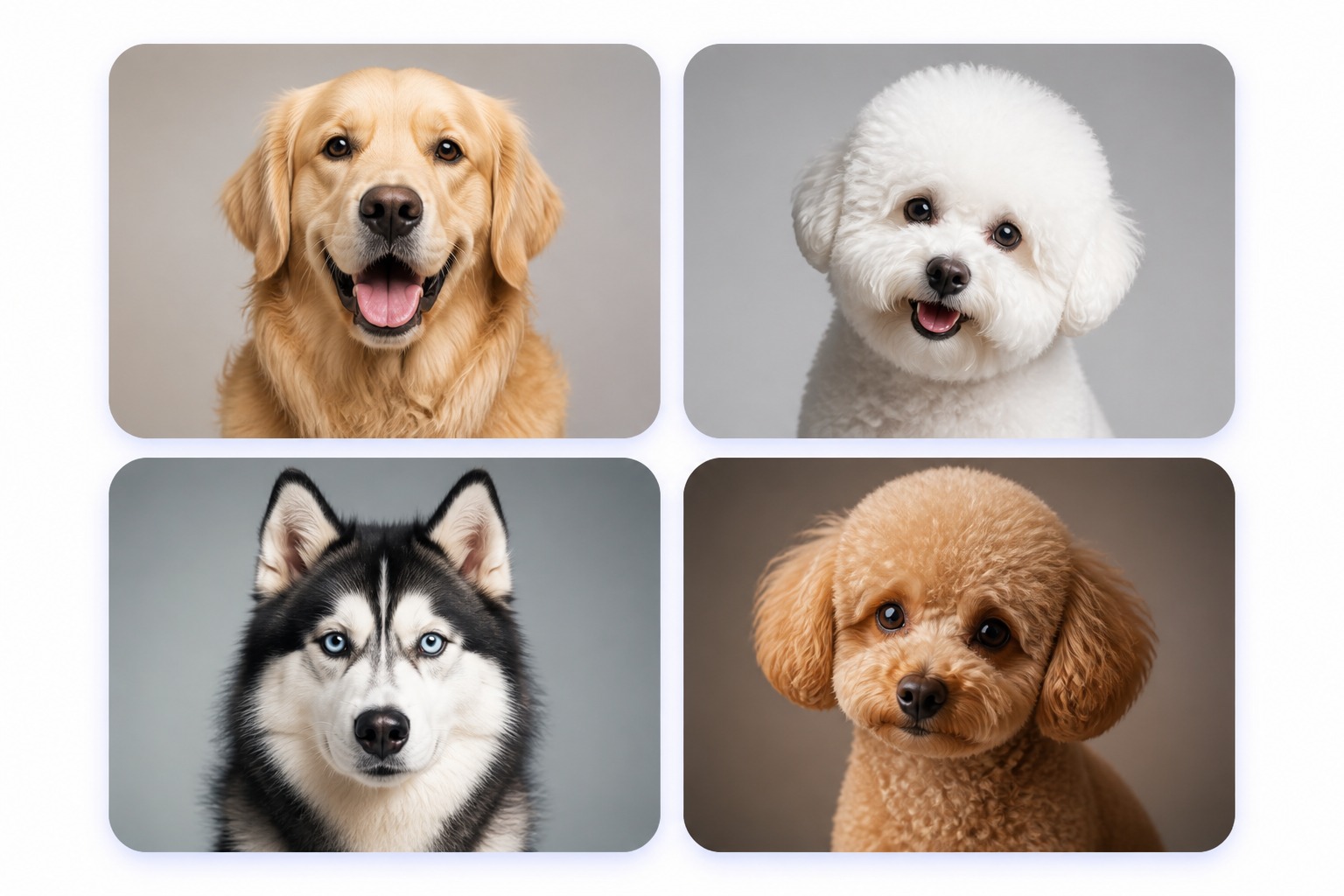
Control Breed and Coat Details

Create recognizable dog looks by describing the details that matter: floppy ears, curled tail, short muzzle, long coat, spotted markings, husky mask, corgi legs, poodle curls, or mixed-breed features. The tool helps turn simple dog descriptions into cleaner visual results.

Create Ideal Dogs
Build breed based dog looks

0304

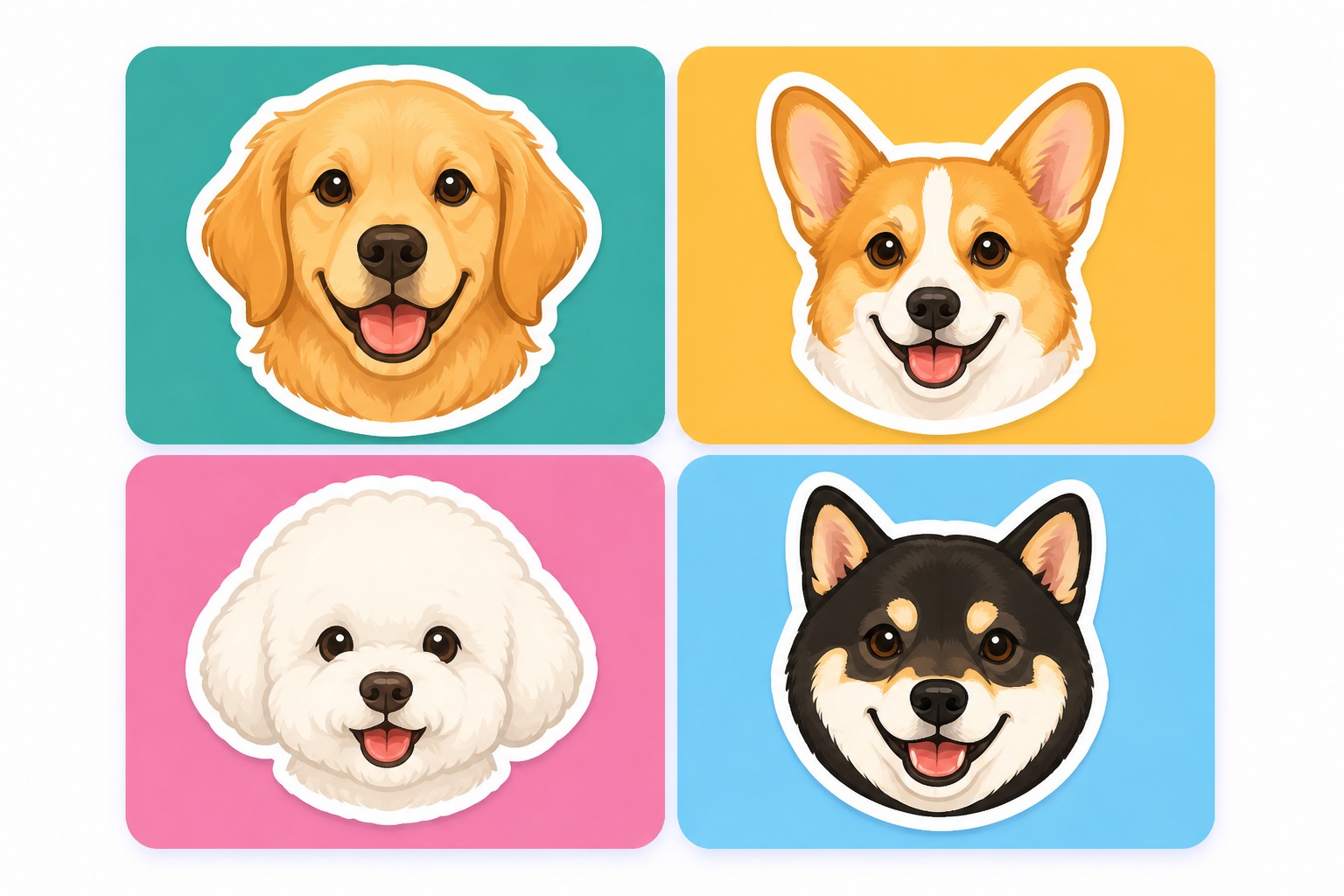
Make Dog Avatars and Stickers

Generate dog images for profile pictures, pet accounts, chat icons, stickers, thumbnails, greeting cards, and social posts. Close-up framing, simple backgrounds, and clear expressions make the dog easier to recognize in small avatar circles and feed previews.

Make Dog Avatars
Make social dog image assets

0404

Design Original Dog Characters

Create original dog companions for stories, games, mascot sketches, fantasy worlds, or brand-safe creative concepts. This dog generator focuses on canine images; use the broader AI pet creator when you want cats, rabbits, birds, small pets, or multi-animal ideas.

Design for Free
Create original dog companions

How to Generate AI Dog Images

Start with a dog photo or a short description, choose the style you want, then refine the best result for portraits, avatars, stickers, or creative dog characters.

  1. Add Your Dog Idea

    Describe the breed or mix, coat pattern, eye color, age, pose, expression, and setting. You can also start from a pet-photo direction if you want the result to feel closer to a real dog.

  2. Choose a Dog Image Style

    Pick the output direction before generating: realistic pet portrait, cute puppy avatar, sticker design, watercolor dog art, fantasy companion, or mascot-style dog character.

  3. Refine the Best Result

    Check the eyes, paws, muzzle, tail, collar, markings, and background. If the image feels too busy, simplify the props or use a closer crop for a cleaner final dog picture.

What You Can Control With the AI Dog Generator

Shape the dog image before you generate: choose the breed look, coat pattern, expression, pose, background, and final use case.

  • 01

    Breed and Marking Control

    Guide retriever coats, husky masks, dalmatian spots, shepherd posture, corgi legs, poodle curls, toy-breed proportions, or mixed-breed details.

  • 02

    Expression and Personality

    Choose loyal, playful, calm, heroic, sleepy, goofy, shy, or excited expressions with clearer control over eyes, ears, head tilt, tongue, and posture.

  • 03

    Multiple Dog Art Styles

    Create realistic dog photos, puppy avatars, sticker icons, watercolor pets, fantasy companions, mascot-style dogs, or soft illustrated portraits.

  • 04

    Profile-Ready Framing

    Generate tighter head-and-shoulder crops that stay readable for profile pictures, thumbnails, pet accounts, messaging stickers, and social previews.

  • 05

    Original Dog Concepts

    Make new dog characters for creative projects while avoiding famous cartoon dogs, protected mascots, brand logos, or copyrighted character copies.

  • 06

    Fast Style Variations

    Test different coat colors, poses, collars, lighting setups, backgrounds, and art styles without rebuilding the whole dog image from scratch.

AI Dog Generator FAQ

Learn how to create better AI dog portraits, puppy avatars, sticker-style dogs, fantasy companions, and pet images with OCMaker AI.

What is an AI dog generator?

An AI dog generator is a tool that helps you create dog images from a prompt or pet-photo direction. You can make realistic dog portraits, cute puppy avatars, sticker-style dogs, fantasy companions, mascot concepts, and social-ready pet artwork without drawing from scratch.

How do I make a better AI generated dog?

Give the tool specific dog details instead of only writing “cute dog.” Add breed cues, coat pattern, eye color, ear shape, pose, lighting, camera angle, and style. For example: “golden retriever puppy, sitting pose, soft studio light, realistic pet portrait, clean background.”

Can I use this as an AI dog portrait generator for my own pet?

Yes. Describe your dog’s markings, fur length, ear shape, size, collar, personality, and expression to create a portrait-inspired result. If exact likeness matters, use a clear reference direction and review the final image carefully before sharing it as your own pet.

What kinds of dog pictures can I generate?

You can generate realistic pet portraits, puppy avatars, fantasy guard dogs, sticker-style dogs, cozy lifestyle images, mascot sketches, greeting card art, and social media visuals. Results are usually stronger when you choose one main style before adding props or backgrounds.

Is it good for dog avatars and profile pictures?

Yes. Use close-up framing, clean backgrounds, bright eyes, and a simple expression. Small avatar circles do not show tiny accessories well, so focus on the dog’s face shape, ears, coat color, markings, and contrast.

Does OCMaker AI offer free credits?

OCMaker AI may offer free credits, trial usage, or limited free generations depending on the current product setup. After those credits are used, more credits or a paid plan may be required, so check the live pricing details before planning a large dog image batch.

Can I use AI dog images commercially?

Commercial use depends on OCMaker AI terms, your prompt, source materials, and the platform where you publish. For safer publishing, create original dog concepts and avoid protected cartoon dogs, brand mascots, logos, celebrity pets, or images based on pets you do not have permission to use.

What should I avoid in dog image prompts?

Avoid asking for exact copies of famous dog characters, brand mascots, logos, or real pets you do not have permission to reference. Also avoid adding too many props in one prompt, because crowded scenes can make paws, collars, fur markings, or muzzle details less reliable.

Create Your Own AI Dog Pictures

Generate realistic dog portraits, cute puppy avatars, sticker-style dogs, fantasy companions, and social-ready pet images from one simple prompt.

AI Dog Generator: Text to AI Generated Dog Images