Turn Pet Into Cartoon

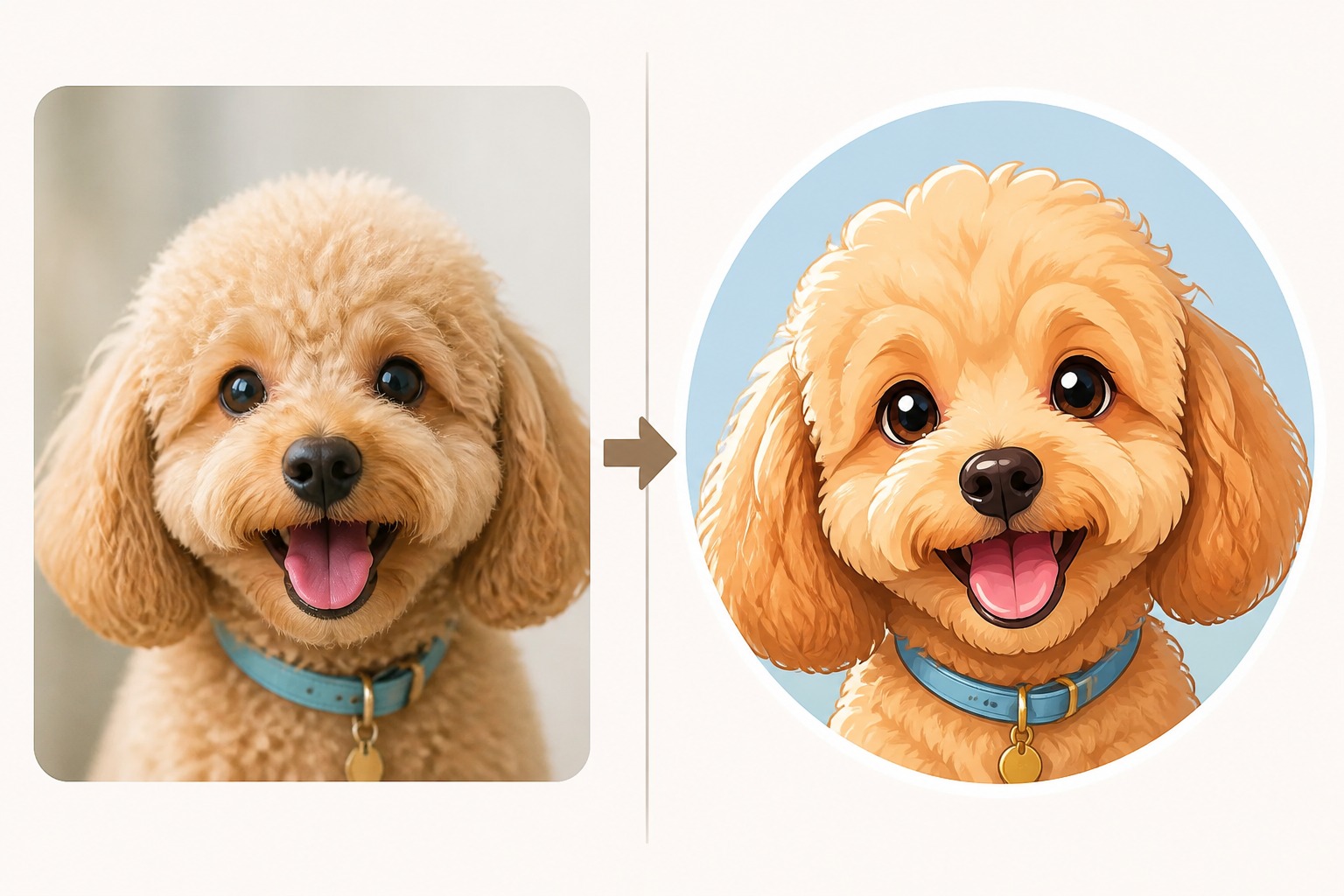
Transform a favorite pet photo into a cute cartoon portrait, sticker, avatar, or storybook-style keepsake. Keep the pet’s face, markings, and charm readable while exploring playful cartoon looks.

turn pet into cartoon

Cartoon Pet Styles You Can Create

Preview cartoon directions for pet portraits, social avatars, sticker art, and warm storybook-inspired pet images.

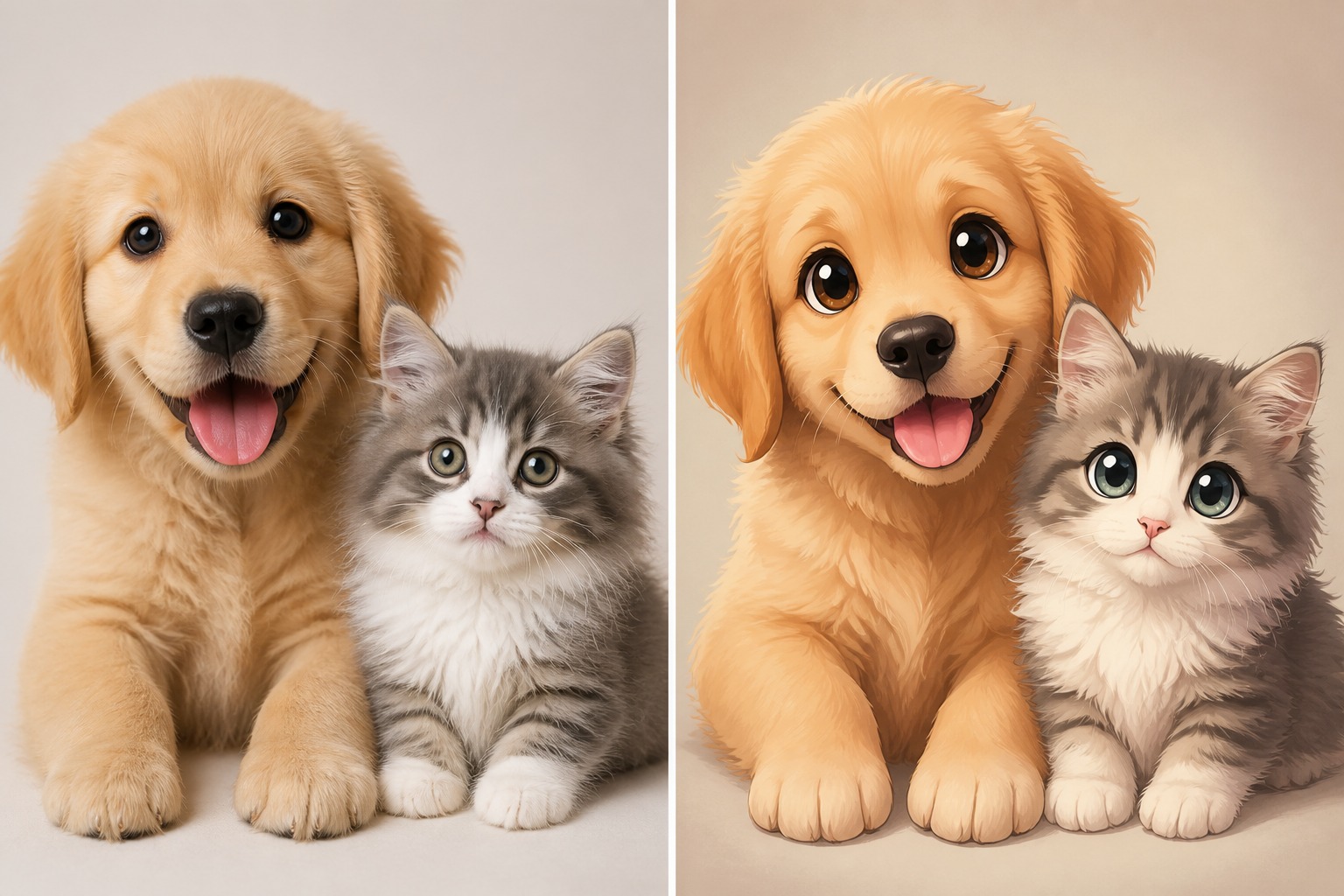
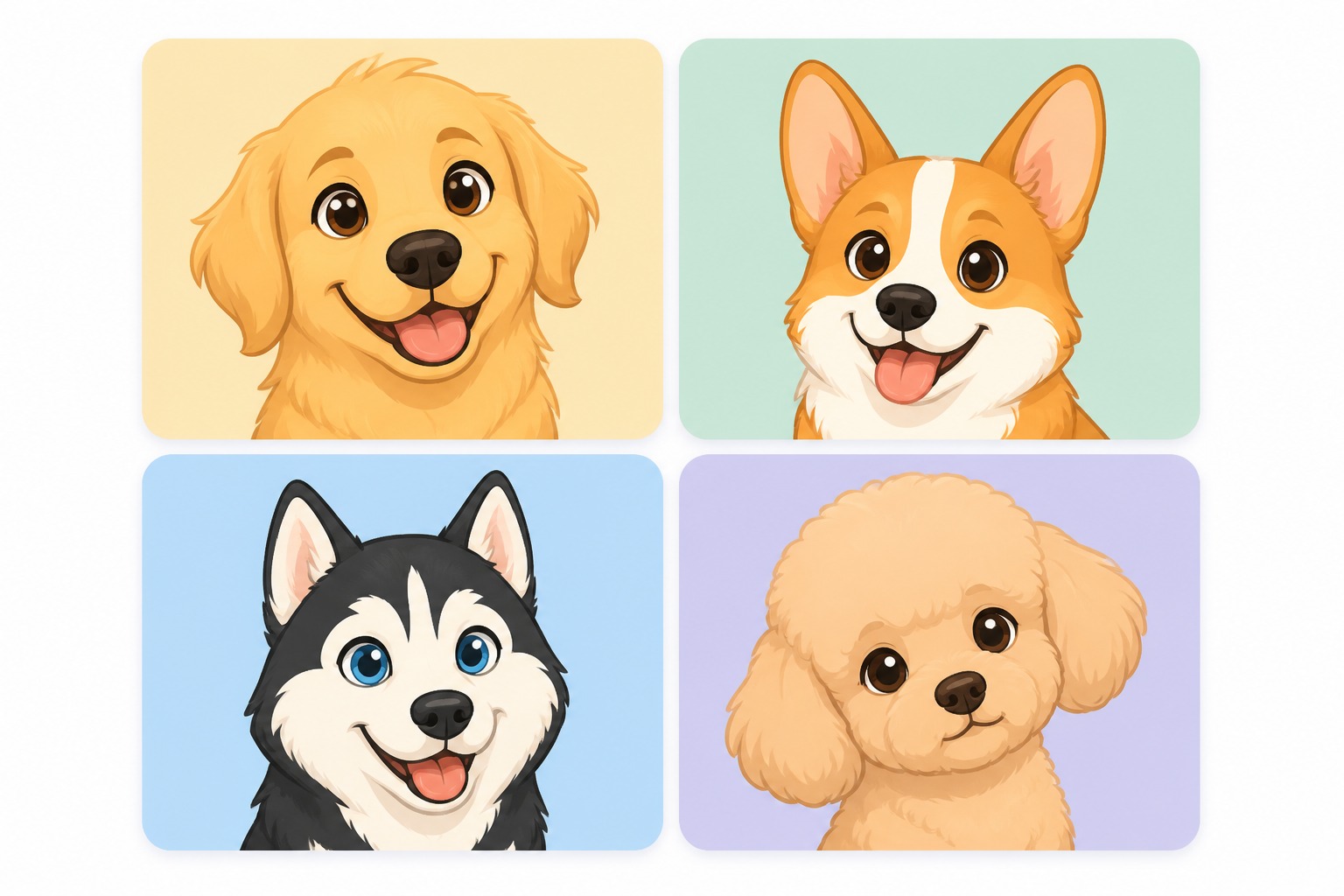
  • Cartoon pet portrait from a pet photo01

    Cartoon Pet Portrait

    Turn a clear pet photo into a polished cartoon portrait with soft shapes, expressive eyes, and clean background framing.

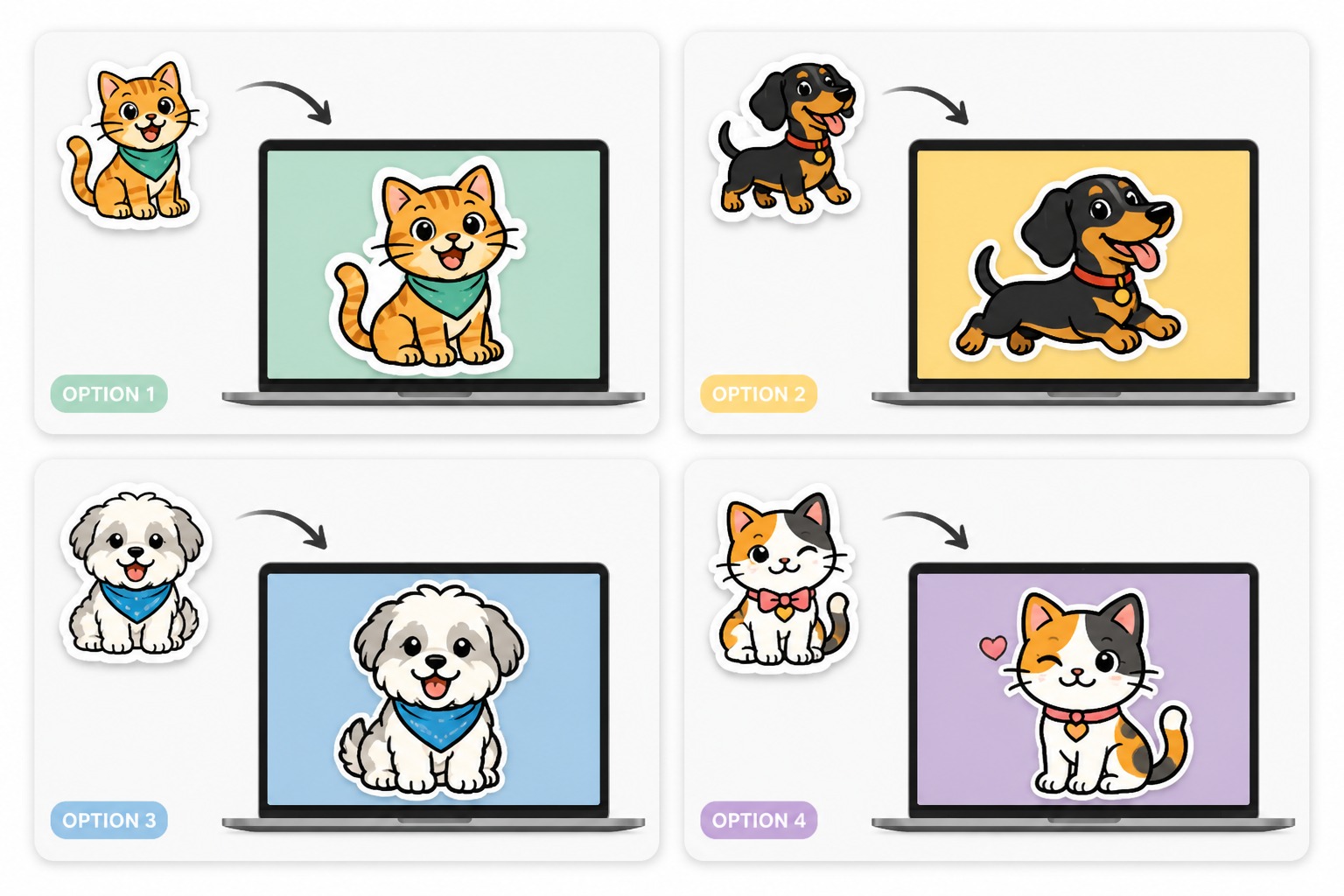
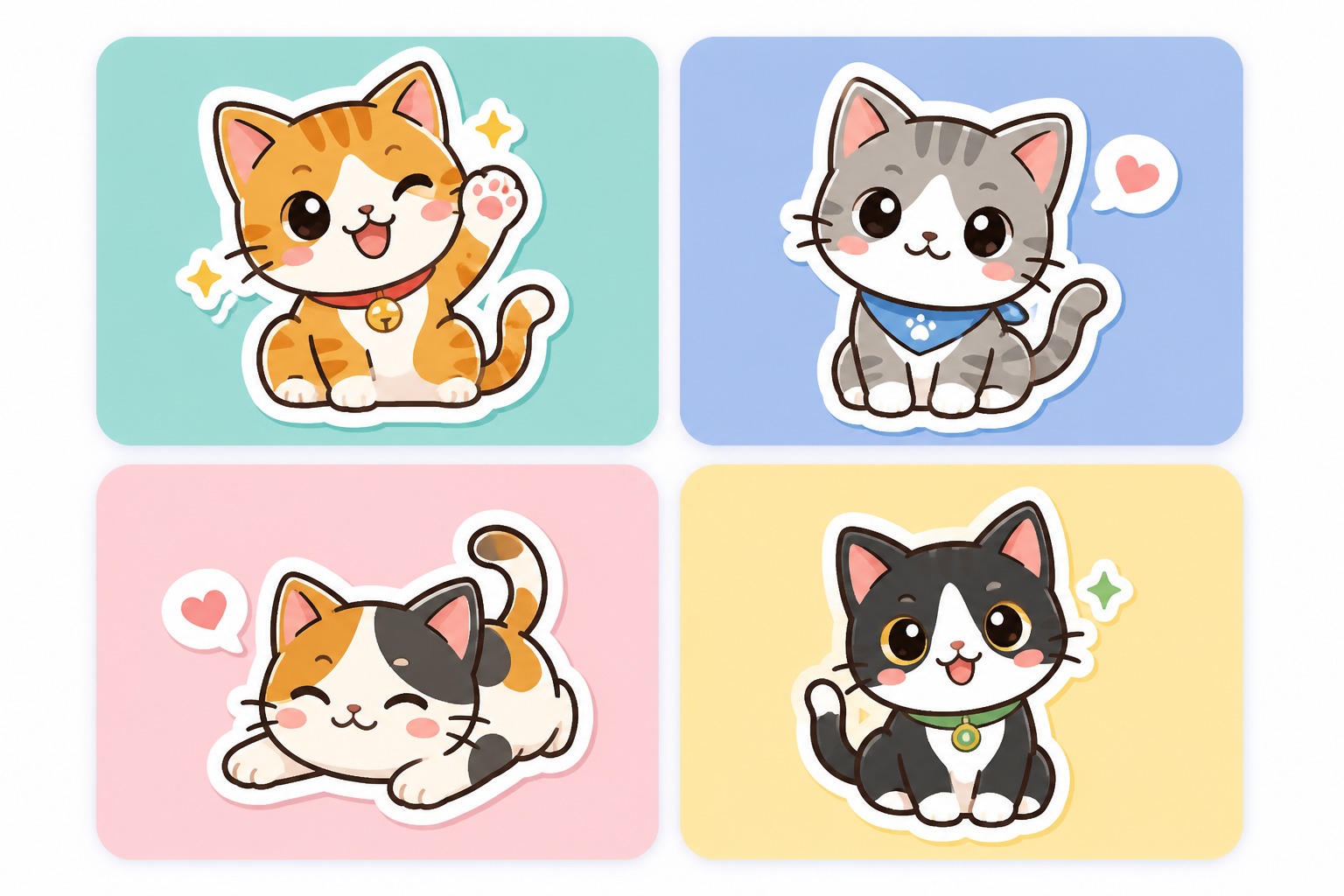
  • Cute cartoon pet sticker image02

    Cute Sticker Pet

    Create a sticker-style pet image with a simple pose, bold outline, readable expression, and bright social-ready colors.

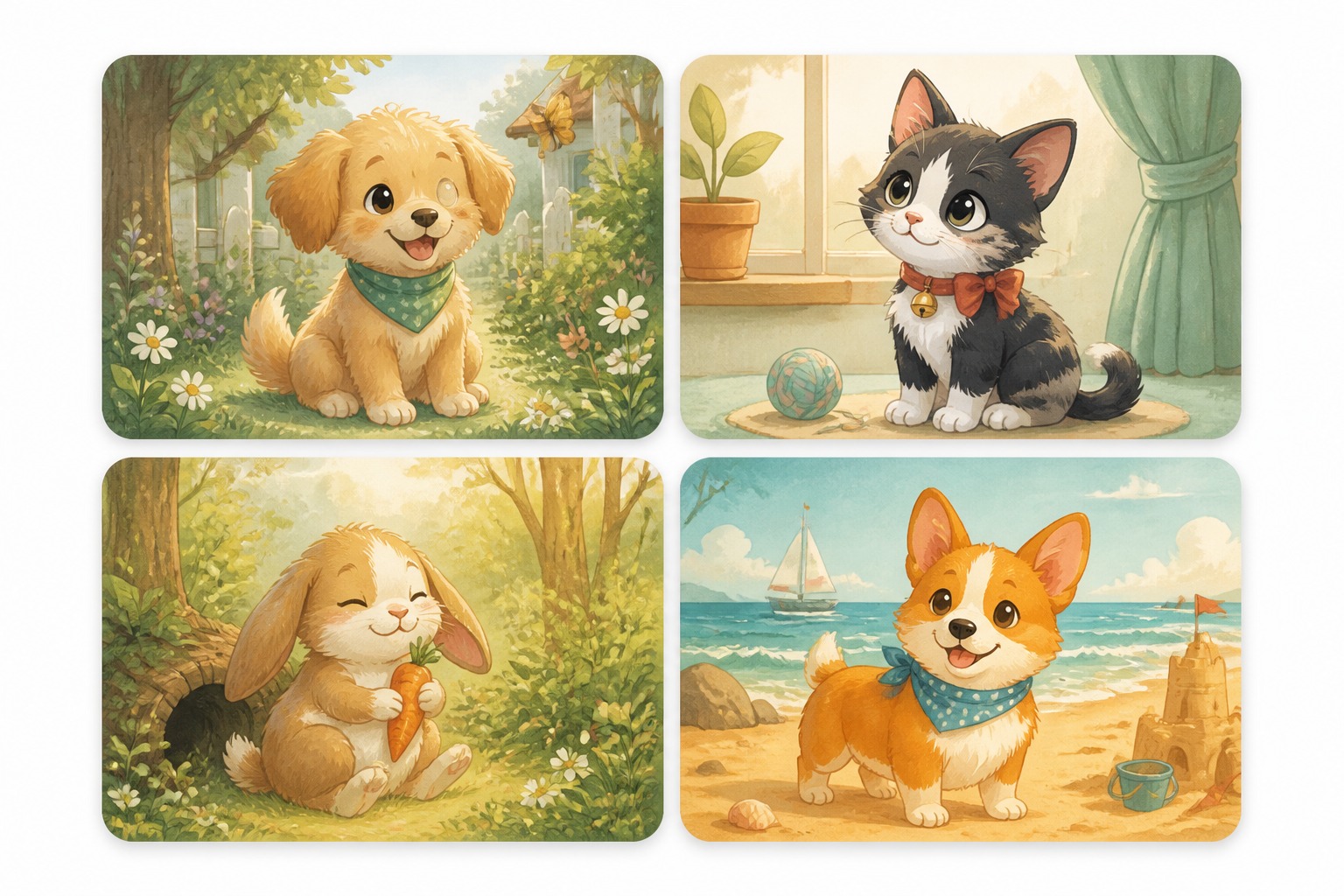
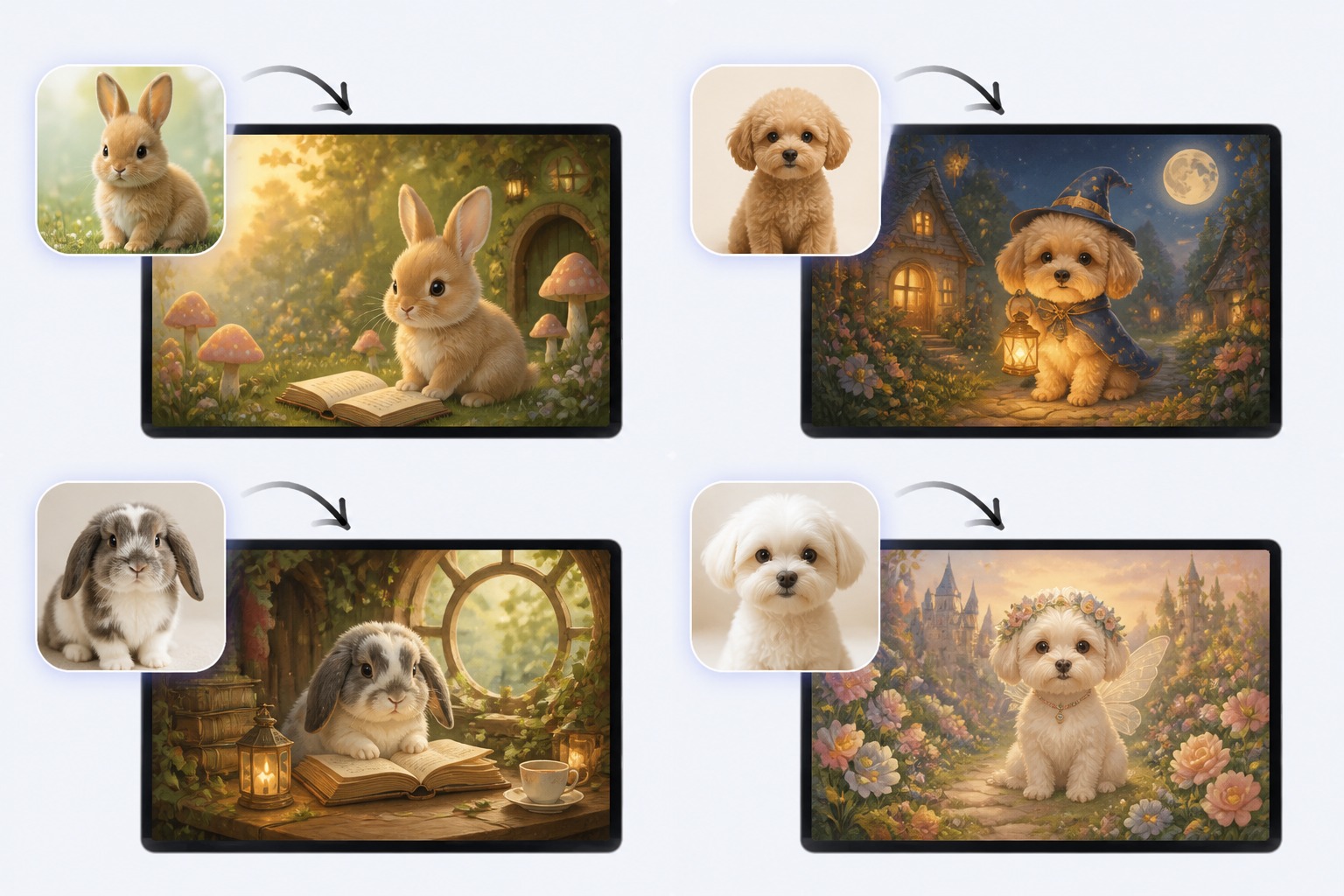
  • Storybook style cartoon pet image03

    Storybook Pet Look

    Generate a warm animated storybook mood for a dog, cat, rabbit, or other pet without copying protected characters.

Turn Pet Photos Into Cartoon Keepsakes

Upload a pet photo and create cartoon-style pet artwork for avatars, stickers, gifts, social posts, and playful profile images.

0104

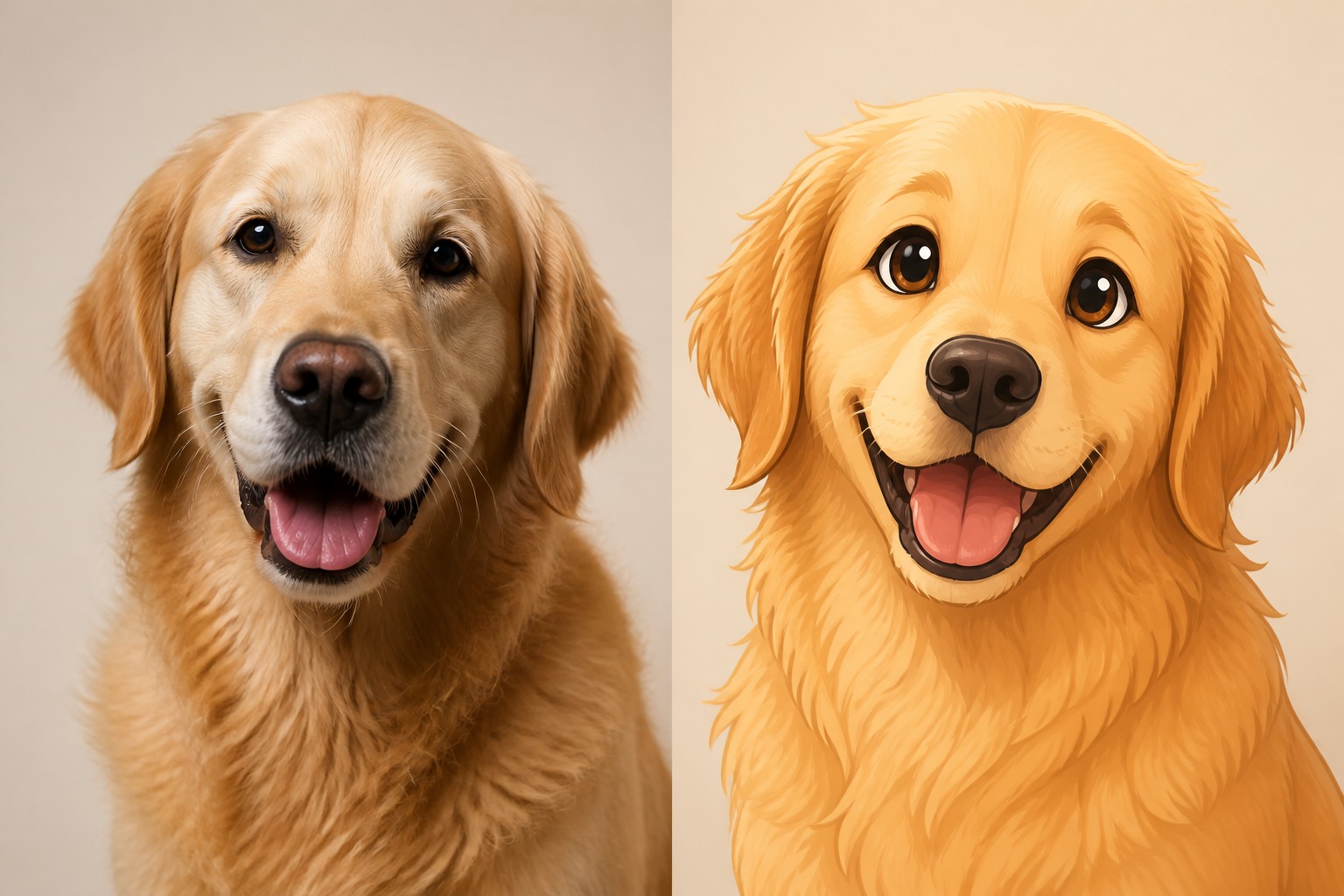
Turn Pet Photos Into Cartoon Art

Upload a clear dog, cat, rabbit, bird, or small-pet photo and use the AI pet generator to turn a pet photo into cartoon artwork. The tool keeps key details like fur color, eye shape, markings, ears, collars, and pose while giving the pet a softer face shape, cleaner colors, and a more playful cartoon expression.
Create Now
Transform pet photo into cartoon art

0204

Create Pet Avatars and Profile Pictures

Generate cute, readable cartoon pet portraits for profile pictures, pet accounts, chat icons, and family group avatars. Choose a round avatar look, a soft illustrated portrait, or a clean mascot-style pet image that still feels recognizable from the original photo.

Generate for Free
Create avatar ready cartoon pets

0304

Make Sticker-Style Pet Artwork

Convert your pet’s pose into sticker-ready cartoon art with bold outlines, simple backgrounds, and clear emotions like sleepy, proud, excited, shy, or goofy. It is ideal for messaging stickers, reaction images, social posts, and playful pet-themed content.

Make Cartoon Sticker
Make cartoon pet sticker art

0404

Try Different Cartoon Pet Styles

Explore multiple cartoon directions from one pet photo, including soft 2D animation, storybook illustration, comic pet art, watercolor looks, chibi pets, and mascot-inspired designs. Create original pet cartoons without copying exact studios, characters, logos, or copyrighted styles.

Try Different Styles
Explore animated cartoon pet looks

Why Cartoon Pet Images Need Careful Control

Good cartoon pet results depend on likeness cues, clean crops, pose readability, background simplicity, and avoiding protected character copies.

  • 01

    Pet Likeness Cues

    Keep coat markings, ear shape, eye color, muzzle, whiskers, tail, or collar visible so the cartoon still feels like your pet.

  • 02

    Cleaner Cartoon Crops

    Close-up or half-body framing works better for avatars and stickers than wide scenes with tiny faces and busy backgrounds.

  • 03

    Style Without Copying

    Create original storybook or animated moods instead of exact copies of protected studios, mascots, or famous cartoon pets.

  • 04

    Expression Control

    Guide the pet’s mood with words like curious, sleepy, heroic, goofy, gentle, excited, or shy before adding accessories.

  • 05

    Social-Ready Outputs

    Make cartoon pet pictures useful for profile icons, pet accounts, greeting posts, keepsakes, stickers, and shareable images.

  • 06

    Faster Variant Testing

    Try different colors, line styles, backgrounds, and poses without repainting the whole pet portrait by hand.

How to Turn Pet Photo Into Cartoon

Use a clear pet photo or prompt, choose the cartoon direction, then refine the result for likeness, expression, and final use.

  1. Upload the Pet Photo

    Pick a clear image where the pet’s face, markings, ears, eyes, and pose are easy to read. Avoid dark, blurry, or heavily cropped photos when likeness matters.

  2. Choose Cartoon Style

    Select a soft cartoon portrait, sticker look, storybook mood, comic pet, chibi avatar, or simple mascot direction. Keep the style broad rather than copying a protected character.

  3. Refine and Save

    Check whether the cartoon still feels like your pet. Adjust crop, expression, background, colors, or accessory details before saving it for avatars, gifts, or posts.

Turn Pet Into Cartoon FAQ

Answers about cartoon pet photos, app-style workflows, animated looks, free credits, commercial use, and publishing checks.

What does turn pet into cartoon mean?

It means transforming a pet photo or pet description into a cartoon-style image. Instead of a normal photo, you get a playful portrait, avatar, sticker, or illustrated keepsake while trying to keep the pet’s important likeness cues visible.

What is the best app that turns pets into cartoons?

The best app that turns pets into cartoons is the one that gives you enough control over likeness, style, crop, and background. OCMaker AI is useful when you want to test several cartoon directions quickly, then keep the version that still looks like your pet.

Can I turn pet into Disney cartoon style?

If you are searching for turn pet into disney cartoon results, use a broader prompt such as warm storybook animation, soft expressive pet portrait, or classic 2D cartoon mood. Avoid asking for exact Disney characters, logos, or studio-identical copies when sharing or publishing the image.

How do I turn pet photo into cartoon without losing likeness?

Use a clear photo and keep the prompt focused on the pet’s coat pattern, eye shape, ears, muzzle, collar, and personality. Very stylized cartoon settings can change the face, so compare the result with the original before using it as a keepsake or avatar.

Can I make cartoon pet stickers and avatars?

Yes. For stickers and avatars, use a close crop, simple background, strong expression, and fewer props. Small icons do not show tiny accessories well, so prioritize the pet’s face, outline, markings, and readable emotion.

Does OCMaker AI offer free credits?

OCMaker AI may offer free credits, trial usage, or limited free generations depending on the current product setup. After those credits are used, more credits or a paid plan may be required, so check the live pricing details before planning a large batch of cartoon pet images.

Can I use cartoon pet images commercially?

Commercial use depends on OCMaker AI terms, your source photo rights, the prompt, and the platform where you publish. Use photos you own or have permission to use, avoid protected characters and brand mascots, and review the current license before using images in ads, products, or client work.

What pet photos work best?

Front-facing or three-quarter photos with good lighting usually work best. The pet should not be hidden by heavy shadows, blankets, cages, or motion blur. If the first cartoon result looks off, simplify the background and ask for a tighter portrait crop.

Turn Your Pet Into a Cartoon Portrait

Create a cute cartoon pet image from a photo or prompt, then refine the best version for avatars, stickers, keepsakes, or posts.

Turn Pet into Cartoon: Convert Pet Images to Cartoon