AI Cat Generator

Create custom cat images for pet portraits, fantasy companions, social avatars, stickers, and playful AI cat photos. Build fluffy, elegant, funny, or cinematic cats without needing drawing skills or complex editing steps.

AI cat generator

AI Cat Images You Can Generate

Explore cat image results for realistic pet portraits, fantasy familiars, sticker-style cats, and profile-ready feline characters.

  • Realistic AI generated cat portrait01

    Realistic Style

    A fluffy orange tabby cat sitting beside a bright window, green eyes, soft whiskers, cozy home background, realistic pet photography, natural morning light.

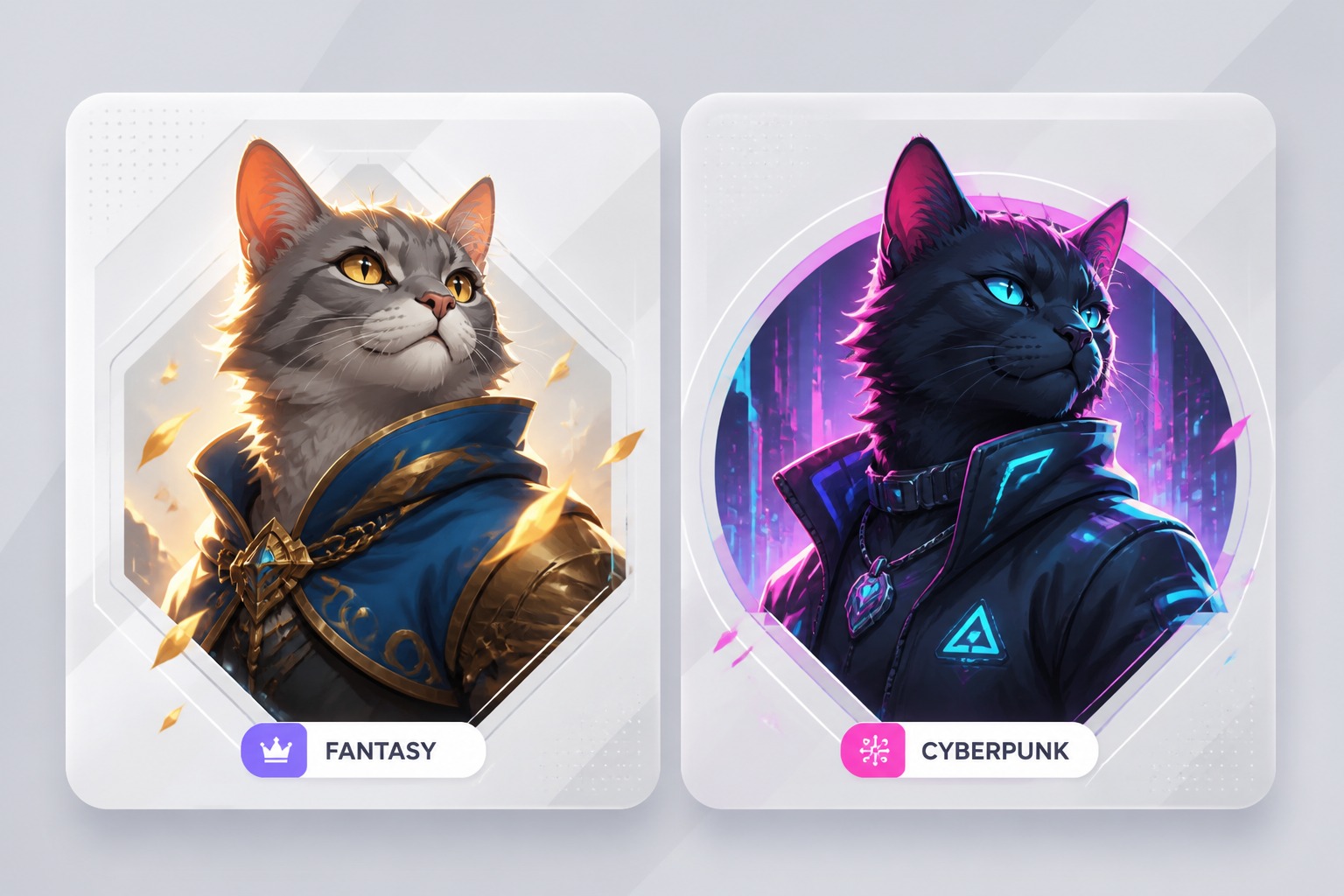
  • Fantasy AI generated cat familiar02

    Fantasy Cat Familiar

    A black cat familiar sitting on a moonlit rooftop, glowing blue eyes, silver collar, magical mist, detailed fur texture, cinematic fantasy lighting.

  • Cute AI cat avatar image03

    Cute Cat Avatar

    A round-faced white kitten avatar with blue eyes, tiny pink nose, curious expression, simple pastel background, clean sticker style.

What You Can Create With the AI Cat Generator

Use simple cat prompts to generate polished feline visuals for portraits, avatars, stickers, fantasy pets, social posts, and creative pet concepts.

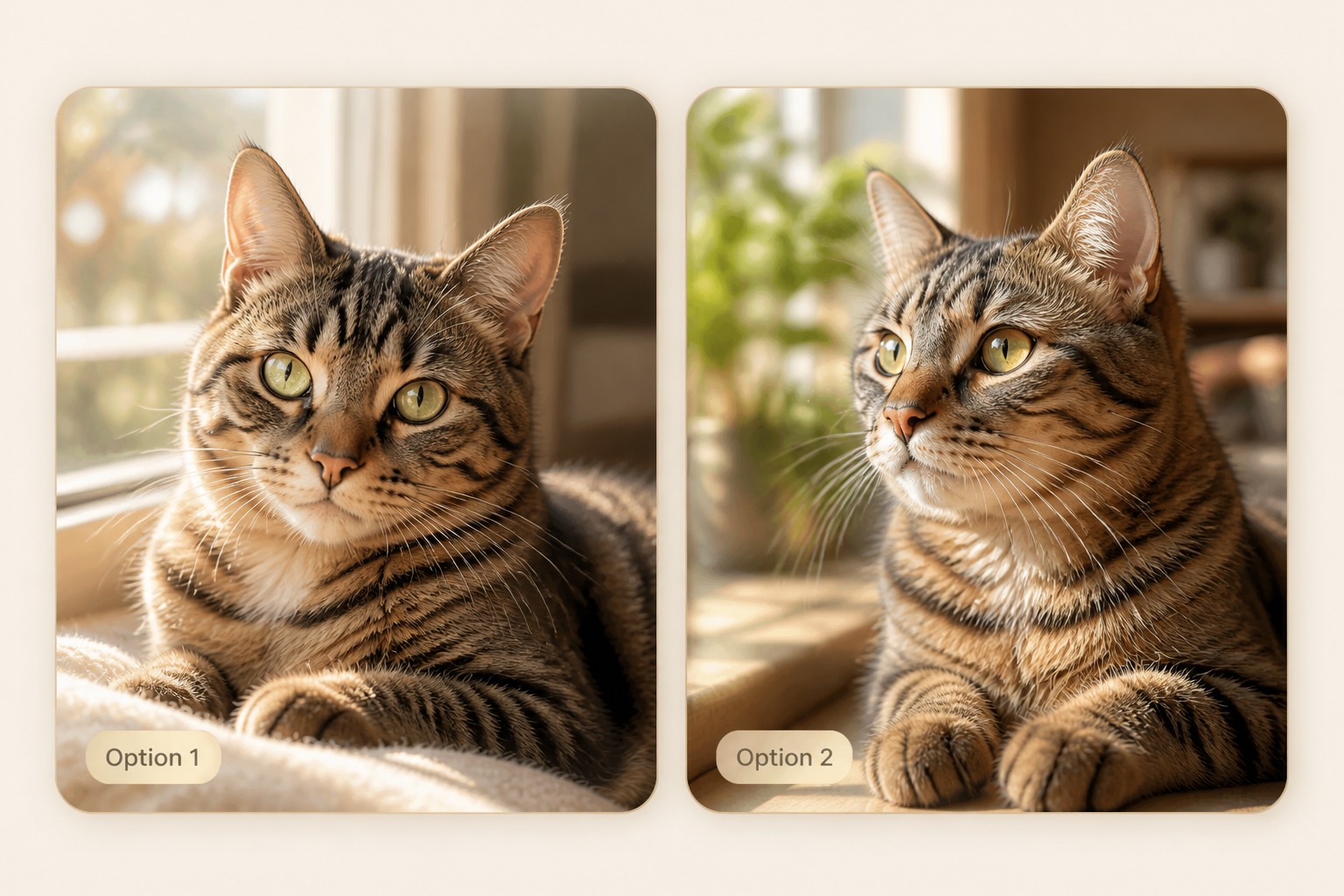
0104

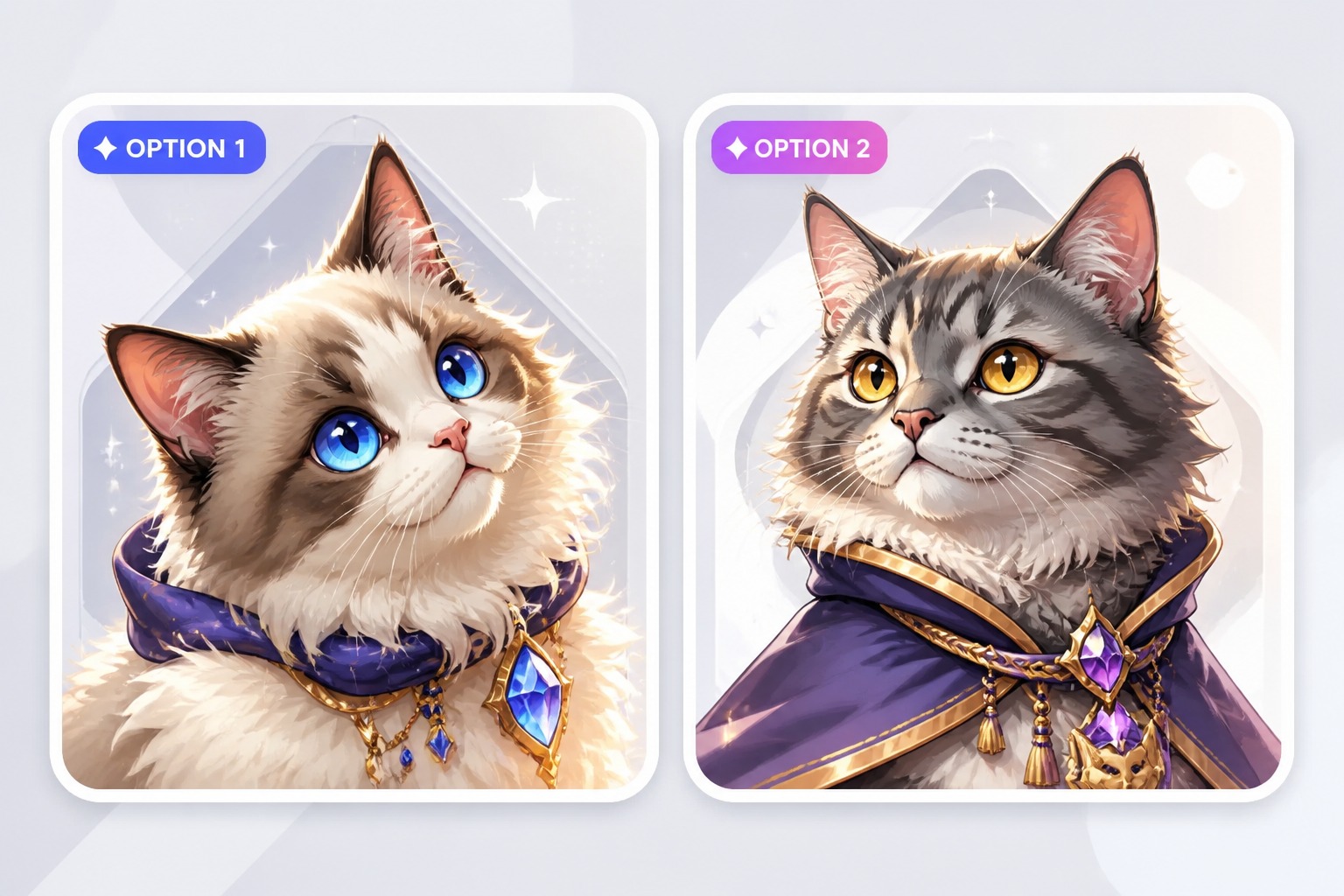
Generate Realistic Cat Portraits

Turn a short cat description into a polished pet-style portrait with clearer fur texture, eye detail, pose, lighting, and background direction. Use it for keepsake concepts, profile photos, pet account visuals, or realistic AI cat photo ideas.
Generate Realistic Portrait
AI cat portrait generator for realistic pet photos

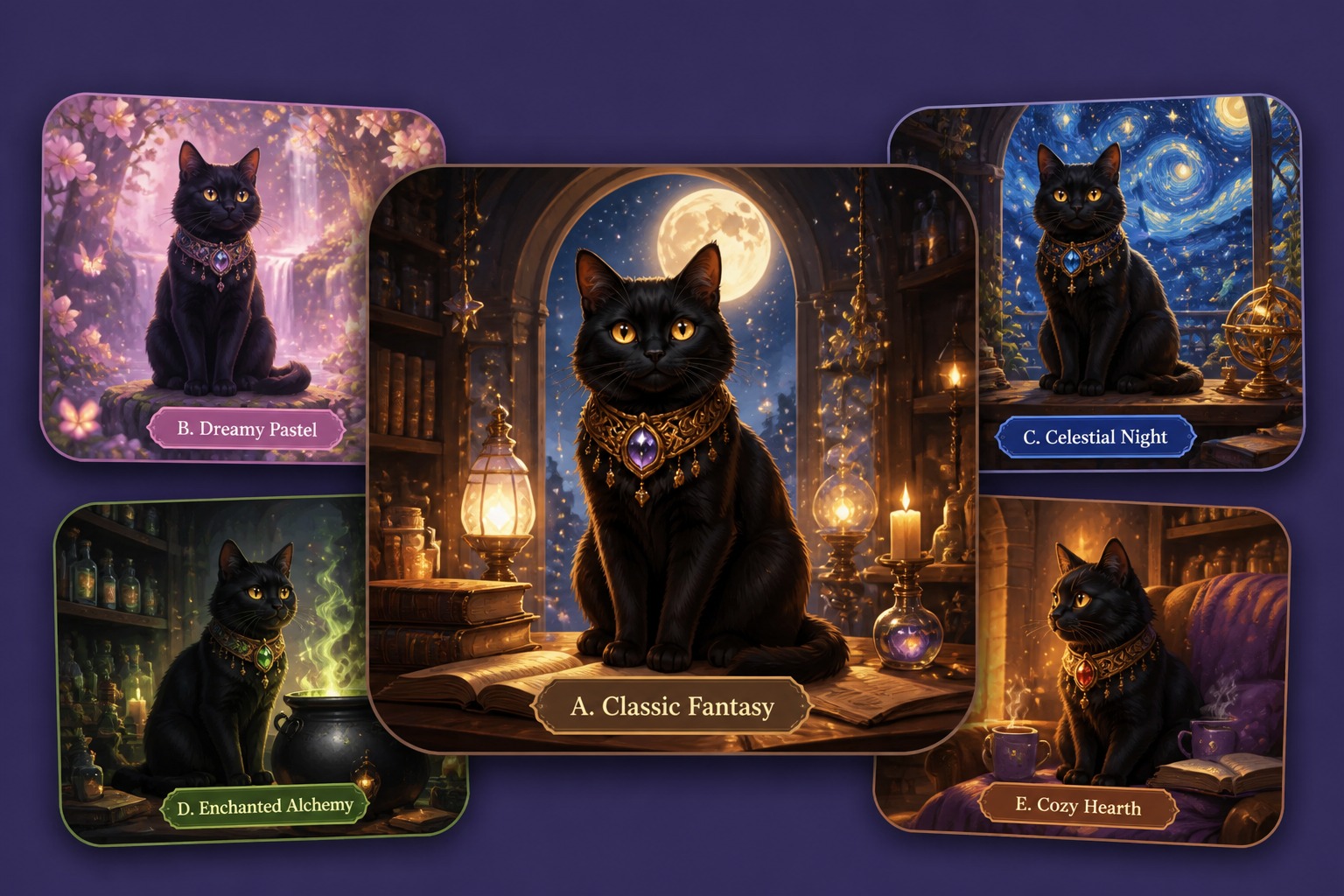
0204

Create Original Cat Characters

Build a cat with a clear personality instead of a generic cute face. Add breed cues, coat pattern, mood, accessories, and story role to create fantasy familiars, pet characters, or playful feline concepts.

Create for Free
AI cat character creator for original cat designs

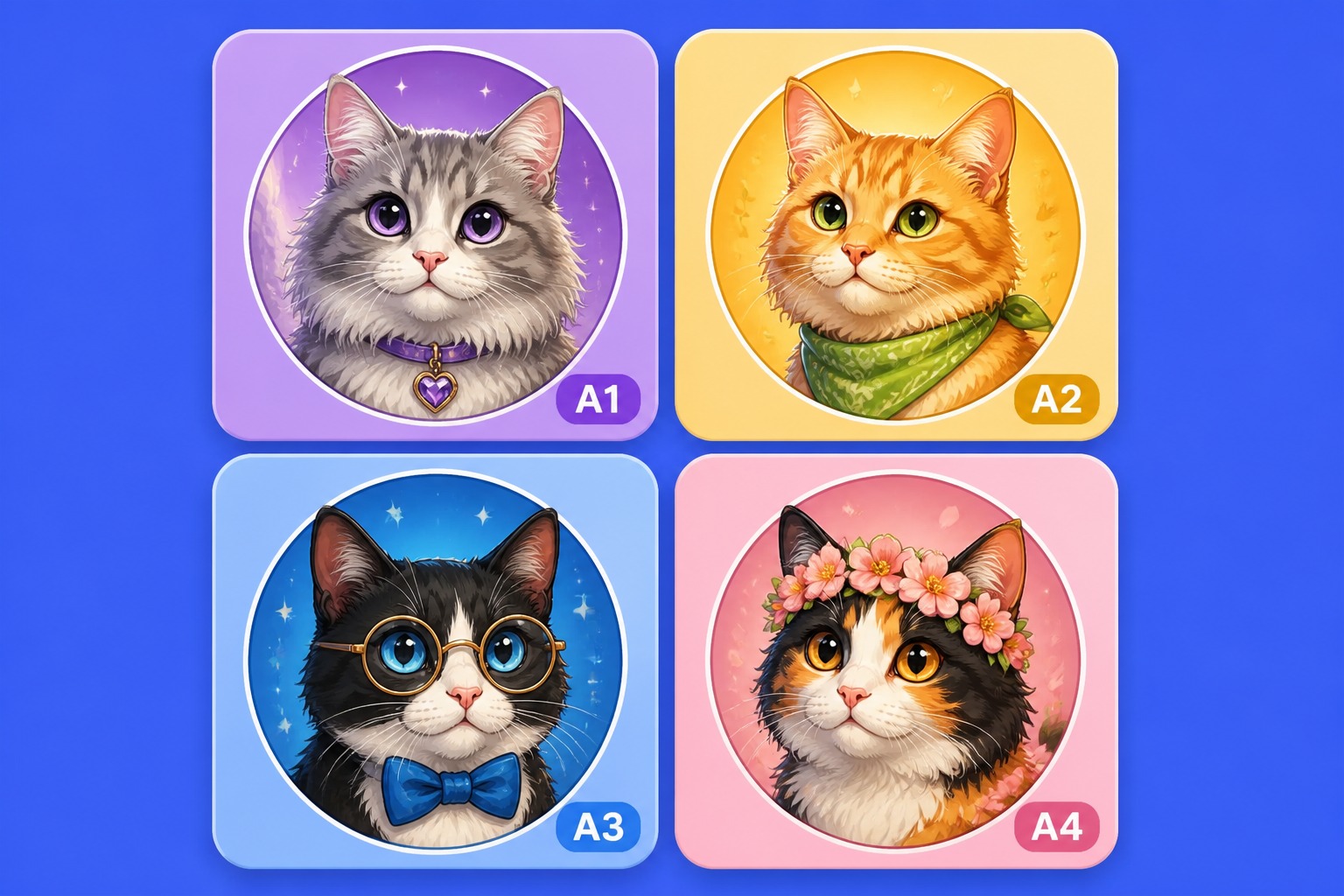
0304

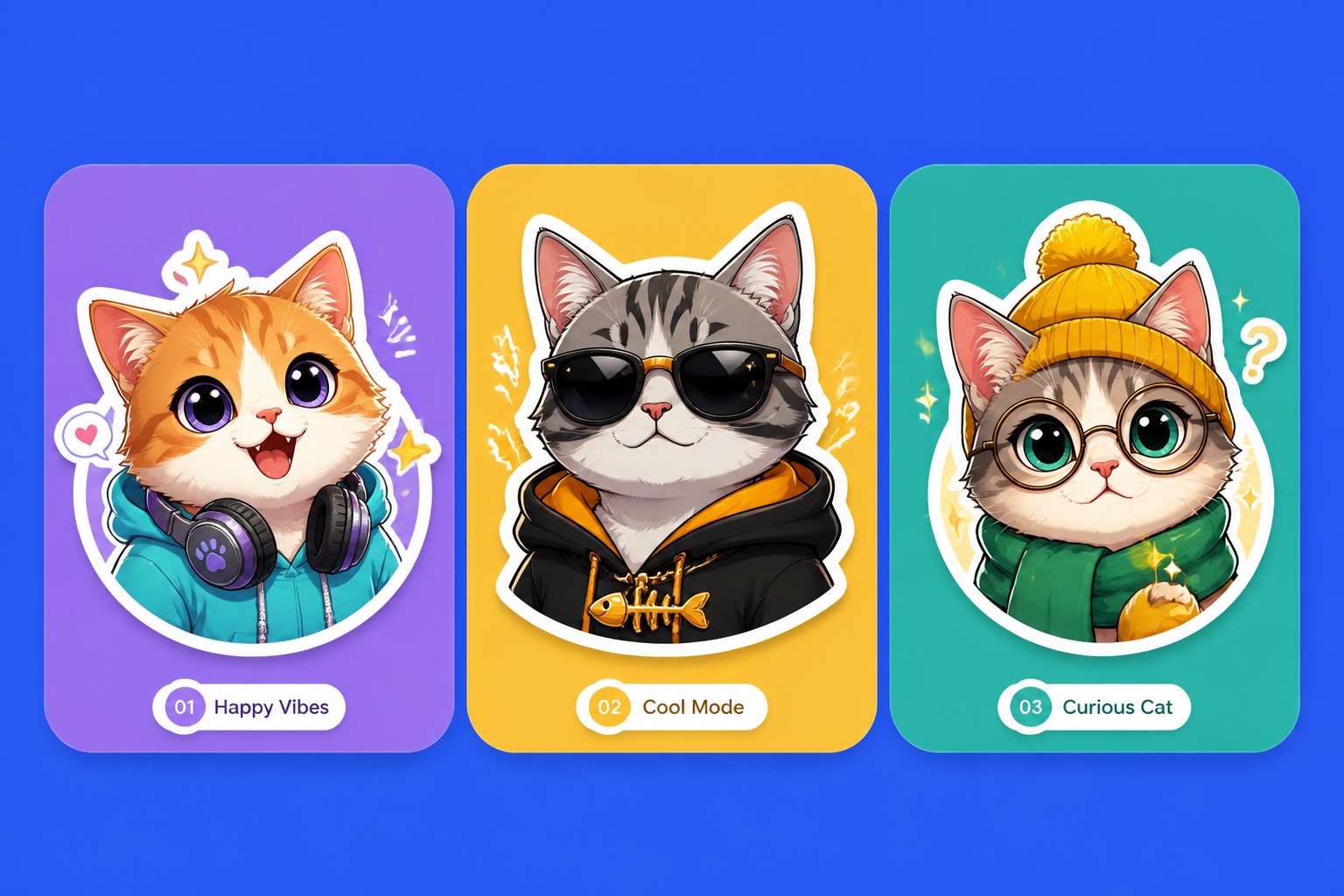
Make Cat Avatars and Stickers

Create close-up cat faces, expressive reactions, clean outlines, and simple backgrounds that stay readable at small sizes. These results work well for profile pictures, chat stickers, thumbnails, pet posts, and meme-friendly edits.

Make Cat Avatar
AI cat avatar and sticker generator

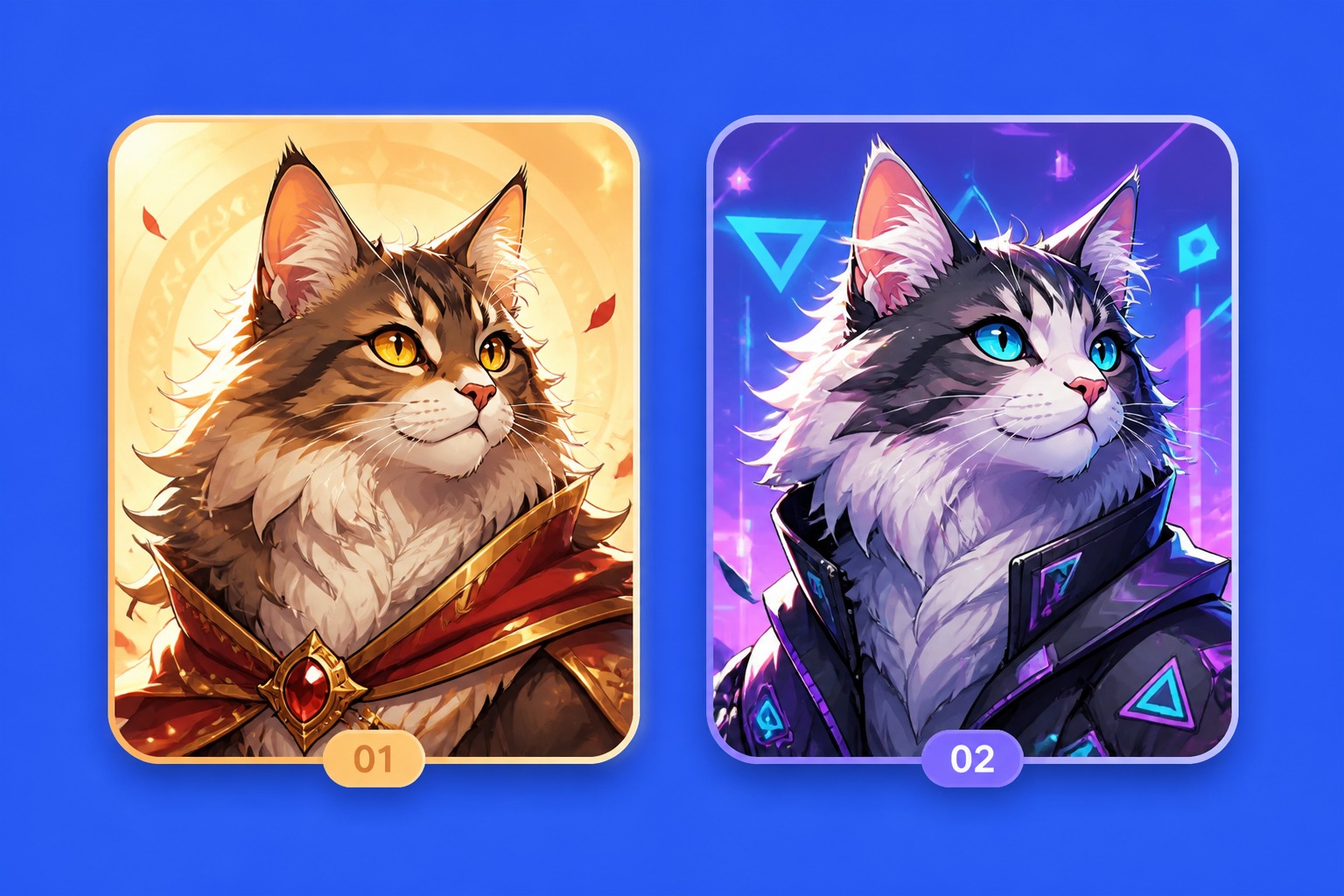
0404

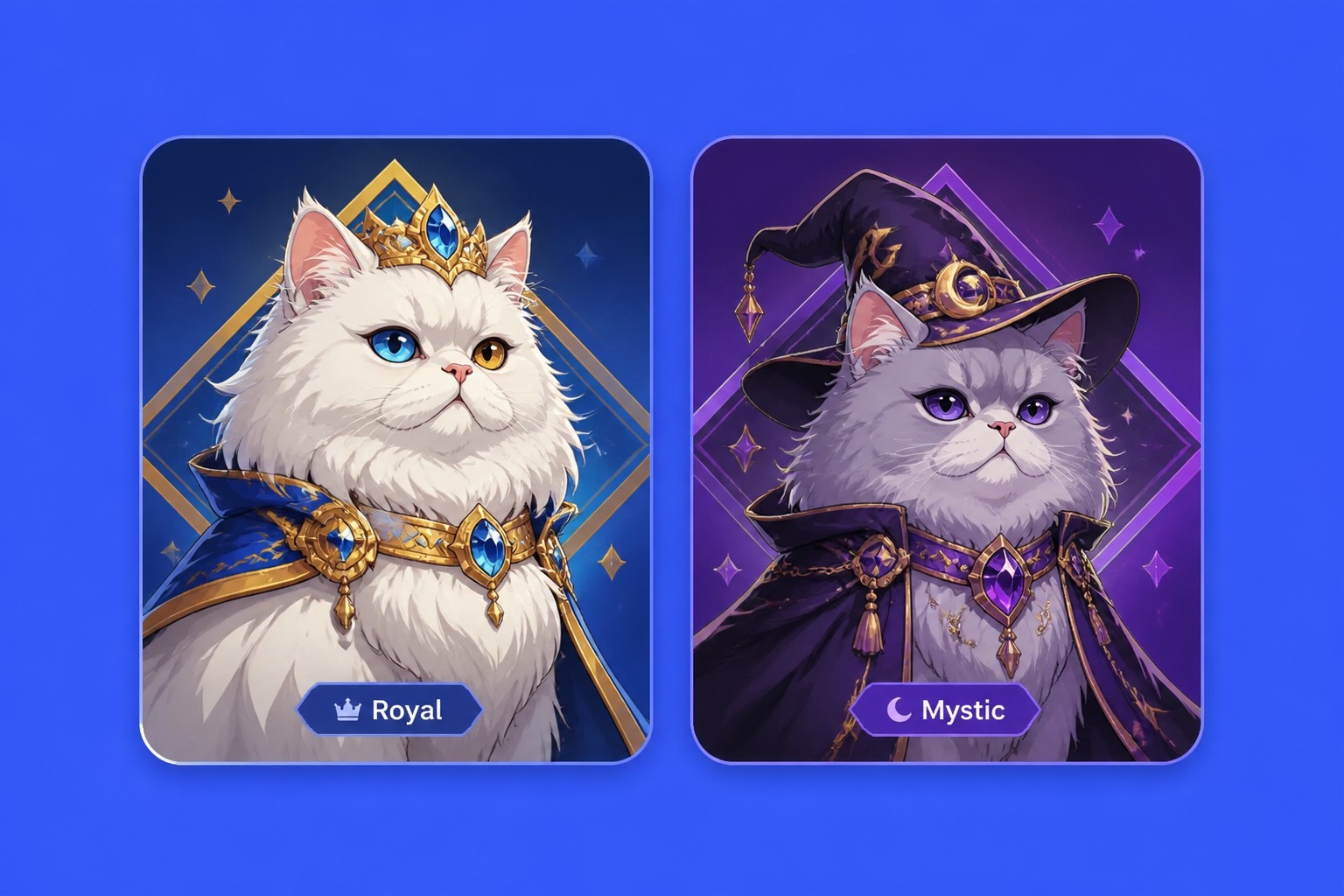
Test Different Cat Image Styles

Compare realistic pet photography, anime cat art, watercolor illustration, cozy indoor scenes, cinematic fantasy cats, and clean avatar styles. For broader animal ideas, use the AI pet generator to create dogs, rabbits, birds, and other pet visuals.

Test Different Styles
AI cat image style generator

AI Cat Image Controls That Make Results Easier to Use

Control the details that matter most before generating, including breed cues, fur pattern, expression, framing, style, and final use case.

  • 01

    Breed and Coat Control

    Guide tabby stripes, calico patches, tuxedo markings, long fur, folded ears, fluffy tails, or breed-inspired details so the generated cat does not feel random.

  • 02

    Clear Face Detail

    Focus the prompt on eye color, gaze direction, ear position, whiskers, and expression to make the cat feel more alive and easier to recognize.

  • 03

    Avatar-Ready Framing

    Create close-up or bust-style cat images with simple backgrounds, stronger contrast, and readable expressions for profile pictures, thumbnails, and stickers.

  • 04

    Consistent Style Direction

    Choose one clear style before generating, such as realistic cat photo, anime pet, sticker icon, watercolor illustration, or fantasy familiar, so the result feels more polished.

  • 05

    Fast Variation Testing

    Change one detail at a time, such as coat color, lighting, pose, background, or accessory, to compare versions without rewriting the whole cat prompt.

  • 06

    Original Cat Designs

    Create safer cat concepts for publishing by avoiding famous cartoon cats, brand mascots, logos, and protected characters when making avatars, stickers, or commercial visuals.

How to Use the AI Cat Image Generator

Describe the cat, pick a visual style, then refine the best result for portraits, avatars, stickers, or creative pet content.

  1. Describe the Cat

    Add breed cues, coat pattern, eye color, age, pose, mood, and one clear setting such as sofa, garden, studio, moonlit roof, or fantasy room.

  2. Choose the Image Style

    Decide whether you want realistic AI cat photos, cute avatar art, watercolor illustration, anime pet style, sticker design, or cinematic fantasy cat art.

  3. Refine the Best Version

    Check eyes, paws, whiskers, tail shape, and background clutter. Regenerate with simpler accessories or tighter framing if the image feels messy.

AI Cat Generator FAQ

Answers about prompts, AI cat image styles, pet portraits, commercial use, free credits, and publishing checks.

What is an AI cat generator?

An AI cat generator is a tool that turns a text prompt into cat images. You can describe a realistic pet portrait, a fantasy familiar, a cute avatar, or a stylized illustration, then generate visual options without drawing the cat yourself.

How do I make better AI cat photos?

For AI cat photos, include coat pattern, breed cues, eye color, pose, lighting, and camera style. Prompts like “orange tabby cat sitting by a window, soft morning light, realistic pet photography” usually work better than only writing “cute cat.”

What styles can the AI cat image generator create?

It can create realistic pet portraits, fantasy cats, anime-style cats, sticker icons, cozy lifestyle images, watercolor looks, and avatar-ready cat faces. Results are strongest when you choose one style direction before adding accessories or backgrounds.

Is this good for cat avatars and profile pictures?

Yes. Use close-up framing, simple backgrounds, strong eye detail, and a clear expression. Small avatars do not show tiny accessories well, so keep the prompt focused on face shape, ears, fur pattern, and color contrast.

Does OCMaker AI offer free credits?

OCMaker AI may offer free credits, trial usage, or limited free generations depending on the current product setup. After those credits are used, more credits or a paid plan may be required, so check the live pricing details before planning a large batch.

Can I use AI cat images commercially?

Commercial use depends on OCMaker AI terms, the prompt, source materials, and the platform where you publish. Use original cat concepts, avoid protected cartoon cats or brand mascots, and review the current license before using images in ads, products, or client work.

What should I avoid in cat image prompts?

Avoid asking for exact copies of famous characters, logos, or real copyrighted mascots. Also avoid crowded scenes when you need a clean cat portrait; too many props can make paws, whiskers, or facial details less reliable.

Create Your Own AI Cat Images

Generate realistic, cute, fantasy, or avatar-ready cat visuals from a simple prompt and refine the best version in minutes.

AI Cat Generator: Custom AI Cat Images Free