0103
Same face in every scene
Every photo starts from your character's own image and description, so the face, hair color, eye color and markings carry over from a gym to a hotel balcony. You describe the change; the character stays the same.
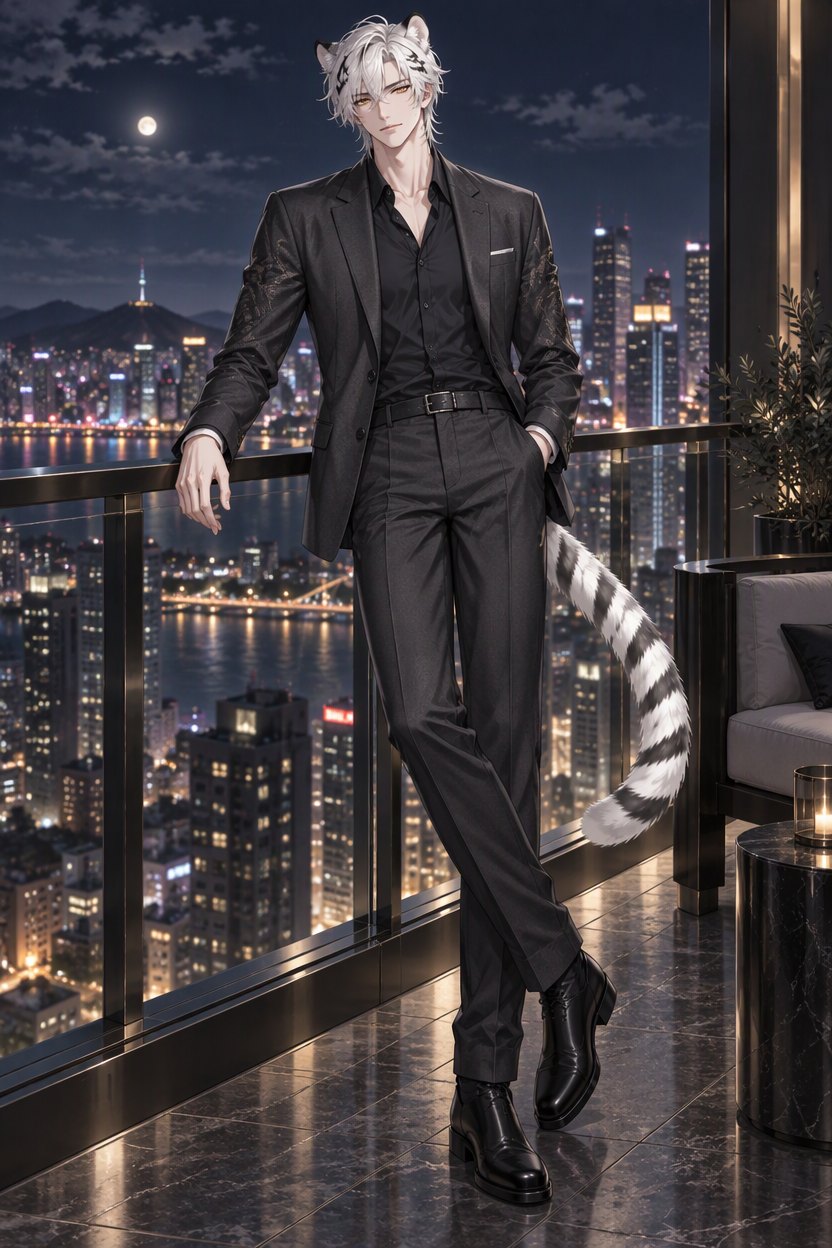

Pick an anime character, change the outfit and the scene, and get photos that keep the same face, hair and style every time. Save the looks you like and post a whole feed from one character.
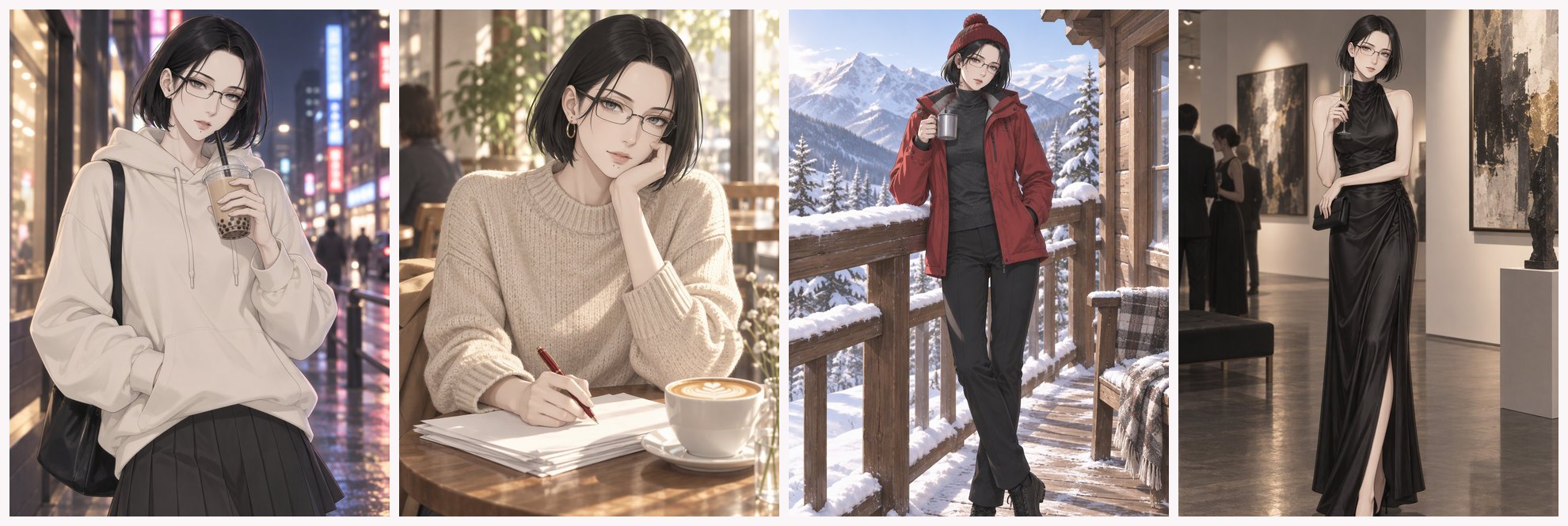
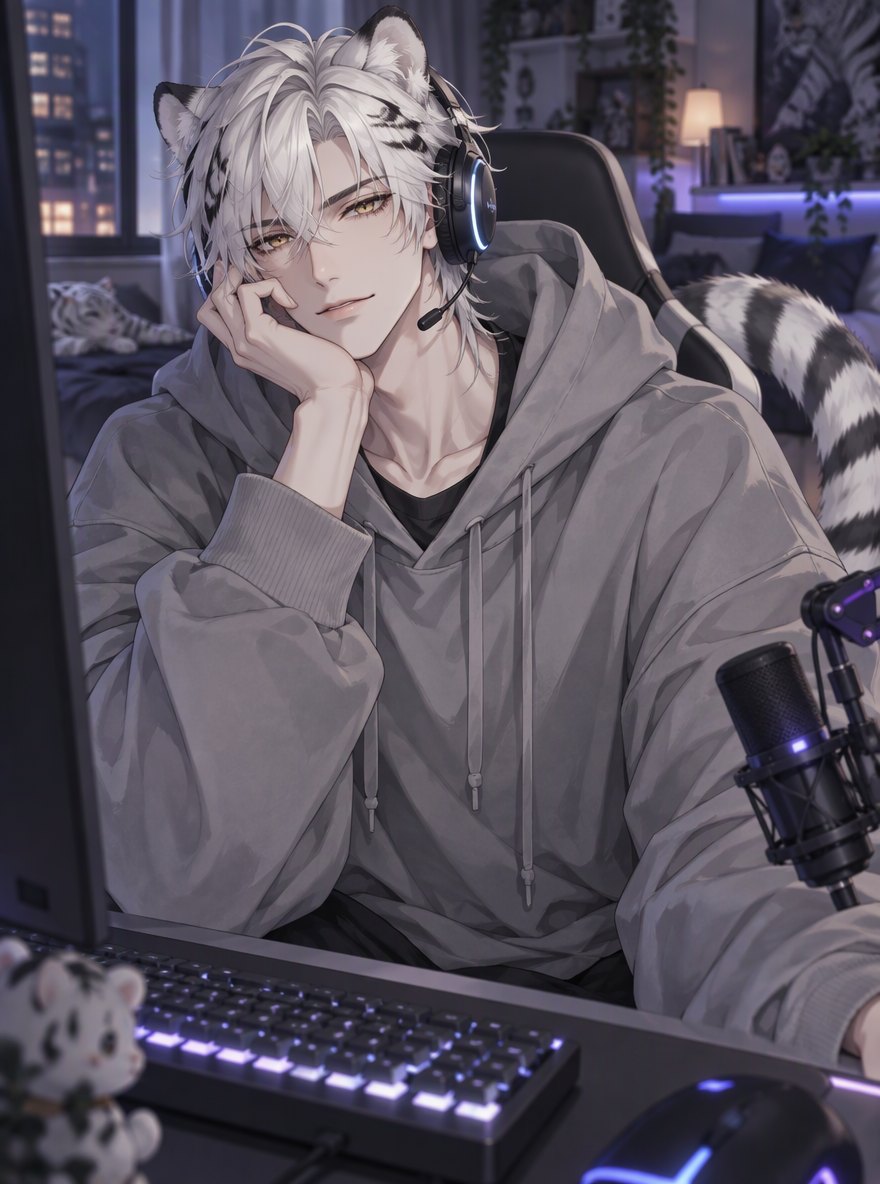
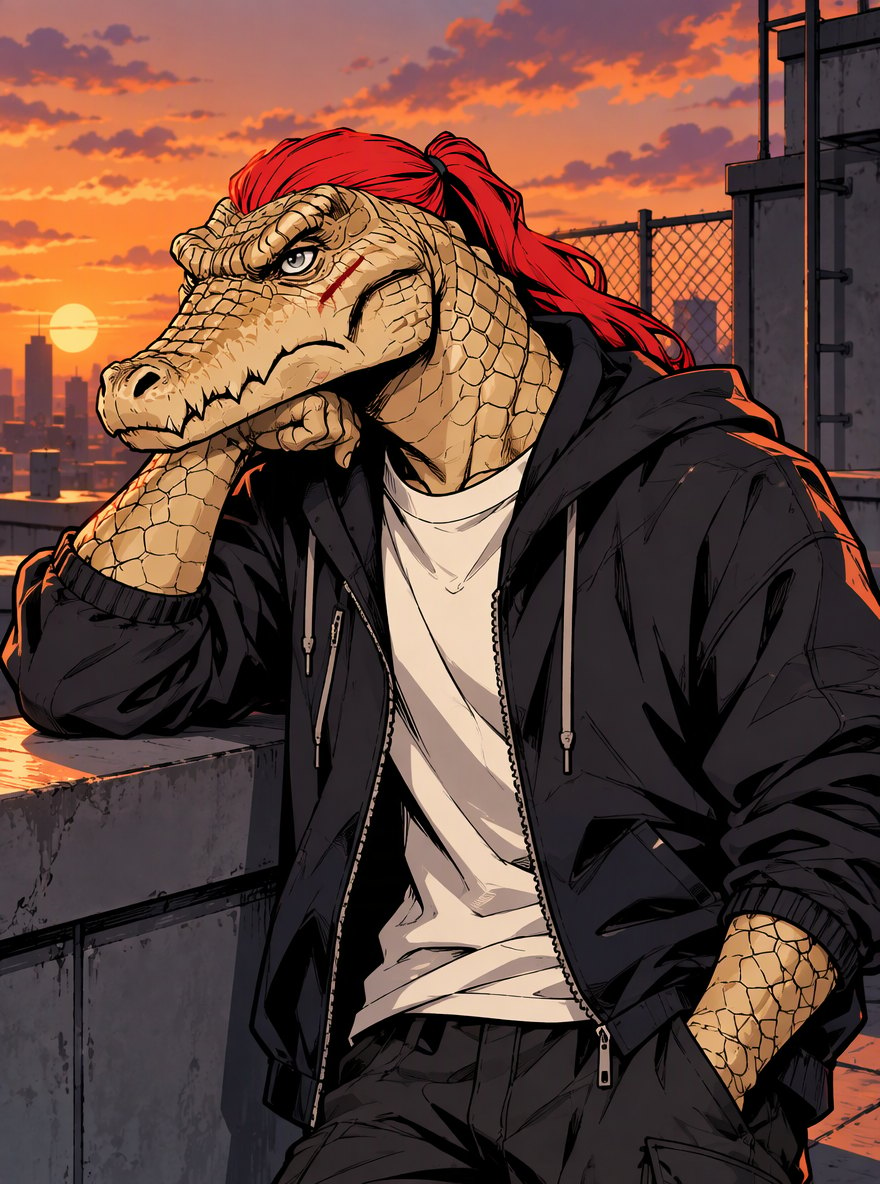
Two characters, four posts each. Only the outfit and the scene changed; the face, hair and art style came from the character every time.
 01
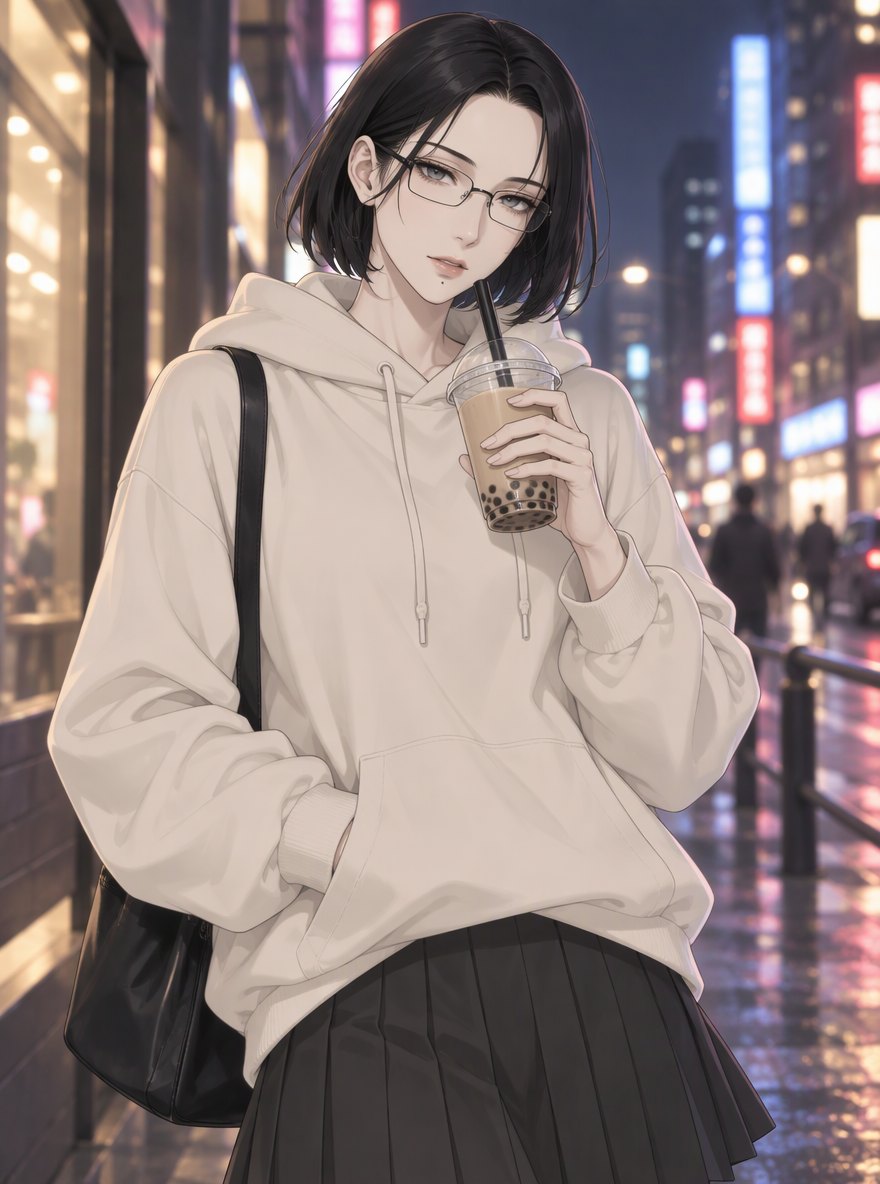
Street style at night
 02
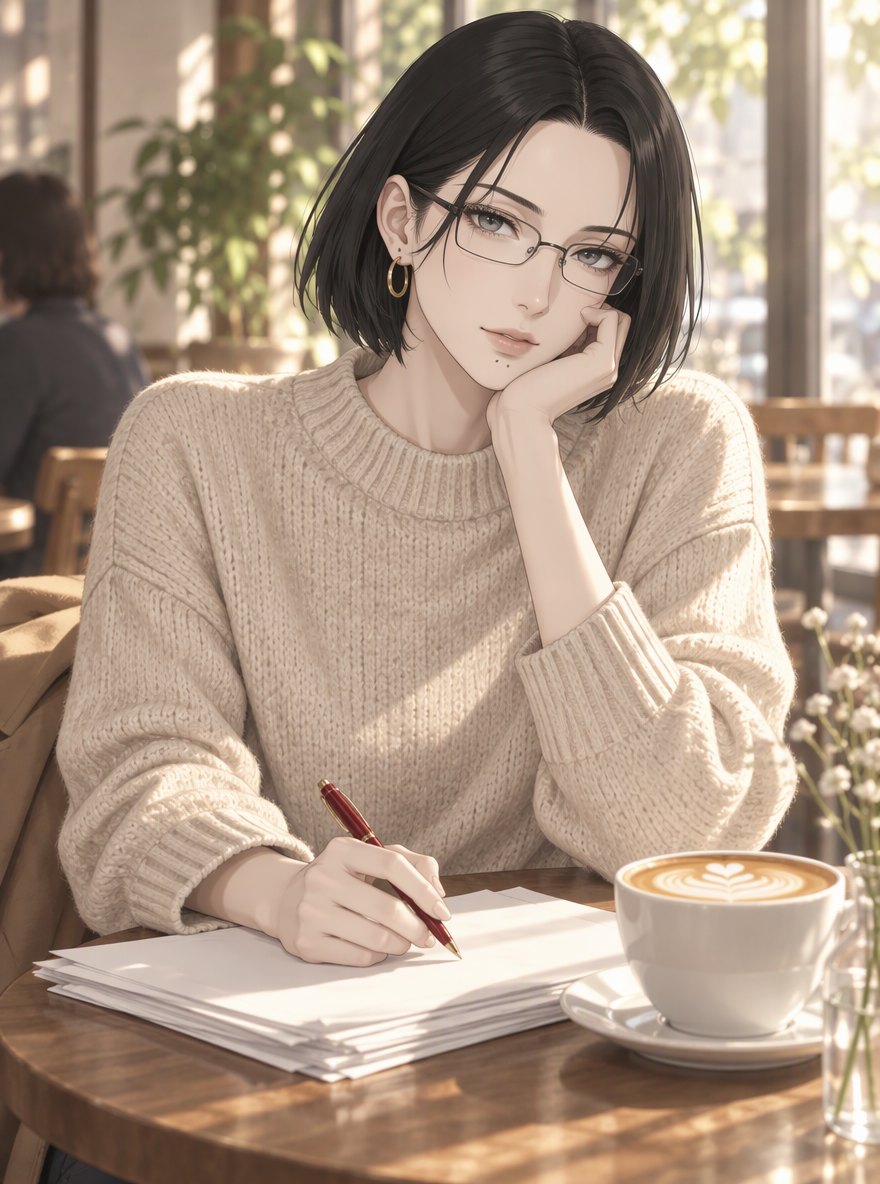
Coffee and notes
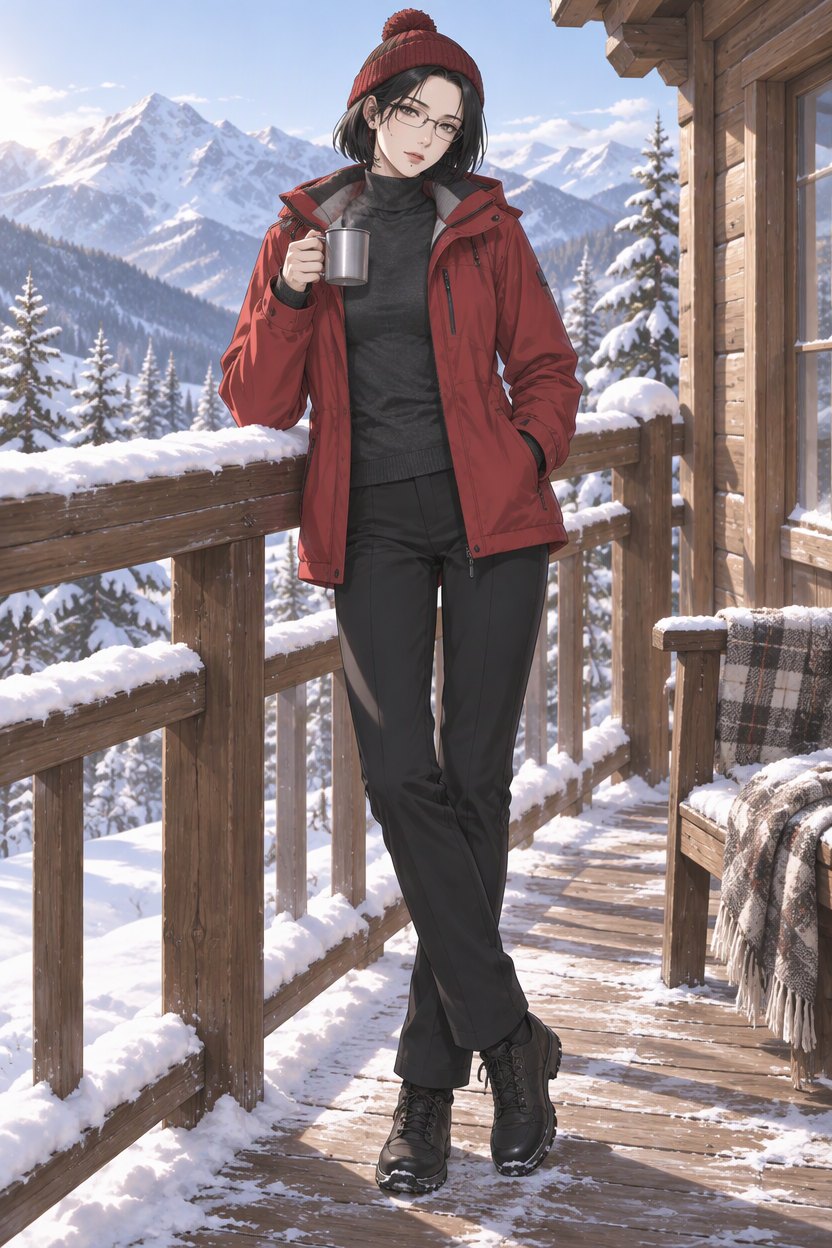 03
Weekend in the mountains
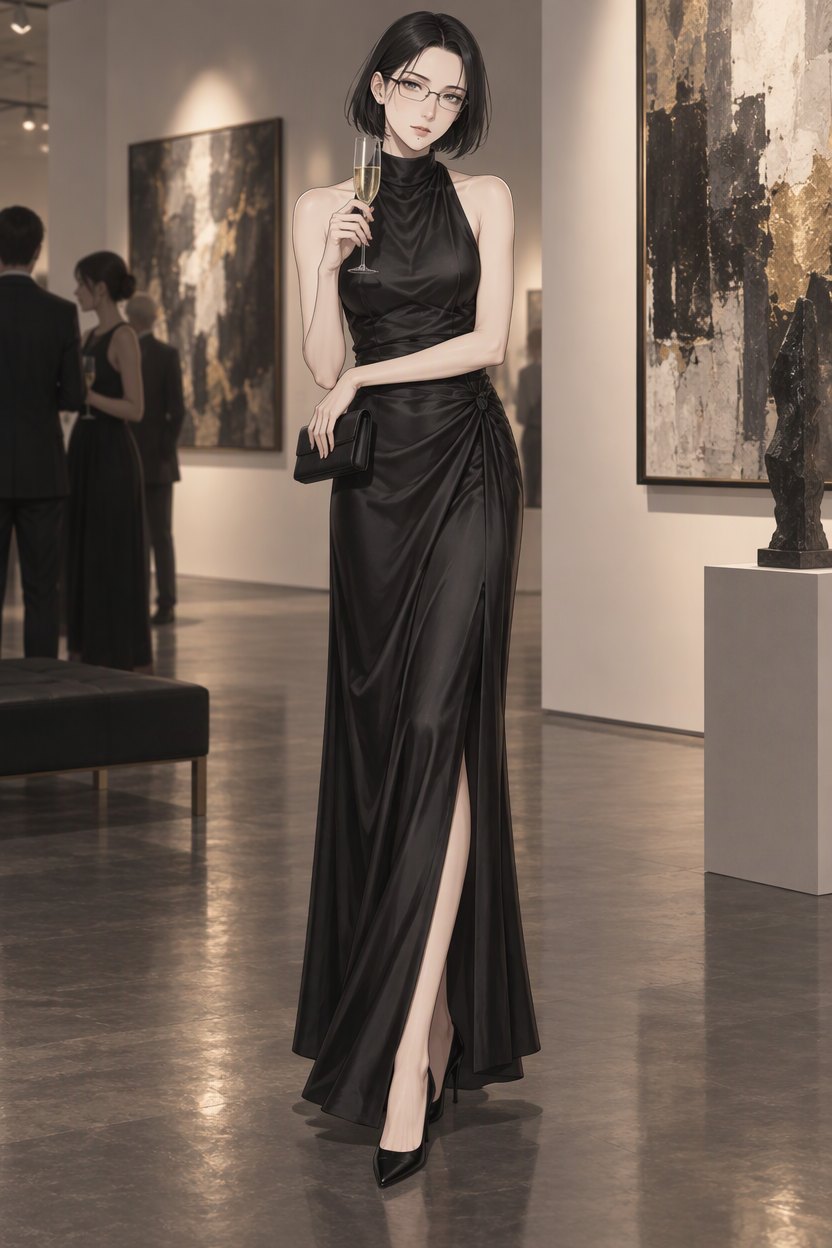 04
Gallery opening
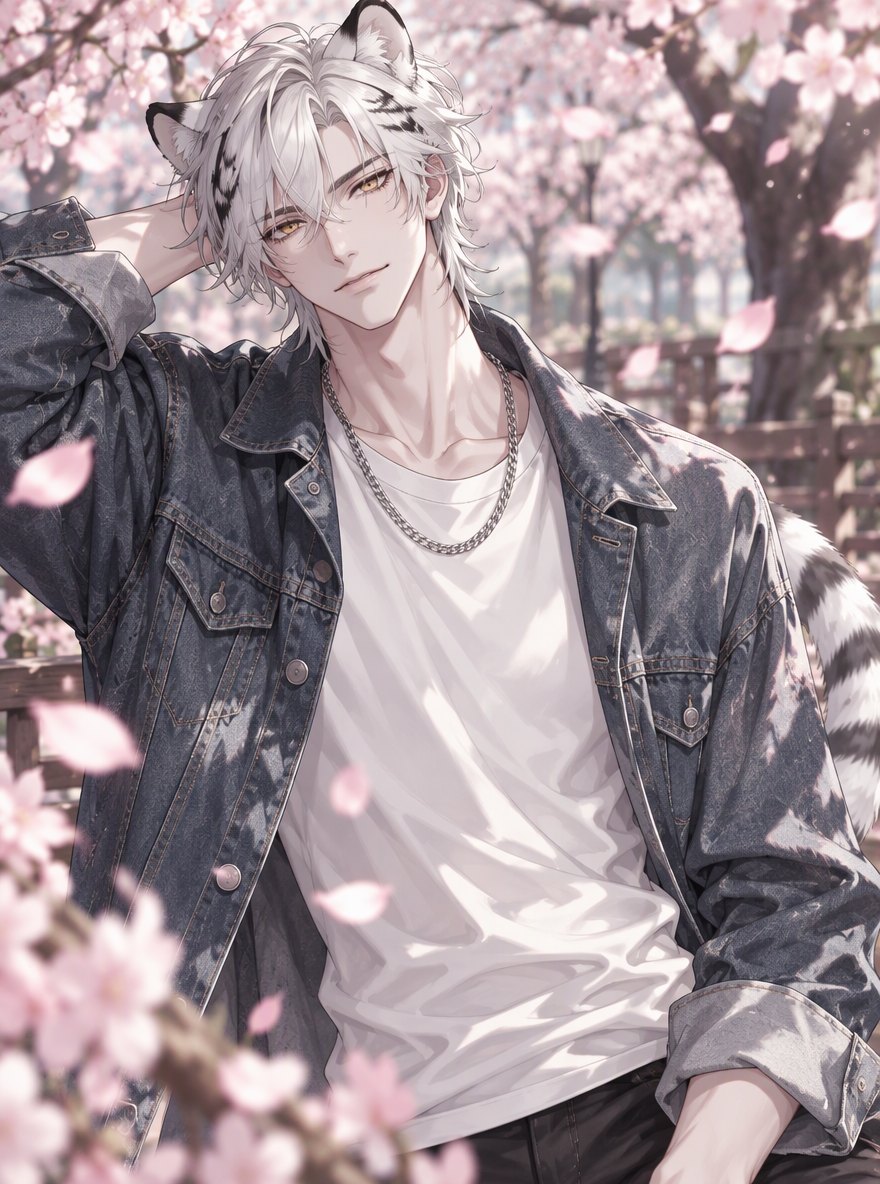 05
Spring in the park
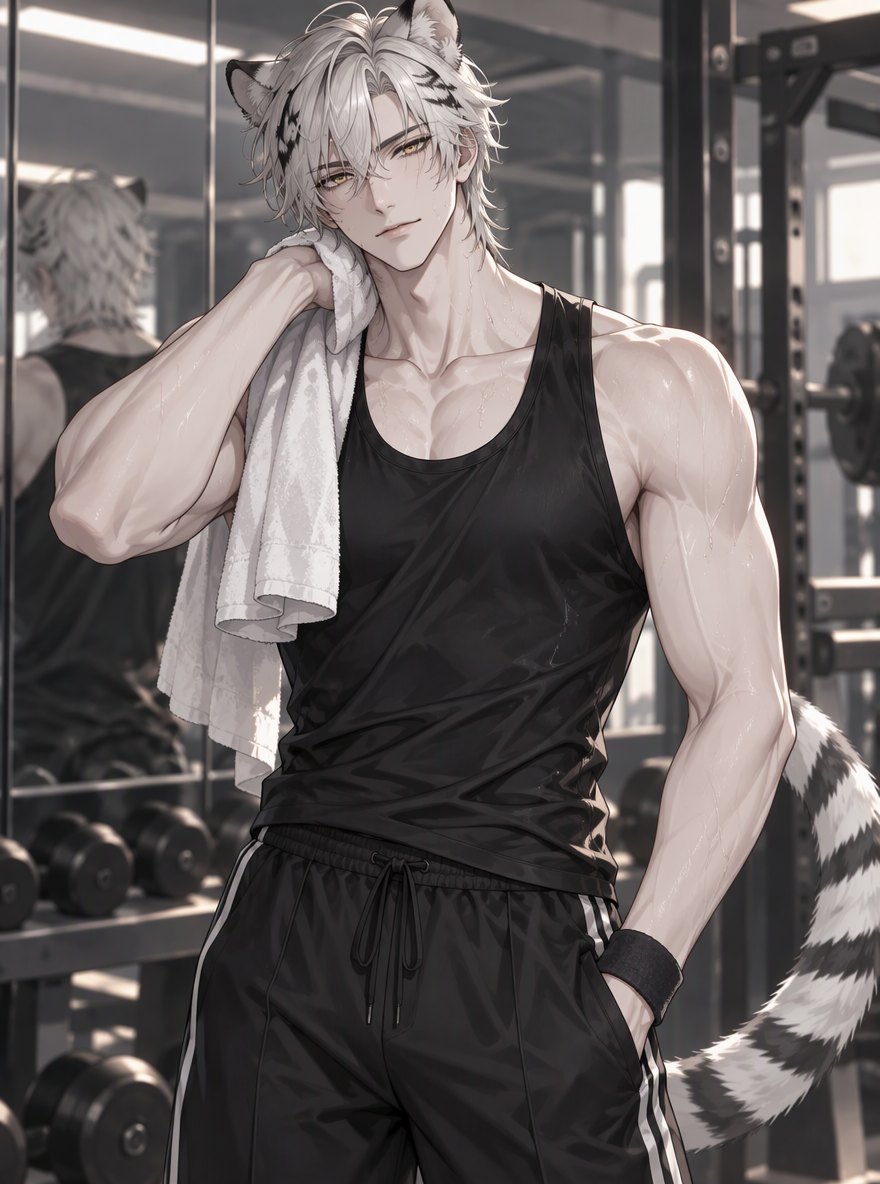 06
After the workout
07Night out
 08
Live on stream
Start from a character, describe the post, and keep the looks that work.
Choose one of your own characters or an Original Character from the site. No character yet? Tap New and design one in a few clicks. This character is the face of your influencer.
Type what they wear and where they are, or tap a suggestion such as streetwear, evening dress, cafe interior or rooftop at sunset. Leave the outfit blank to keep the current one.
Pick headshot, waist-up or full body, make 1 to 4 photos at once, and set accessories, pose or aspect ratio under More options.
On a result, tap Save as new look. The next photos start from that look, so a signature outfit stays the same across posts. Your original character image is never changed.
An influencer only works if followers recognize them. These are the parts that keep your character on-model.
0103
Every photo starts from your character's own image and description, so the face, hair color, eye color and markings carry over from a gym to a hotel balcony. You describe the change; the character stays the same.
0203
Save a result as a look and set it as the default. Your next photos start from it, and you can switch back to the original or another look at any time from Characters in your library.
0303
Cafe mornings, city nights, travel days, gym sessions and stream setups: write the scene in plain words and pick a framing. Photos come out as finished images, with no captions, logos or app frames to clean up.
Everything here works with the characters already in your library.
Use any character you made on OCMaker AI, or start from an Original Character made by our team.
Tap ready-made ideas for clothes and places, or write your own in a few words.
Headshot for profile pictures, waist-up for most posts, full body to show the whole outfit.
1:1, 4:5 and 3:4 for feed posts, 9:16 for stories and reels covers, plus 2:3 and 16:9.
Make several options at once and keep the best one. Each photo costs 2 credits.
Keep signature outfits as looks, pick a default, and switch between them any time.
Frequently Asked Questions
Answers about making an anime AI influencer on OCMaker AI.
It is a tool for making a virtual influencer: one character who appears across many posts in different outfits and places. On OCMaker AI you pick a character, describe the outfit and the scene, and get photos that keep that character's face and style.
OCMaker AI is built for anime and illustrated characters. Photos keep the art style of the character you pick, so a semi-realistic character gives semi-realistic photos. The tool is not meant for recreating real people.
Each photo is generated from your character's reference image, plus the saved look if you picked one, together with the character's appearance notes. You only describe the outfit and the scene, so the face, hair and markings stay the same. Photos are made with GPT Image 2.5.
2 credits per photo. You can make 1 to 4 photos in one run, and you need to be signed in. See pricing for credit plans.
A look is a saved version of your character, such as a signature outfit. Tap Save as new look on a result and choose whether it becomes the default. Looks are added, never overwritten, and the original character image always stays available.
From your library: every character you made in OC Maker shows up in the character strip. You can also use the Original Characters made by our team, or tap New to design a character first.
Yes. Switch to Video under the Character tab to make short videos with sound starting from the same character, or browse ideas on the AI VTuber Maker page.
Yes. Download them and post them like any image. Many platforms ask you to label AI-generated content, so turn on the AI label where it is offered and do not present the character as a real person. For profile pictures and post templates, the OC Instagram Maker can help.
Yes. No nudity or sexual content, and characters who look under 18 always stay in age-appropriate outfits and settings. Requests that break these rules are blocked.
Pick a character, describe the post, and keep the looks that work.