Style*
Background
4tokens•~30s

AI OC Instagram Maker

Create character artwork for an Instagram OC template or layout reference. Describe your OC, pose, outfit, and scene to generate a finished image for square or portrait crops—ready to use as a profile picture or post visual, without built-in social interface graphics.

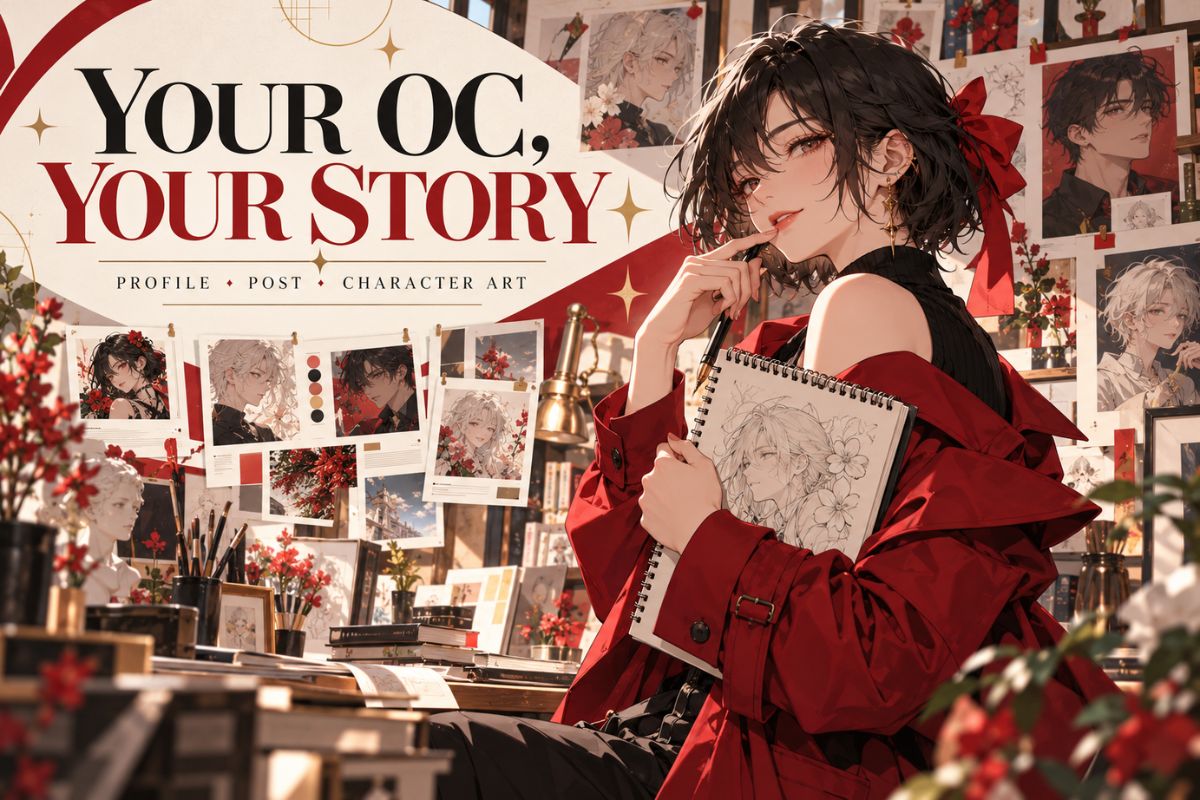
Original character artist holding a sketchbook in a gallery of character portraits

OC Images for Profiles, Posts, and Character References

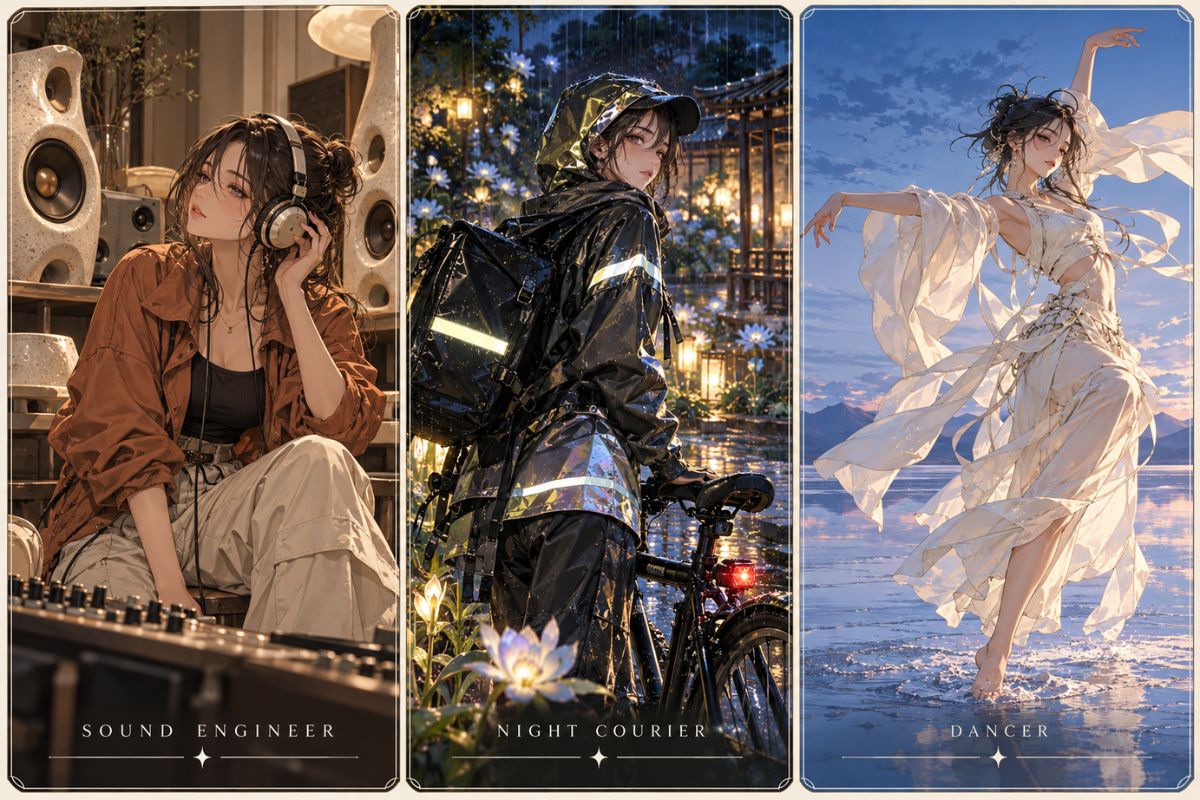
  • Three original character concepts presented as a sound engineer, night courier, and dancer01

    Ceramic Sound Engineer

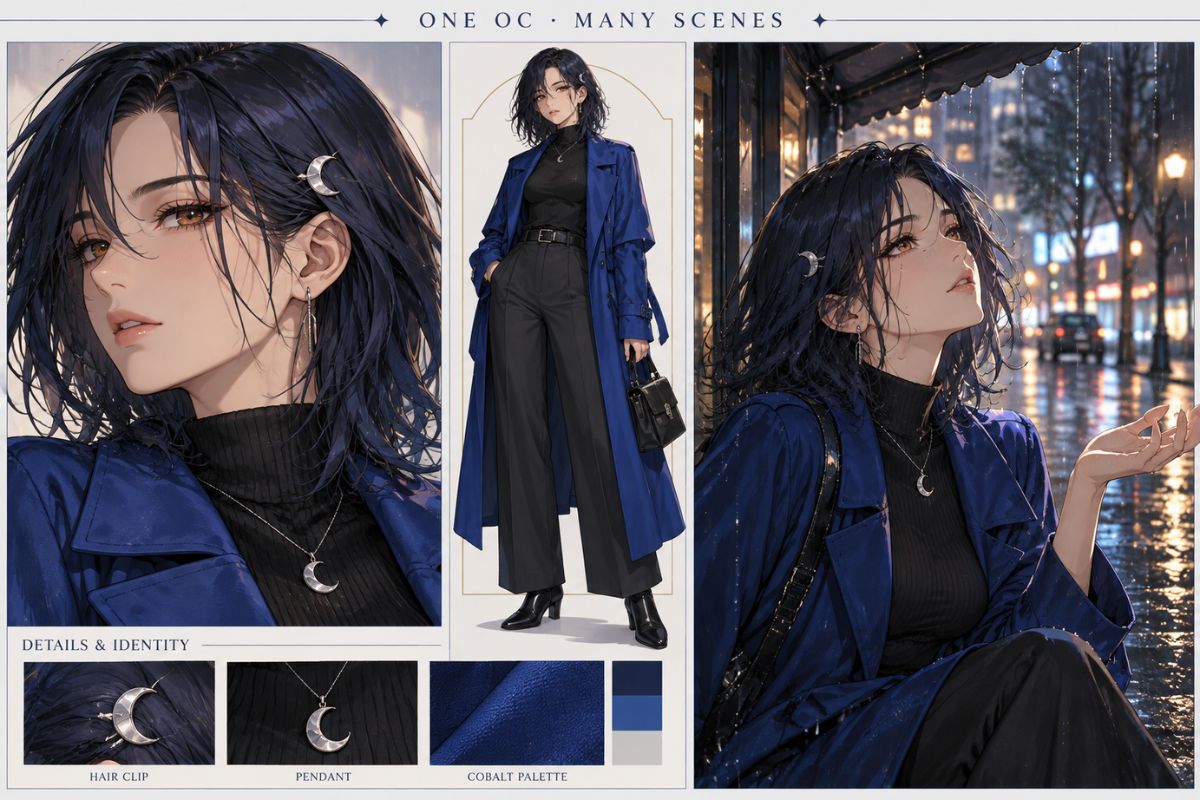
  • One original character shown in a detailed profile sheet and multiple rainy city scenes02

    Night Garden Courier

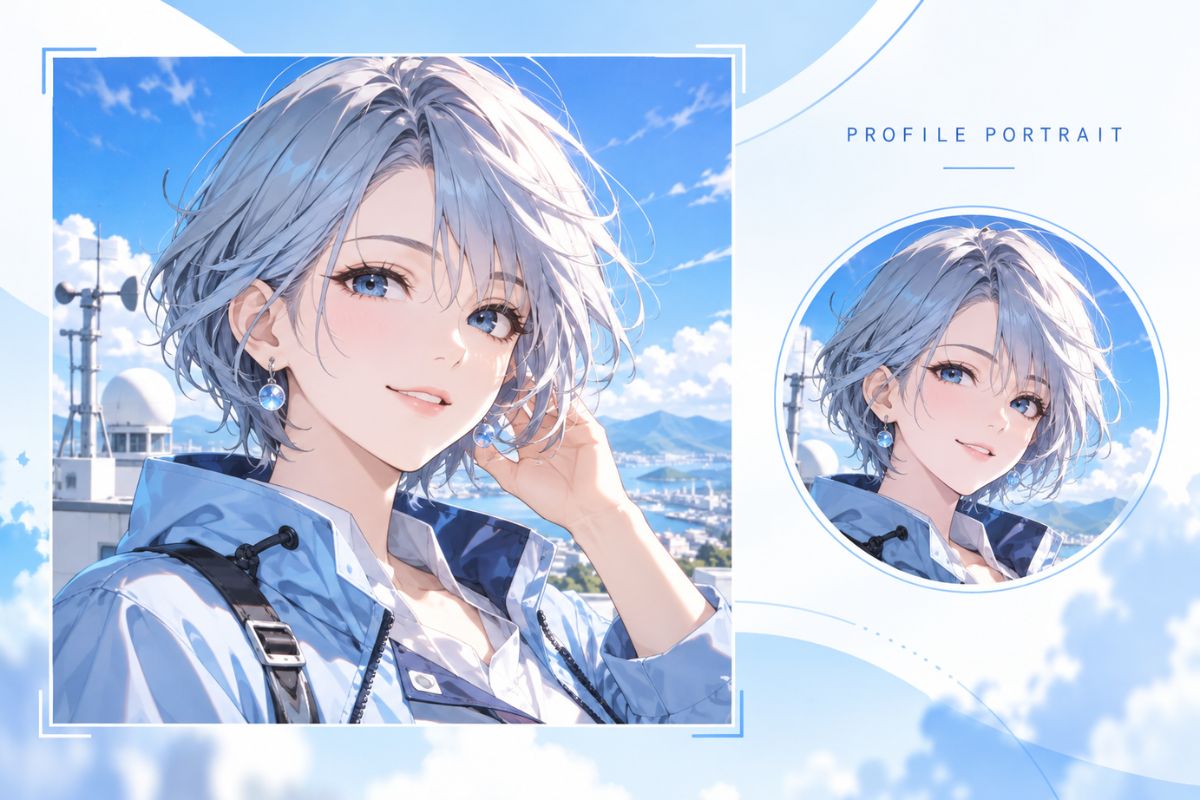
  • Blue-haired original character portrait with a matching circular profile crop03

    Salt Flat Choreographer

How to Create an OC Image for Instagram

Describe the character and intended image, generate the artwork, then review the framing before using it in your own layout.

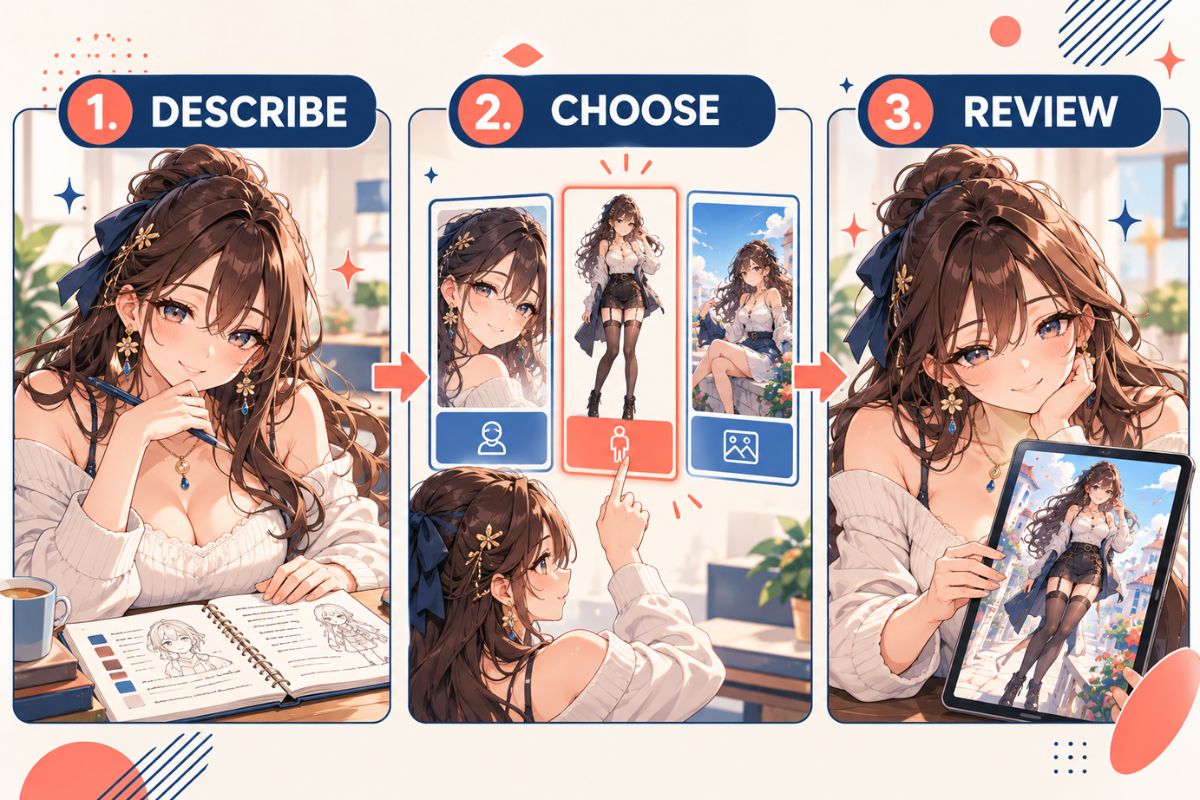
  1. Add Your Character Details

    Describe the OC’s face, hairstyle, outfit, colors, and one or two signature features. Reuse these details if you plan to create more than one image of the character.

  2. Choose a Profile or Post Composition

    Ask for a close portrait, full-body image, or scene. Include the pose, expression, background, camera distance, and any extra space you want for later cropping.

  3. Generate and Review the Image

    Check that the face and key features are visible and that the frame leaves enough room for your crop. Adjust the prompt if needed, then add text or publish through your usual editing and social workflow.

Generate Character Images for Your OC Instagram

Create a finished character illustration with the framing, expression, action, and background you describe. Use it as a profile image, post artwork, or visual reference, then crop it for your layout.

0104

Create a Clear Profile Portrait

Describe the face, expression, camera distance, and light direction, and leave some space around the character’s head. A clean background can help the OC remain easy to recognize when you crop the generated artwork into a smaller profile image.
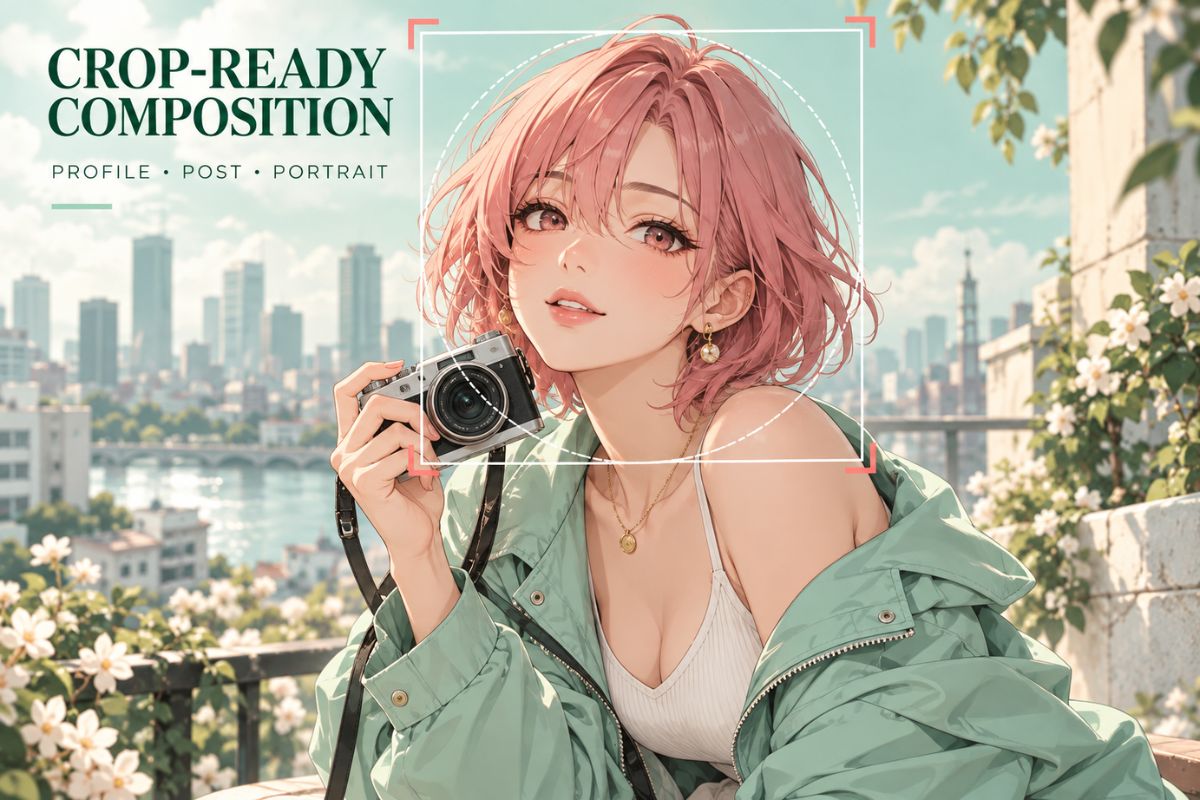
Pink-haired original character portrait with crop guides for profile and post formats

0204

Illustrate an OC Post or Scene

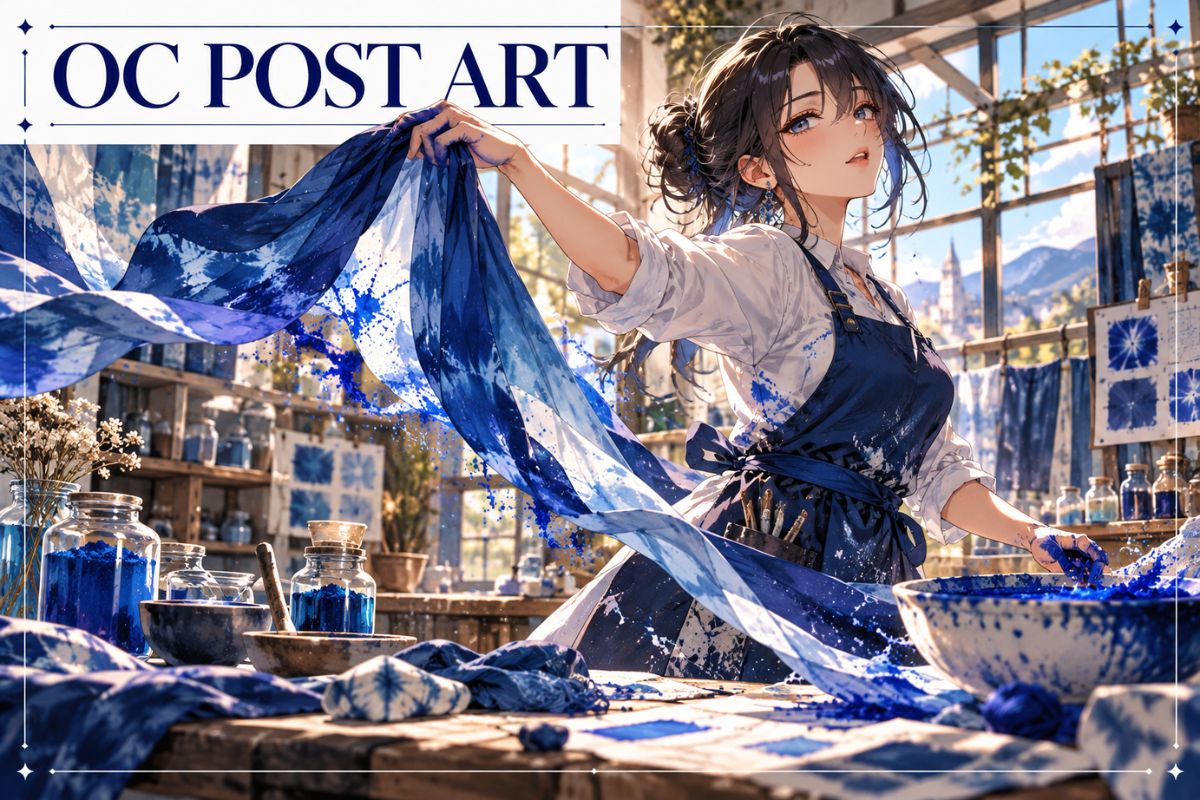
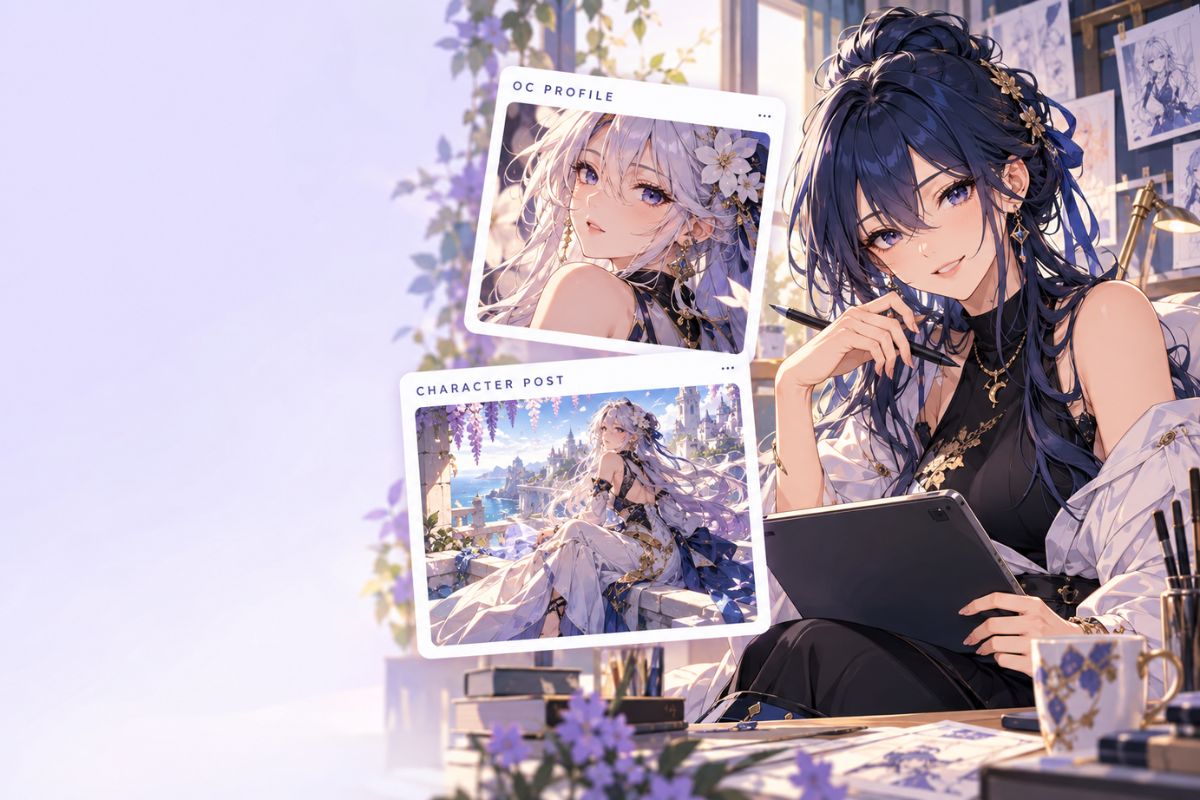
Give the character one visible action—mixing pigment, tuning an instrument, or turning toward the light—and describe the pose, clothing movement, camera angle, and setting. This creates a more expressive post image than a static headshot.

Original character profile and post concepts displayed beside an artist working on a tablet

0304

Create More Images Around One OC

Reuse a short description of the character’s face, hairstyle, build, colors, and signature clothing, then change the pose or setting for another image. Repeating those details gives you a useful reference for reviewing variations. Explore another visual direction with the AI anime generator.

Three-panel guide showing how to describe, choose, and review an original character image

0404

Direct the Composition

Describe where the character sits in the frame, how much background to show, and whether the image should feel calm or energetic. Generate a standalone illustration and use your own editor to add text or arrange it in a post. The OC maker offers another way to create character artwork.

Blue-clad original character creating an expressive post illustration in an art studio

Features for OC Profile and Post Artwork

Shape character images for social profiles and posts with clear framing, expressive poses, and visual details that identify your OC.

  • 01

    Portrait and Full-Body Framing

    Describe a close portrait, waist-up view, or head-to-toe composition to match the kind of character image you need.

  • 02

    Profile-Friendly Face Detail

    Guide the expression, lighting, and background around the face so the main identity cues stay clear in a small crop.

  • 03

    Expressive Post Scenes

    Add a pose, action, and setting to turn an OC image into a moment that communicates the character’s role or mood.

  • 04

    Crop-Aware Composition

    Ask for space around the head, hands, or signature prop to leave room for a square or portrait crop in your own editor.

  • 05

    Recognizable Character Details

    Repeat signature colors, hairstyle, clothing materials, or an accessory when creating visual variations of the same OC.

  • 06

    Finished Character Artwork

    Generate a complete illustration that you can save and place in your own profile or post layout.

Frequently Asked Questions

OC Instagram Maker FAQ

Answers about creating OC profile pictures and post images, choosing a composition, and using the generated artwork.

What is an OC Instagram Maker?

An OC Instagram Maker helps you create character artwork for an original-character profile or post. This page uses AI image generation: describe your character and the image you want, then generate a portrait, full-body illustration, or scene.

How do I make an Instagram profile picture for my OC?

Describe the OC’s face, hairstyle, expression, and a simple background, then ask for a close portrait. Keep the key features near the center with some space around the head so you can crop the image to fit your profile layout.

Can I create an Instagram post image featuring my OC?

Yes. Describe a single scene with your character, one action, an outfit, and a background. For example, ask for your OC arranging flowers on a rooftop at sunrise. Add camera distance and lighting to guide the overall composition.

Can I make a square OC profile image with this tool?

Describe a centered portrait or square composition in your prompt. The generated frame may still need adjustment for your profile layout, so leave room around the face and crop the saved image in your own editor.

Can I generate a full-body OC image for Instagram?

Yes. Ask for a full-body or head-to-toe illustration and describe the pose, shoes, outfit, and background. If you plan to crop it later, request extra space around the figure so important details are less likely to fall at the edges.

How do I keep the same OC recognizable across multiple images?

Repeat a short identity description each time: face shape, hairstyle, signature colors, clothing details, and one memorable accessory. Change the action or setting separately, then compare the results and refine any details that drift.

Does the OC Instagram Maker create an editable Instagram template?

It generates a finished character image rather than an editable post template or layered design file. You can save the artwork and add text, borders, or other layout elements with your preferred editing tool.

Can this tool publish my OC image directly to Instagram?

No. It creates the image; you save it and handle any cropping, captions, scheduling, and publishing through your own apps and accounts.

Can I use my generated OC image on Instagram or commercially?

Check the current OCMaker AI terms for the rules that apply to generated images, and make sure you have permission to use any reference materials you provide. Platform and commercial requirements can vary, so review the terms that apply to your intended use.

Create an OC Image for Your Next Post

Generate a character portrait, full-body design, or scene, then crop and arrange the artwork for your profile or post.

AI OC Instagram Maker: Create OC Instagram Free Online