Style*
Background
4tokens•~30s

Picrew OC Maker

Create an original character image with an AI Picrew OC Maker. Describe the character’s appearance, outfit, pose, and setting to generate a portrait, full-body illustration, or scene. Use the result as an OC reference, profile image, or starting point for a larger character concept.

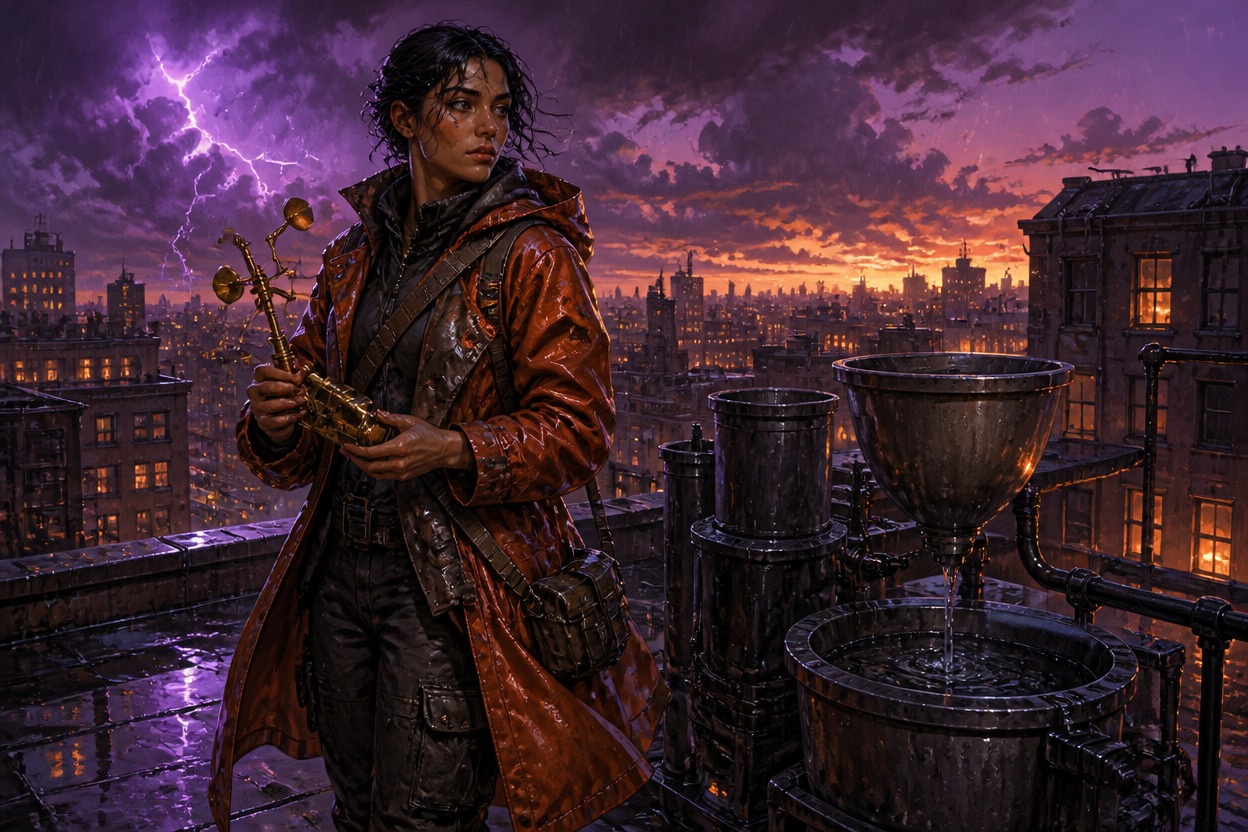
Picrew OC Maker character concept: a character in a copper raincoat holding a folded weather vane on a rooftop at dusk

Explore Different OC Image Ideas

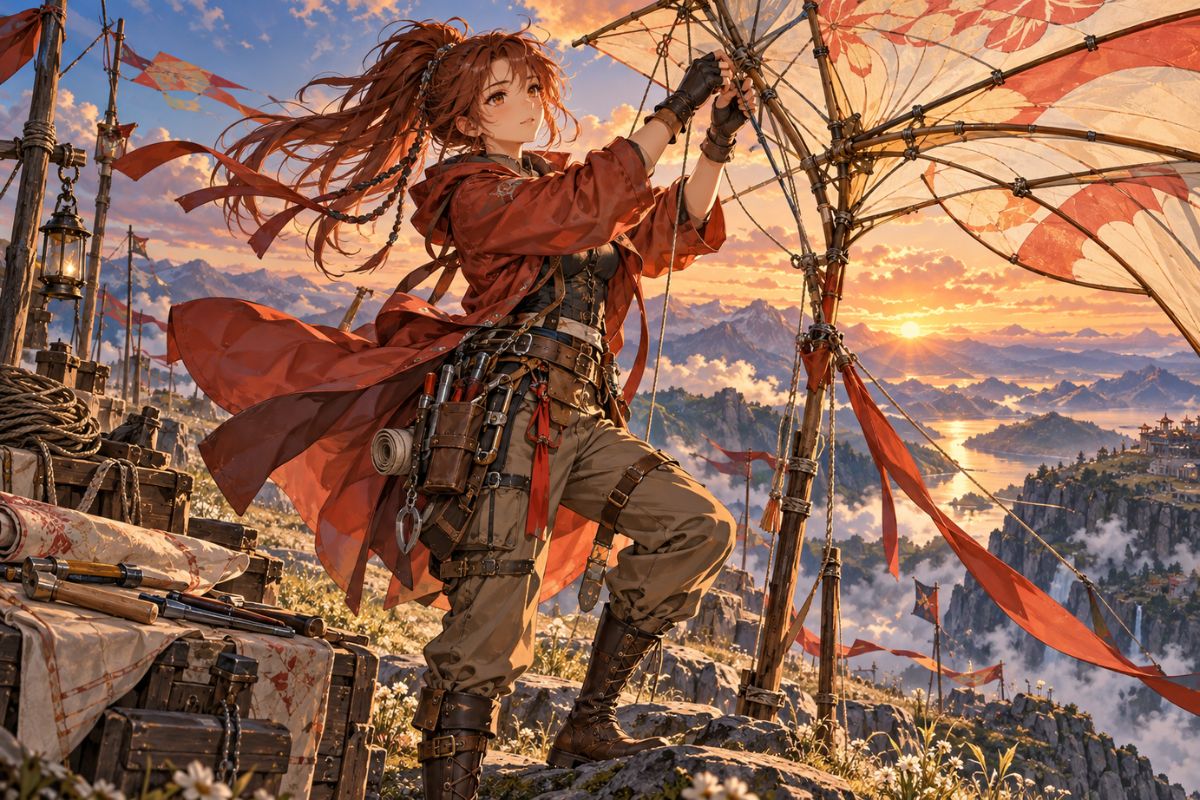
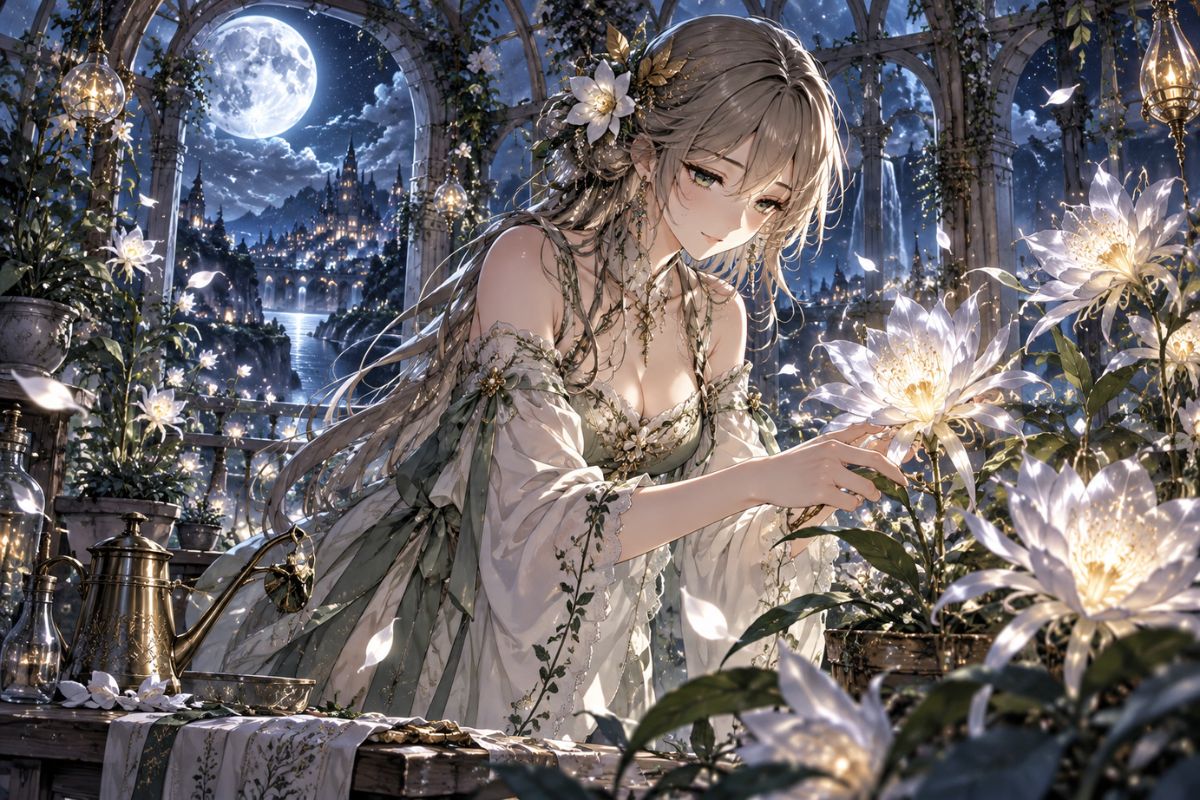
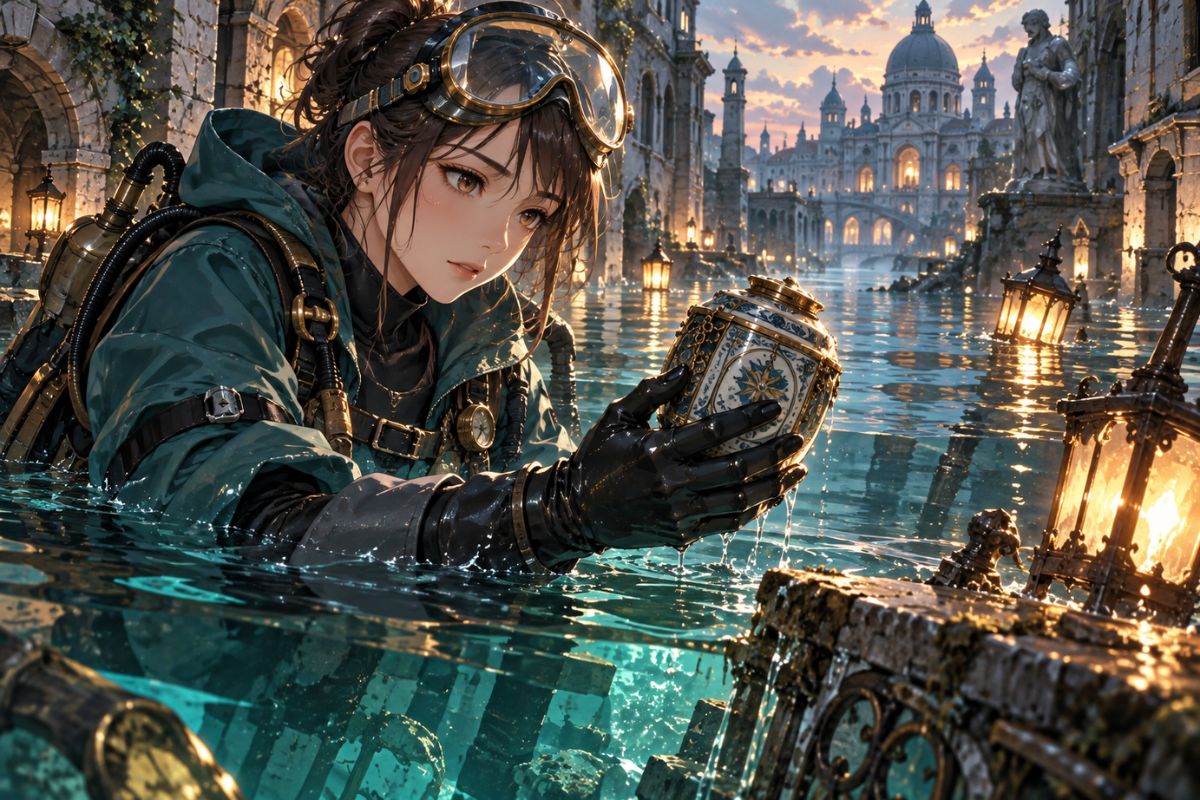
See how one written character concept can become a kite-rig mechanic, a moonhouse botanist, or a canal memory diver. Each example uses a distinct outfit, pose, setting, and composition.

  • Picrew OC Maker example: a sunset mountain airship mechanic securing a kite-rig frame01

    Kite-Rig Mechanic

  • Picrew OC Maker example: an elf tending flowers in a moonlit garden02

    Moonhouse Botanist

  • Picrew OC Maker example: a steampunk explorer retrieving an artifact from a flooded Venice canal03

    Canal Memory Diver

Create a Complete OC Image From Your Description

Describe the character and the kind of image you want. The AI OC maker brings appearance, clothing, pose, lighting, and setting together in a finished illustration.

0104

Describe the Character and Scene

Write a visual brief with the character’s build, face, clothing, expression, role, and surroundings. Add an action and lighting direction to give the image a clear moment, whether you need a profile portrait, a reference board, or concept art.
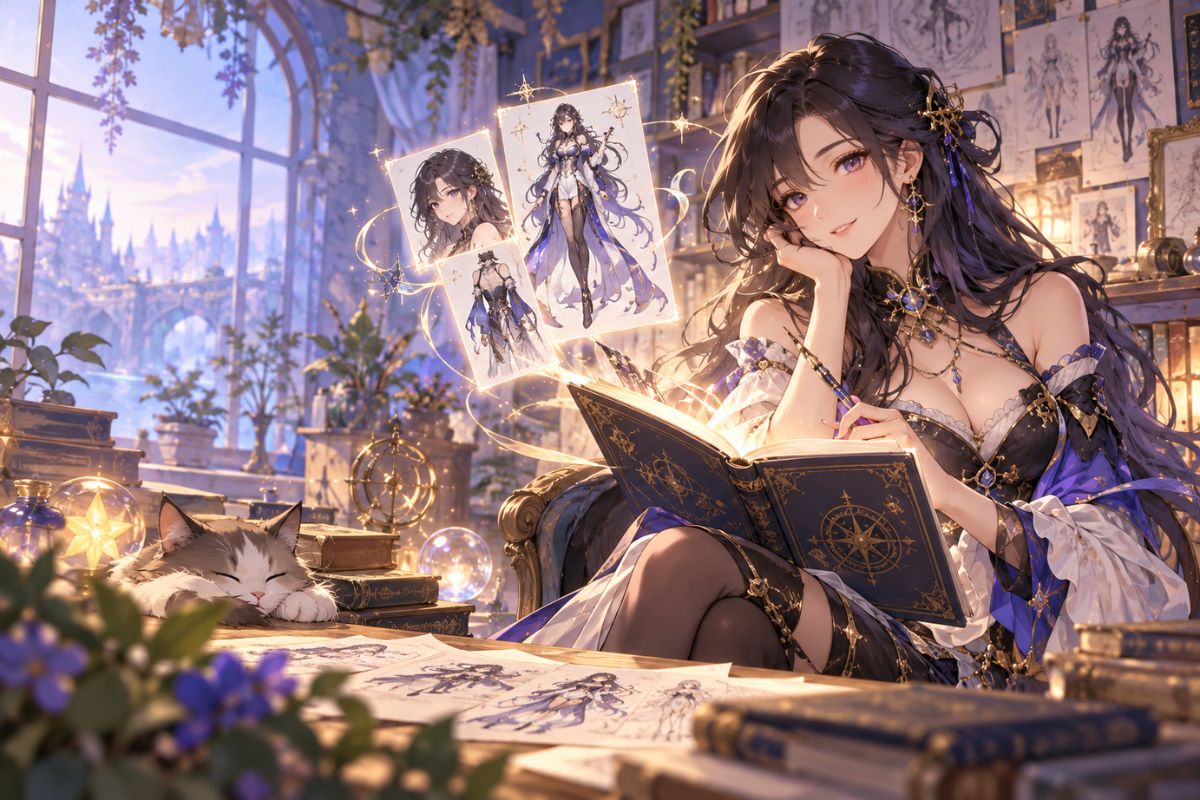
Picrew OC Maker character design studio: an original fantasy character being sketched among glowing reference art

0204

Request a Full-Body OC

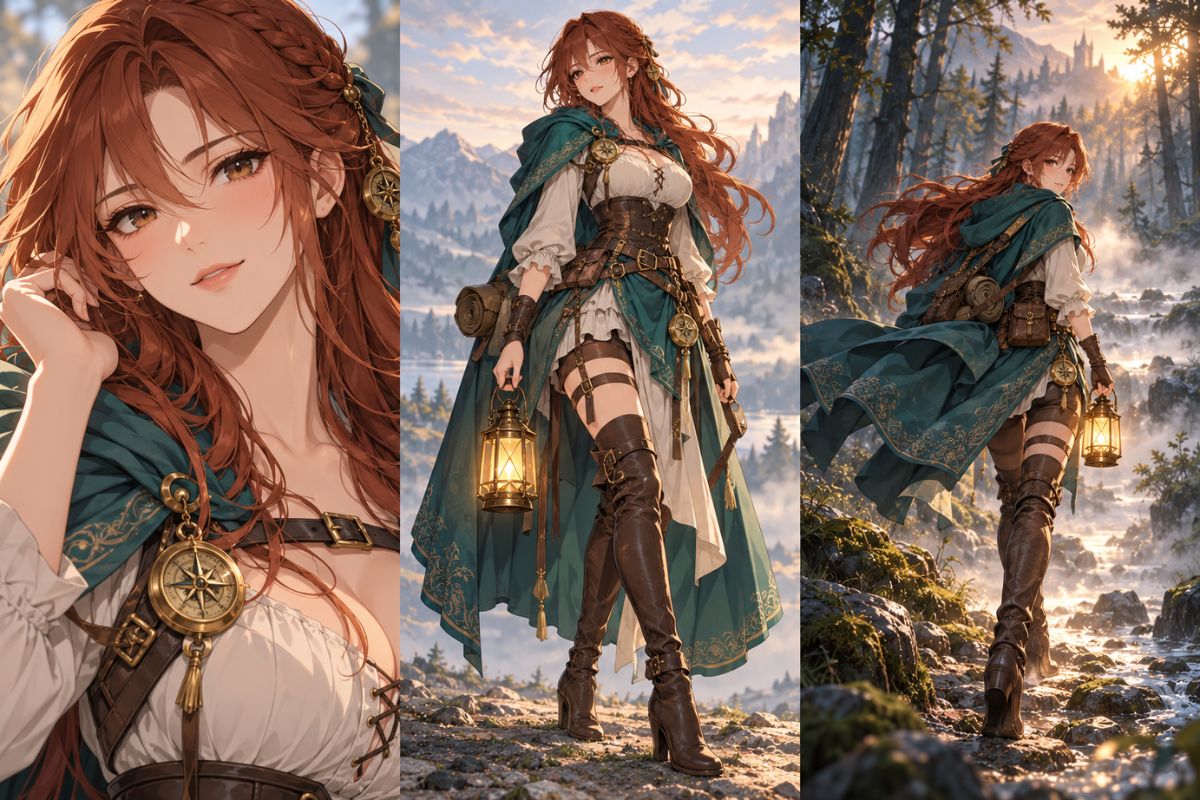
For head-to-toe character art, specify full-body framing, stance, footwear, hand position, and enough space around the figure. Include a distinctive garment or prop and describe how the character uses it. This helps direct the composition beyond a cropped avatar.

Picrew OC Maker full-body character reference: an adventurer in a teal cloak shown in a detailed turnaround sheet

0304

Keep Key Character Details in View

Repeat a few recognizable details in each brief, such as face shape, hairstyle, clothing materials, signature colors, and one memorable object. Then change the pose, weather, or camera framing to explore new versions. For a more stylized look, try the AI anime generator.

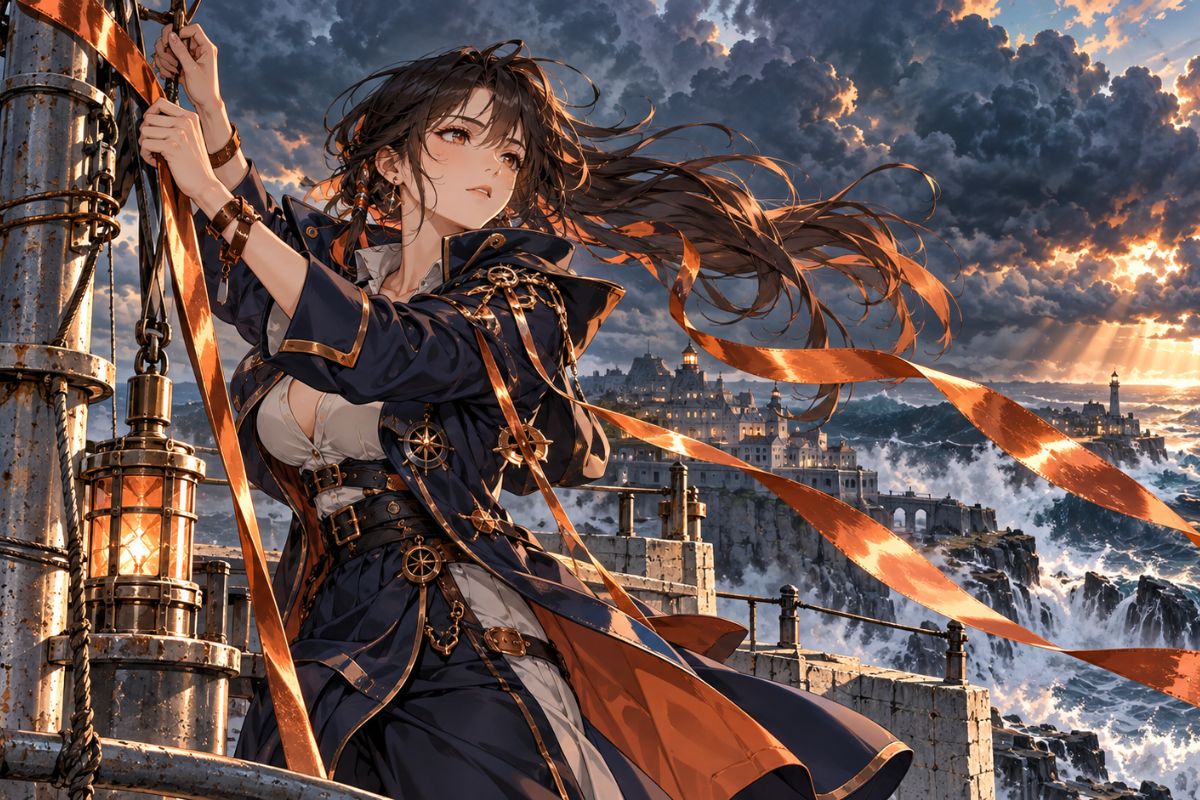
Picrew OC Maker character design: a ribbon duelist beneath a coastal clocktower at sunset

0404

Set the Camera, Mood, and Background

Choose a close portrait or a wider scene, then describe the pose, light, and surroundings. A workshop, open landscape, or storm-lit street can make the character’s role easier to read. The OC maker is another way to explore original character image ideas.

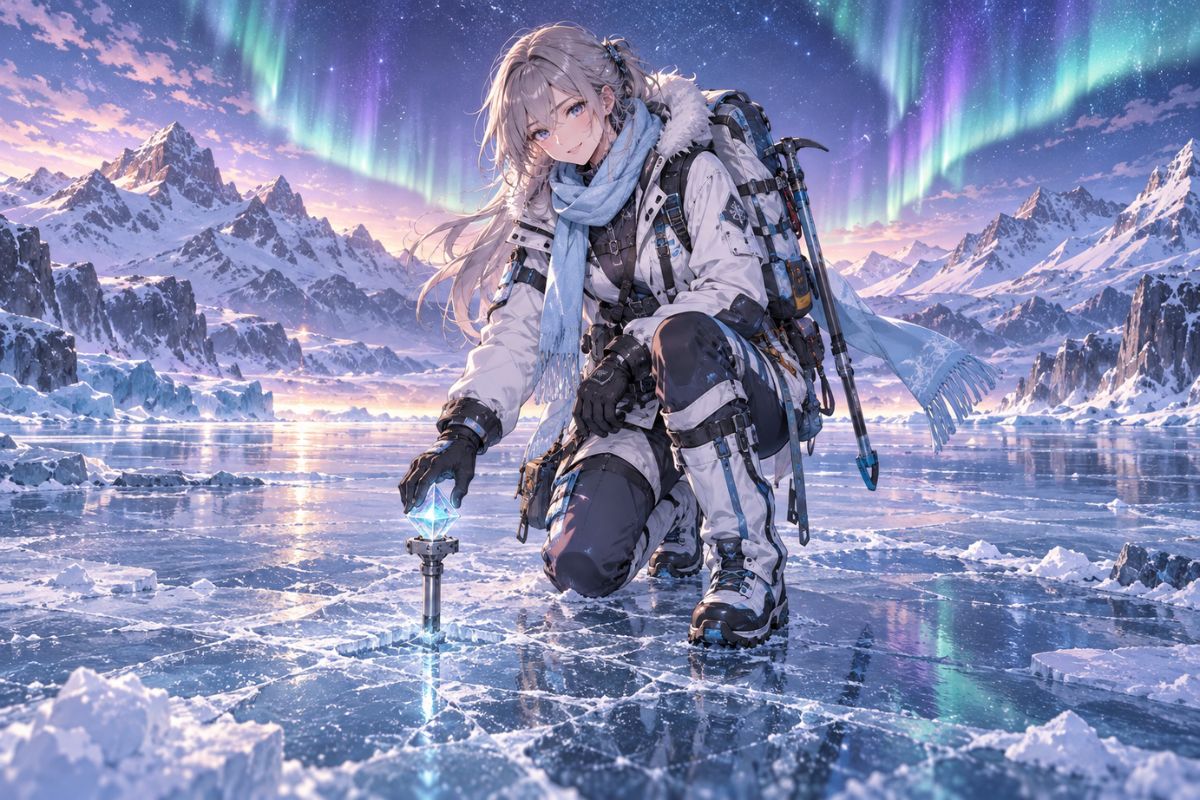
Picrew OC Maker scene example: an adventurer crossing a snowy mountain beneath the aurora

Picrew OC Maker Features for Character Art

Direct the generated image with details about framing, clothing, expression, action, and setting.

  • 01

    Portrait, Full-Body, or Scene

    Ask for a close portrait, waist-up image, head-to-toe design, or a wider scene by describing the framing you need.

  • 02

    Poses That Show Character

    Describe a character at work, traveling, performing, resting, or reacting so posture and gesture fit the moment.

  • 03

    Clothing With Specific Materials

    Name fabrics, layers, weight, texture, and wear to make the outfit feel connected to the character and setting.

  • 04

    Backgrounds With Context

    Place an OC in a workshop, landscape, street, or weather scene that helps explain what they are doing.

  • 05

    Expressions and Actions

    Combine facial expression with gesture, pose, and situation to create a more complete character illustration.

  • 06

    Flexible Visual Direction

    Describe your own character and art direction instead of choosing from a fixed catalog of avatar parts.

How to Use the Picrew OC Maker

Start with a character idea, describe the image you want, and refine the result until the key details match your concept.

  1. Describe Your OC

    Add the character’s appearance, hairstyle, outfit, colors, and one or two signature details. Keep the important features easy to recognize.

  2. Choose the Image Type

    Ask for a portrait, full-body illustration, or scene. Include pose, expression, camera distance, background, and lighting to guide the composition.

  3. Generate and Adjust

    Review the image and update any details that need work, such as the outfit, pose, or framing. Reuse the same identity details when you want to explore another version.

Frequently Asked Questions

Picrew OC Maker FAQ

Answers about making an OC, generating full-body character art, writing prompts, and using the image tool.

What is a Picrew OC Maker?

A Picrew OC Maker is a way to create an original character image.

How do I make a Picrew OC online?

Write a short description of your character’s appearance, outfit, pose, and setting, then generate an image. For example: “A cartographer in a blue travel coat holding a glass compass on a red desert ridge at sunset.” Adjust the description if you want to change the framing or details.

Can I make a full-body OC with this tool?

Yes. Ask for a full-body or head-to-toe composition and describe the stance, shoes, hand position, and space around the figure. Mention that the entire character should stay in frame if you need a clear outfit or pose reference.

What should I write in an AI OC maker prompt?

Include the character’s defining features, clothing, pose, expression, image framing, and background. A focused prompt with a few visual anchors is easier to refine than a long list of unrelated traits. Add a specific action or prop when you want the image to tell a small story.

How can I keep the same OC consistent in different images?

Reuse the same core details each time, such as face shape, hairstyle, color palette, outfit materials, and signature accessory. Change one part of the scene at a time—such as pose or location—so the character remains recognizable across variations.

Can I create anime-style OC art or profile pictures?

Describe the style and image use you have in mind, such as anime-inspired character art, a profile portrait, or a full-body reference. For another stylized image workflow, try the AI anime generator.

Is this an official Picrew character maker?

No. This page is an AI image-generation tool and is not Picrew’s layered maker interface. It does not load Picrew creators’ parts or templates; describe an original character and generate a finished image from your brief.

Can I use the generated OC image commercially?

Check the current OCMaker AI terms for the usage rules that apply to generated images, and make sure you have permission to use any reference material you provide. If you create an image with a Picrew maker, follow that maker’s own usage guidelines, which can vary by creator.

Create a Character Image That Feels Like Yours

Generate an OC portrait, full-body design, or scene by describing the character details and visual direction you want.

Explore Picrew OC Maker: Create Original Character Online