
Pixel OC Maker
Create retro characters with our free Pixel OC Maker. Easily generate pixel art wonders with AI online and download game-ready sprites in seconds.
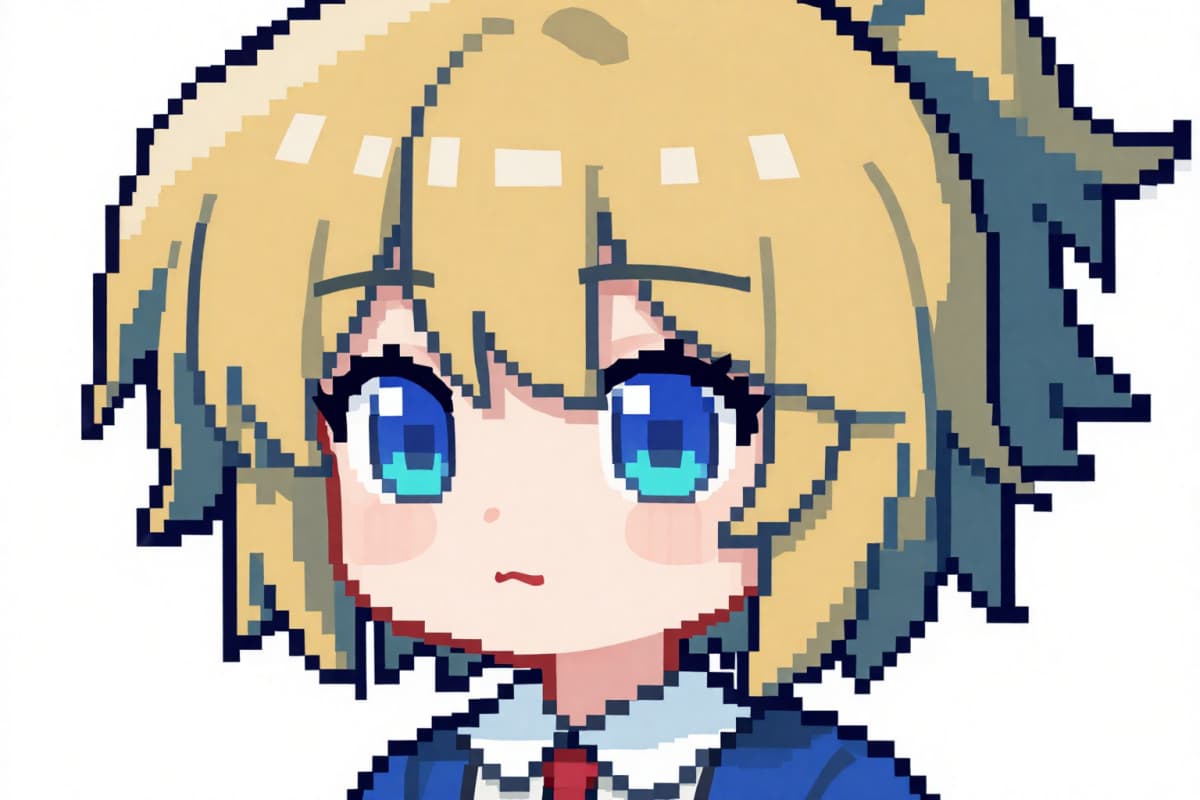
Pixel OC Examples
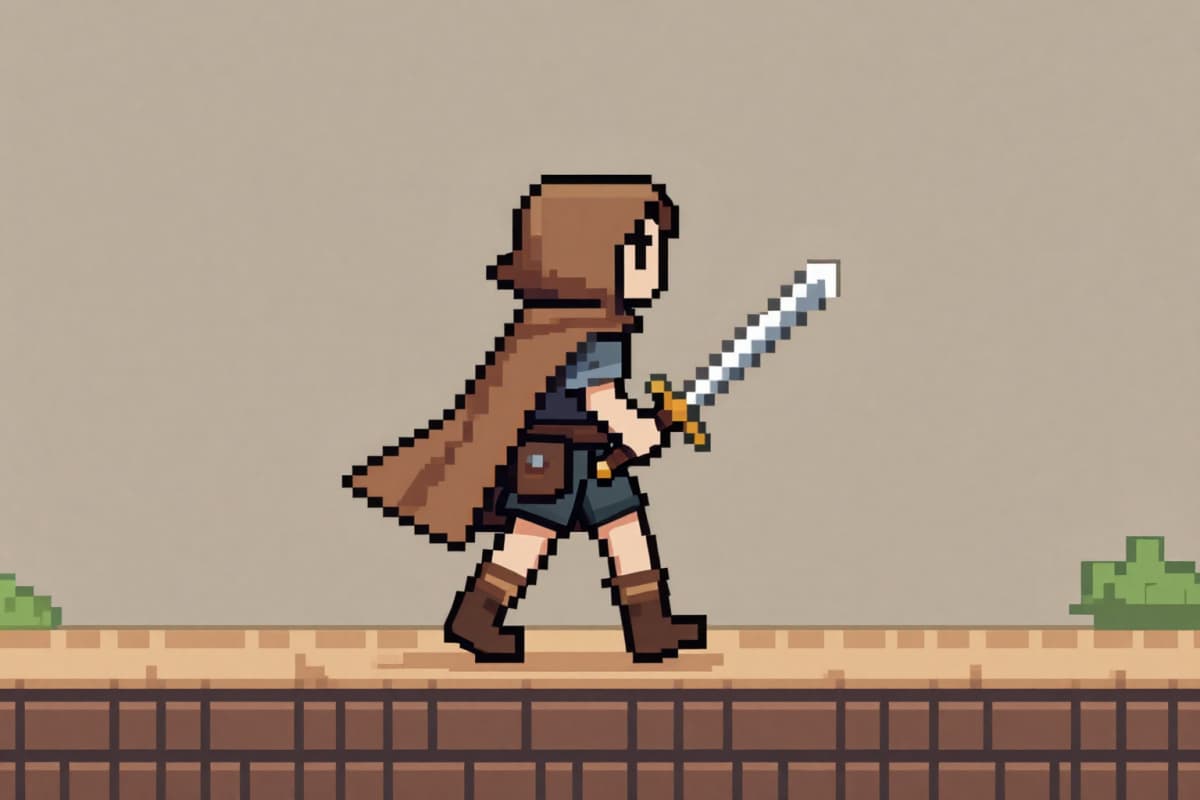
Top-down pixel art original character, 32x32 sprite, visible pixel grid, RPG overworld perspective, brown cloak adventurer with short sword, walking north-facing frame, minimal color palette, 8-bit Zelda-like retro style, clean background, crisp pixel art, no blur
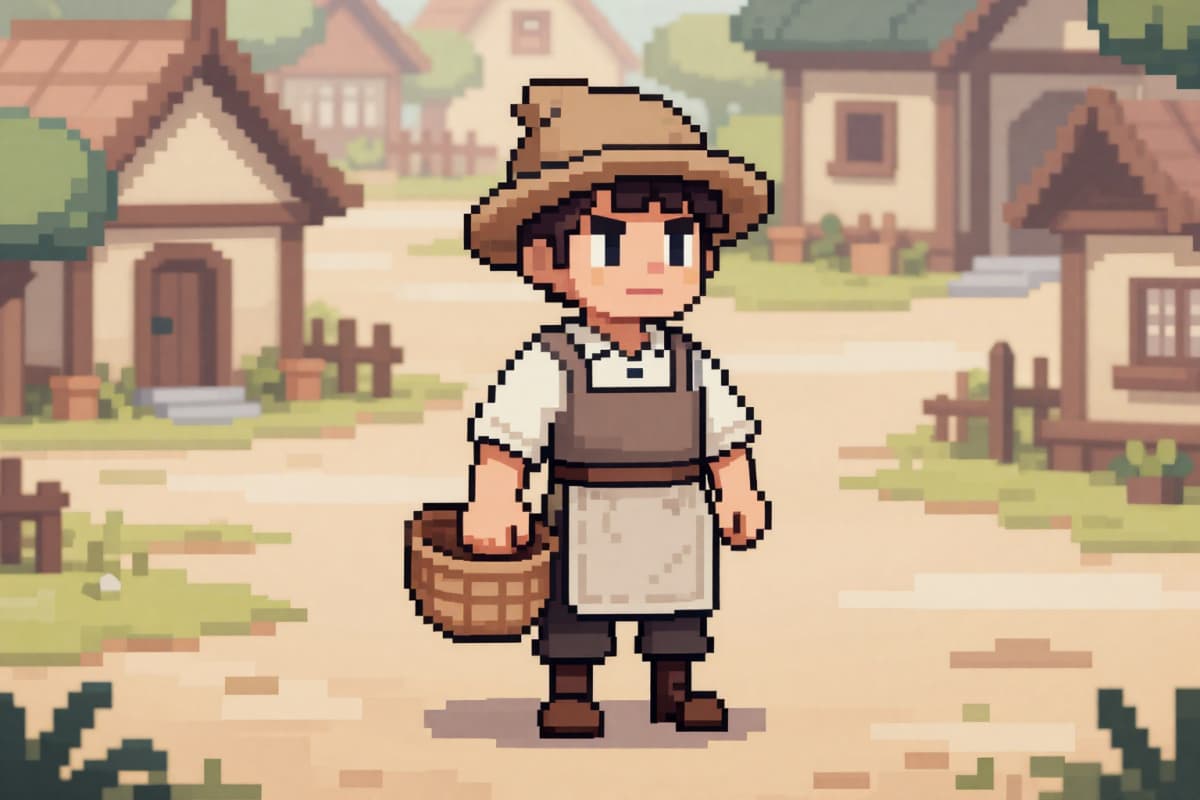
Pixel art town NPC original character, 32x32 sprite, visible pixel grid, medieval villager with apron and basket, idle front pose, soft earth-tone palette, RPG village tileset background, 16-bit game aesthetic, clean crisp pixel edges
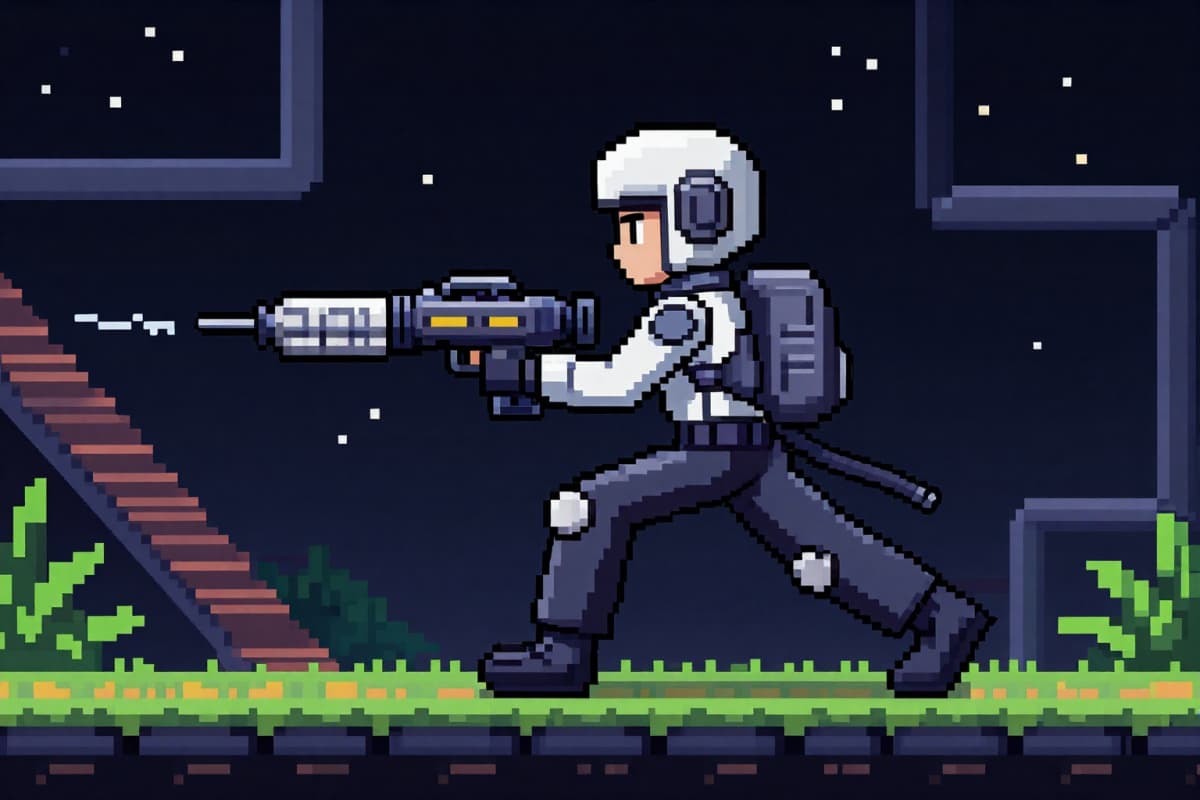
Side-view pixel art original character, 48x48 sprite scale, visible pixel squares, sci-fi bounty hunter, holding pixel blaster, running animation frame, platformer game style, dark background, high contrast pixels, retro arcade look, sharp edges
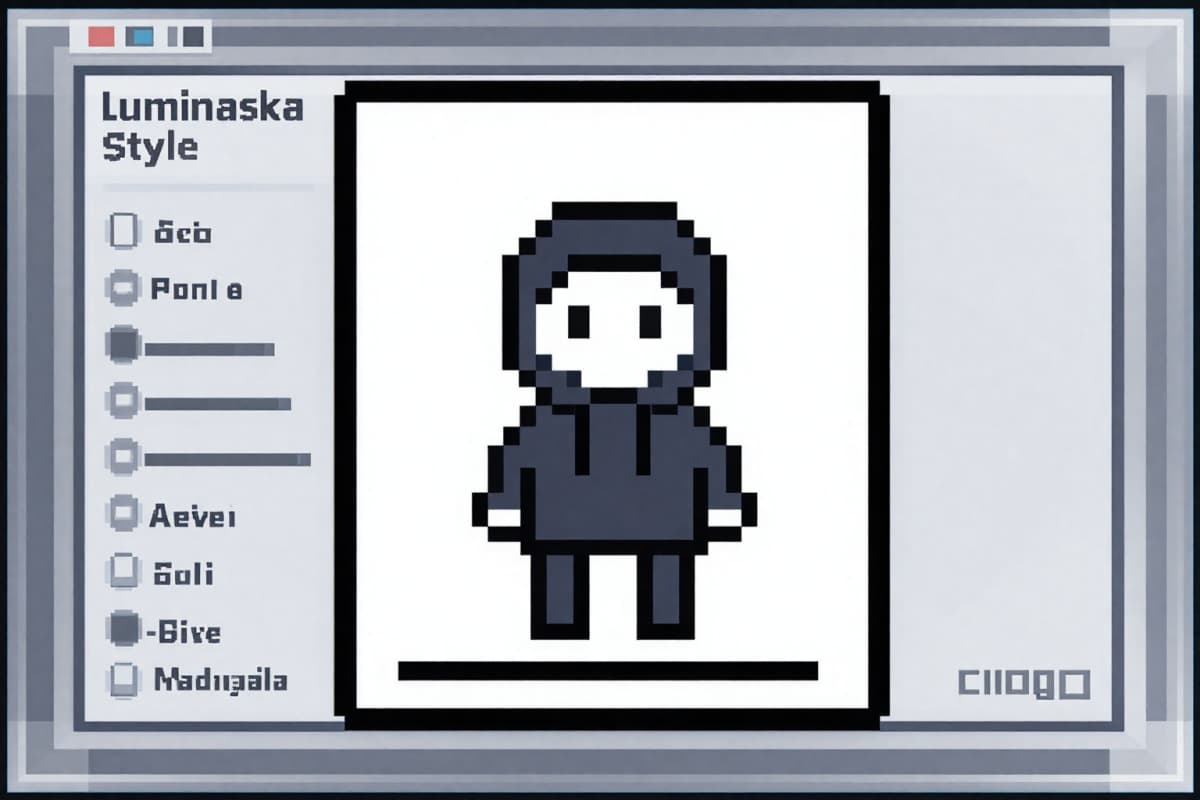
Minimalist indie pixel art character icon, 16x16 sprite scale enlarged for display, visible pixel blocks, simple hoodie character, flat color palette, white background, modern indie game aesthetic, clean square composition, sharp pixel edges
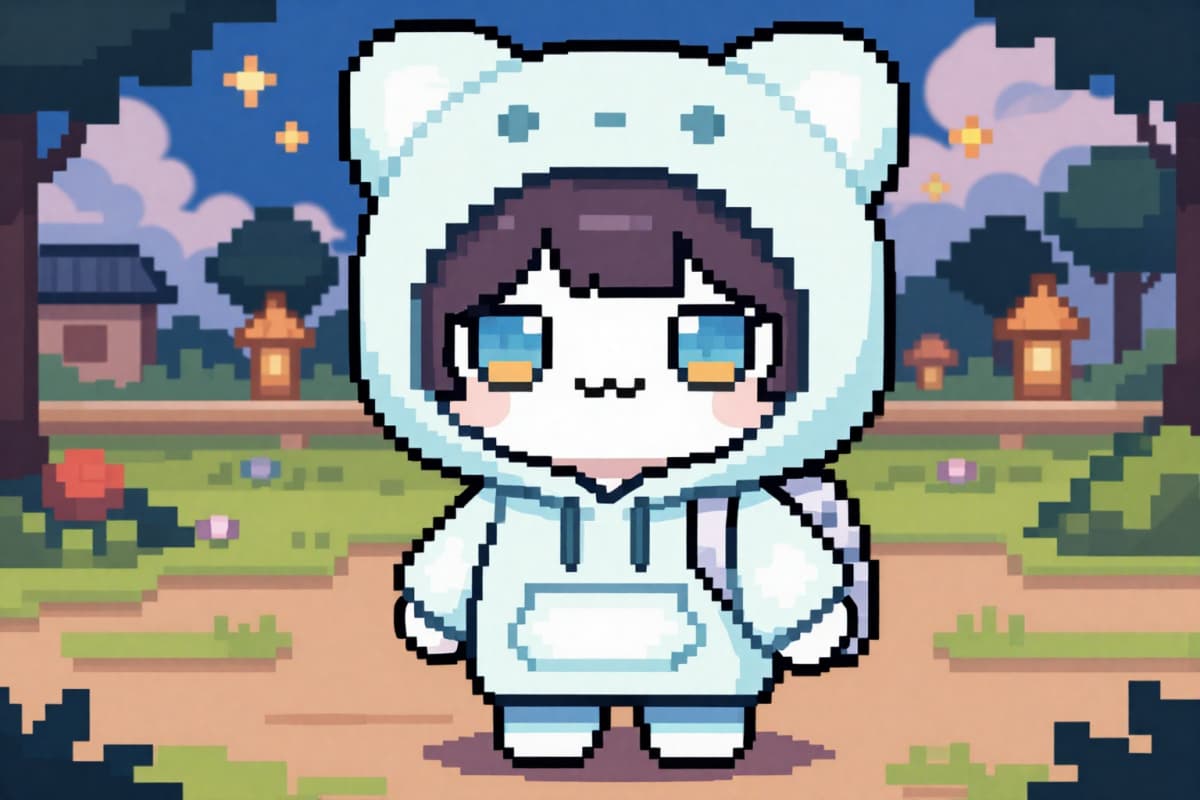
Cute chibi pixel art original character, 32x32 sprite, front-facing pose, visible pixel grid texture, pastel color palette, oversized hoodie, small backpack, big expressive pixel eyes, soft RPG village background in pixel style, centered composition, classic 2D indie game look, sharp pixels, no anti-aliasing
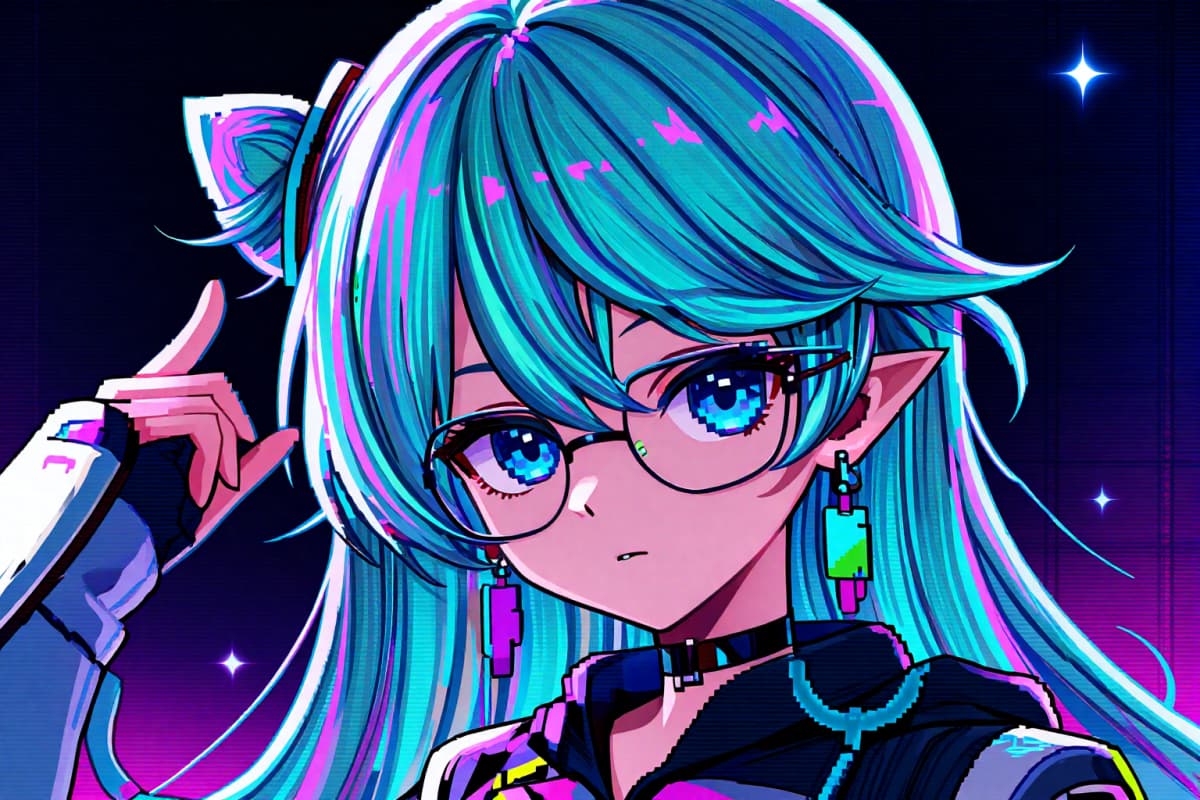
Cyberpunk pixel art original character portrait, 64x64 pixel scale, visible pixel grid, neon hair highlights, visor glasses, dark background with glowing pixels, high contrast 16-bit arcade style, profile picture composition, no anti-aliasing
Pixel OC Maker for Unique Art Creations
Generate Pixel Art Wonders with AI Online
Transform uploaded images into pixel-perfect artwork with refined edge definition and nostalgic color tones. Each pixel OC image is crafted dynamically, offering streamlined results without requiring technical skills. Enhance your creative projects by generating memorable pixel visuals. Explore similar tools on OCMaker AI.
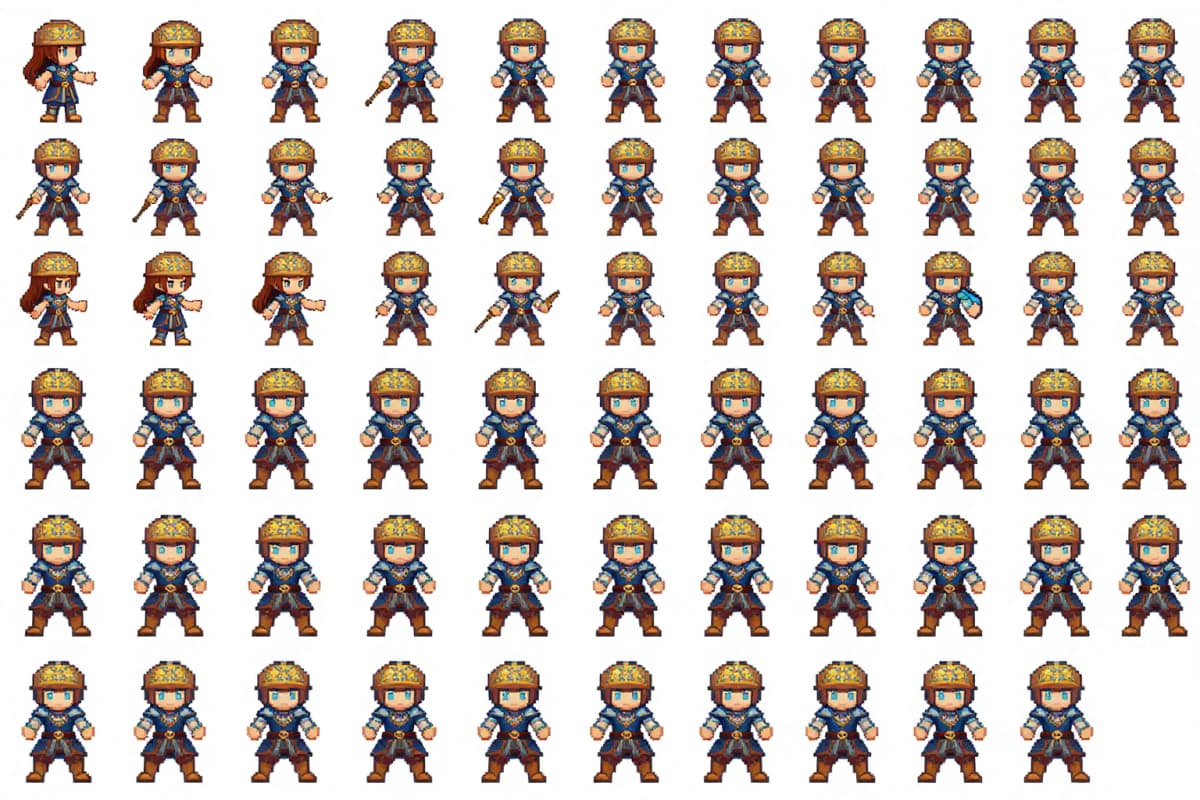
Create Pixel OC Images Effortlessly
Through detailed descriptions, convert text prompts into visually compelling pixel OCs with AI capability. Add vibrancy to your ideas, exploring topics like retro vibes or Lego-style outputs. Discover advanced features through AI anime generator.
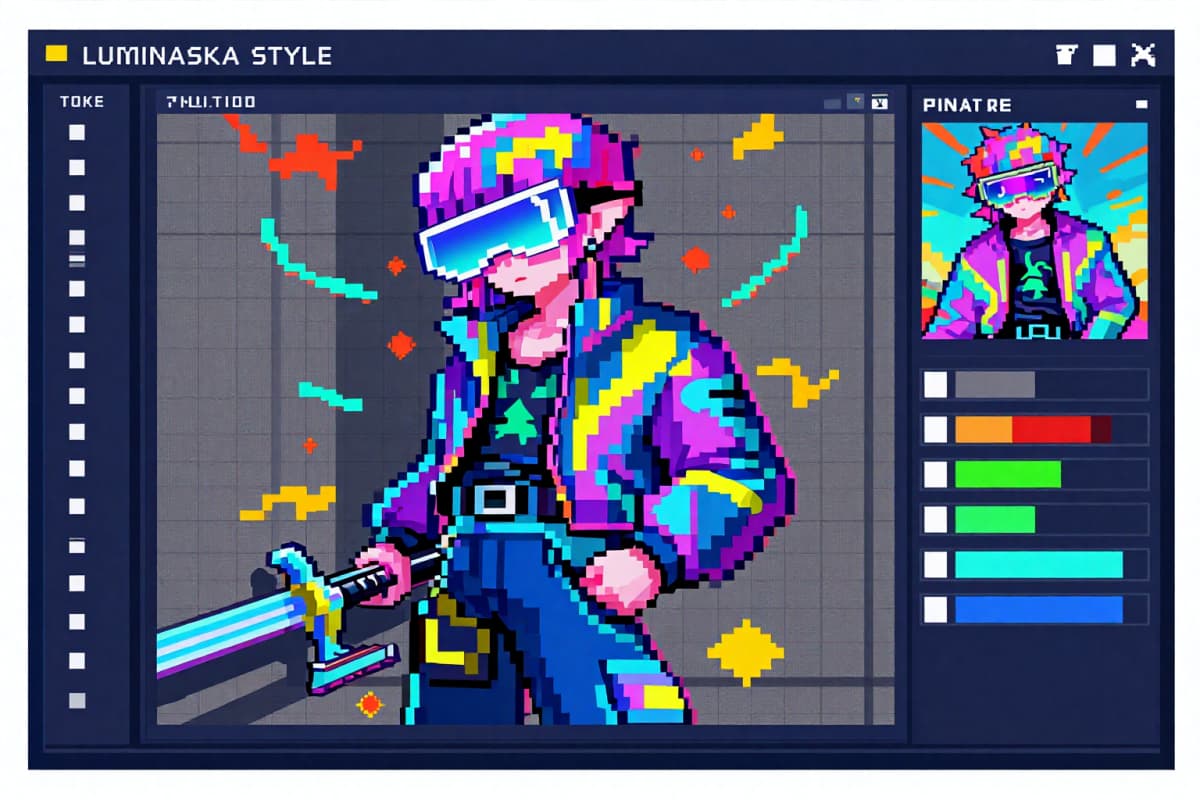
Free Pixel OC Maker for Creative Explorations
Experiment with various pixel art styles like game-inspired isometric designs or whimsical aesthetics. The free Pixel OC Maker ensures every artistic output is tailored for personal or professional use, allowing freedom and adaptability. Check out more options text to image.
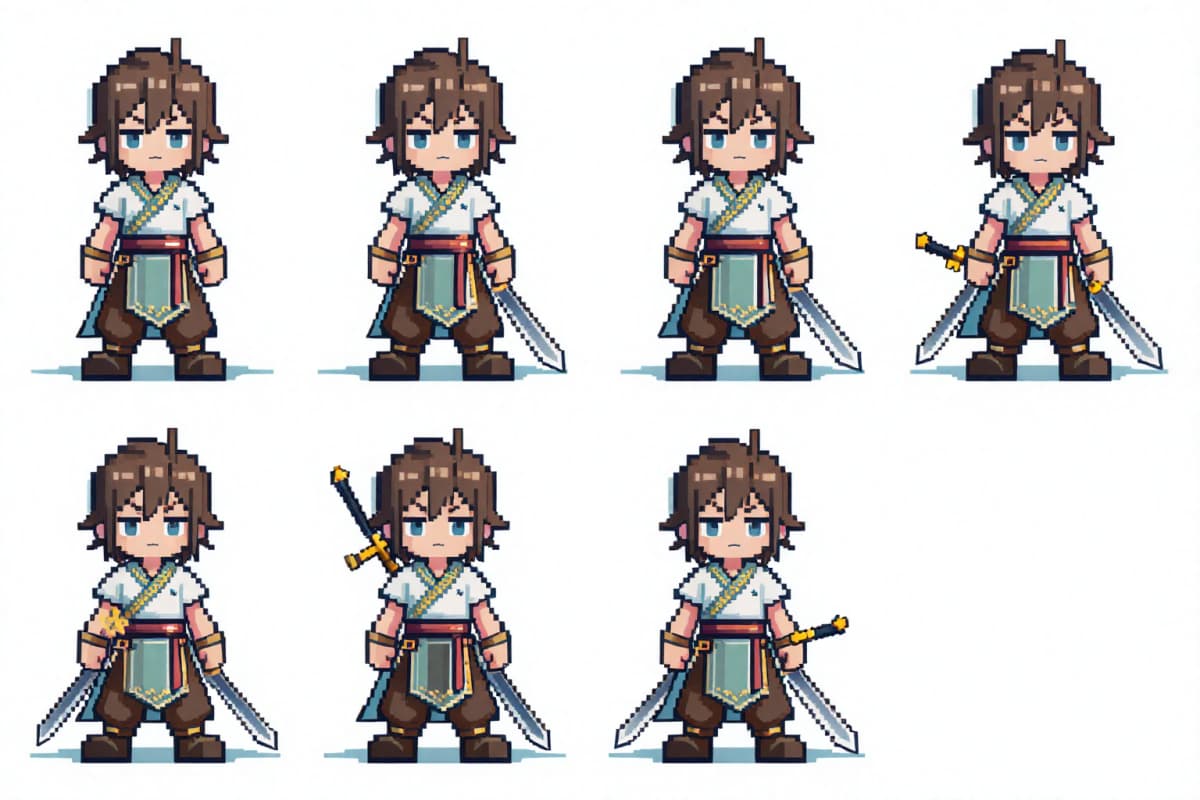
Benefits of Using Pixel OC Maker
Versatility Across Styles
No Artistic Skills Required
Built for Creative Customizations
High-Resolution Image Outputs
How to Use a Free Pixel OC Maker Online
Start Your Pixel Character
Open the Pixel OC maker and choose your base size. Most users pick 32x32 or 64x64 for clean game-style results. Select a body type or start from a blank canvas if you want full control.
Customize Style & Details
Adjust hair, outfit, colors, and small pixel elements. Keep the palette limited for a true retro look. If you use AI generation mode, describe the character clearly: "32x32 pixel rogue, dark cloak, red scarf, side view." Short and specific prompts work best.
Generate, Refine & Export
Click generate to create your Pixel OC image. Review the pixels closely at 100% zoom. Tweak colors or outlines if needed. Then export it as PNG or sprite sheet for avatars, games, or social sharing.
More Popular OC Maker
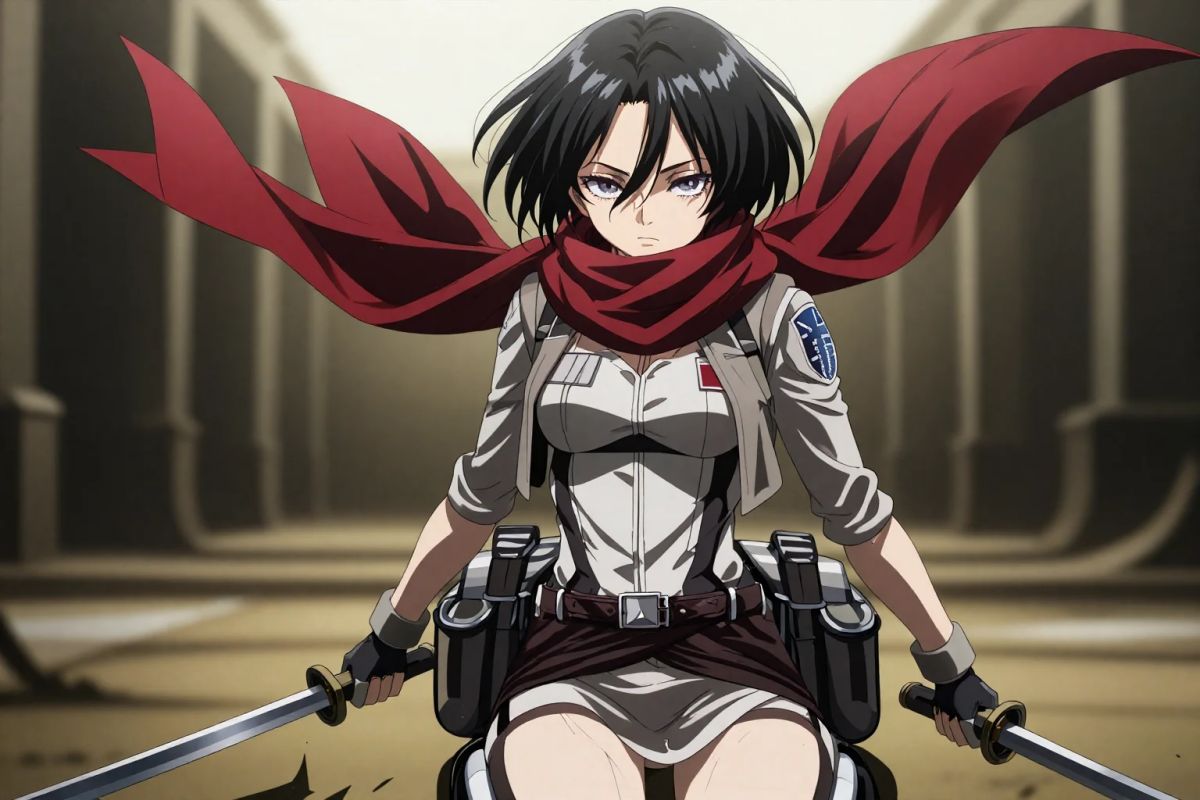
Attack on Titan OC Maker
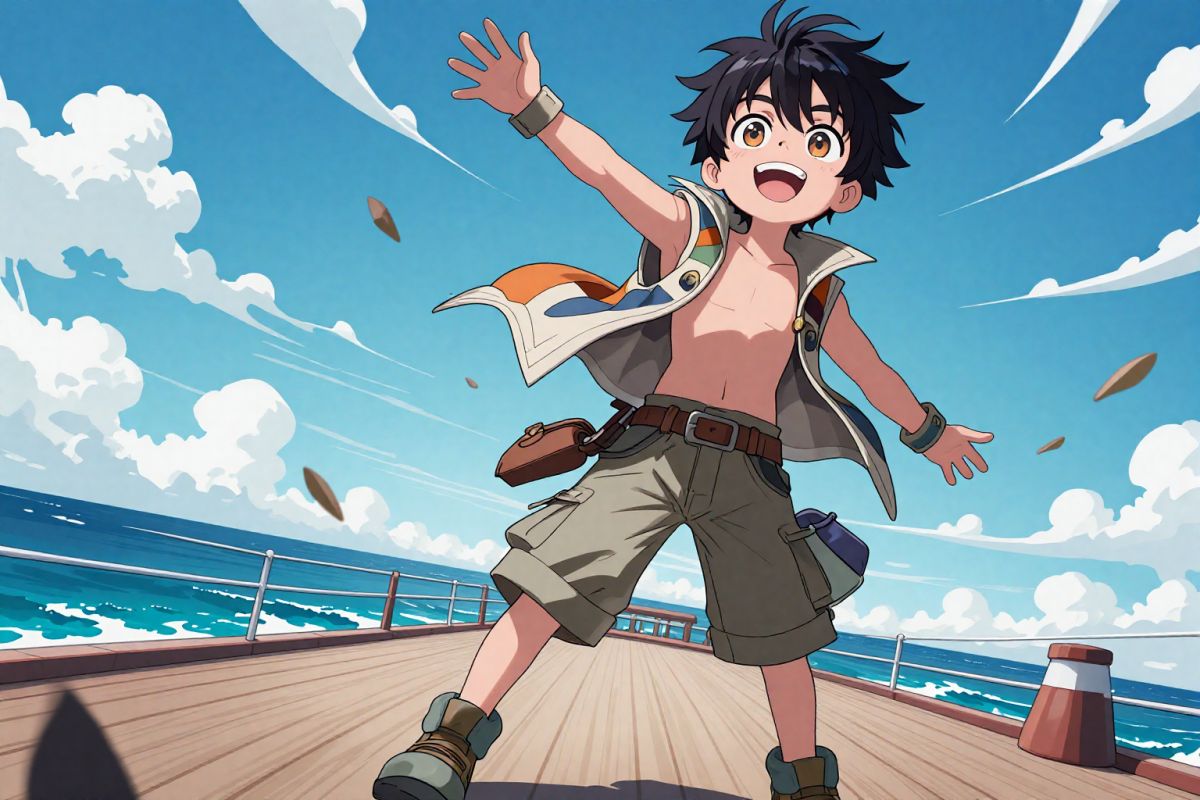
One Piece OC Maker
Genshin OC Maker
My Hero Academia OC Maker

Bleach OC Maker
Demon Slayer OC Maker

Naruto OC Maker
Disney OC Maker
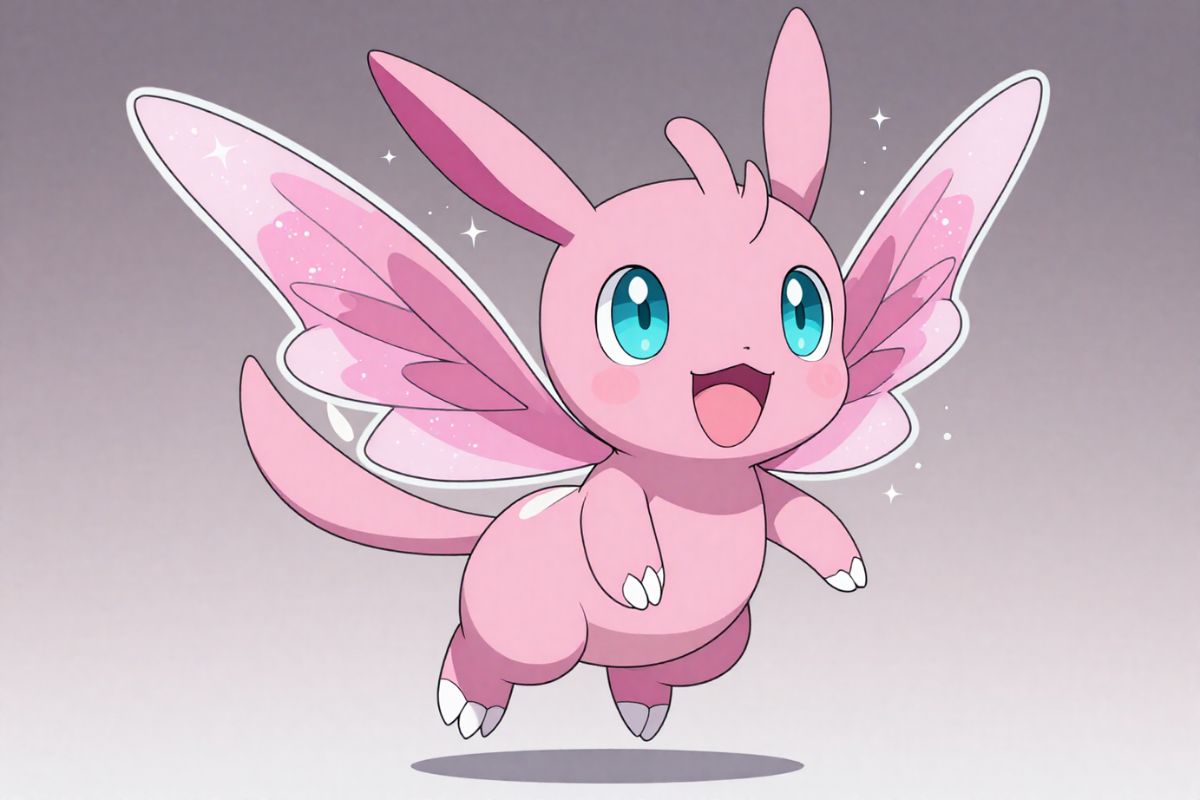
Pokemon OC Maker
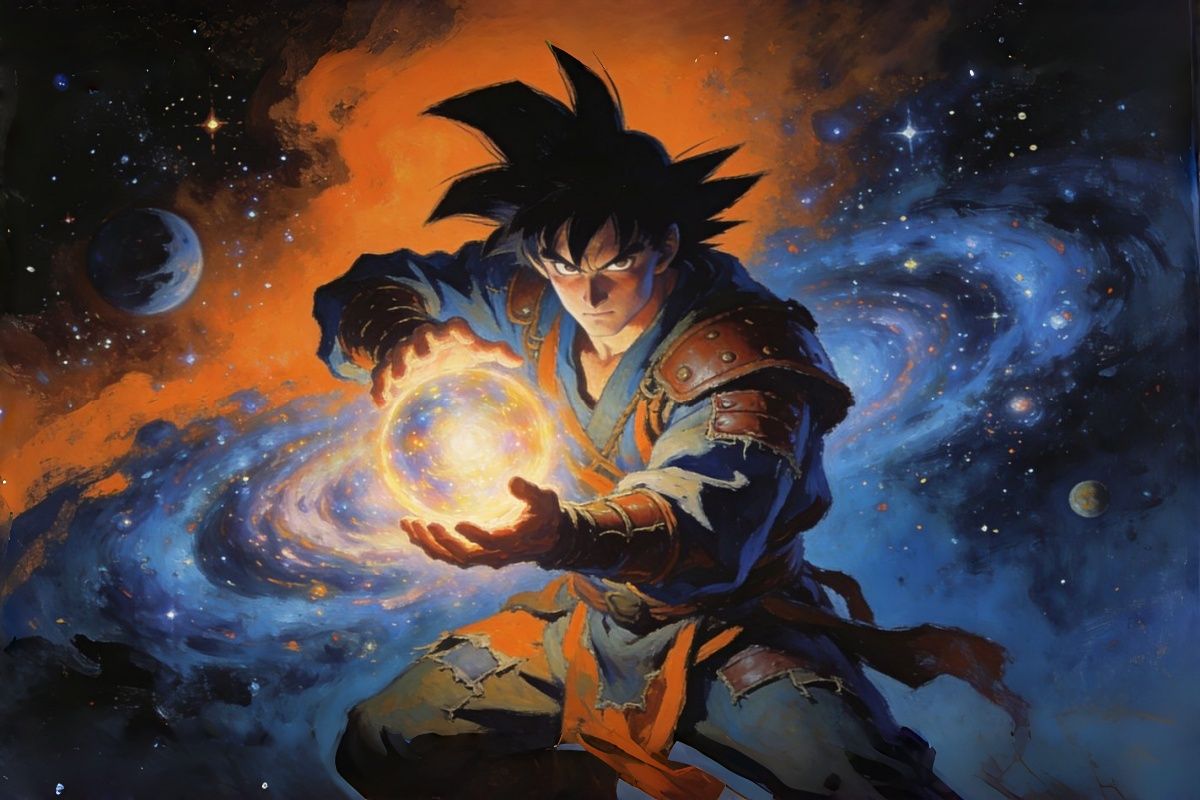
Dragon Ball OC Maker
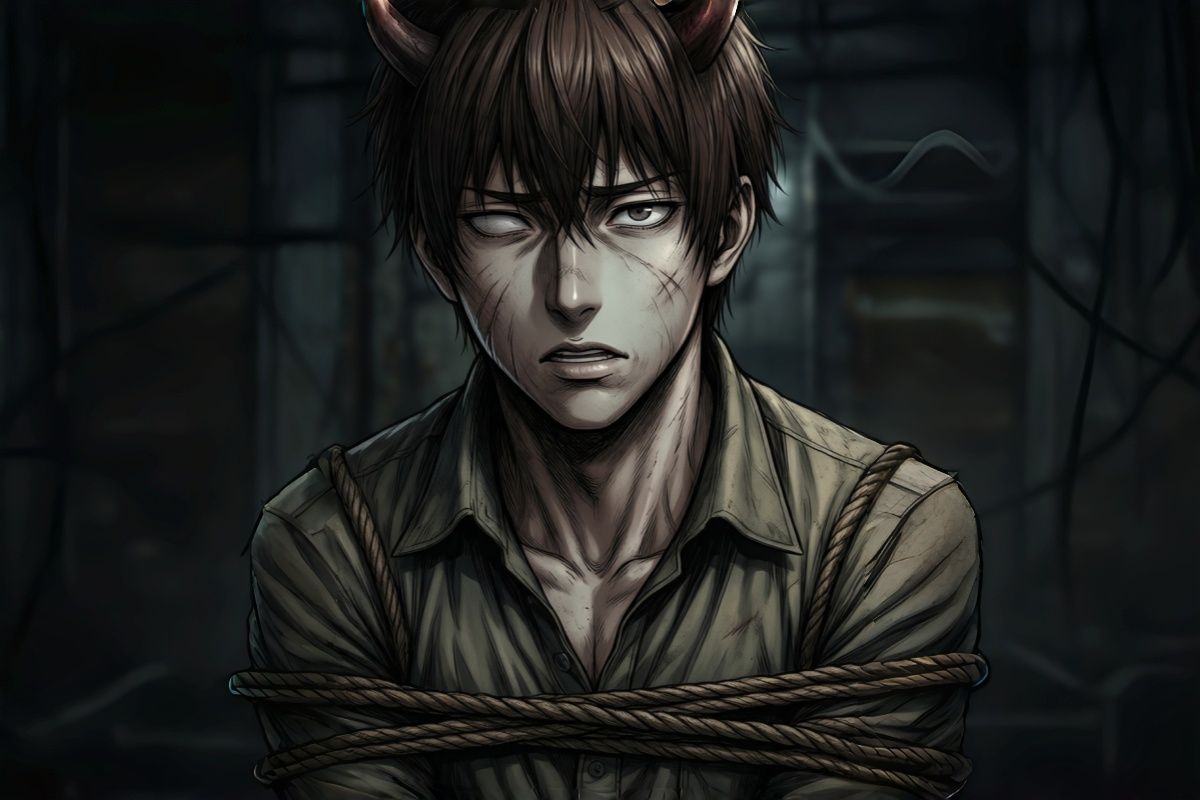
Chainsaw Man OC Maker

Spy x Family OC Maker
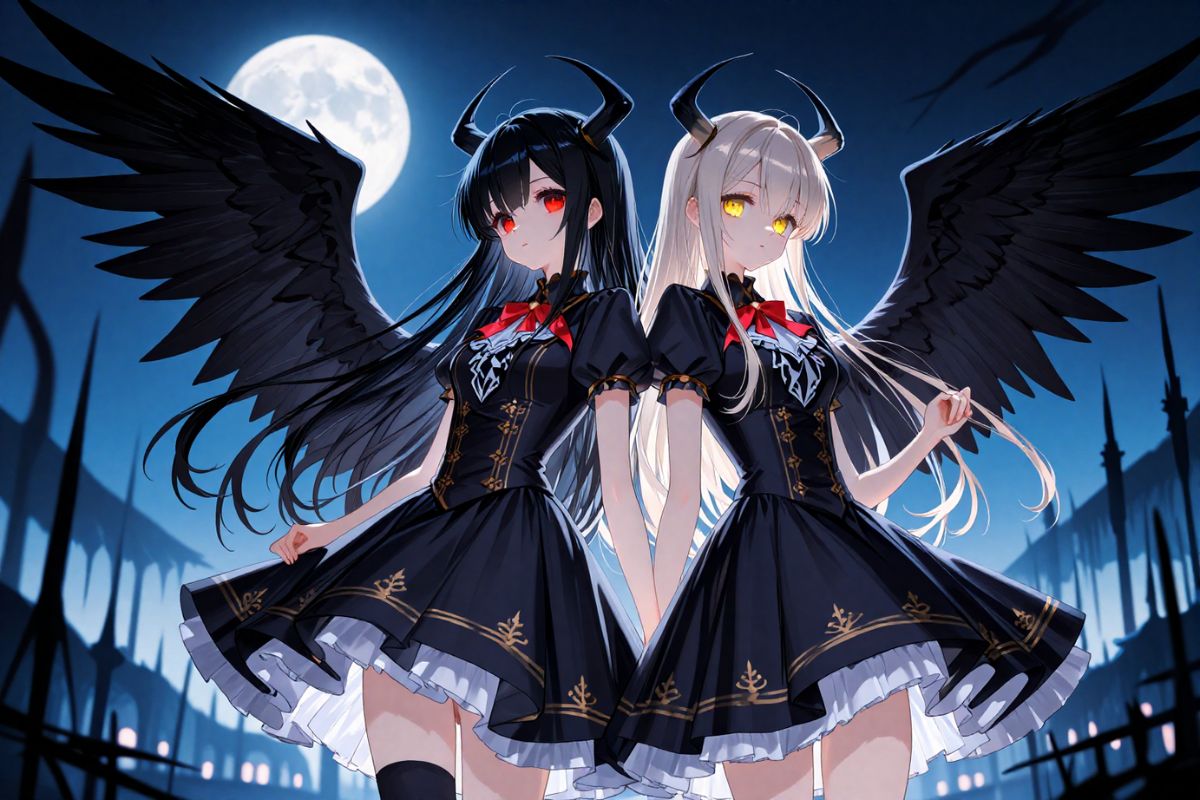
Vampire OC Maker
Hazbin Hotel OC Maker
Honkai Star Rail OC Maker
Fairy Tail OC Maker

Male OC Maker
Cute OC Maker
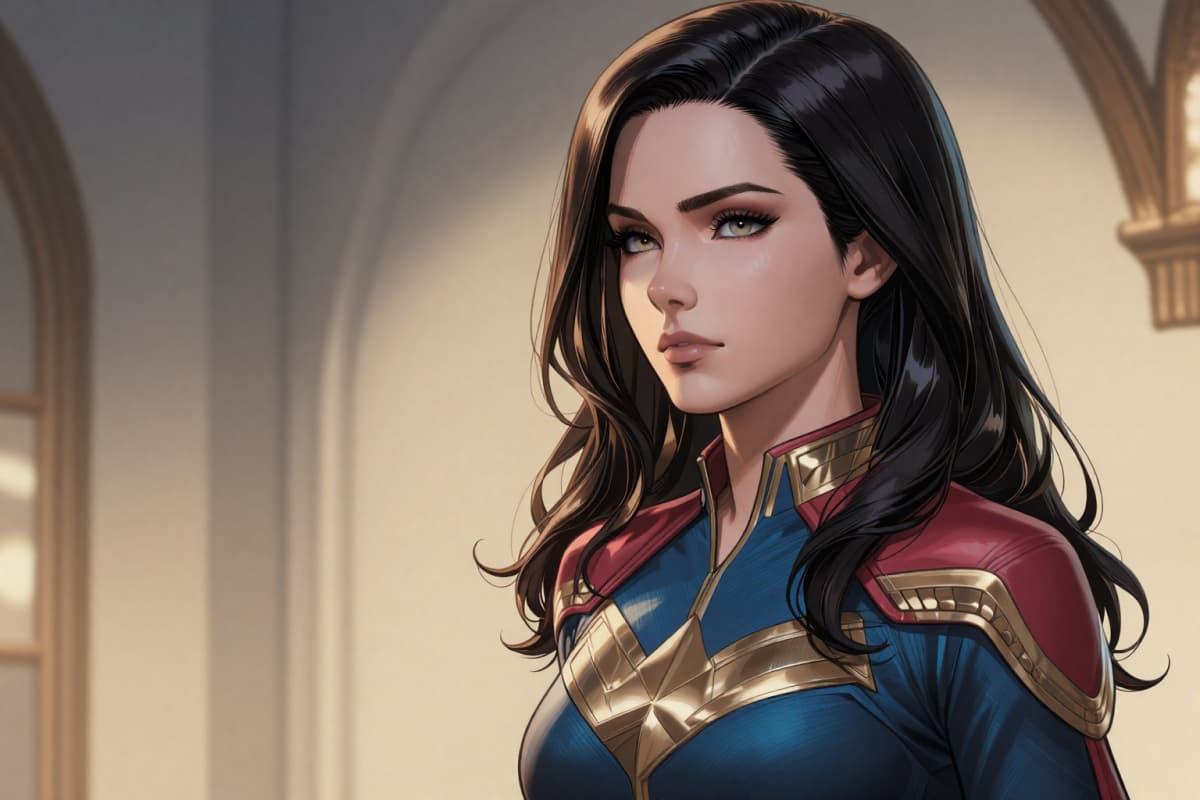
Superhero OC Maker
Pixel OC Maker FAQs – Real Experience & Free Generation Tips
Ready to Create Your Pixel OC Art?
Embark on your journey with Pixel OC Maker and transform creative visions into perfect pixel art pieces.
Feedback from Creators