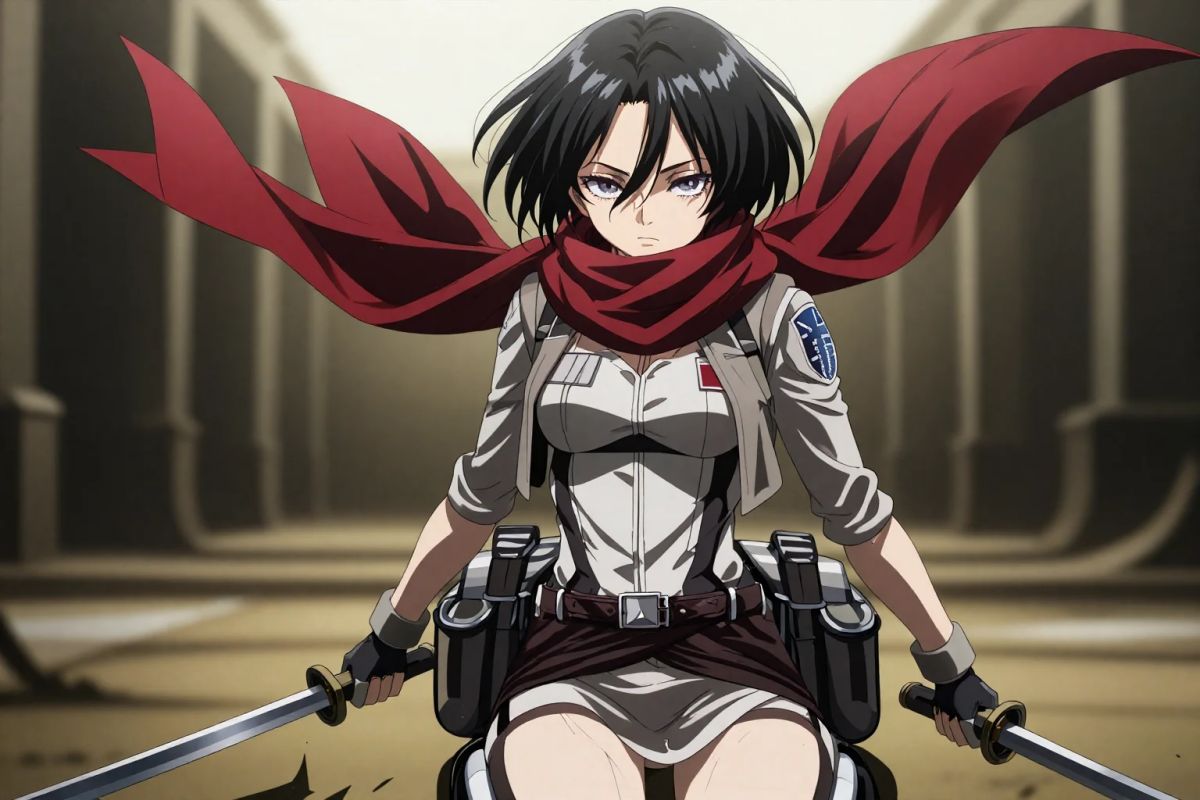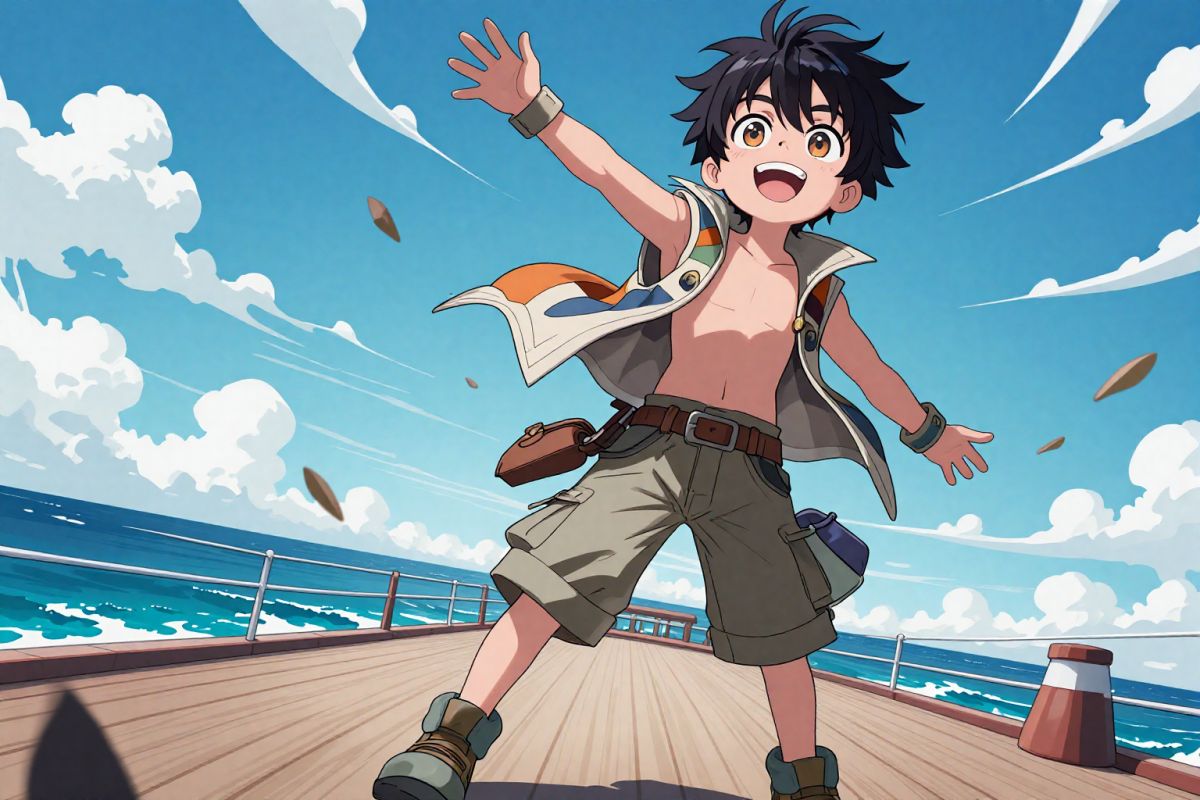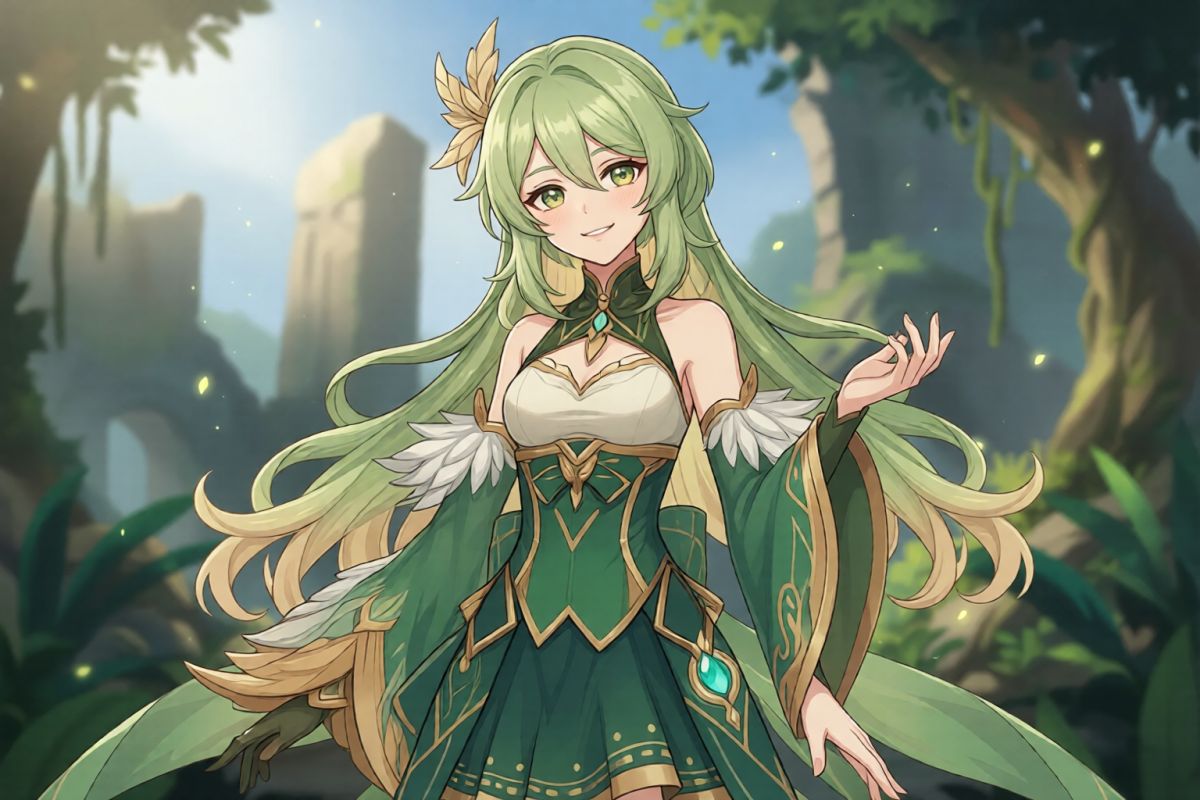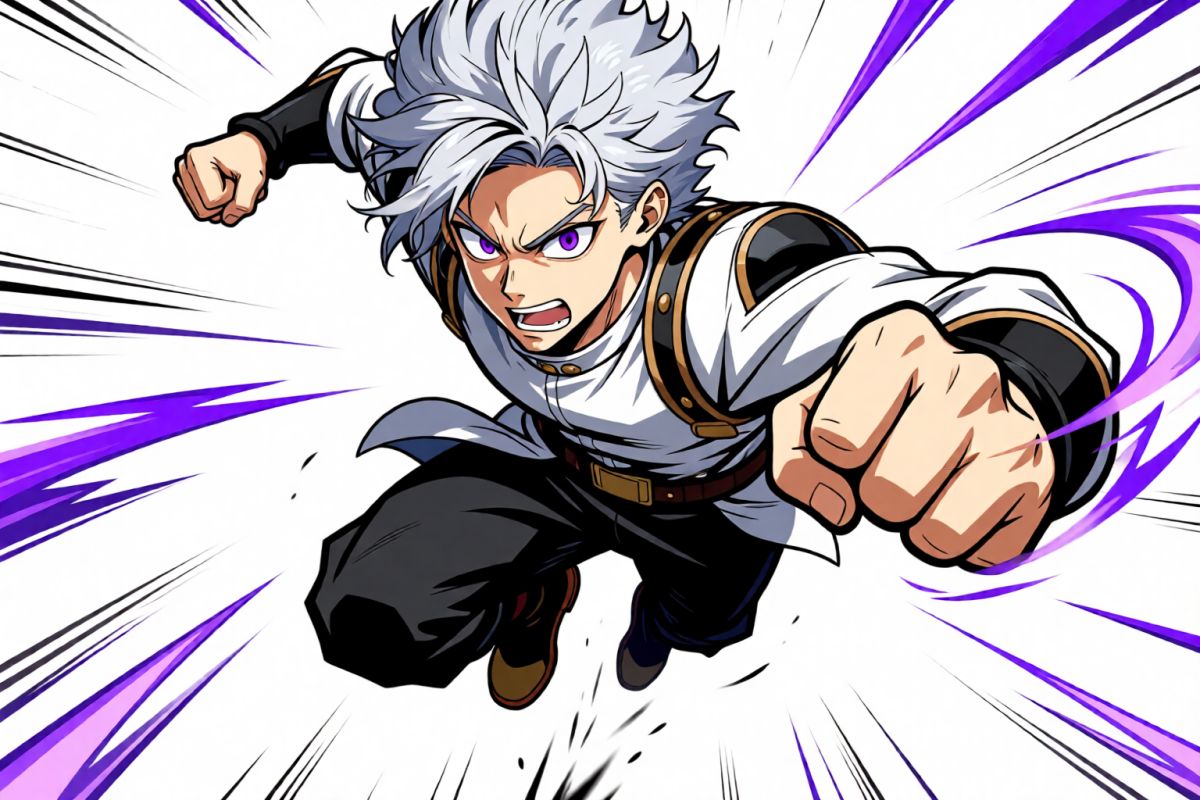
🎨Style*
πŸŒ†Background
πŸ’Ž 4 tokensβ€’βš‘ ~30s

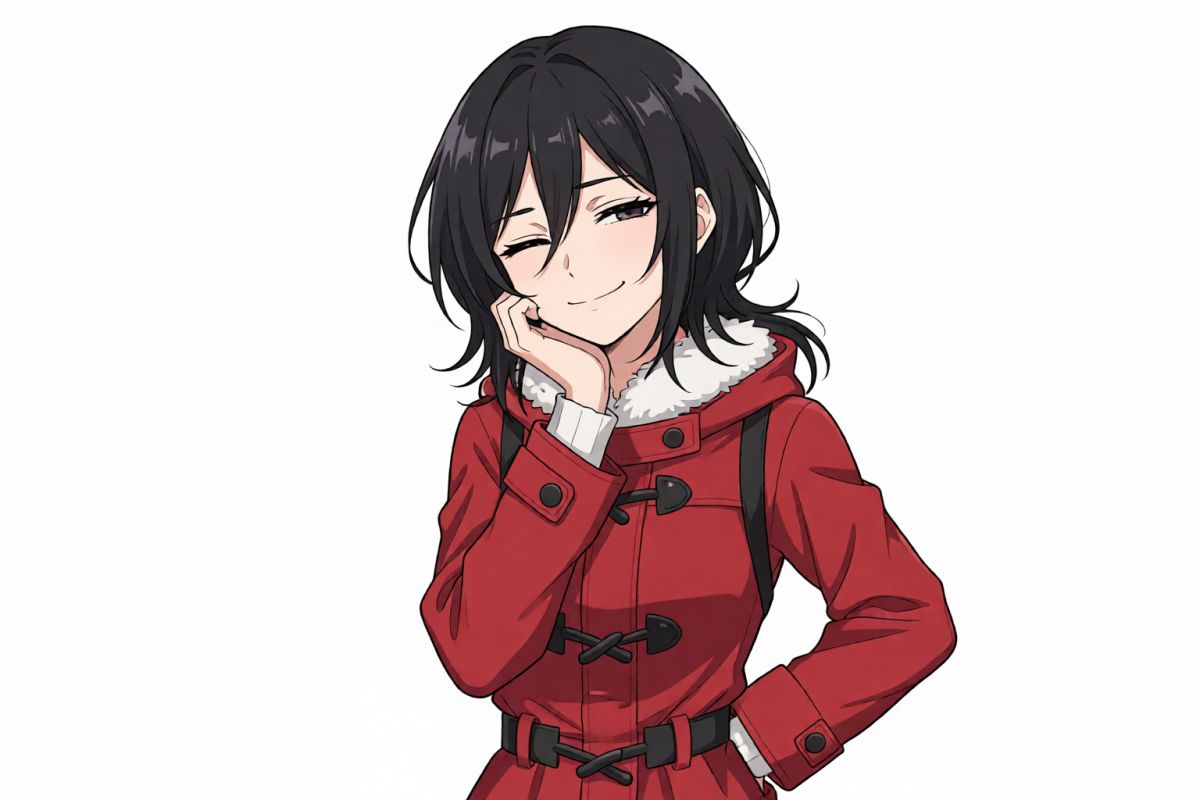
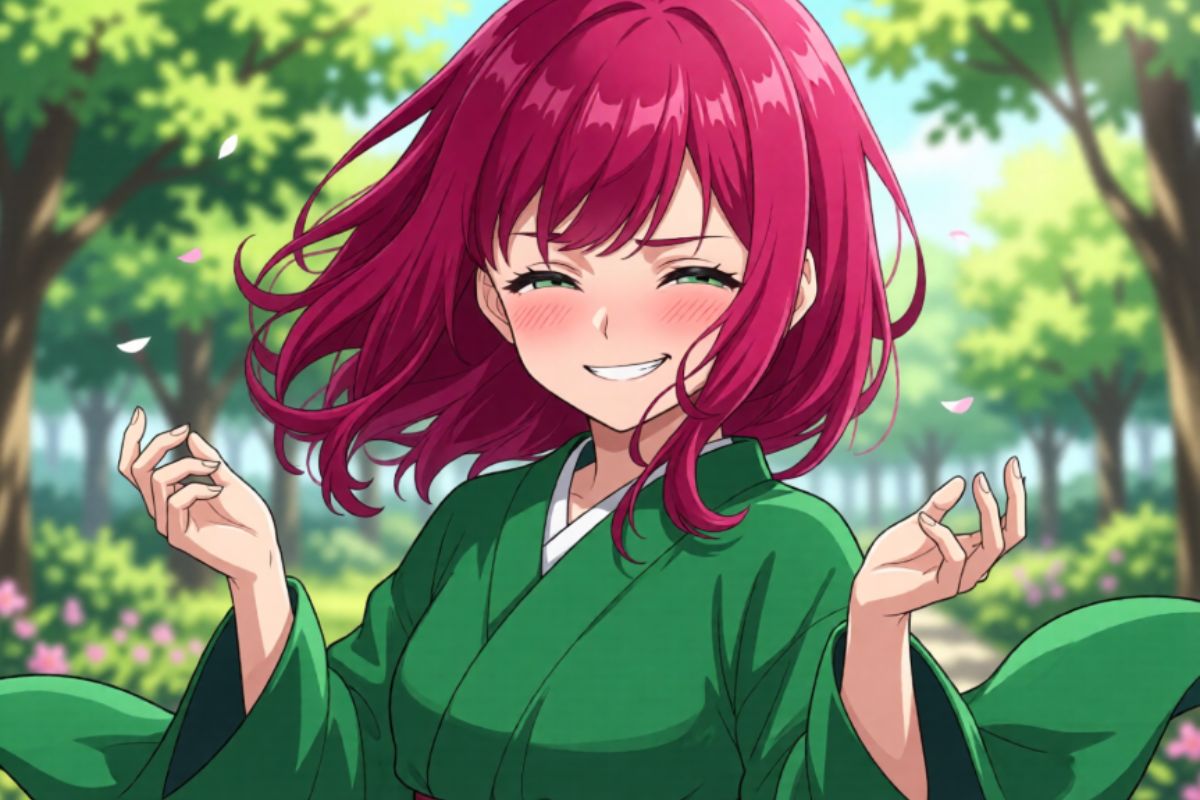
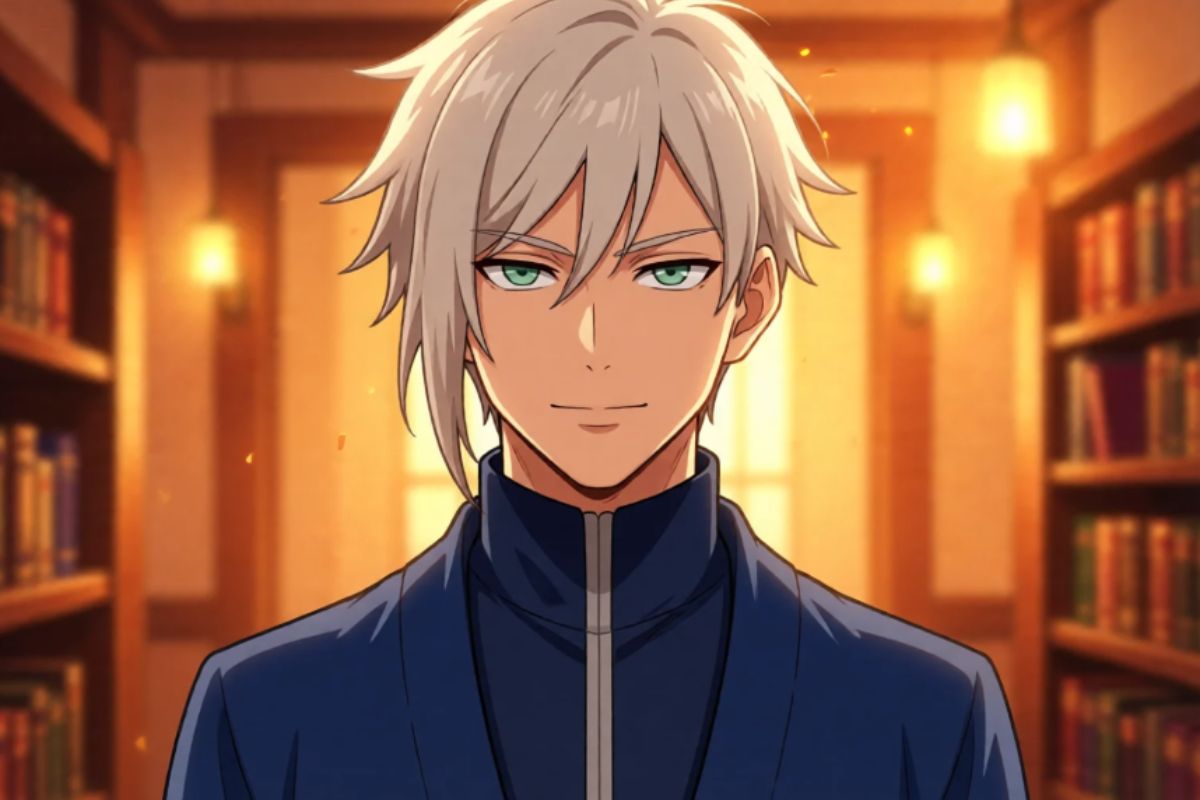
Sword Art Online OC Maker

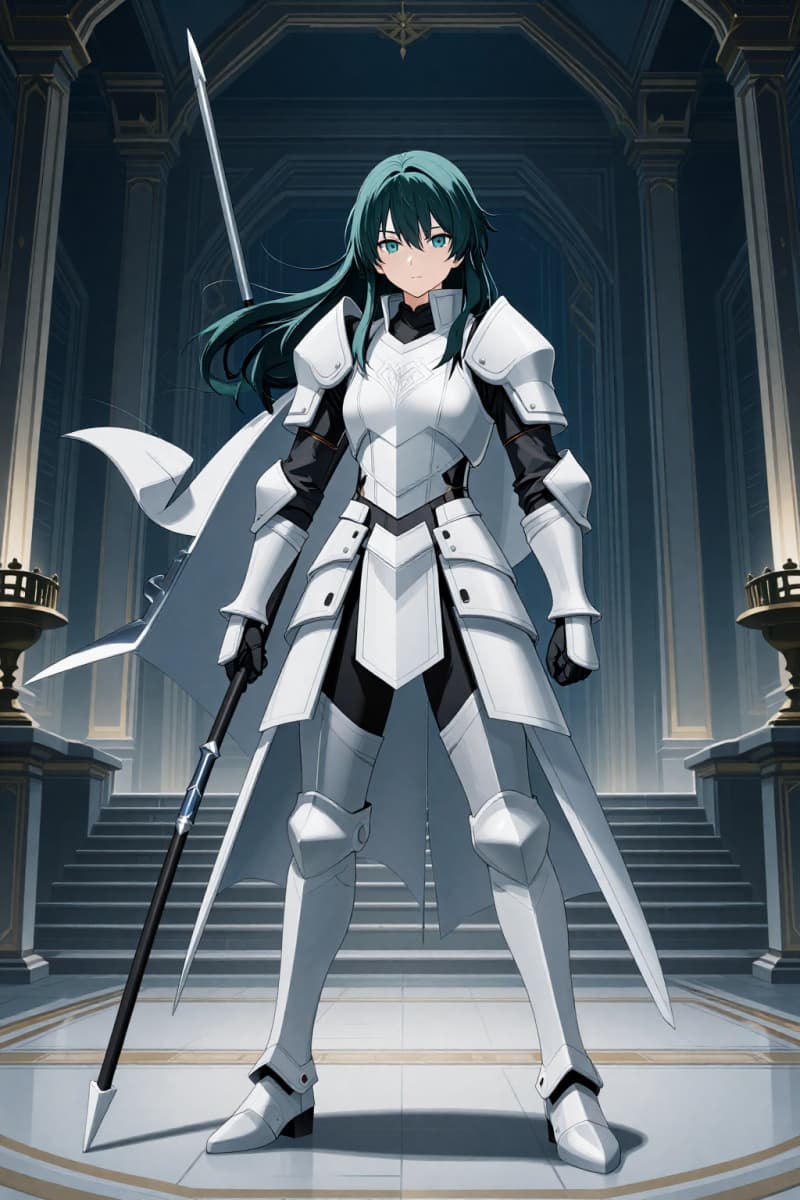
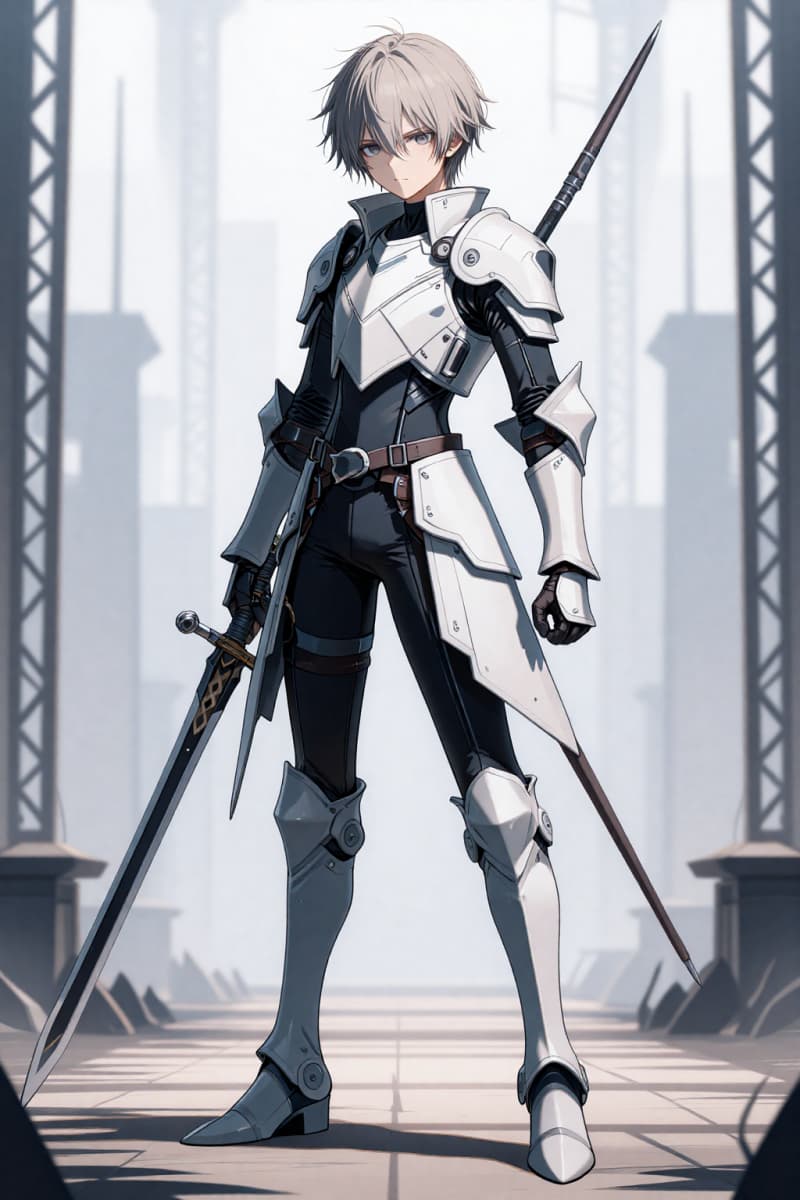
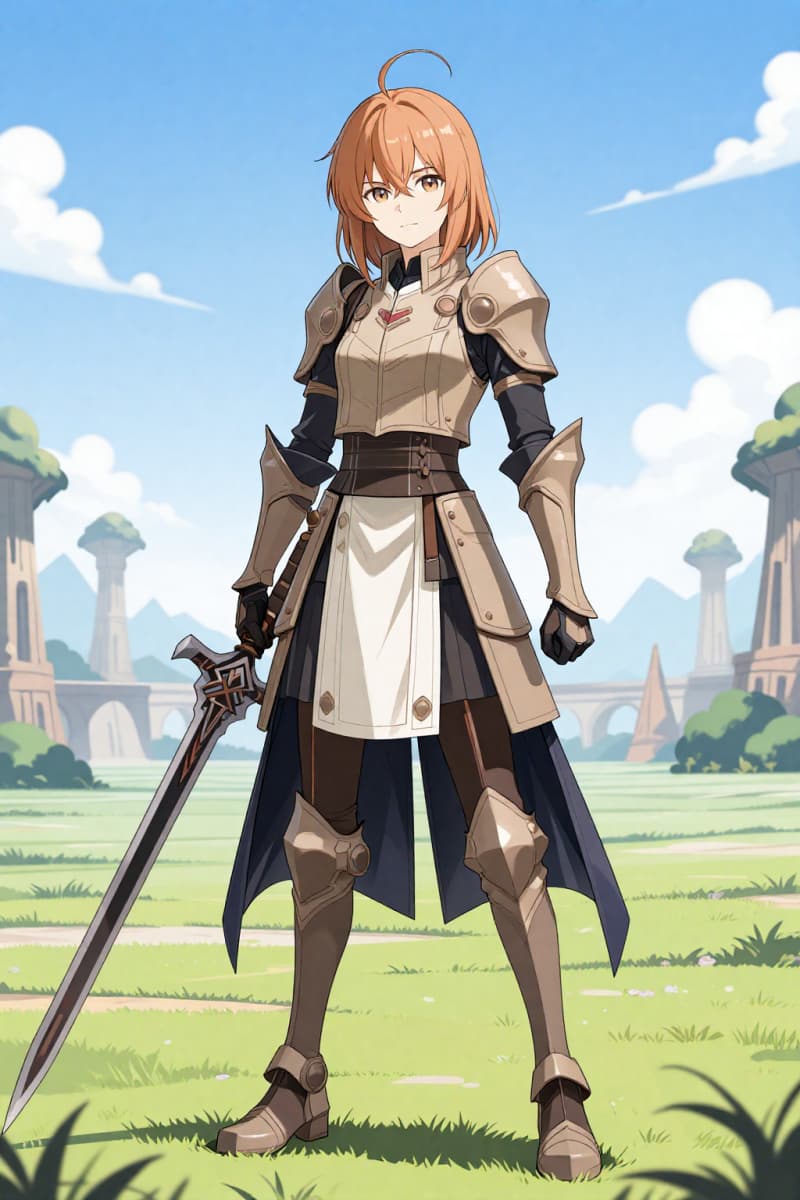
Use Sword Art Online OC Maker to design SAO characters. A simple guide for Sword Art Online OC creation based on the original series.

Sword Art Online OC

Bring Your Sword Art Online Creations to Life with AI

World Building with AI
Character Development with AI
Combat Design with AI
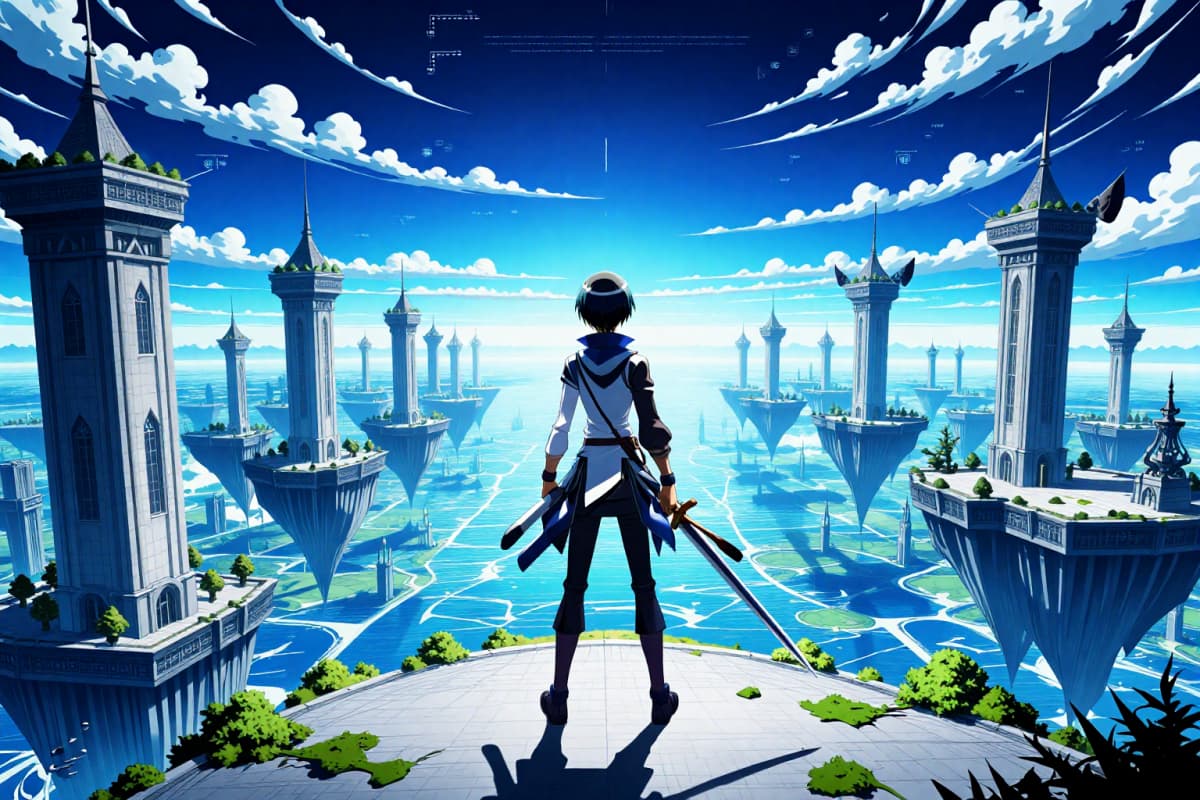
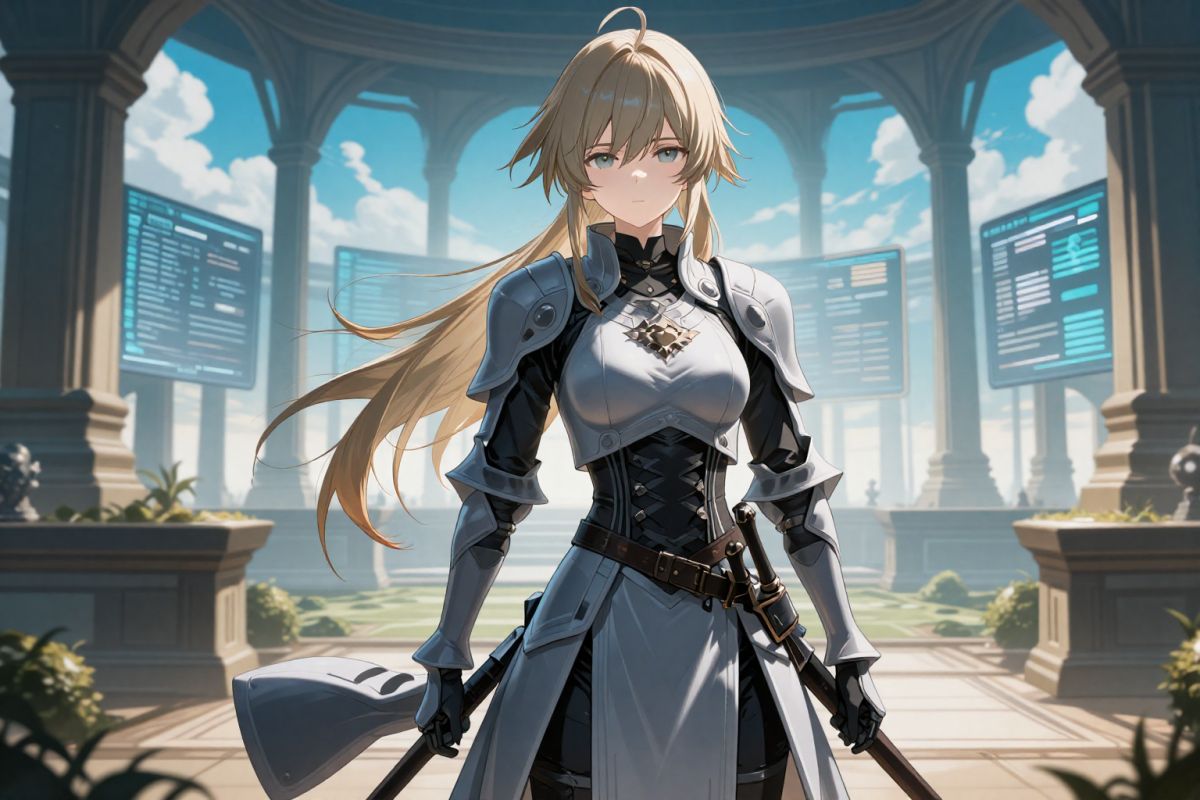
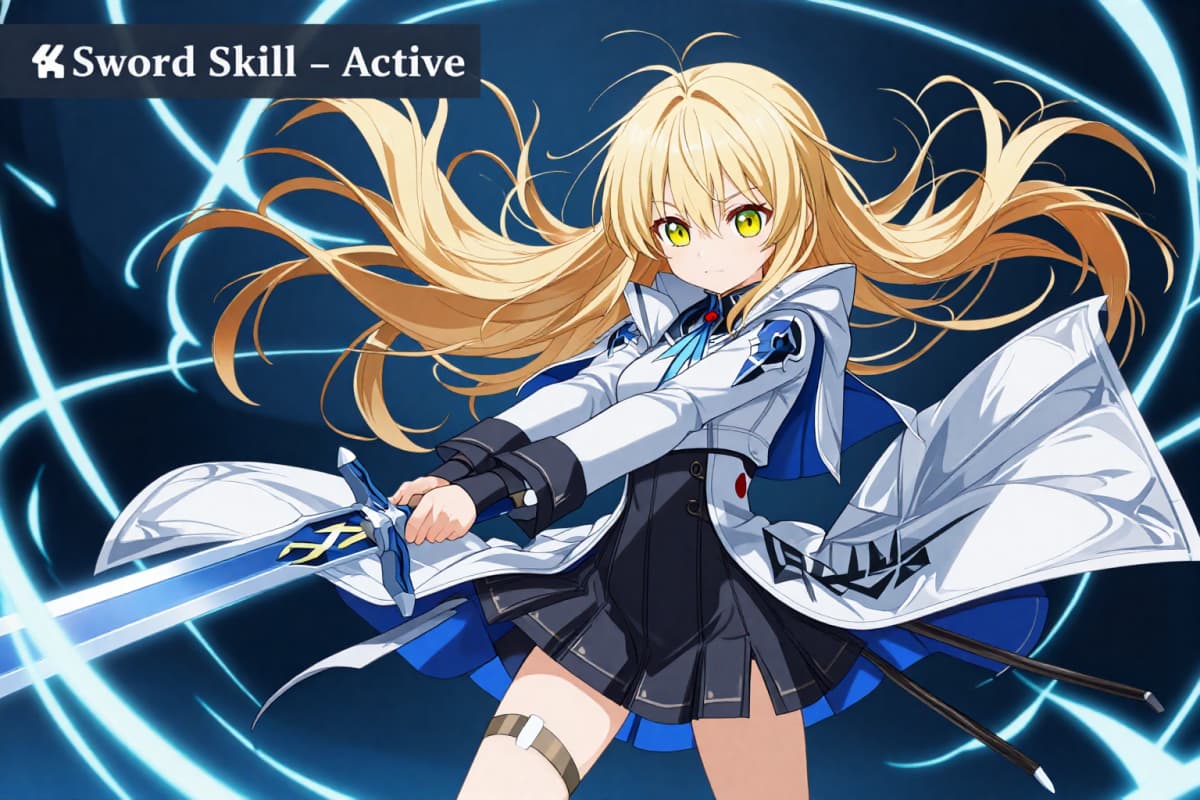
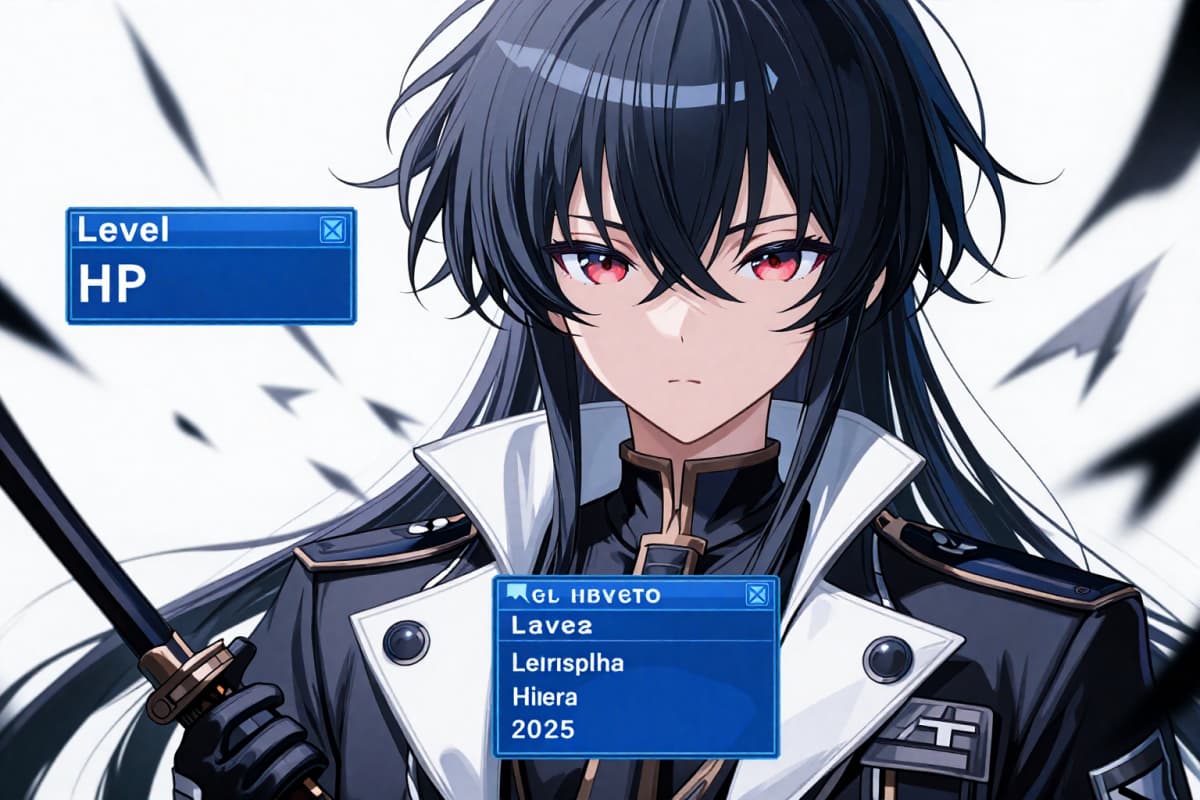
AI Artwork with Sword Art Online Theme

Why Choose the Sword Art Online OC Maker?

Comprehensive Character Customization

Tailor character appearances and attributes to fit your story perfectly, using detailed settings for clothing, expressions, and much more.

Realistic Environment Rendering

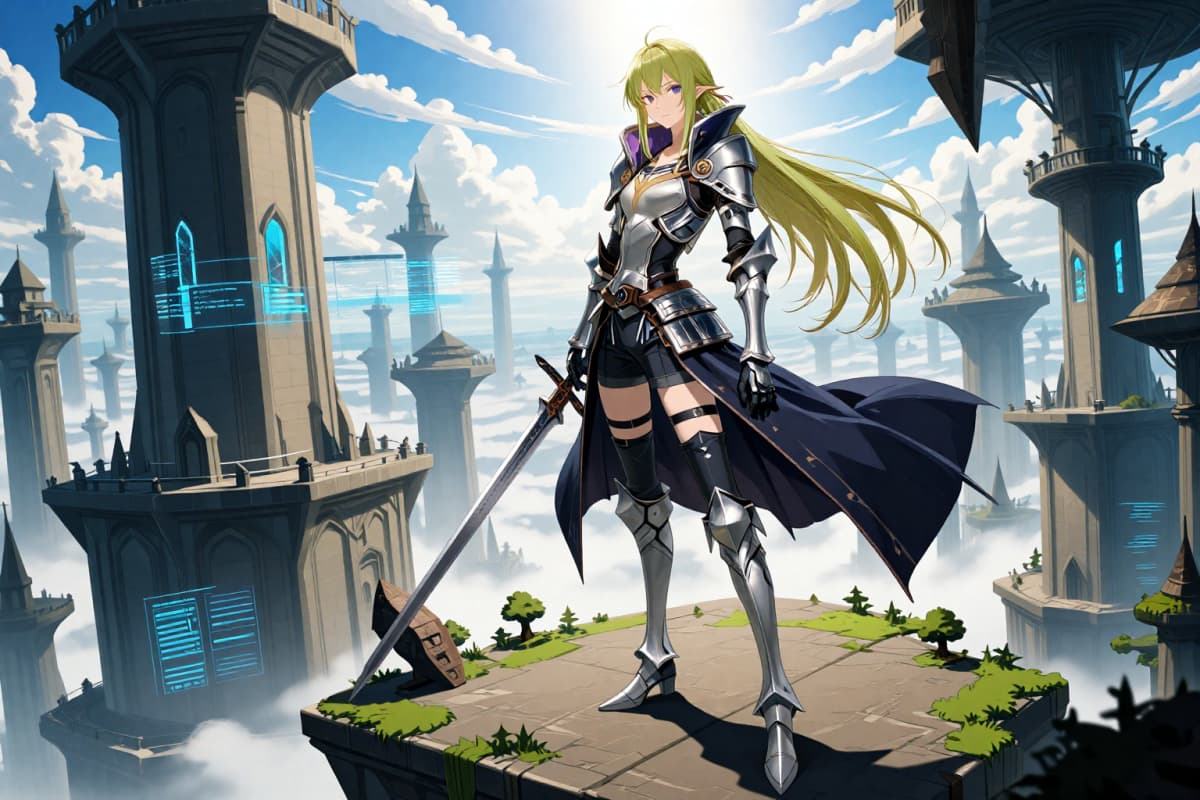
Produce high-fidelity backgrounds and scenery that capture the essence of Sword Art Online's diverse worlds, from tranquil forests to bustling cityscapes.

Seamless Scene Integration

Integrate various elements seamlessly in any scene, ensuring coherence and visual harmony within the Sword Art Online framework.

Create Your SAO Original Character in 3 Simple Steps

01

Define Your Place in the SAO World

Start with function, not looks. Define your character's main floor range, combat role, weapon type, and playstyle. These decisions ground your OC in the SAO system from the start.

02

Build a Clean, Functional SAO Look

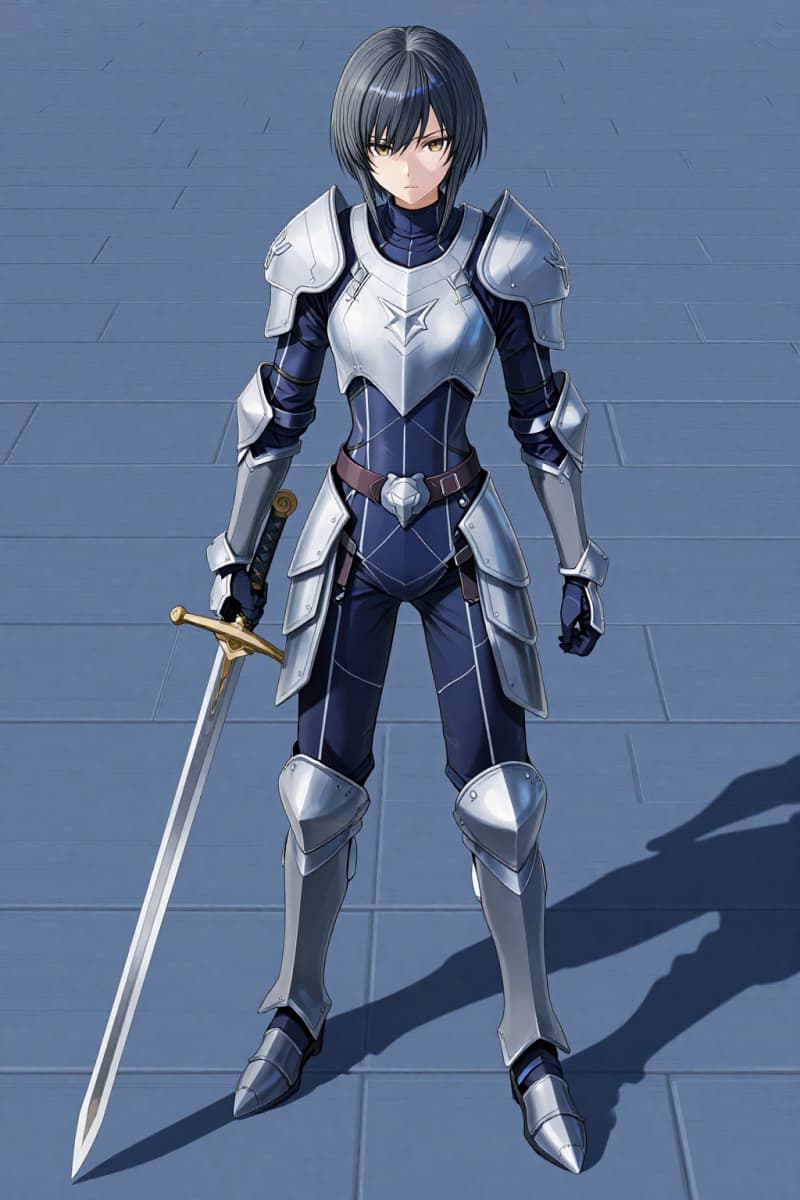
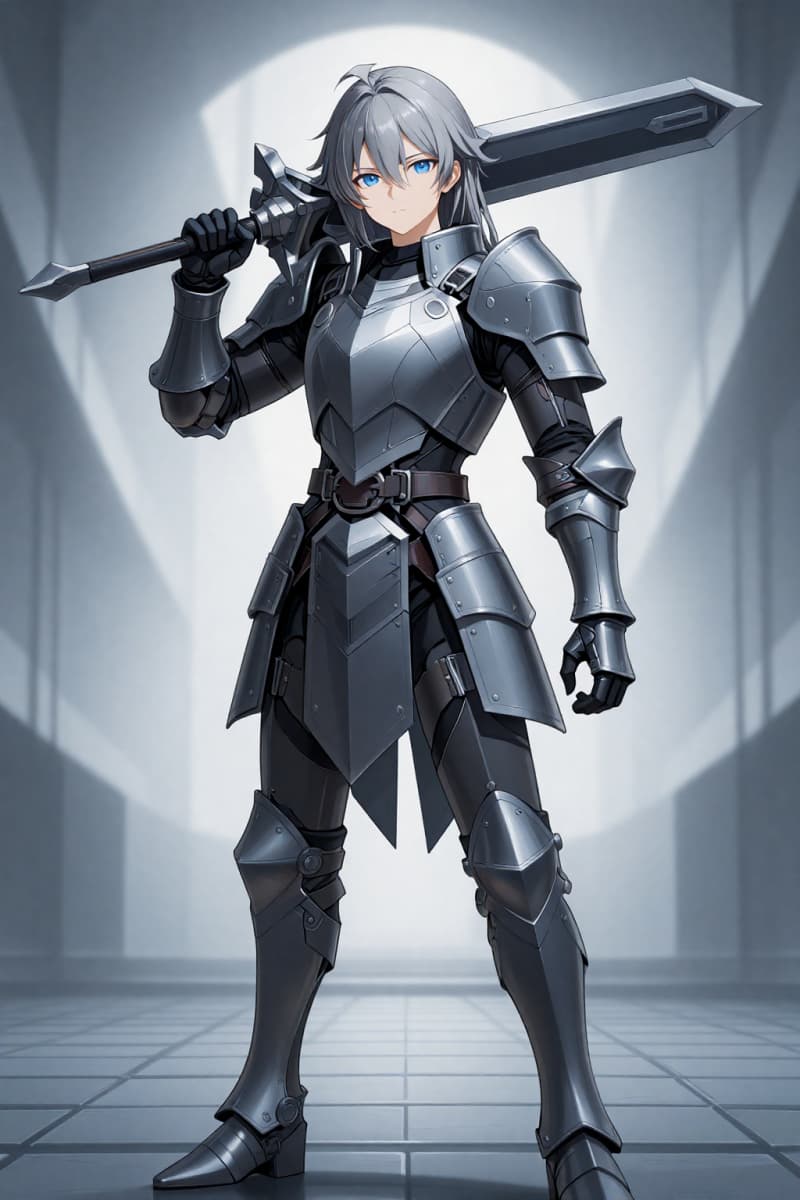
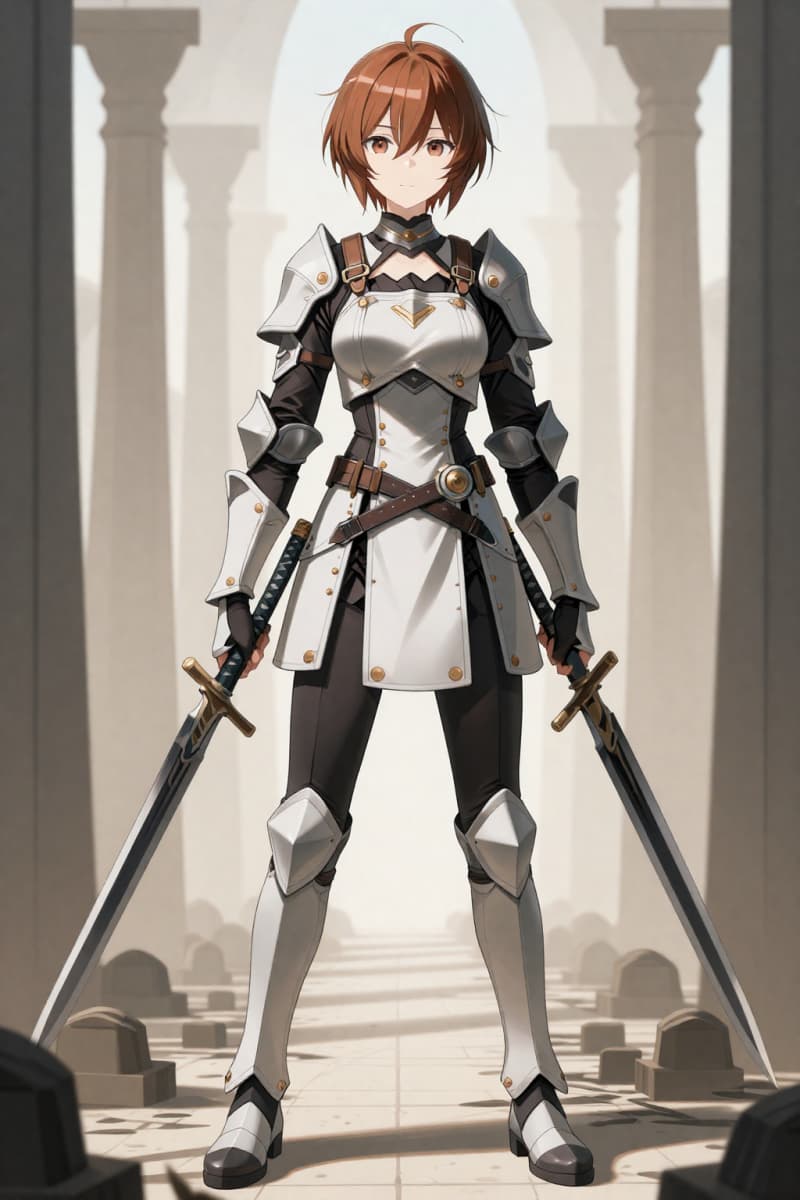
Use the OC Maker to refine appearance. Focus on practical outfits, controlled color palettes, and equipment that looks usable in combat. SAO characters feel real because they look like actual game avatars.

03

Adjust for Lore and Balance

Review the generated result and fine-tune details. Skills should make sense within the system, and gear should match your character's experience level. Small changes go a long way in making the OC believable.

Sword Art Online OC Maker FAQs for SAO Fan Creations

Start Your Sword Art Online OC Journey