

Seedance 2.0
Seedance 2.0: Cleaner Motion, Better Timing
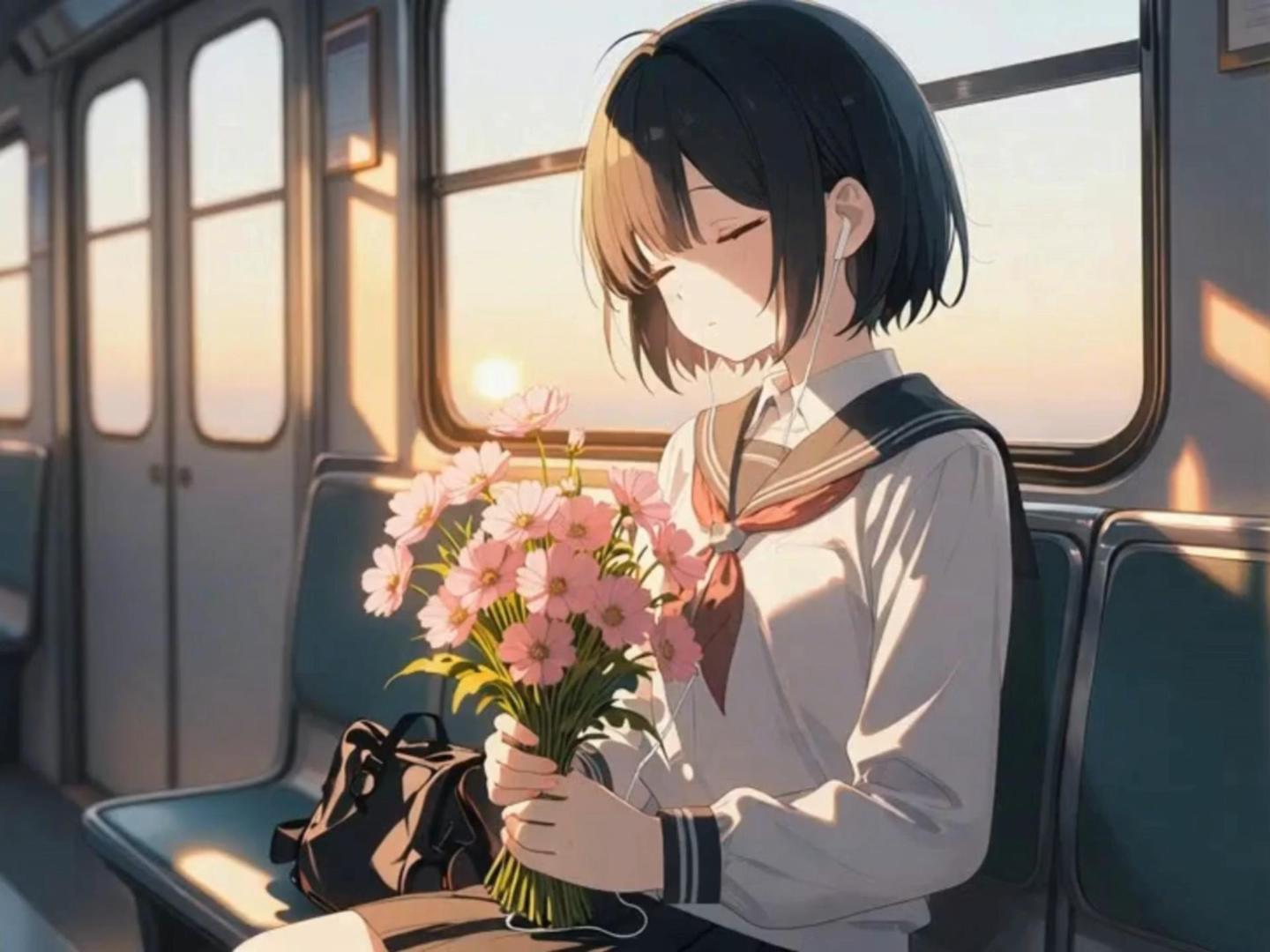
Seedance 2.0 is a performance-first video-to-video workflow built for "edit-ready" clips. It focuses on smoother motion arcs, steadier pacing, and more reliable face performance—so dialogue shots and close-ups feel less jittery, less drift-prone, and easier to cut into a real timeline.
Seedance 2.0 Strengths You'll Notice Immediately
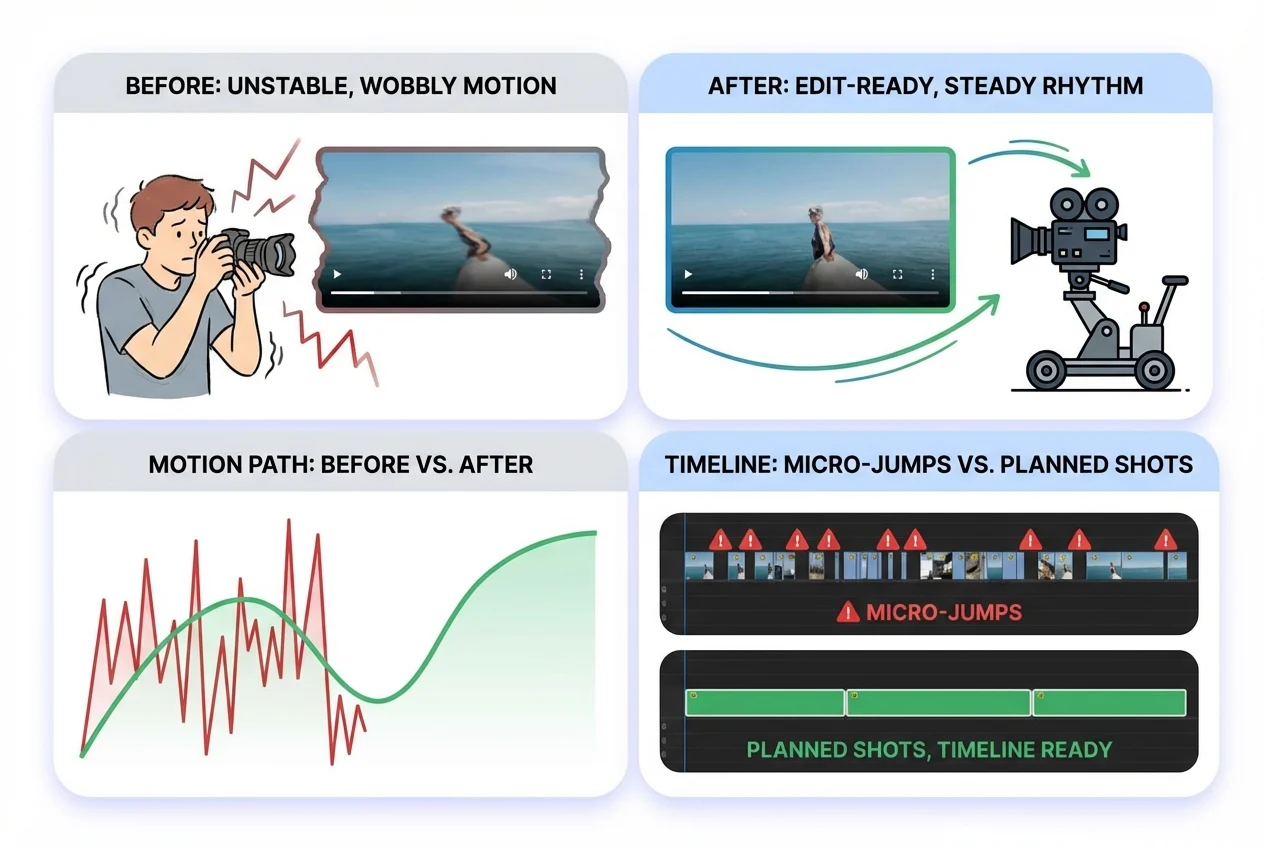
Edit-Ready Motion and Shot Rhythm
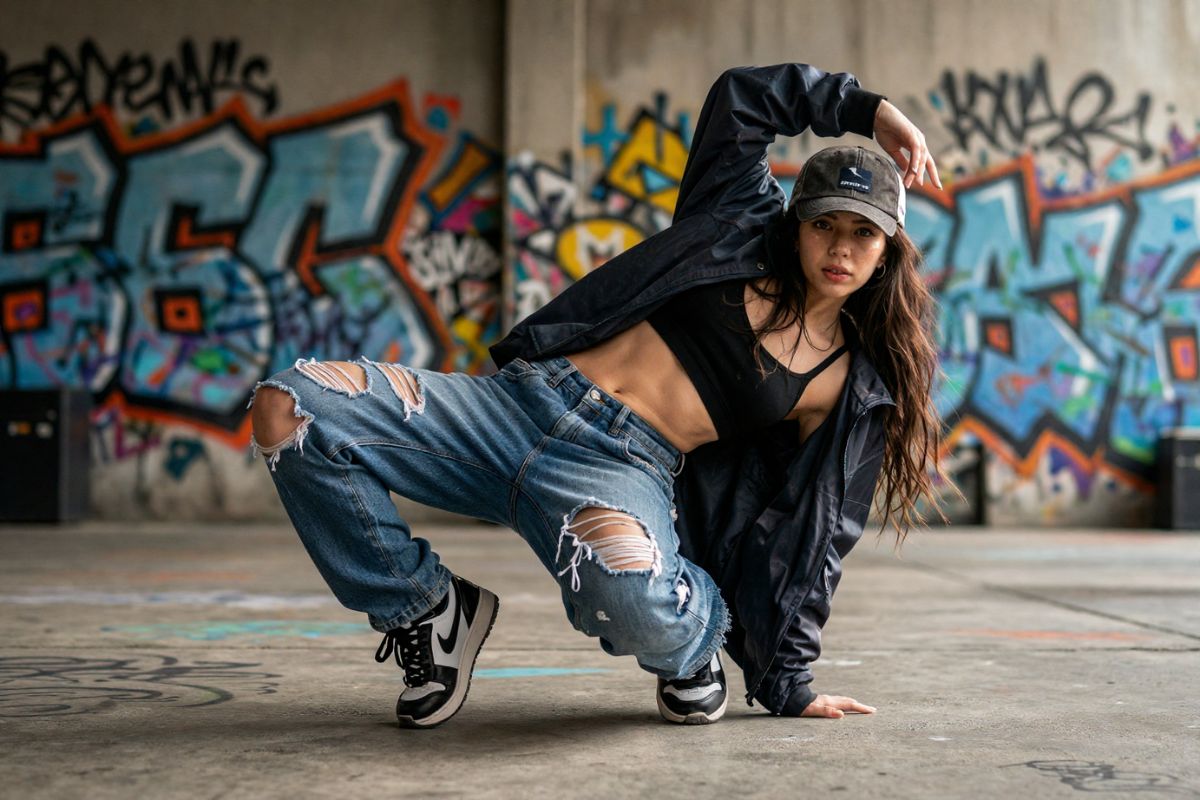
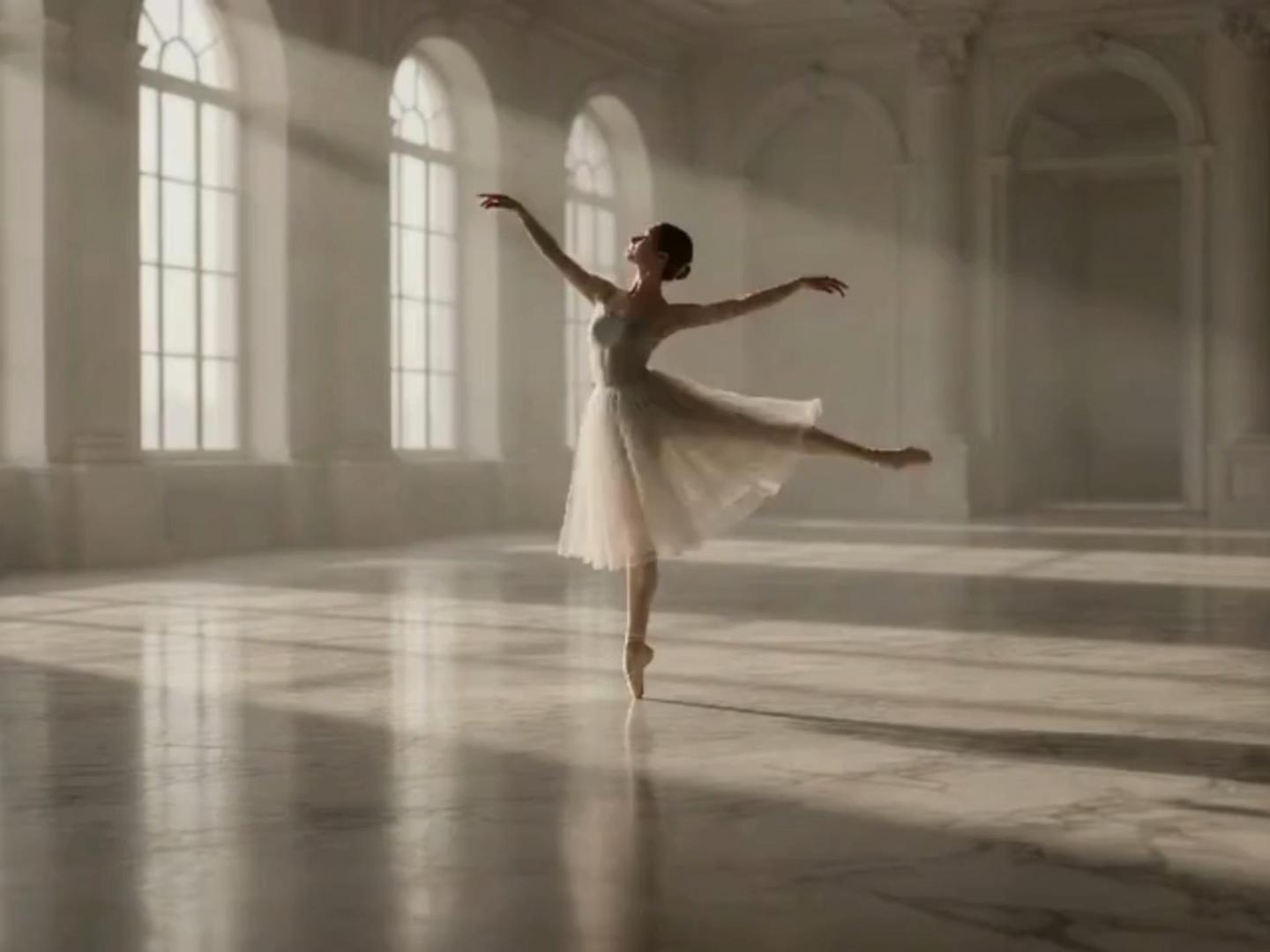
Seedance 2.0 prioritizes readable movement arcs and steadier pacing. You'll typically see fewer "micro-jumps" and less random wobble, which makes the clip feel more like a planned shot. Best for: short scenes you want to drop straight into a timeline. If you're still using Seedance 1.5 Pro, you can compare what changed here: Seedance 1.5 Pro.
More Stable Faces for Dialogue and Close-Ups
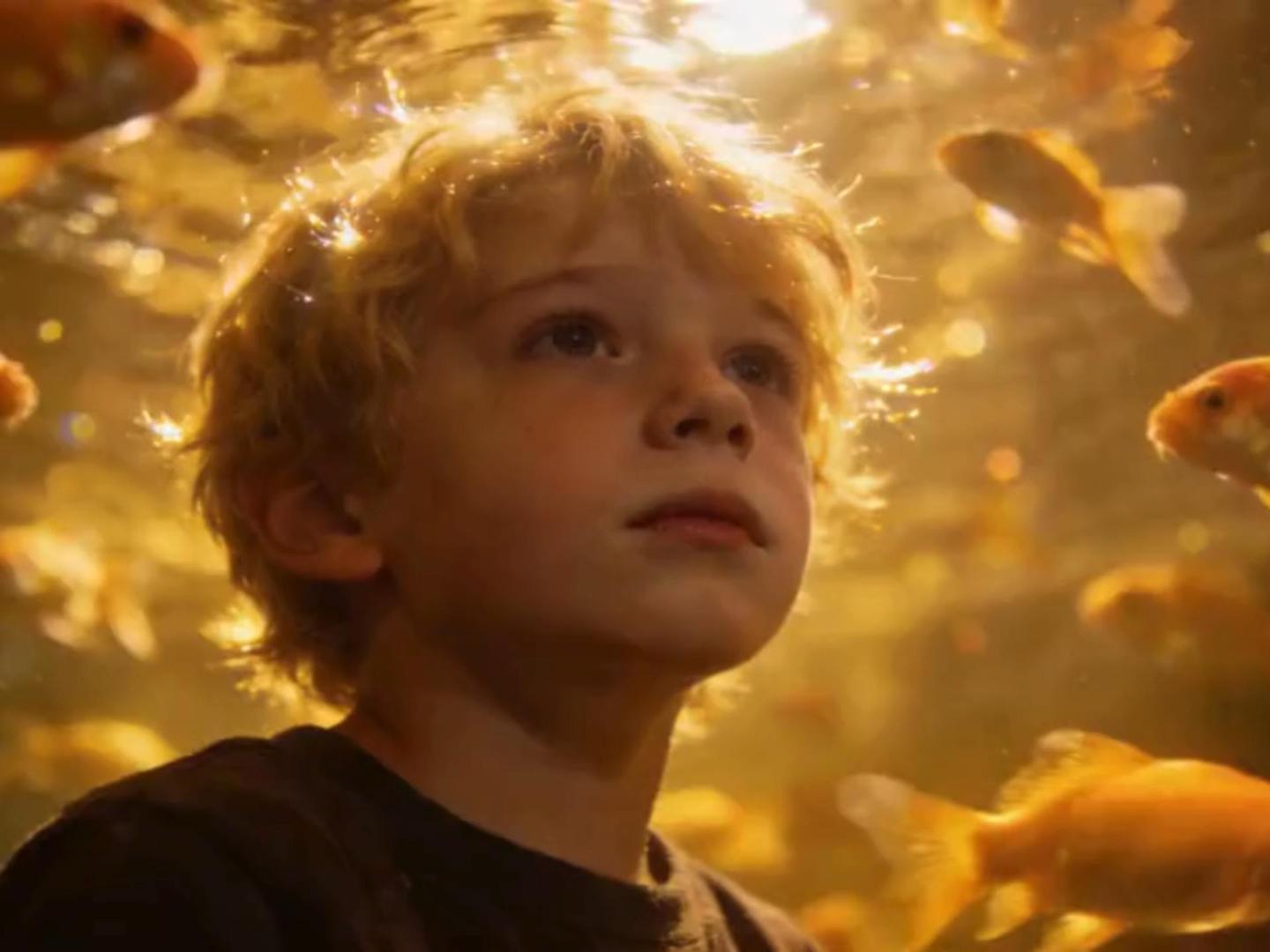
Talking shots are where most models reveal weaknesses: mouth shapes drift, expressions snap, or the face warps on key syllables. Seedance 2.0 is tuned to keep facial performance more consistent and align better with speaking beats, so the scene reads cleaner to viewers.
Controllable Camera Moves & Precise Action Recreation
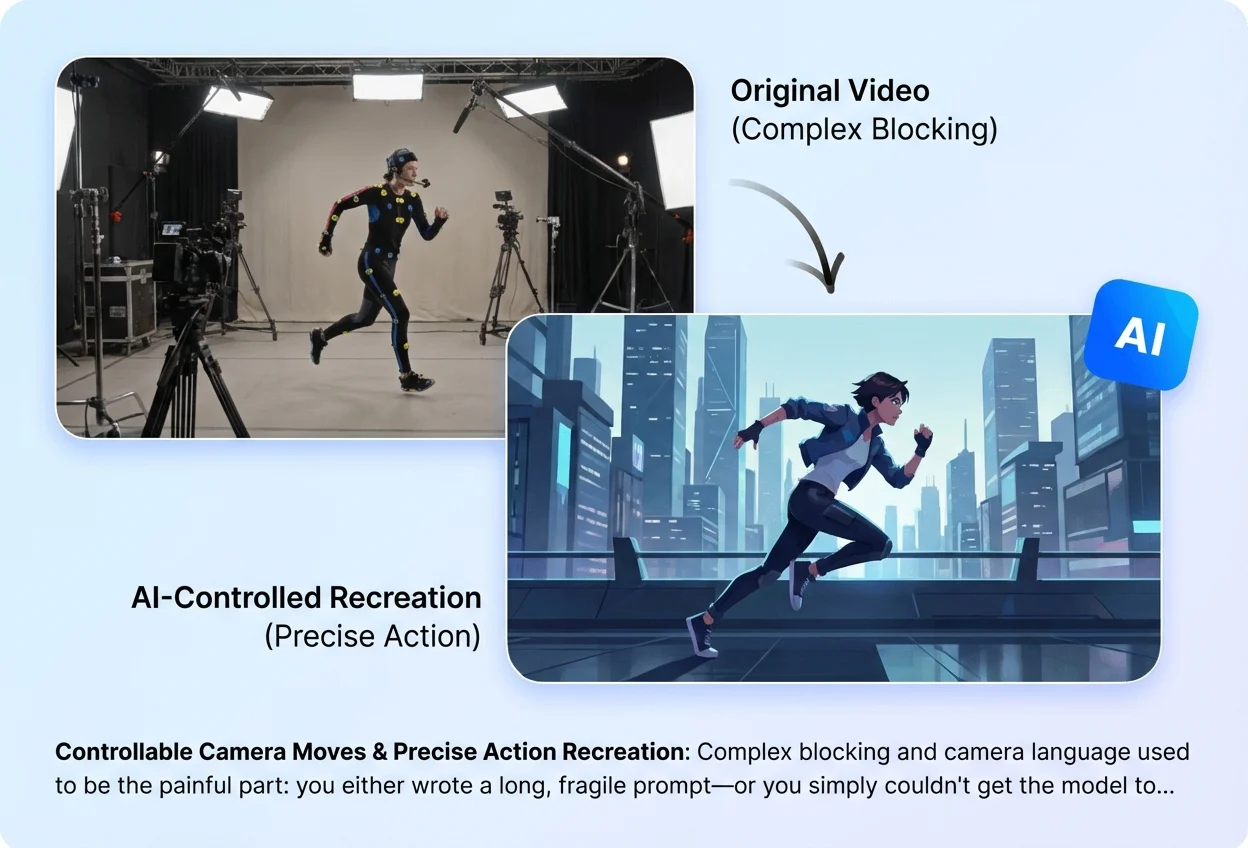
Complex blocking and camera language used to be the painful part: you either wrote a long, fragile prompt—or you simply couldn't get the model to follow. With Seedance 2.0, a reference video can carry the intent. Upload the clip you want to match, and the model can follow the pacing, camera move, and motion path more reliably, helping you recreate "that walk-and-follow shot" or a tricky move without learning film jargon first.
Creative Templates & Complex Effects—Faithful Recreation
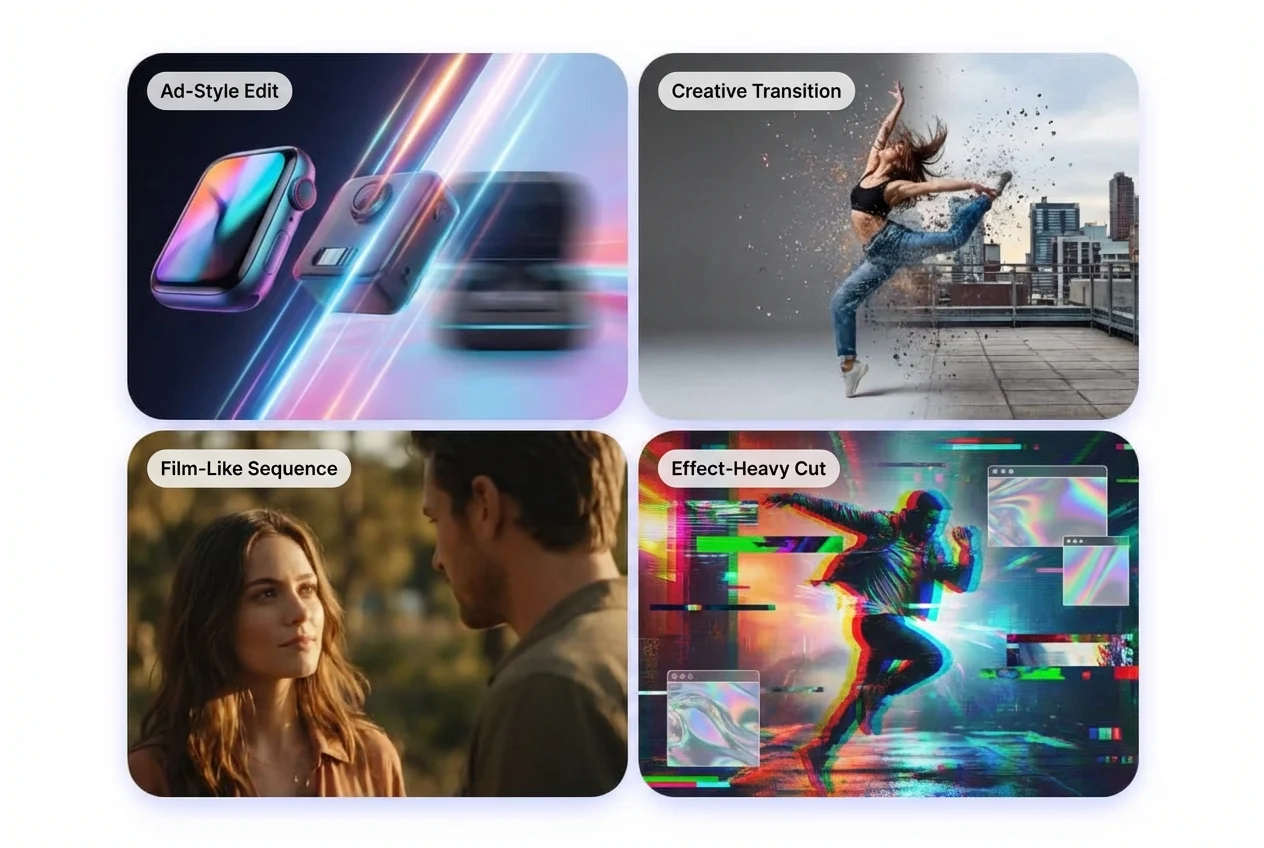
Seedance 2.0 goes beyond "make a story from text." It can also recreate what you reference: creative transitions, ad-style edits, film-like sequences, and effect-heavy cuts. With a reference image or video, the model can pick up the motion rhythm, shot structure, and visual layout, then rebuild a high-quality version in your own content. You don't need technical terms—just explain what to borrow (for example, "match the rhythm and camera move from Video 1, and the character look from Image 1").
How to Use Seedance 2.0 (Beginner-Friendly SOP)
Upload a Short, Clean Source Clip
For the most stable results, start with a steady camera, a clear subject, and consistent lighting. If the clip includes speech, choose a segment where the face is visible and the audio is clean.
Write a “Keep vs Change” Instruction
Tell the model what must stay the same (identity, framing, timing) and what should change (style, lighting, mild camera move). This reduces guessing and improves consistency. A useful mental checklist: motion smoothness, face stability, background drift, and timing.
Generate, Review Like an Editor, Then Adjust One Variable
Preview with four quick checks: (1) lip-sync / mouth shapes, (2) motion jitter, (3) background drift, (4) face warping on key frames. If you iterate, change only one thing at a time (strength, style, or camera instruction) to avoid losing a good take.