
Pricing
Log In
AI Generator
Seedance 1.5 Pro: The Next Step in Audio-Video AI
Seedance 1.5 Pro generates cinematic video with native audio, realistic lip sync, and expressive performance — ready for production.
Seedance 1.5 Pro
Seedance 1.5 Pro is a unified audio-video generation model built for cinematic, performance-driven AI video. By creating visuals, dialogue, sound effects, and timing in a single process, it achieves natural lip-sync, expressive emotion, and production-ready output — especially strong in Chinese and regional dialects. The result is AI video that goes beyond realistic motion and delivers coherent, controllable on-screen performance.
Explore Seedance 1.5 Pro Features
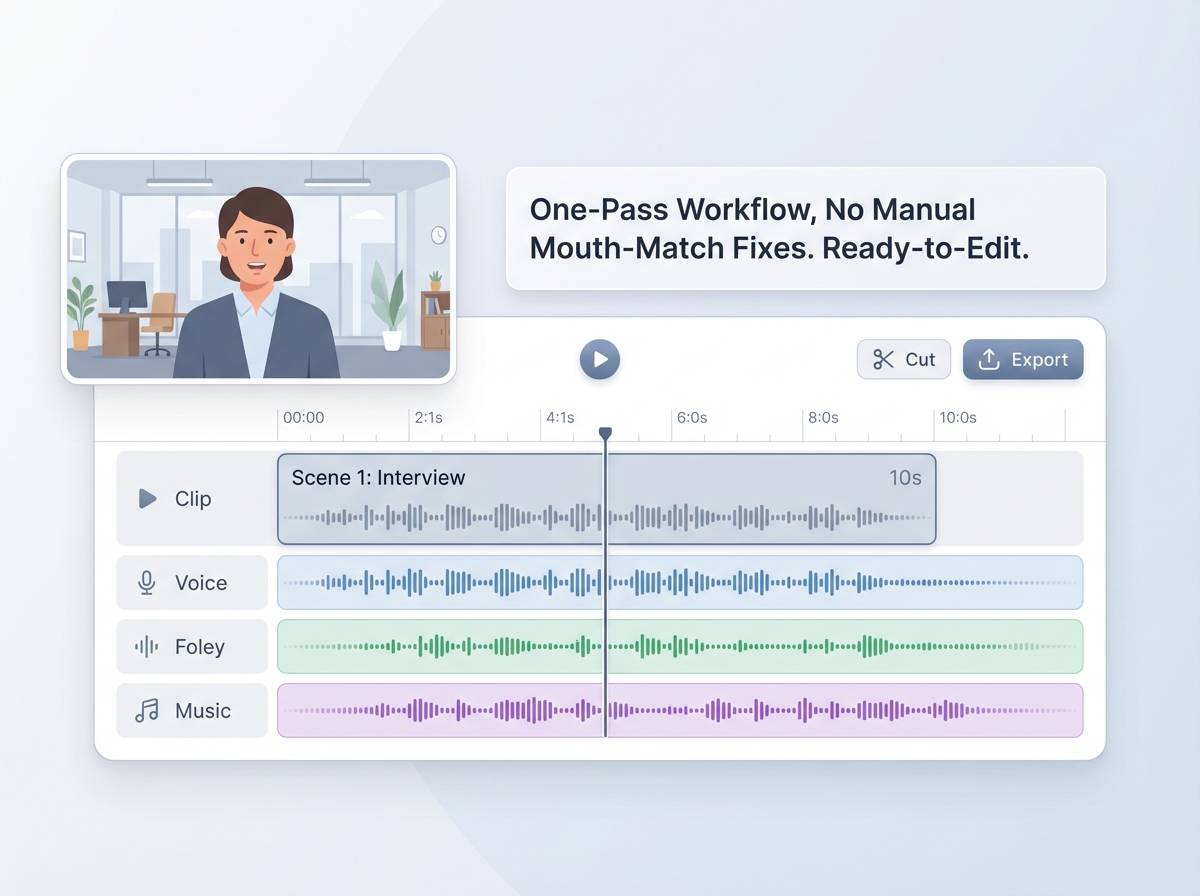
Native Audio-Visual Synchronization
Seedance 1.5 Pro generates visuals and audio together in a single process, producing natural lip-sync, scene-matched Foley and music, and footage that’s ready for the edit bay — no last-minute mouth-match fixes. You can use Seedance 1.5 Pro directly on the OCMaker AI, making it easy to run image-to-video generation and move straight into post-production.
Cinematic Emotion & Performance
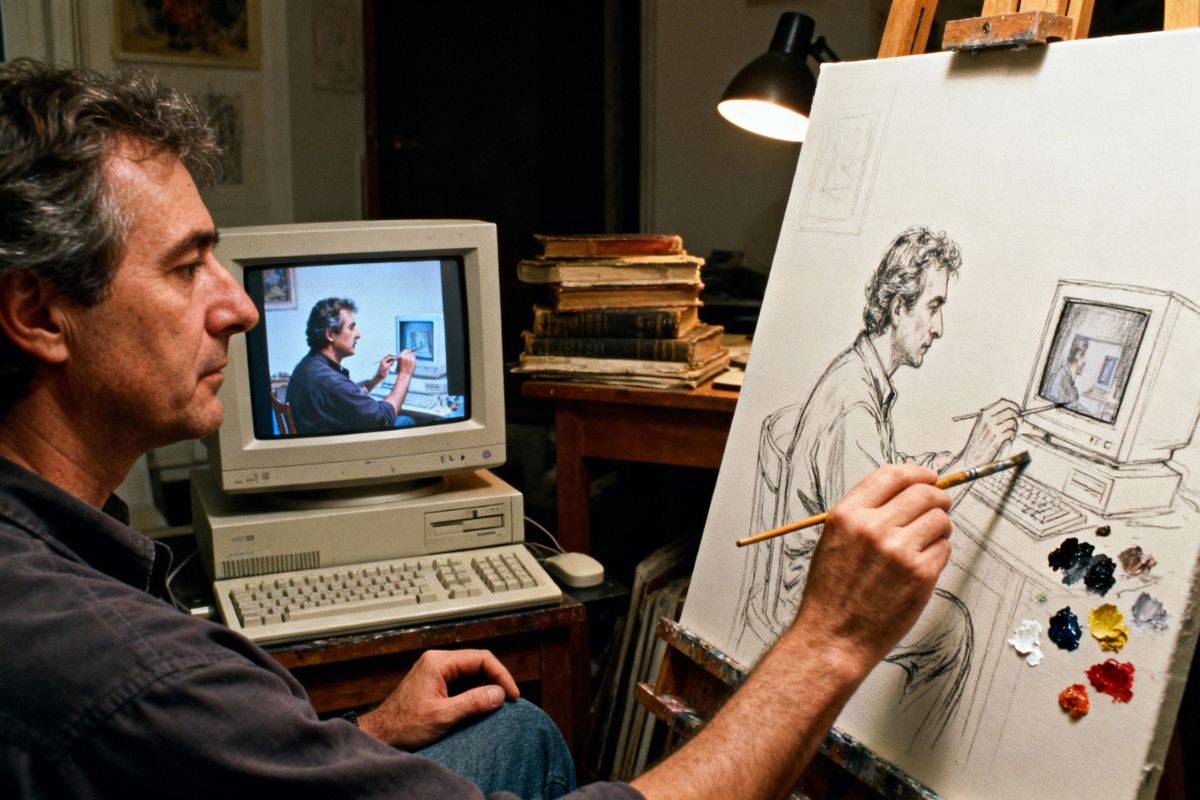
With Seedance 1.5 Pro, a single, simple prompt can produce clearly different emotional deliveries — changes in tone, pace, and intent feel like directed performance rather than synthetic speech.
Built on a joint audio-video model, it gives creators director-level control over acting and mood through concise prompts, powered by Seedance AI’s unified approach.
Chinese & Dialect Mastery
Seedance 1.5 Pro leads in Mandarin and regional dialect reproduction, accurately capturing local phonetics, intonation, and speaker identity even in rapid multi-party dialogue.
Compared with older generations of seedance, it substantially reduces “everyone moves their mouth” artifacts and supports authentic, localized storytelling.
Production-Grade Control & Scalability
Designed for commercial pipelines, Seedance 1.5 Pro offers deterministic controls, API & batch inference, monitoring, and compliance features so teams can scale quality reliably.
For teams still using legacy builds (e.g., Seedance 1.0), the new release represents a clear step up in reproducibility, throughput, and enterprise readiness.
Key Features of Wan 2.2 Spicy
Foley & Music Sync
Generate ambient sound effects and background music alongside visuals, boosting realism while reducing post-production audio work.
Image-to-Video Motion
Animate still images with skeletal and motion-driven generation to quickly bring characters and IPs to life.
Multi-Language & Dialects
Supports major global languages with deep optimization for Chinese and regional dialects.
Directed Performance Control
Control voice tone, pacing, emotion, and pitch through concise, director-style prompts.
Cinematic Camera Rhythm
Align camera movement, editing rhythm, and sound to create film-like pacing and storytelling.
Enterprise-Ready Operations
API access, batch exports, logging, and usage controls built for scalable production workflows.
How To Use Seedance 1.5 Pro?
Simple steps to create amazing content
01
Upload Your Reference Image
Start your project by uploading a reference image. This sets the visual foundation for your scene, character, or brand style.
02
Add Your Prompt & Set Output
Write a prompt that defines the scene, motion, and performance (emotion, dialogue style, pacing). Choose Seedance 1.5 Pro, then set clarity, length, and other options.
03
Generate, Review & Download
Click Generate to create a fully synced video with visuals and audio produced together. Preview the result, adjust if needed, and download the final clip.
Frequently Asked Questions
You may want to know
Create with Seedance 1.5 Pro
Try Seedance 1.5 Pro for cinema-level audio-visual sync, expressive performances, and production-ready clips in one go.