
Style*
Background
4tokens•~30s

OC Trivia Generator for Character Images

Turn written facts about your OC into illustrated scenes. Generate images that show a character’s habits, keepsakes, routines, fears, or preferences through their actions and surroundings.

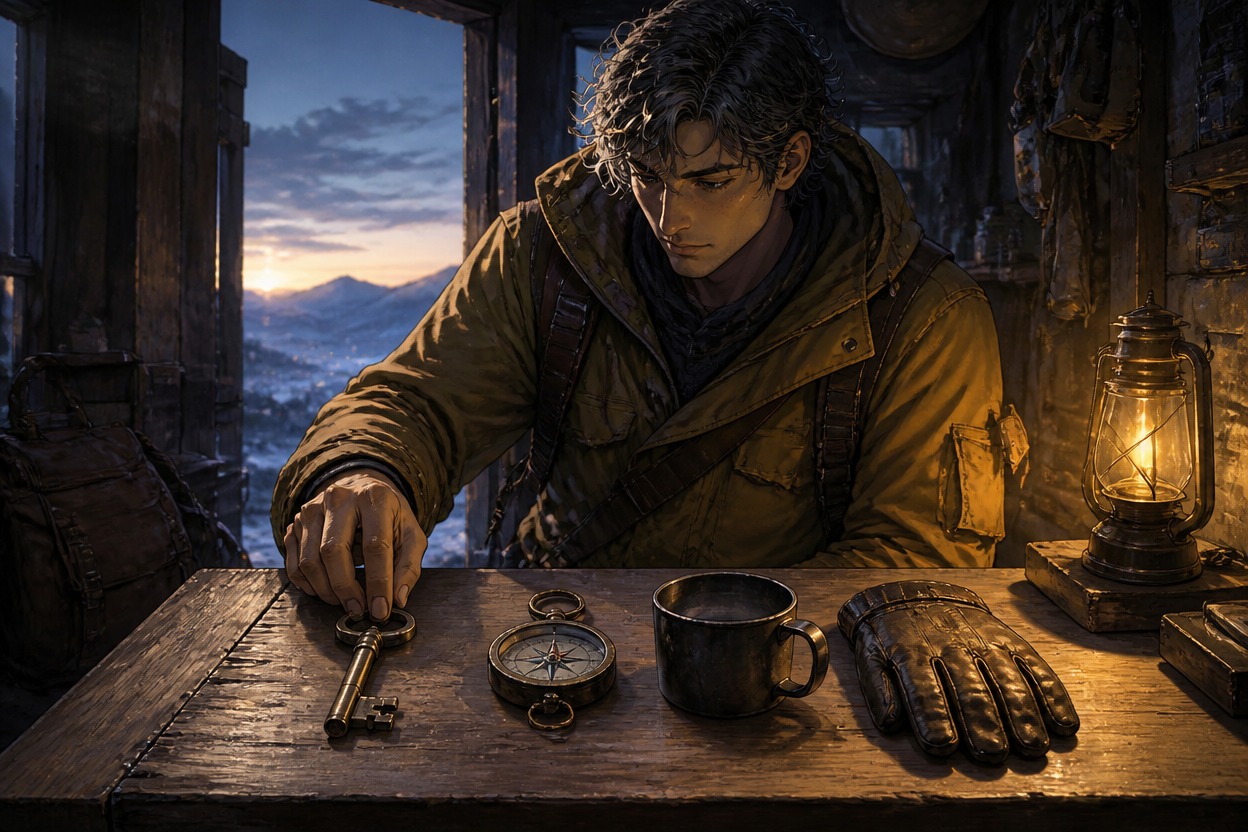
Courier aligning a set of objects on a workshop table before leaving

Turn Small OC Facts Into Memorable Scenes

Explore three visual character details: a private miniature-carving hobby, a well-used compass, and a reflexive response to thunder. Each image gives a written OC fact a clear action or object viewers can notice.

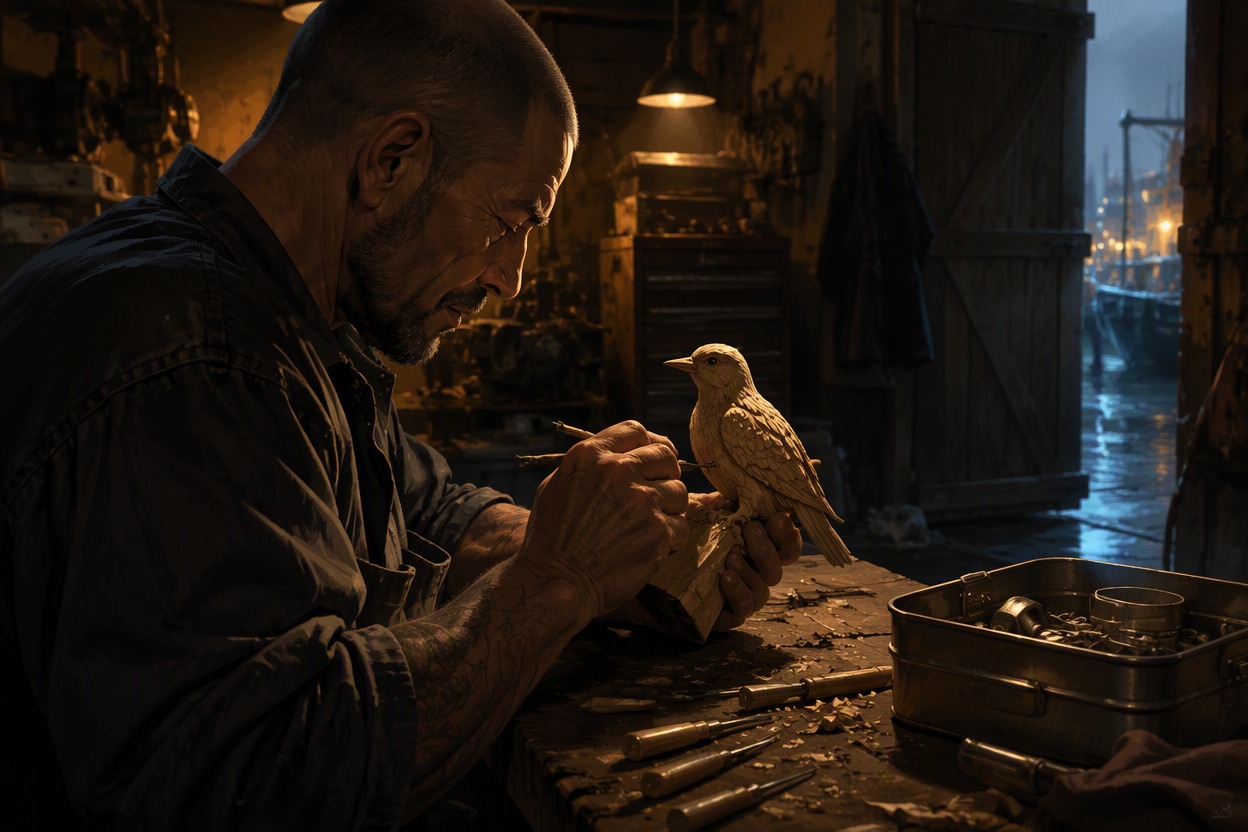
  • Harbor mechanic carving a tiny wooden bird in a dim repair bay01

    The Hidden Miniaturist

  • Desert guide gripping a scratched brass compass during a sandstorm stop02

    The Pocket Compass

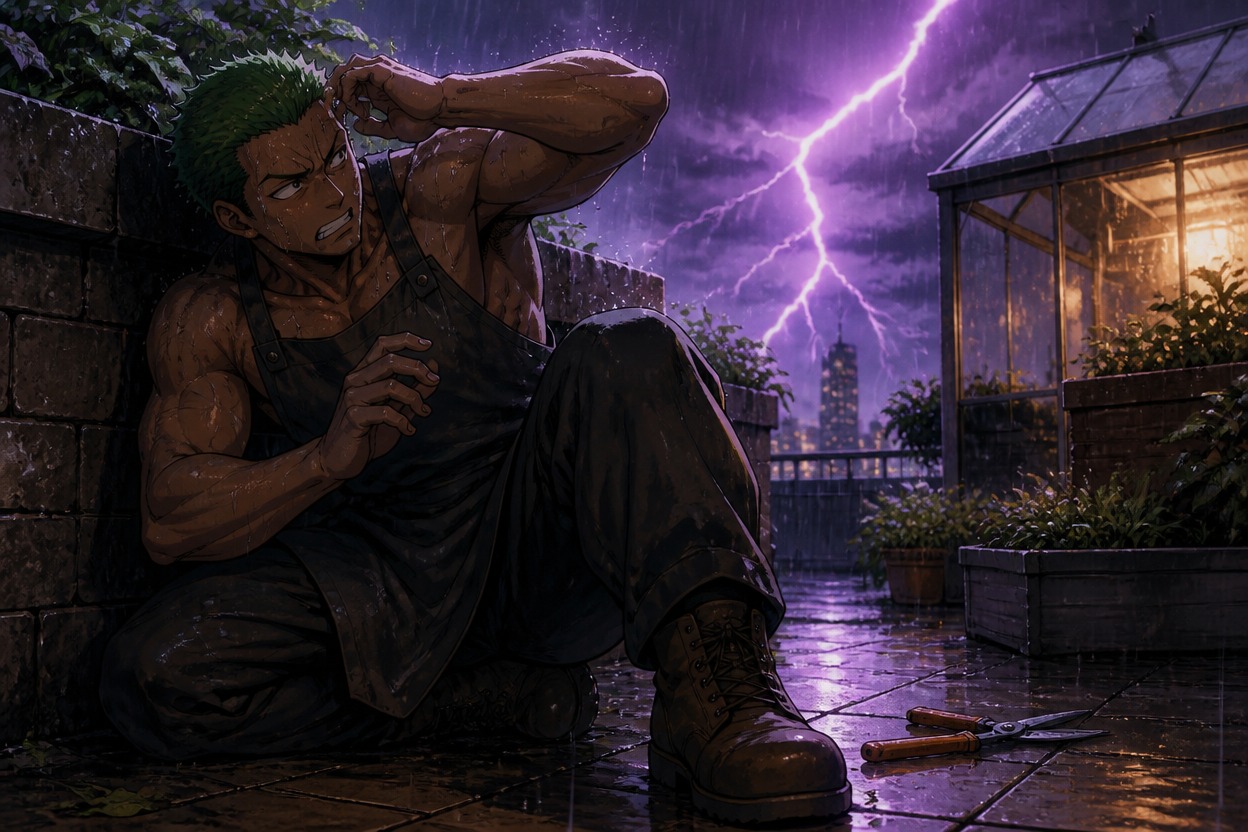
  • Rooftop gardener covering one ear as lightning flashes nearby03

    The Thunder Reflex

Generate Illustrations From Your OC Facts

Choose one detail about your character and describe a scene that makes it visible. Direct the action, setting, expression, and important props to create artwork for character profiles, reference boards, and stories.

0104

Illustrate a Daily Habit

Describe a routine, who performs it, and the objects or setting that make it recognizable. For example, show a lighthouse keeper preparing two mugs each morning. The AI anime generator can turn your visual direction into a finished character scene for a reference board or profile.
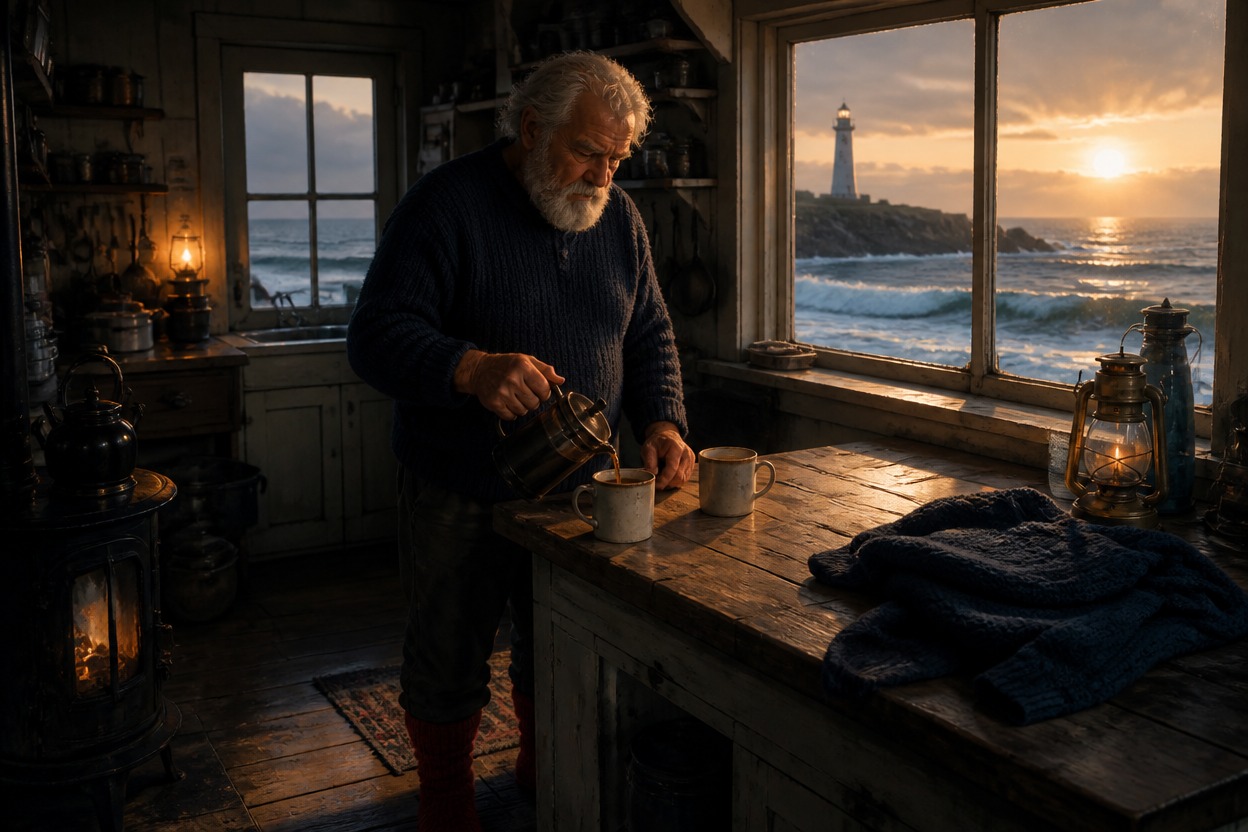
Lighthouse keeper preparing two mugs at dawn in a quiet kitchen

0204

Show What a Keepsake Means

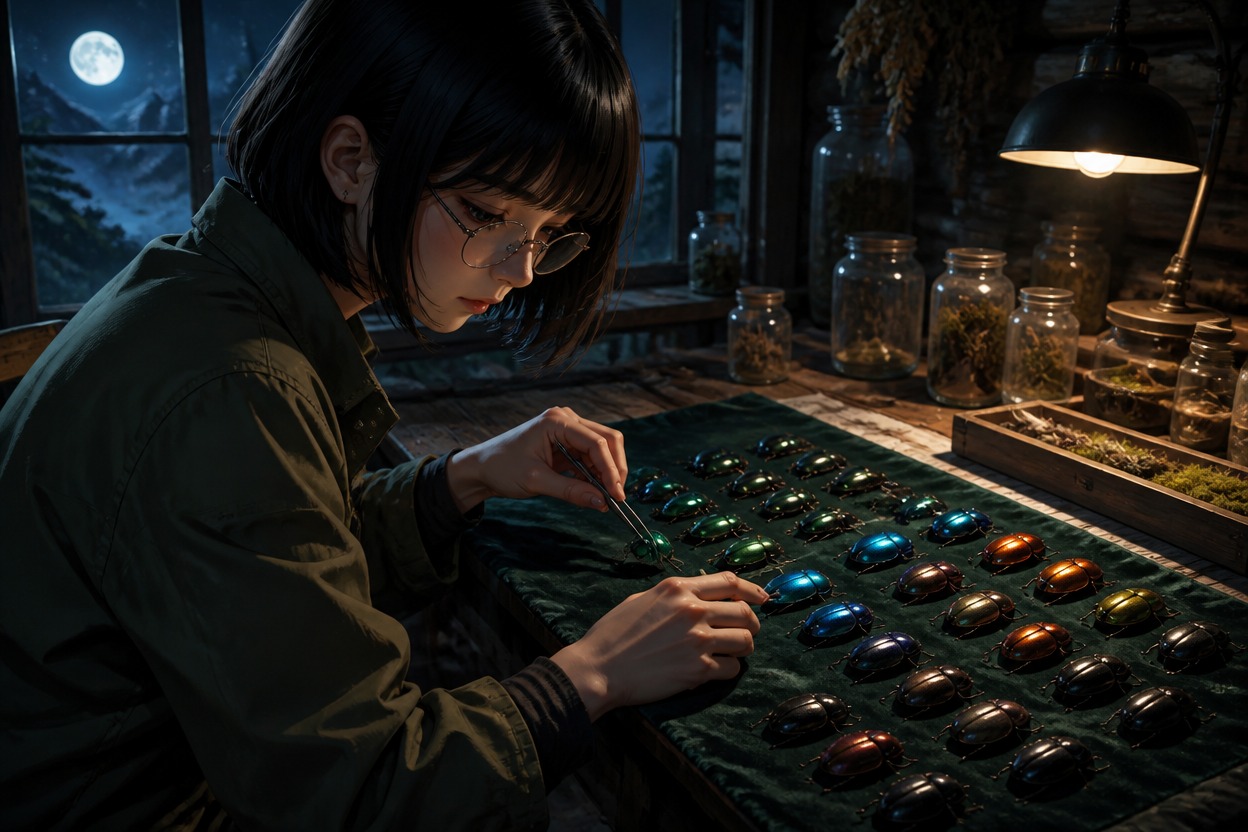
Describe the object your character values, how it has been handled, and what they are doing with it. A researcher sorting iridescent shells by moonlight, for instance, can make a private collection feel personal without adding explanatory text.

Field researcher arranging iridescent beetle shells in a moonlit cabin

0304

Make Preferences Visible

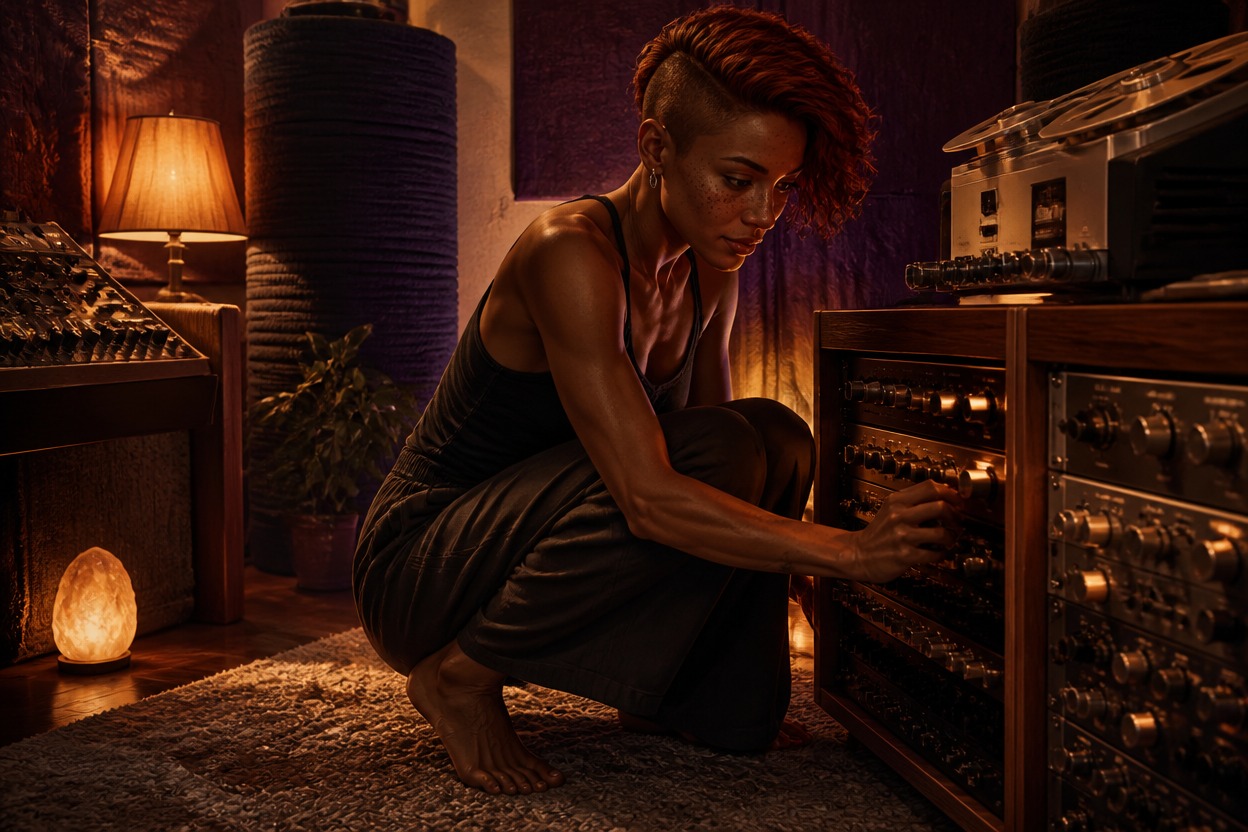
Turn a preference into a choice viewers can see through clothing, surroundings, or body language. A sound engineer who avoids sharp noise might work beside padded equipment with one hand near an ear. Use the image as a character reference or a scene idea.

Sound engineer working beside padded equipment while shielding one ear

0404

Show Personality Through Interaction

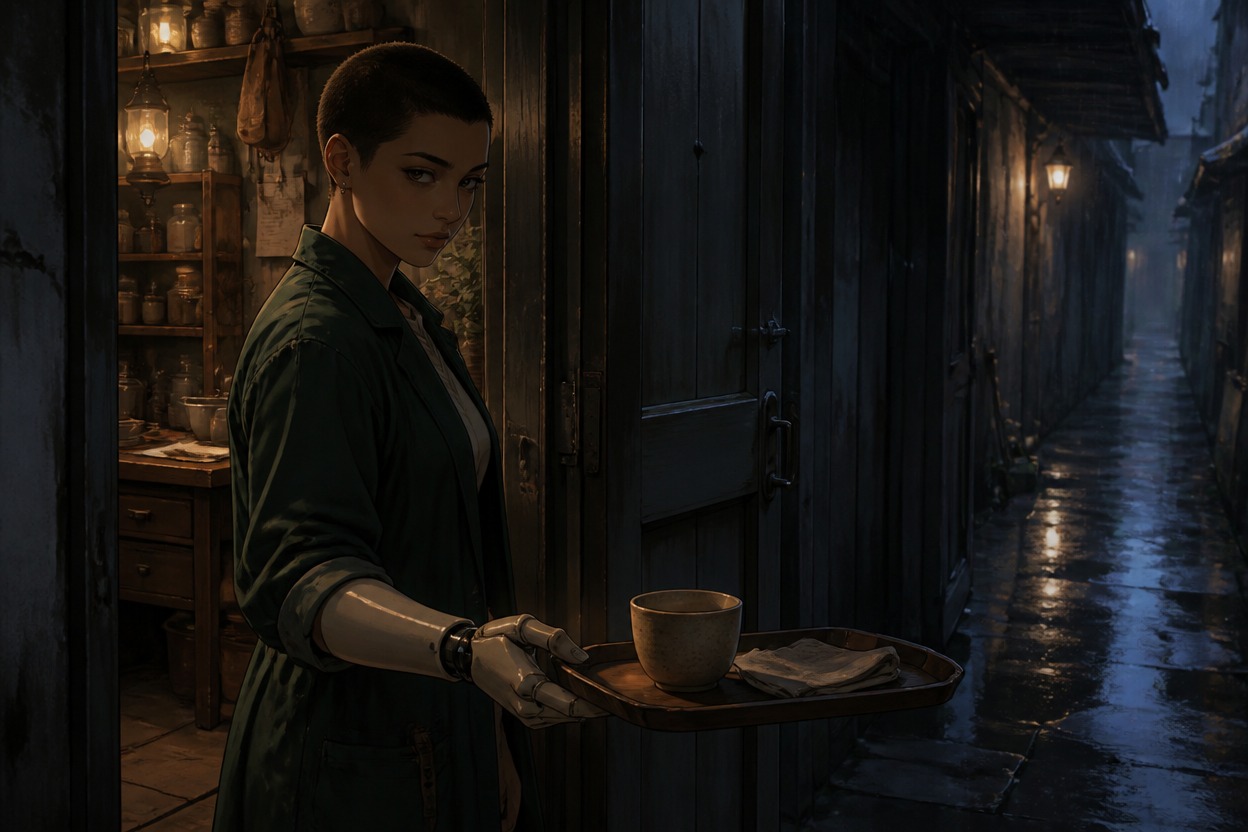
Use distance, gestures, and shared objects to show how your OC relates to other people. A guarded medic passing tea through a half-open door can suggest care and personal boundaries in one scene. The broader OC maker workflow supports visual exploration across character concepts.

Medic passing tea through a half-open workshop door

What You Can Create With the OC Trivia Generator

Use a character fact as the starting point for a focused image, with visible actions and details that give the scene meaning.

  • 01

    Habit-Based Character Scenes

    Illustrate a repeated routine through the character’s action, time of day, and familiar surroundings.

  • 02

    Meaningful Objects

    Show a keepsake, collection, or well-used tool and the way your OC handles it.

  • 03

    Expression and Body Language

    Use posture, gaze, gesture, and distance to make a preference or reaction visible.

  • 04

    Focused Visual Composition

    Keep one main action and a few supporting details in view so the character fact remains easy to understand.

  • 05

    Setting That Adds Context

    Choose a room, weather, work area, or outdoor location that helps explain the moment.

  • 06

    Reusable Character Details

    Repeat key appearance and clothing details in each prompt when creating a set of images about the same OC.

How to Turn an OC Fact Into an Image

Choose one character detail, describe the moment that shows it, and generate an illustration you can use as a reference.

  1. Choose One Character Fact

    Start with a habit, preference, keepsake, fear, or relationship detail you already know about your OC. Pick something that could affect an action, object, or setting.

  2. Describe the Scene

    Name the character, what they are doing, the important prop, and where the moment takes place. Add appearance details and a camera view to guide the image.

  3. Generate and Refine

    Check whether the action and key object make the fact understandable. If the image feels too general, clarify the character’s gesture or the prop’s role and try again.

Frequently Asked Questions

OC Trivia Generator FAQ

Common questions about OC facts, visual character trivia, and generating an illustration from a character detail.

What is an OC trivia generator?

An OC trivia generator can refer to a tool for creating or presenting interesting details about an original character. This page focuses on the visual side: use a character fact you already have to generate an illustration that shows it through a scene, action, or object.

Can this tool generate fun facts or trivia about my OC?

This page generates images rather than written facts, quiz questions, or character biographies. Bring a detail you have already decided—such as a hobby, habit, favorite object, or fear—and use it to guide the illustration.

How do I turn an OC fact into an image?

Choose one fact and ask what a viewer could see if it were happening. For “my OC repairs every broken tool,” describe the character fixing a worn instrument at a familiar workbench. Include the action, a meaningful object, and the setting so the image has a clear focus.

What are good fun facts about an OC to illustrate?

Habits, collections, keepsakes, preferences, small rituals, and visible reactions often work well because they can be shown in a scene. A fact about a favorite object might become a close image of the character carrying or caring for it; an abstract opinion may need a specific action to make it visual.

How can I show my character’s personality without captions?

Use a choice the character makes: what they protect, avoid, repair, organize, or share. Add body language and one or two relevant objects, then keep the setting simple enough that the main action stands out.

How do I keep my OC recognizable in a set of trivia images?

Repeat a compact appearance description in each prompt, including face shape, hair, clothing, colors, and a signature accessory. Change the scene or action while keeping those identity details steady, then review the images for features that may have shifted.

Can I use OC trivia images in a character sheet or story?

Yes. The generated scene can serve as a visual reference for a character sheet, profile, or story concept. Keep any accompanying written fact in your own notes or layout if you want viewers to know the exact detail behind the image.

How do I make a subtle character fact clear in one image?

Show one physical clue that supports the fact, such as a repeated gesture, a worn keepsake, a carefully arranged workspace, or a deliberate distance from something. If the scene is hard to read, make the action more specific and remove details that compete with it.

Give Your OC Fact a Scene

Generate an illustration that brings a character habit, keepsake, preference, or reaction into view.

Free OC Trivia generator for Visual Character Facts