Style*
Background
4tokens•~30s

OC Species generator

Create original species artwork with an AI OC species generator. Describe a creature’s body plan, movement, feeding style, habitat, and visual details, then generate an image that brings those choices together. Explore unfamiliar silhouettes for stories, games, creature collections, or speculative worlds.

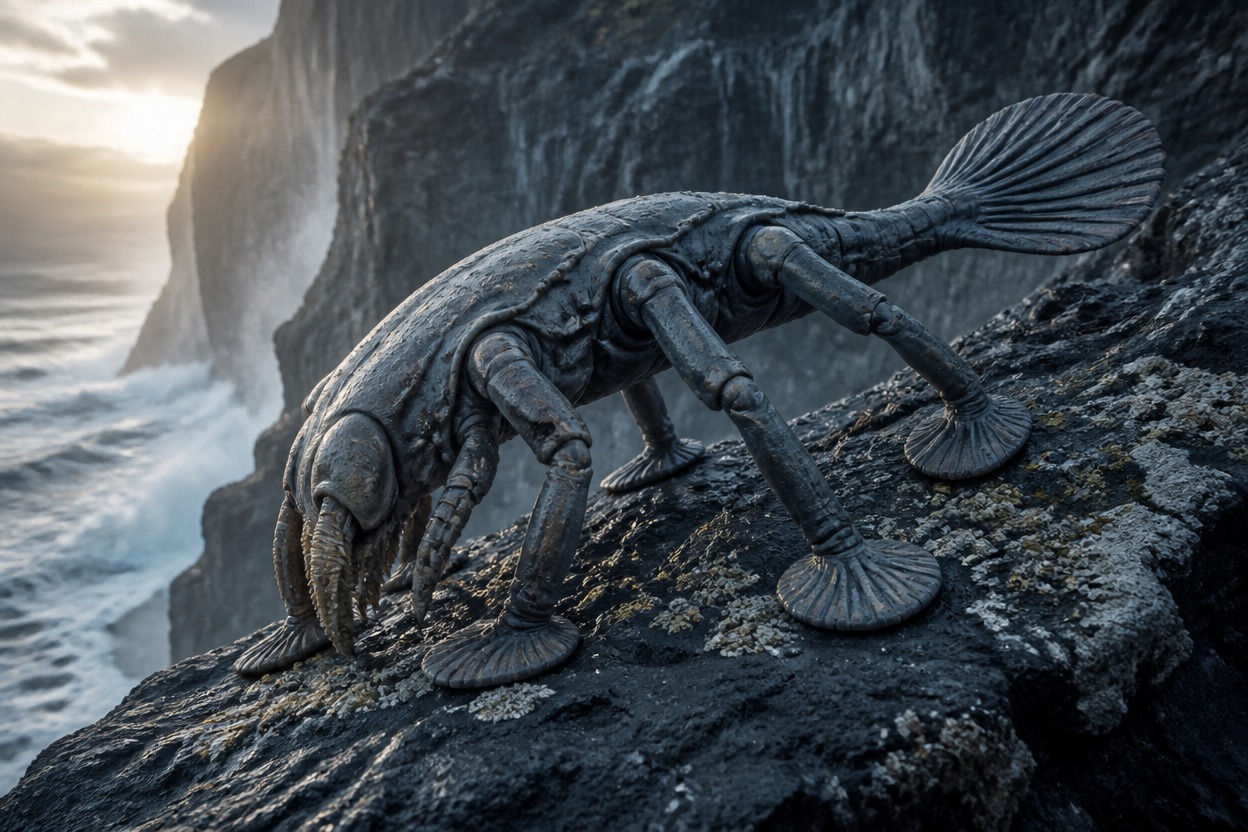
Fully developed six-limbed cliff grazer crossing a basalt shelf above the sea

Explore Original Species Designs

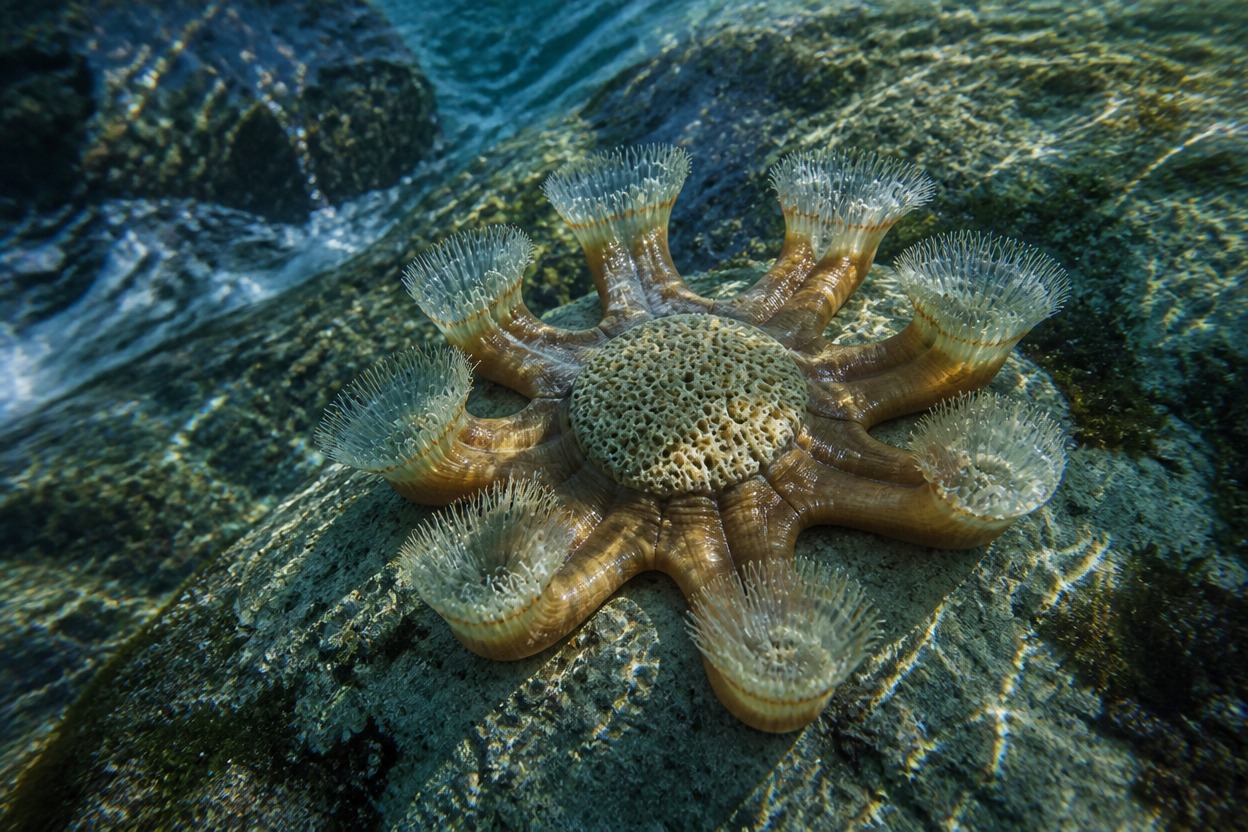
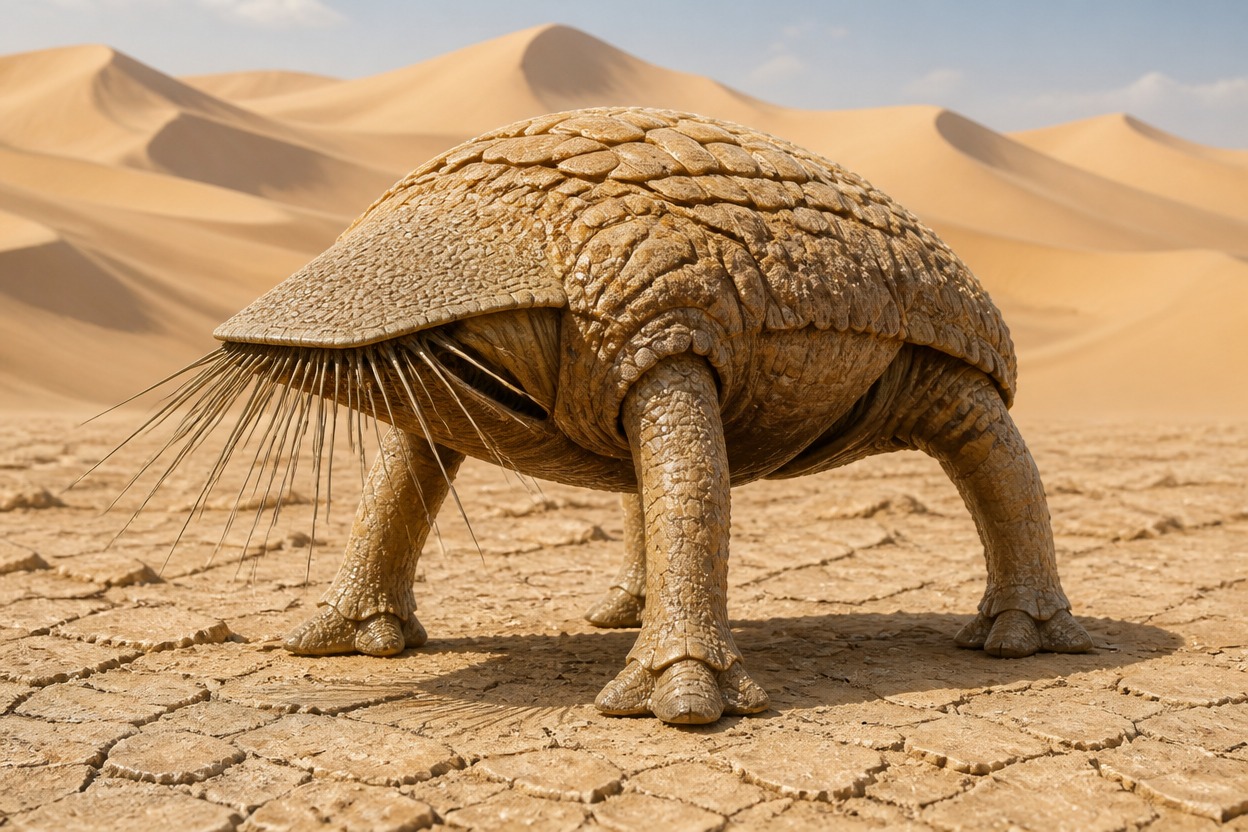
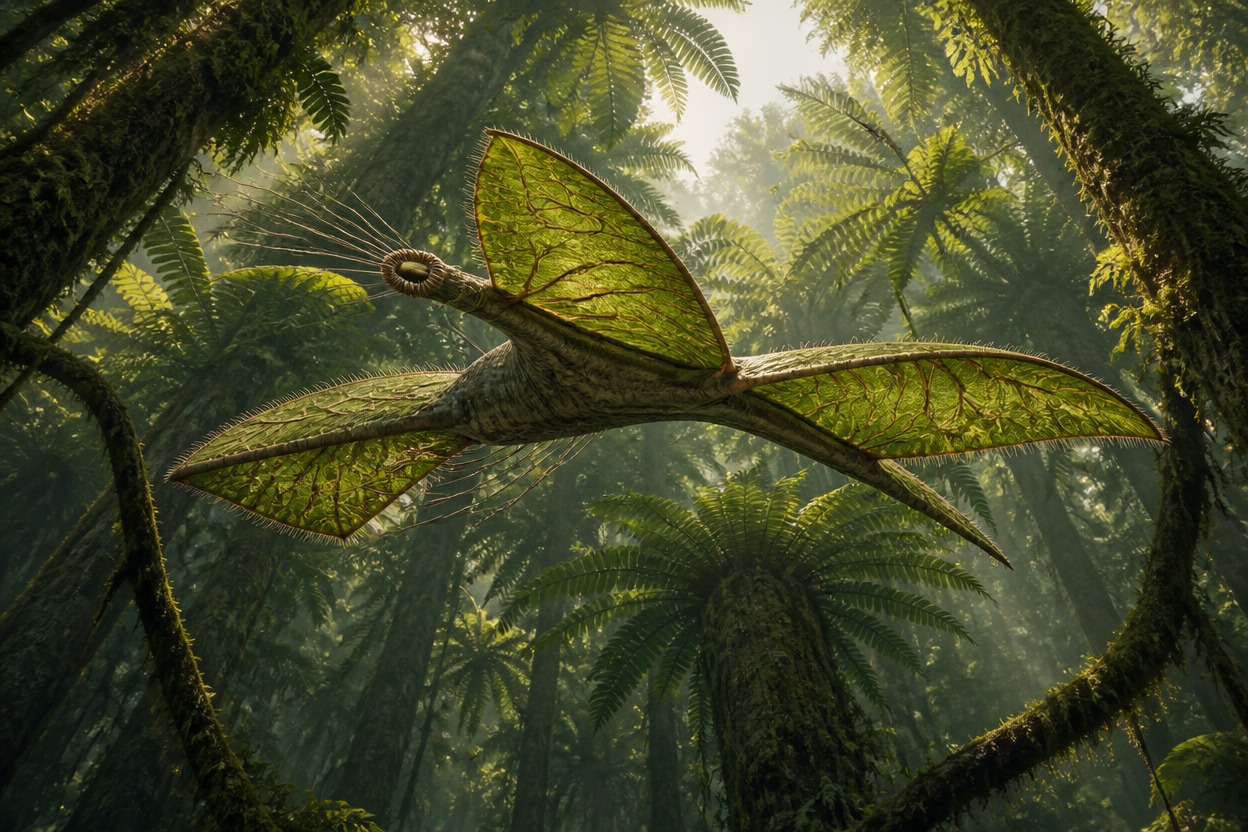
Compare three distinct AI creature concepts: a tidal filter feeder, a sand-burrowing tripod, and a canopy glider. Each example shows how a different body plan and habitat can shape the look of an original species.

  • Radial tidal suspension feeder anchored in a shallow turquoise surge channel01

    Tidal Crown Feeder

  • Fully grown three-legged burrower testing compact sand with a flat sensory head02

    Dune Hammer Tripod

  • Long-bodied canopy browser gliding between giant fern crowns on four membrane sails03

    Canopy Veil Glider

How to Use the AI Species Generator

Describe the creature and the image you want to see, generate a result, then refine the details that matter to your concept.

  1. Describe Your Species

    Enter a short idea with its body shape, habitat, movement, feeding style, and visual direction. For example: a broad, low-slung filter feeder in a shallow tidal channel.

  2. Add Image Details

    Specify the pose or action, colors, surface texture, scale cues, background, and camera view. Clear details help distinguish your species from a generic creature design.

  3. Generate and Refine

    Review the image and adjust any details that drift from your idea, such as limb count, symmetry, or habitat. Change one key feature at a time to explore alternate versions.

Create AI Species Art Around a Clear Concept

Turn a short creature brief into a visual species concept. Describe what the organism looks like and how it fits its environment, then use the result as a starting point for character sheets, field-guide artwork, or worldbuilding.

0104

Generate a Creature in Motion

Describe how your species travels—vaulting across cliffs, rowing through kelp, or squeezing through tunnels—and include its body shape, points of contact, and the terrain around it. The generated image can show the creature in action, giving you a clearer reference for its silhouette and movement.
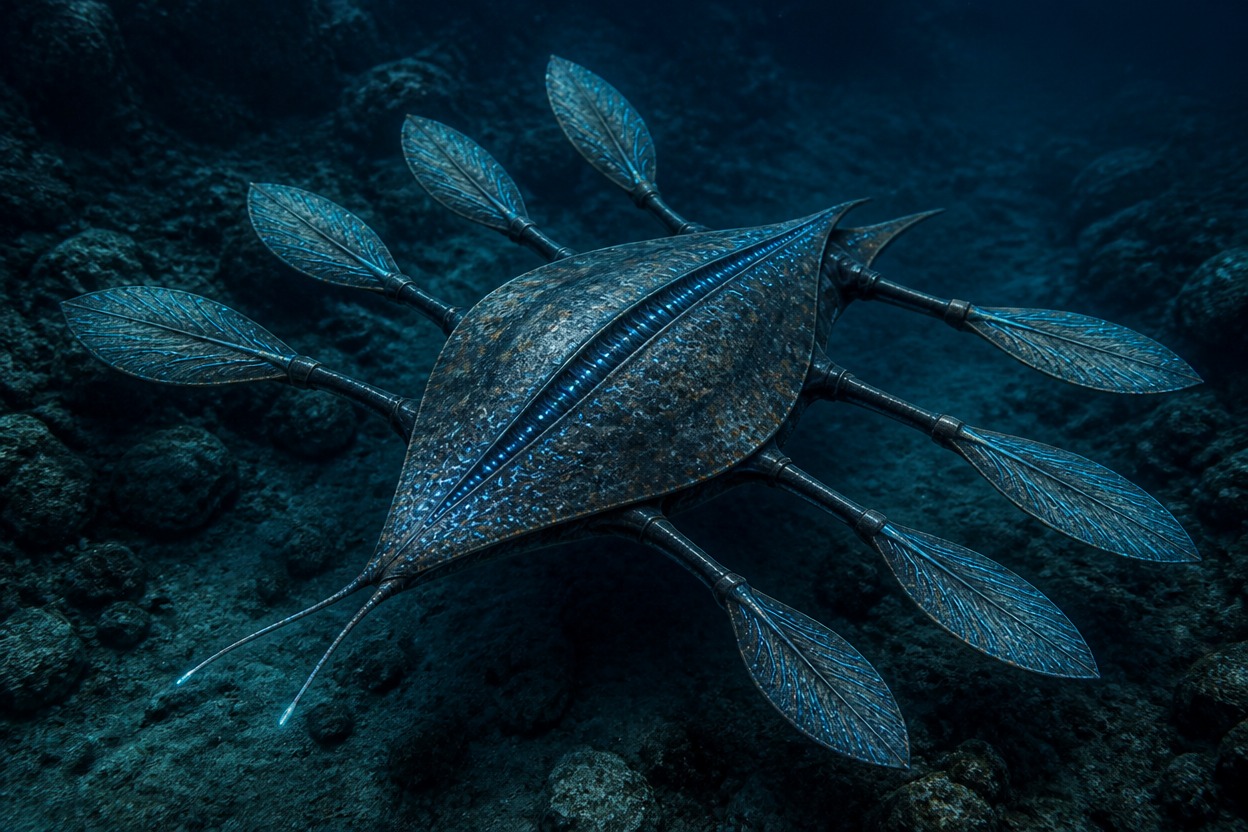
Low eight-finned kelp rower driving through dense underwater fronds

0204

Show How the Species Feeds

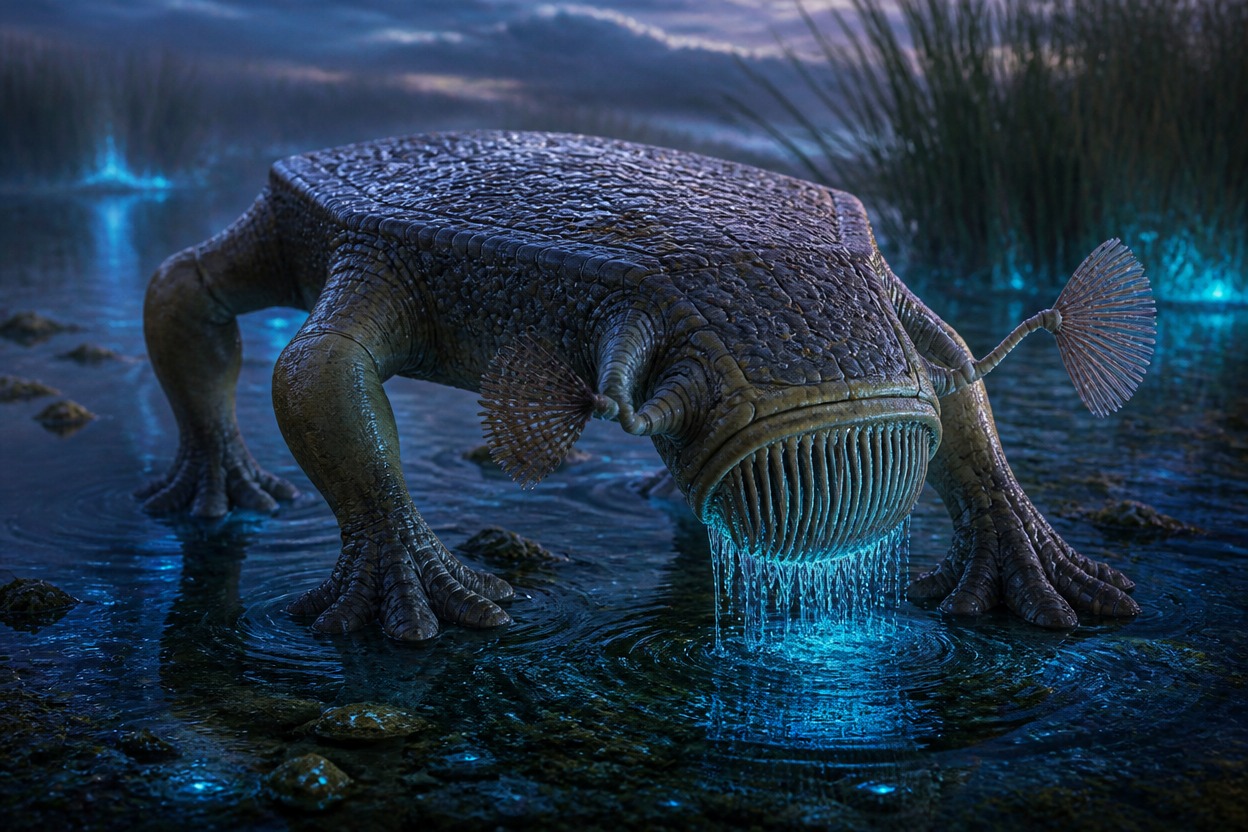
Pair a food source with a feeding action, such as filtering tiny animals from reeds or grazing mineral crust. Add visible details like mouth placement, grasping surfaces, sensory features, and posture to create a more specific AI creature image than a generic monster portrait.

Broad marsh sieve-feeder combing luminous seed shrimp from reeds with a ventral basket mouth

0304

Explore Species Variations

Generate related visual directions by changing one detail at a time, such as a colder habitat, higher elevation, or seasonal display colors. This makes it easier to compare how environmental conditions could shape the same species concept. For stylized character art, try an AI anime generator.

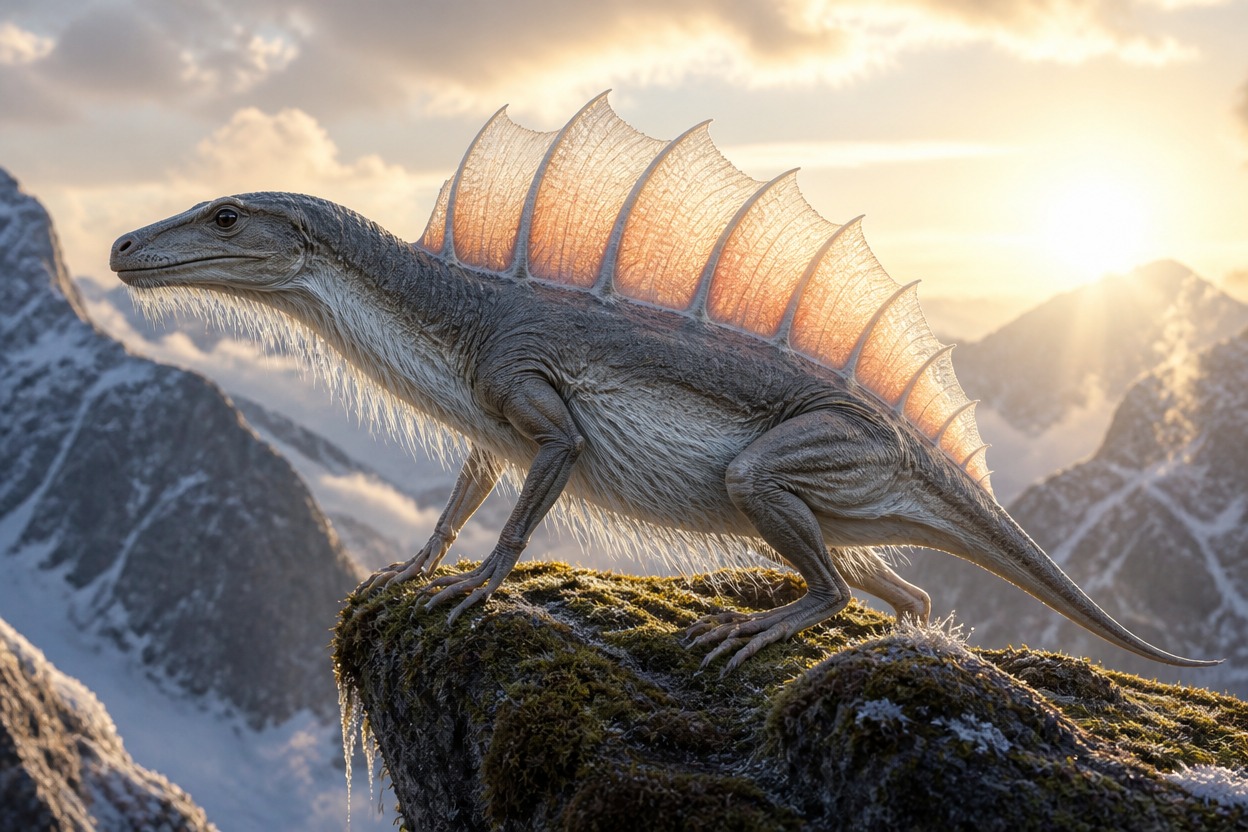
Fully developed alpine sailback with broad breathing folds standing above a cloud forest

0404

Place a Creature in Its Habitat

Set the scene around one organism: a tidal pool, frozen shelf, flower canopy, or open dune. Include scale cues, weather, ground texture, and a visible activity to make the generated species image work as a habitat or field-guide reference. For broader character image ideas, visit the OC maker.

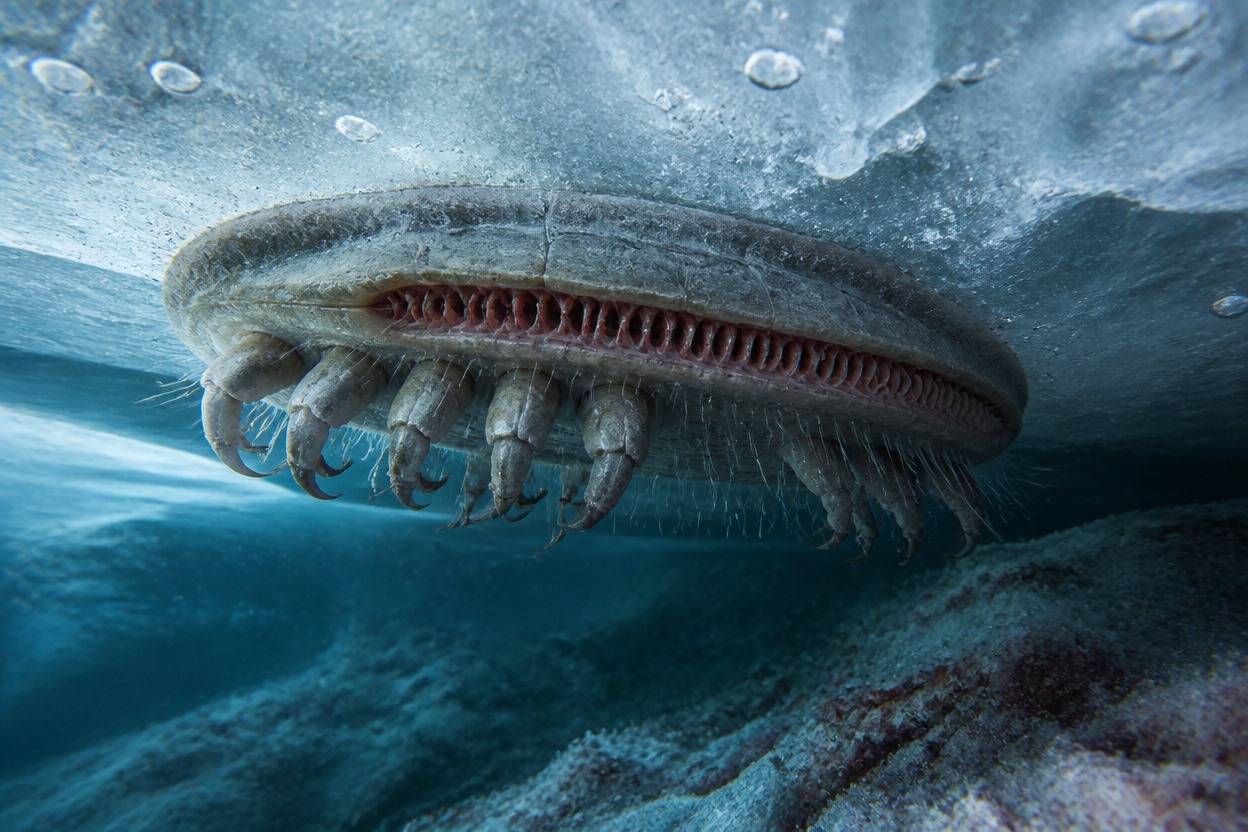
Armored ice crawler filtering red microbes beneath a translucent frozen shelf

What You Can Create With the OC Species Generator

Shape an original creature image through its silhouette, anatomy, surface details, scale, and environment.

  • 01

    Distinct Creature Silhouettes

    Describe unusual body plans, from multi-limbed burrowers to radial sea feeders, and give the species a recognizable outline.

  • 02

    Habitat and Scale in the Image

    Add reeds, rocks, waves, ice, or other environmental cues to help show where the species lives and how large it is.

  • 03

    Purposeful Surface Details

    Specify skin, plates, fibers, cilia, or porous shells to give the generated creature a more individual appearance.

  • 04

    Different Species Concepts

    Explore aquatic, aerial, terrestrial, or amphibious organisms, including fictional animals for a story, game, or setting.

  • 05

    Ecological Scene Ideas

    Show a creature feeding, moving, sheltering, or interacting with its surroundings to add context to the species artwork.

  • 06

    Original Creature Directions

    Start from your own concept and visual references instead of relying on a familiar franchise design or standard fantasy creature template.

Frequently Asked Questions

AI Species Generator FAQ

Common questions about generating original species and creature images with AI.

What is an AI species generator?

An AI species generator creates visual concepts for fictional organisms from a text description. Use it to explore a creature’s body plan, appearance, habitat, and activity for a story, game, or original setting.

How do I create an original species with AI?

Describe the creature’s overall shape, how it moves, what it eats, and where it lives. Then add visual details such as colors, surface texture, pose, and scene. For example: “A low, six-limbed grazer crossing a black basalt shelf above the ocean, with gripping feet and a striped shell.”

Can I generate a creature image from a text prompt?

Yes. Write the species idea and the scene you want to see in the prompt. Include the organism’s silhouette, key body parts, action, habitat, and preferred art direction; you can revise the description if the first result misses an important detail.

Can this tool create fantasy, alien, or hybrid species?

You can describe fictional creatures, alien organisms, and animal-like species with unusual combinations of features. Explain how the features fit the creature’s body and environment so the result follows a clear visual direction.

Does the AI species generator create species names or lore?

This page is for generating species artwork; it does not return a list of species names, taxonomy, or written lore. You can choose a name and add the generated image to your own notes, setting, or character materials.

How can I make an AI creature design look more consistent?

Give the prompt a clear silhouette and a specific structure, such as bilateral symmetry with four weight-bearing limbs. Describe the creature’s pose and what each unusual feature does. If the image adds unwanted parts, state what to remove and regenerate with one correction at a time.

Why does my AI creature have extra limbs or random features?

A prompt with many unrelated traits can lead to unexpected additions. State the number and placement of limbs, the body’s symmetry, and any features to exclude. Keep the description focused on one species and one scene, then adjust the prompt based on the result.

Can I use AI-generated species art in a game or story?

The image can be used as a visual reference for a fictional setting, subject to the current OCMaker AI terms and any rules that apply to your project. Check the terms before commercial use, and avoid prompts or references that reproduce protected characters, logos, or designs.

Give an Unfamiliar Species a Functional Form

Generate one fully developed organism whose body plan reveals how it moves, feeds, senses, and survives in a specific habitat.

Free OC Species Generator: Create Unique Species Quickly