Style*
Background
4tokens•~30s

Solo Leveling OC maker

Generate progression-fantasy OC portraits, full-body references, awakened forms, and cinematic encounters. Define how hard-won growth appears through stance, equipment wear, energy behavior, and the scale of the environment around your character.

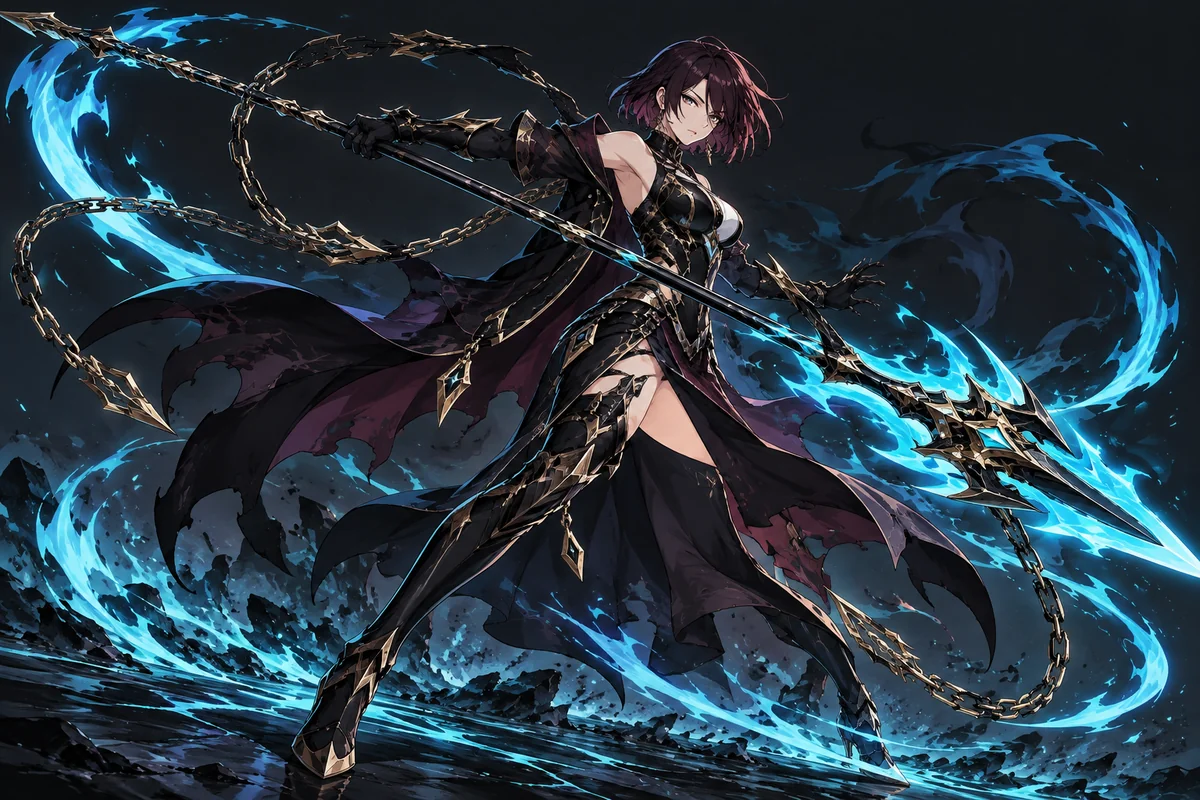
Auburn-haired shadow hunter wielding a cyan chain spear in a dramatic dark scene

See Growth Take Three Different Visual Paths

Compare a field medic under pressure, a ruin climber confronting scale, and a creature researcher recording an unstable bond through image-first character design.

  • Copper-haired healer holding a gold crescent staff01

    Floodline Relic Medic

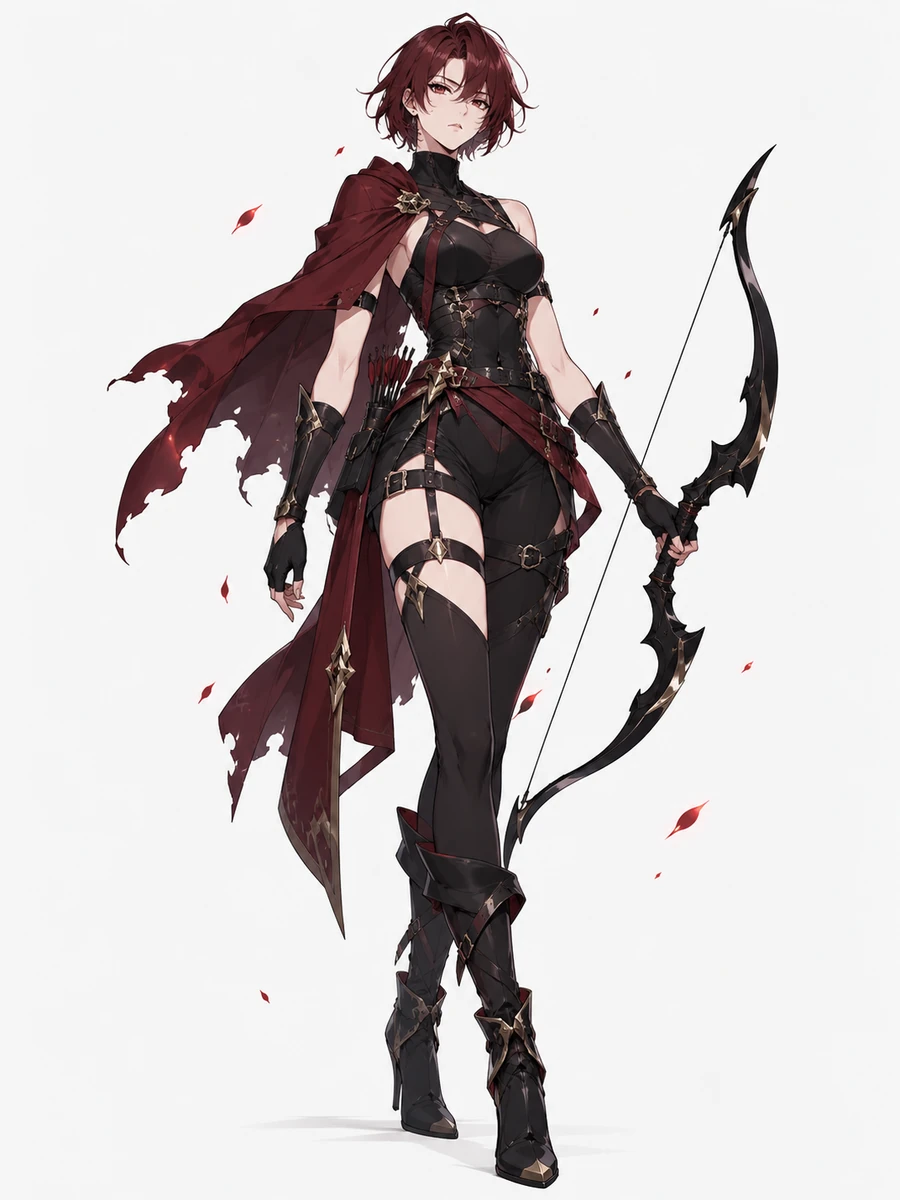
  • Auburn-haired shadow archer carrying a black bow02

    Basalt Ruin Climber

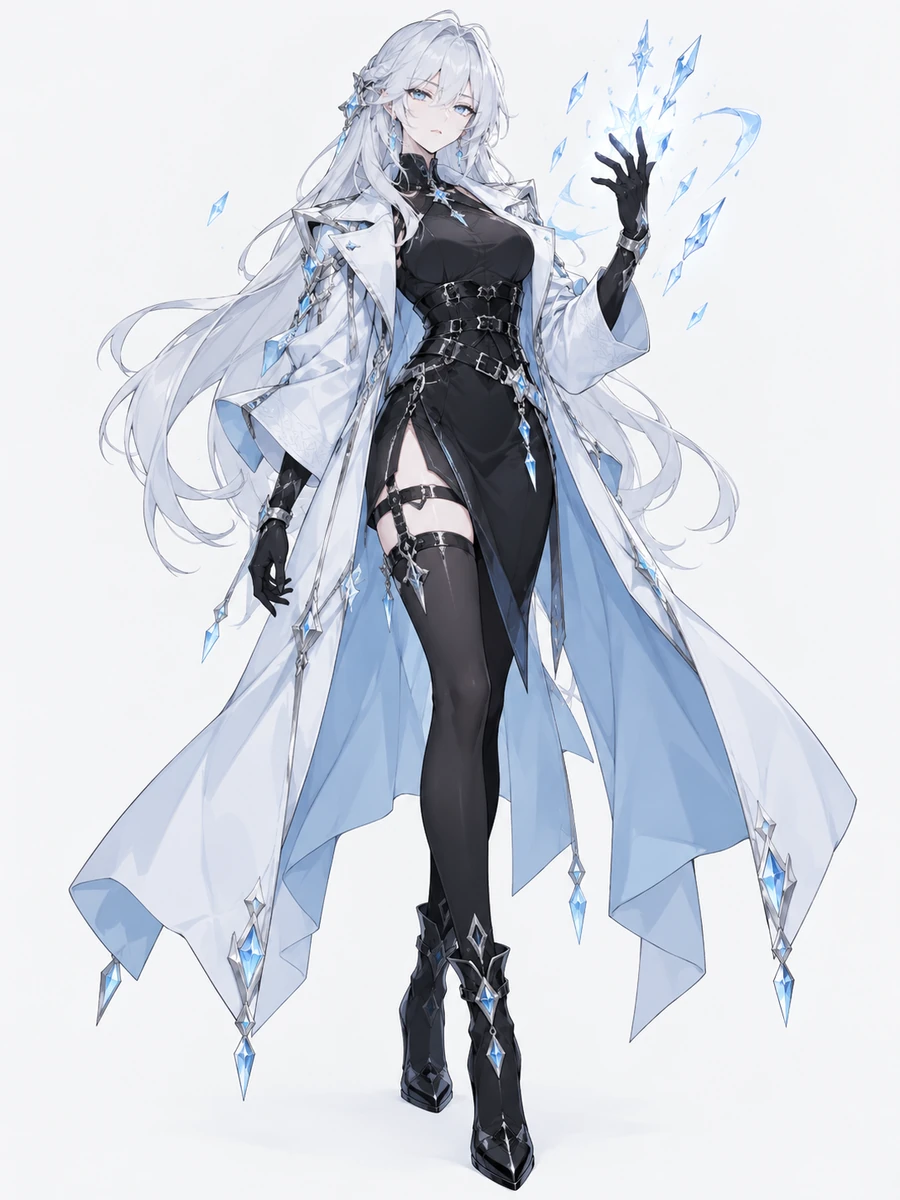
  • Silver-haired ice mage wearing a pale blue cloak03

    Luminous Moth Keeper

Make Character Progress Visible in Every Image

Build progression-fantasy character art around visible consequences rather than menus, labels, or borrowed franchise symbols.

0104

Show Growth Through Physical Change

Describe one visible change earned through experience, such as mineral plating spreading across an arm, a repaired coat carrying new protective layers, or controlled heat bending the air. Set its material, body placement, intensity, and lighting in the OC maker to generate a portrait where progress is understood without labels or numbers.
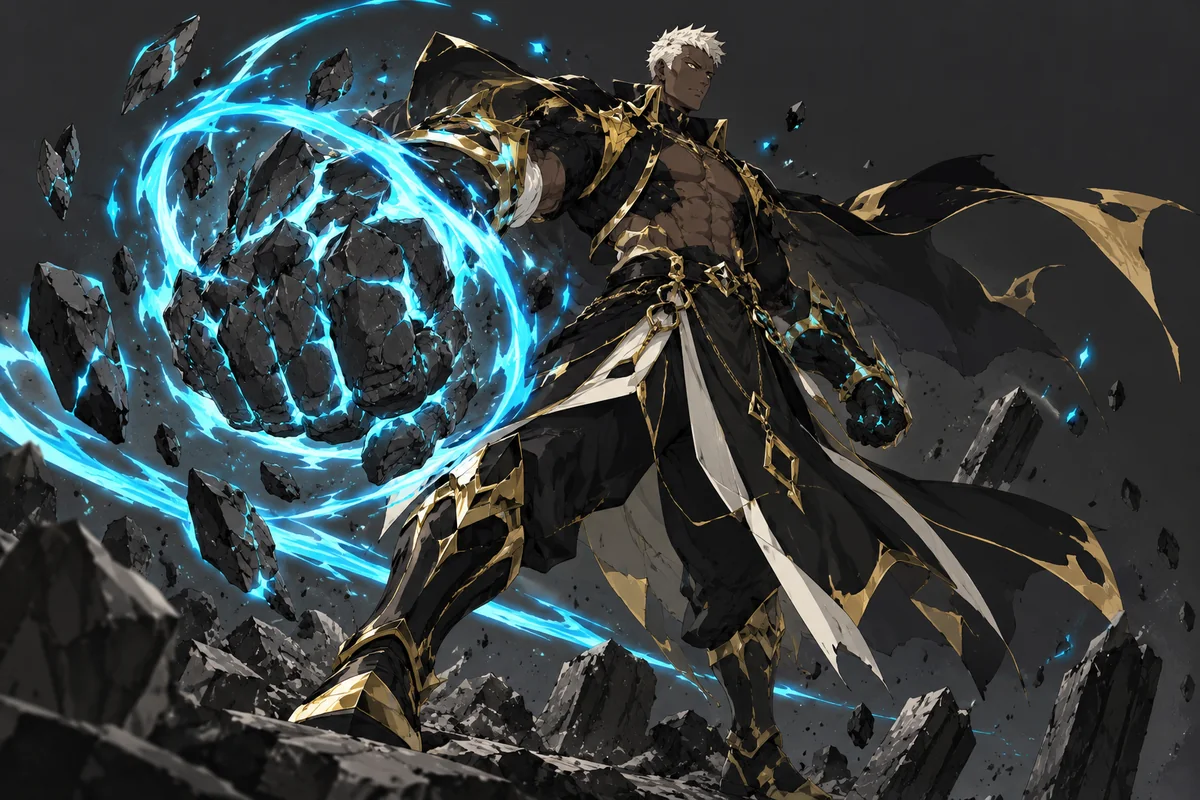
Blond mana brawler with a glowing stone fist

0204

Frame Power With Environmental Scale

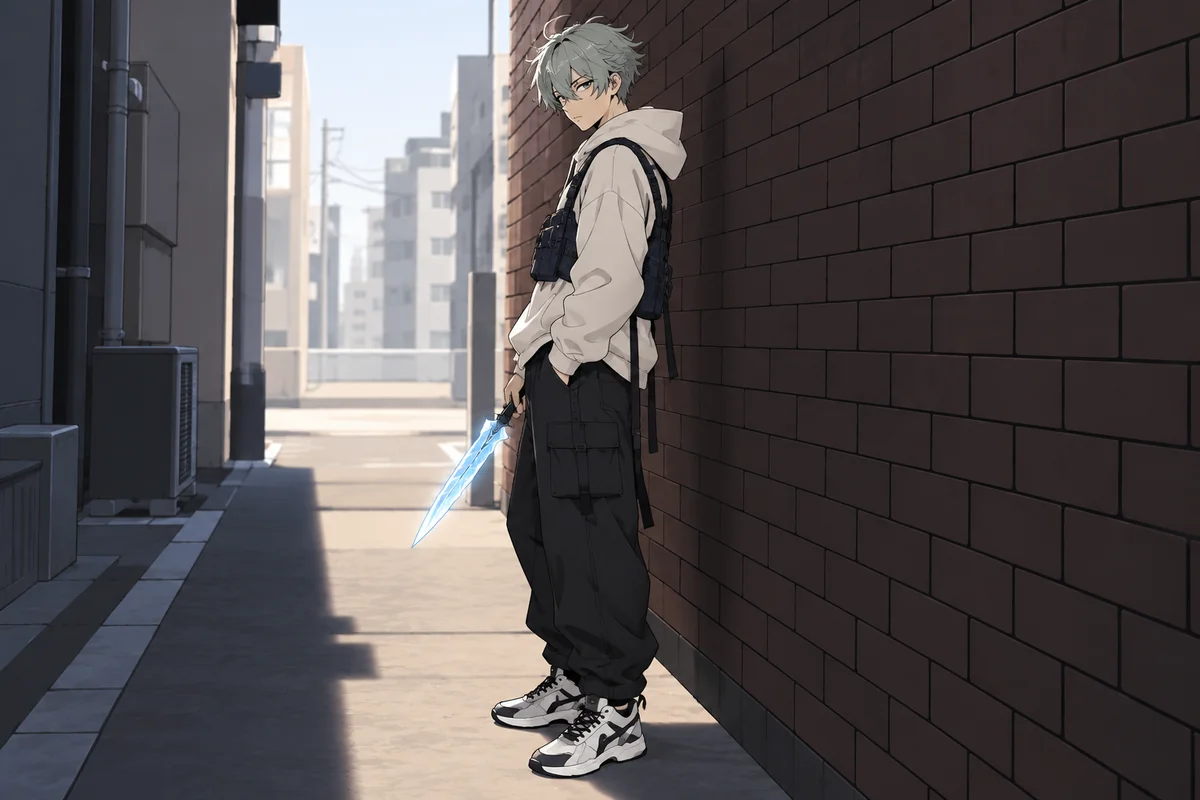
Place the OC against architecture, weather, debris, or a strange creature whose size makes the challenge clear. Control camera height, distance, foreground objects, and motion to produce a cinematic confrontation image that communicates pressure through composition instead of rank badges, interface graphics, or written exposition.

Mint-haired hunter holding an ice blade in a city alley

0304

Stage a Team Before Impact

Generate a small group before a dangerous encounter, with each role visible through posture, spacing, protection, tools, and eye lines. Specify contrasting silhouettes and one shared light source to create a banner or campaign image that reads as coordinated preparation without guild marks, class labels, status windows, or copied uniforms.

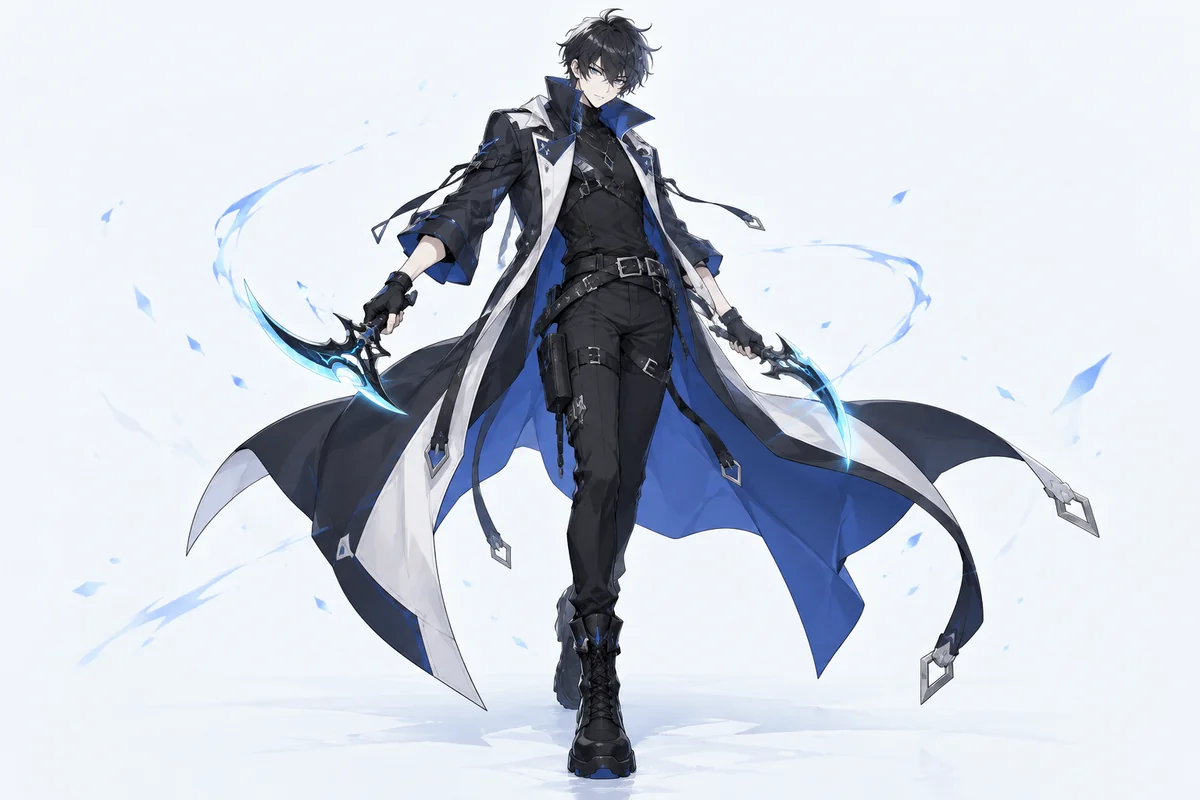
Ash-black-haired hunter wielding cyan dual daggers

0404

Render an Awakened Visual Variant

Rework one established design into a heightened form while keeping the face, build, and core outfit identifiable. Direct the transformation through material changes, luminous fractures, altered hair movement, pose, and surrounding particles; the AI anime generator can turn that direction into reveal art or a paired character reference.

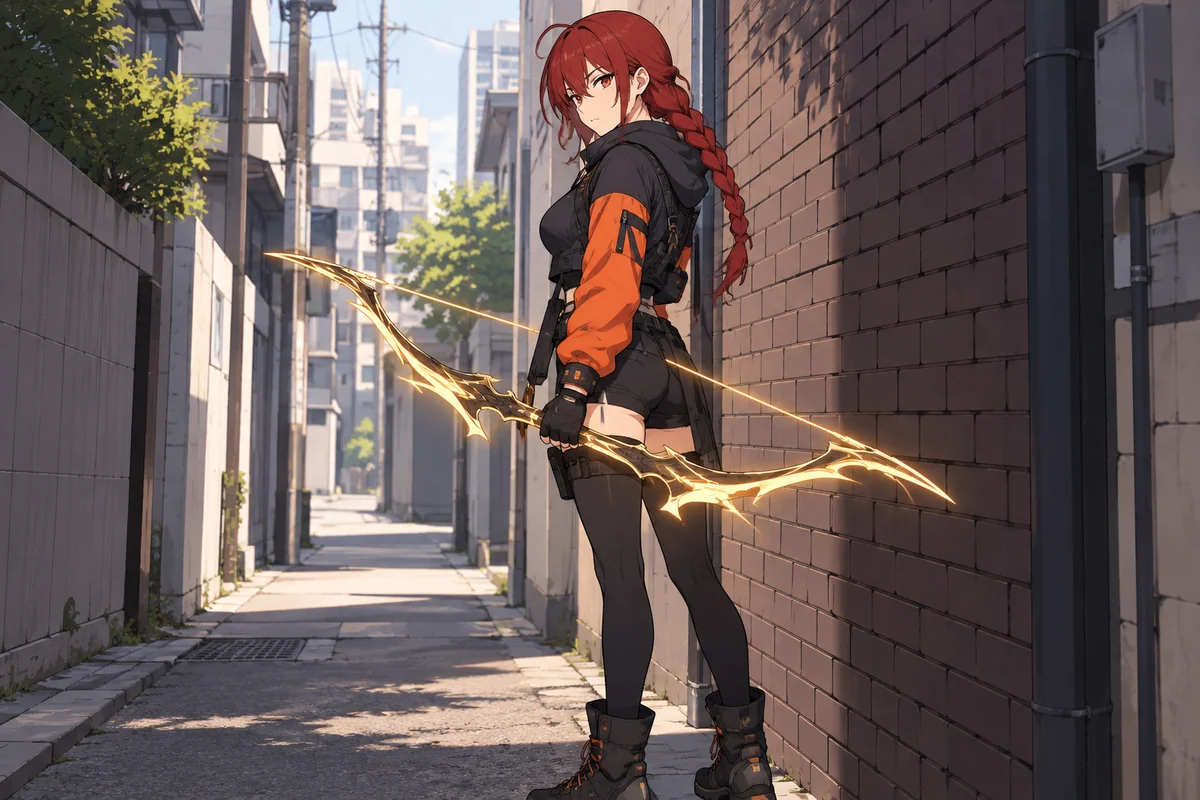
Red-haired hunter carrying a glowing gold bow

Why Use This Solo Leveling Character Creator

Control the visual evidence of danger, adaptation, and earned strength across different character images.

  • 01

    Create Battle Wear

    Create repaired seams, scorched edges, dust, and damaged armor that suggest experience without hiding the design.

  • 02

    Generate Energy Behavior

    Generate sparks, heat haze, floating shards, wind trails, or liquid light with a defined source and direction.

  • 03

    Produce Creature Contrast

    Produce unfamiliar creatures with anatomy, texture, and scale that contrast clearly with the character silhouette.

  • 04

    Maintain Face Anchors

    Maintain a few stable facial features and garment materials when testing a more advanced visual form.

  • 05

    Get Cinematic Angles

    Get low, overhead, distant, or close framing that makes threat, resolve, discovery, or exhaustion visible.

  • 06

    Create Quiet Aftermath

    Create recovery scenes through bent structures, abandoned gear, changed weather, and restrained body language.

How to Generate a Solo Leveling OC Image

Decide what changed, make that change visible, and remove cues that belong to the source material

  1. Choose the Visible Turning Point

    Pick one moment the image must communicate: first activation, controlled transformation, difficult recovery, team preparation, or a creature encounter.

  2. Direct Evidence, Not Numbers

    Describe body shape, clothing material, wear, tool, stance, effect source, environment, camera distance, and the physical consequence of power.

  3. Audit the Generated Frame

    Check anatomy, hands, tool count, effect origin, creature silhouette, and accidental franchise cues. Simplify the weakest element before generating again.

Frequently Asked Questions

Questions About Progression-Fantasy Character Images

How do I show my Solo Leveling OC becoming stronger without a rank screen?

Make progress physical. Change posture from guarded to controlled, add repairs or upgraded materials to the same outfit, alter how the environment reacts to the character, and give an energy effect a clear source. A low camera angle or wider area of impact can suggest increased force without letters, numbers, bars, or interface panels.

Why does my character keep resembling the black-coated dagger fighter?

Remove the whole cluster of familiar cues at once. Replace the long dark coat with another garment structure, use a non-bladed occupational tool, choose warm or pale effect colors, change the hairstyle and body silhouette, and avoid dark summoned figures. Asking for only a new face often leaves the more recognizable costume and pose intact.

Can I picture an awakened form without turning it into a different person?

Keep two or three anchors visible, such as face shape, build, hairline, a ceramic shoulder piece, or a woven sash. Limit the change to one material transformation and one effect behavior. If the face drifts, reduce particles around the head, use a closer camera, and repeat the stable features before describing the transformation.

How can a raid-like team image stay clear without class labels or guild emblems?

Separate roles visually through action and placement. Put the shield carrier nearest the threat, a surveyor reading physical traces at the side, and a field medic opening equipment behind cover. Give each person a different silhouette and tool, then connect the group with eye lines and one shared light source rather than symbols or text.

What if the monster looks like a known creature from the series?

Change its anatomy before changing its color. Specify an unfamiliar limb count, movement method, surface material, head shape, and habitat, then remove armor layouts, glowing facial patterns, and silhouettes associated with known monsters. A glass-shelled tide animal or cloth-winged salt moth gives the generator a more independent direction.

Does OCMaker AI create stats, ranks, quests, stories, or game systems for the character?

No. The product generates images. You can use a role, setback, transformation, or encounter as visual direction because it changes clothing, pose, effects, props, lighting, and setting, but the tool does not build stat sheets, assign ranks, write stories, or design a playable system.

What should I review before using progression-fantasy OC art in a public or paid project?

Check OCMaker AI’s current terms, your rights to input material, the generated output, and the rules that apply to the intended use. Review for official character likenesses, the black-coat and dagger combination, purple aura, shadow armies, system panels, rank UI, guild emblems, named locations, and recognizable monster designs. No commercial authorization is promised.

Put Earned Power Into the Frame

Generate a Solo Leveling OC image where posture, material change, atmosphere, and scale reveal a personal path of progression.

Solo Leveling OC Maker: Generate Your Own Solo Leveling Characters