
Sonic Channel OC Maker

Bring a new animal character into a crisp, presentation-ready illustration. Sonic Channel OC Maker focuses on bold silhouettes and expressive posing for fans who enjoy clean Japanese promotional character art.

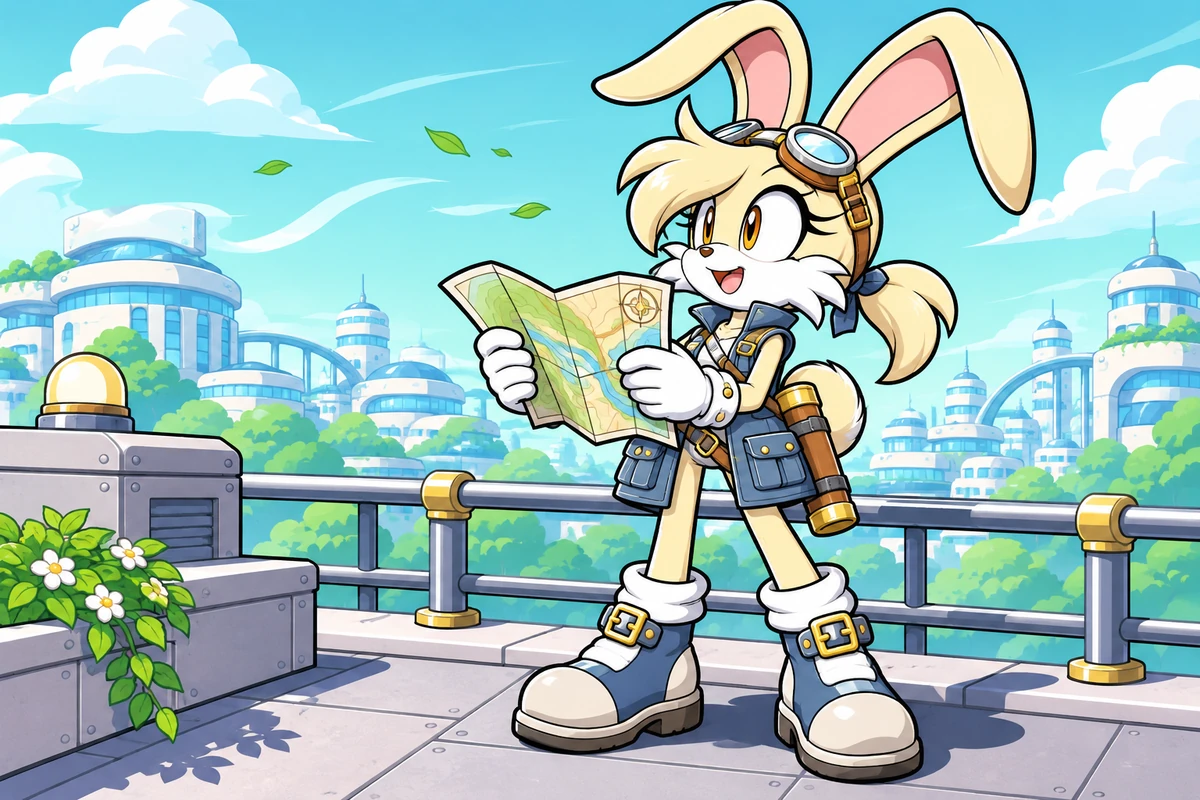
A cream hare surveyor studies a folded map on a windy rooftop.

A Cast Built Around More Than Running Poses

A gliding bird, a patient bear, and a quick-footed rabbit show how species and accessories can lead the presentation.

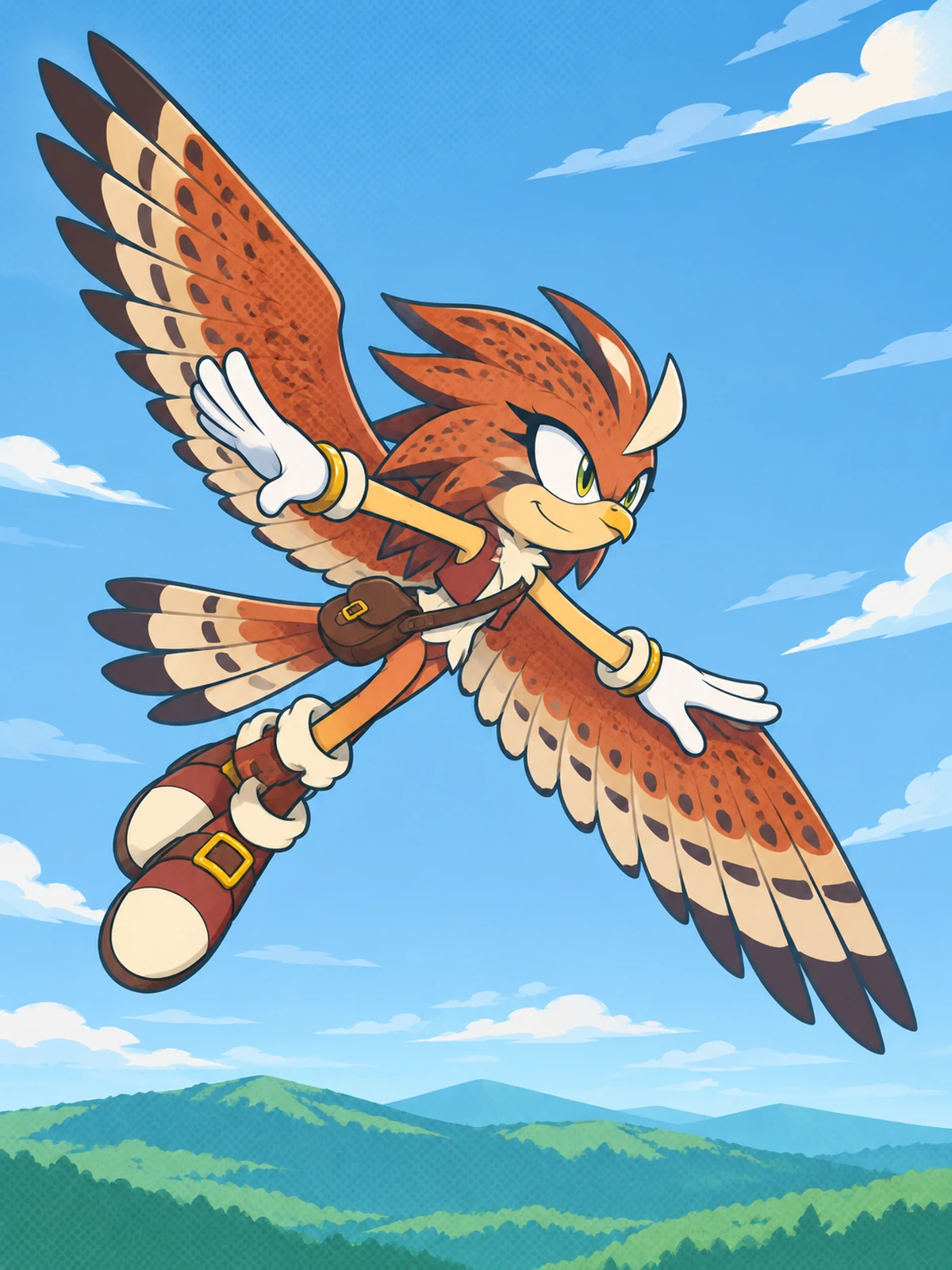
  • A rust-colored kestrel character glides with wings spread above green hills, wearing a small brown shoulder pouch.01

    Kestrel Sky Scout

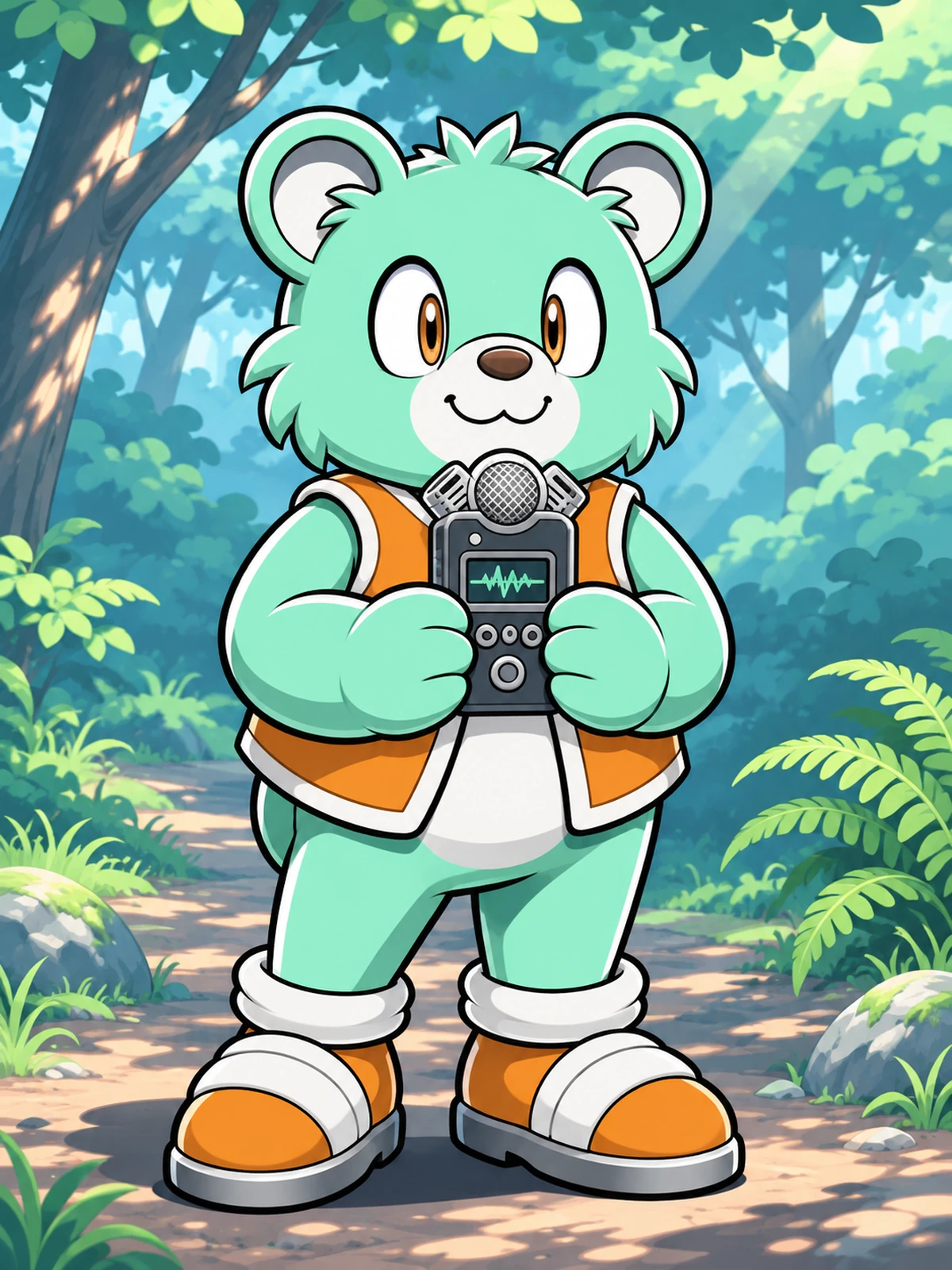
  • A broad mint-green bear character holds a handheld field recorder on a shaded forest trail.02

    Bear Sound Collector

  • A slate-gray rabbit character in green overalls carries a seed pouch and watering can beside rooftop planters.03

    Rabbit Urban Gardener

Direct a Clear Character Presentation

  1. Commit to an Animal Outline

    Pick the species and two shape cues, such as a kestrel beak and folded wing-arms. State how many limbs should be visible before describing accessories.

  2. Stage a Single Attitude

    Write one pose and a simple background, then add one practical object. Ask for clean linework and cel shading rather than a website page or profile card.

  3. Refine the Presentation

    Generate the image and inspect hands, shoe alignment, ear tips, and the outer contour. Simplify overlapping details or reduce the pose angle when the silhouette breaks.

Clean Promotional Art With a Character-First Focus

Pose, outline, and a small accessory set carry the image without a busy page layout.

0104

A Silhouette Before the Speed

Long ears, a broad beak, or a compact bear torso can establish an animal character before an action pose begins. Clean illustrated images emphasize those shapes with controlled cel shading. The AI anime generator provides a visual route for fan characters beyond another spiky runner.
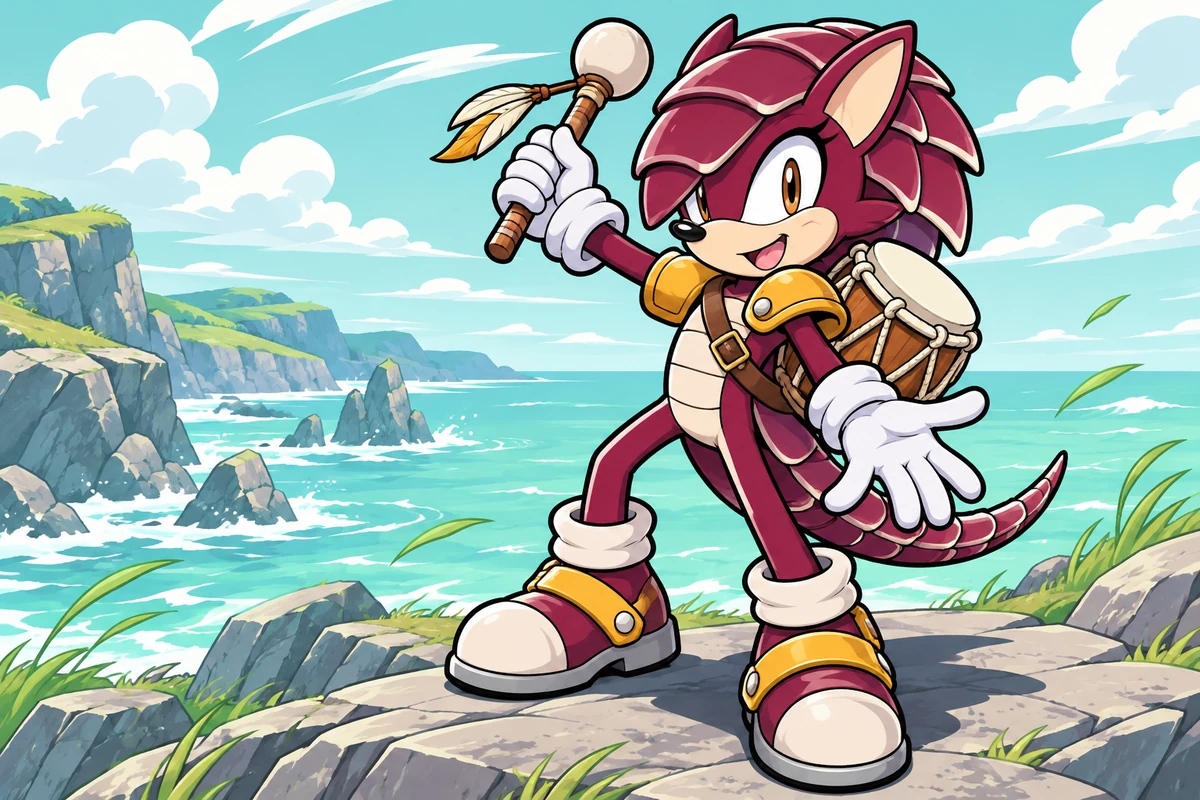
A maroon armadillo drummer carries a compact hand drum across a rocky coast.

0204

Accessories With Visual Weight

A single shoulder pouch or oversized cuff can explain a character's role without burying the body. Accessory-led images balance object size against hands, muzzle, and footwear, producing a full-body concept that is useful when planning a clean promotional-style drawing.

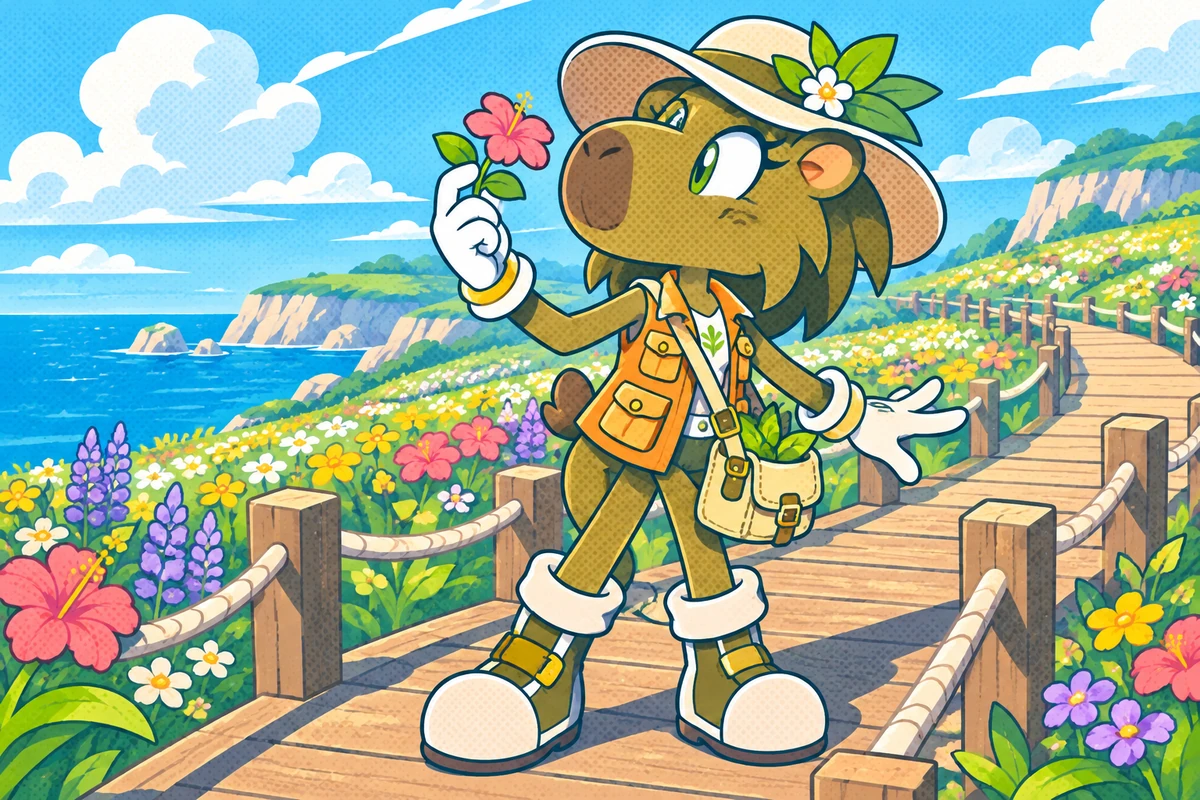
An olive capybara botanist pauses on a flowered boardwalk with a canvas satchel.

0304

Poses That Present Personality

A cautious lean and open palm read differently from a confident forward stride. Pose-focused images let the attitude come through the whole body while keeping ears and shoes visible. The OC maker supports that broader character exploration without requiring a profile-card layout.

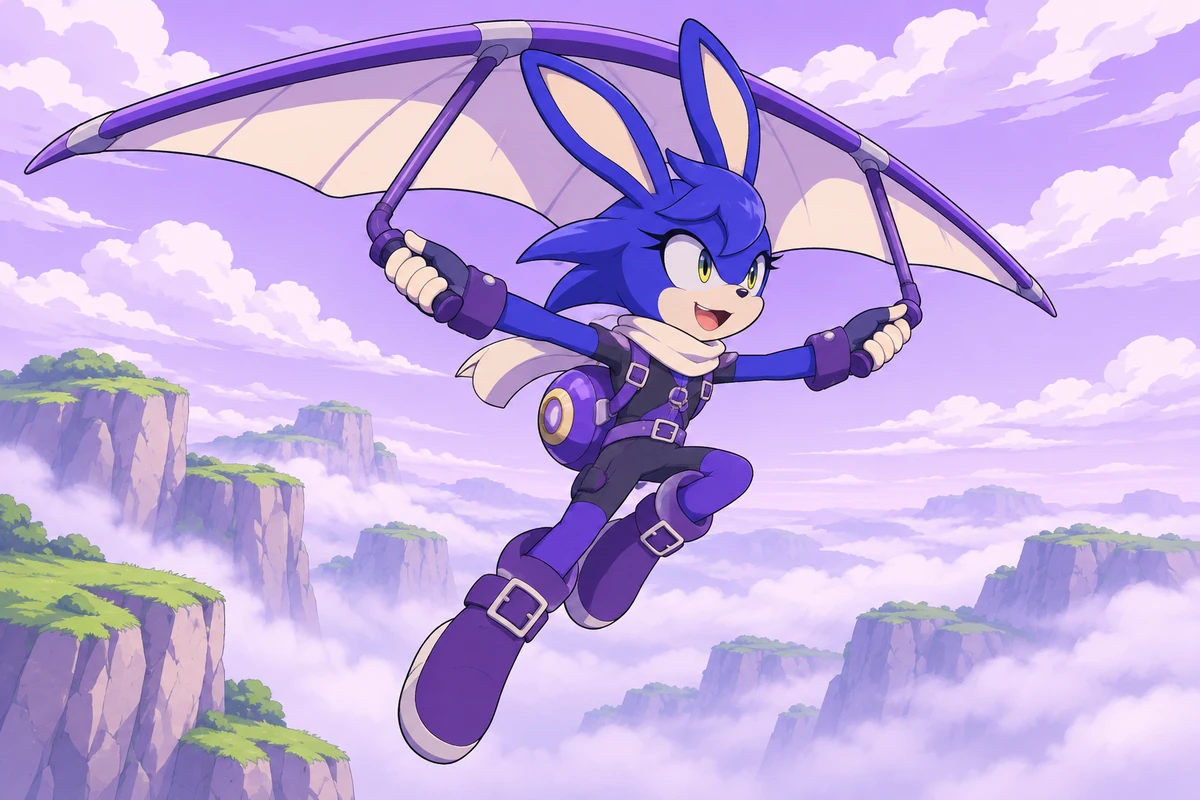
A cobalt hare pilot glides above misty cliffs with a cream flight scarf.

0404

A Clear Stage for Color

A pale backdrop lets a strong body color and a small accent carry the composition. Presentation-focused images use generous breathing room around the silhouette, making the result useful as a drawing reference or fan-art introduction without decorative panels competing for attention.

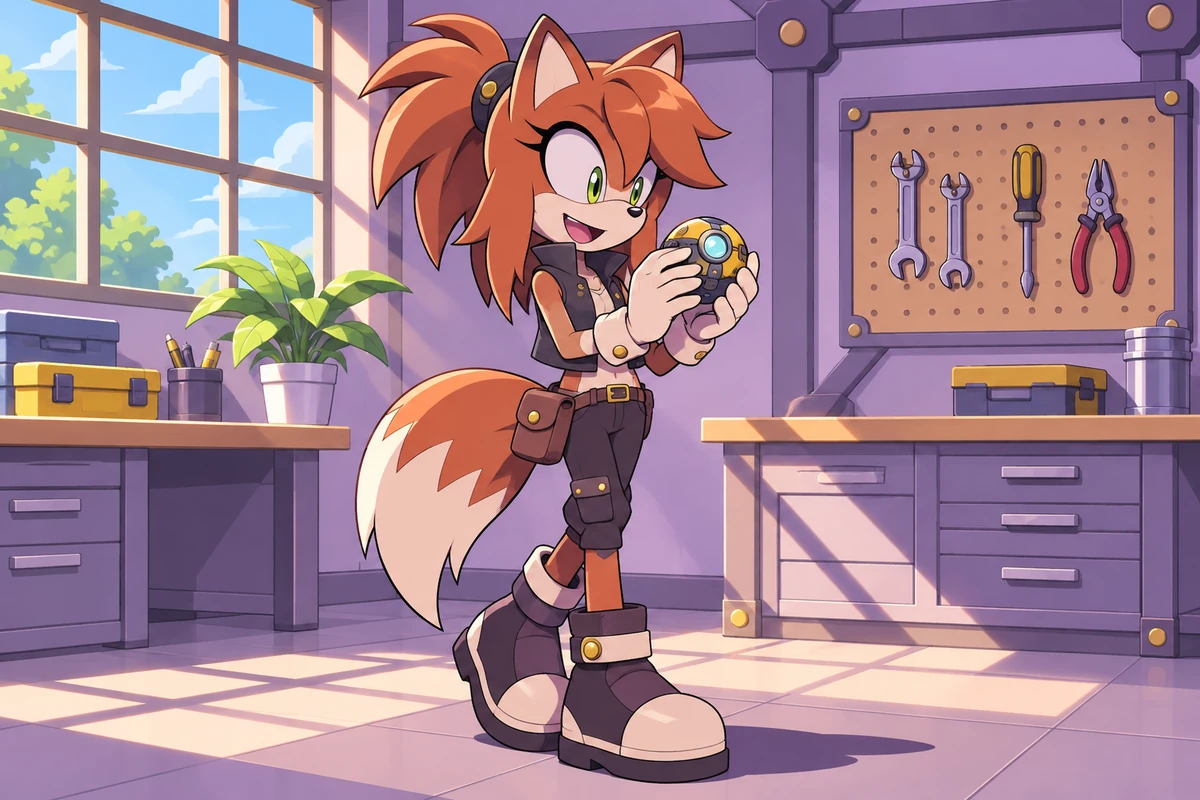
A copper fox mechanic inspects a small gadget at a tidy workshop bench.

Finishing Touches Beyond the Outer Contour

Targeted image ideas help the smaller shapes hold together.

  • 01

    Muzzle Shape Studies

    Create close facial views that make a short snout, broad beak, or rounded cheek shape easier to compare.

  • 02

    Glove Color Variants

    Get contrasting glove ideas that separate hands from a pale torso without needing extra wrist ornaments.

  • 03

    Footwear Concepts

    Generate broad soles and compact fastenings as drawing ideas while keeping the feet separate from the ground shadow.

  • 04

    Tail Visibility

    Maintain space around a curled or feathered tail so it does not disappear behind a jacket or bent elbow.

  • 05

    Soft Rim Lighting

    Produce a restrained edge highlight that lifts a dark body color from the background without metallic glare.

  • 06

    Crop Flexibility

    Create waist-up presentation ideas for small avatar spaces while keeping tall ears and head accessories in view.

Frequently Asked Questions

Character Presentation Questions

What Is Sonic Channel OC Maker?

It is a prompt-led character image concept page focused on clean animal-character illustration and promotional presentation. The result is an image reference for a fan design, not a filled-in character biography or game avatar file.

How Do I Use Sonic Channel OC Maker?

Describe the species silhouette and one expressive pose, then add a restrained accessory and a plain background. Generate an image, inspect the outer contour, and revise overlapping hands or footwear before adding more decoration.

Is Sonic Channel OC Maker Free?

OCMaker AI offers a token-based service with a free tier and paid options. Check current pricing and your account for the generations available to you; this page does not establish unlimited free access.

Can I Put This Promotional-Style Character Art on Products?

Check current OCMaker AI terms and all relevant input and output rights first. Sonic character designs, SEGA branding, and Sonic Channel artwork can carry separate third-party rights; a generated fan image does not grant merchandise permission.

Is the Result the Same as a Sonic Channel Fan Card?

No. The separate Sonic Channel site has its own fan-card editor. This page concerns generated character illustrations and does not supply that editor's profile card, parts library, or account connection.

Can I Use a Bird or Bear Instead of a Hedgehog?

Yes, species-led prompts can explore a broad beak, feather shapes, or a heavy bear torso. State the limb arrangement explicitly so bird wings do not become additional arms over an already complete pair.

How Do I Get Clean Japanese Promotional-Style Linework?

Ask for an uncluttered character illustration with decisive contours, flat color regions, and restrained cel shadows. Remove requests for poster lettering, card borders, and textured scenery that compete with the figure.

Why Do the Gloves Merge With the Muzzle?

A raised pale glove near a pale face can lose its edge. Move the hand away from the cheek, introduce a contrasting glove color, or request a small contour gap between the two shapes.

Can the Image Include a Downloadable Character Template?

No editable template, layered profile asset, or reusable official layout is promised. The output is an image concept; a designer would still need to prepare any production layout separately.

How Can Shoes Look Grounded in a Dynamic Pose?

Specify which foot carries the weight and keep its sole aligned with a simple ground plane. If both feet appear to float, reduce the leap to a forward step and use a smaller contact shadow.

Do I Need a Busy Background for a Character Introduction?

No. A plain light field often makes ears, tail, and accessory edges easier to see. One low-contrast ground shadow can provide placement without turning the image into a poster layout.

How Do I Avoid a Familiar Hedgehog Recolor?

Change the animal structure, muzzle, ear placement, tail, and body proportions before adjusting colors. A new accent palette alone leaves the same silhouette; species and shape choices make the larger difference.

Give the Silhouette the Spotlight

Create a clean character illustration where one pose and one useful accessory do the talking.

Sonic Channel OC Maker: Clean Character Illustration