Style*
Background
4tokens•~30s

Aikatsu OC maker

Generate finished images of a new stage-fashion performer, from polished promotional portraits to dynamic concert scenes. Direct the costume silhouette, material, color story, pose, expression, spotlight, and venue while keeping the design separate from existing characters and branded assets.

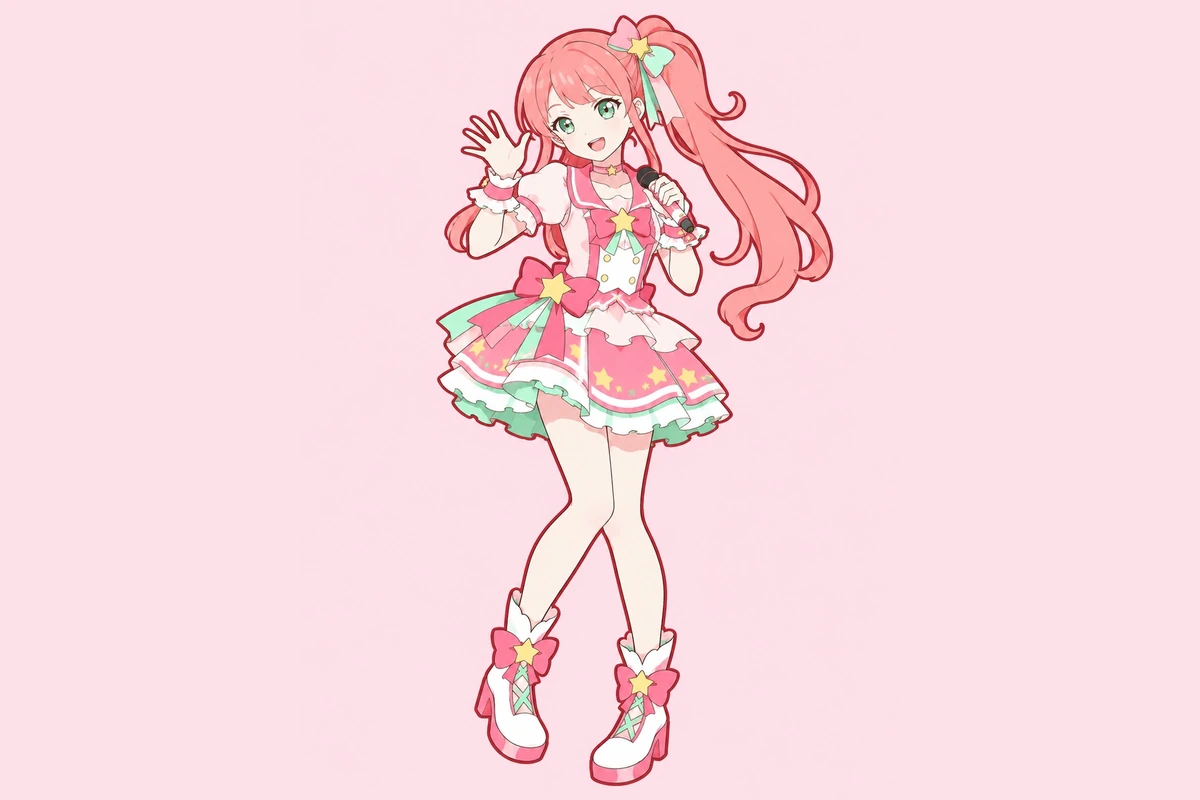
A coral-pink-haired pop idol performing with a microphone beneath star-shaped stage lights

Three Ways to Frame a Rising Performer

Compare a rooftop vocal portrait, a kinetic dance shot, and an intimate acoustic scene to see how wardrobe, lens choice, and venue can reshape the same broad theme.

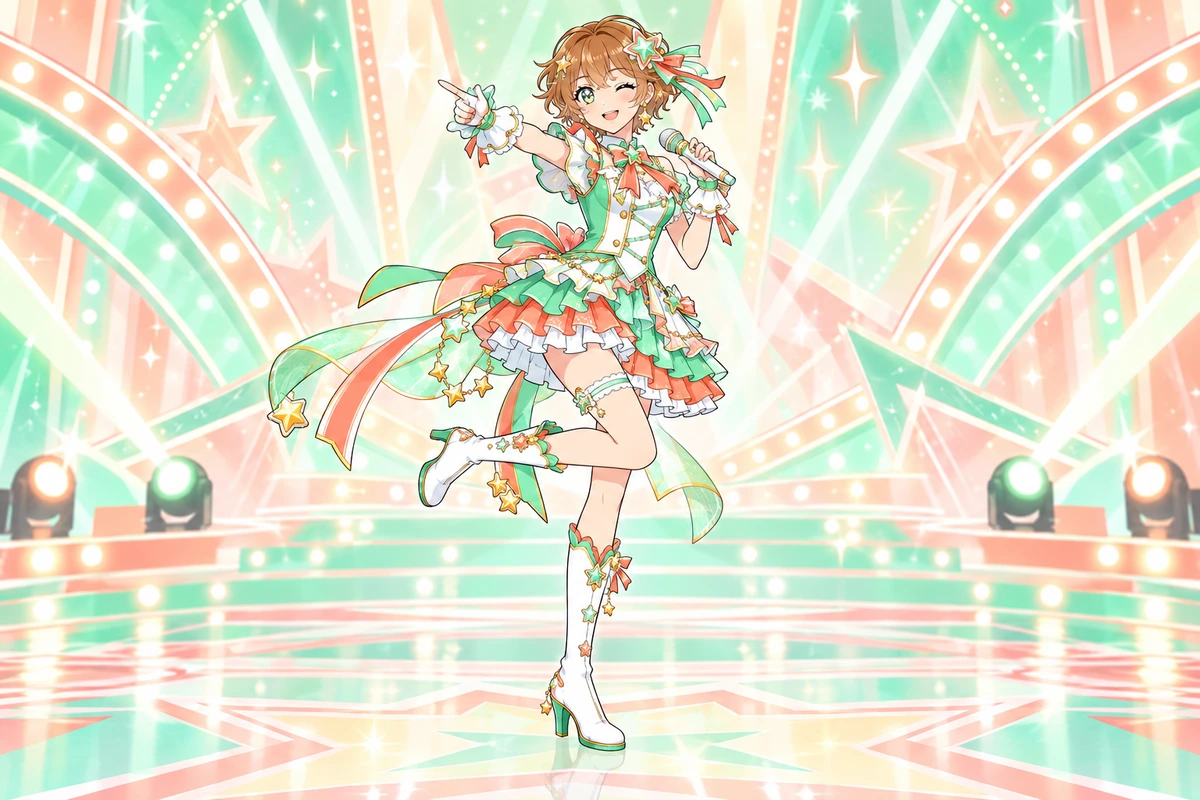
  • A mint-themed original idol in a star-inspired pop performance outfit01

    Rooftop Vocal Portrait

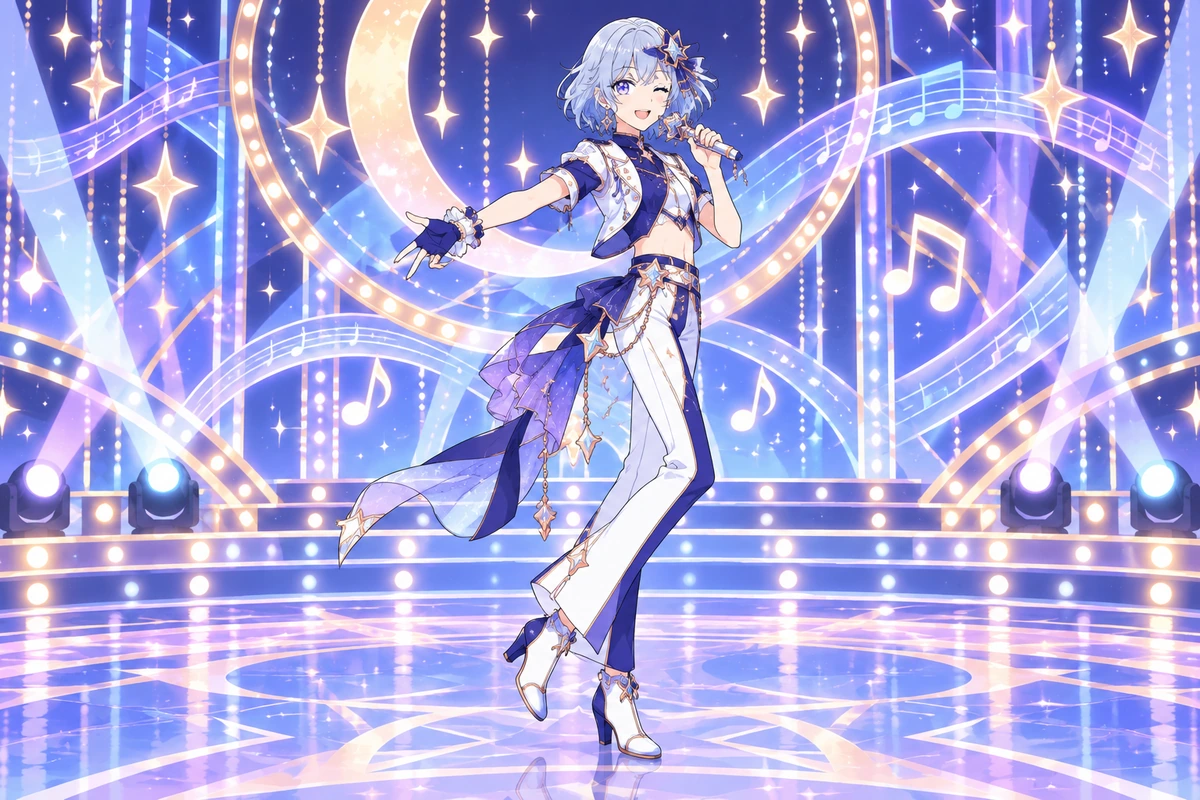
  • A blue-haired original idol in a moon-themed music costume02

    Neon Dance Break

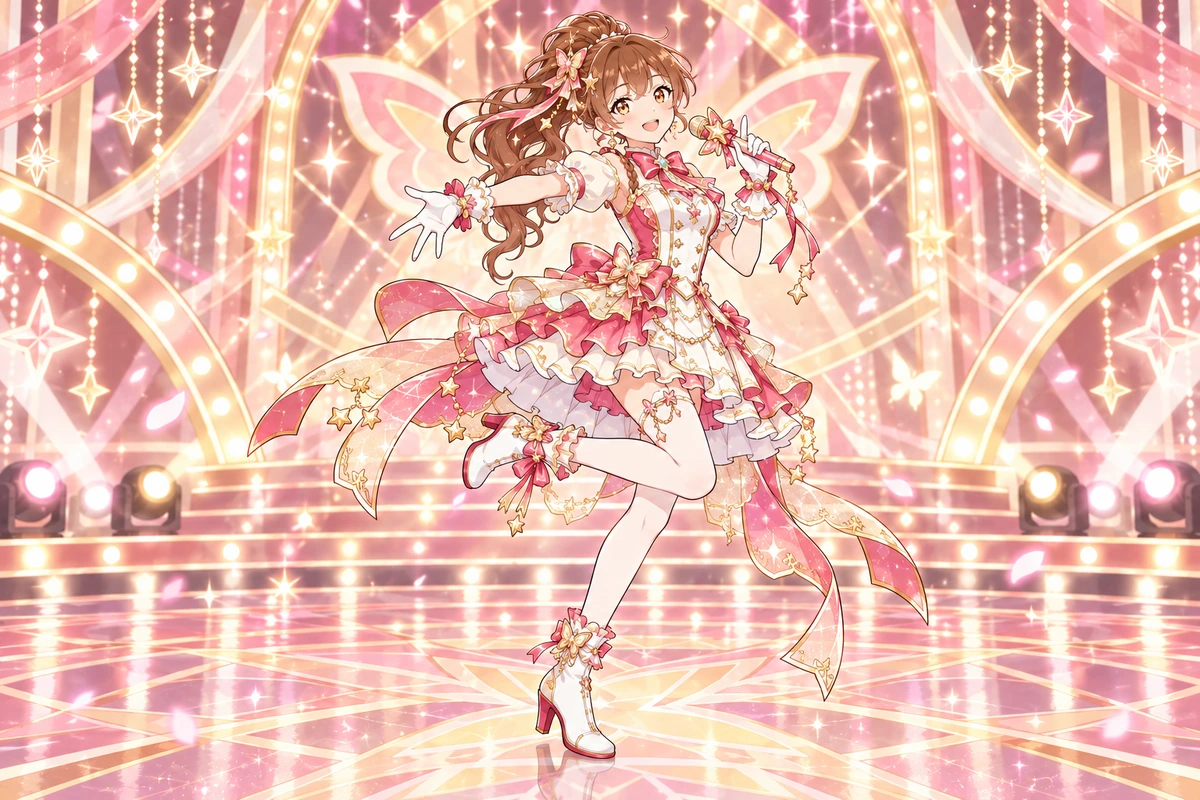
  • A rose-gold original idol with a butterfly-inspired stage look03

    Garden Acoustic Set

Shape a Performer Through Wardrobe, Camera, and Light

Build finished character images around the visual language of a performance rather than a generic costume swap.

0104

Build a Stage Silhouette

Set the performer’s visual rhythm through hem length, shoulder shape, layered fabric, footwear, and one clear accessory motif. The generator turns those choices into a finished full-body image whose outline remains legible beneath concert lighting, useful for testing a stage-fashion concept before selecting a final direction.
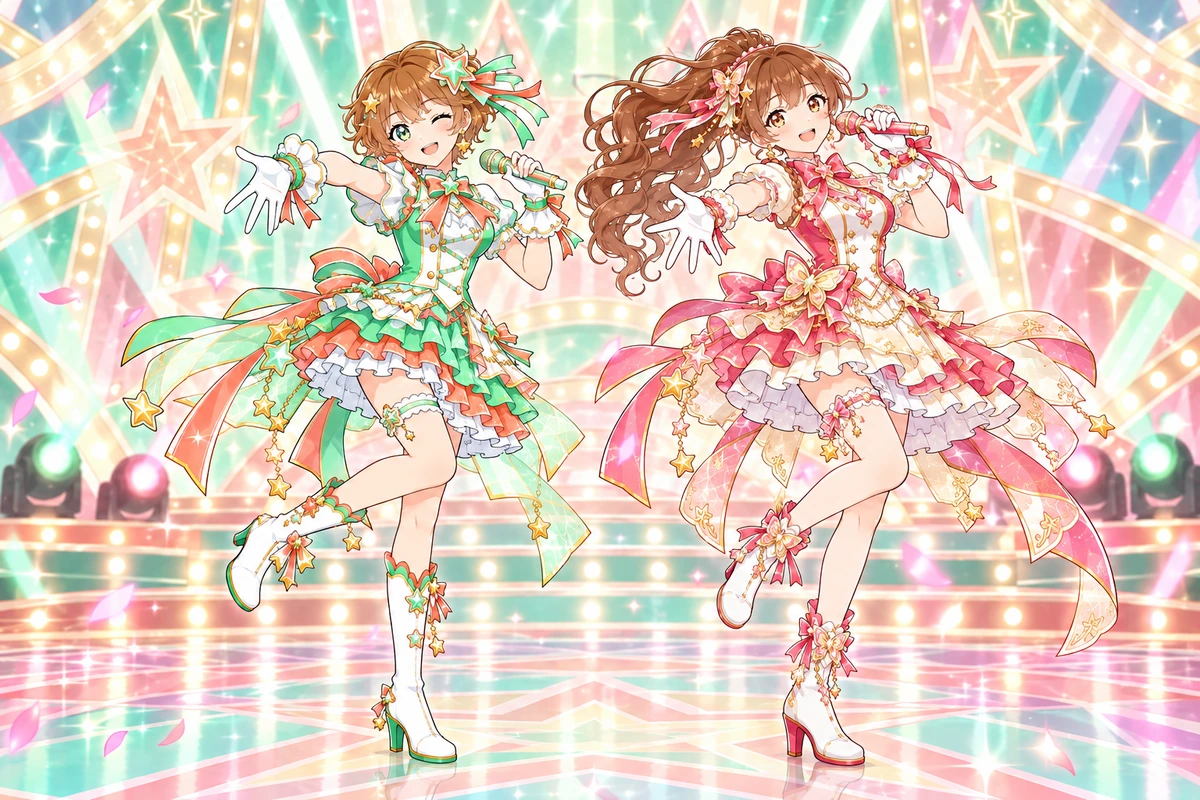
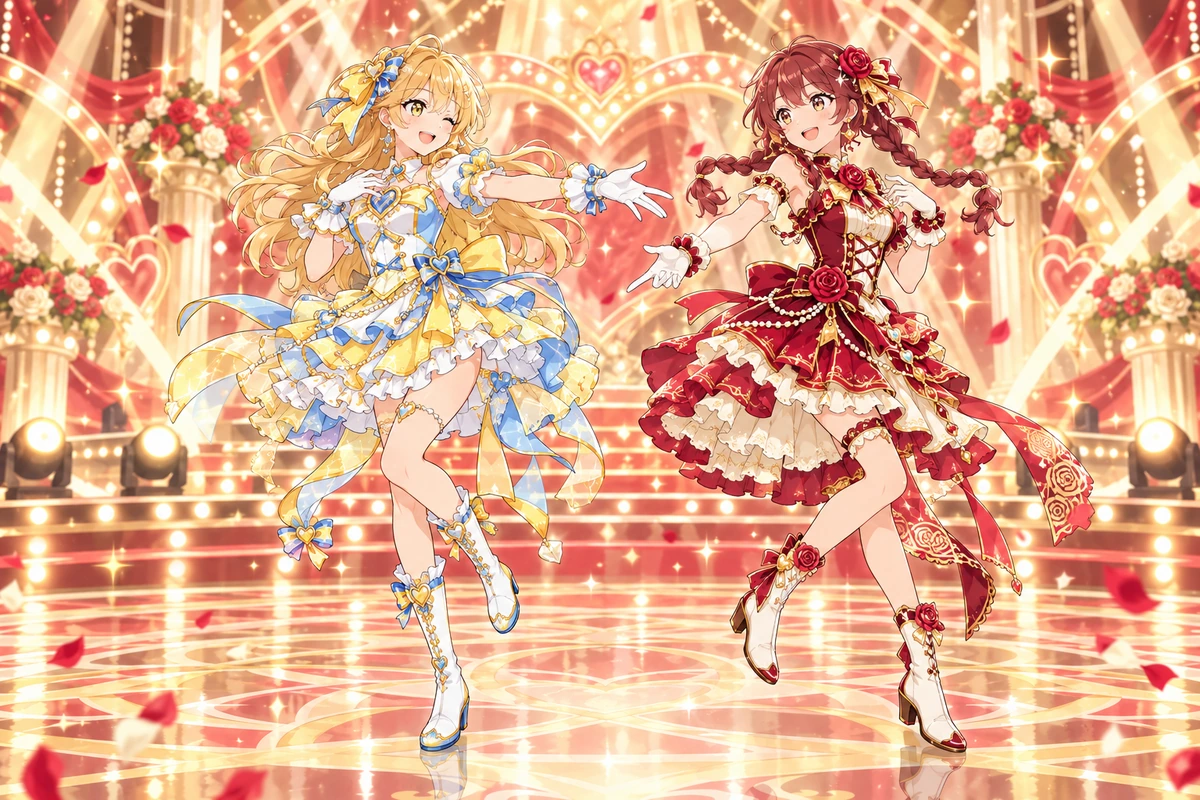
A mint-and-rose original idol duo in coordinated performance outfits

0204

Direct the Spotlight Mood

Choose a restrained ballad glow, hard-edged dance beams, warm festival bulbs, or a dramatic backlight, then pair it with a camera distance and expression. An AI anime generator can translate that art direction into a promotional portrait or performance image with a deliberate emotional focus.

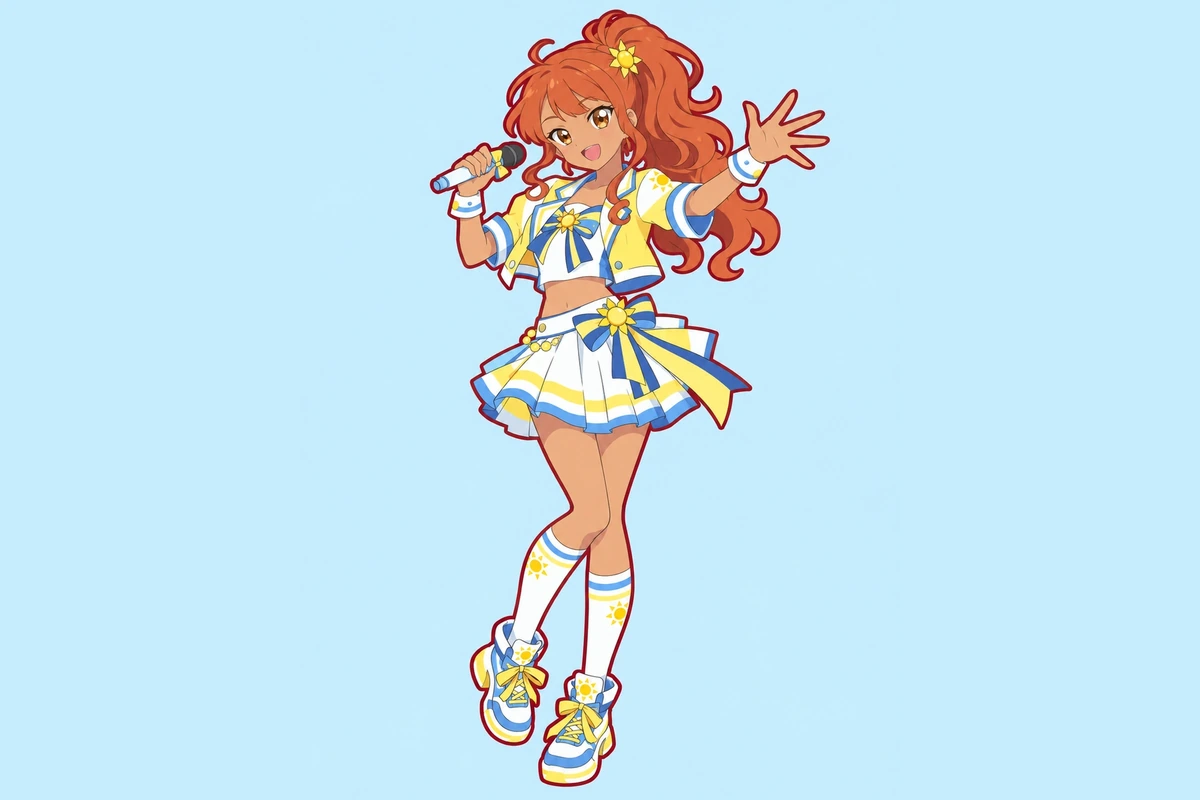
An orange-ponytailed idol dancing with a microphone onstage

0304

Stage a Performance Moment

Describe the visible beat you want to capture: a held final note, a sharp turn, a runway entrance, or a quiet instrumental passage. Control body language, lens height, crowd distance, and atmospheric effects so the Aikatsu OC maker returns a single finished image suited to a mood board, avatar, or visual reference.

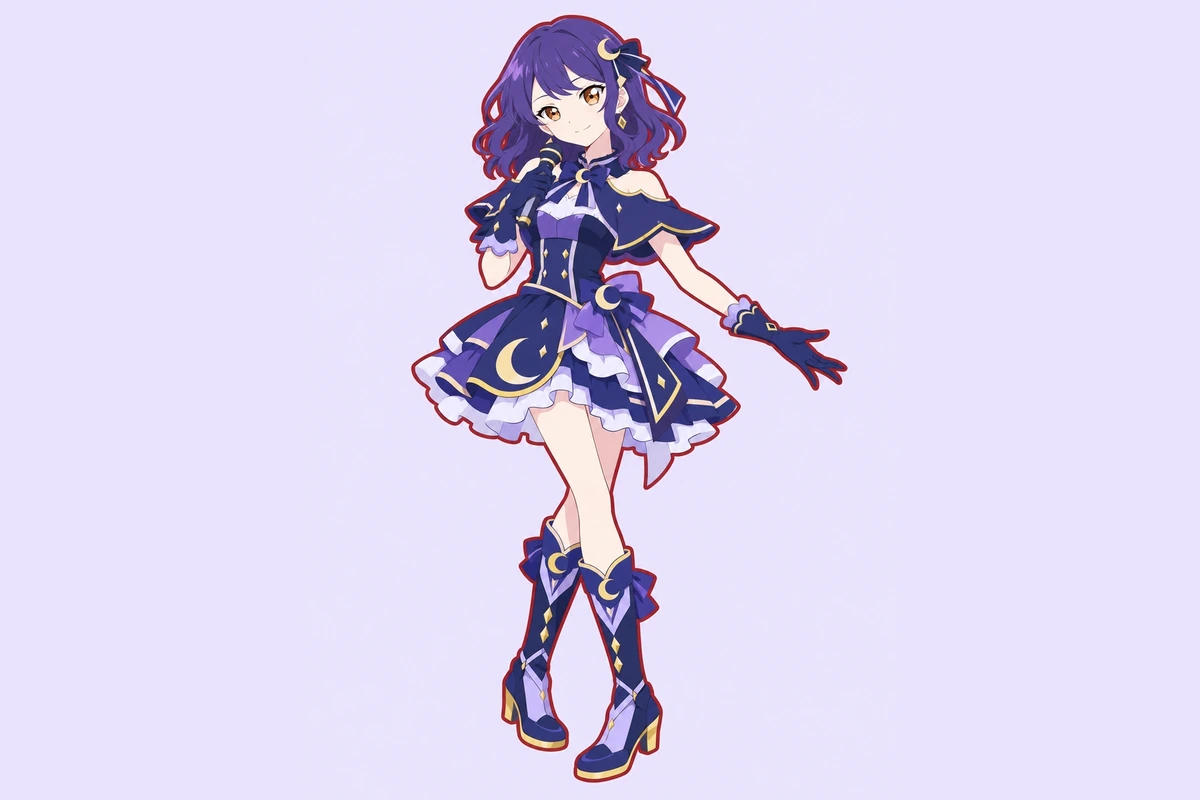
A violet-haired performer in a nocturne-inspired moon-stage costume

0404

Compare Fresh Visual Directions

Hold the face and core color story steady while testing a second fabric, venue, pose, or lighting plan in separate generations. The wider OC maker workflow makes visual comparison easier, helping you decide whether a performer reads best in editorial close-ups, full-body fashion images, or energetic stage scenes.

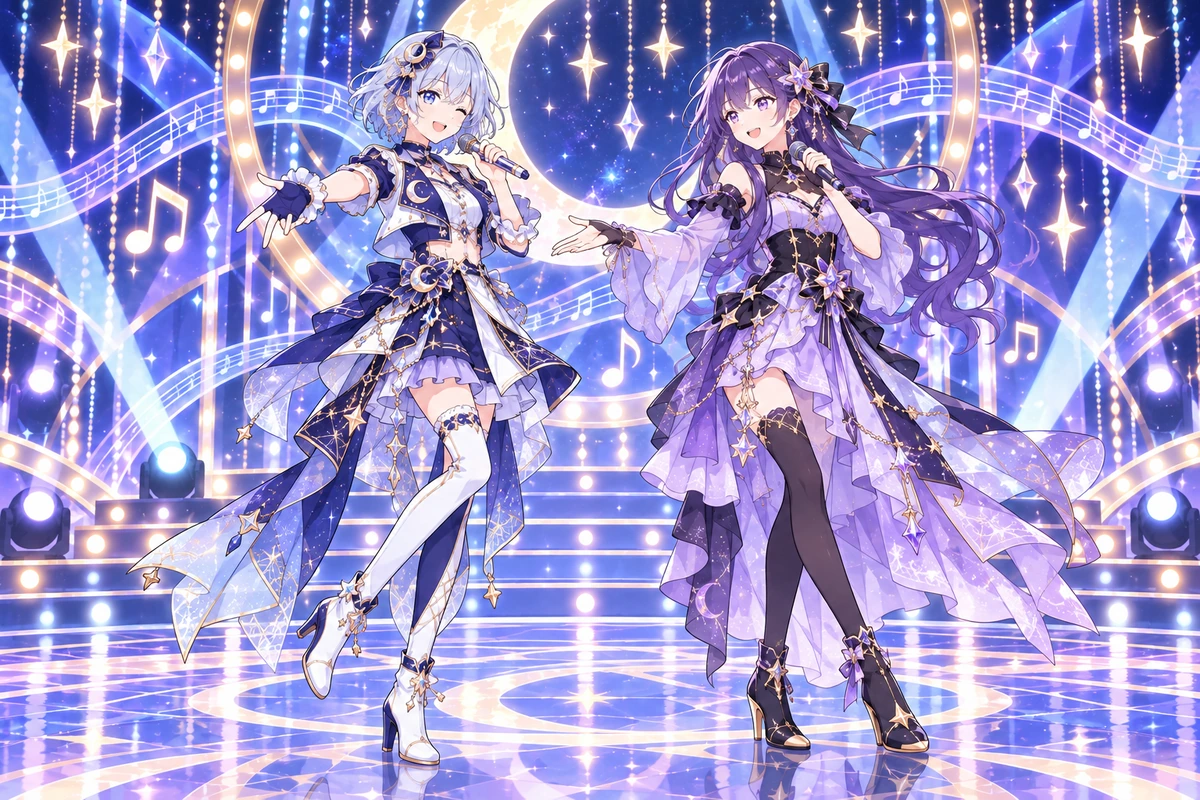
A moon-and-star original idol duo in coordinated stage costumes

Why Use This Aikatsu OC Maker

Tune the parts of a performer image that determine fashion impact, stage presence, and framing.

  • 01

    Create Material Contrast

    Create visible contrast between satin, mesh, sequins, velvet, metal, and translucent layers under stage light.

  • 02

    Generate Expressive Poses

    Generate poised entrances, vocal gestures, dance freezes, and quiet instrument moments with clear body language.

  • 03

    Maintain a Color Story

    Maintain a focused palette across clothing, accessories, lighting, and scenery without relying on branded motifs.

  • 04

    Produce Varied Framing

    Produce headshots, three-quarter portraits, full-body fashion views, and wide performance compositions.

  • 05

    Get Venue Variety

    Get distinct visual moods from theaters, rooftops, rehearsal spaces, gardens, and abstract light installations.

  • 06

    Create Clean Artwork

    Create finished character images without card frames, profile panels, score displays, or other game-style UI.

From Stage Concept to Finished Image

Give the generator a visual brief, then revise the parts that matter on camera.

  1. Name the Visual Hook

    Lead with one strong image idea, such as a glasslike cape under cool spotlights or a velvet suit in a candlelit venue.

  2. Block the Camera View

    Specify portrait, full-body, or wide framing, then add the pose, expression, fabric behavior, lighting direction, and setting.

  3. Inspect and Redirect

    Generate the image and check hands, garment edges, facial detail, stray lettering, and stage clutter. Revise only the failed elements.

Frequently Asked Questions

Aikatsu OC Maker FAQ

Answers about performance imagery, fashion control, visual mistakes, and usage boundaries.

What does the Aikatsu OC maker produce?

It produces finished character images such as promotional portraits, full-body stage-fashion views, and performance scenes. It does not create collectible cards, songs, choreography, character profiles, or game-ready integrations.

How do I keep a stage outfit from looking like a school uniform?

Describe the garment as professional performance fashion and name its construction: asymmetric tailoring, sculpted layers, formal jumpsuits, long coats, or couture separates. Exclude classroom styling, academy crests, neck ribbons, and uniform cuts.

Why did the generated stage image include fake lettering?

Posters, signs, screens, badges, and packaging often invite malformed text. Ask for an unbranded venue with blank surfaces, remove typography from the prompt, and regenerate the affected image.

Can I show a performer singing without generating music?

Yes. Describe the visible moment: breath posture, hand position, facial emotion, microphone placement, lighting, and camera angle. The result is a still image; it does not compose audio or provide vocal performance.

How can a concert costume stay readable under busy lighting?

Limit the palette, choose one dominant silhouette, separate the performer from the background with rim light, and keep particles away from the face and hands. If details merge, simplify the venue before adding effects again.

What should I change when a dance pose looks anatomically wrong?

Reduce the motion to one clear action, identify which arm or leg carries the weight, use a wider camera view, and remove overlapping props. Regenerate rather than trying to describe several dance beats in one still frame.

May I sell images of my stage-fashion character?

Check the current OCMaker AI terms, your rights to any input material, and the rights affecting the output before commercial use. Avoid Aikatsu logos, card layouts, academy crests, signature costumes, exact hairstyles, and recognizable stage designs; this page does not grant rights to those elements.

Put Your Performer in the Spotlight

Generate a finished stage-fashion image built around one memorable silhouette, pose, and lighting idea.

Free Aikatsu OC Maker: Create Stage-Fashion OCs