0104
Create a Room Around Personal Details
Describe the character through furniture, collections, repaired items, storage, and signs of use. Choose a few details that help the room feel personal rather than generically decorated.
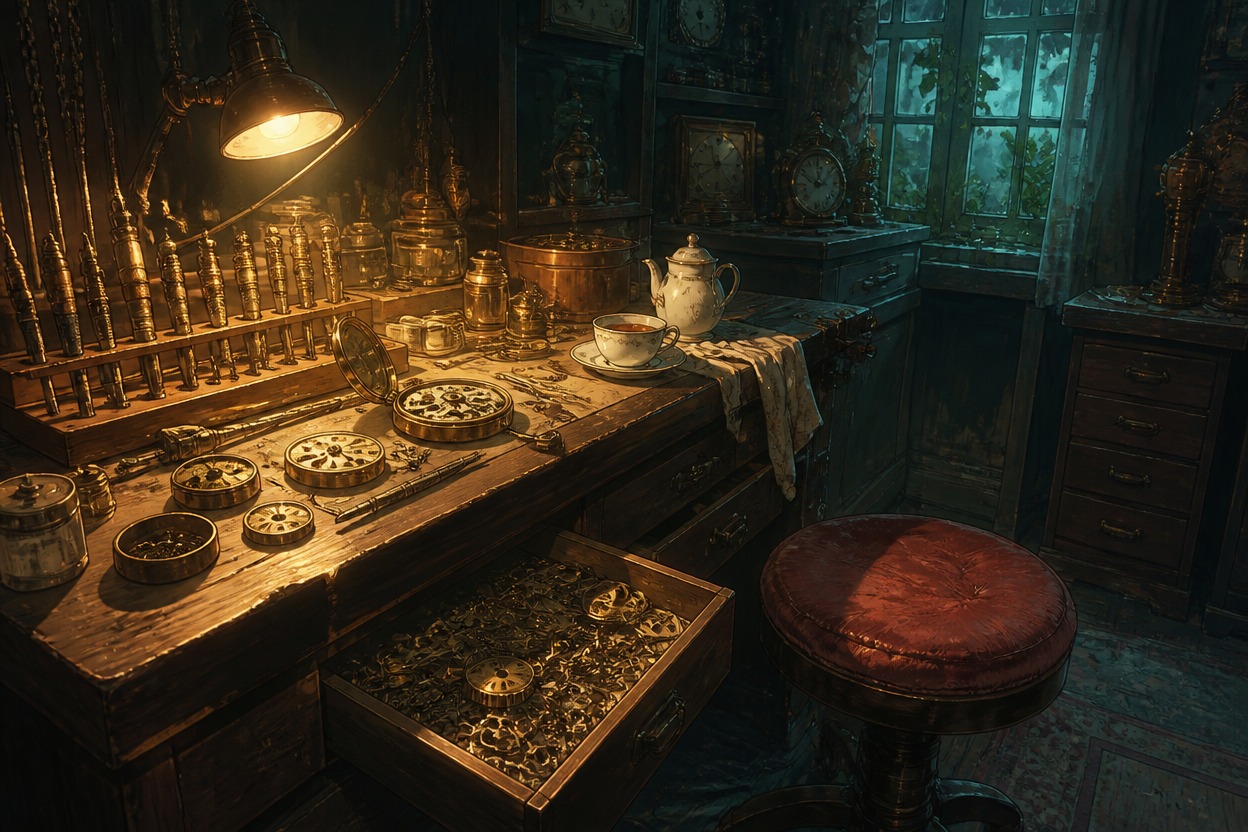

Use this AI OC room maker to generate finished room images for original characters. Describe the room type, furniture, personal objects, layout, lighting, and camera view to create bedrooms, studios, workshops, or other character spaces without showing the character.
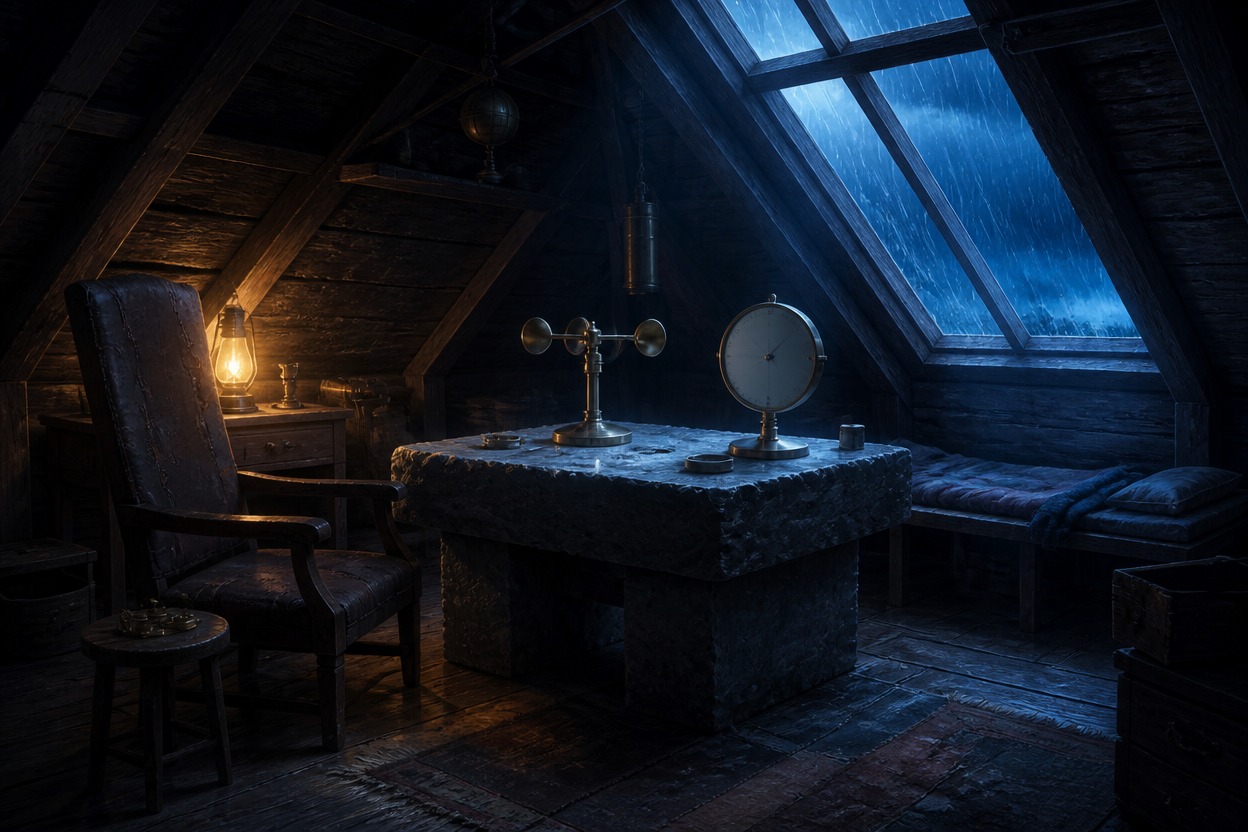
Explore a ceramics studio, a music loft, and a greenhouse sleeping nook. Each room uses furniture, personal objects, and lighting to suggest a different occupant and routine.
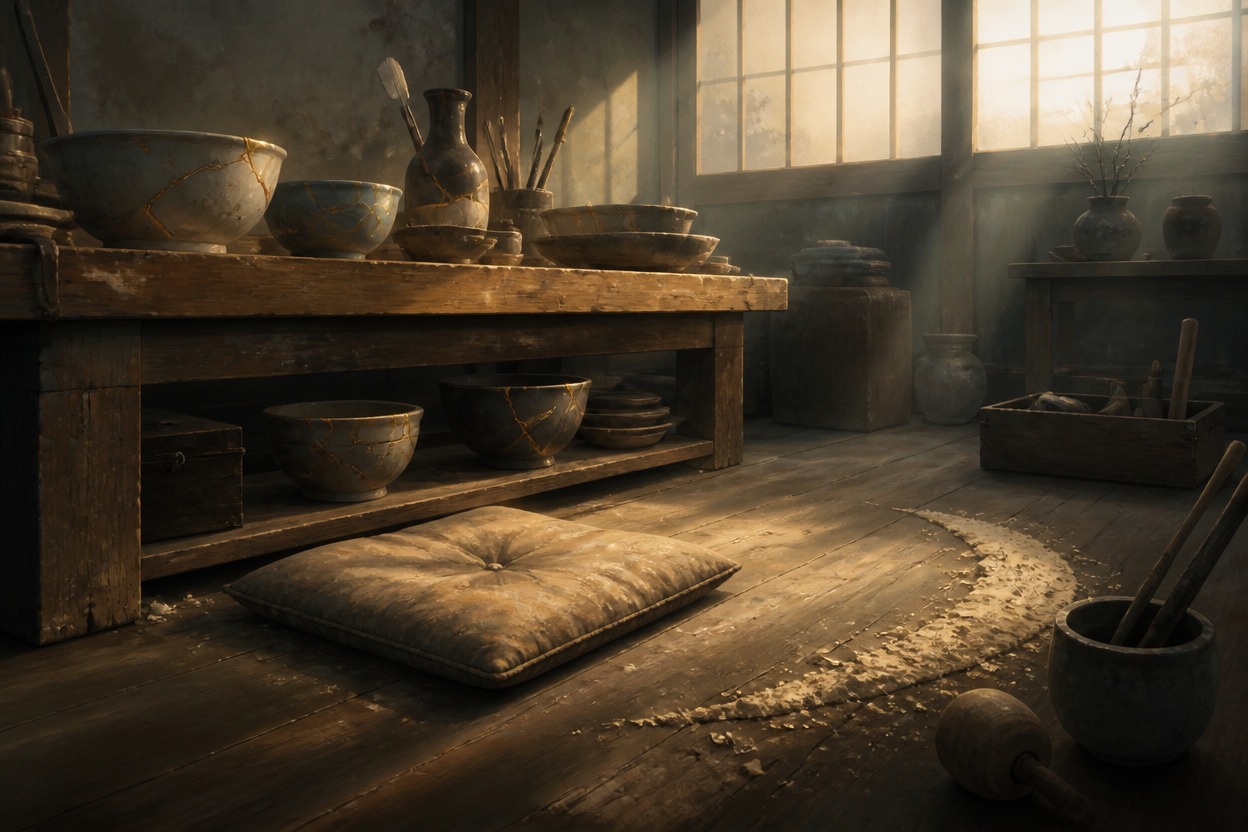 01
01The Patient Restorer
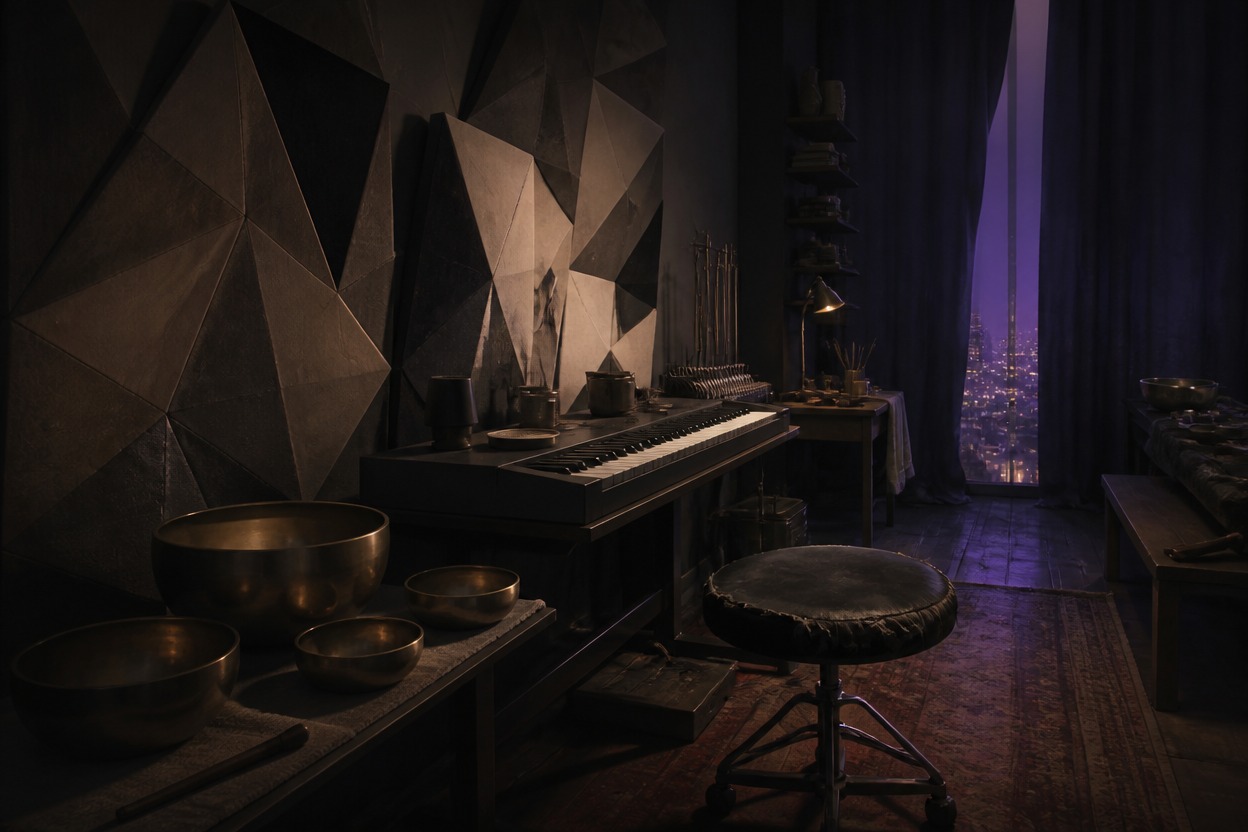 02
02The Nocturnal Composer
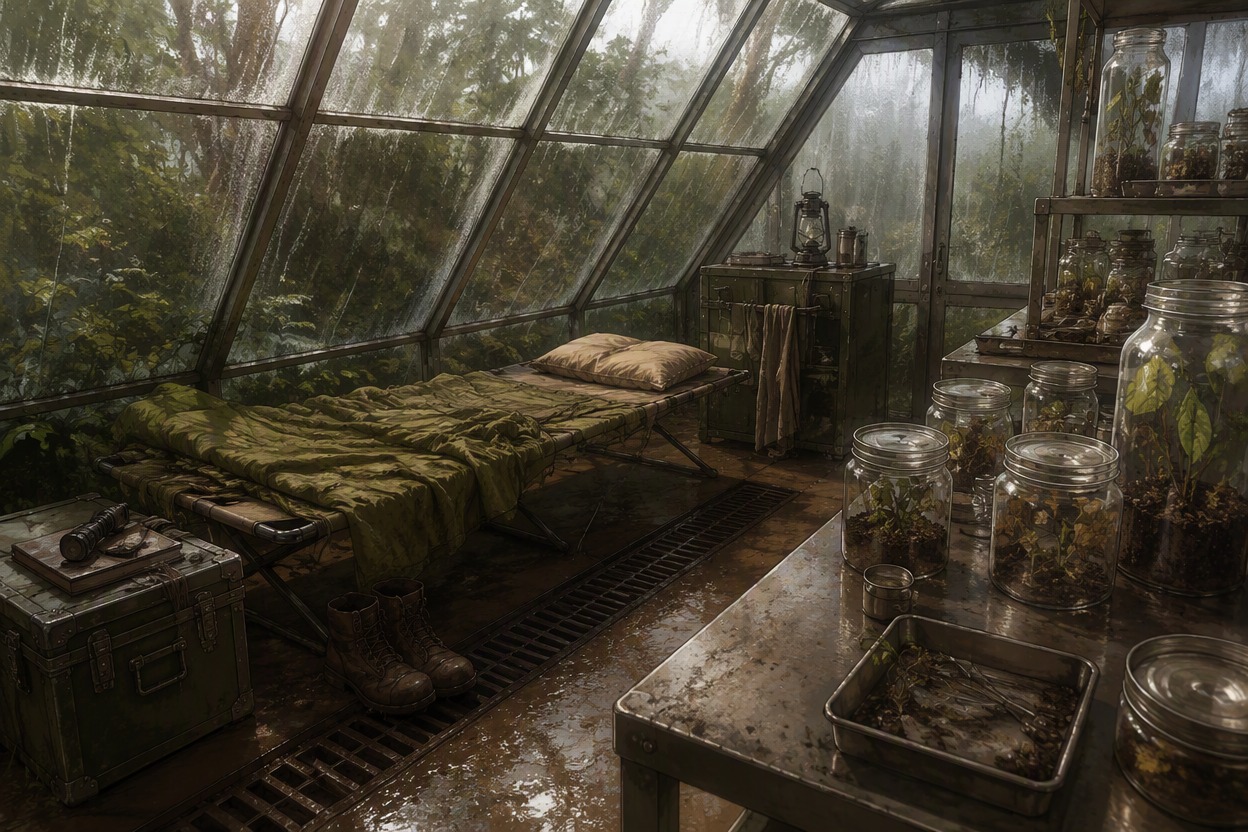 03
03The Restless Botanist
Choose a room, describe its contents and mood, then generate an image to review.
Start with a bedroom, studio, workshop, or another interior that fits your character concept.
Add furniture, personal objects, layout, lighting, and the camera view you want in the image.
Review the room image and adjust object placement, lighting, or atmosphere to explore another version.
Create a complete interior image and use its objects, layout, and atmosphere to suggest who lives or works there.
0104
Describe the character through furniture, collections, repaired items, storage, and signs of use. Choose a few details that help the room feel personal rather than generically decorated.
0204
Describe the bed, desk, doorway, work area, and open floor space, then choose a doorway, corner, or wide interior view. The AI anime generator can help explore an anime-style room illustration instead of a top-down floor-plan view.
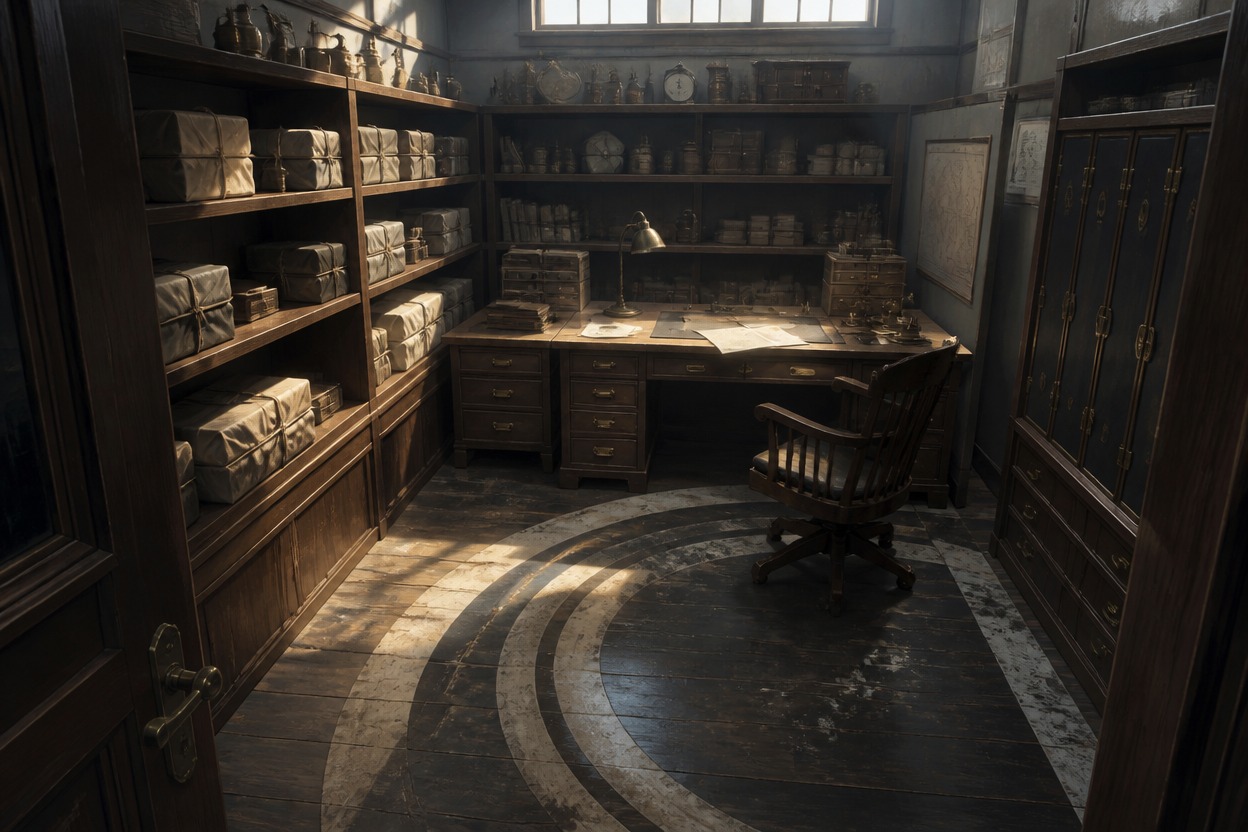
0304
Include a focused group of objects—such as navigation instruments, field cases, or unfinished work—to give the room a sense of history. Describe their placement, condition, and lighting to guide the image.
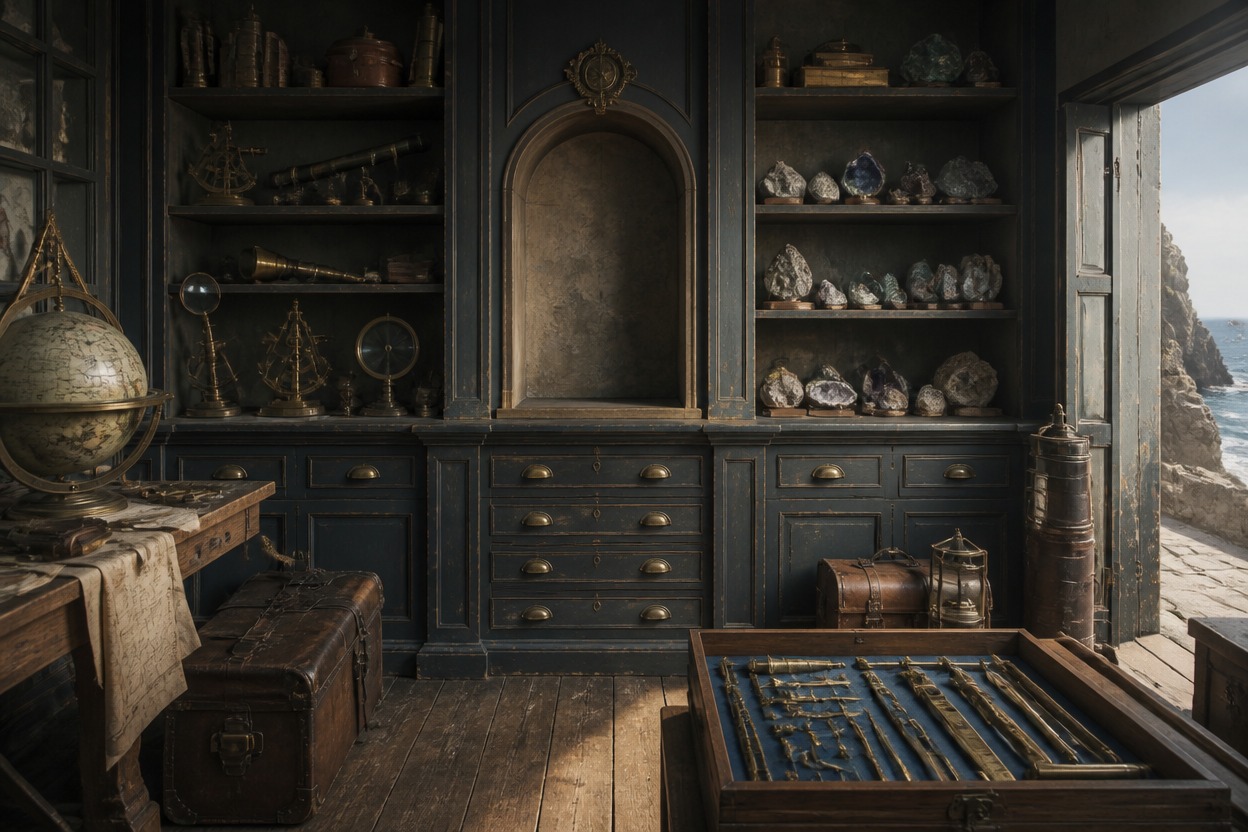
0404
Try a quiet bedroom, busy workroom, or temporary hideout by changing the lighting, weather outside, object placement, and camera distance. The wider OC maker can help explore related character concepts; this page focuses on the room image.
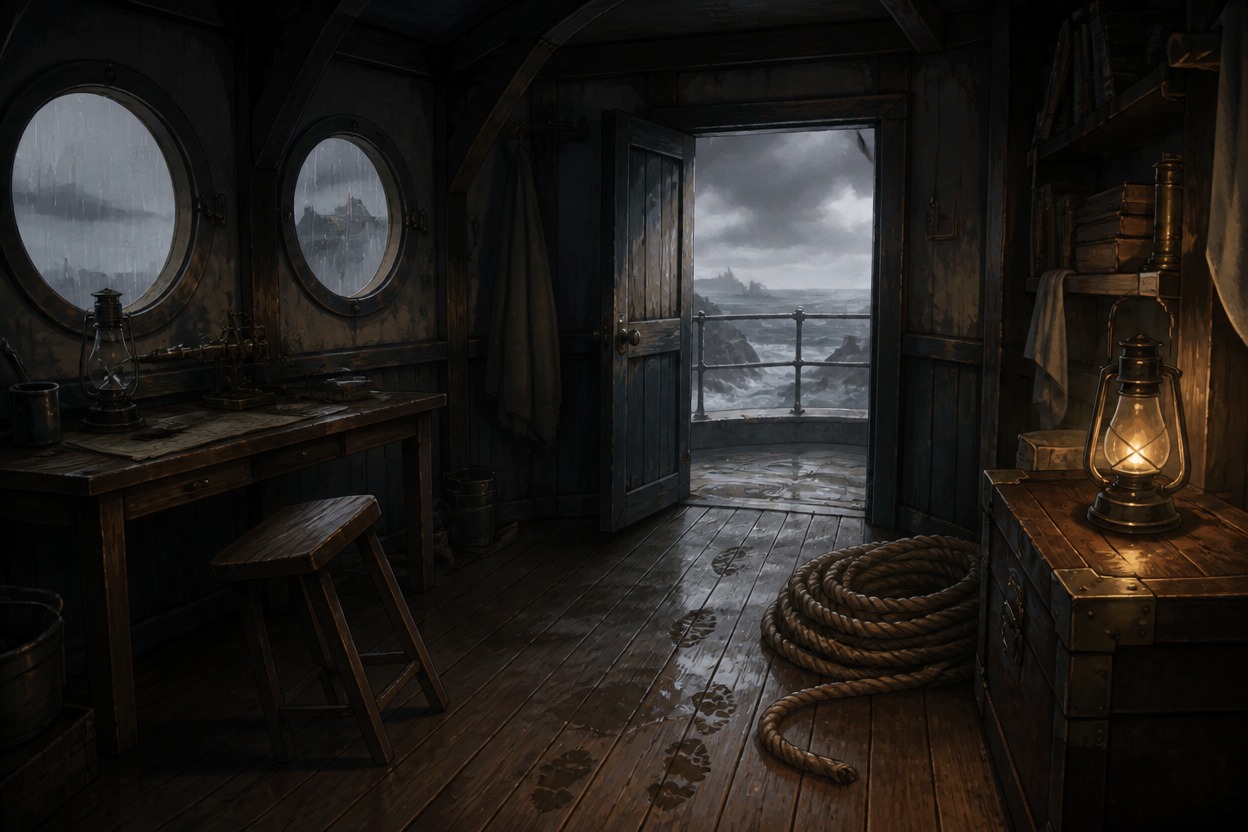
Describe the room image you want, from furniture and personal objects to layout, lighting, and camera angle.
Create a bedroom, studio, workshop, archive, greenhouse nook, or another interior suited to your character concept.
Add desks, beds, chairs, tools, collections, storage, and other items that help personalize the space.
Describe where furniture sits, how the room is used, and which areas should stay clear. The result is a composed illustration, not an exact architectural plan.
Choose dawn light, a task lamp, rainy windows, night lighting, or another mood to guide the room image.
Use worn surfaces, repairs, object placement, and everyday habits to suggest an occupant without showing them.
Generate a room illustration for a mood board, story reference, or character concept rather than an editable 3D room.
Frequently Asked Questions
Answers about creating OC bedrooms and other character rooms, prompt details, image outputs, and layout options.
An OC room maker creates room images for original characters. Use this page to generate a finished interior that suggests the character through furniture, personal objects, lighting, and layout.
Choose a room type, then describe the furniture, objects, layout, and atmosphere that fit the character. A few specific details—such as a repaired chair or an overused worktable—can make the room feel more personal.
Name the room, its main furniture, a few personal objects, the layout, lighting, and camera view. For example: “small greenhouse bedroom with a folding cot, specimen jars, muddy boots by the door, humid green dawn light, wide interior view.”
Yes. Describe the bedroom style, furniture, decorations, storage, and signs of daily use you want to see. You can also create studios, workshops, music rooms, archives, and other character spaces.
Yes. The page is designed to create room images where the occupant stays offscreen. Describe their habits and belongings through the objects and room details instead of asking for a person, pet, or character silhouette.
No. It generates a finished room illustration, not an editable floor plan, CAD file, interactive furniture layout, or navigable 3D room.
Choose objects and wear patterns tied to the character’s routines, work, collections, or habits. For example, repaired tools and neatly sorted shelves suggest a different daily life from scattered field gear and a half-packed bag.
Too many unrelated objects can compete for attention. Focus on one main activity area, a small group of supporting objects, and some open surfaces; remove details that do not help define the room.
You can describe the visual style you want in the prompt. The linked AI anime generator is another option for exploring anime-style interior illustrations.
You can use the image as a visual reference or mood image for a character concept. Check the tool’s current terms and any applicable rights before using it commercially or sharing it on another platform.
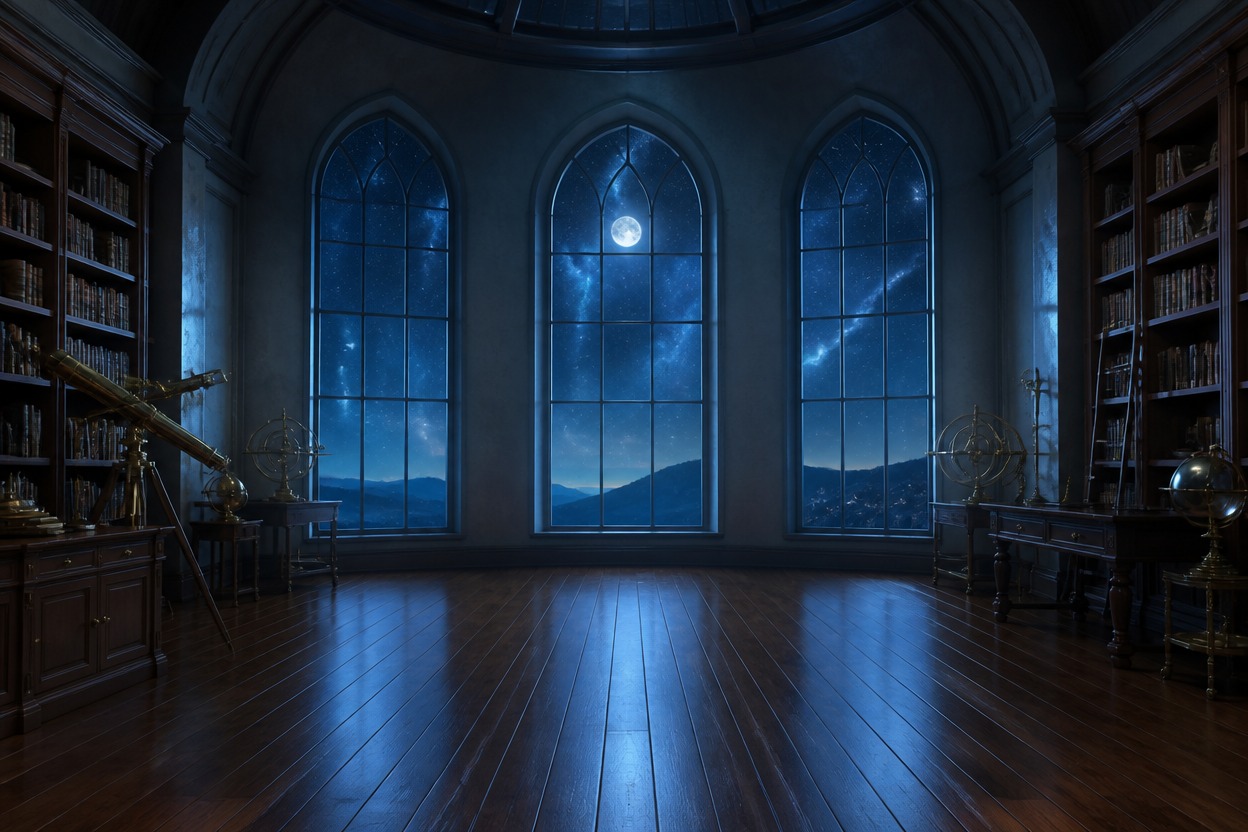
Describe the room, its personal details, and its atmosphere to create a finished character-space illustration.