Style*
Background
4tokens•~30s

Fire Force OC Maker

For fans sketching a thermal responder, OCMaker AI generates character images where protective equipment and controlled heat share the frame. Give your Fire Force OC a sculpted ceramic silhouette, then picture them at work in a calm industrial setting.

Fire Force-inspired rescue team wearing protective gear and goggles in a smoky fire scene

Heat Work Beyond the Standard Coat

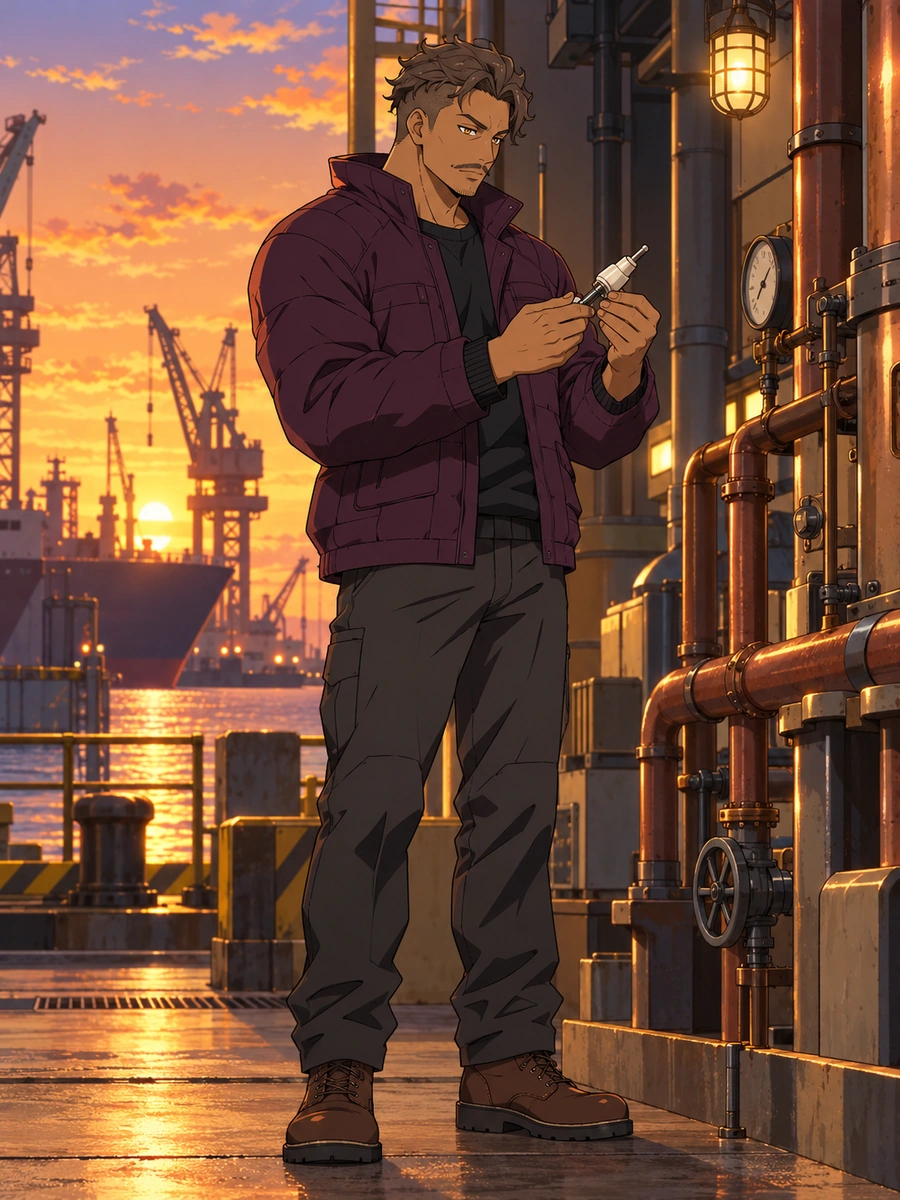
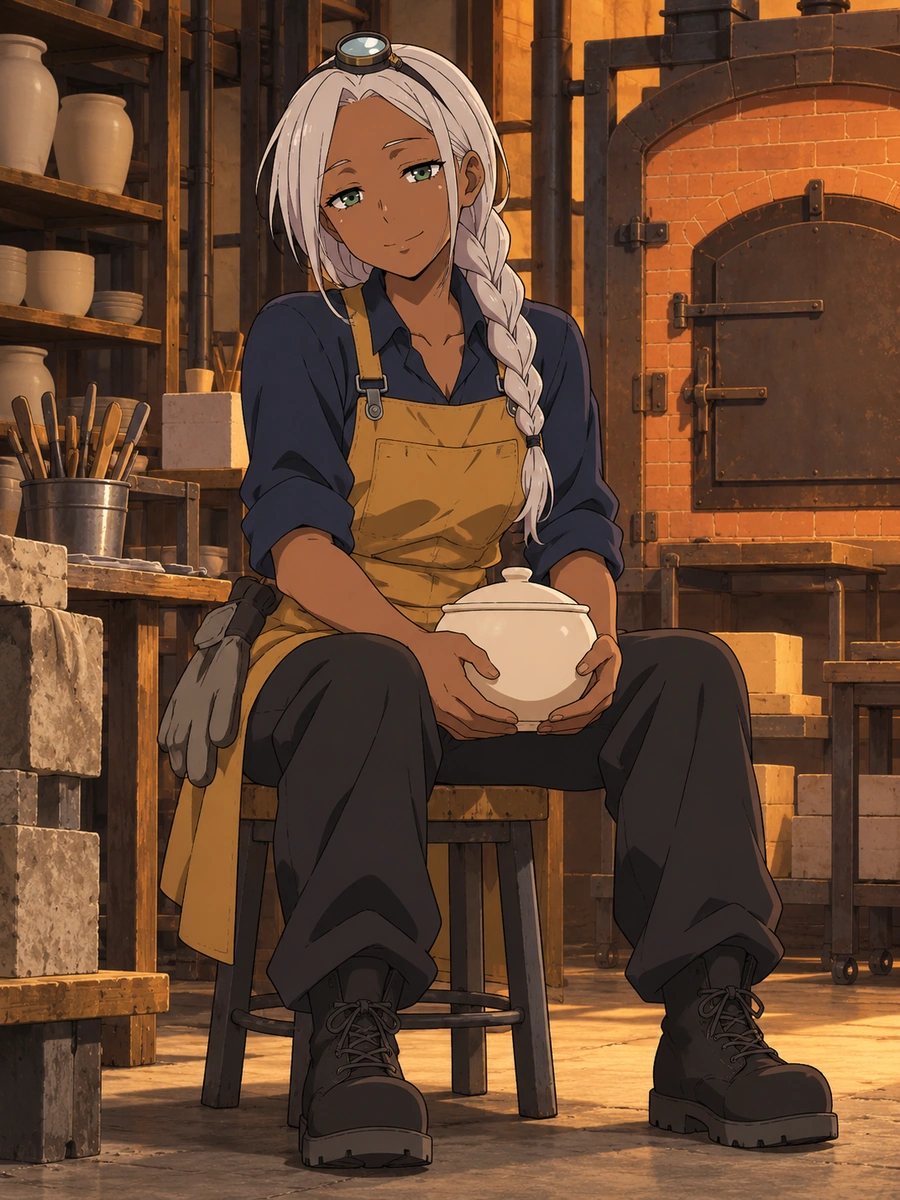
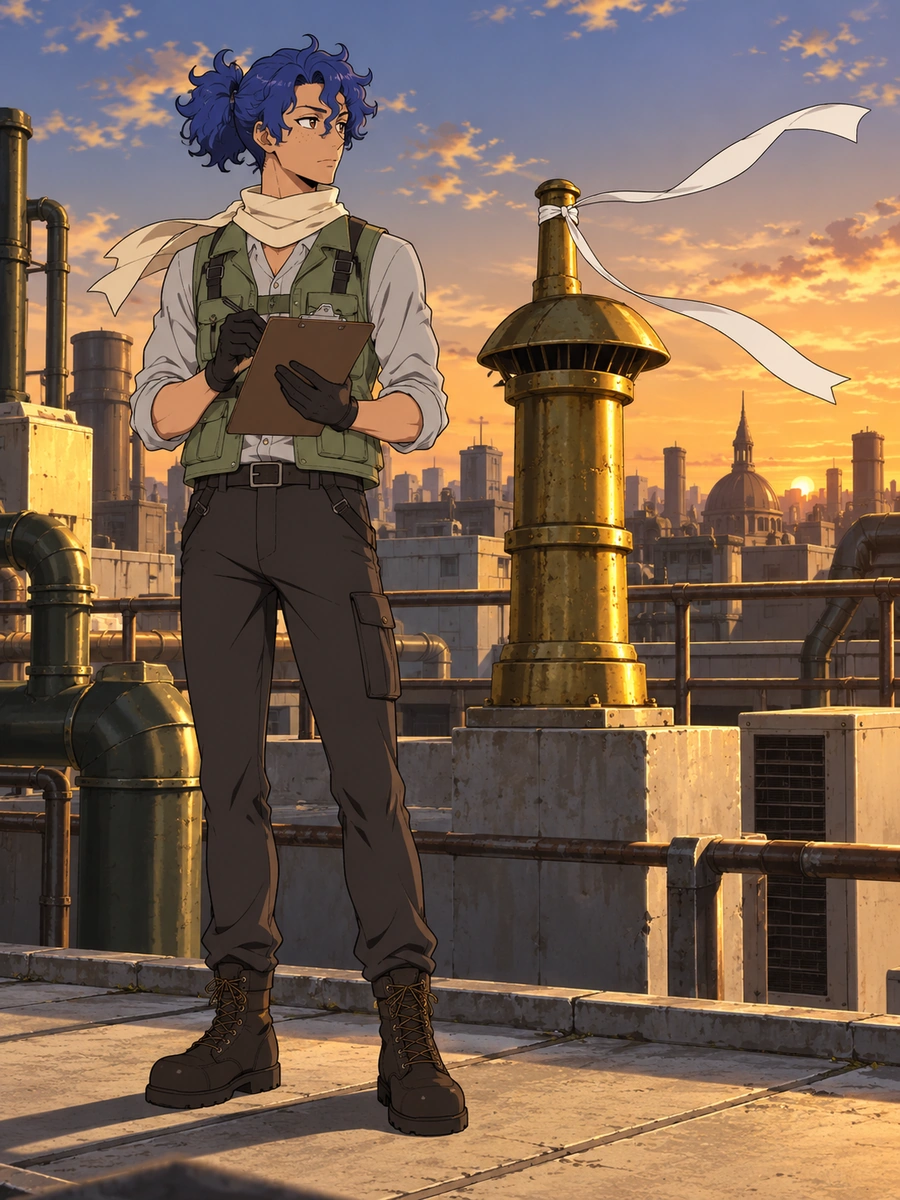
These Fire Force OCs take different visual routes: a harbor inspector's rounded workwear, a kiln technician's woven layers, and a ventilation specialist's compact tool harness.

  • Fire Force-inspired harbor heat inspector standing beside industrial equipment01

    Harbor Heat Inspector

  • Fire Force-inspired kiln technician taking a calibration break in a workshop02

    Kiln Calibration Break

  • Fire Force-inspired responders surveying rooftop airflow at sunset03

    Rooftop Airflow Survey

Fire Force OC Images Built Around Contained Heat

Make equipment, thermal light, working posture, and a second wardrobe direction visible in separate character images.

0104

Give Protective Gear Shape

A ceramic shoulder shell can define the whole responder silhouette. Specify its curved profile against a woven jacket and loose trousers; the OC maker helps turn that contrast into a full-body equipment study, useful when deciding how much bulk the outfit should carry.


Fire Force-inspired responders using a red-and-blue shield amid flames

0204

Keep Thermal Light Contained

Describe a soft amber heat shimmer inside a ceramic ring, with the face outside its glow. Set the ring's position and the surrounding shadow; an AI anime generator helps picture the effect as a focused character illustration for a thermal-light mood board.

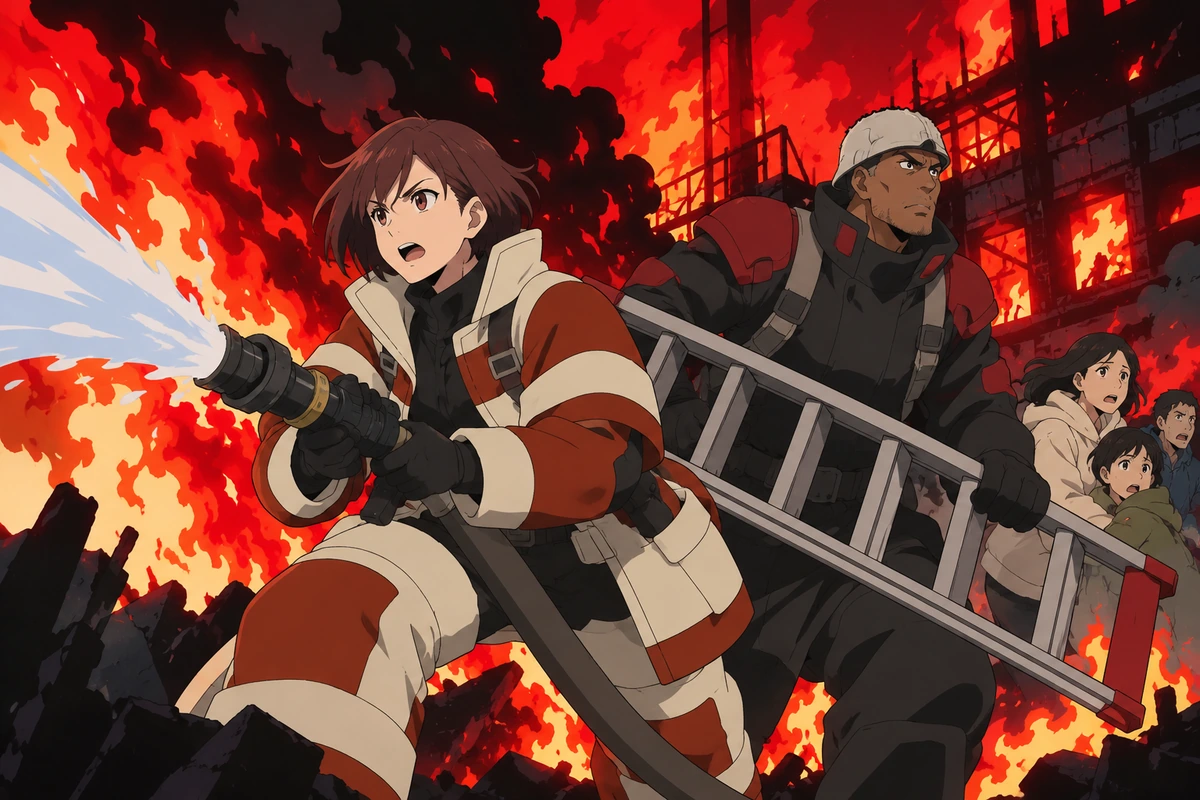
Fire Force-inspired flame and mist scene with responders in action

0304

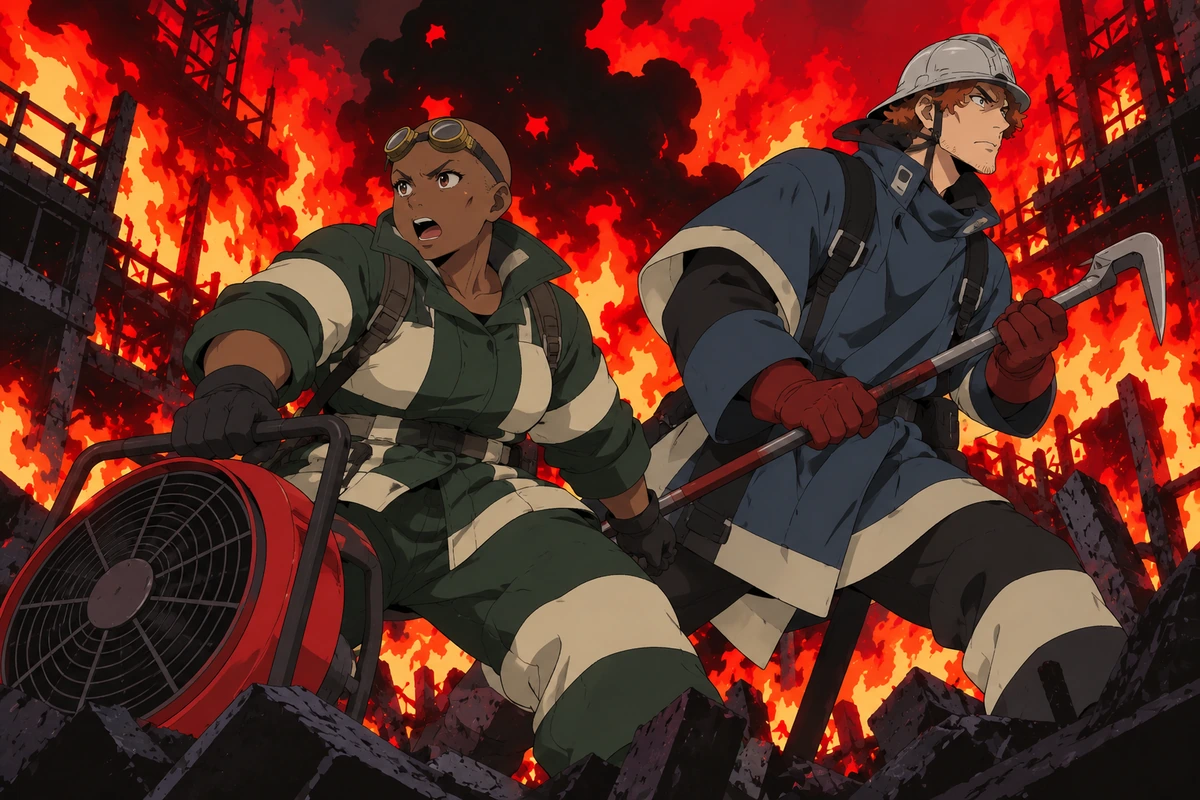
Show the Equipment Working

A responder leaning over a cooling manifold gives protective clothing a reason to bend and crease. Specify a ceramic clamp, grounded stance, and clear sightline to the task. The resulting industrial work scene can serve as pose reference while showing how the equipment sits on the body.

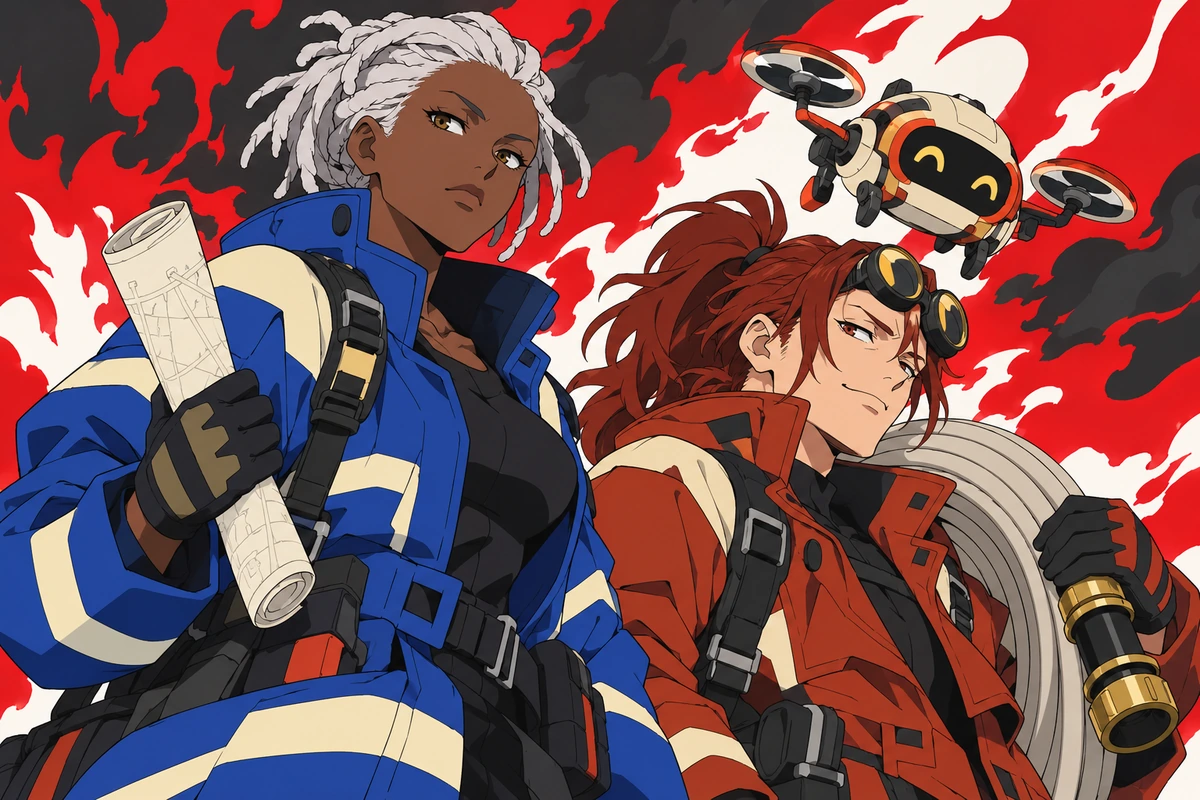
Two Fire Force-inspired responders working with a map and fire hose

0404

Recast the Responder Off Duty

Carry a familiar ceramic collar shape into an off-duty outfit rather than another protective suit. Request a knit tunic and relaxed seated pose for a second image, then compare it with the workwear version. This helps test which visual cues still identify the responder without heavy equipment.

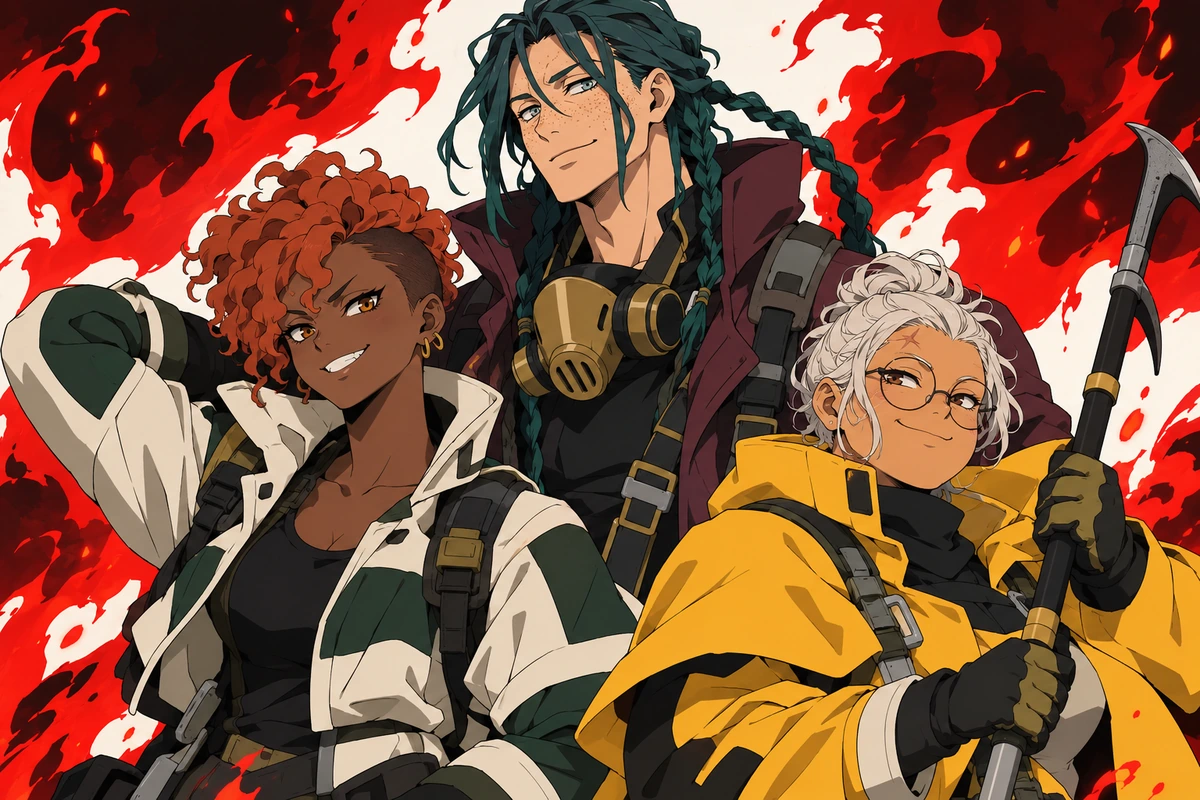
Three Fire Force-inspired rescuers together in a fire scene

Why Use This Fire Force OC Maker

Smaller image choices can give a heat-work specialist a presence beyond the protective silhouette.

  • 01

    Get Face-First Portraits

    Get a closer view of a responder's expression, with raised goggles leaving the eyes visible above a high work collar.

  • 02

    Create Weather Contrast

    Create cool rain reflections around a dry thermal work station so the setting has atmosphere without hiding the character.

  • 03

    Generate Paired Compositions

    Generate two responders at different camera depths, giving a tall narrow outfit room beside a shorter, rounder silhouette.

  • 04

    Produce Ceramic Detail Views

    Produce close framing of a smooth glaze, a padded fastening, or a cloth-to-ceramic seam for an equipment reference image.

  • 05

    Create Muted Workwear Palettes

    Create a restrained mix of plum, clay, or sage workwear, with pale ceramic pieces separating the outfit's main shapes.

  • 06

    Get Quiet Avatar Framing

    Get a centered head-and-shoulders composition against a plain workshop wall, suited to cropping into a responder avatar.

Brief the Heat Source Before the Outfit

Use a visual brief that separates the responder, the equipment, and the thermal effect.

  1. Locate One Contained Glow

    Enter a single heat source, such as an enclosed ceramic vessel held at waist height. State that it stays separate from skin and clothing, and leave the surrounding work area intact.

  2. Set the Body Around the Task

    Add the responder's build, protective garment shape, and hand placement. Specify a full-body or waist-up camera view, then give the equipment a clear position without overlapping the face.

  3. Generate, Then Trace the Edges

    Generate the image and inspect where fingers meet ceramic, where cloth meets skin, and where the glow ends. If those edges merge, reduce the effect size or simplify the pose before generating again.

Frequently Asked Questions

Fire Force OC Maker FAQ

Resolve heat-work image problems, from confusing glow placement to equipment that resembles series insignia.

Does the Fire Force OC generator need a generation label or brigade number?

Neither is necessary for an image brief. Explain the visible thermal effect and the equipment carrying it instead. Written labels and numbered badges can invite unwanted lettering; plain ceramic surfaces let the silhouette communicate the role. The output is artwork, not a classified ability sheet.

Why does my responder look engulfed when I only wanted a warm vessel?

Phrases such as blazing aura can spread the effect across the body. Replace them with a dim glow visible only through a closed ceramic vessel's inset, and ask for unlit clothing and a clear face. Generated boundaries can still drift, so reject a result that suggests injury or ignition.

How can I stop a ceramic gauntlet from replacing the responder's hand?

Call it a removable outer cuff with an open palm, then specify visible fingers holding one small thermal instrument. A side view can clarify the wrist gap. If the ceramic and anatomy remain fused, use a forearm cuff and leave the hand unarmored in the next generation.

Can a thermal responder print go on a fan-event table?

Check OCMaker AI's current terms and your rights to both inputs and outputs before selling prints. Fire Force brigade insignia, numbered badges, cross motifs, signature uniforms, and recognizable cast likenesses may involve third-party rights. A generated image does not clear those rights for merchandise.

Why does the workwear keep gaining bright blue bands?

A generic firefighter prompt can pull the image toward familiar uniform cues. Name a different construction, such as a plum quilted jacket with separate ivory shoulder shells, and exclude reflective bands, brigade emblems, and numbered patches. Inspect the whole outfit rather than accepting a recolored series uniform.

How do I keep a responder portrait human instead of turning it into a flame creature?

Specify ordinary facial anatomy, closed relaxed lips, clear eyes, and heat contained in equipment rather than the head. Remove transformation language and ask for an intact workshop setting. If horn-like flames or a monster face appear, regenerate with a smaller effect located farther from the portrait.

Can ceramic heat equipment look convincing without diagrams or warning text?

Use visible construction instead: thick ceramic walls, padded grips, recessed fittings, and a stable resting base. Ask for blank surfaces and one clear connection between the instrument and the work area. Treat the result as fictional concept art, not a tested design for handling real heat.

Let the Vessel Carry the Glow

Make your next Fire Force OC image a calm equipment study: a responder in focus, with the heat safely contained in the picture.

Free Fire Force OC Maker: Generate Thermal Responder Art