0104
Create an Agent for Any Specialty
Choose a role such as cave medic, conservator, courier, or engineer, then describe the silhouette, outfit, and equipment. Generate a portrait or full-body concept that shows the role through visual details.
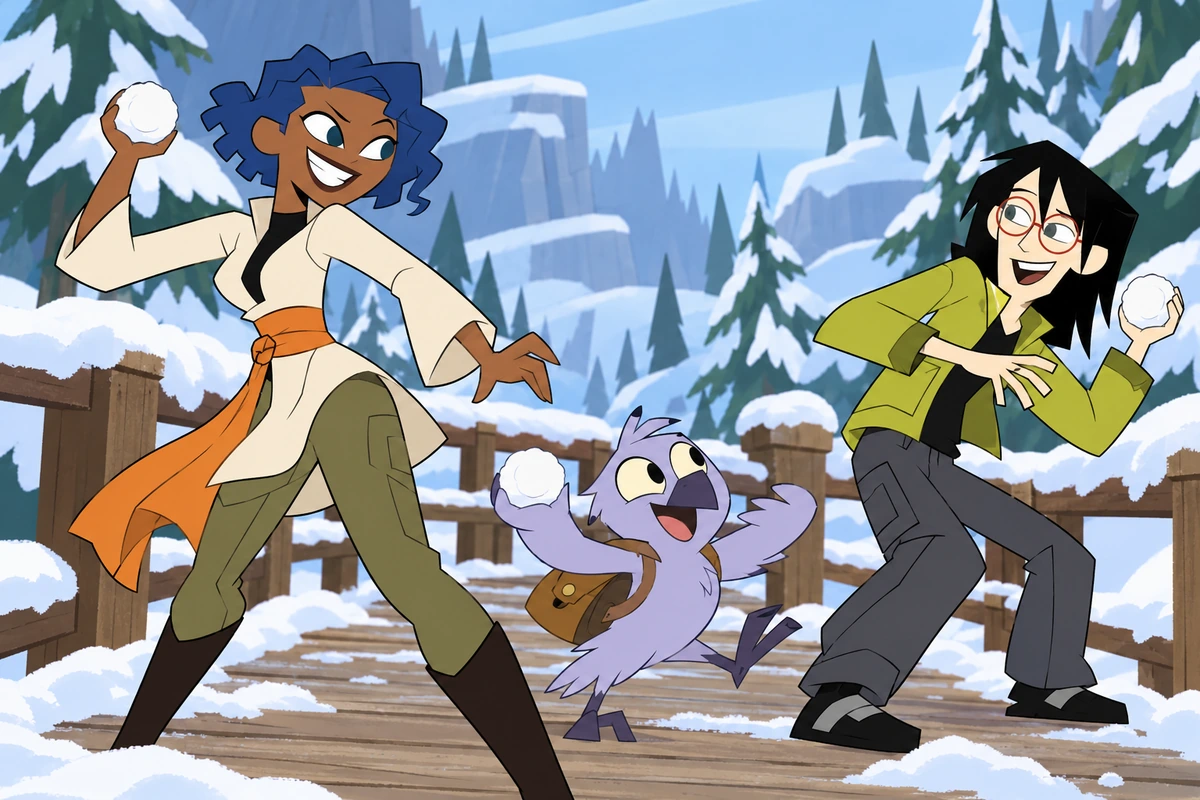

Use this AI OC maker to generate original spy-action character images from a short description. Explore portraits, full-body concepts, and mission scenes with custom roles, outfits, gadgets, poses, and locations.
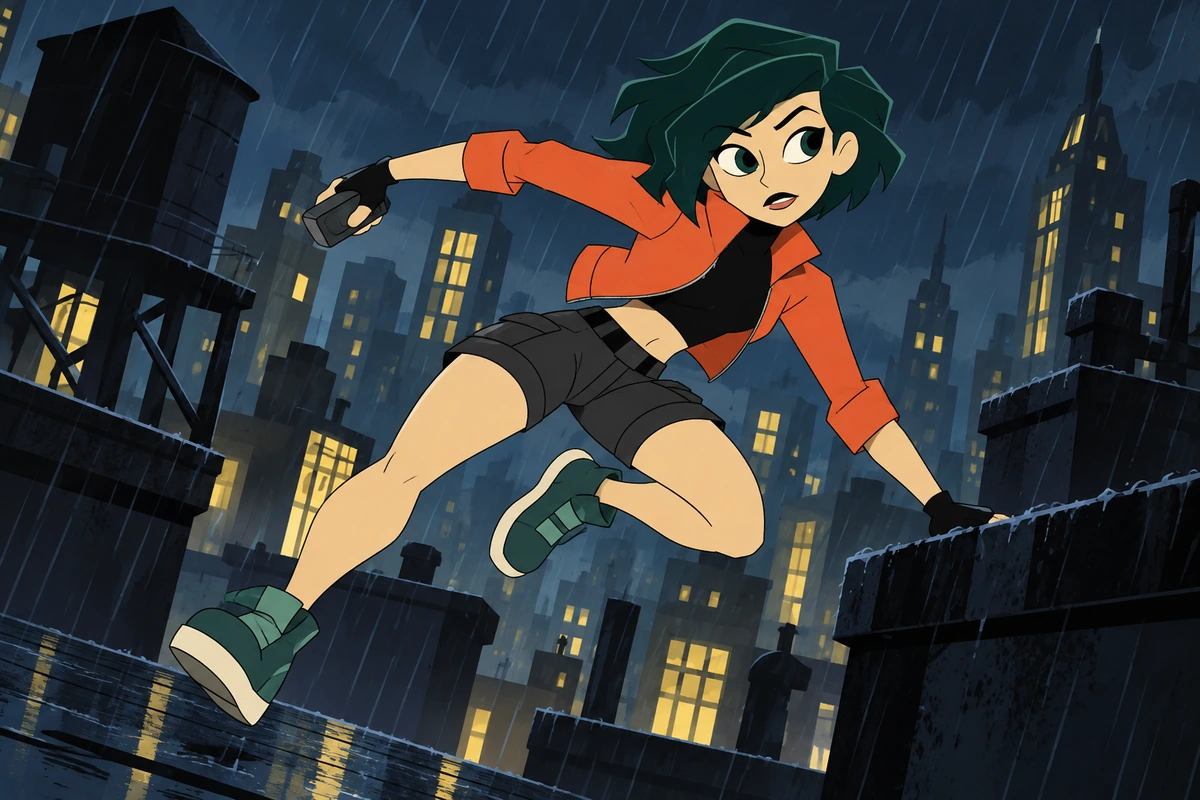
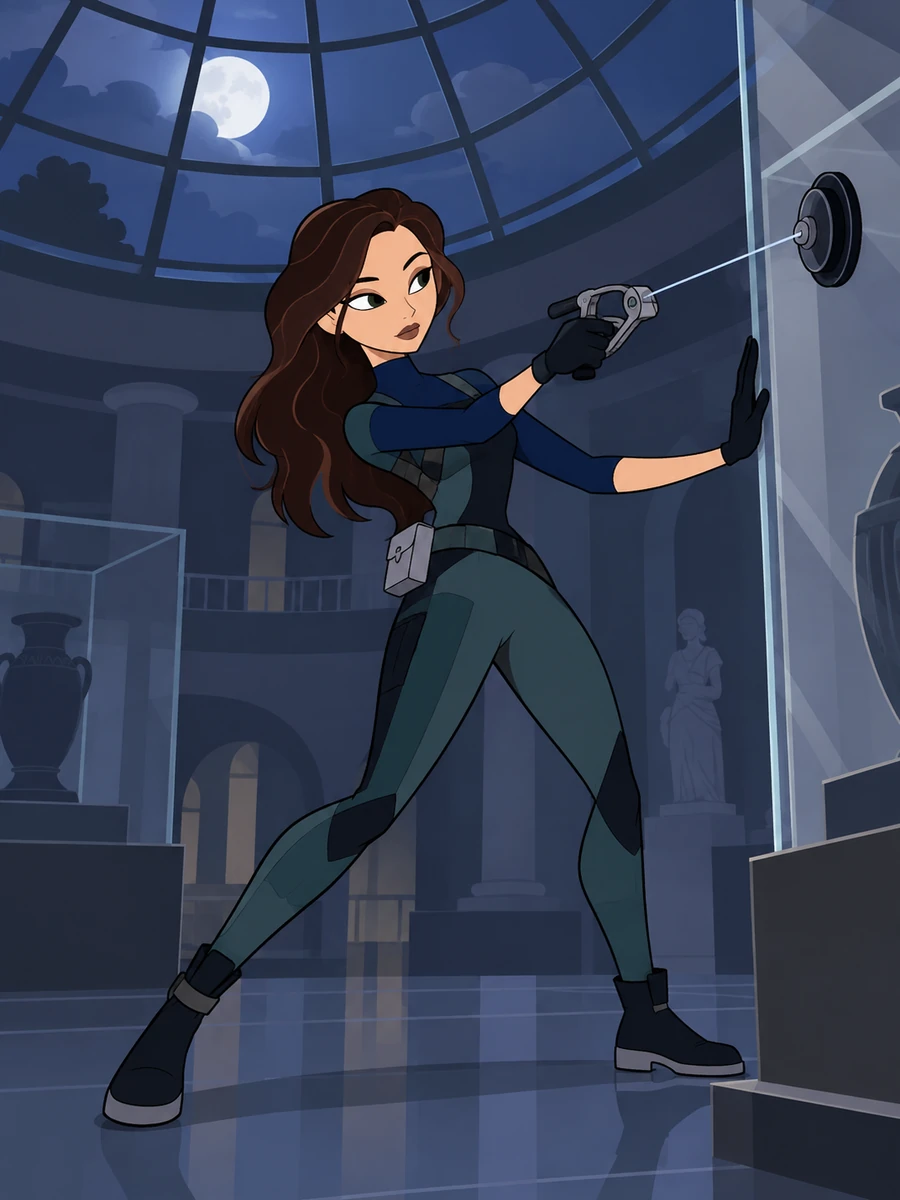
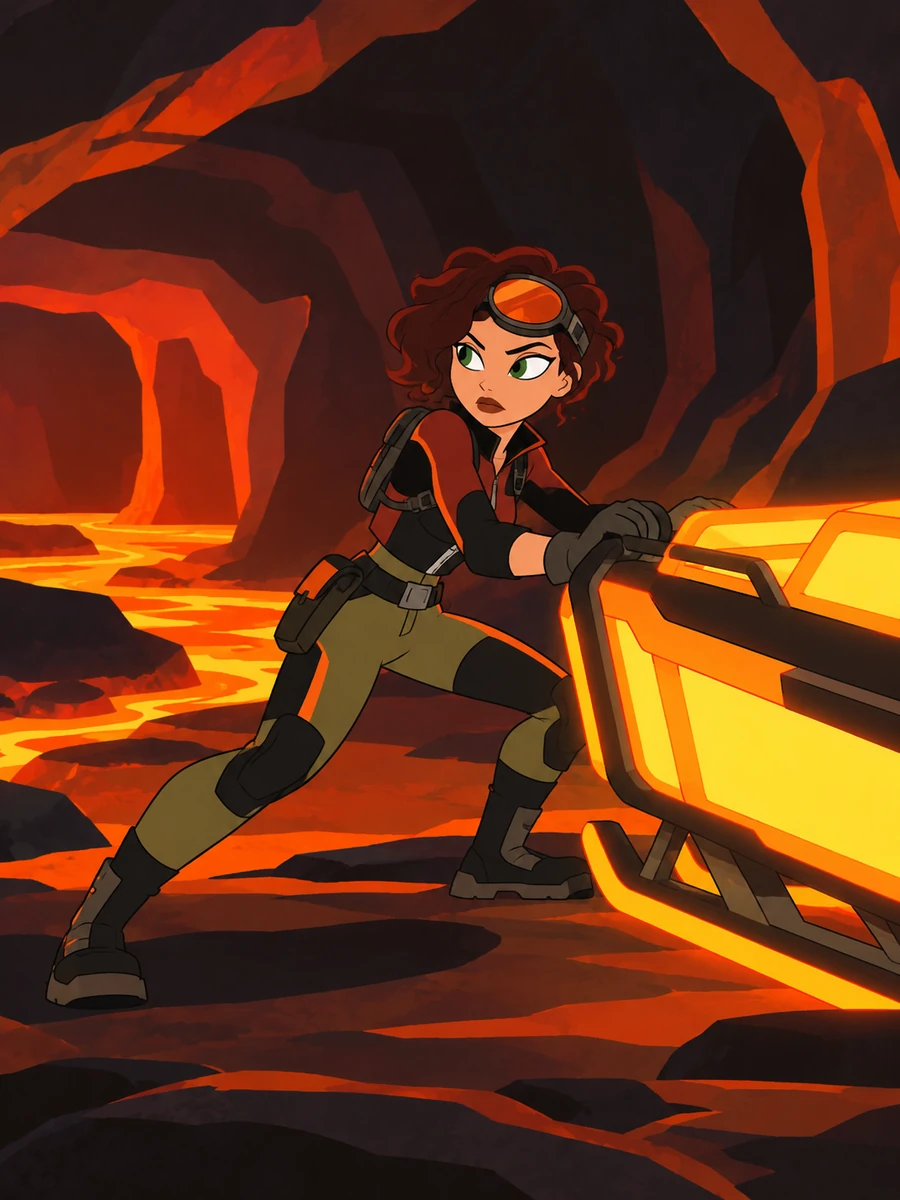
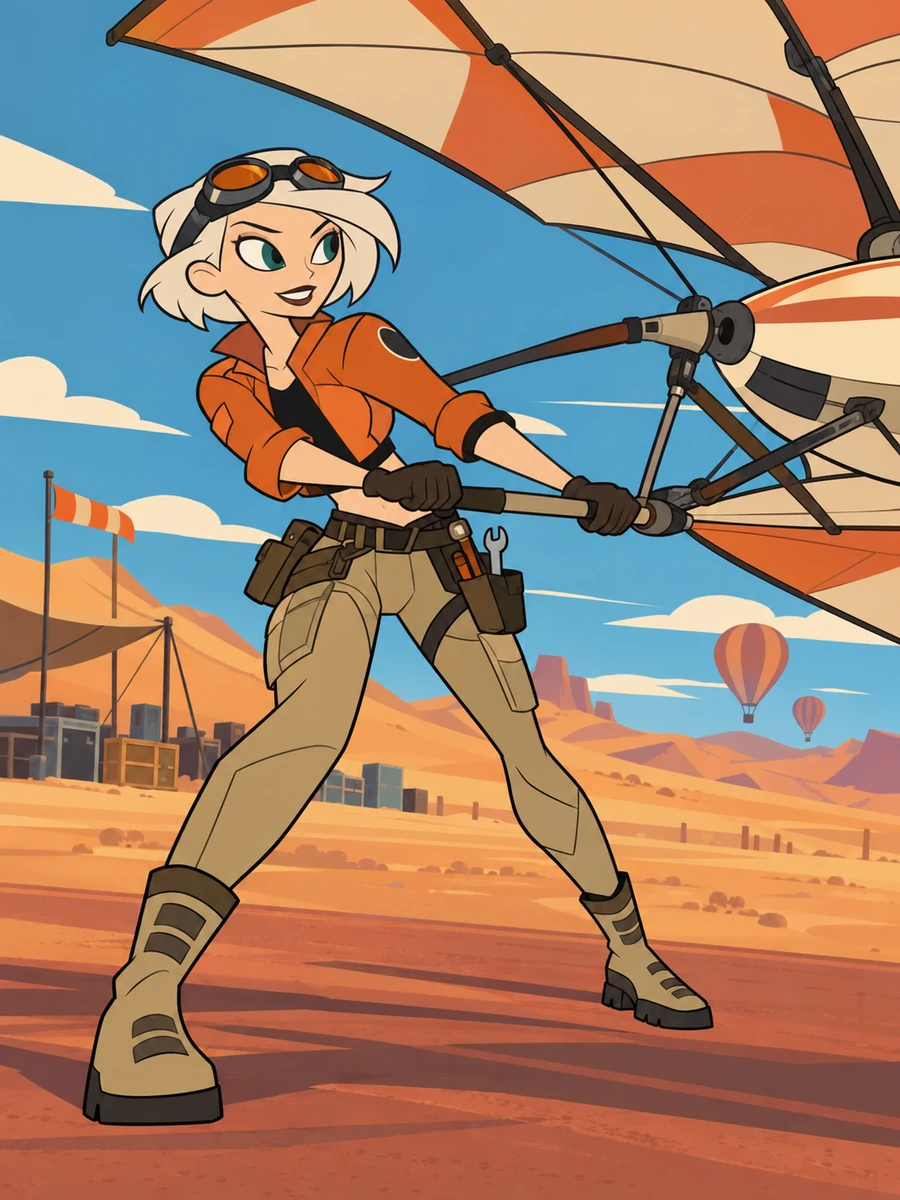
Explore three character concepts: a museum glass conservator, a cave medic, and a desert balloon mechanic. Compare how each role shapes the outfit, equipment, pose, and setting.
 01
01Museum Glass Conservator
 02
02Volcanic Cave Medic
 03
03Desert Balloon Mechanic
Describe your character, add the image details, then generate and adjust the concept.
Enter a role or character idea, then add appearance and outfit details.
Describe equipment, pose, expression, camera view, and mission location.
Review the image concept and adjust the details you want to explore, such as the gadget, action, or background.
Describe an original agent, gadget, action, or mission setting and explore character images built around your idea.
0104
Choose a role such as cave medic, conservator, courier, or engineer, then describe the silhouette, outfit, and equipment. Generate a portrait or full-body concept that shows the role through visual details.
0204
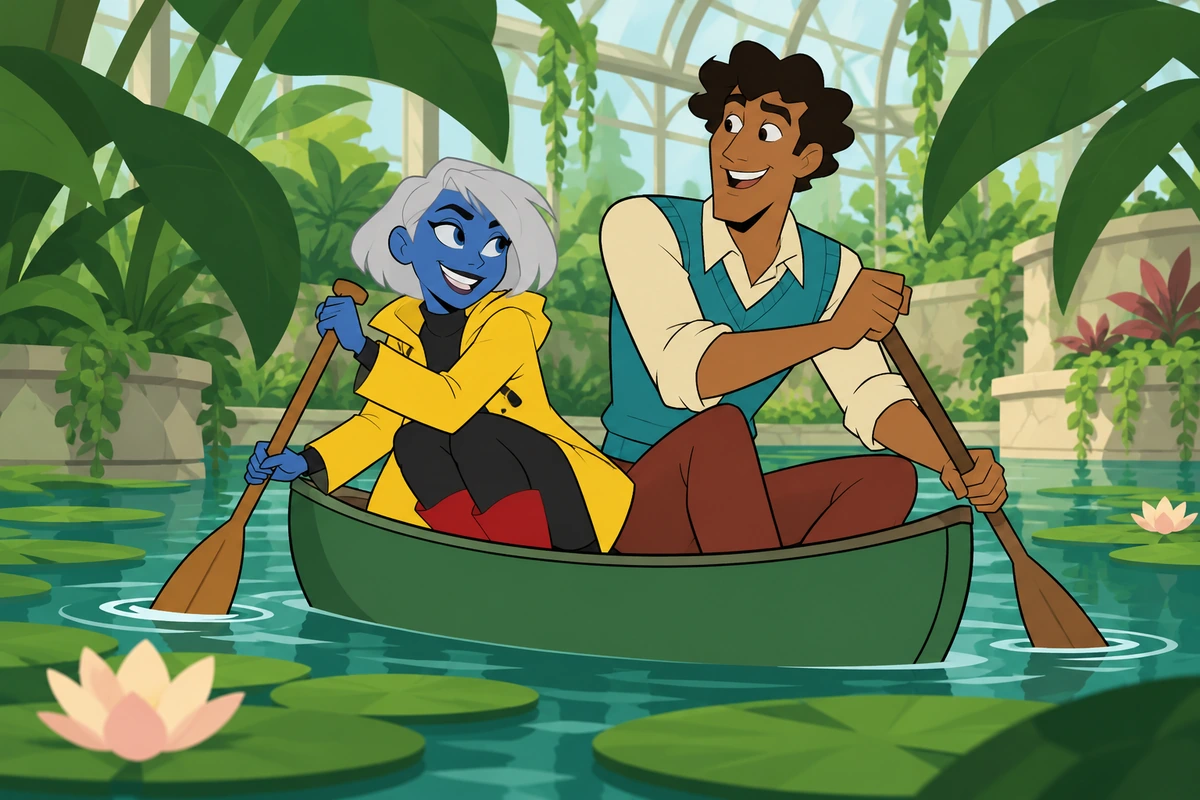
Describe one invented device, how the character holds it, and what it does—for example, a foam sprayer with a visible spray trail. The AI anime generator can help explore a gadget-focused character image in an anime style.
0304
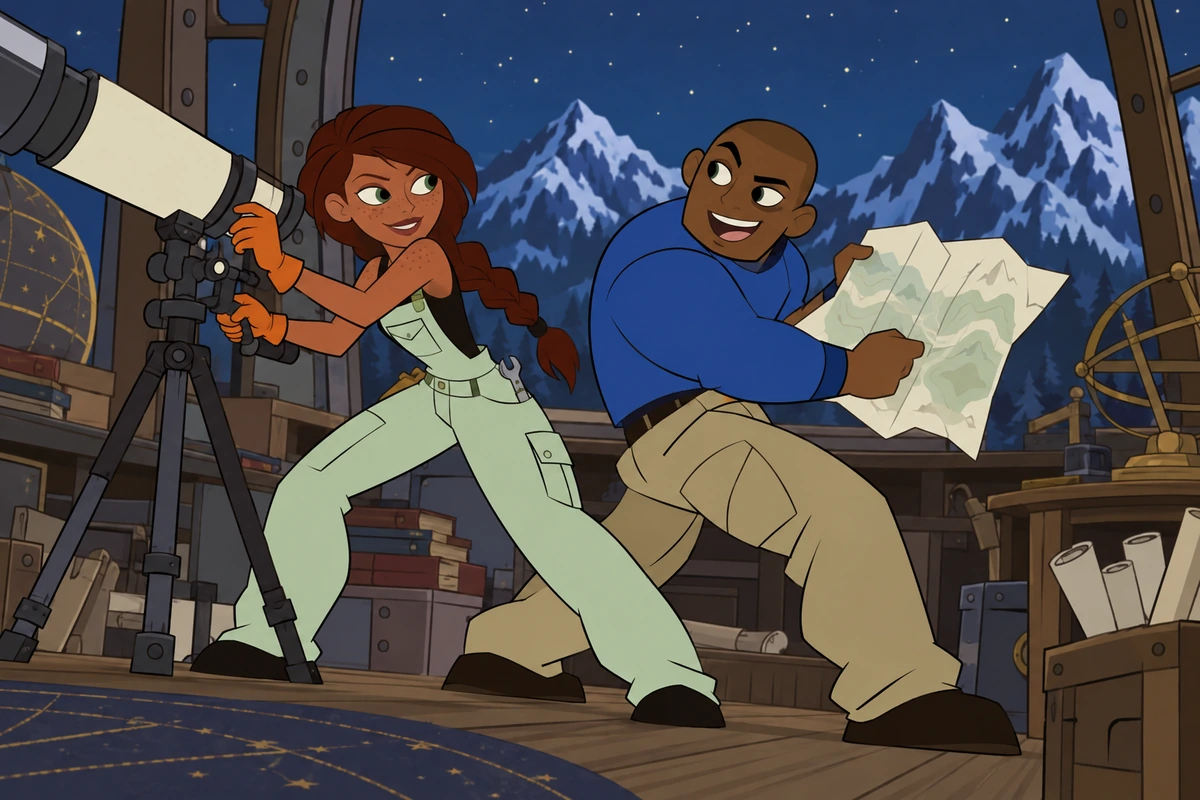
Set one clear action or mishap, such as escaping in a runaway cart or crossing a damaged walkway. Add the expression, movement, camera view, and setting to guide a dynamic character illustration.
0404
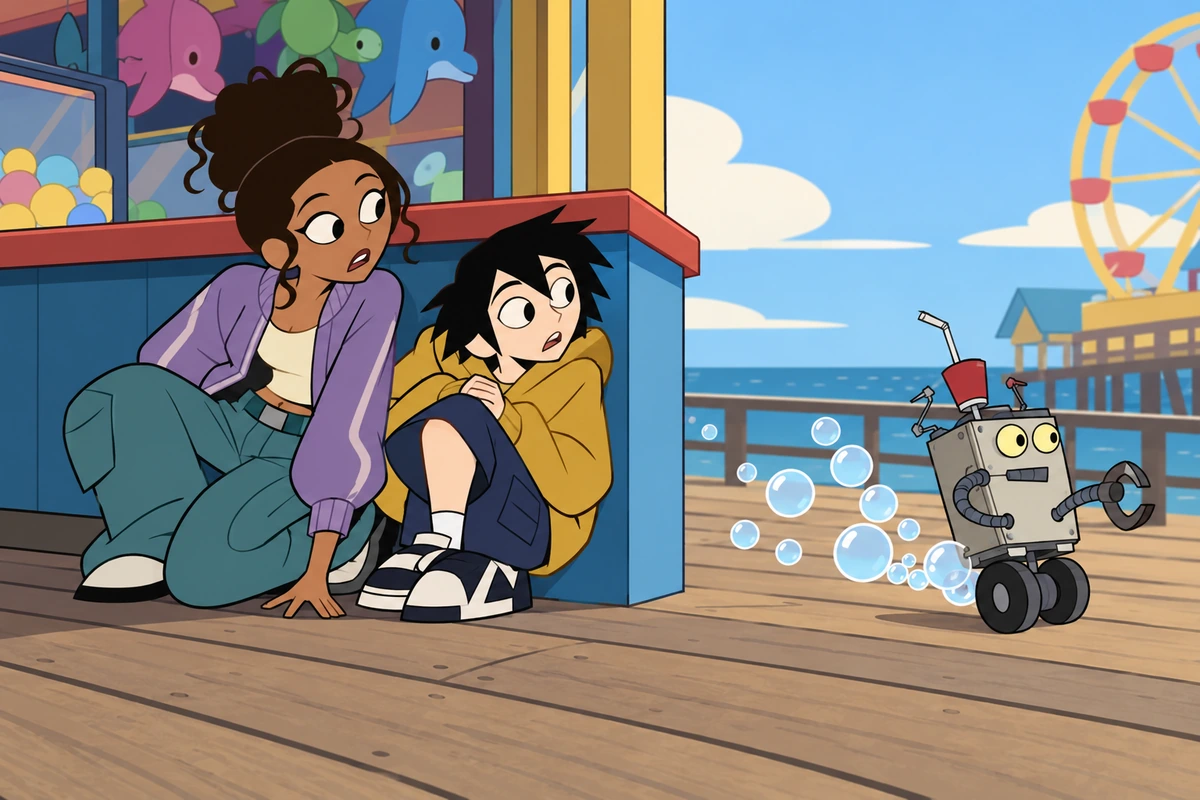
Describe the image format and mission environment you want to explore, then adjust the pose, gear, or setting for another visual direction. The wider OC maker workflow can help compare alternate concepts; image details may vary between results.
Describe a character and the visual details you want in the generated image, from gadgets and poses to mission locations.
Explore specialists such as medics, couriers, mechanics, and security agents. Describe body shape, posture, facial features, and clothing to develop the character look.
Add practical clothing and one or more invented devices. Describe a gadget’s shape, grip, material, and visible effect so it reads clearly in the image.
Set the main movement, direction, expression, and camera view to create a chase, escape, rescue, or reaction scene.
Choose a setting such as a museum atrium, lava-tube clinic, launch field, storm observatory, or another location that fits the character concept.
Specify a close portrait, standing full-body view, or wider mission scene, with the outfit and equipment visible in the frame.
Add a simple visual complication or reaction to give the image a light action-comedy feel without crowding the main character.
Frequently Asked Questions
Answers about AI-generated character images, gadgets, poses, templates, fan creations, and image use.
It is an AI image tool for exploring original spy-action character concepts inspired by the series. Describe a character and scene to create a portrait, full-body concept, or mission image.
Start with a role or character idea, then describe the appearance, outfit, gadget, pose, and setting. You can adjust those details to explore another image direction.
Include the character’s specialty, silhouette, outfit, gadget, action, and location. Example: “cave medic in a padded rescue jacket, carrying a compact rescue sled through a volcanic tunnel, alert expression, full-body action view.”
Yes. Describe the device’s shape, materials, how the character holds or wears it, and its visible effect. A clear action—such as deploying a cable or spraying foam—helps make the gadget part of the image.
You can describe a close portrait, standing full-body view, chase, rescue, or other mission scene. Include camera distance and the equipment you want visible in the image.
This page generates image concepts; it does not provide a blank drawing base, editable character sheet, layered file, or PSD. You can request a clean full-body reference image to plan your own design.
You can use a generated image as a visual reference for your own fan project. Review it before sharing, follow the destination platform’s rules, and do not present the character as official or imply platform integration.
Give the character a different face, silhouette, outfit structure, colors, specialty, and gadget. Changing several visible choices helps establish a new design direction.
No. This is an independent image-generation tool for original fan-made character concepts, not an official Disney product.
Do not assume the tool grants commercial rights. Check the current tool terms, rights to your inputs and output, and any third-party rights that may apply before selling or licensing fan-inspired images.
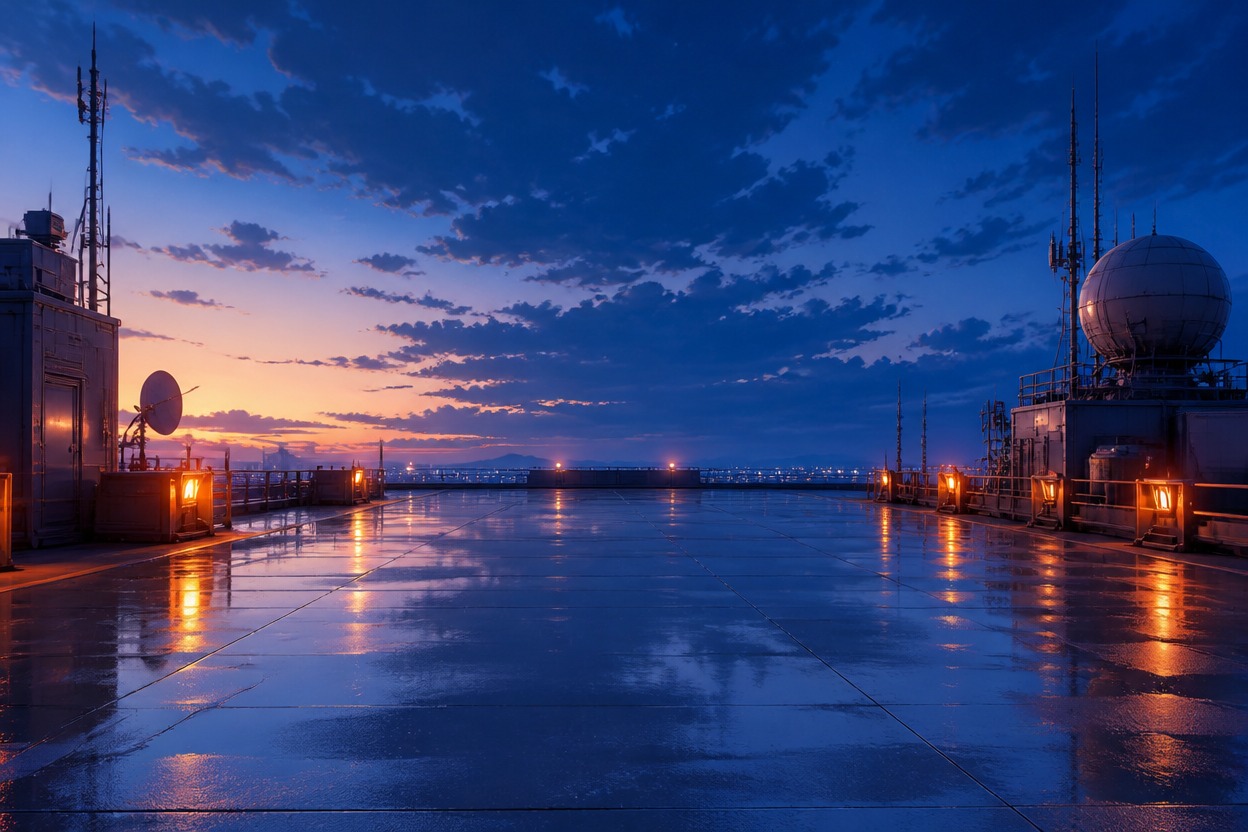
Describe an original agent, gadget, and mission setting to explore a portrait, full-body character concept, or action scene.