
Pricing
Log In
AI Generator
Kling Avatar 2.0: Realistic Lip-Sync AI Avatar Video Generator
Kling Avatar 2.0 generates realistic, audio-driven avatar videos with smooth lip-sync and long-form coherence—perfect for tutorials and social media.
Kling Avatar 2.0
Kling Avatar 2.0 is an advanced audio-driven AI avatar system that generates up to 5-minute videos with strong identity consistency, natural lip sync, and coherent long-form motion. Its multimodal director and multi-character control enable richer emotional expression and precise scene-level storytelling, making it ideal for creators, brands, and educators.
Explore Kling Avatar 2.0 Features
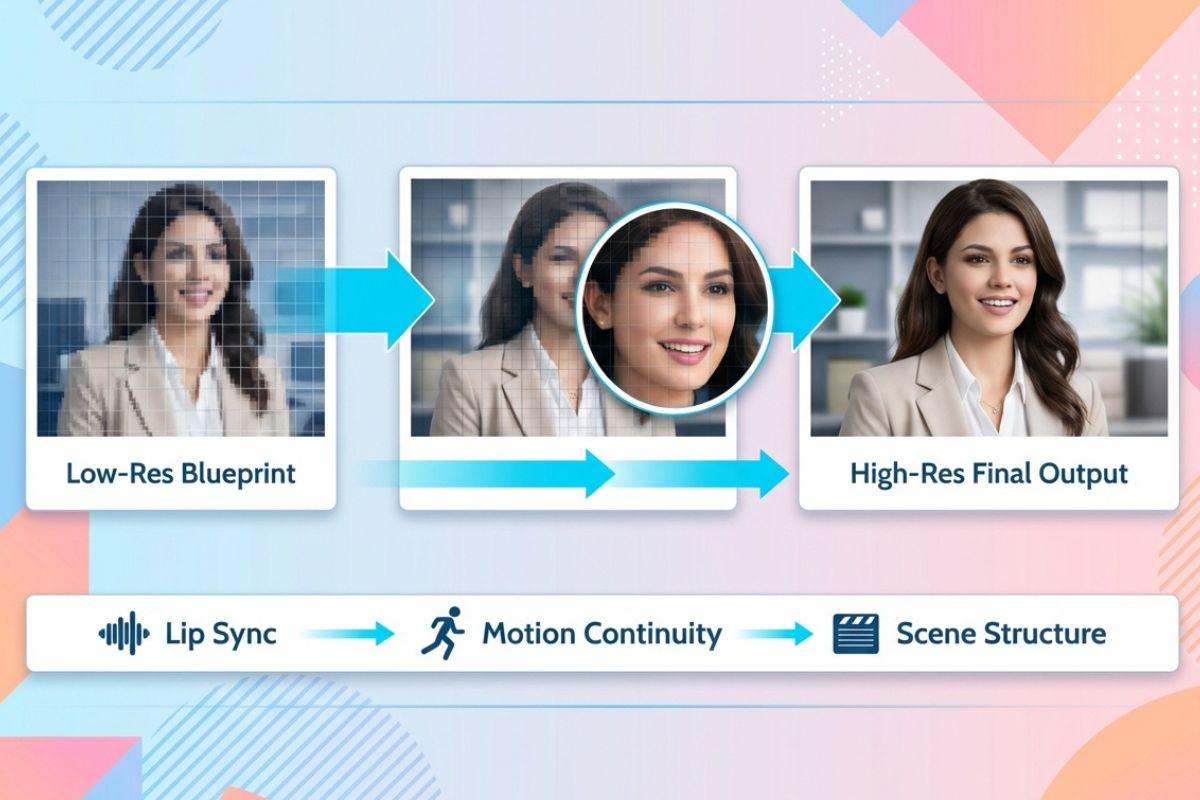
Spatio-Temporal Cascade
Kling avatar 2.0 uses a low-resolution “blueprint” plus progressive refinement to produce multi-minute, time-coherent videos without identity drift.
This cascade approach preserves lip sync, motion continuity, and scene structure, making it reliable for long-form explainers, tutorials, and branded content.
Co-Reasoning Director
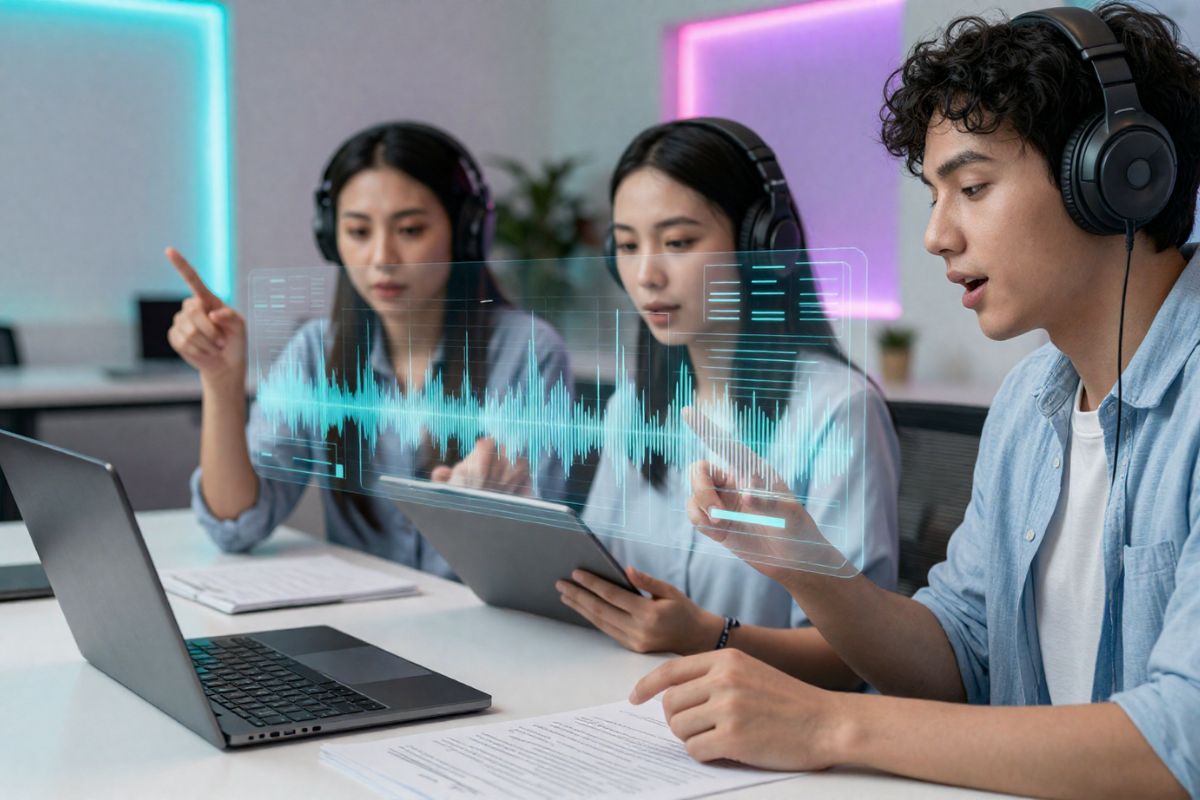
The Co-Reasoning Director in Kling AI coordinates audio, visual, and text experts to turn vague instructions into shot-level plans and emotional nuance.
Built on advances from Kling 2.6, it iteratively resolves modality conflicts and produces coherent, context-aware performances.
Identity-Aware Multi-Actor Control
Character-specific mask prediction and multi-stream audio driving keep each avatar’s voice, gaze, and mouth movements independent, avoiding cross-talk artifacts.
Paired with AI avatar generators with a rich template library, teams can rapidly assemble polished multi-character scenes with consistent styling.
Efficient Production & Deployment
Trajectory-preserving distillation and per-shot negative guidance cut inference cost while retaining visual fidelity, enabling production workflows at scale.
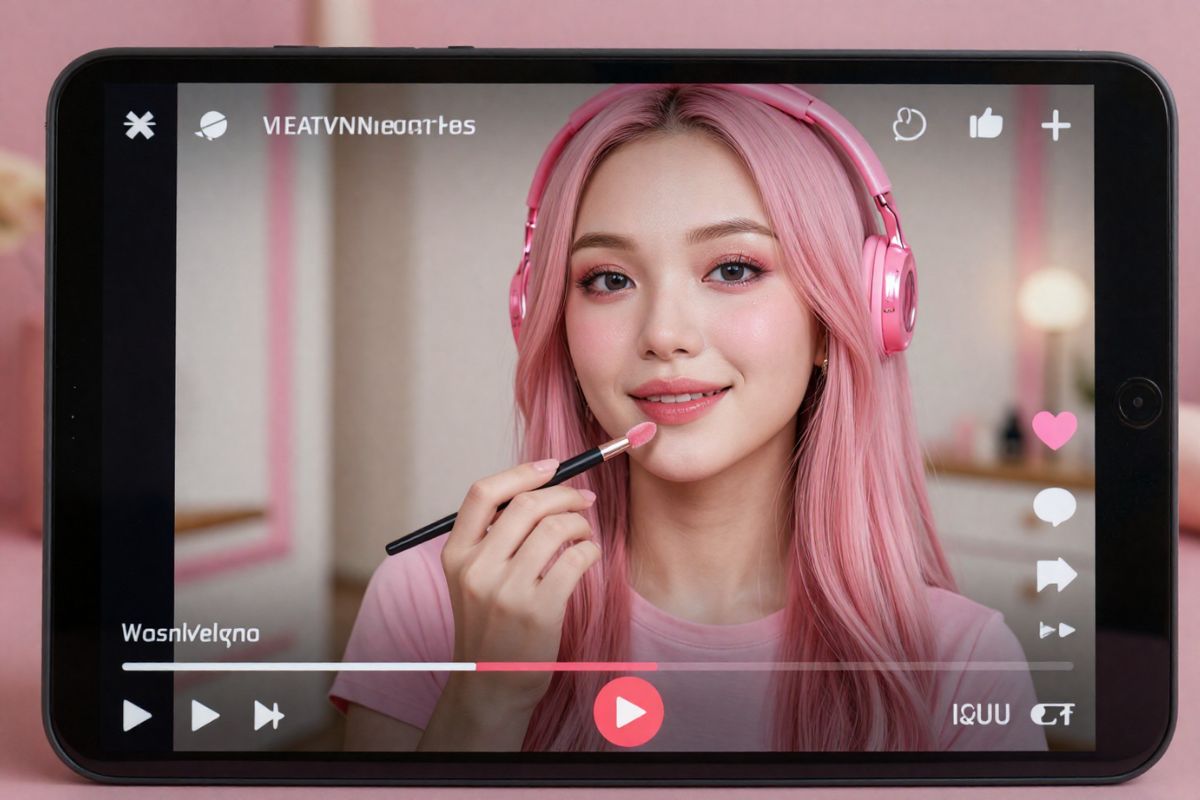
The result is affordable AI avatar solutions for bloggers and vloggers delivered through platforms like OCMaker AI.
Key Features of Kling Avatar 2.0
Long-form Video Support
Enables continuous video generation of up to 5 minutes, significantly improving narrative capabilities for courses, interviews, and long-form ads.
Enhanced Text Understanding & Instruction Execution
Stronger comprehension of complex textual commands compared to competitors, able to follow multi-shot, multi-action, emotion, and scene-switching instructions.
More Natural Emotional Expression & Facial Detail
Facial movements, eye gaze, eyebrow dynamics, and mouth expressions align closely with audio emotion, enabling more nuanced and complex emotional performances.
Improved Motion Coordination & Physical Realism
Hair, gestures, and body movements synchronize better with audio rhythm, reducing jitter, distortion, and unnatural poses for a more realistic look.
High-quality Multi-character Training & Generalization
Uses large-scale multi-person datasets built with automated annotation pipelines, enhancing stability and generalization in multi-character scenes.
Stronger Controllability with Negative Guidance
Uses negative prompts and trajectory distillation to reduce artifacts and incorrect motion, producing cleaner, more stable, and more controllable output.
How To Use Kling Avatar 2.0?
Simple steps to create amazing content
01
Upload Your Reference Image
Start by uploading a reference photo to establish the visual style, character look, or brand identity for your Kling Avatar 2.0 video.
02
Enter Your Prompt
Write a prompt to define the scene, action, and mood. Include details like emotion, pacing, camera style, or dialogue direction for the avatar performance.
03
Adjust Settings and Generate
Set output options such as resolution, aspect ratio, and length, then click Generate. Review the result, fine-tune if needed, and export your final Kling Avatar 2.0 video.
Frequently Asked Questions