

Veo 3 Anime
Veo 3 Anime
Generate anime video concepts with cinematic camera movement, scene rhythm, character action, and visual direction for Veo 3 animation-style clips, trailers, shorts, and story previews.

Create Veo 3 Anime Clips With Better Direction
Turn Prompts Into Scenes
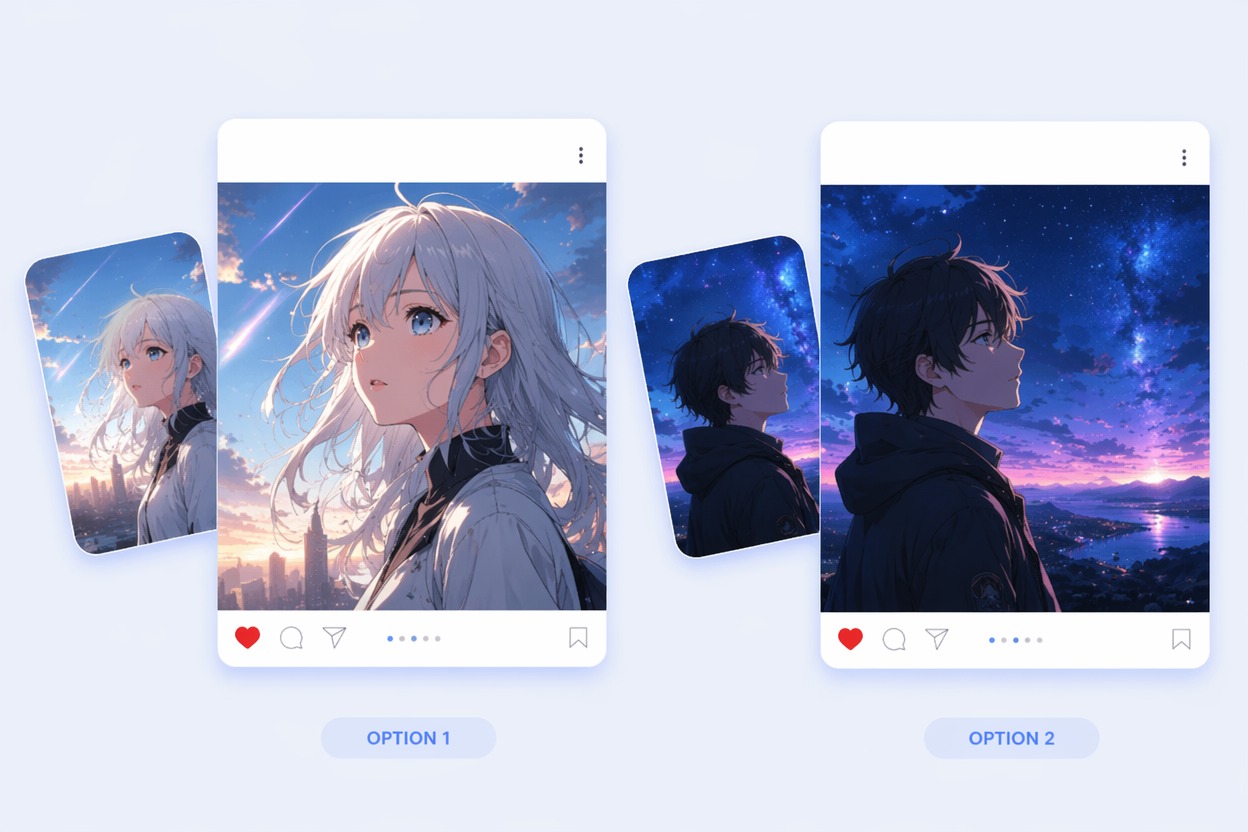
Build prompt-ready anime video concepts that define the subject, setting, camera move, action beat, and mood before generation. This is strongest for short scenes where one visual idea needs to land quickly, not for long episodes with many continuity demands.
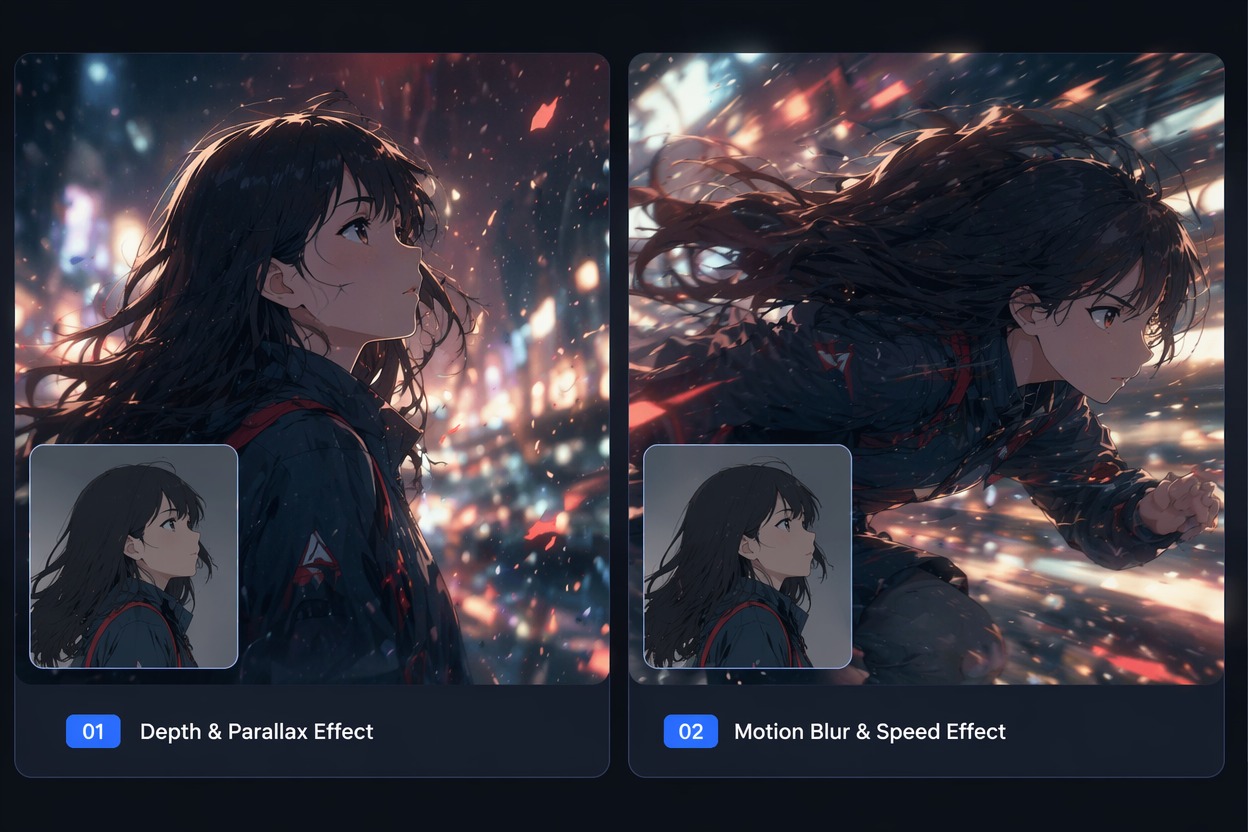
Design Cinematic Motion
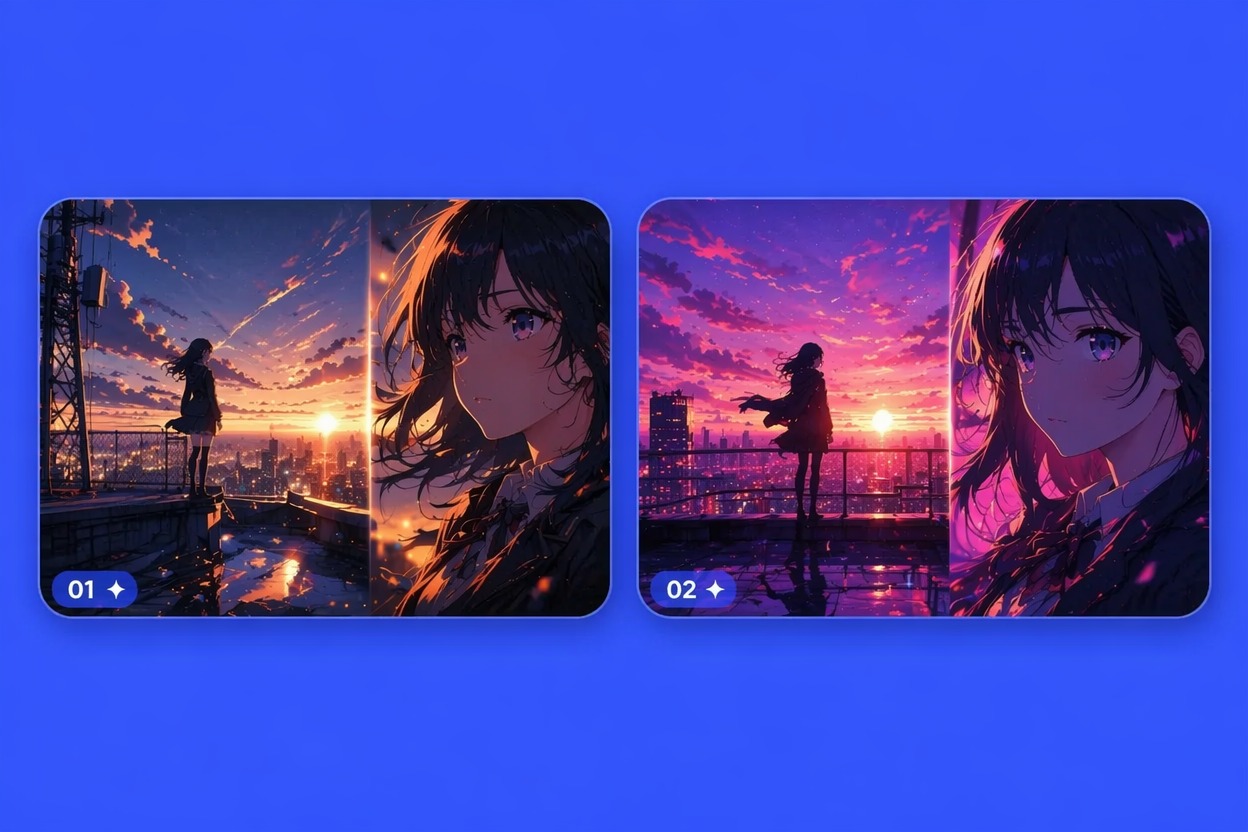
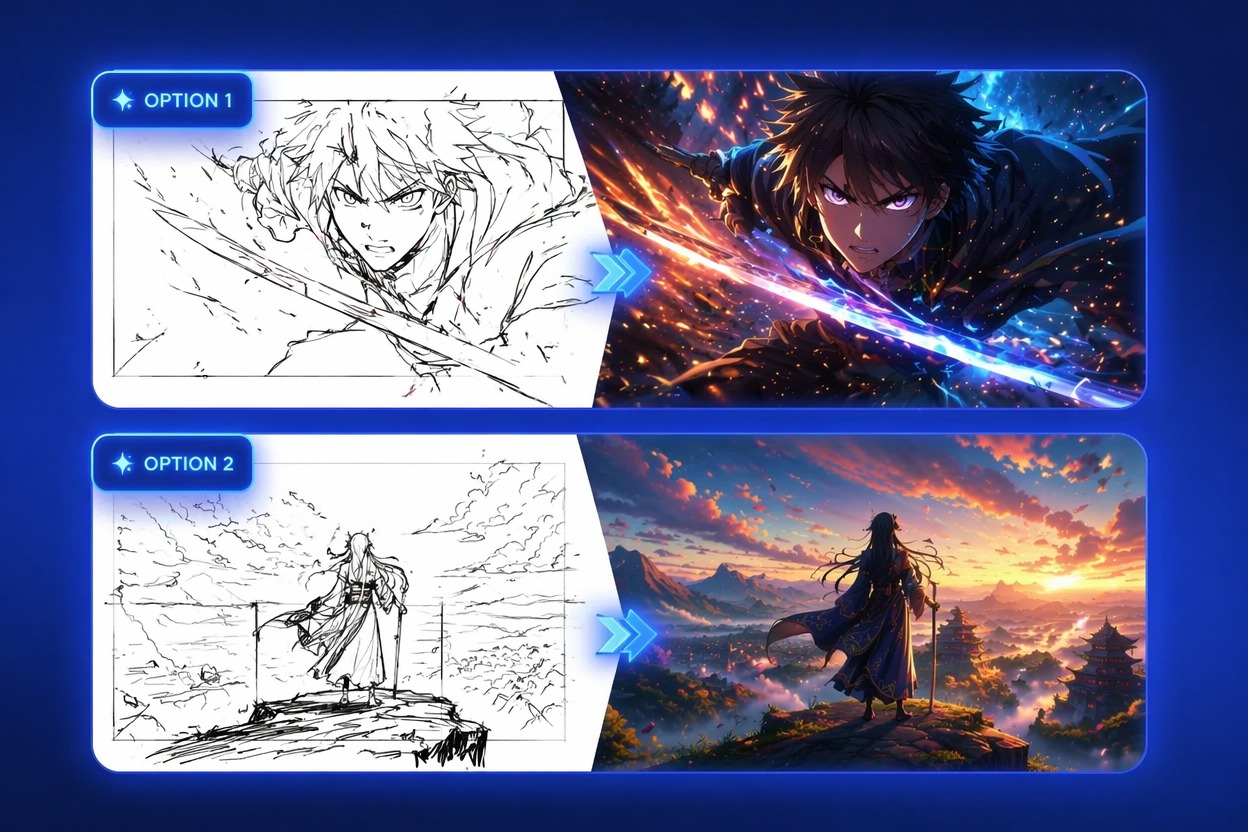
Plan how the frame should move: slow push-in, tracking shot, reveal, battle impact, floating hair, or background parallax. For broader anime visual creation, pair the clip idea with the AI anime generator to test still-frame direction first.

Preview Short-Form Stories
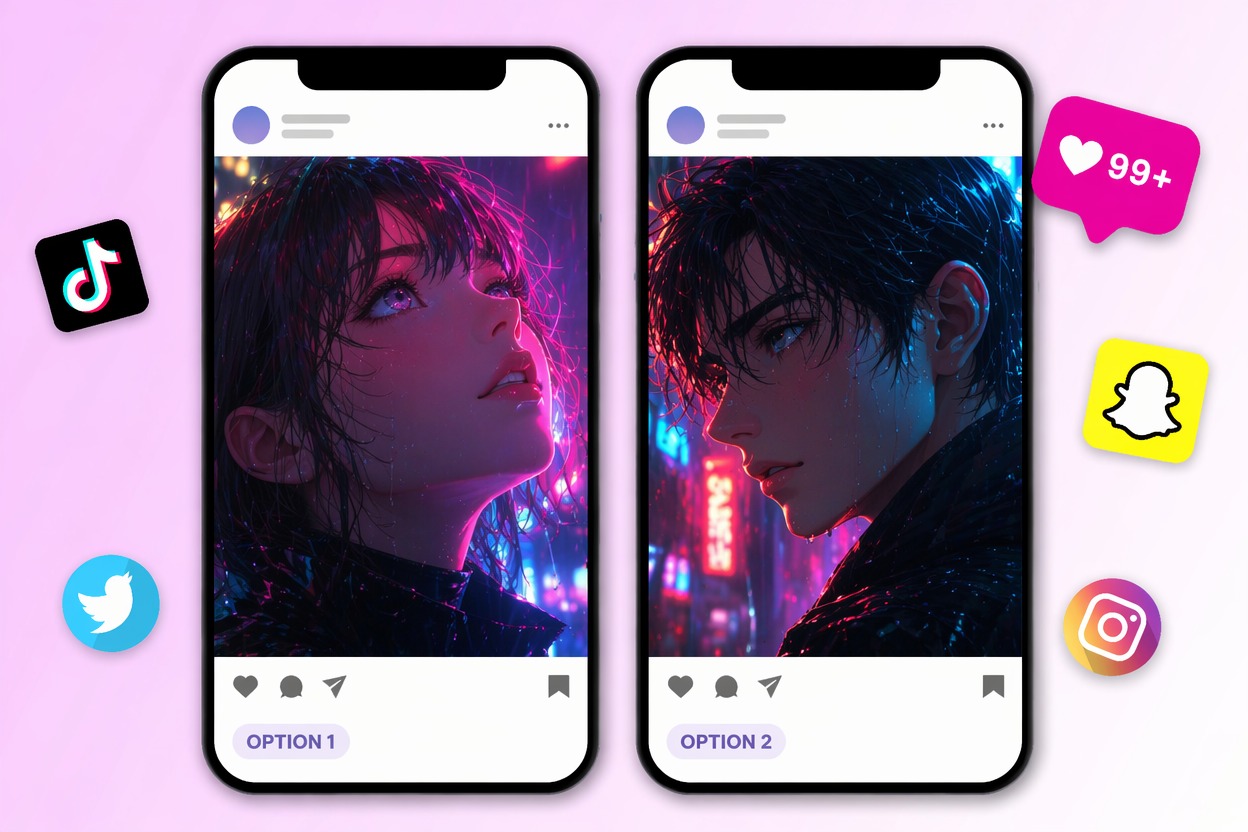
Create compact anime moments for TikTok, Shorts, reels, music edits, teaser trailers, and roleplay intros with the AI video generator. The best results usually come from one focused action, one emotional beat, and a scene description that avoids asking the model to solve a whole plot at once.

Keep Outputs Publishable
Use original characters, owned references, and clean visual direction instead of exact protected scenes, logos, or celebrity likeness. Review motion artifacts, hands, faces, readable text, and unintended brand marks before using a generated anime clip publicly.

Why Use an Anime Video Prompt Workflow
Cleaner Motion Intent
Short Clip Framing
Anime Style Control
Fewer Failed Generations
Original Character Safety
Better Review Before Posting
How to Make Veo 3 Animation Concepts
Pick One Scene
Choose a single anime moment, such as a character reveal, chase beat, magical attack, quiet city shot, or trailer-style opening frame.
Add Motion Details
Describe camera movement, subject action, lighting change, background energy, pacing, and whether the clip should feel calm, dramatic, or intense.
Review the Clip
Check whether the first frame, motion path, face detail, hands, background, and rhythm match the intended short-video use before generating variants.
Veo 3 Anime FAQ
Create Your Veo 3 Anime Video Concept
Build a focused anime scene prompt with motion, camera direction, and story mood before generating short animated clips.