AI Generator

Hunyuan Video: Create Cinematic AI Stories

Explore hunyuan video 1.5 and hunyuan image to video workflows for cinematic AI video creation with natural motion and expressive prompts.

Hunyuan Video

Explore hunyuan video 1.5 and hunyuan image to video workflows for cinematic AI video creation with natural motion and expressive prompts.

Hunyuan Video Showcase

Scenes in Motion

  • 01

    Masterpiece, best quality, ultra-detailed, 8k, rustic alpine aesthetic:1.4, traditional wooden chalet with stone foundation, steep gabled roof, wooden balcony, light blue shutters on windows, small chimney, hand-carved wooden sign above balcony, lush green alpine hillside, scattered larch and pine trees, simple wooden fence posts, soft golden hour sunlight, long shadows on grass, hazy pale sky, cinematic natural lighting, film grain, warm earthy tones, sharp focus on wood and stone texture, peaceful mountain atmosphere

  • 02

    Cinematic cyberpunk video, 1girl, platinum blonde ponytail, red LED cybernetic implants, slow blink, LED pulsing, dark background, film grain, 24fps, moody mechanical sound

  • 03

    Masterpiece, best quality, ultra-detailed, 8k, retro sci-fi cinematic video:1.4, 1girl, solo, short messy black bob hair, soft upward gaze, parted lips, glossy black latex turtleneck bodysuit with iridescent highlights, background: alien canyon rock formations, deep starry night sky, dynamic motion: (slowly tilting head further upward, eyes slowly widening as if spotting a distant celestial object:1.5), loose hair strands gently swaying with faint wind, bodysuit reflections shifting with light, camera: slow upward pan following her gaze, maintaining dutch angle, subtle film grain and chromatic aberration throughout, stars twinkling softly, warm rock lighting gradually intensifying, smooth 24fps animation, retro film texture, ambient low hum of cosmic wind

Hunyuan Video

Explore Hunyuan Video Features in Motion

Hunyuan Video is not just a generator—it's a creative system that responds to how you think about images, motion, and storytelling.

  • 01

    Text to Video Flow

    Turn written ideas into moving scenes with natural interpretation.

  • 02

    Image to Video Depth

    Extend still visuals into sequences with continuity and motion.

  • 03

    Camera Awareness

    Subtle pans, zooms, and framing shifts bring scenes closer to film language.

  • 04

    Consistent Style Control

    Maintain tone and visual identity across frames and sequences.

  • 05

    Prompt-Driven Detail

    Fine details like lighting, texture, and emotion respond to your words.

Hunyuan Video AI: Expanding Creative Possibilities

0104

Create from Imagination, Not Just Input

With OCMaker AI, creation often begins with a spark—an of an image, a phrase, a feeling. Hunyuan Video AI extends that spark into motion, letting you move fluidly between text to video and visual storytelling. It feels less like prompting a machine and more like guiding a scene into existence.
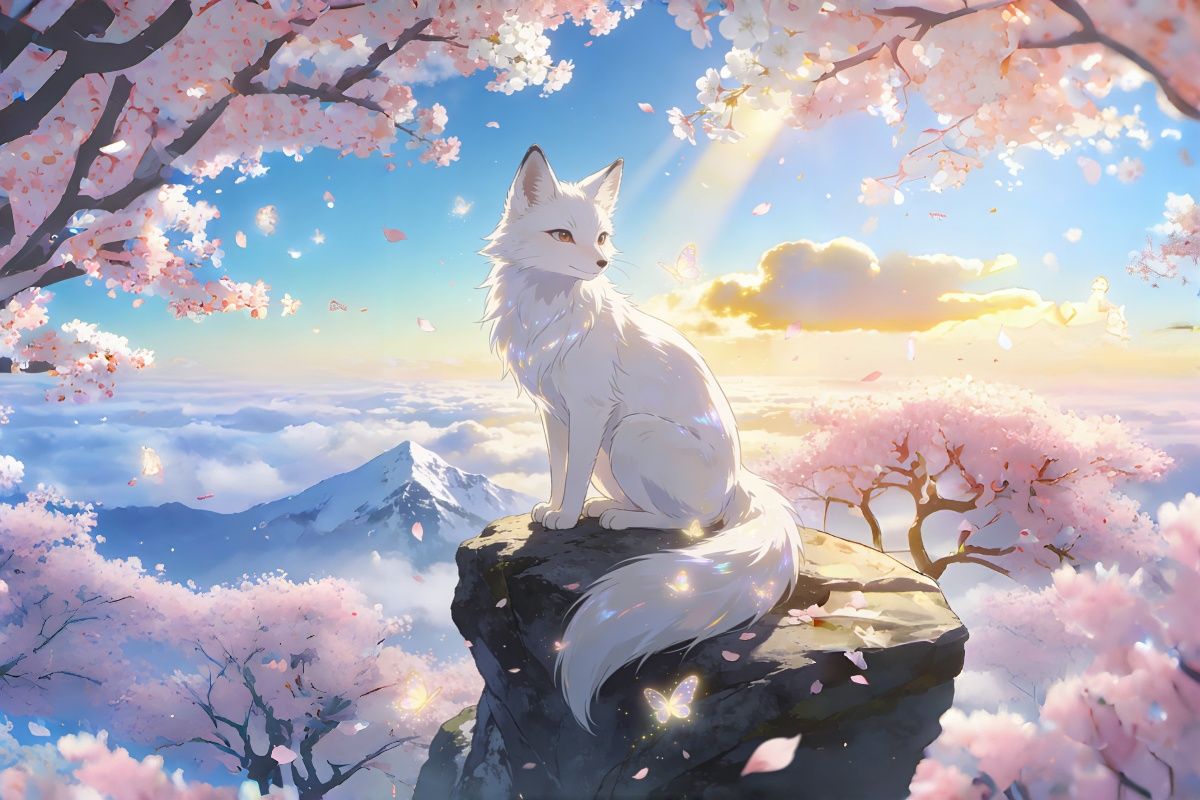
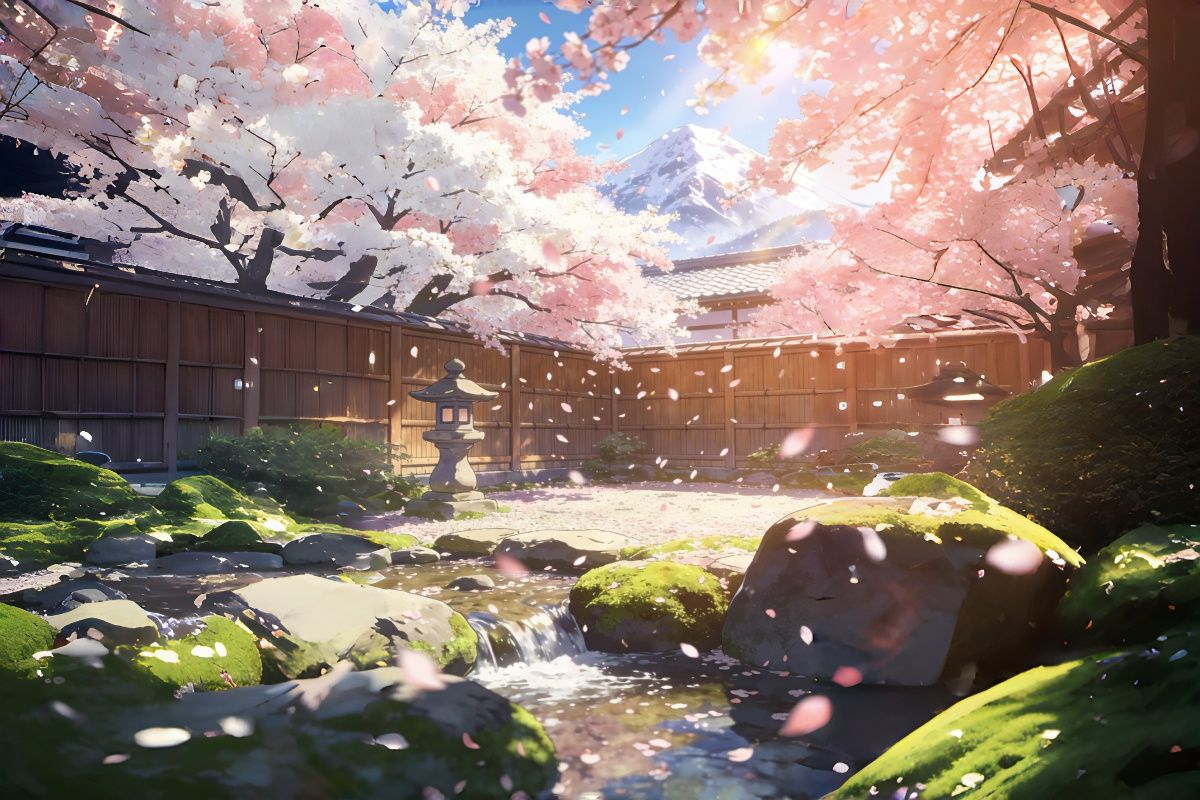
Create from Imagination

0204

Image to Video That Feels Alive

Using image to video, a single frame becomes a living moment. Hunyuan Video interprets subtle cues—light direction, composition, emotional tone—and transforms still images into sequences with continuity and presence.

Image to Video That Feels Alive

0304

Cinematic Motion with Intent

Unlike many models that animate loosely, Hunyuan Video focuses on how motion unfolds. Camera movements, pacing, and transitions follow a more intentional rhythm, helping creators shape scenes with narrative weight rather than random motion.

Cinematic Motion with Intent

0404

Language That Understands Visual Thinking

Hunyuan video prompts go beyond keywords. You can describe the atmosphere, framing, or emotional tension, and the model translates these into visual structure, structure—bridging the gap between creative language and cinematic output.

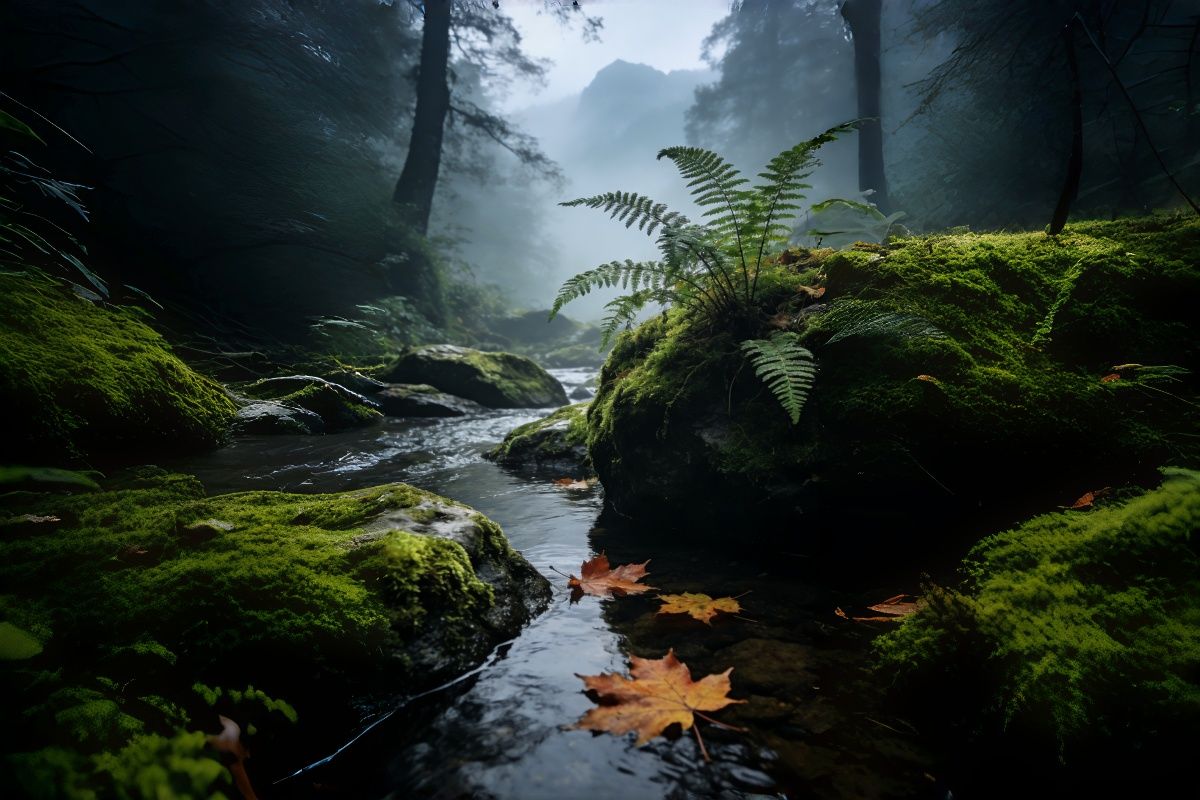
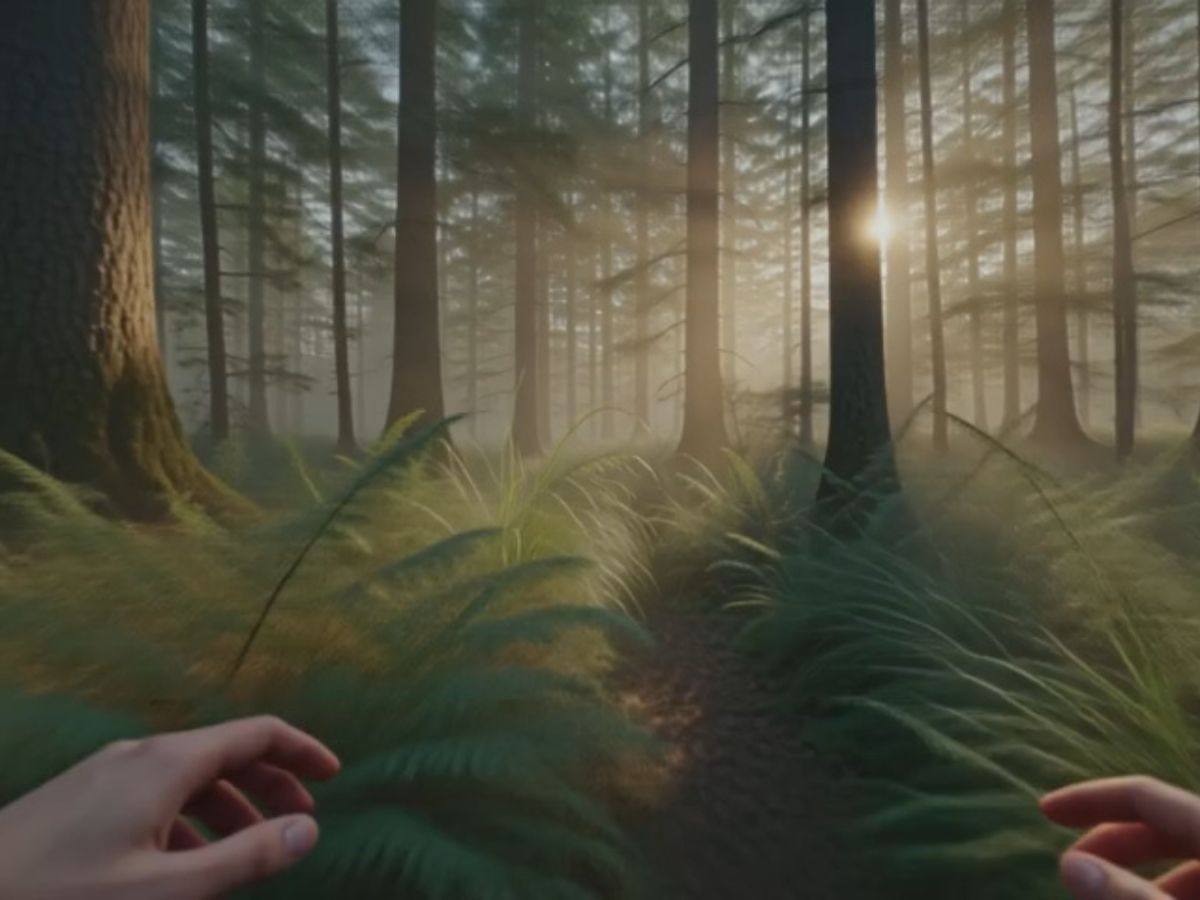
The Forest After the Rain

How to Use Hunyuan Video AI

  1. Enter Your Prompt

    Provide a detailed text prompt or upload an image to start your video creation.

  2. Personalize Your Video

    Select your video mode, style, and other creative options to tailor your video.

  3. Create and Download

    Generate, preview, and download your high-quality AI video masterpiece.

More Popular Models

What Our Users Say

  • "Hunyuan Video feels more responsive to how I describe a scene. It doesn't just generate motion—it follows the tone and structure I have in mind.

    The results feel smoother and more intentional, especially when working with cinematic prompts."

    Emily Carter

    Visual Designer

  • "What I like about Hunyuan Video is how it handles subtle details. Small movements, lighting changes, and framing feel more grounded compared to other models.

    It takes a bit of iteration, but the outputs become surprisingly expressive."

    Daniel Brooks

    Creative Developer

  • "I've tried several AI video models, but Hunyuan Video stands out in how it understands intent. It captures mood, camera movement, and pacing in a more cinematic way. The motion feels natural—especially in facial expressions and lighting. With a bit of prompt tuning, it becomes a powerful tool for visual storytelling."

    Sophie Laurent

    Digital Artist

Hunyuan Video FAQs: Creator Insights & Practical Use

What is Hunyuan Video AI?

HunyuanVideo-1.5 is an open-source model by Tencent that generates high-quality videos from text and images, supporting various styles and cinematic effects.

What makes Hunyuan Video different from other AI video models?

Yes, Hunyuan AI offers free trial features with options for paid subscriptions to access more advanced functionalities.

Can I use Hunyuan Video to image video workflows?

Yes, and it's one of the more natural use cases. When working with hunyuan image to video, the model preserves composition while adding motion that feels context-aware—like wind reacting to hair or subtle camera drift enhancing depth.

How do I write better hunyuan video prompts?

Think like a director rather than a keyword list. Include elements like camera angle, movement, lighting, and emotional tone. For example, "slow push-in, soft lighting, nostalgic mood" tends to work better than simply describing objects.

Does Hunyuan Video work with ComfyUI?

Yes, many creators build workflows using hunyuan video comfyui setups. This allows more granular control over generation steps, especially for those who want to experiment with pipelines or combine multiple models.

What is a typical hunyuan video workflow?

A common hunyuan video workflow starts with prompt design, followed by generation, then refinement. Some creators iterate multiple times, adjusting motion or style gradually instead of aiming for a perfect result in one pass.

Can I create avatars with Hunyuan Video?

Yes, hunyuan video avatar use cases are growing. By combining consistent prompts and reference images, you can generate characters that maintain identity across short sequences, which is useful for storytelling or content creation.

Transform Your Ideas into Reality with Hunyuan Video

Unlock the potential of AI-generated videos with HunyuanVideo-1.5. High-quality outputs, diverse styles, and dynamic storytelling await.

Hunyuan Video: Create Cinematic AI Stories