
HappyHorse 1.1: All-in-one AI Video Generator
Create smoother AI videos with HappyHorse 1.1, built for short dramas, product videos, action scenes, dialogue clips, and cinematic creator content.
HappyHorse 1.1 AI Video Generator
Create smoother AI videos with HappyHorse 1.1, a video generation model built for short dramas, product videos, action scenes, creator ads, and dialogue-driven clips. OCMaker AI is an online image and video generation and editing platform that helps creators turn prompts and reference images into more usable visual content.
Create Short Dramas, Product Videos, and Action Scenes
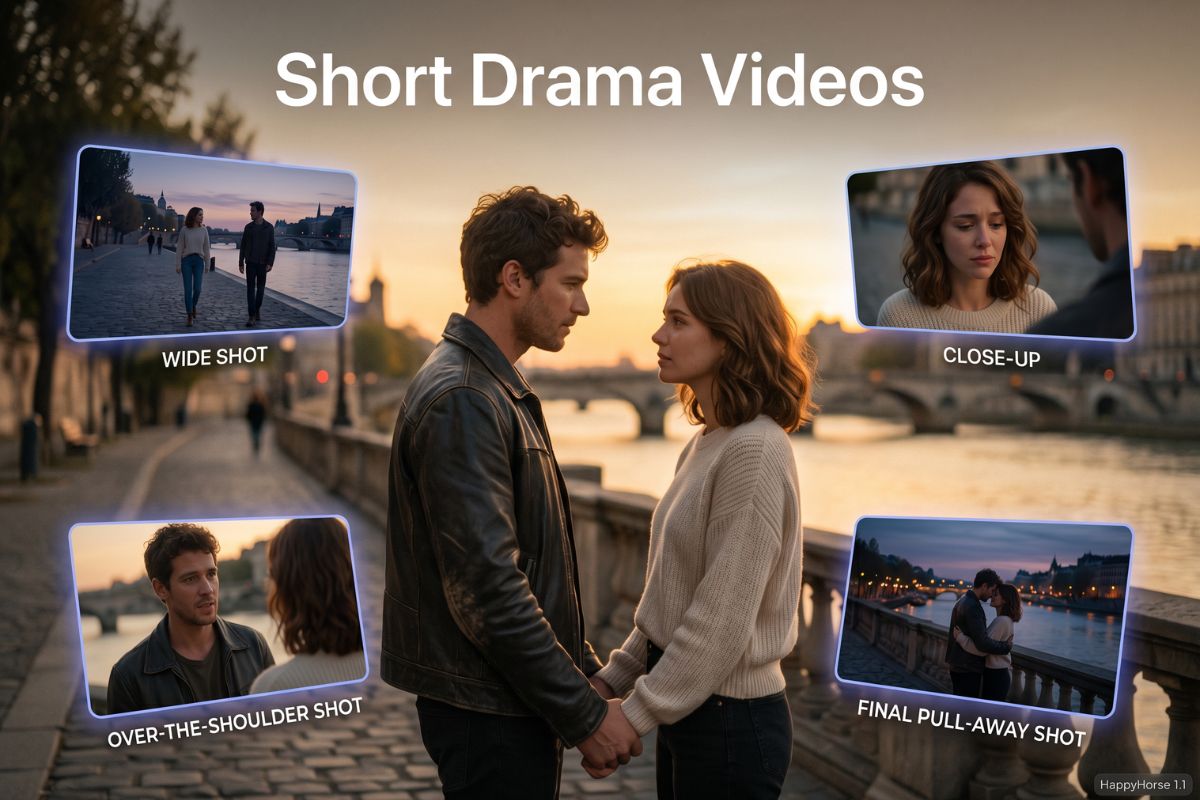
Short Drama Video Generation
Use HappyHorse 1.1 to create emotional short drama scenes with consistent characters, multi-shot storytelling, facial expressions, camera changes, and natural dialogue rhythm. For more tools and workflow ideas, explore our AI video generator.
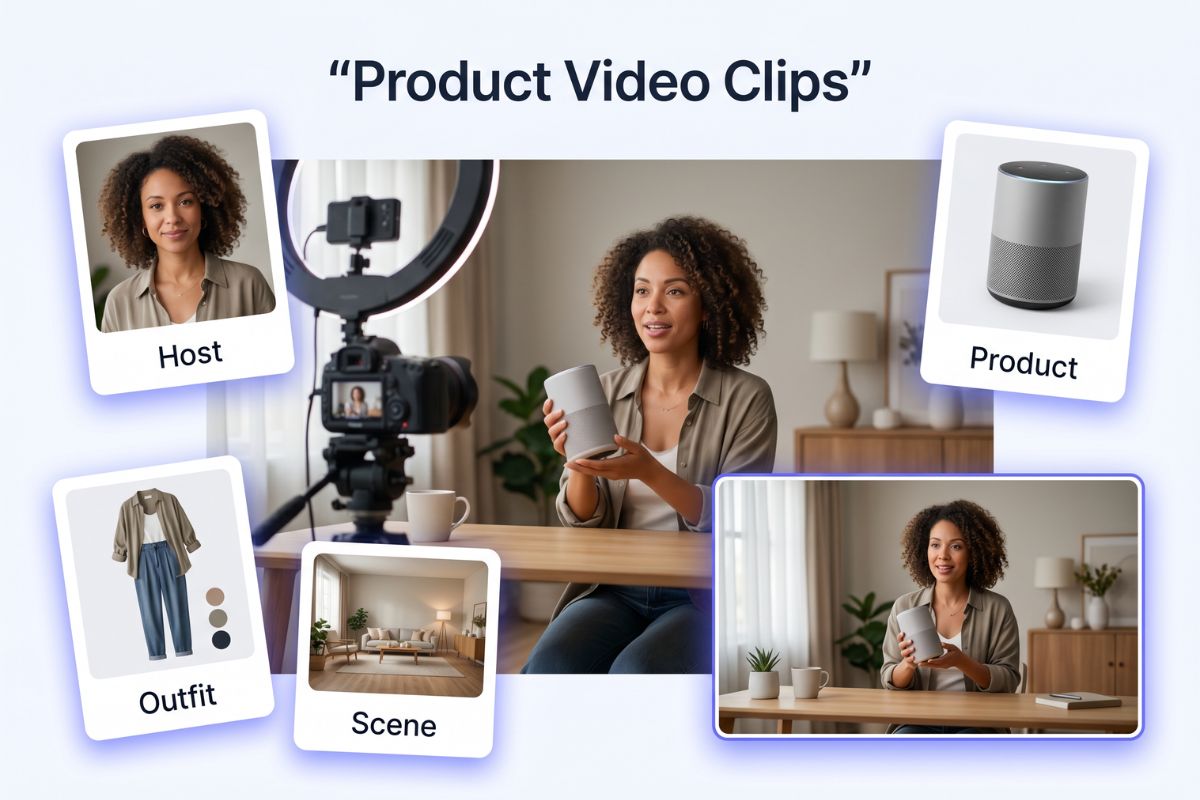
Product and Livestream Video Clips
Combine a host, product image, outfit reference, and room scene to generate product videos for fashion, toys, beauty, lifestyle goods, and social commerce content.
Action and Cinematic Motion
Create chase scenes, running shots, fighting moments, FPV tracking shots, rooftop movement, and one-take action clips with improved motion continuity and stronger physical rhythm.
Why Use HappyHorse 1.1?
Smoother Motion for Action Scenes
More Stable Character Consistency
Up to 9 Reference Images
Better Complex Prompt Following
More Natural Visual Texture
Dialogue and Sound Support
HappyHorse 1.1 Features and Product Parameters
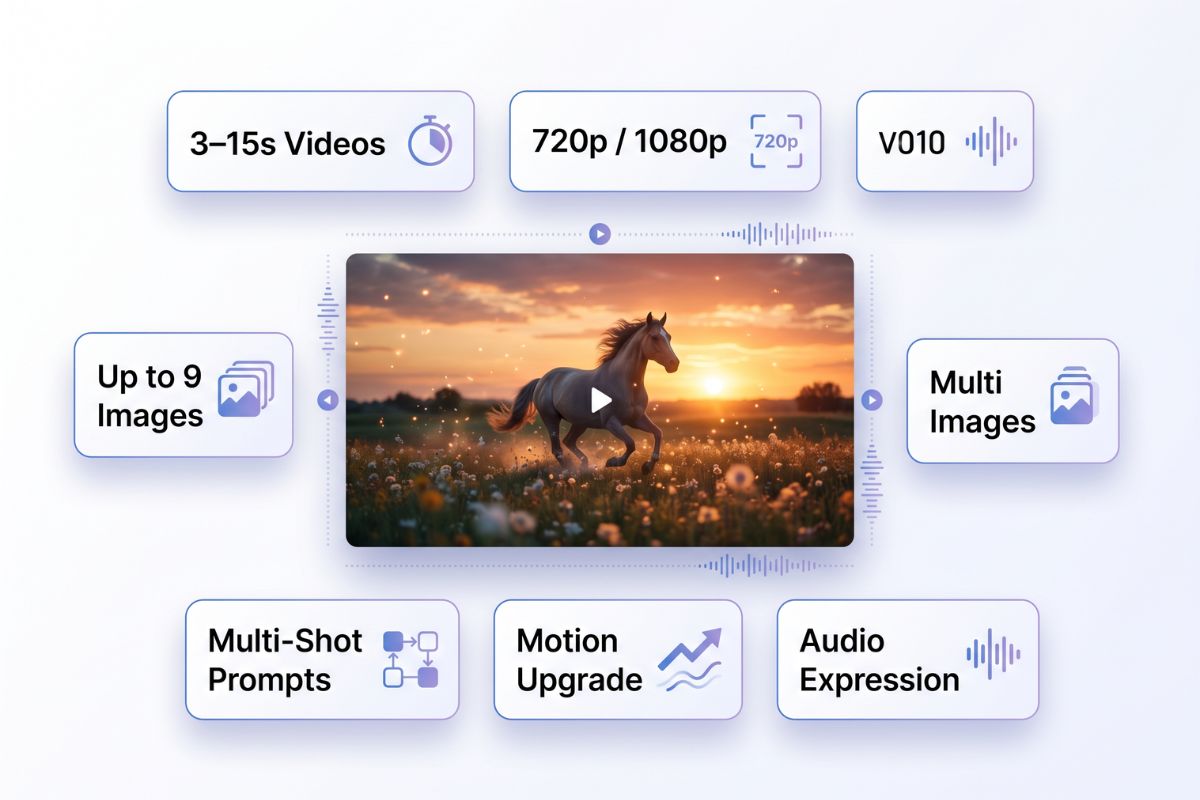
- Video Length: 3–15 Seconds: Create short, focused AI video clips for social posts, short drama shots, product demos, and action moments.
- Output Quality: 720p and 1080p: Choose 720p for faster testing or 1080p for higher-quality visual output.
- Reference Images: Up to 9 Images: Guide people, products, outfits, props, and scenes with multiple visual references.
- Motion Upgrade: Stronger Dynamic Performance: Generate more natural movement for running, chasing, fighting, turning, and camera tracking.
- Prompt Control: Better Multi-Shot Understanding: Use timelines, camera directions, character relationships, emotional cues, and sound descriptions in one prompt.
- Audio Expression: Dialogue, Ambience, and Mood: Describe spoken lines, tone, pauses, background sound, and music atmosphere.
Video Length: 3–15 Seconds
Output Quality: 720p and 1080p
Reference Images: Up to 9 Images
Motion Upgrade: Stronger Dynamic Performance
Prompt Control: Better Multi-Shot Understanding
Audio Expression: Dialogue, Ambience, and Mood
You may want to know
Ready to Create with HappyHorse 1.1?
Use HappyHorse 1.1 to generate short drama scenes, product clips, action shots, and dialogue-driven AI videos with better motion, stronger consistency, and more natural audio-visual expression.