
Hailuo AI: Direct Your Video, Not Just Generate
Hailuo AI video generator with realistic motion and camera control—turn prompts into directed, cinematic scenes for storytelling and marketing.
Hailuo AI Video Generator
Hailuo AI video generator with realistic motion and camera control—turn prompts into directed, cinematic scenes for storytelling and marketing.
Hailuo AI Video Showcase
Scene: A woman's back view, with her hair in a bun, wearing a light gray vintage long dress. Her right hand holds a white star - shaped paper (with slight tremors at the edges due to the wind), and her left hand is stretched out. The golden grassland undulates like waves in the wind, with grass blades rustling and swaying. The wind blows across the dress, creating folds, and flutters her hair. Under the cloudy sky, the clouds drift slowly, and the light is soft and warm, giving the wilderness a quiet atmosphere.Camera: Use a medium - shot follow - up + slight slow - motion shot. Move following the rhythm of the woman's posture and the wind - blown grass waves. There are close - ups of the strength with which the hand holds the star - shaped paper and the dynamic movement of the skirt blown by the wind. Then pull back to the panoramic view of the wilderness to enhance the sense of spatial vastness and the woman's courageous firmness.Color tone: The overall color tone is a blend of retro
Scene: A human figure in hiking gear (sturdy boots, rugged backpack, protective face mask) courageously and slowly climbs a volcano. Glowing orange lava cascades down dark rocky slopes, molten magma's intense brightness starkly contrasts with the deep darkness of the volcanic terrain. Billowing smoke drifts through the air, and distant mountains loom under a muted sky.Camera: Start with a wide shot to establish the vast, fiery volcanic landscape. Then, use a tracking shot to follow the climber's slow, deliberate movements, zooming in to close-ups of their gripping hands, determined facial expression behind the mask, and the gear's texture. Cut to dynamic shots of lava flows (slow-motion for molten magma's fluidity, quick cuts for explosive sparks). Alternate between low-angle shots (emphasizing the climber's smallness against towering volcanic formations) and high-angle shots (showing the sprawling, dangerous terrain).Color & Contrast: Vivid color palette—fiery orange magma vs. dark vo
Masterpiece, best quality, ultra-detailed, 8k, cinematic cosmic anime video:1.4, 1girl, solo, black twin tails with white satin bows, soft gaze, gentle expression, white cropped shirt + high-waisted pleated mini skirt, holding a fully bloomed white rose, background: deep starry night sky, glowing starbursts, bokeh light orbs, pale blue planet, dynamic motion: (slowly tilting head slightly, fingers gently brushing the rose petals:1.6), hair and skirt swaying with cosmic breeze, rose petals trembling slightly, starbursts twinkling and pulsing, planet slowly rotating, camera: slow orbit around her, soft lens flare on starbursts, smooth 60fps animation, ambient soft cosmic hum and wind sound, dreamy ethereal atmosphere
What You Can Actually Do with Hailuo AI Video
A quick look at how Hailuo AI minimax extends beyond simple generation into controllable video creation.
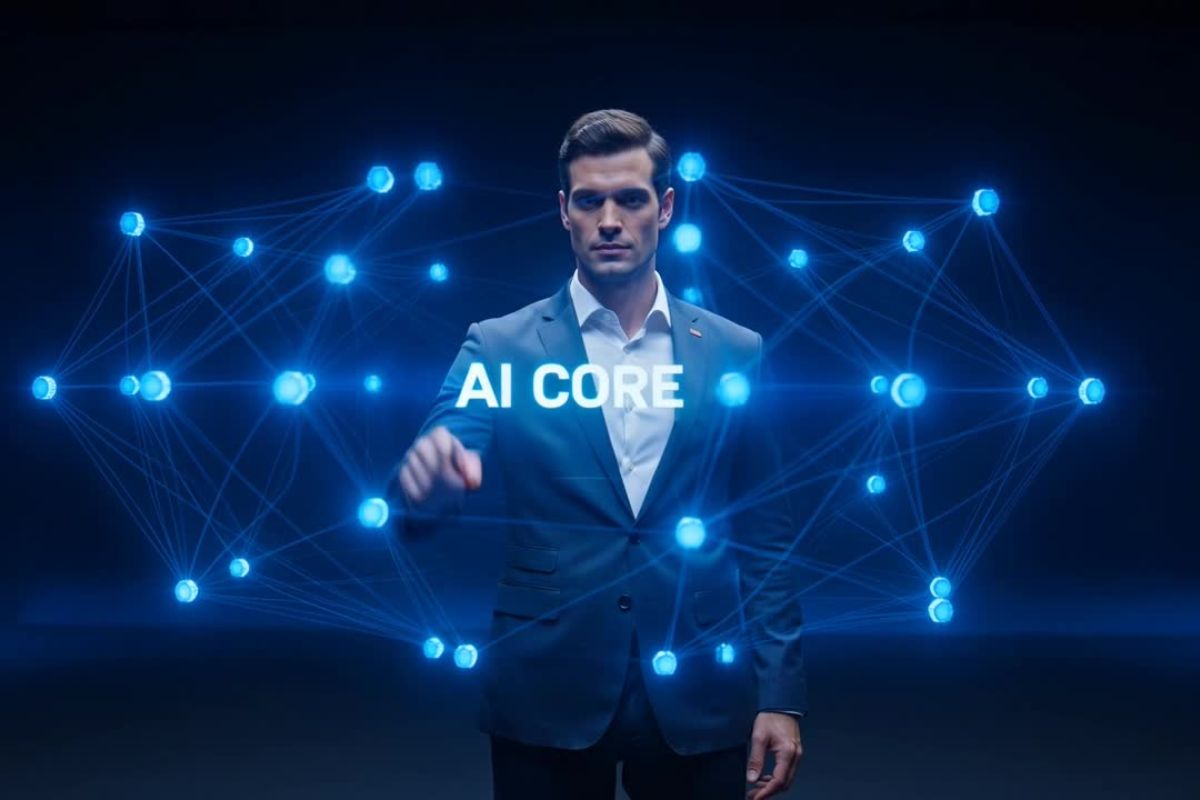
Describe the Camera, Shape the Shot
Prompts translate into cinematic framing.
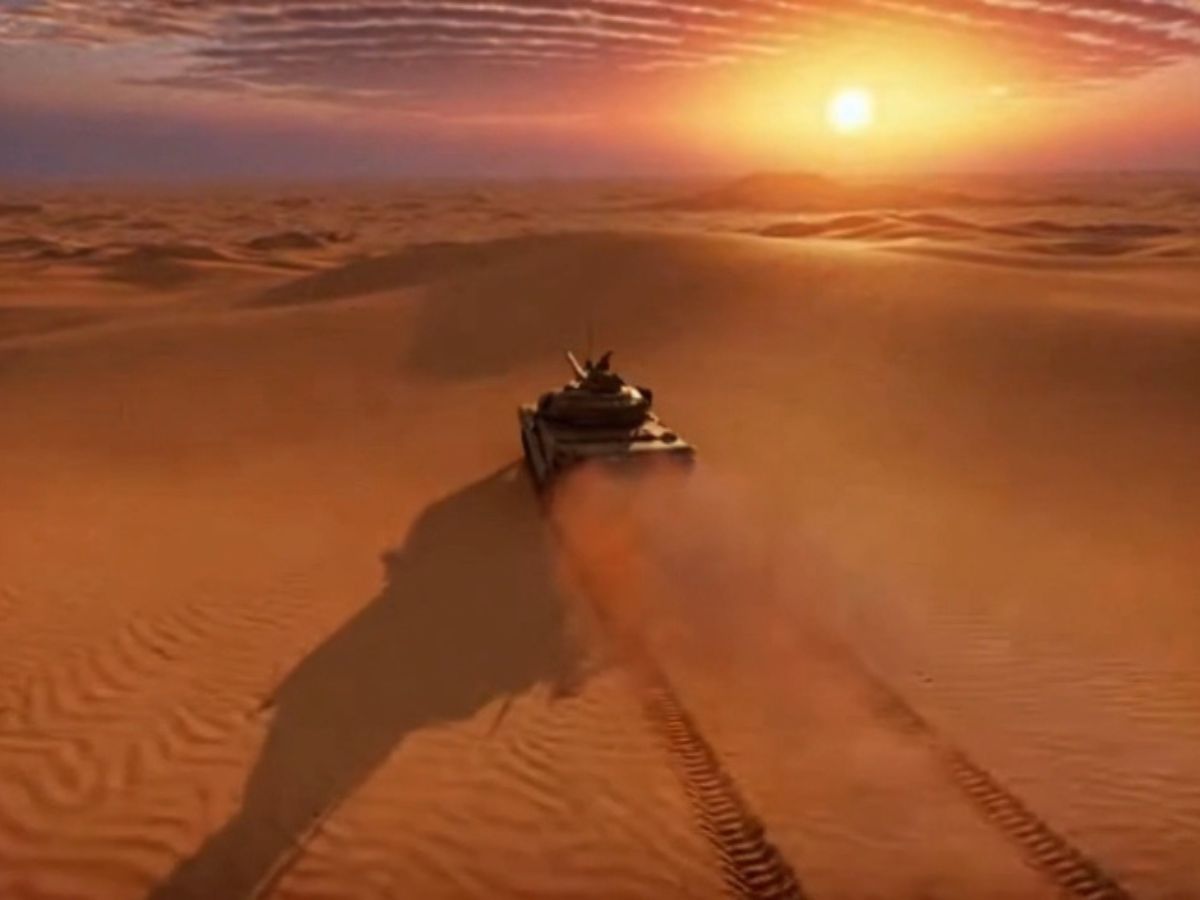
Relight Instead of Regenerate
Adjust mood without starting over.
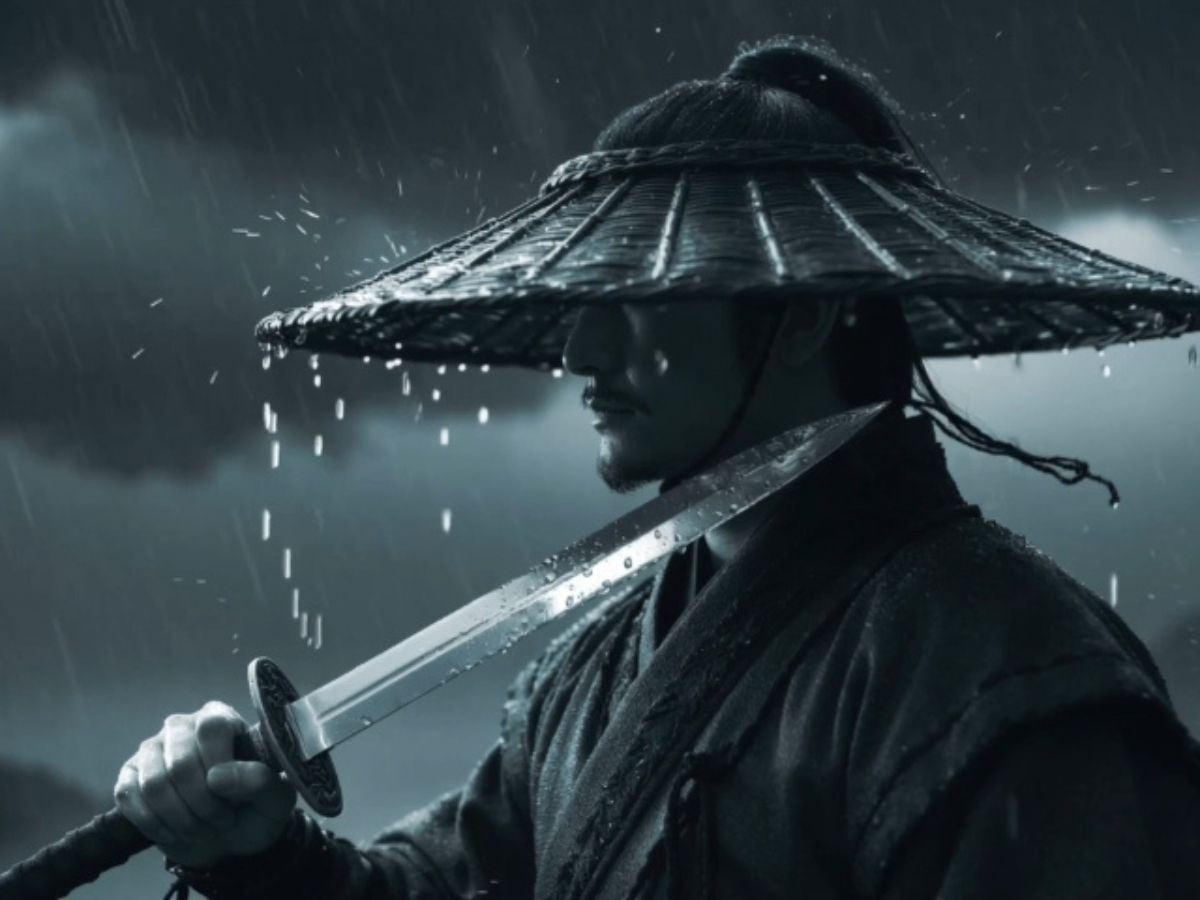
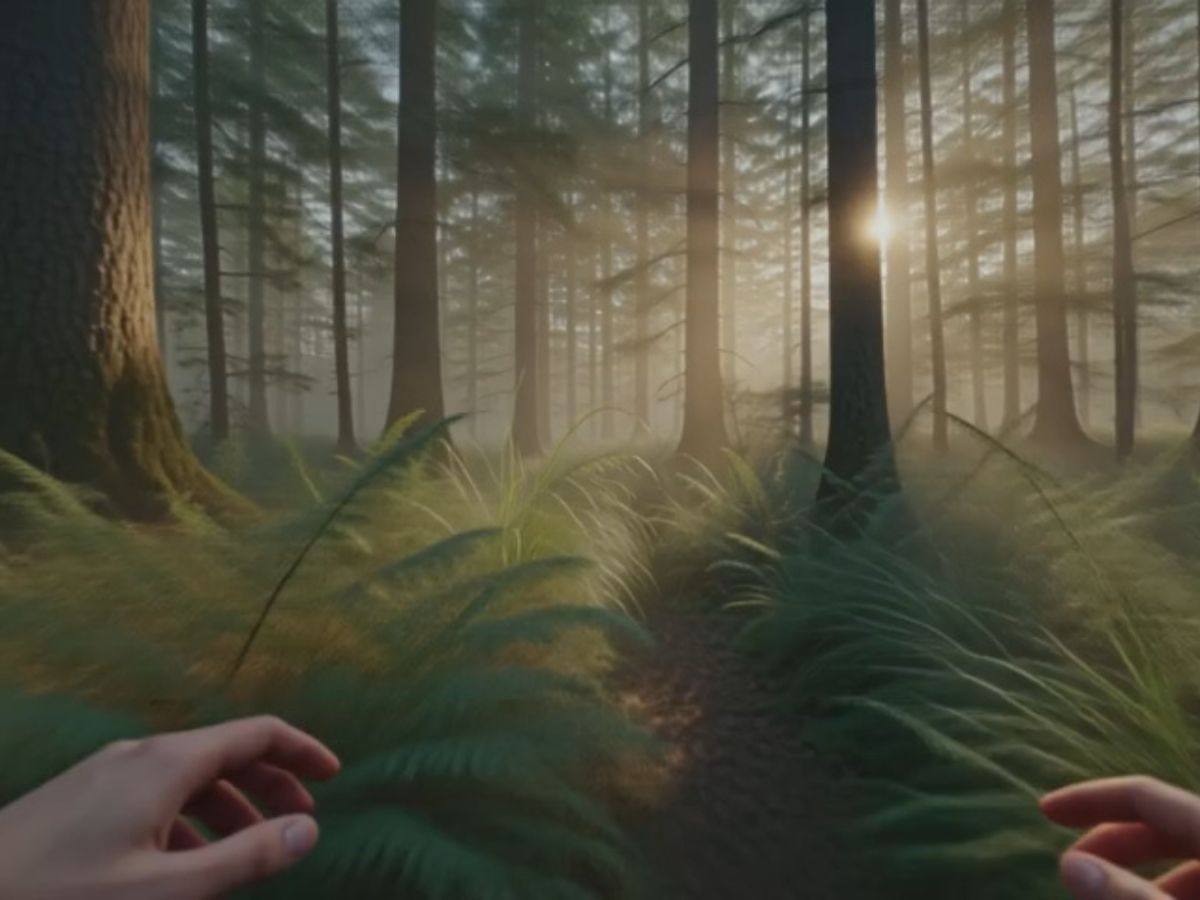
Turn Images into Living Sequences
Still visuals gain motion and continuity.
Hailuo AI Video Generator: From Prompt to Directed Scene
Motion That Follows Physical Logic, Not Guesswork
Hailuo AI is built around AI video generator with realistic motion, where movement behaves with weight and timing. Characters don't just "move"—they shift, react, and interact with space in a way that feels grounded. Inside OCMaker AI, this means fewer broken frames and more usable sequences, especially for storytelling.

Camera Control That Feels Like Direction
With text to video AI with camera control, you're not locked into a single viewpoint. You can describe motion—push forward, pan left, track a subject—and the model interprets it as part of the scene. This is where Hailuo separates itself: it doesn't just show a moment, it lets you frame it.
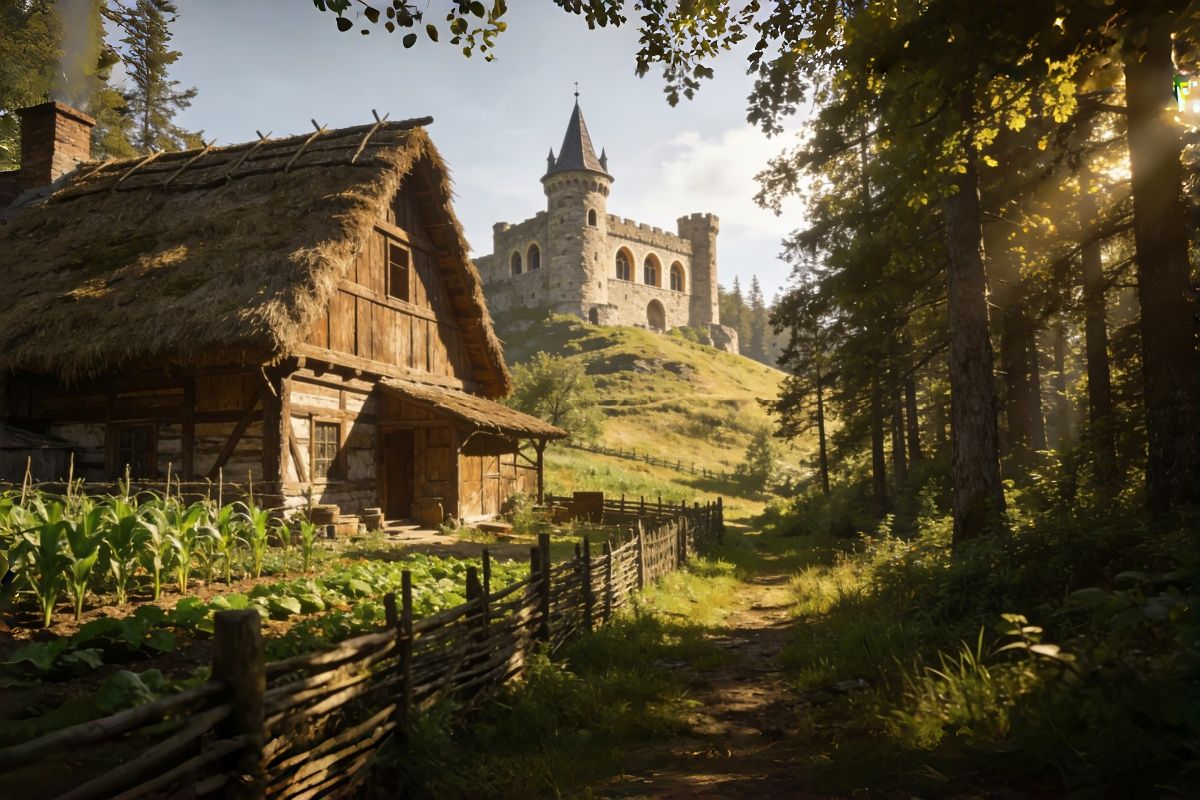
Relighting Turns Footage into a Second Draft
Most tools stop after generation. Hailuo continues. With its relighting system, you can reshape mood after the fact—turning flat visuals into cinematic frames. Combined with image to video, even a simple still can evolve into something with depth and atmosphere.
Built for Iteration, Not One-Time Results
Hailuo AI isn't optimized for a single perfect output—it's designed for creative loops. Using text to video, you can refine prompts, adjust motion, and explore variations without breaking your flow. Compared to other models, it feels less like trial-and-error, and more like a process.
Create with Hailuo AI in Three Simple Steps
Choose the Hailuo AI Model
Select Hailuo AI (e.g. hailuo ai minimax or fal-ai/minimax/hailuo-2.3/pro/image-to-video) depending on your project—text-driven scenes or image-based animation.
Describe Your Scene
Write a prompt or upload an image. Whether it's a quiet emotional moment or something dynamic like "hailuo ai kungfu," the model interprets both motion and mood.
Generate and Refine
Let the scene render, then iterate. Small changes in wording, lighting, or pacing can shift the entire feeling of the video.
More Popular Models
Real Questions Creators Ask About Hailuo AI
Ready to Transform Your Ideas?
Experience the power of Hailuo AI's video creation tools and elevate your content strategy. Whether it's marketing, storytelling, or creative projects, Hailuo AI is your perfect partner.
What Creators Say About Hailuo AI