
Pricing
Log In
AI Generator
Veo 3.1 Lite: Most Cost-effective Text to Video with Audio
Explore Veo 3.1 Lite image to video, text to video, native audio and 720p or 1080p output in 9:16 or 16:9.
Veo 3.1 Lite
Explore Veo 3.1 Lite image to video, text to video, native audio and 720p or 1080p output in 9:16 or 16:9.
Veo 3.1 Lite Video Examples
8K 24fps HDR cinematic dark fantasy video, classic 80s fantasy illustration style, oil painting texture, mysterious hooded figure in rich brown textured robe sitting cross-legged on misty swamp pond bank at twilight, hood low hiding face, only detailed pale hands visible, ancient oak trees, purple-blue sky, soft mist, calm water with clear reflection, lily pads, diffused twilight light, warm rim light, moody shadows, slow push-in shot, slow 180° orbit shot, slow pan to water reflection, atmospheric, ethereal, no distortion, professional fantasy film
8K 60fps HDR, ultra HD, high-quality coffee brand promotional video, warm healing atmosphere, brand-customized golden-rimmed ceramic coffee cup, fresh roasted coffee beans, walnut tray, brass spoon, warm café corner or window scene, soft morning/afternoon natural light, slow-motion coffee pouring, gentle steam drifting, slow push-in, pan and pull-out shots, shallow depth of field, professional commercial film style, no clutter, no distortion, cinematic color grading, high-end texture.
8K 24fps HDR cinematic dark fantasy video, hyper-realistic, beautiful female warrior, sharp delicate features, icy blue eyes, wind-swept black hair, weathered black gilded medieval armor, moody side lighting, dramatic chiaroscuro, blurred misty forest background, slow push-in shot, slow 180° orbit shot, slow pull-out shot, atmospheric, epic, no distortion, professional commercial film
A Veo 3.1 Lite AI Video Generator for Everyday Output
The appeal of Google Veo 3.1 Lite is not that it tries to be everything. It is that the model keeps the most useful creative and production choices close: text input, image input, native audio and flexible framing at a lower cost tier
Image to Movement
Start from a still frame and push it into motion. Useful when composition or subject design already matters.
Vertical or Wide
Use 9:16 for feed-first clips or 16:9 for wider storytelling. The format fits the platform.
Audio Included
Sound arrives with the video. Early outputs feel more complete and easier to judge.
Why Veo 3.1 Lite Fits Real Creative Work
Made for more drafts, not just bigger renders
Veo 3.1 Lite feels different because it is built around iteration. Instead of pushing every project toward a heavier, premium-output workflow, it gives creators more room to test scenes, pacing, and visual directions inside OCMaker AI without treating each generation like a final cut. Google positions Lite as the lower-cost, high-efficiency Veo 3.1 option for video generation at scale, which is the clearest reason it stands apart from the more premium Veo 3.1 tier.
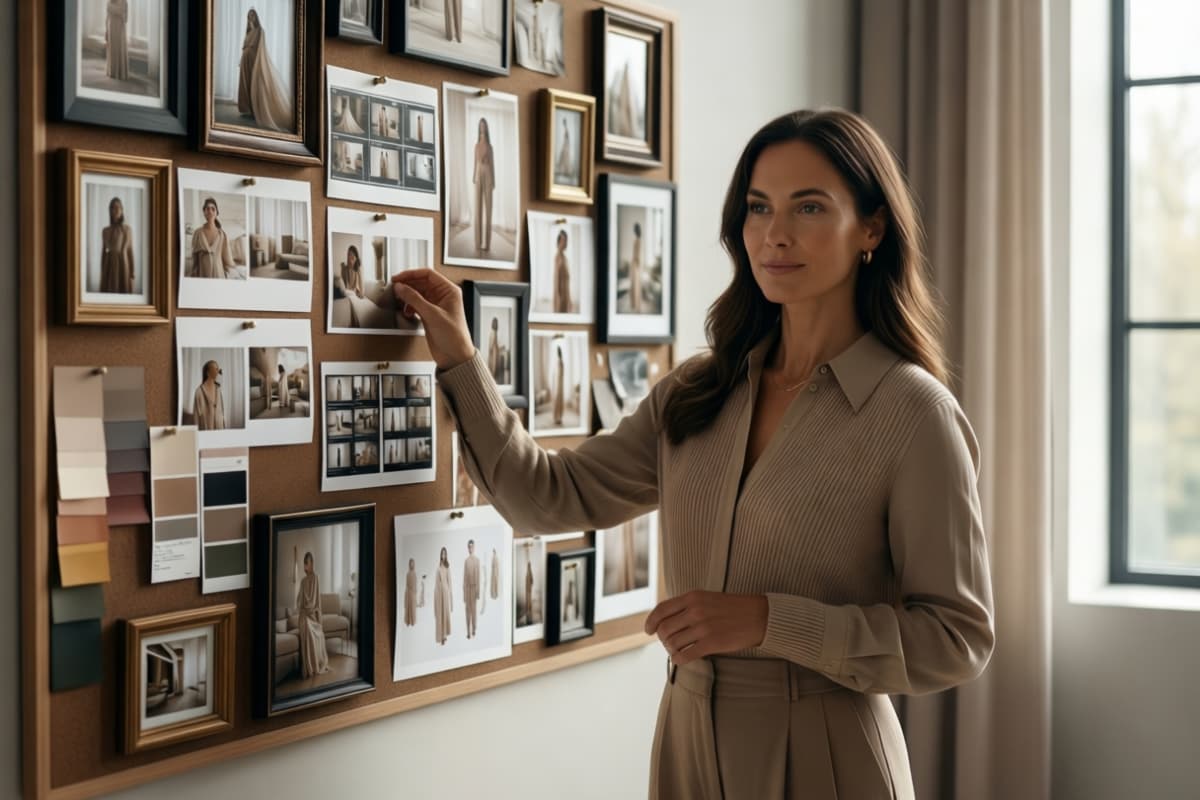
Two natural starting points for one idea
Some projects begin as a written scene. Others begin with a frame you already want to preserve. Veo 3.1 Lite text to video and image to video sit inside the same model family, so creators can move between prompt-led and image-led workflows without breaking the rhythm of the idea. Google's video docs list both text-to-video and image-to-video support for Veo 3.1 Lite.

Audio changes how early drafts feel
A quiet draft is often harder to judge than people expect. Veo 3.1 Lite with audio gives early clips more timing, mood, and presence, which makes it easier to tell whether the idea is actually working before you edit anything further. That is especially useful when using text to video for tone-driven scenes rather than purely visual tests. Google marks audio for Veo 3.1 Lite as built in.
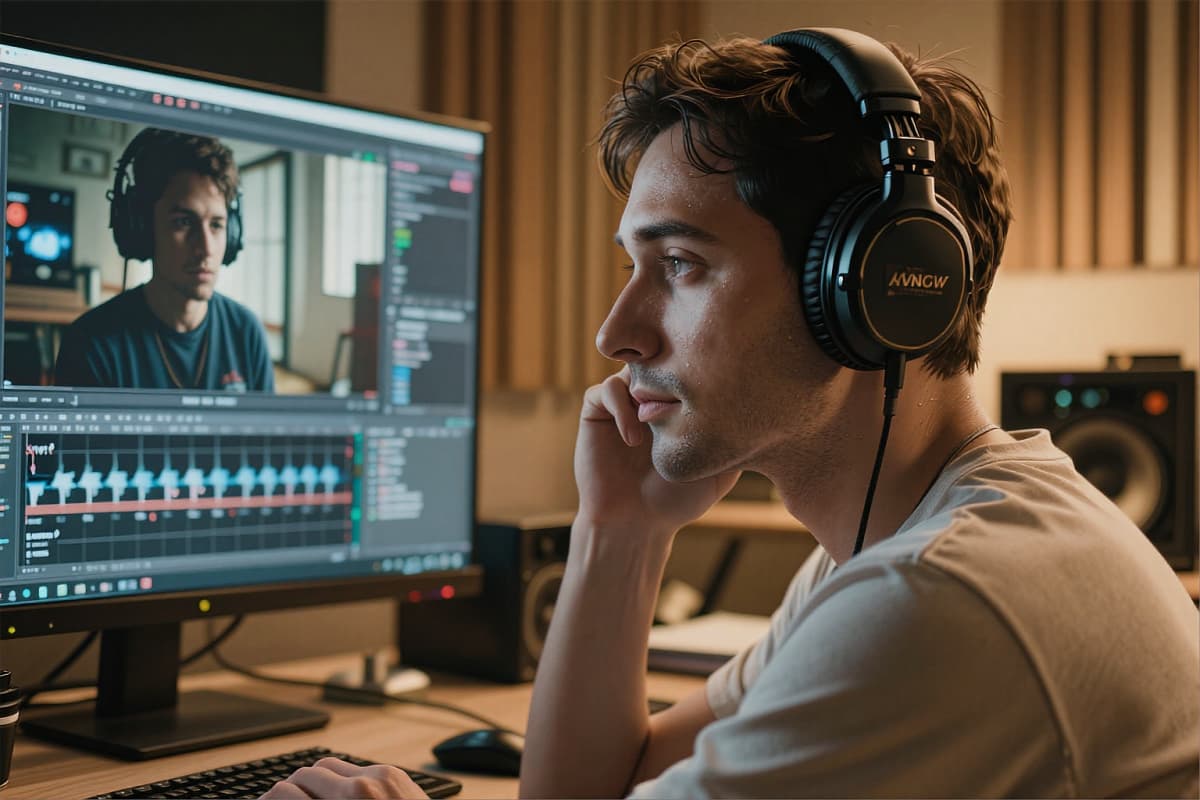
Better aligned with where video actually goes
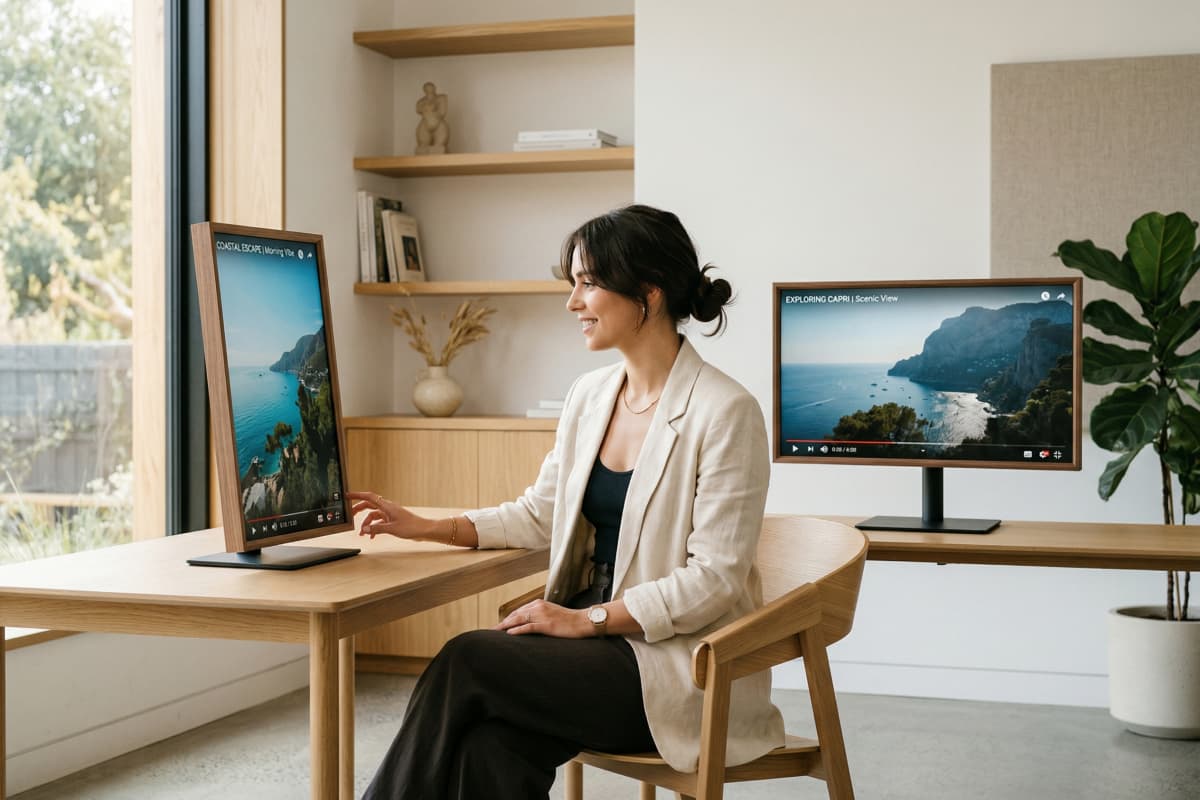
Veo 3.1 Lite is easier to use in real production workflows thanks to support for 9:16 and 16:9 video, along with 720p and 1080p output. That means creators can think about the destination first—vertical feed, wide scene, lighter test, cleaner export—and build around that choice from the start. Google's documentation confirms Lite supports 720p and 1080p output and both portrait and landscape aspect ratios.
Key Features of Veo 3.1 Lite
- Cost Efficiency: Optimized for high-frequency video production.
- High-Quality Output: Supports up to 1080p resolution.
- Versatile Use Cases: Ideal for social media and developer integration.
Cost Efficiency
Veo 3.1 Lite is designed to offer the most cost-effective solution for generating videos at scale, making it ideal for high-frequency content generation and rapid iterations.
High-Quality Output
Despite its lightweight nature, Veo 3.1 Lite maintains critical capabilities for high-quality video generation, including resolutions of 720p and 1080p, and aspect ratios of 16:9 and 9:16.
Versatile Use Cases
Veo 3.1 Lite supports various use cases, from social media videos to batch content creation and developer integrations, with text-to-video and image-to-video functionalities.
How to use Veo 3.1 Lite
01
Upload Your Content
Choose your input type: text or image. Ensure files are in the correct format for optimal processing.
02
Select Your Options
Customize your video by selecting the desired aspect ratio and resolution. Use advanced settings for more control.
03
Generate and Download
Initiate the video generation process. Preview your video before downloading the final version.
Specs, Pricing, and Workflow Answers
Common Questions About Veo 3.1 Lite
Elevate Your Video Content with Veo 3.1 Lite
Unlock the potential of efficient and scalable video generation with Veo 3.1 Lite. Perfect for creators, developers, and businesses looking to enhance their content strategy.