AI Chibi Maker for Cute Characters | OCMaker AI

Use OCMaker AI's chibi maker to create cute characters and avatars from text or a photo, with clear control over outfit, mood, pose, and background.

AI Chibi Maker for Cute Characters and Avatars

Turn a written character idea or photo into a compact chibi design with an oversized head, expressive face, readable outfit, and avatar-ready framing. OCMaker AI helps you shape the pose, mood, palette, and background without starting from a blank canvas.

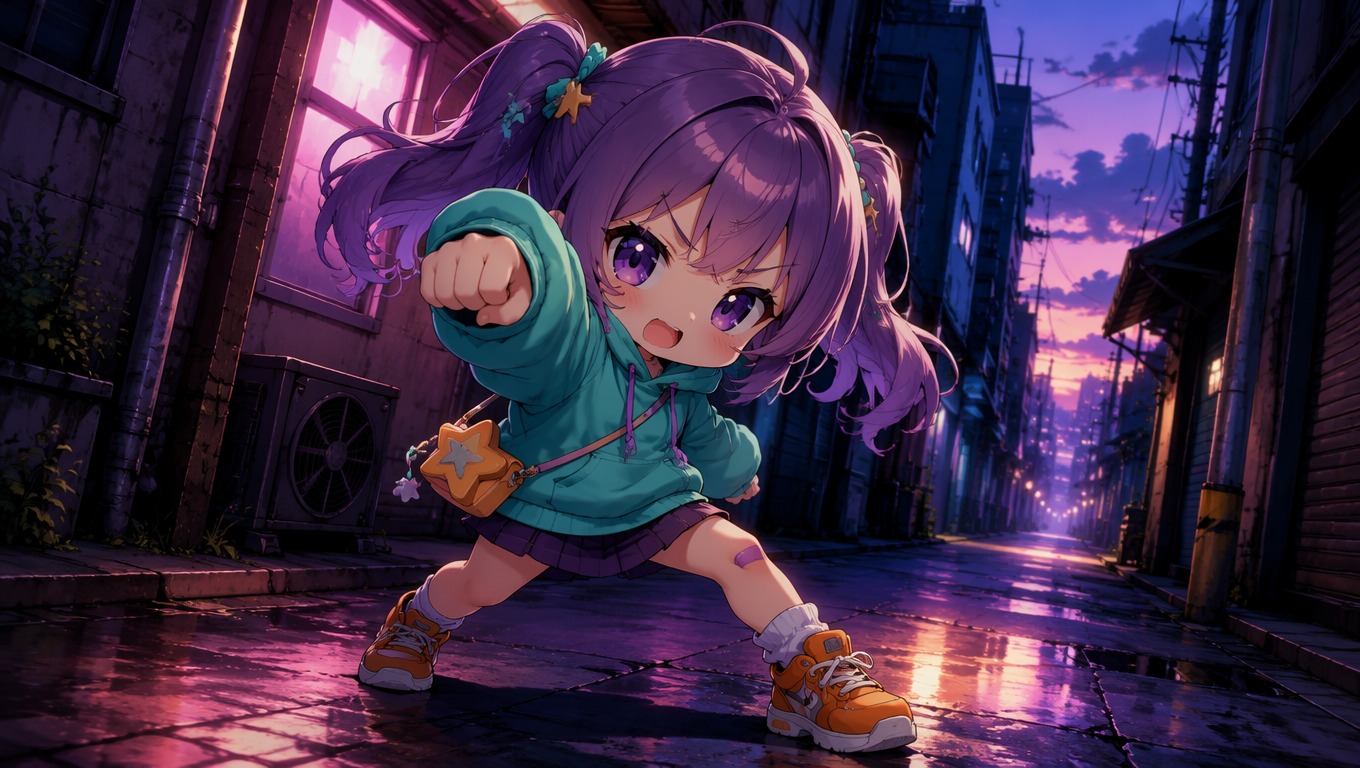
Original chibi character created with OCMaker AI

A Chibi Creator for Text and Photo Ideas

Build an original character directly or continue exploring styles through the AI Anime Generator hub. OCMaker AI is strongest for clear, single-character concepts with bold expressions and uncluttered shapes.

0103

Create Chibi Characters from Text

Describe the hairstyle, expression, outfit, pose, colors, and setting you want. The strongest prompts lock the character's defining traits first, then add one clear action and a simple background so the tiny silhouette stays readable.
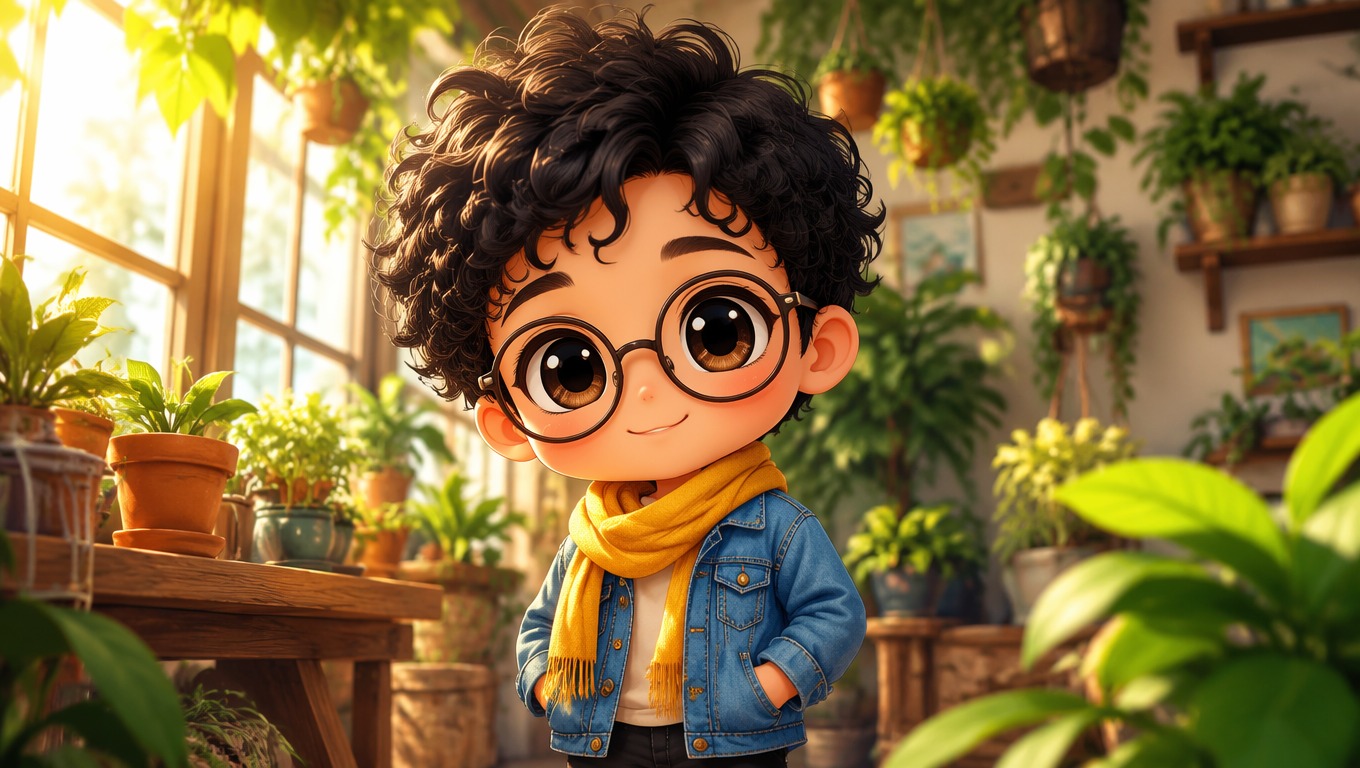
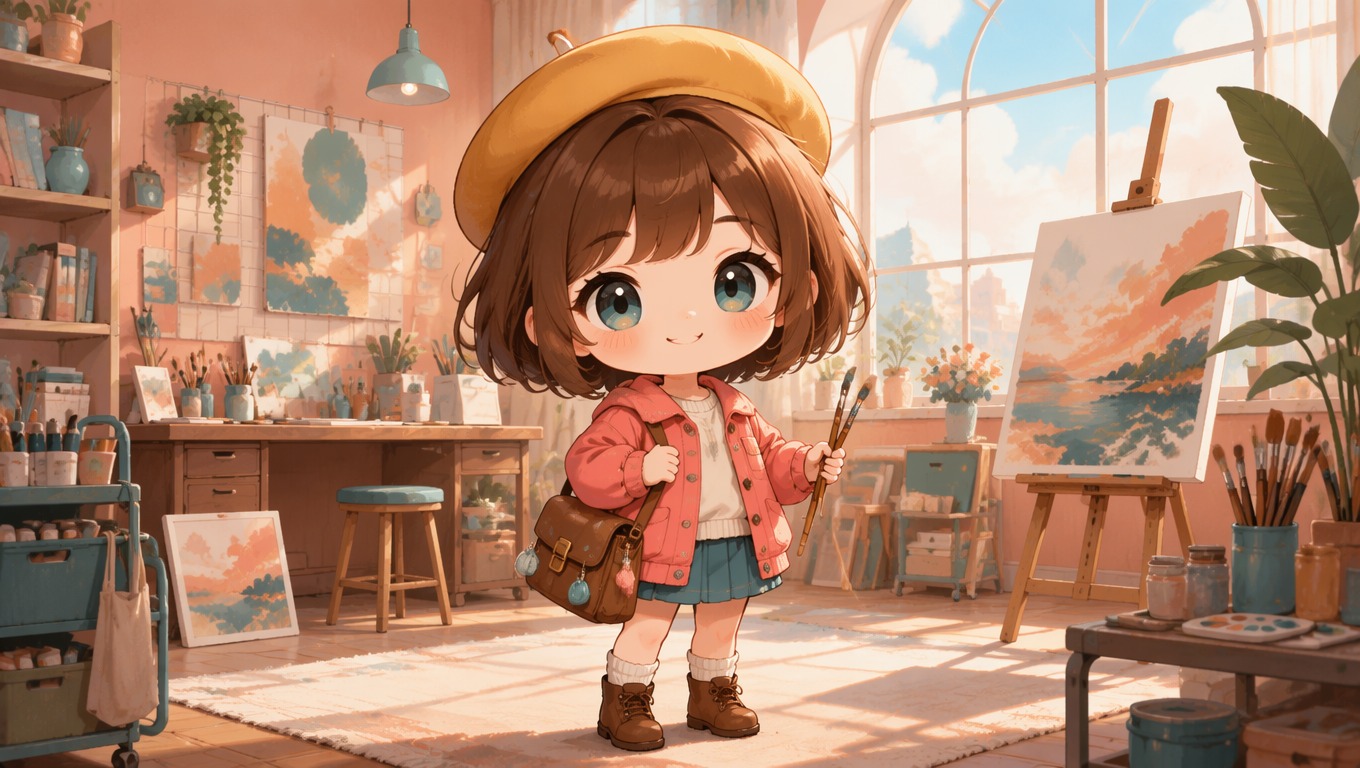
Chibi character generated from a text description

0203

Turn a Photo into a Chibi Avatar

Use a clear portrait as visual guidance for hair, face shape, glasses, and clothing cues. Review the result for recognizable features rather than exact realism, because chibi proportions intentionally simplify facial detail and body shape.

Photo transformed into an original chibi avatar

0303

Explore Outfits, Moods, and Poses

Refine one original concept through new expressions, outfit directions, props, and environments. Keep the core hair shape and color palette stable when consistency matters, then change one major variable per generation for easier comparison.

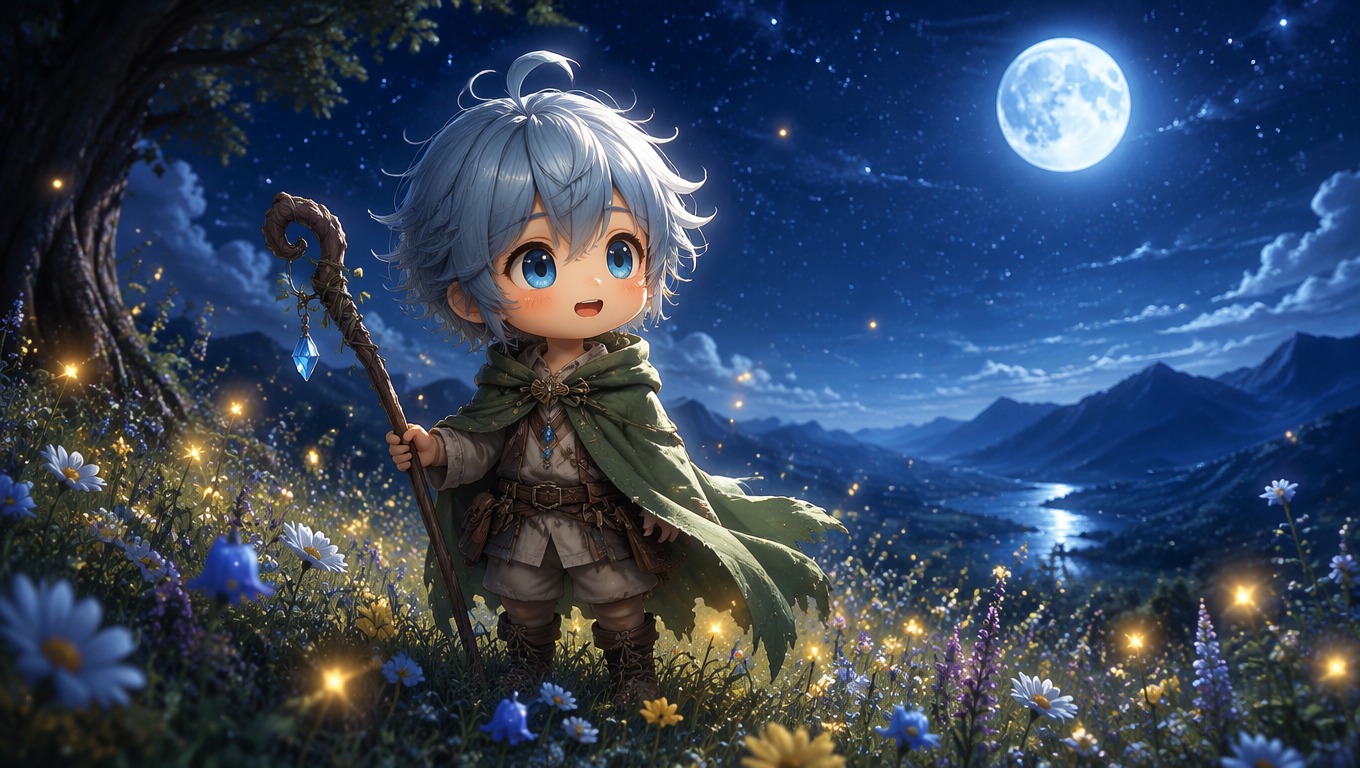
Original chibi character variations with distinct moods

What You Can Make with a Chibi Character Maker

Use compact proportions and strong facial cues for character art that stays recognizable at small sizes. Complex group scenes are a weaker fit than one clearly framed character.

  • 01

    Profile Pictures

    Frame one character from the shoulders up for a clear, expressive chibi avatar maker result.

  • 02

    Original Character Concepts

    Test a new OC's hairstyle, palette, outfit, personality, and signature prop in a compact visual form.

  • 03

    Sticker and Emote Ideas

    Create readable poses and exaggerated reactions that can guide later sticker or emote production.

  • 04

    Matching Friend Avatars

    Plan coordinated colors and themes while keeping each person's hair, accessories, and expression distinct.

  • 05

    Roleplay and Game Portraits

    Visualize a small fantasy hero, cozy adventurer, mage, rogue, or mascot for personal character references.

  • 06

    Creator Mascots

    Develop a friendly chibi identity for channels, communities, and creative projects without relying on a stock character.

How to Create a Chibi with OCMaker AI

A practical three-step workflow for turning an idea or portrait into a focused chibi character or avatar.

  1. Start with Text or a Photo

    Write a focused character description, or choose a clear portrait where the face, hair, and important accessories are easy to see.

  2. Define the Chibi Direction

    Set the expression, outfit, pose, palette, and background. Prioritize two or three identity cues instead of crowding the design with tiny details.

  3. Generate, Review, and Refine

    Check the face, hands, silhouette, and outfit readability. If something feels off, simplify the pose or background and change one instruction at a time.

AI Chibi Maker FAQ

Helpful answers about text prompts, photo inputs, avatar framing, character consistency, anatomy, and responsible use.

What is an AI chibi maker?

It is a character creation tool that turns text directions or photo guidance into stylized characters with compact bodies, oversized heads, large expressions, and simplified details.

Can I create a chibi from a photo?

Yes. Use a well-lit portrait with a visible face and clear hair shape. The output is a stylized interpretation, so judge it by recognizable cues such as hairstyle, glasses, color palette, and expression rather than exact facial realism.

What should I write in a chibi prompt?

Include the character type, hair, expression, outfit, pose, palette, and background. Keep the scene simple and name the two or three features that must remain recognizable.

How do I make a good chibi avatar?

Use close or waist-up framing, strong face lighting, a simple background, and one clear expression. Avoid tiny props near the face because they can become visual clutter at profile-picture size.

Can a chibi creator make original characters?

Yes. Start with personality, silhouette, outfit, signature colors, and one memorable accessory. Generate variations by changing one element at a time while keeping the character's core traits stable.

Why do hands or poses sometimes need another generation?

Small bodies and exaggerated poses can compress anatomy. Cleaner hand positions, fewer props, and a direct camera angle usually make the character easier to read and evaluate.

Can I use generated chibi art in a project?

Usage depends on OCMaker AI's current terms and the rights attached to your input. Use photos and references you are allowed to use, create original designs, and check the applicable terms before commercial use.

Create Your Chibi Character with OCMaker AI

Start with a character idea or portrait, choose the defining details, and turn it into a focused chibi avatar or original character concept.

AI Chibi Maker for Cute Characters | OCMaker AI