
Wan 2.2 Animate
Wan 2.2 Animate
Learn AI character animation with a simple wan 2.2 animate tutorial. Create motion transfer videos and animate images in minutes.
Wan 2.2 Animate Examples
A stylish young woman dancing confidently on a clean studio stage, energetic modern dance moves, the same character throughout the video while her outfit magically changes every moment — streetwear hoodie, elegant evening dress, futuristic cyberpunk suit, and casual summer outfit, smooth seamless outfit transitions, cinematic lighting, highly detailed character, dynamic motion, fashion transformation effect, ultra smooth animation, 5-second video
A beautiful anime girl with long flowing hair dancing happily, smooth energetic dance movements, the same anime character while her outfit transforms repeatedly — school uniform, fantasy mage robe, modern street fashion, and idol stage costume, seamless magical outfit transitions, vibrant lighting, highly detailed anime style, expressive motion, clean background, smooth animation
A confident fantasy female warrior walking forward slowly, long flowing hair moving naturally, subtle head turn and soft smile, dramatic cinematic lighting, shallow depth of field, epic fantasy atmosphere, highly detailed character design, smooth natural motion, cinematic animation shot, 5-second sequence
Explore Wan 2.2 Animate Capabilities for AI Motion Transfer
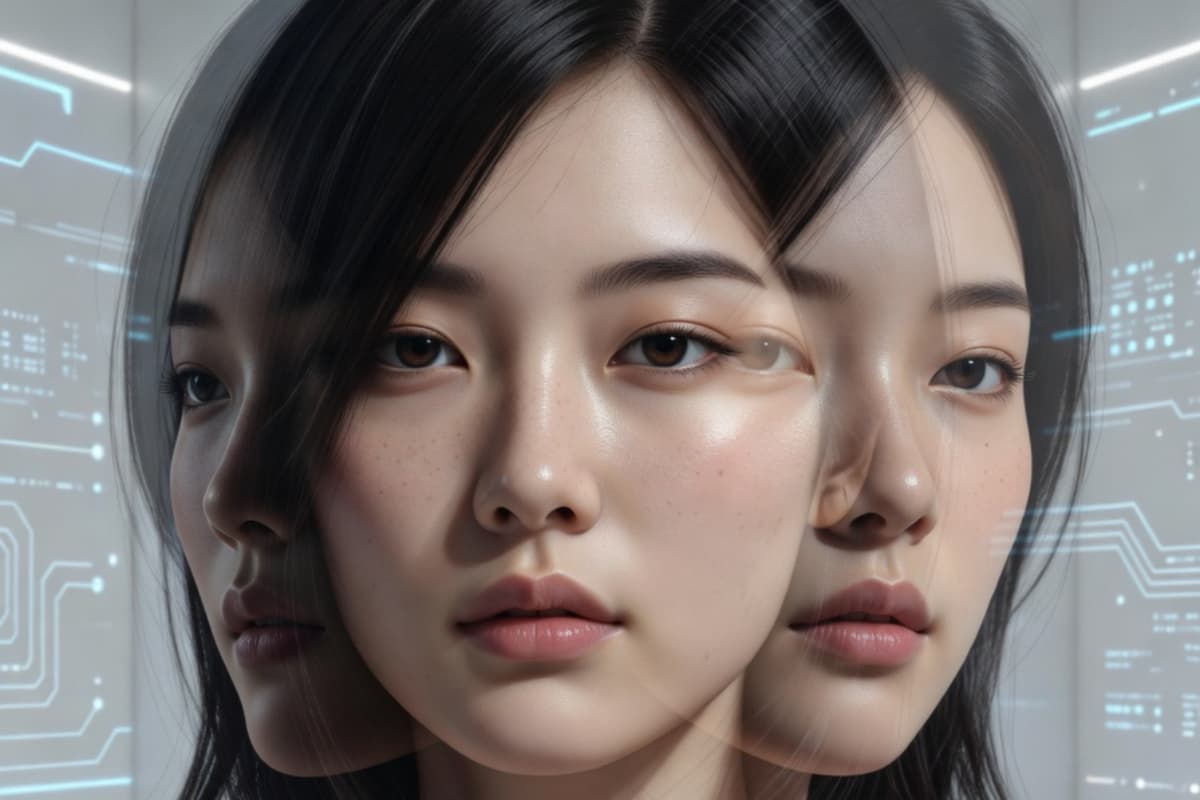
Character-Consistent Animation
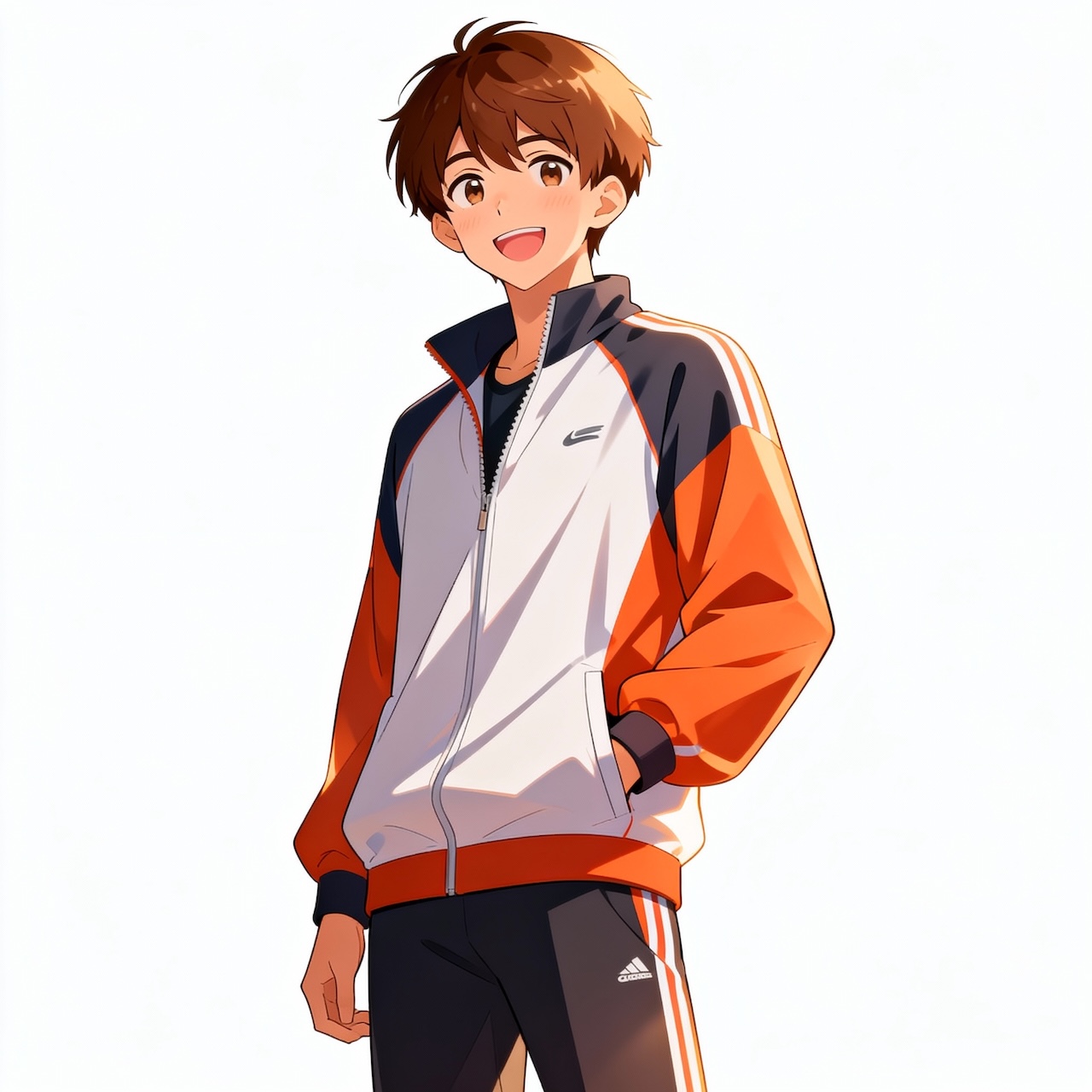
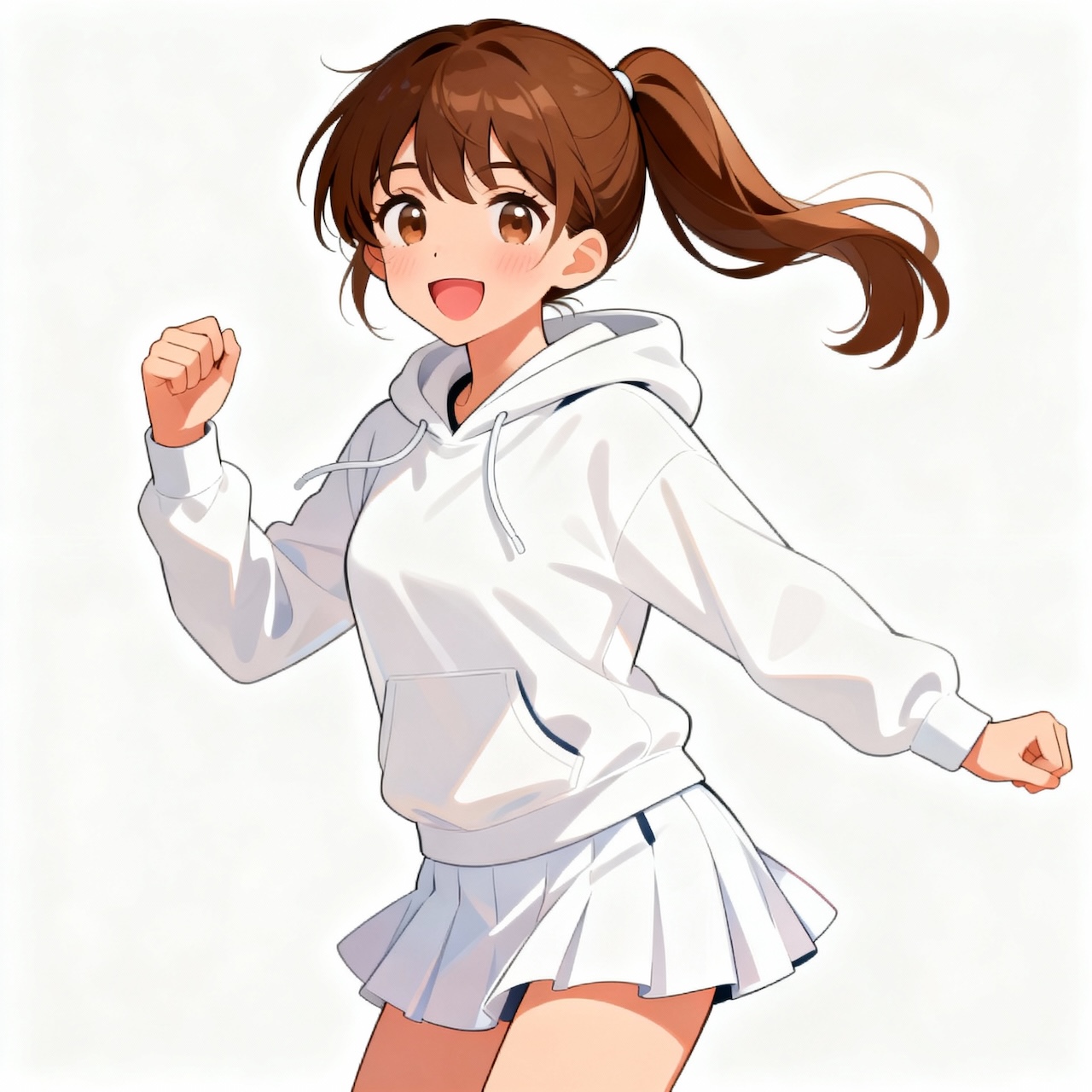
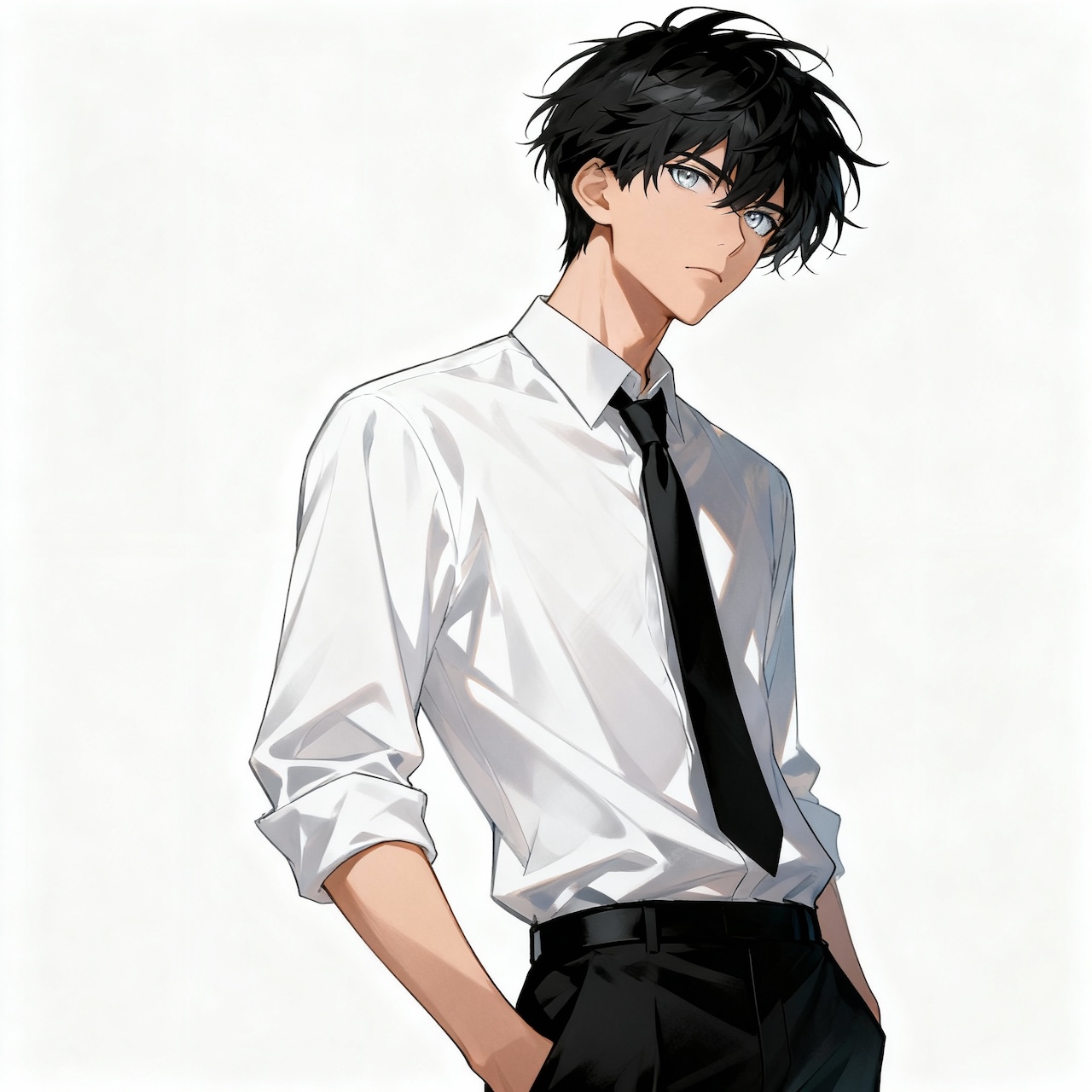
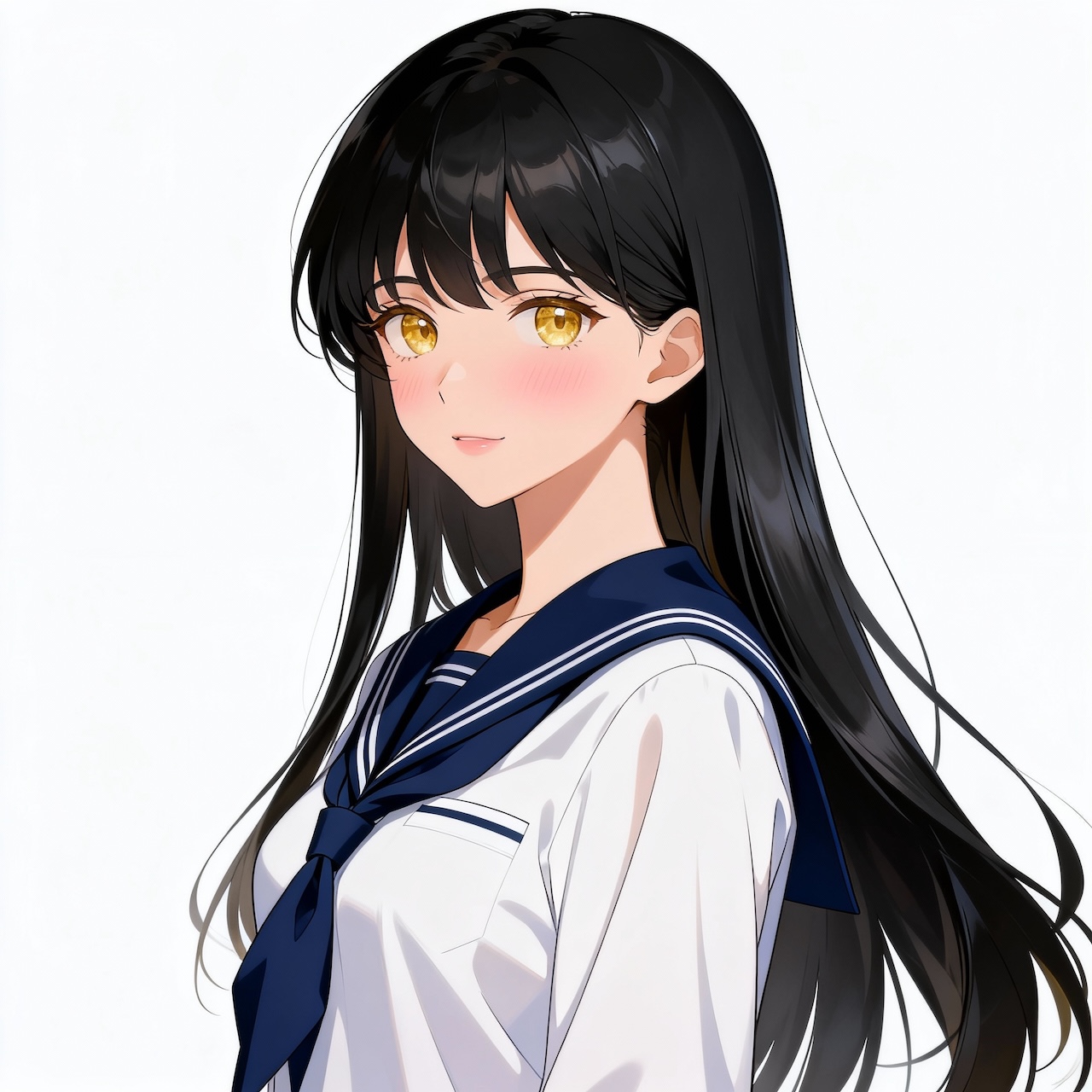
Wan 2.2 Animate stands out for maintaining strong character consistency throughout an animation. Unlike many models that cause facial drift or identity distortion, it preserves key facial features, hairstyle, and proportions from the original image while transferring motion. This allows creators to animate a single character across multiple scenes without losing visual identity, making it especially useful for storytelling workflows alongside tools like OCMaker AI.
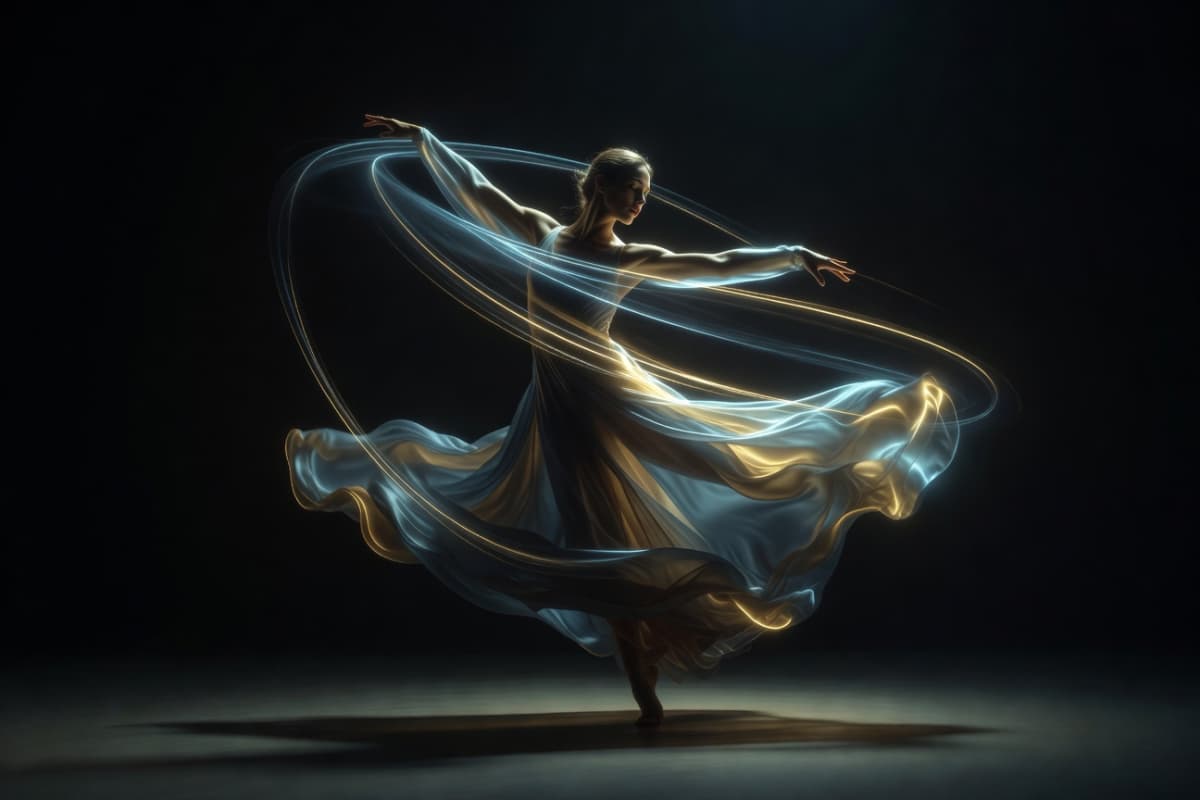
Smooth Motion Interpretation
Wan 2.2 Animate interprets motion data with exceptional smoothness, translating subtle body dynamics and timing from the reference footage into natural-looking animation. Even complex movements such as dancing, walking, or expressive gestures remain fluid rather than robotic. This motion stability complements modern creative pipelines where users often combine image to video generation with advanced AI animation.
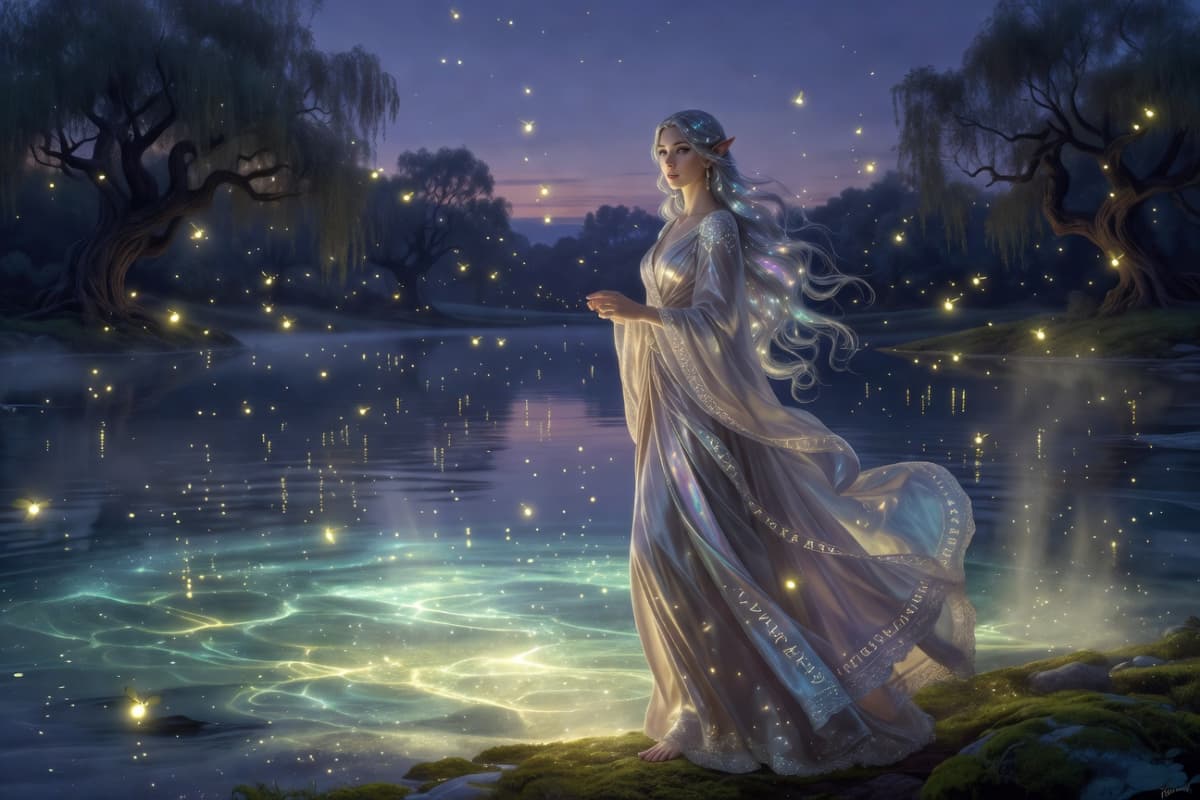
Adaptive Scene Integration
Another advantage is its ability to adapt animated characters to the lighting, perspective, and environment of the target scene. Instead of appearing like a pasted overlay, the generated character blends naturally into the background with consistent shadows and depth cues. This makes Wan 2.2 Animate particularly effective when integrated into broader AI video workflows that also include text to video generation.
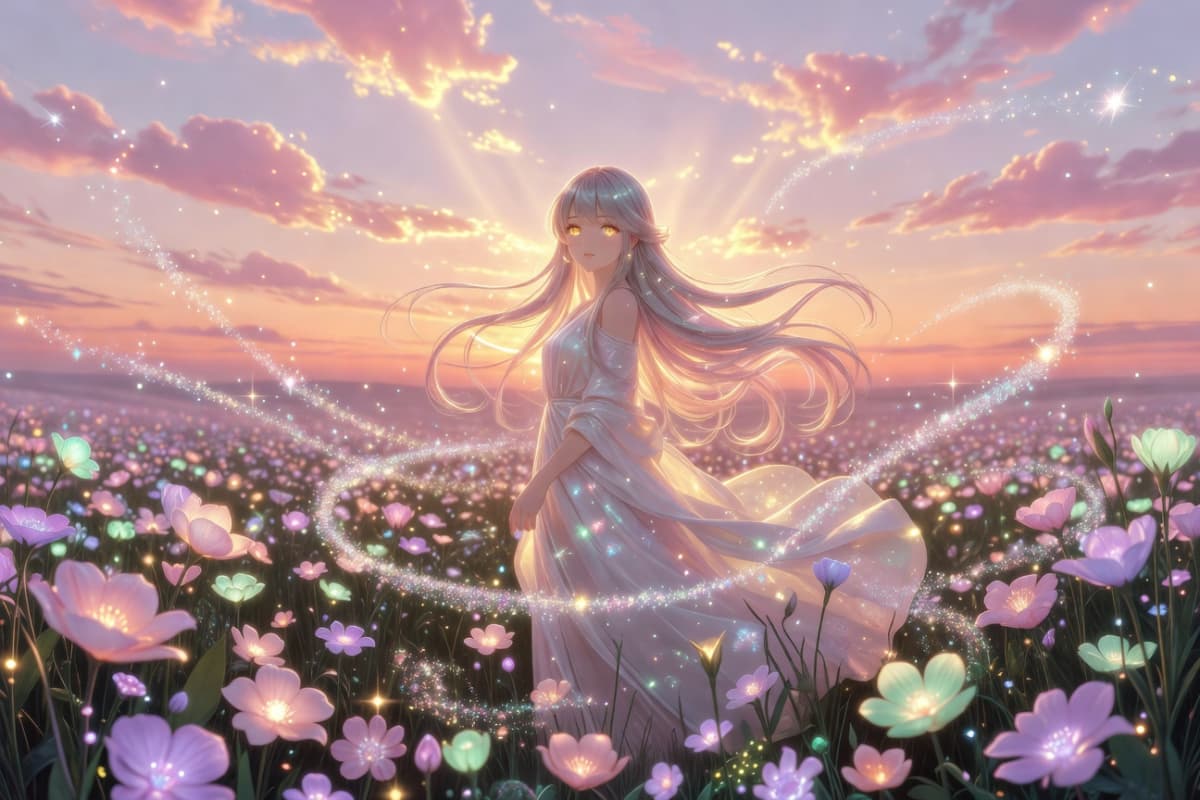
Fine-Grained Expression Capture
Wan 2.2 Animate also captures nuanced facial expressions and micro-movements that many animation models overlook. Eye direction, mouth movement, and subtle emotional cues are reflected in the generated animation, giving characters a more lifelike presence. This level of detail helps transform simple static images into expressive animated performances suitable for modern AI video creation.
Key Features of Wan 2.2 Animate
AI Motion Transfer Precision
Flexible Animation and Replacement Modes
Advanced Lighting Matching
Stable and Controlled Video Outputs
How to Use Wan 2.2 Animate for AI Character Animation
Upload a Character Image
Start by uploading a clear character image. It can be an anime drawing, a portrait photo, or a digital character. Choose an image where the face and body are visible, as this helps the AI track motion more accurately during animation.
Add a Motion Reference Video
Next, upload a short video that contains the movement you want. This can be a dance clip, a walking motion, or someone speaking. Wan 2.2 Animate analyzes the body posture, gestures, and timing from the video to create the motion blueprint.
Generate the Animation
Click generate and let the AI process motion transfer. Within a short time, your character will perform the same actions as the reference video. You can preview the result and download the finished animation for editing or sharing.
More Popular Models
Frequently Asked Questions About Wan 2.2 Animate
Experience Wan 2.2 Animate
Explore diverse character animations with cutting-edge AI technology. Try now and transform your creative process.