
Pricing
Log In
Prompt
Attach MediaLibrary
Pick Character
1 / 4
💎 4 tokens
Demo Preview
Nano Banana
Nano Banana AI Image Generator
Explore Nano Banana as a first-generation AI image editing model for prompt-led experiments, baseline creator workflows, and Gemini-family image context.

Why Nano Banana Still Matters
First-Generation Context
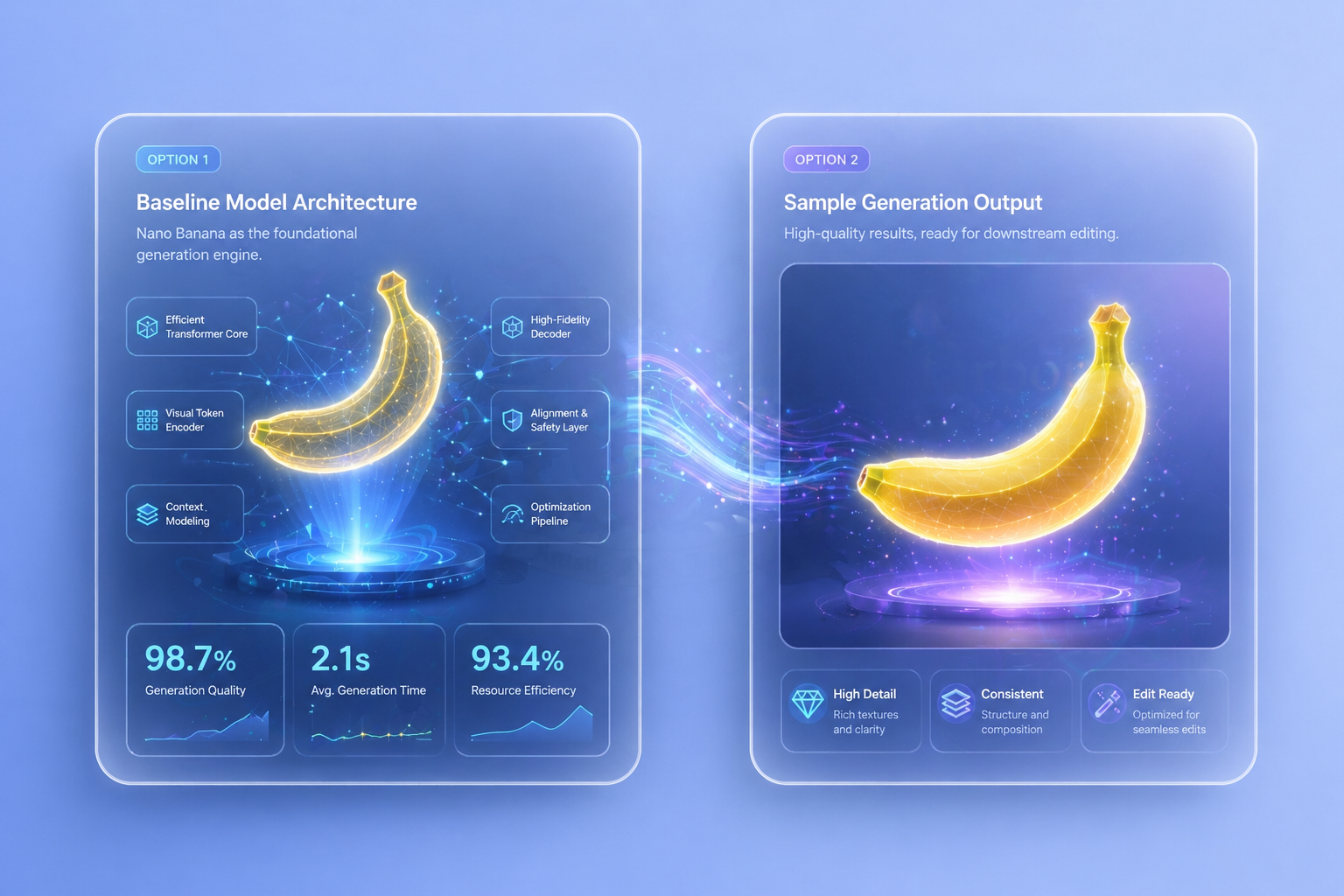
Nano Banana matters because it gives users a clear baseline for understanding the earlier stage of this image model family. A first-generation label should not mean obsolete by default. It should mean the page explains what the original model does, where it still helps, and how later upgrades change the workflow.
Prompt and Edit Fit
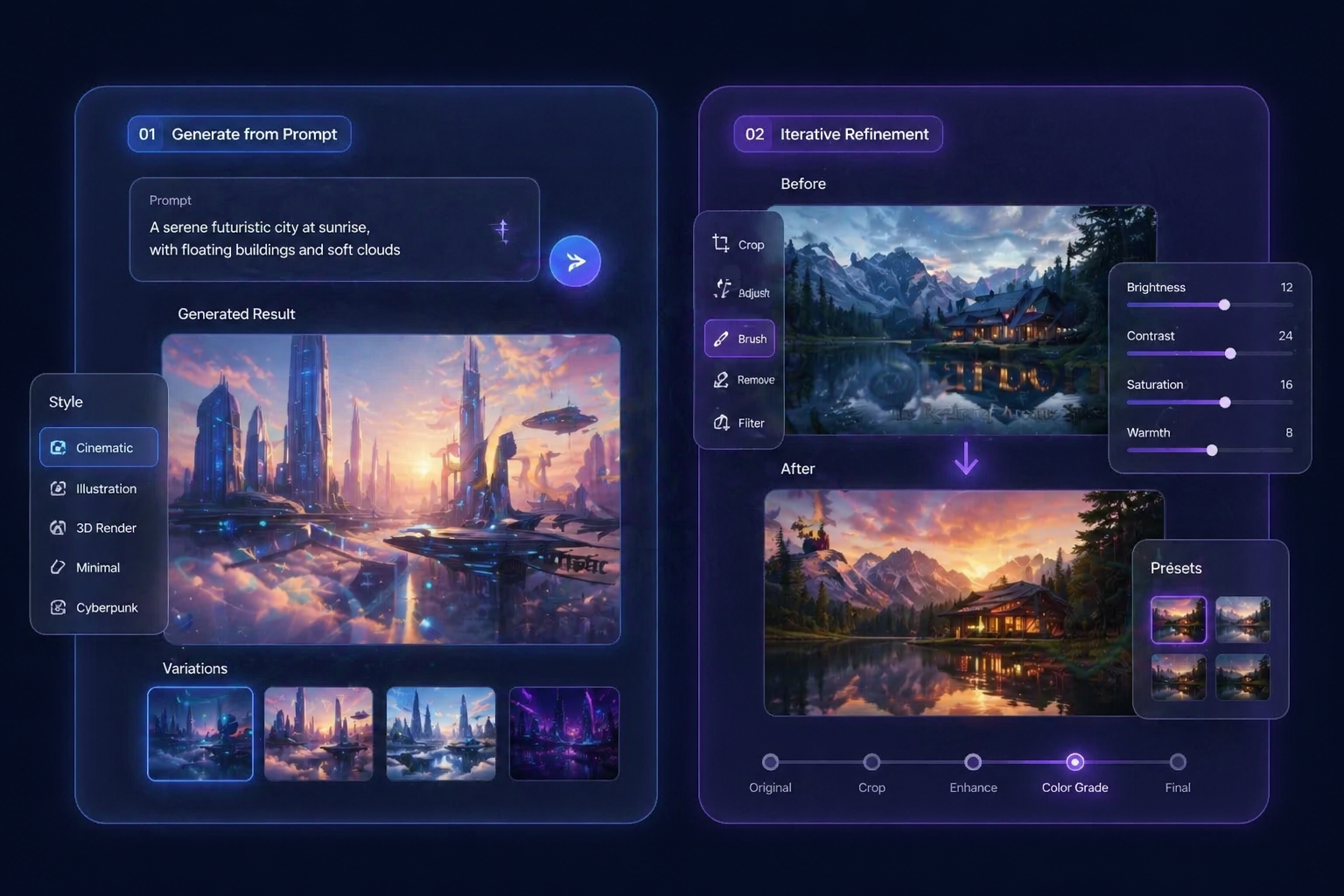
Nano Banana is easier to evaluate when the page separates prompt-led generation from editing-oriented use. That distinction helps visitors understand whether the model behaves more like a simple image idea engine, a guided editing layer, or an early mix of both.
Draft-Stage Value
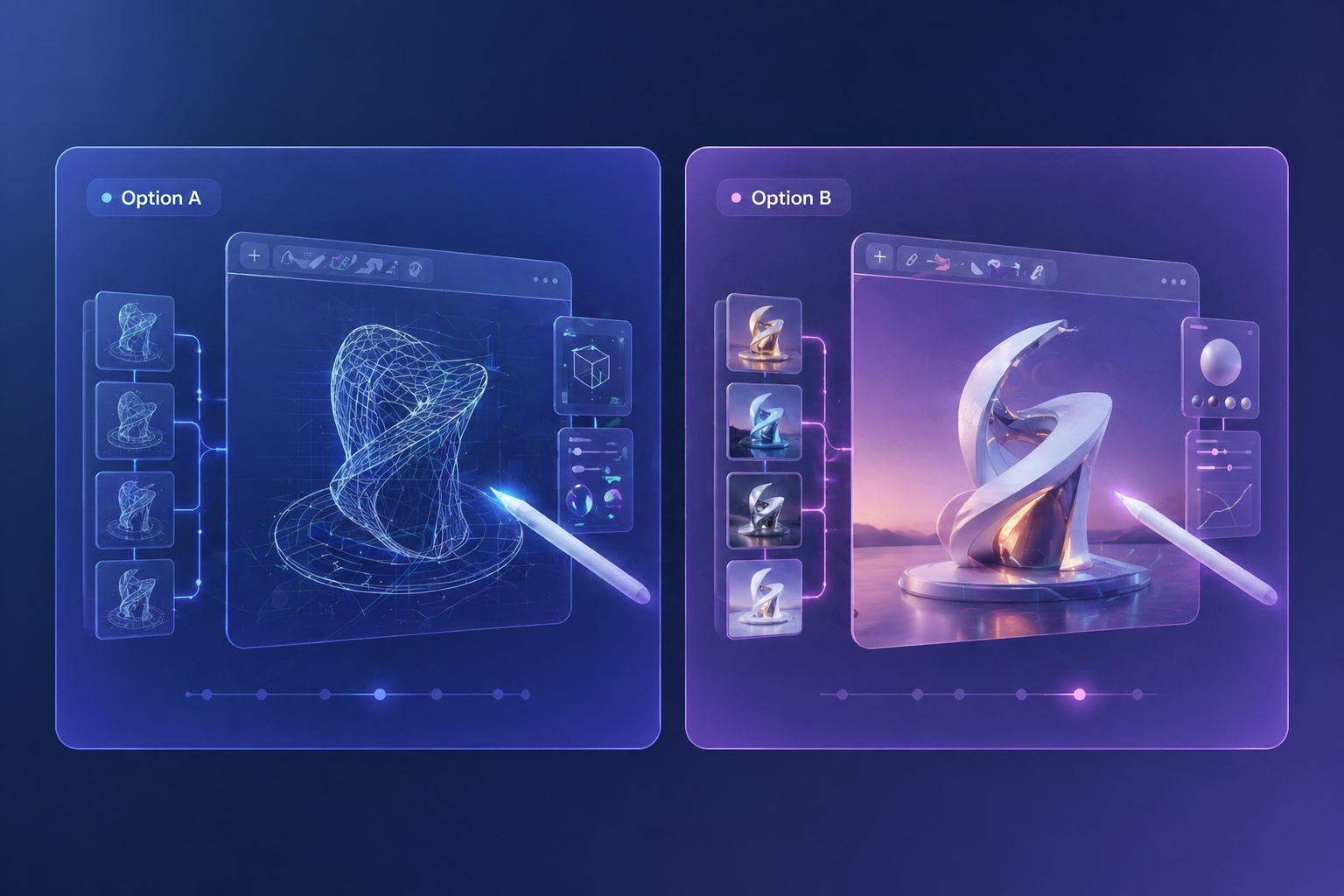
Nano Banana is more credible when framed through early visual iteration instead of final-output hype. It can still be useful for scene exploration, rough prompt testing, and family-level comparison when the real goal is to understand direction before committing to a stronger follow-on model.
Family Entry Point
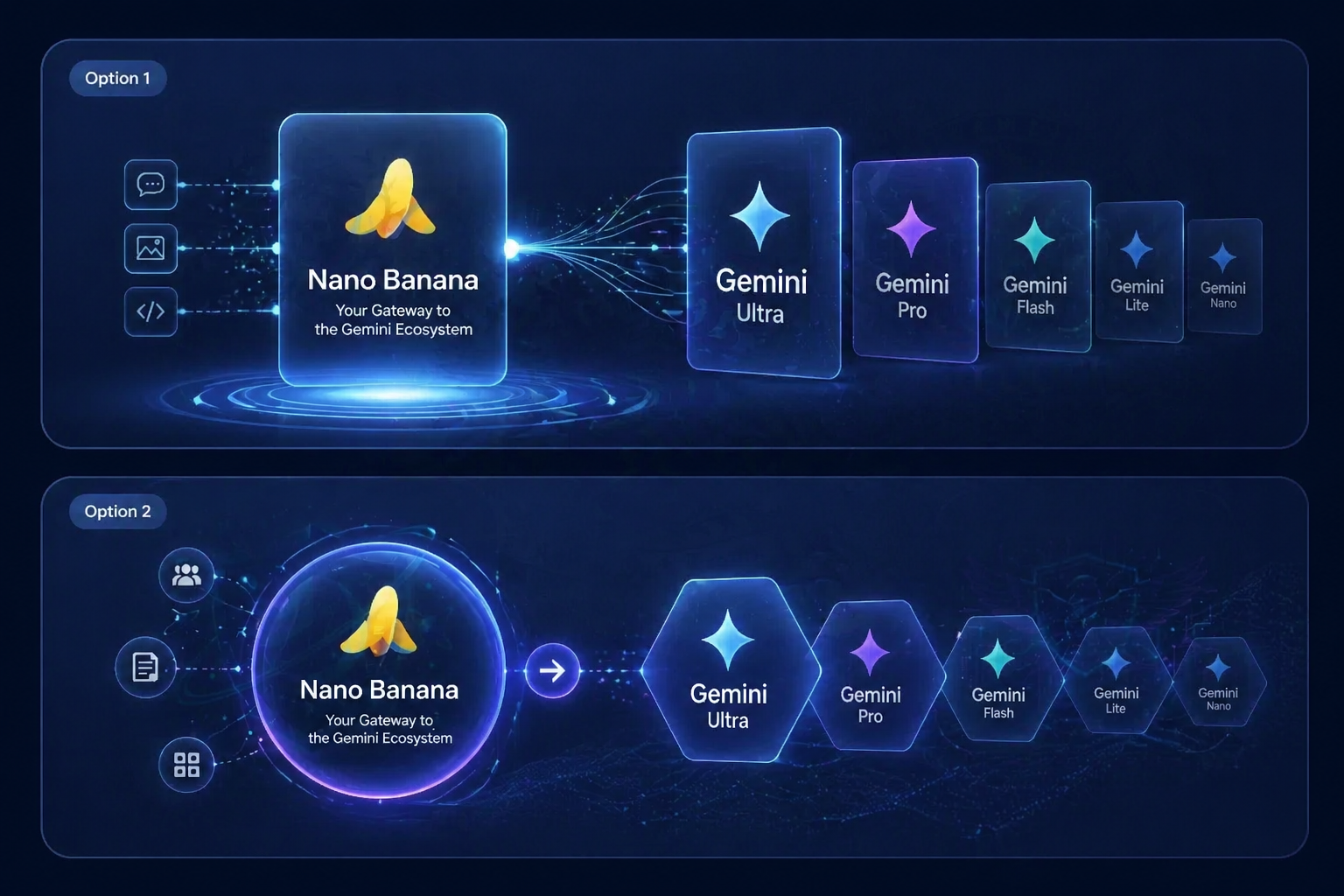
The original model page should teach visitors how to think about the broader Gemini image workflow family. That includes what the baseline version is good for, where it stops being enough, and why some users eventually move up to a newer family member with richer control or consistency.
Use Cases
Best Nano Banana Use Cases
Nano Banana is strongest when treated as a baseline model for early visual tests and family-level workflow understanding.
Edit Experiments
Use the model to understand early editing behavior and baseline visual response.
Concept Drafts
Generate first-pass ideas for scenes, subjects, or style direction.
Family Comparisons
Learn where the original model sits before jumping to newer versions.
How to Use Nano Banana
Three practical steps
01
Start with a test
Choose a simple prompt or editing task that reveals how the original model handles image direction without adding too many variables at once.
02
Observe the behavior
Pay attention to whether the output feels more useful for generation, guided editing, or early concepting instead of forcing the model into every possible image job.
03
Decide on the next step
Use the result to judge whether Nano Banana is enough for the task or whether a newer family member would be better for stronger consistency or control.
Who Should Start with Nano Banana
- Curious first-time testers: The baseline page is useful for users who want family context before chasing the newest model.
- Draft-stage creators: It works better for rough direction and early concept learning than for high-pressure final output promises.
- Family-level comparers: This page helps users understand when a baseline model is enough and when an upgrade makes sense.
Curious first-time testers
Nano Banana fits people who are still learning how the image workflow family behaves and want a simpler starting point before moving to more demanding model pages.
Draft-stage creators
If the task is still exploratory, Nano Banana can create value as a baseline idea engine even when a newer family member may later take over the heavier work.
Family-level comparers
Visitors comparing the family often need context before they need a stronger model, and the original page can provide that map if it is written honestly.
Frequently Asked Questions