
Pricing
Log In
Prompt
Attach MediaLibrary
Pick Character
1 / 4
💎 2 tokens
AI Image Generator
Create visuals from prompts or reference images with OCMaker AI. Use this AI image generator online for marketing concepts, product mockups, branded drafts, and fast creative prompt iteration.
What an AI Image Generator Helps You Do
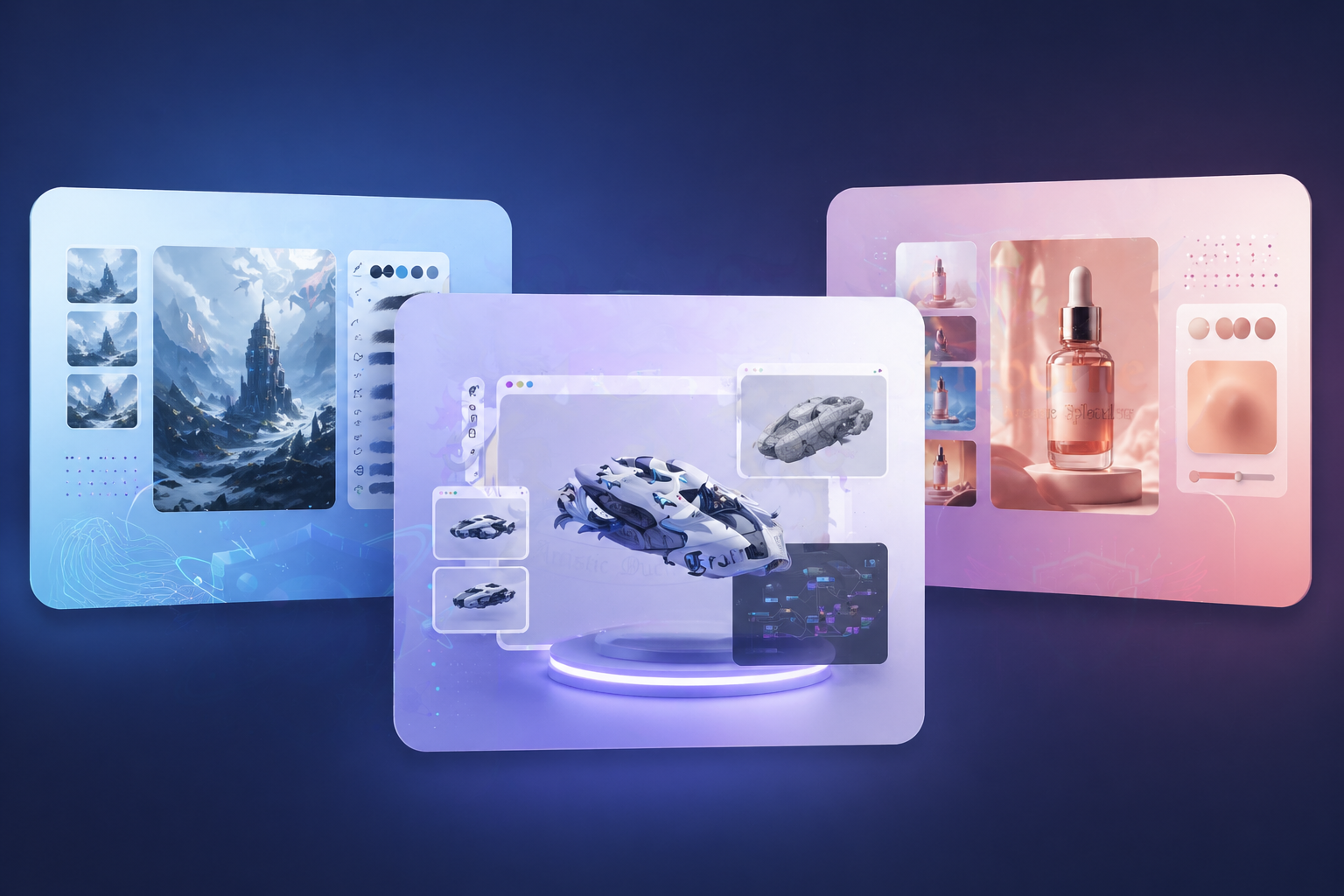
Faster Concept Drafts
An AI Image Generator is most useful when you need several visual directions before picking one. Marketing teams, product teams, and creators can generate candidate scenes, layouts, and campaign directions fast enough to make early review sessions more useful instead of waiting on full manual design passes.
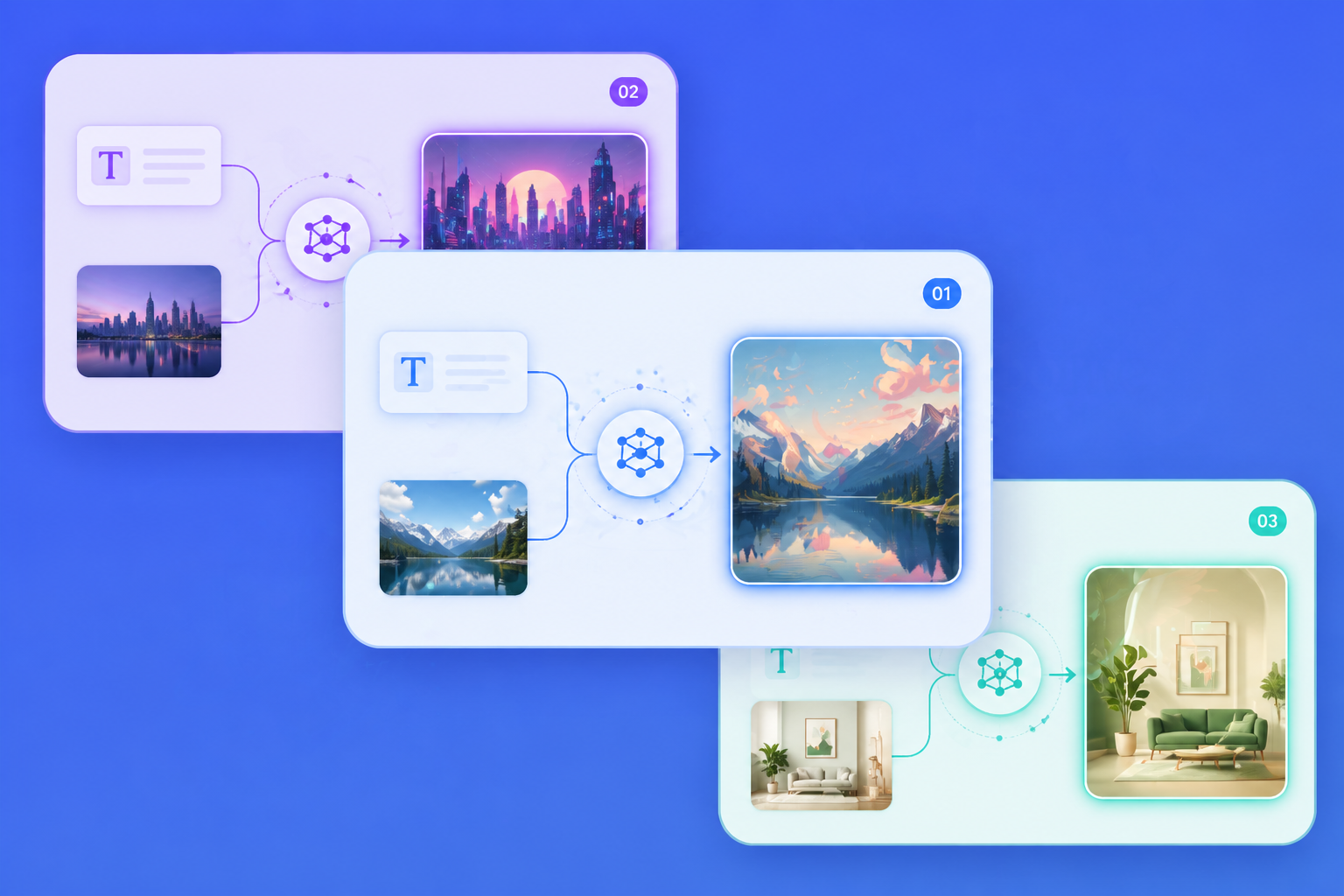
Text or Image Starts
Some jobs begin with a prompt, others begin with a sketch, product photo, or near-miss asset that needs revision. The category is moving toward text-plus-image workflows because reference image editing gives more control than restarting from zero every time.
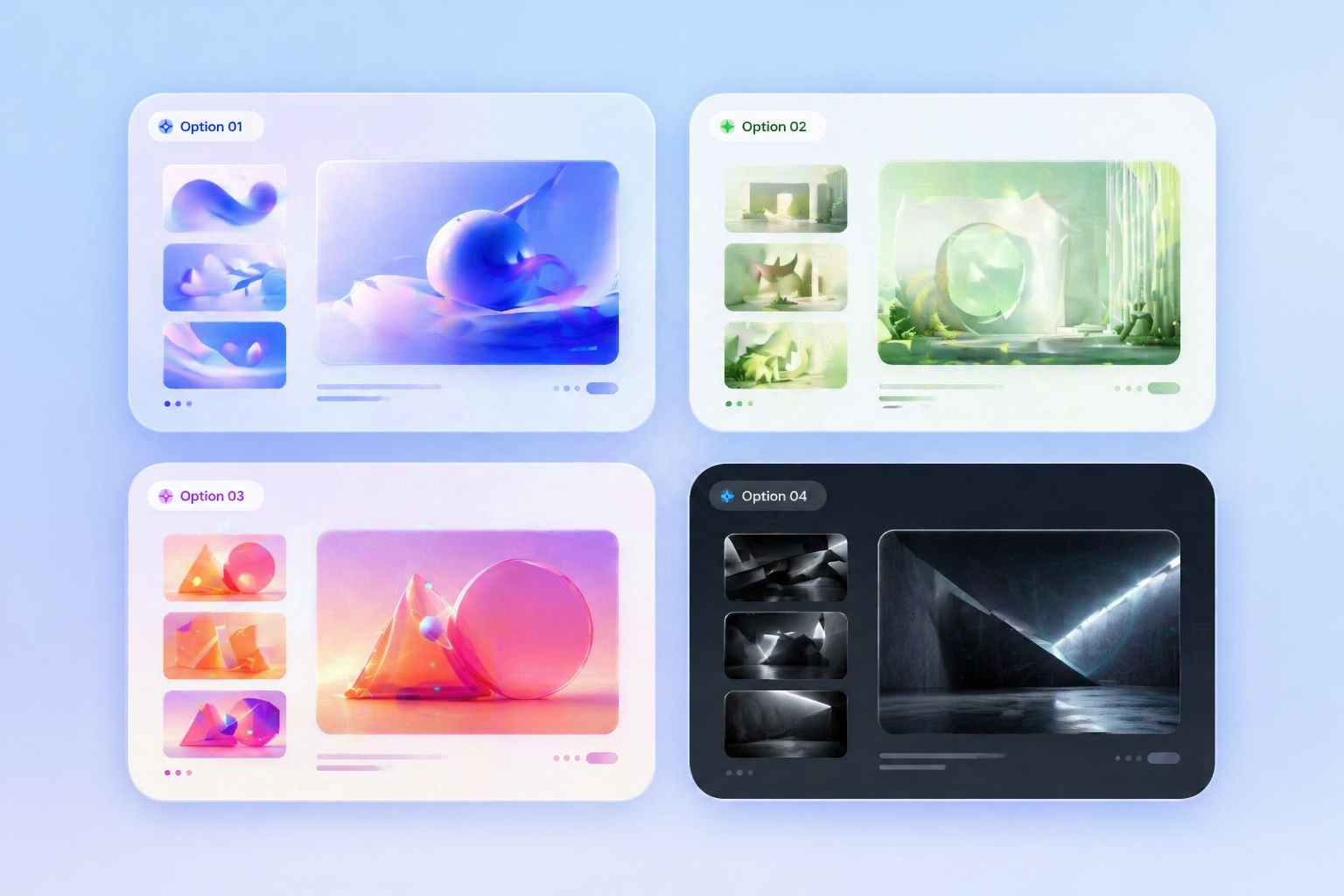
Better Tool Evaluation
The best AI image generator is not just the one with dramatic output samples. It should follow instructions, support revision, and stay useful across repeated creative prompt iteration. That matters more for team workflows than vague quality claims.
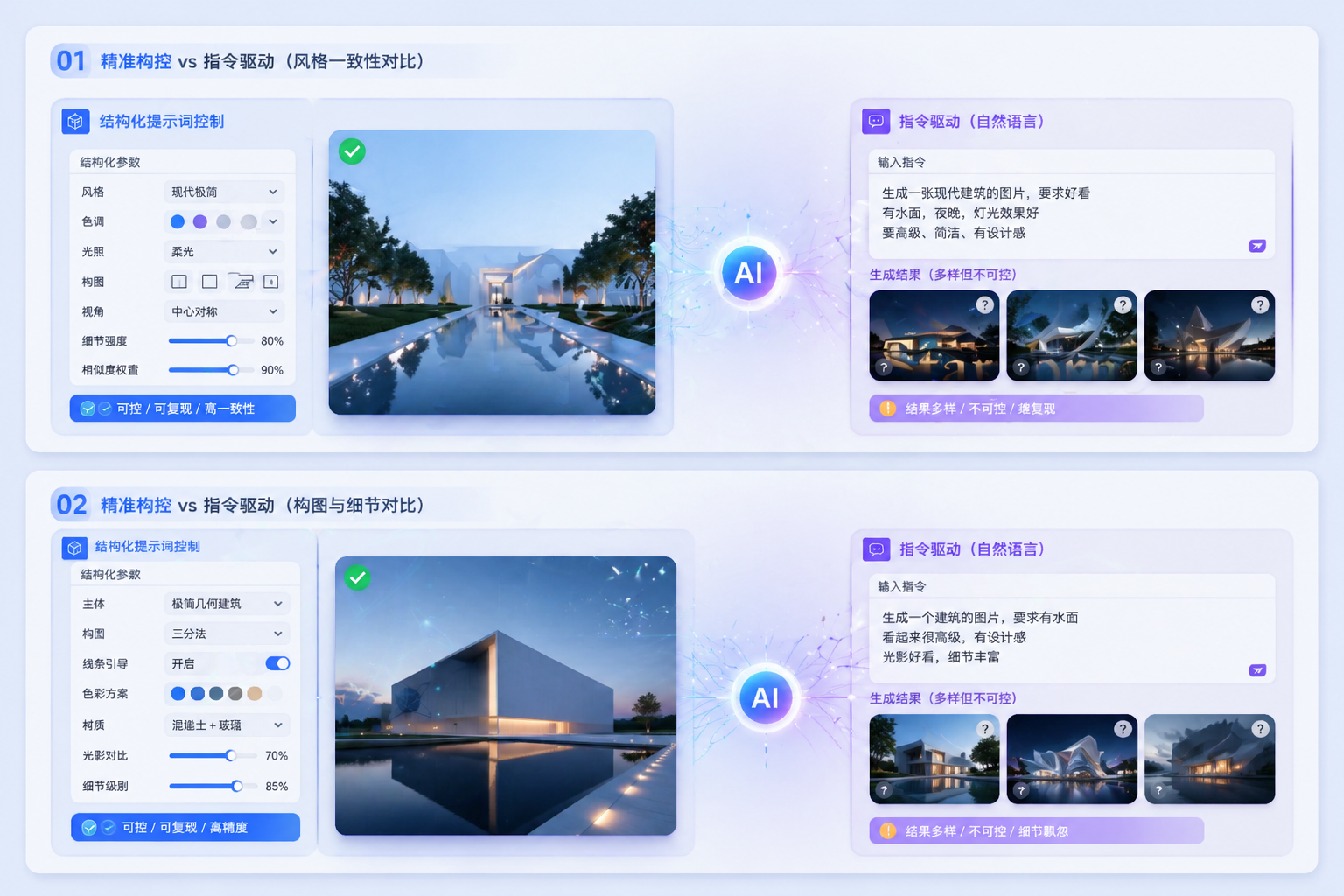
Mockup-Ready Exploration
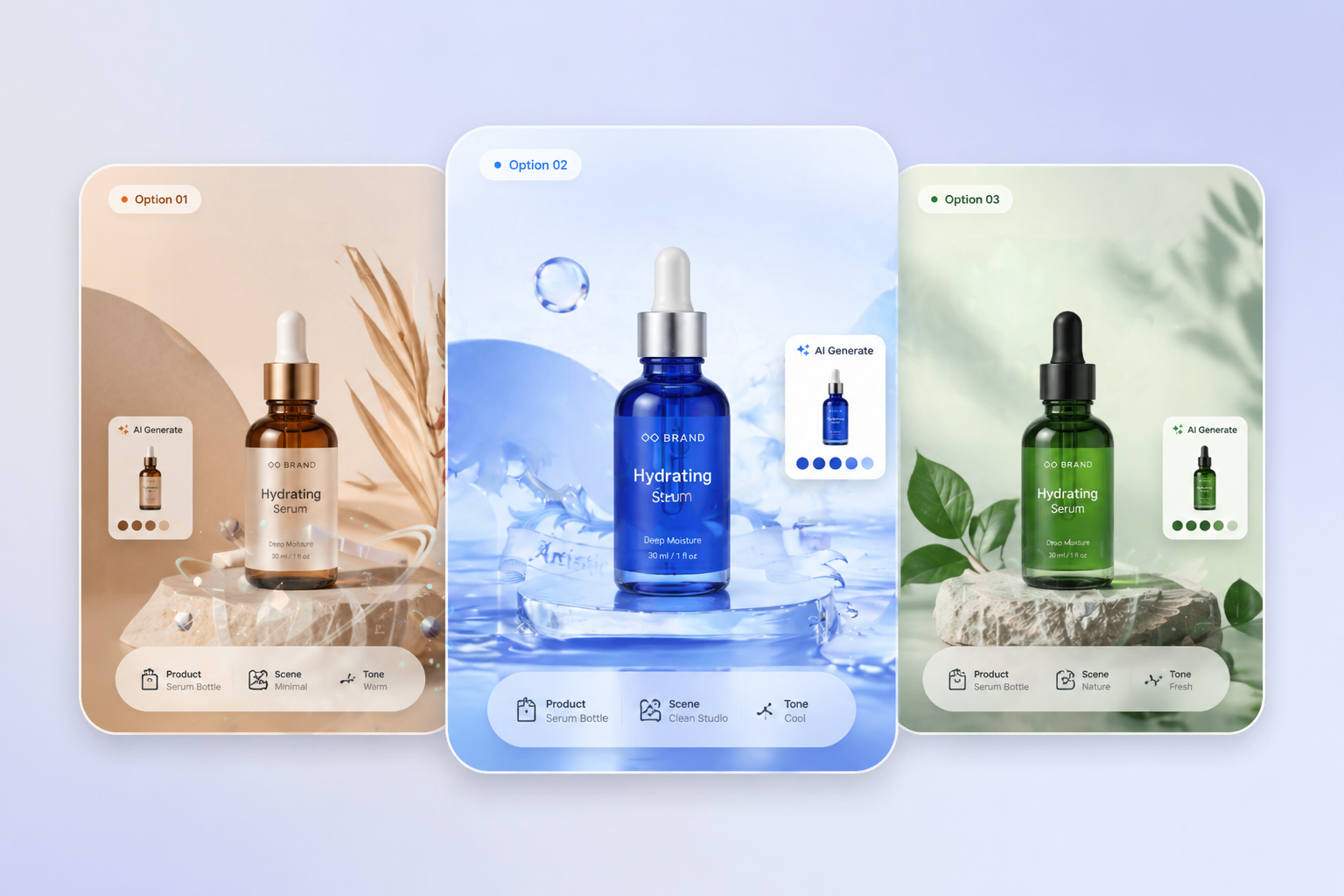
Product mockups, branded visuals, and landing-page concepts benefit from fast variation testing. Teams can compare packaging moods, scene directions, and composition routes long before they decide which asset deserves final production work.
Use Cases
Best AI Image Generator Use Cases
AI image generation is strongest when a team needs rapid visual options before committing to final production work.
Product Mockups
Test packaging scenes, hero layouts, and brand styling before final polish.
Social Assets
Create quick content directions for launch posts, promos, and visual hooks.
Concept Art
Explore subjects, scenes, and atmosphere before investing in manual refinement.
How to Use an AI Image Generator
Three practical steps
01
Define the goal
Start with the job itself, like a campaign visual, product mockup, or concept scene, so the model has a clear creative target.
02
Choose the input
Use a prompt when you need exploration, or upload a reference image when you need controlled revision instead of a blank restart.
03
Refine the result
Compare multiple outputs, adjust layout or subject details, and keep iterating until the draft is strong enough for design review.
What Makes an AI Image Generator Useful
- Instruction following matters: A controllable tool is more useful than a flashy demo if the team needs repeatable outputs.
- Revision support changes everything: Image-guided editing often matters more than raw first-pass novelty in commercial workflows.
- Consistency beats hype: Repeated team workflows need enough visual logic to survive several iterations and reviews.
Instruction following matters
When prompts describe layout, subject relationships, and intended use clearly, the real test is whether the generator can hold onto those instructions without wandering into random visual noise.
Revision support changes everything
Once a team already has a sketch, product photo, or near-miss draft, reference image editing becomes more valuable than restarting from a blank prompt.
Consistency beats hype
Campaign systems, branded decks, and product storytelling become easier when the generator can keep outputs related enough to compare and refine, even if final polish still needs human review.
Explore Related AI Image Models
Frequently Asked Questions