
Pricing
Log In
Prompt
Attach MediaLibrary
Pick Character
1 / 4
💎 4 tokens
Demo Preview
Nano Banana 2
Nano Banana 2 Image Generation
Nano Banana 2 helps teams generate and revise images quickly while keeping better prompt control, subject consistency, and format flexibility from Gemini app testing to API-driven production.
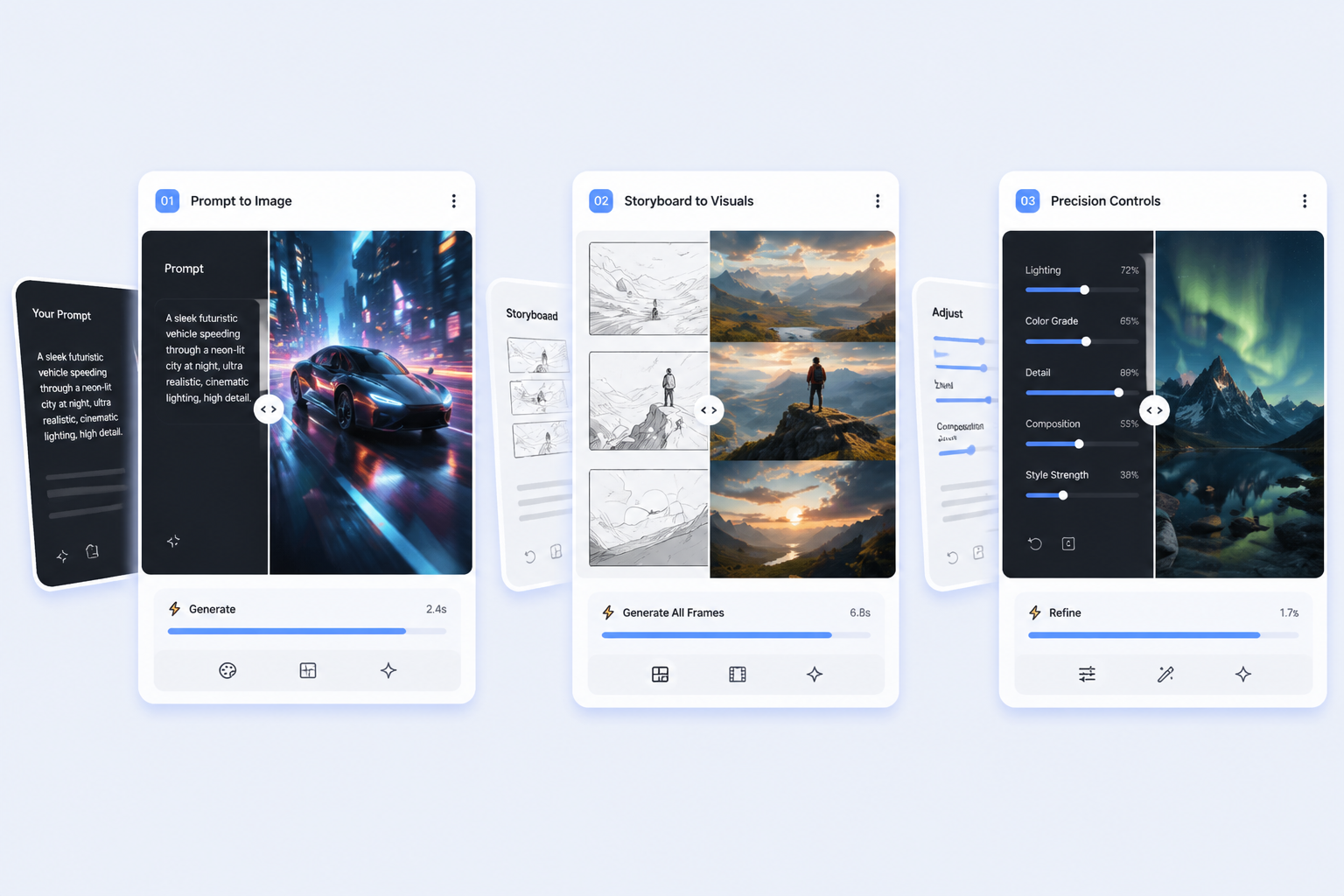
Where Nano Banana 2 Changes the Workflow
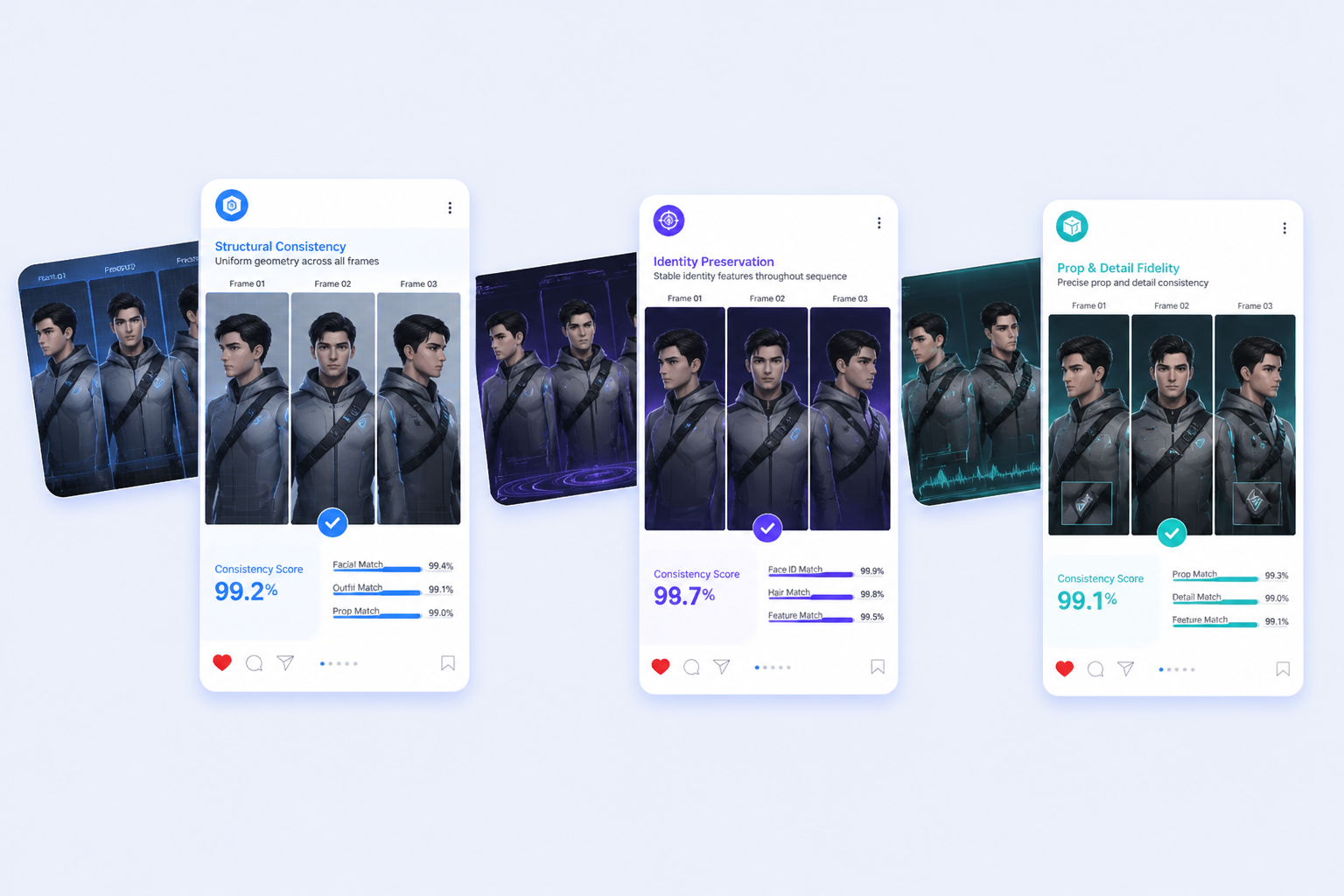
Story Consistency
Nano Banana 2 can hold up to five recurring characters and as many as 14 objects together more reliably, which makes storyboard sequences, mascot campaigns, and repeat-scene concepts far easier to iterate without visual drift.
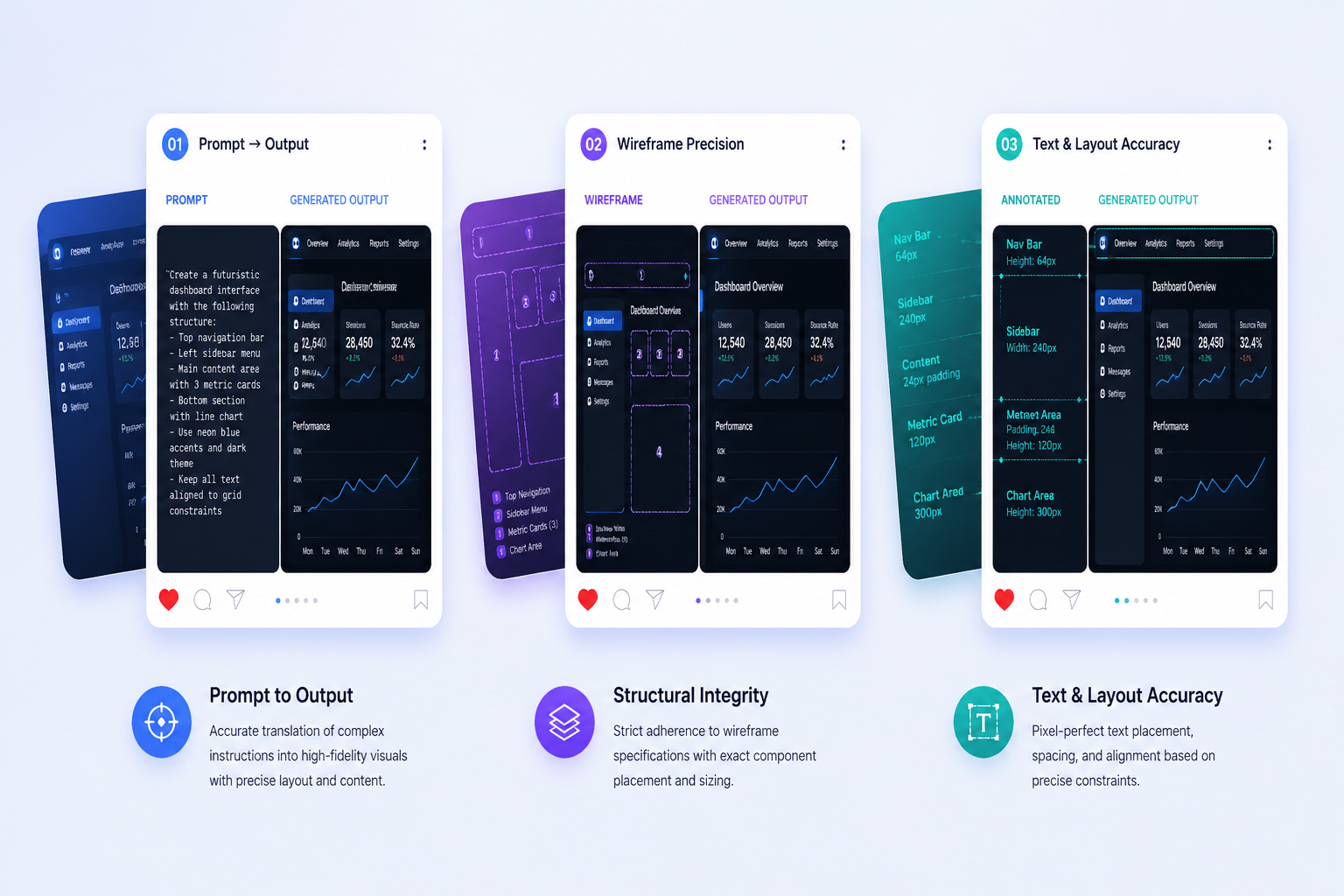
Prompt Precision
Google is pushing stricter instruction following and configurable thinking so complex image briefs behave more like guided edits. That matters when layout, text, composition, and output format all need to survive the revision loop together.
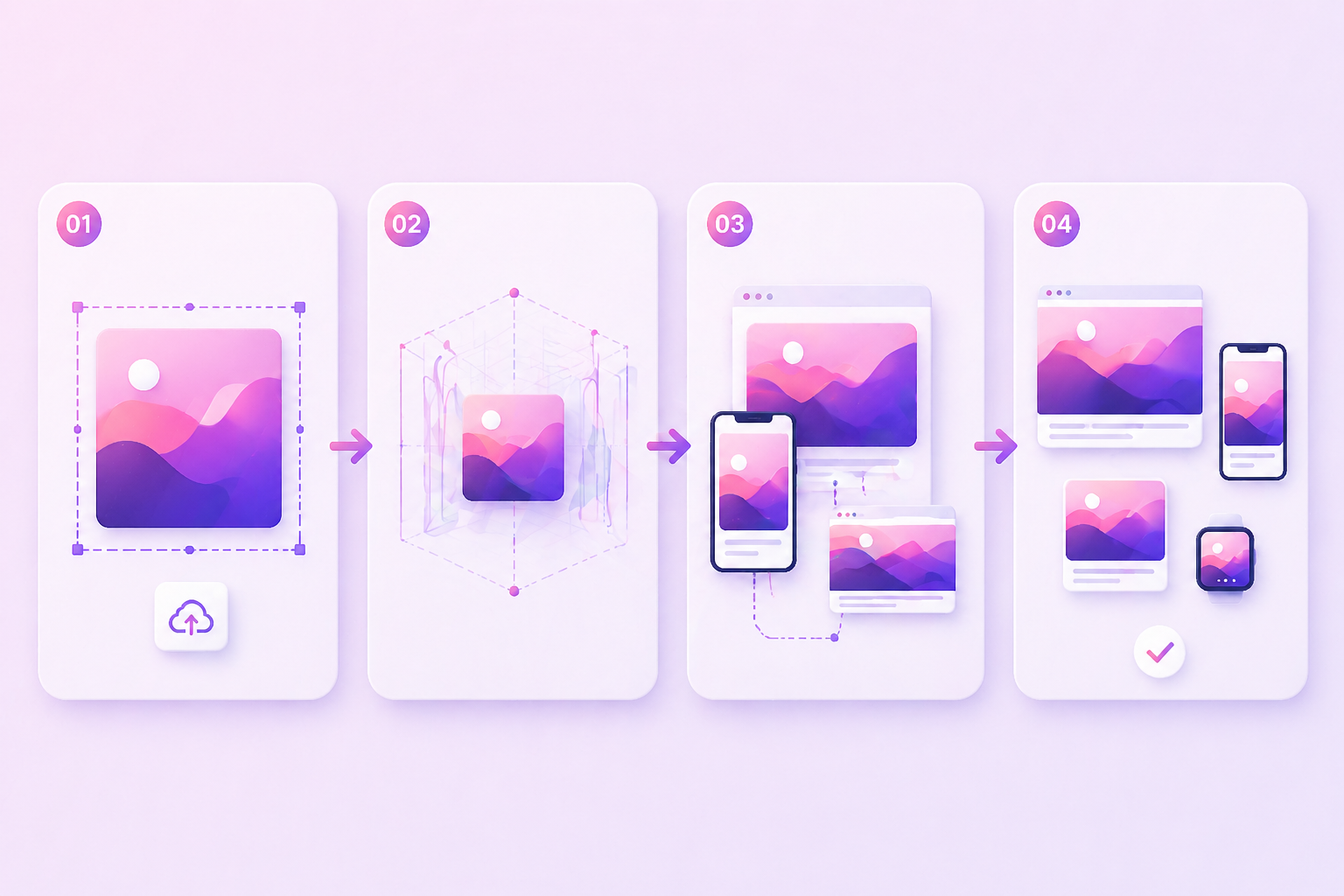
Format Flexibility
Support for 512px through 4K outputs plus broader native aspect ratios makes one concept easier to adapt into social crops, banner-like layouts, deck visuals, and larger campaign assets without rebuilding everything from scratch.
Grounded Production
Search grounding, localization, and provenance make Nano Banana 2 more usable for commercial teams. The model is not just fast, it is better aligned with review, translation, and approval-heavy image workflows.

Practical workflow fit
Why Teams Keep Reaching for Nano Banana 2
Useful At Draft Speed
Fast output matters because the model keeps more of your prompt structure intact while you revise.
Better For Repeated Scenes
Recurring characters, props, and layouts hold together better than in one-off-only image workflows.
Stronger Text Tasks
Google emphasizes cleaner text rendering and in-image localization for ads, graphics, and explainers.
Flexible Access Points
You can start in Gemini app, then move the same use case into AI Studio, API, or Vertex AI.
Plan Limits Are Real
AI Mode quotas affect how casually or heavily you can rely on the tool each day.
Still Honest About Tradeoffs
Nano Banana Pro remains the safer pick for slower, higher-stakes image work where mistakes cost more.
How to Get Better Nano Banana 2 Results
A simple 3-step workflow
01
Start With Hard Constraints
Define composition, readable text, subject relationships, and output size before you add style language.
02
Test Variants Fast
Use the speed advantage to compare close prompt versions instead of chasing one perfect first render.
03
Review The Fine Details
Check small objects, text edges, and crowded scenes before treating the image as ready for external use.
What people usually want to know about Nano Banana 2
Frequently Asked Questions
Ready to test Nano Banana 2 in a real workflow?
Start ExploringFast does not mean hands-off
Nano Banana 2 is strongest when you need speed with decent control, but small details, brand-sensitive imagery, and crowded edits still deserve a human pass or a slower Pro workflow.