
Pricing
Log In
AI Generator
anime image to video: Create Animate Anime Art
Use anime image to video to animate still artwork with character motion, camera movement, atmosphere, and short-clip direction.
Anime Image to Video
Upload anime artwork and turn it into a short motion clip with character movement, camera direction, atmospheric effects, and framing that supports social edits, story teasers, and OC reveals.
Animate Anime Art With Purposeful Motion
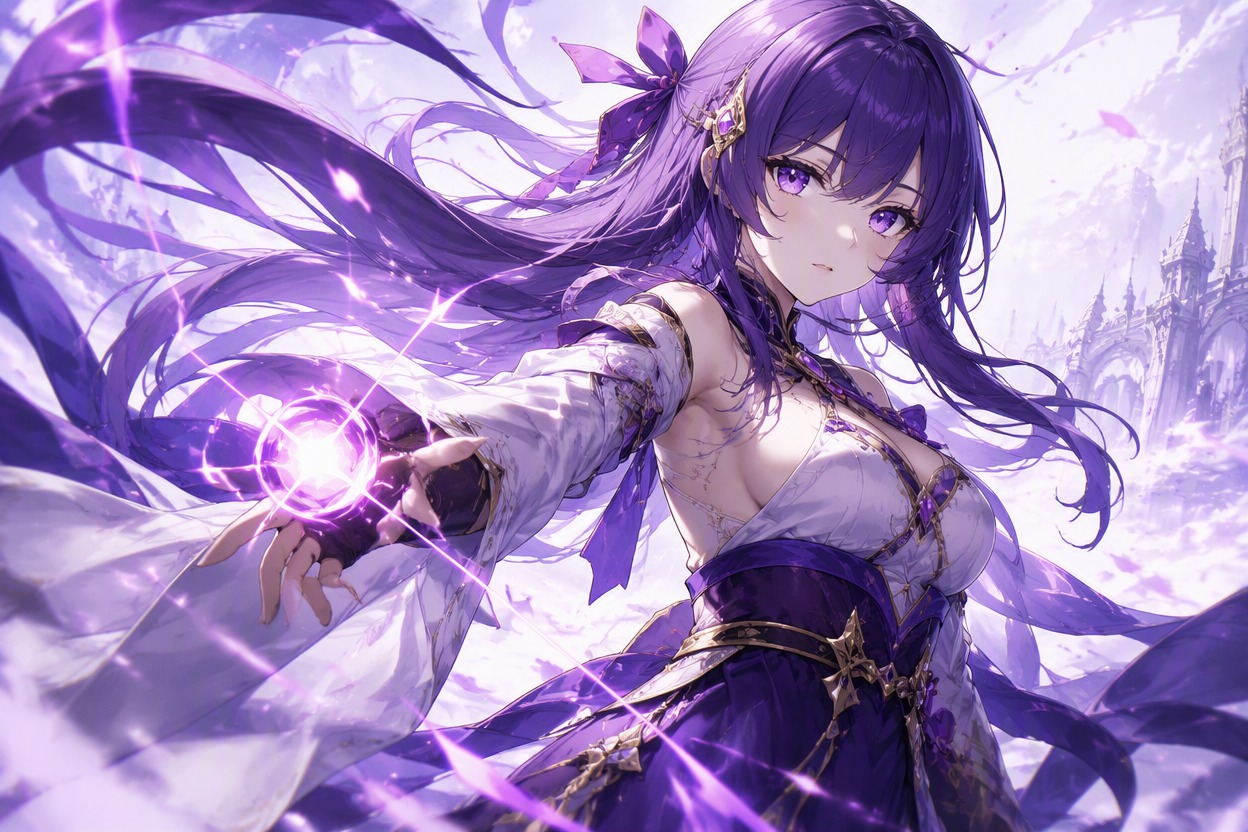
Bring Characters to Life
Animate a still character with restrained actions such as blinking, breathing, turning, hair movement, or a hand gesture. This works best when the source pose is clear and the requested motion follows the body angle, giving your OC maker artwork a natural next step without rebuilding the scene.
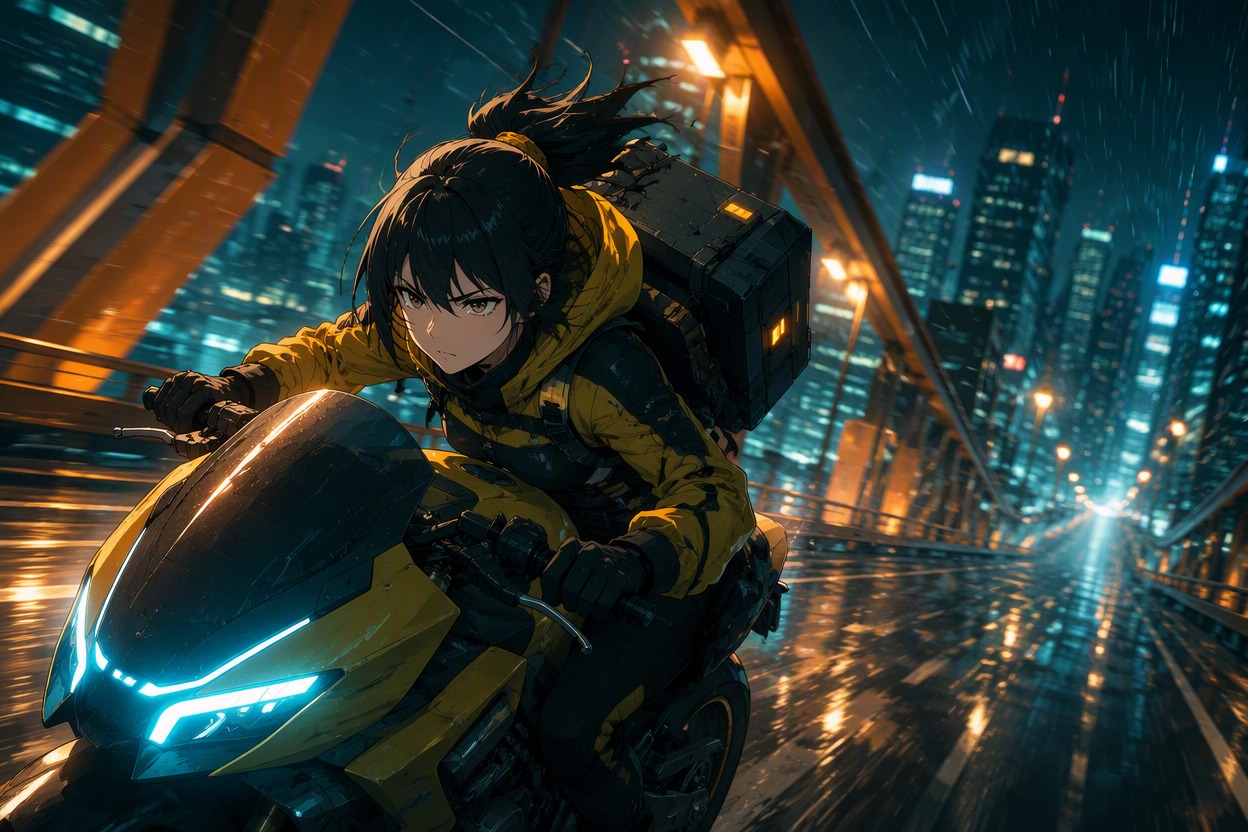
Direct the Camera Move
Turn a static composition into a shot by defining a slow push-in, side track, orbit, tilt, or pull-back with image to video. The strongest fit is artwork with a clear focal subject and enough space around it; crowded images leave less room for convincing depth and can make the camera movement feel unstable.
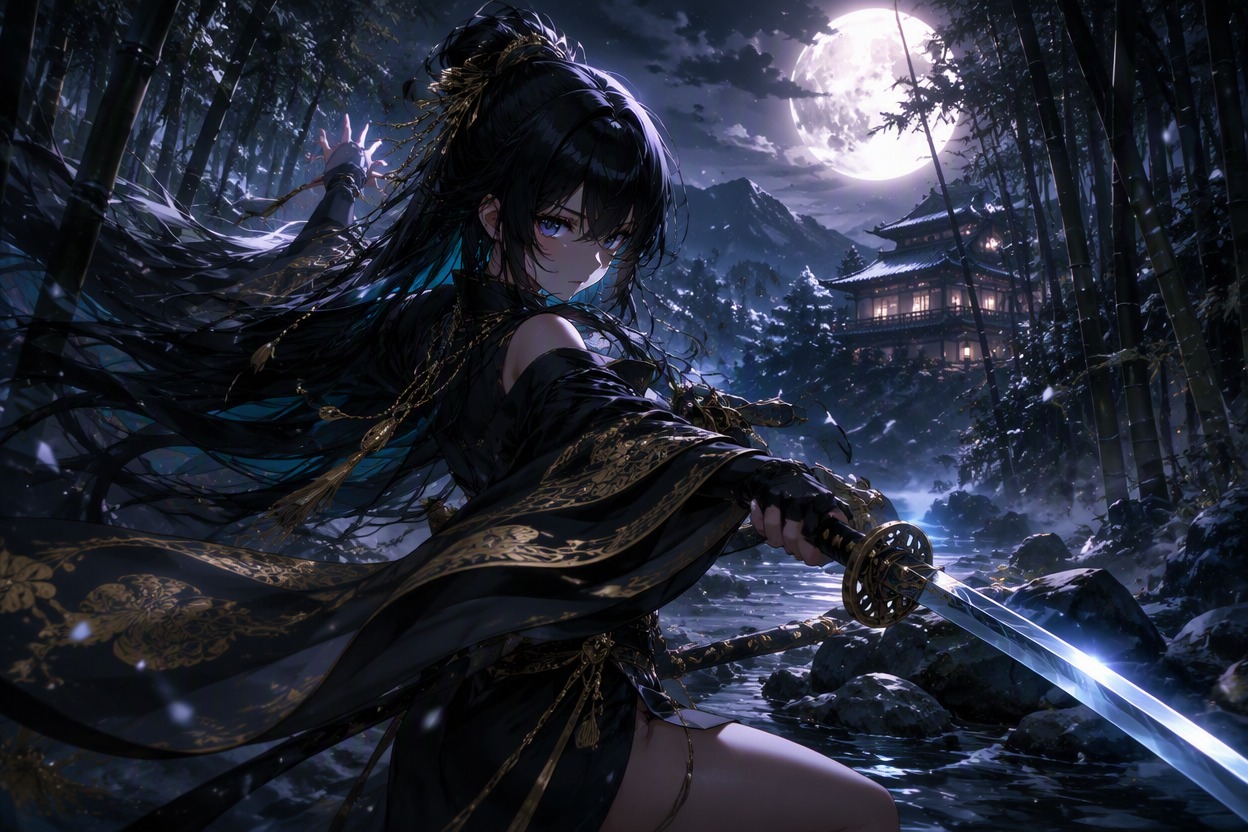
Add Scene Atmosphere
Layer wind, rain, glowing particles, drifting petals, smoke, or moving light into the background while the main character remains readable. The best AI image to video anime generator workflow separates subject motion from environmental motion, making weak or excessive movement easier to spot before reuse.
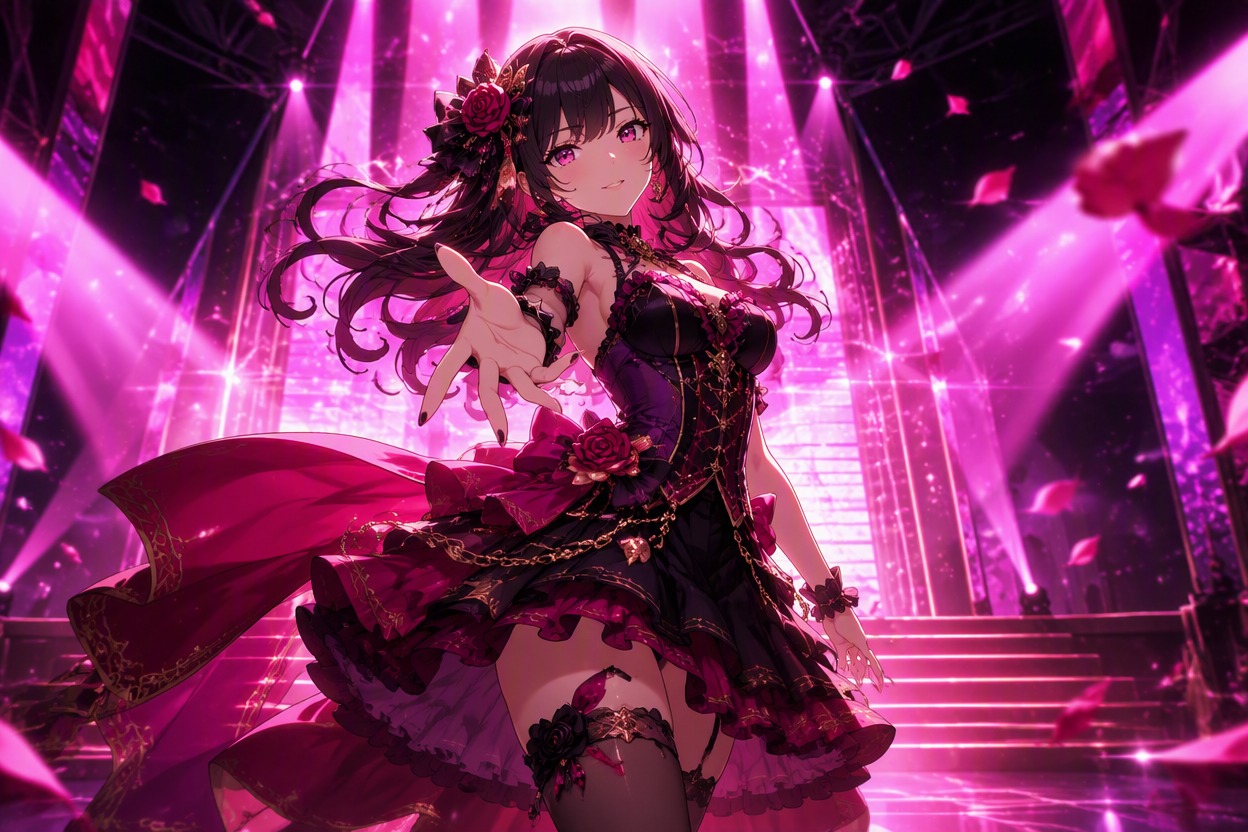
Build Short Story Beats
Create compact motion drafts for character reveals, reaction shots, fantasy entrances, social loops, and scene transitions. Use an AI anime generator when you need a new source frame, then animate one clear beat at a time so the result stays useful for editing and sequencing.
How to Animate an Anime Image
Move from a clear still frame to a focused short clip
01
Upload a Clear Image
Choose artwork with a readable subject, clean silhouette, and enough space for the camera or background to move without crowding the frame.
02
Describe One Motion Beat
Specify the character action, camera move, atmosphere, and pace. Keep the request focused on one short moment rather than a full scene sequence.
03
Preview and Refine Motion
Check the face, hands, outfit edges, movement direction, and final framing. Regenerate with simpler motion when the clip bends details or feels unstable.
Anime Images Ready for Motion
See how different still-image compositions can become focused anime motion concepts, from expressive portraits to action frames and atmospheric scenes.
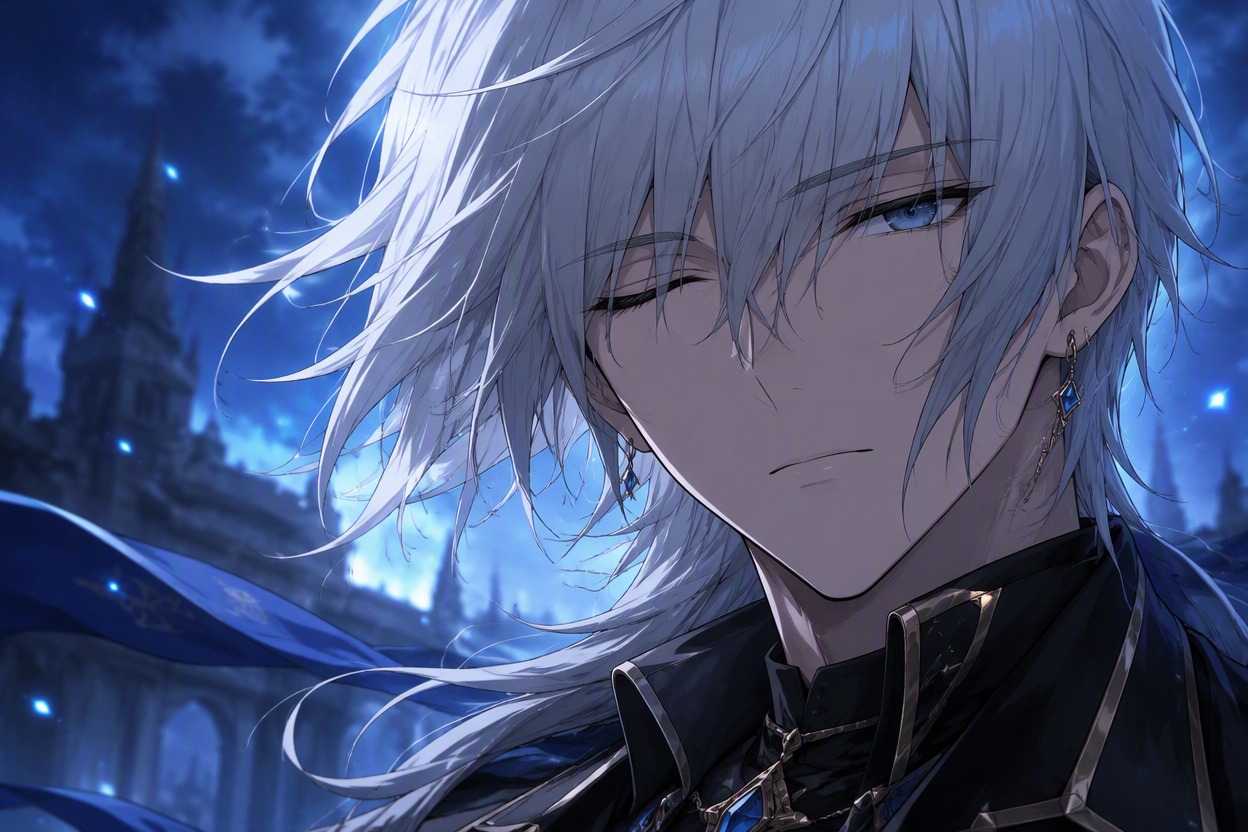
Portrait Camera Push
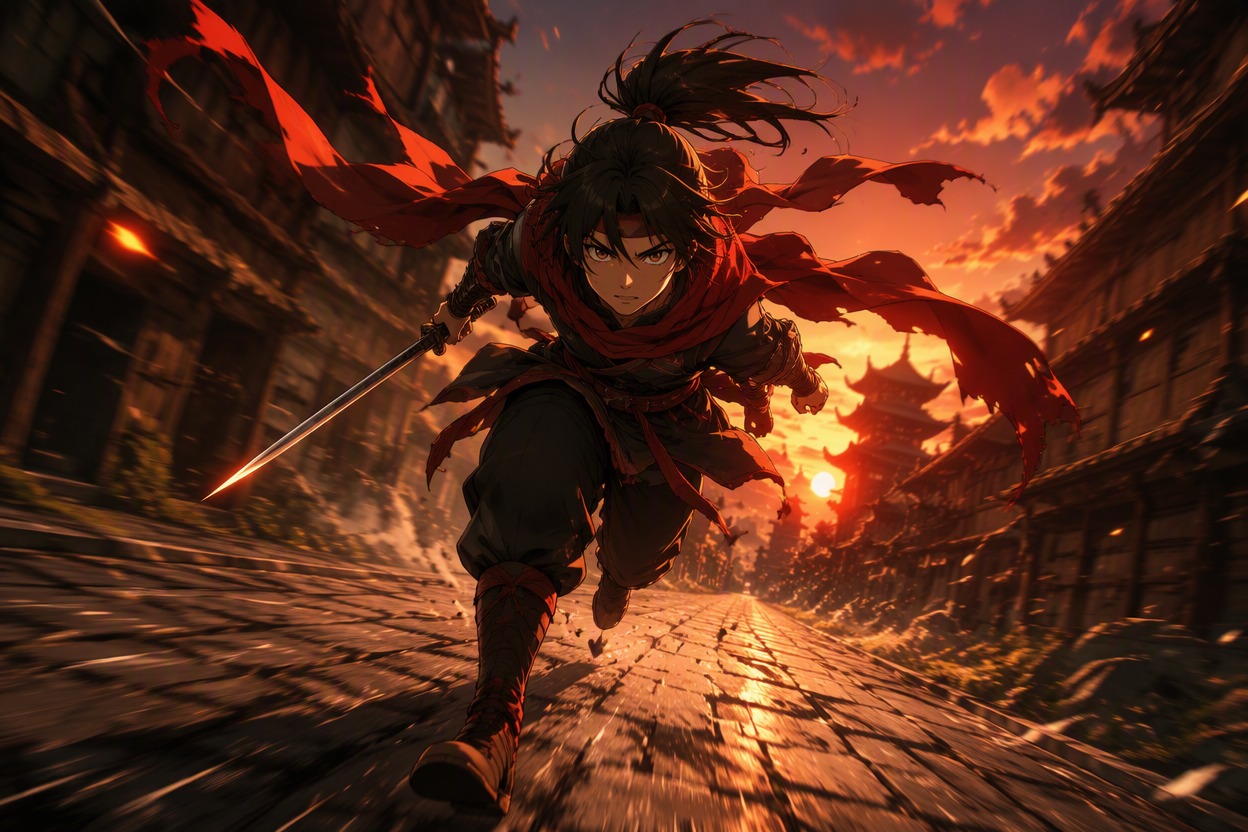
Dynamic Action Frame
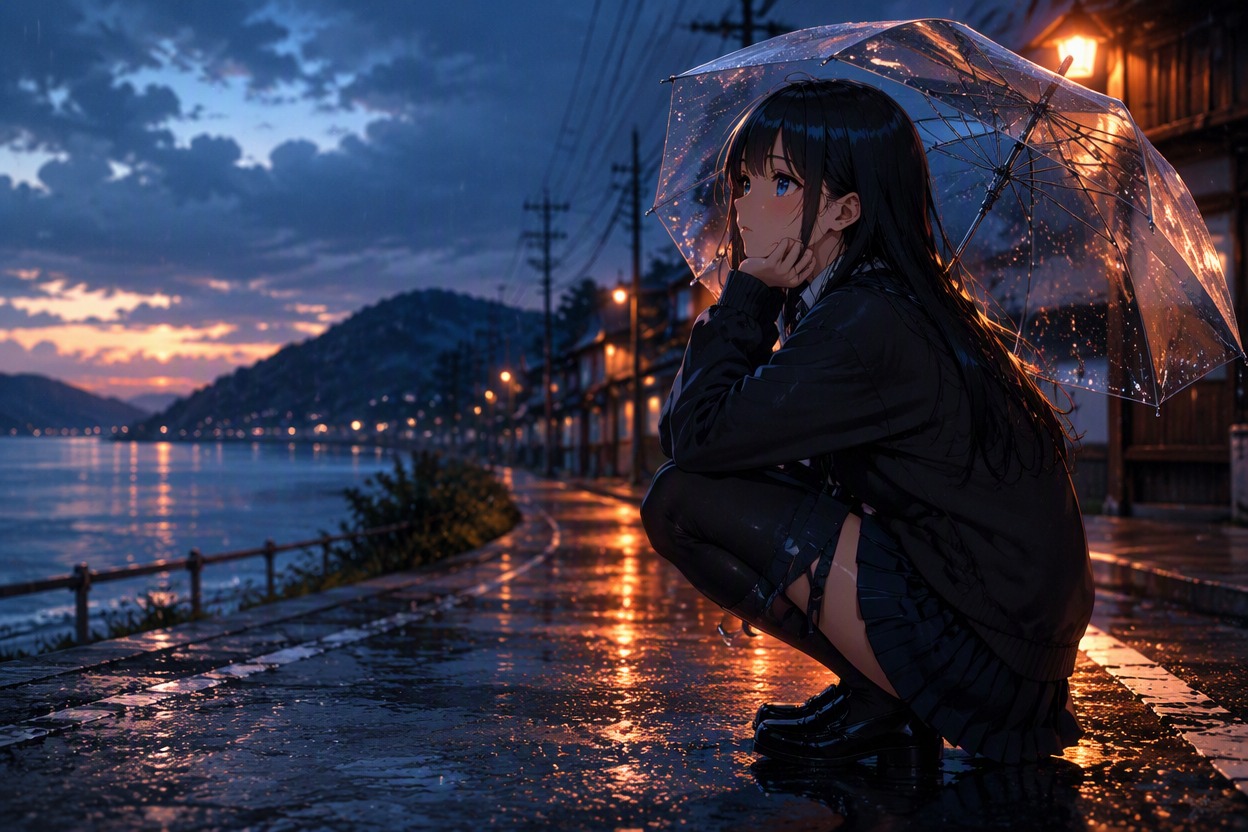
Atmospheric Story Scene
Practical control for short motion clips
Why Animate Anime Images With AI?
Source-Led Character Motion
Start from your own anime image so the subject, outfit, palette, and framing already have a clear visual reference.
Purposeful Camera Direction
Define one camera move that supports the scene instead of adding random motion across the whole frame.
Layered Background Depth
Use foreground and background movement to create parallax while keeping the character as the main focal point.
Cleaner Motion Testing
Generate focused variations to compare motion intensity, direction, and stability before choosing a clip for editing.
Social-Ready Scene Ideas
Build concise loops, reveals, reaction shots, and atmospheric moments for posts, teasers, and character introductions.
Better Edit Hand-Off
Plan the final hold, crop, and empty space so captions, transitions, and sound can be added later in a video editor.
Frequently Asked Questions