
Pricing
Log In
AI Manga Generator
Turn a written scene or reference image into original manga-style art with OCMaker AI. Create characters, dramatic moments, and page-ready visuals while keeping your story direction clear.
Create Manga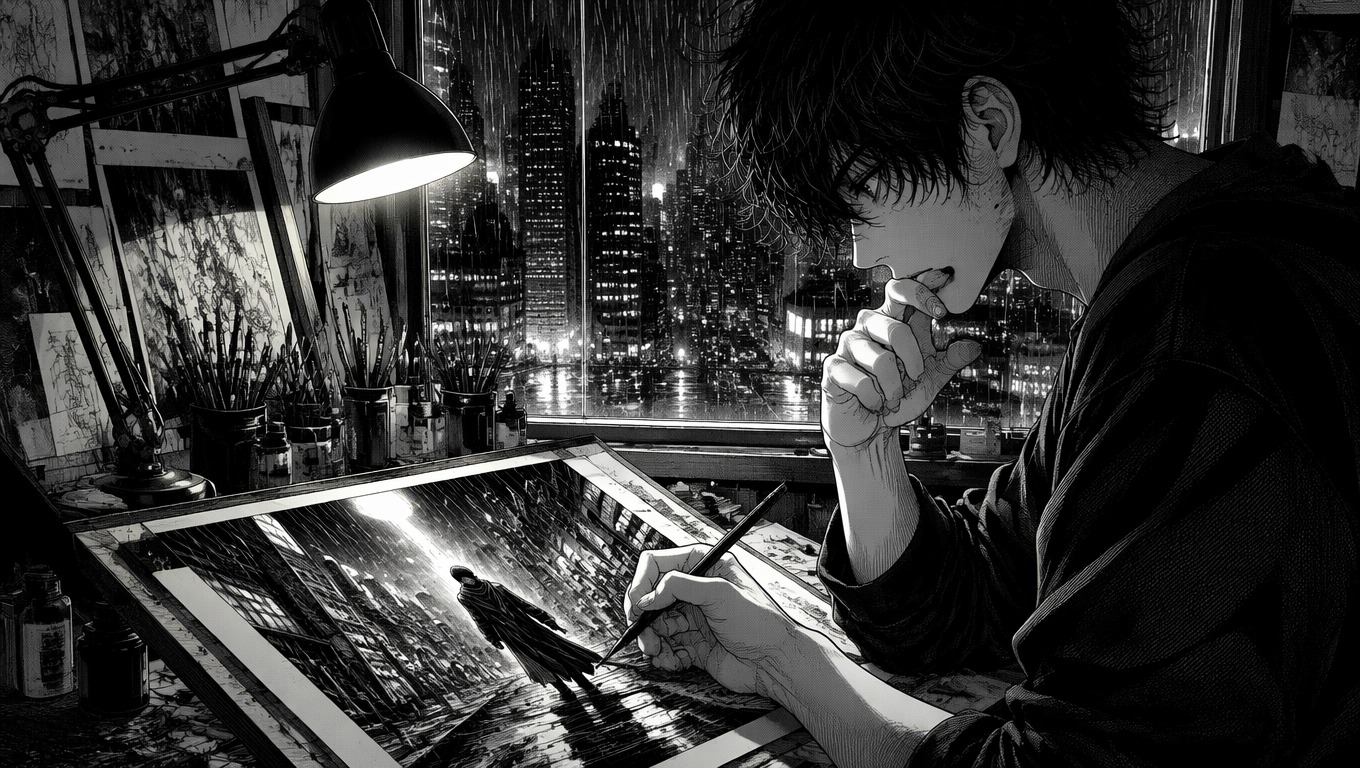
Create Manga Pages and Panels Your Way
Generate Manga From Text
Describe the character, action, setting, mood, and camera angle. The manga text generator turns that direction into a finished illustrated scene that can anchor a panel, page, or storyboard beat.
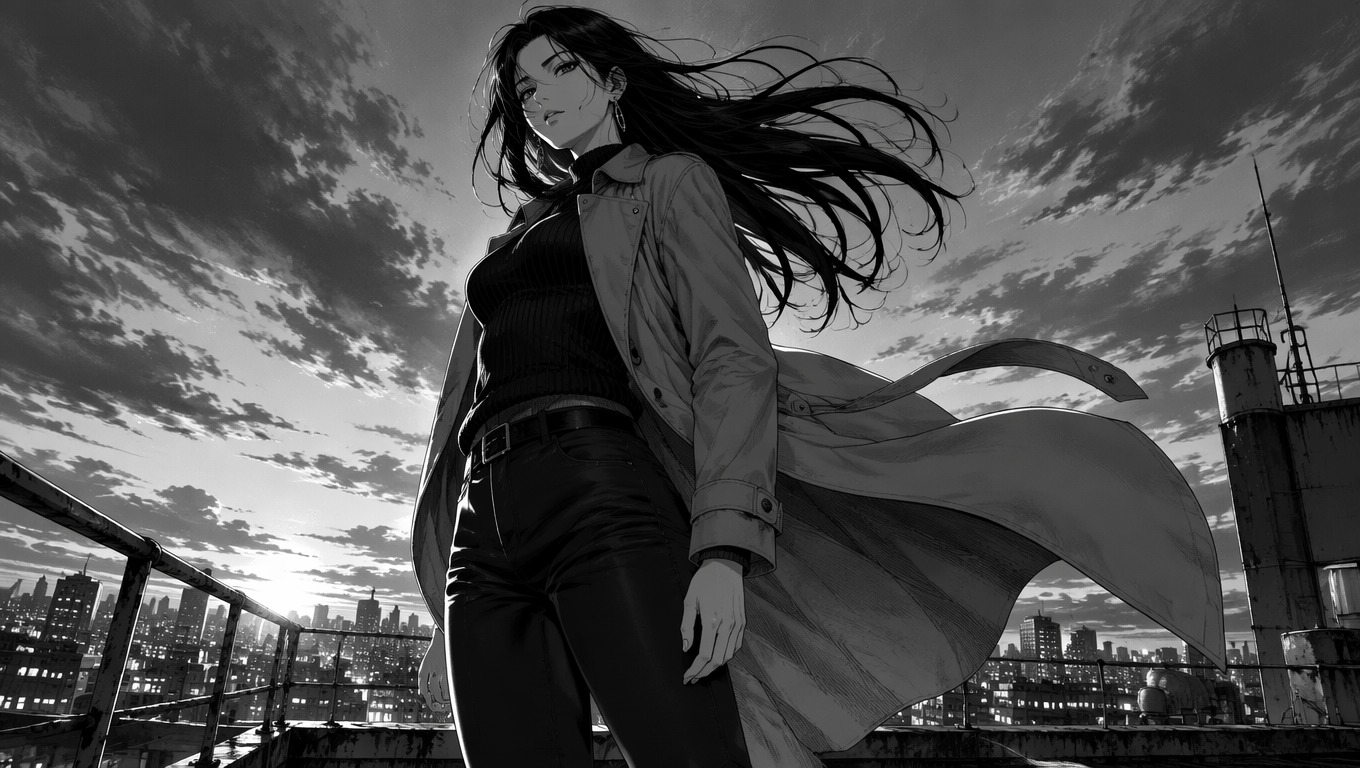
Turn Images Into Manga
Start from a photo, sketch, or character reference and reinterpret it with inked linework, screentone shading, and manga-style contrast. Clear subjects and uncluttered backgrounds give the transformation a stronger anchor.
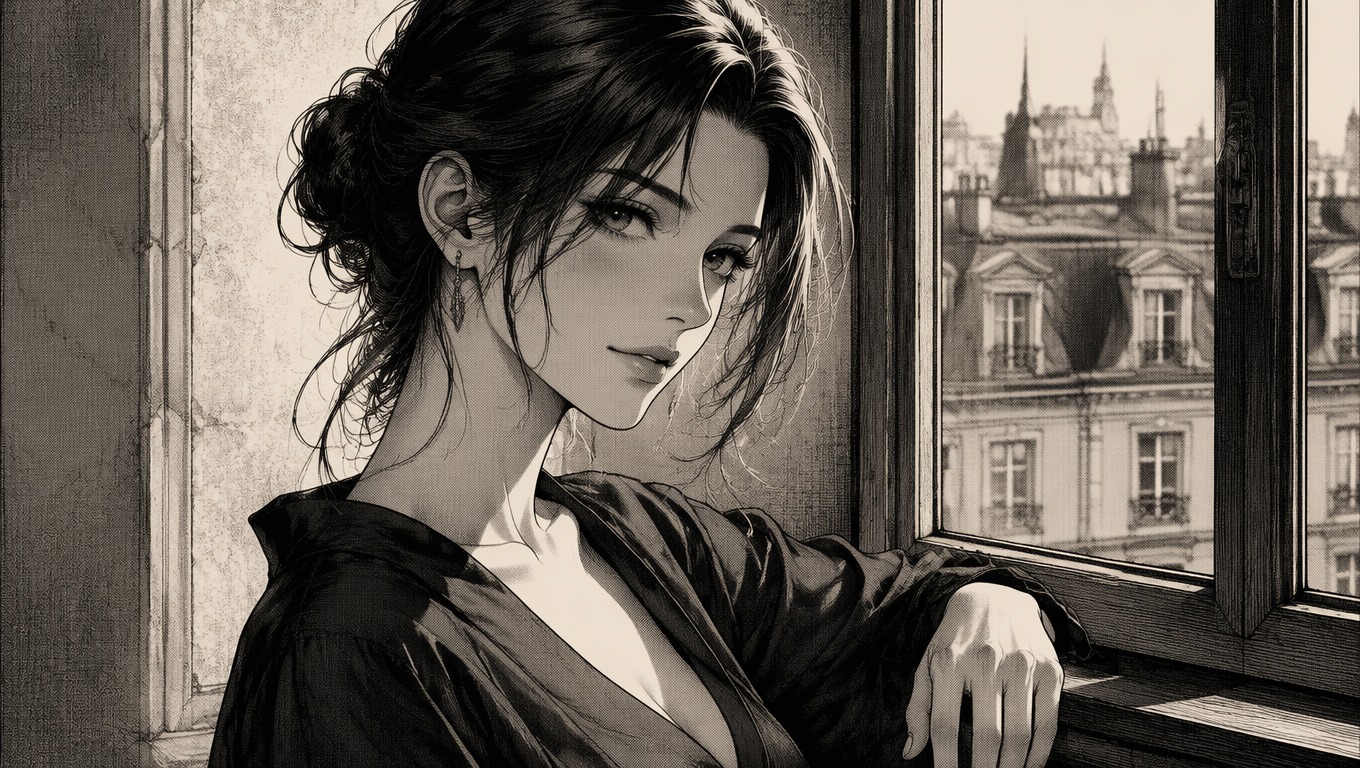
Direct Story and Emotion
Shape a scene through pose, expression, lighting, perspective, and environment. Treat each result as a strong visual draft, then regenerate when hands, props, or character details need closer review.
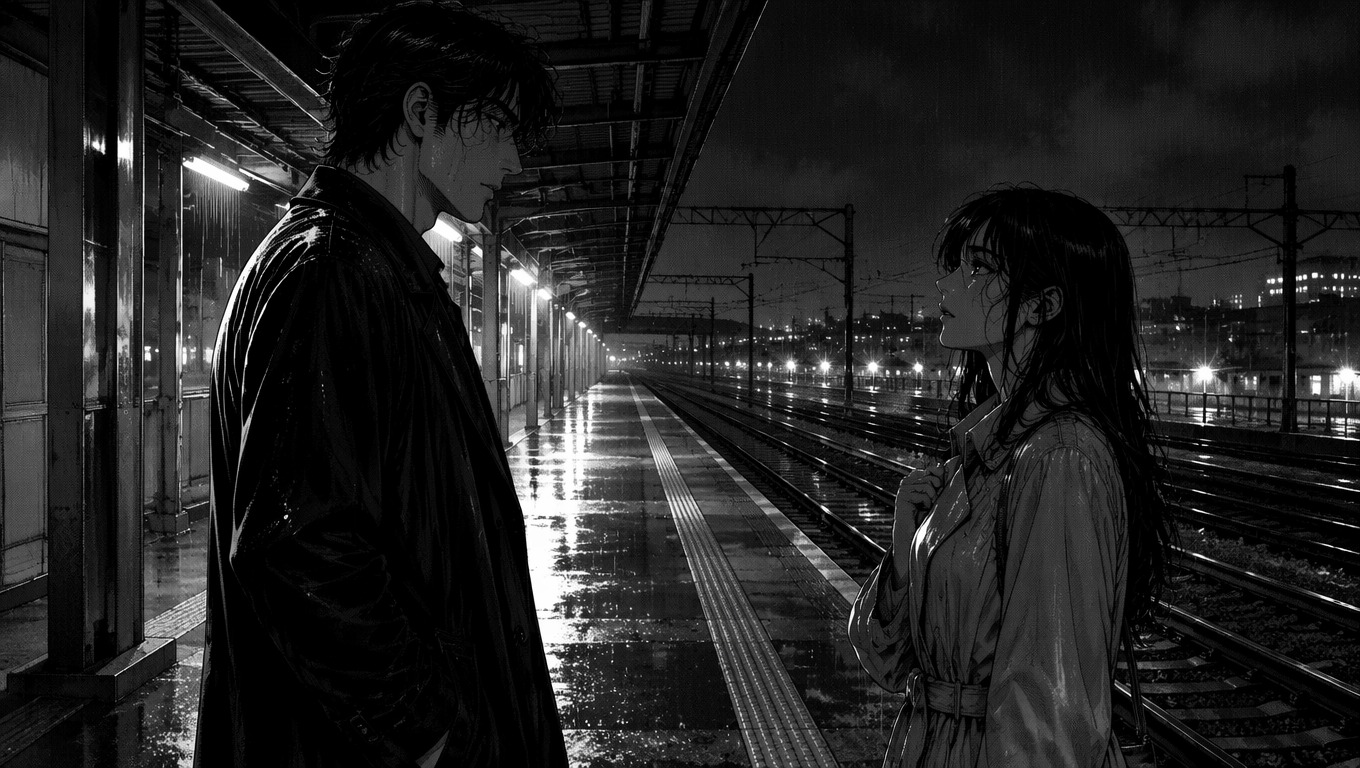
What You Can Make With a Manga AI Generator
Original Comic Scenes
Visualize a key story beat before committing to a full page layout.
Character Introductions
Create expressive entrances, close-ups, and signature poses for original characters.
Storyboard Frames
Explore shot choices and dramatic staging for comics, animation, or manga animation AI planning.
Reference Restyling
Turn a sketch or image into manga art with clearer ink, contrast, and atmosphere.
Action Moments
Draft impact poses, movement, speed, and cinematic perspective for action scenes.
Mood Illustrations
Build quiet, romantic, suspenseful, or comedic scenes around a specific emotion.
How to Use the AI Manga Generator
01
Choose Text or an Image
Write a scene prompt or upload a clear reference that establishes the subject, pose, and visual direction.
02
Define the Manga Scene
Specify characters, action, setting, mood, framing, and linework style. Keep the first brief focused on one scene.
03
Generate and Review
Create the result, then inspect faces, hands, props, perspective, and character continuity before keeping or regenerating it.
Frequently Asked Questions
AI Manga Generator FAQ
Turn Your Story Into Manga Art
Use OCMaker AI to transform a written idea or reference image into an original manga-style scene you can refine and build on.