
Pricing
Log In
AI Generator
AI Cartoon Comic Generator: Free Comic Strip Creator
Use AI cartoon comic generator to turn a short scene into original characters, expressive cartoon panels, visual beats, and a reusable comic-strip draft.
AI cartoon comic generator
Turn a short premise into an original cartoon scene with a clear cast, expressive poses, visual punchline, and consistent setting. Generate single-panel artwork and comic-strip planning assets for social posts, story pitches, lessons, and creator projects.
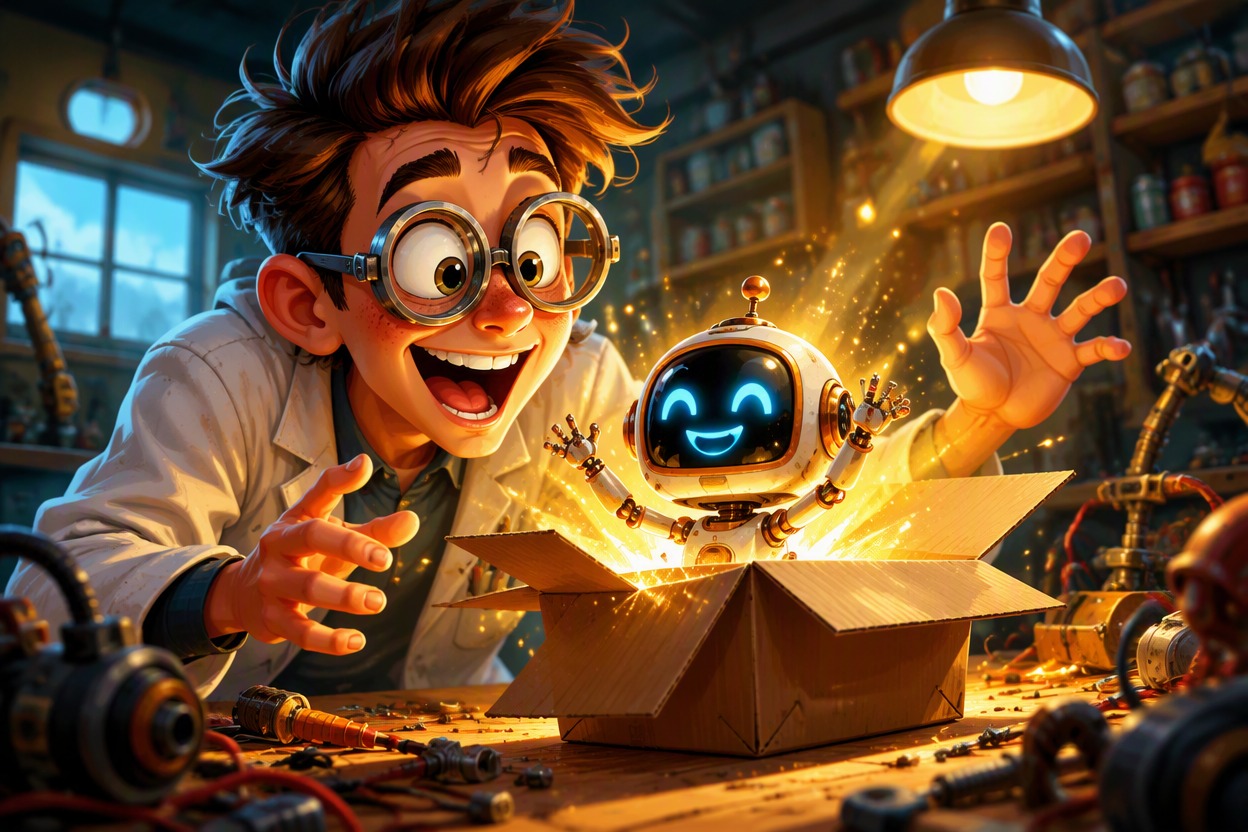
Cartoon Comic Scenes You Can Generate
Explore visual setups for everyday comedy, educational storytelling, and character-led adventure without relying on readable generated dialogue.
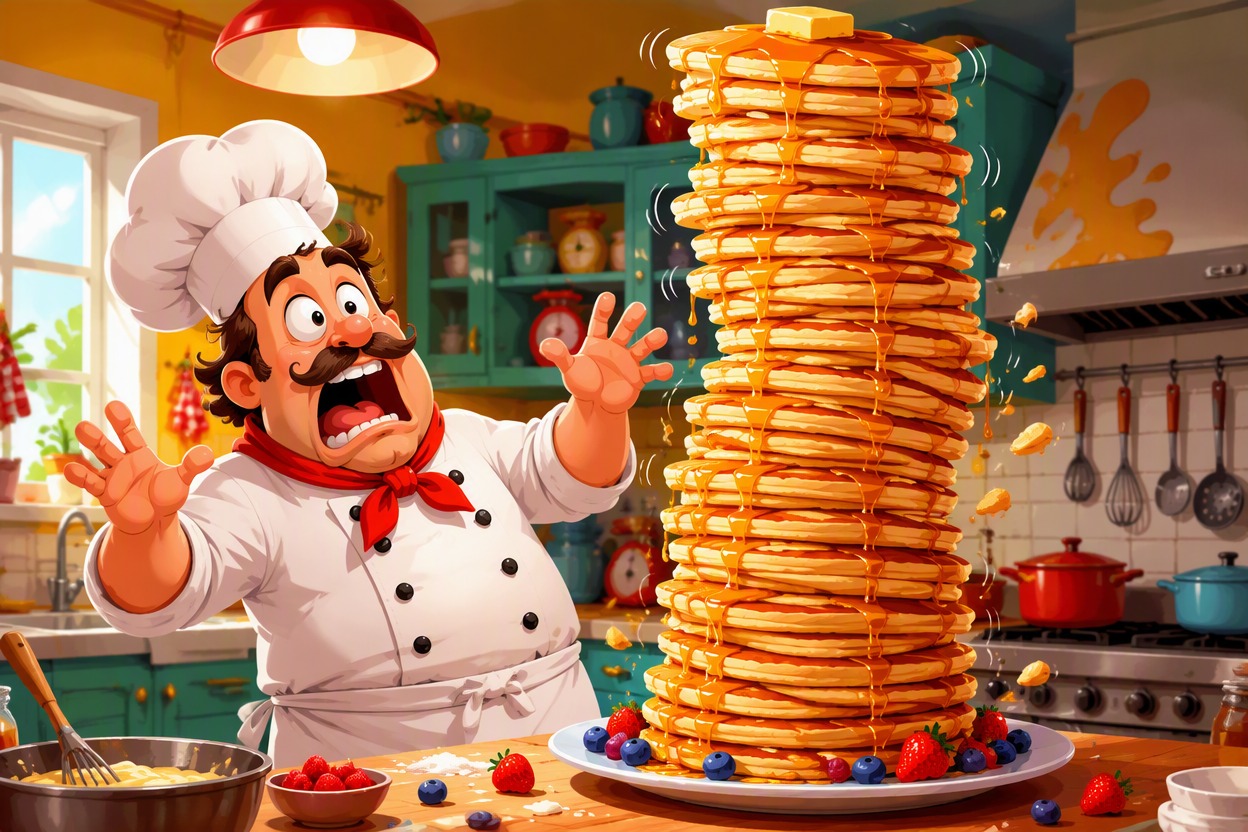
Kitchen Mix-Up Comedy
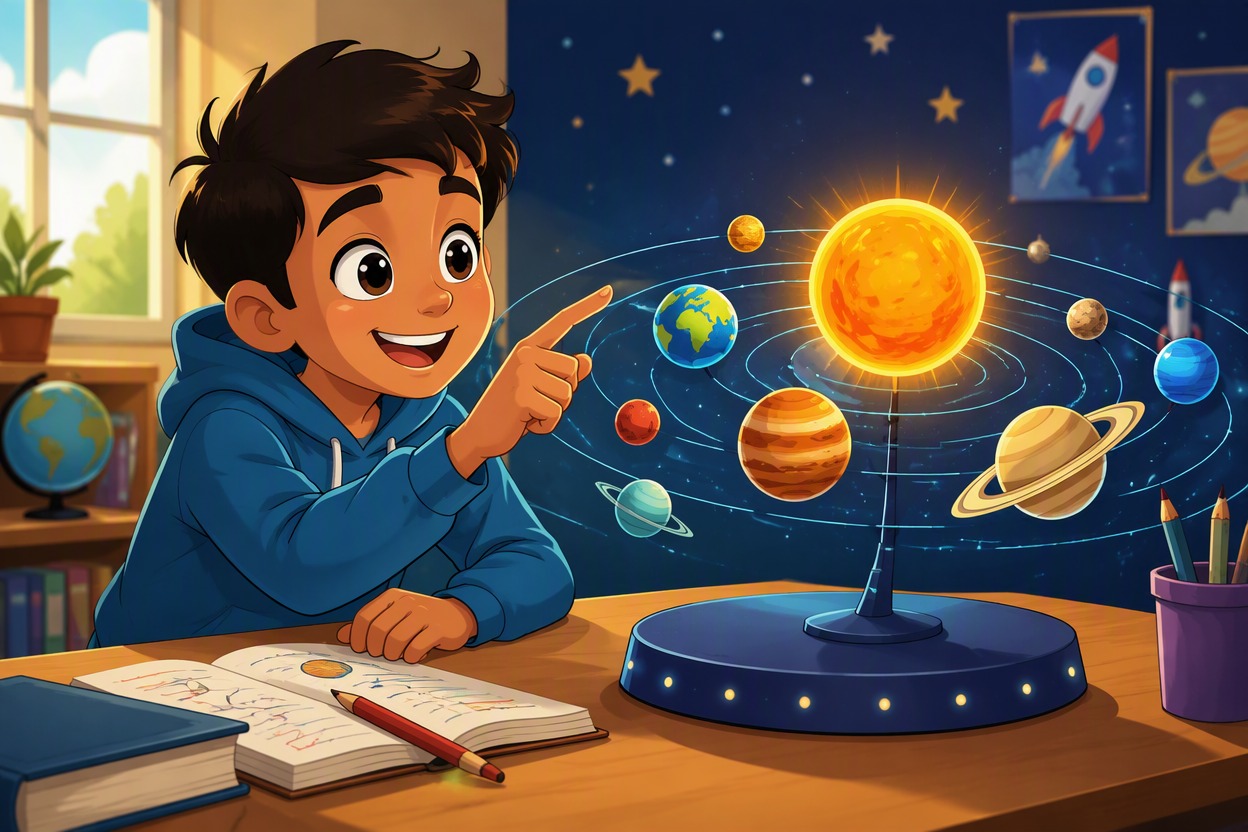
Friendly Science Explainer
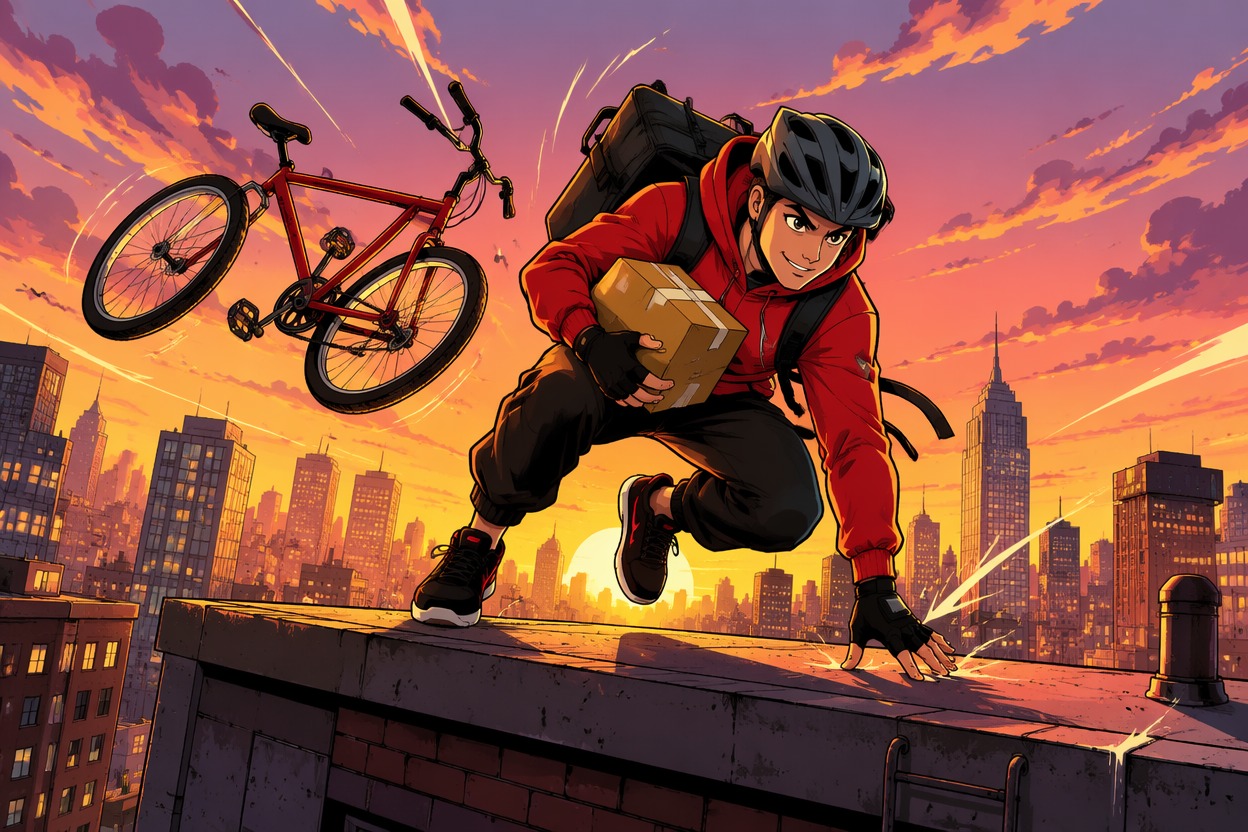
Rooftop Delivery Adventure
Turn a Short Idea Into a Clear Cartoon Beat
Generate a Visual Punchline
Convert a one-sentence setup into an expressive cartoon image with one readable action, a clear reaction, and room for later lettering. The OC maker helps establish an original recurring character first, so the joke depends on pose, prop, timing, and facial expression instead of fragile AI-generated dialogue inside the artwork.

Build a Consistent Cartoon Cast
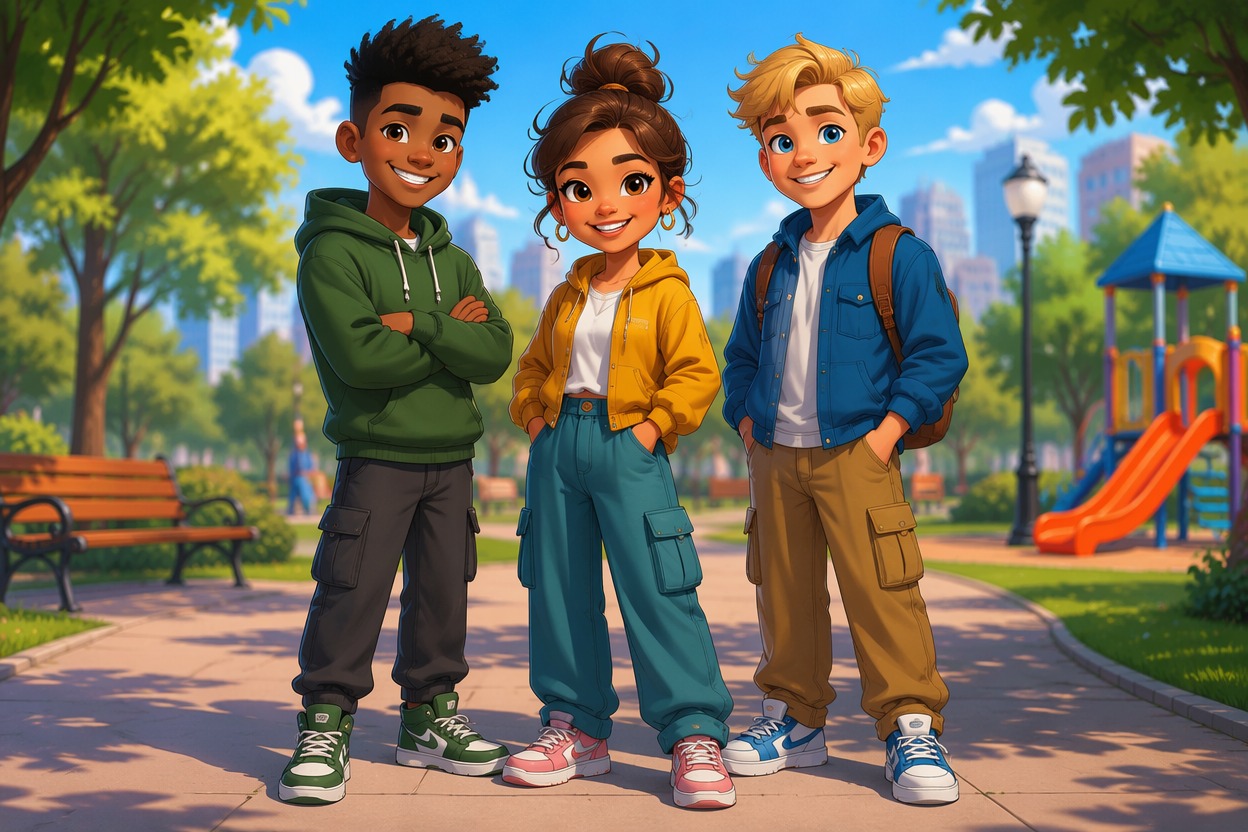
Define stable face shapes, hairstyles, outfit colors, height differences, and personality poses. Repeating those anchors gives a cartoon comic strip generator better direction across scene drafts and reaction shots, while distinct silhouettes make each speaker easy to identify before captions or speech balloons are added manually.
Plan Panels With Shot Variety
Create separate establishing, medium, close-reaction, and payoff images instead of asking one generation to solve an entire labeled grid. This approach gives you more control over camera distance, character placement, props, and continuity, and makes it easier to assemble a clean two-to-four-beat strip in a design or comic editor.
Explore Illustrated Comic Styles
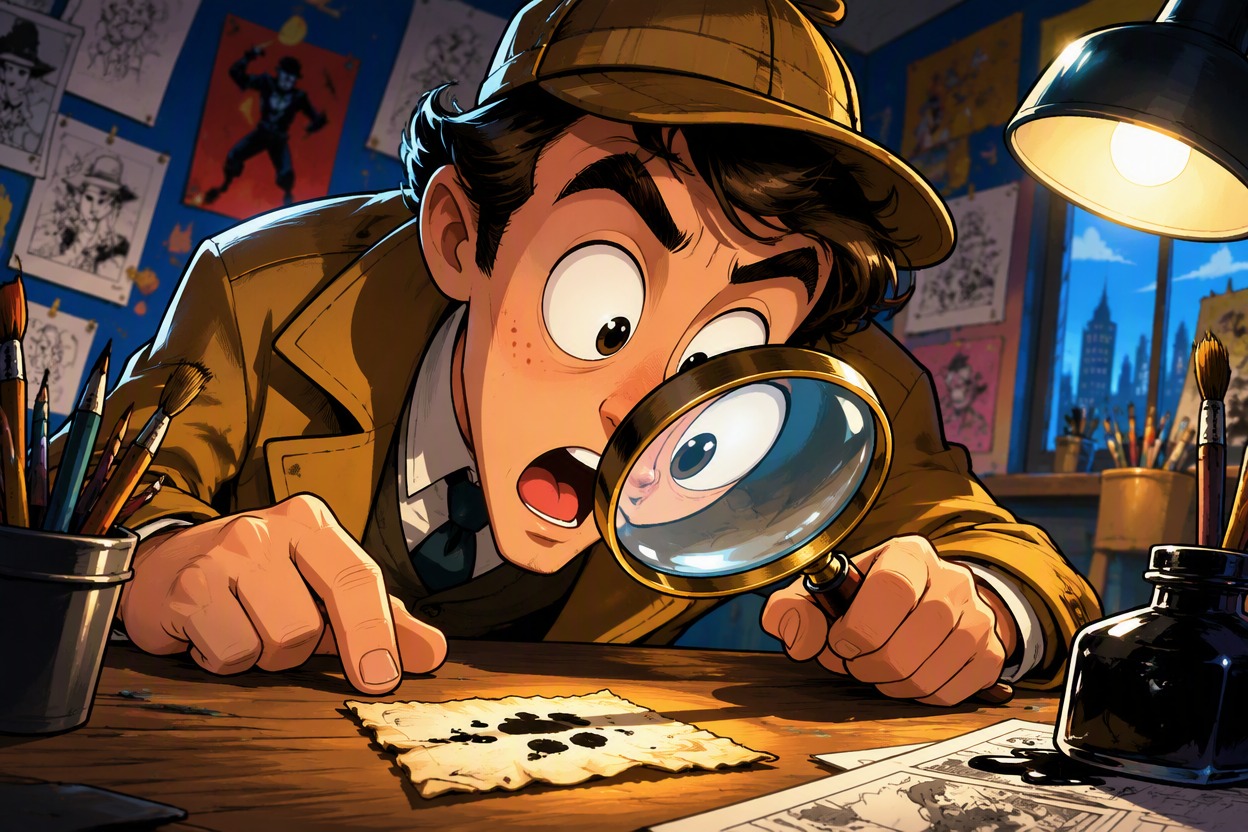
Use an AI anime generator workflow to reinterpret the same premise as cel-shaded animation, soft storybook art, bold webcomic ink, or polished editorial cartooning. Compare versions for face consistency, clean hands, uncluttered backgrounds, and usable caption space before assembling the final strip.

Why Use This Cartoon Comic Strip Generator
Premise-to-Scene Conversion
Turn a short joke, lesson, anecdote, or adventure beat into a focused cartoon scene with a visible action.
Expression and Pose Control
Direct eye line, gesture, posture, reaction intensity, and prop interaction so the story reads before lettering.
Cleaner Panel Assembly
Generate shots separately, then arrange the strongest images into a strip without accepting a rigid AI-made grid.
Recurring Cast Anchors
Keep face shape, hair, outfit colors, height, and signature posture stable across multiple scene drafts.
Caption-Safe Composition
Request open space around faces and key action so speech balloons and captions can be added later in an editor.
Social and Lesson Formats
Create visual beats for creator posts, classroom explainers, simple brand stories, webcomic tests, and pitch decks.
Build a Cartoon Comic in Three Steps
Three practical steps
01
Write the Visual Beat
Reduce the scene to character, goal, action, reaction, setting, and payoff without asking the image model to write dialogue.
02
Generate Each Shot
Create the establishing image, action view, close reaction, and final beat separately while repeating the same cast anchors.
03
Assemble and Letter the Strip
Choose the clearest images, arrange panel order in an editor, then add readable speech balloons, captions, and final crop.
Common questions