
Pricing
Log In
AI Generator
Anime Intro Maker: AI Anime Opening Videos Generator
Use anime intro maker to create anime opening scenes, title-safe shots, character reveals, and AI generated anime intro ideas.
Anime Intro Maker
Create anime opening concepts with character reveals, title-safe frames, music cues, camera moves, and short intro sequences for channels, fan edits, trailers, and story projects.
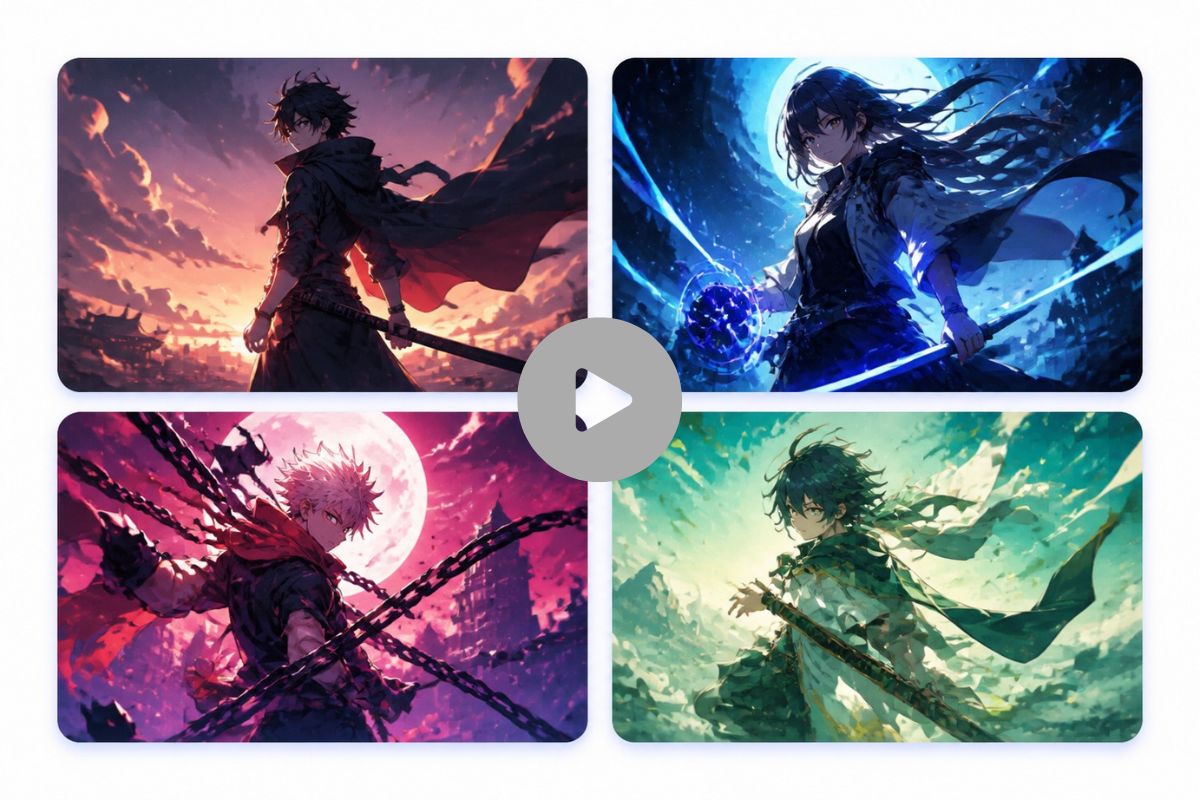
Anime Intro Shots You Can Generate
Explore opening-scene directions that help an intro feel paced, recognizable, and ready for editing instead of looking like one random anime image.
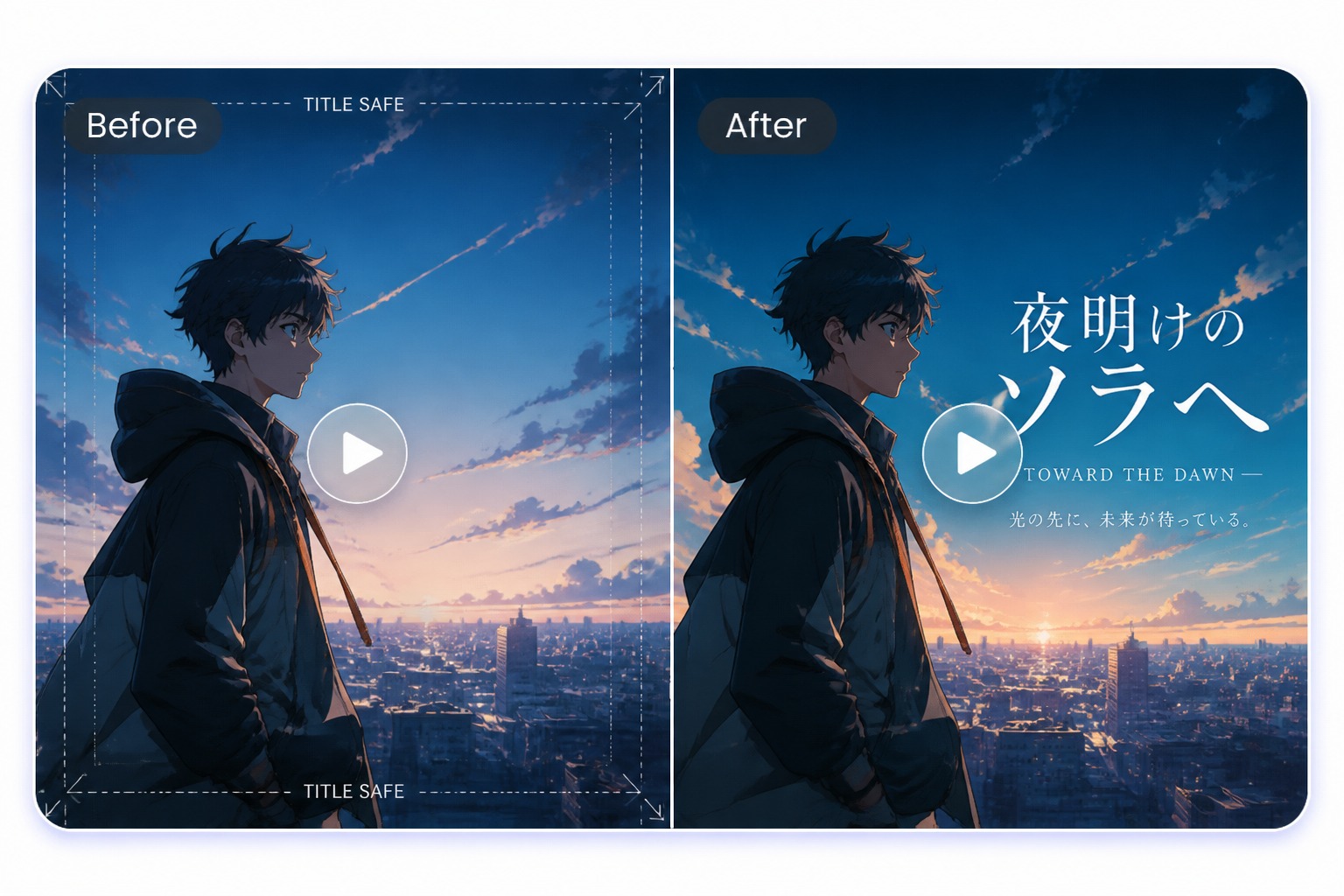
Title-Safe Opening Frame
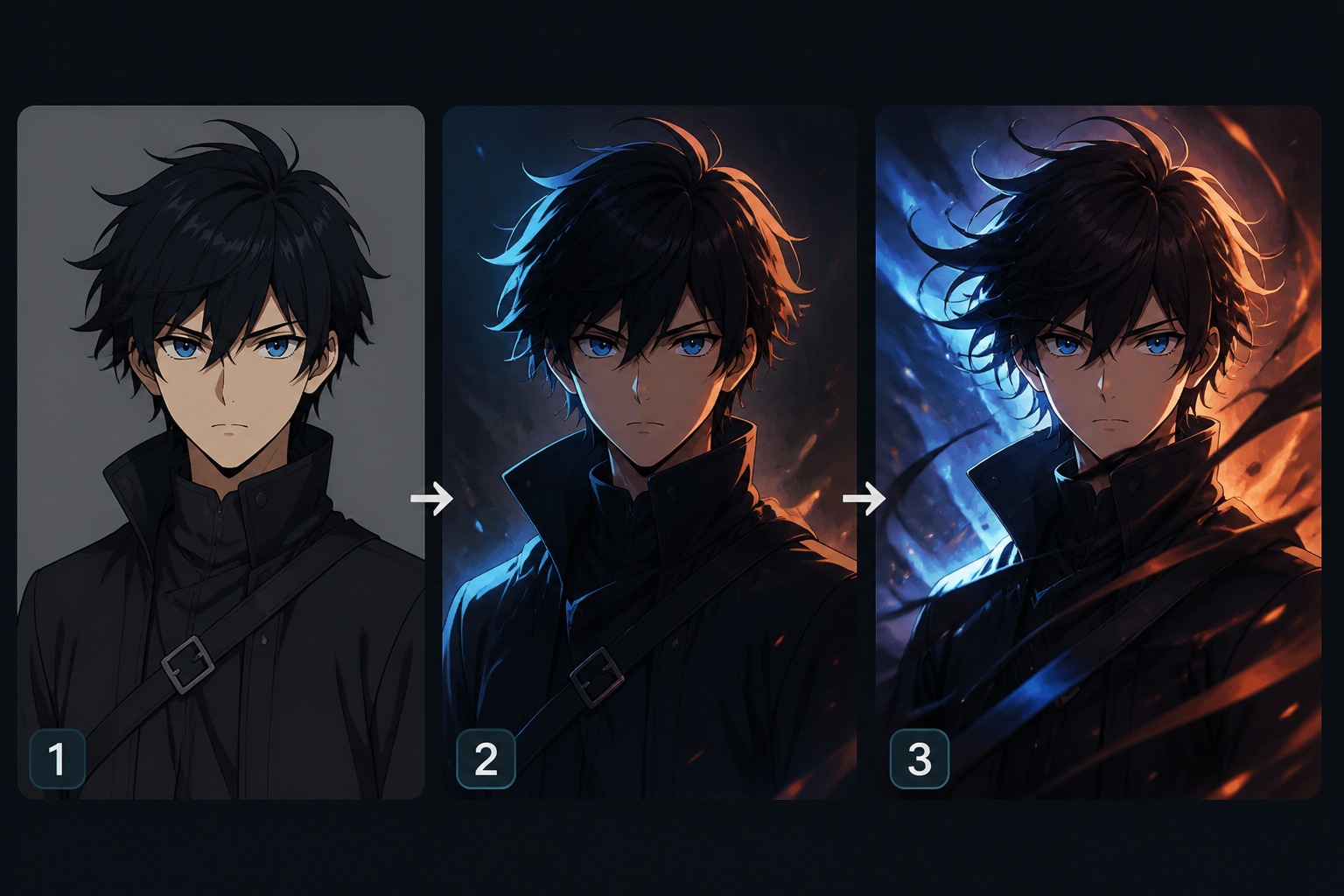
Hero Character Reveal
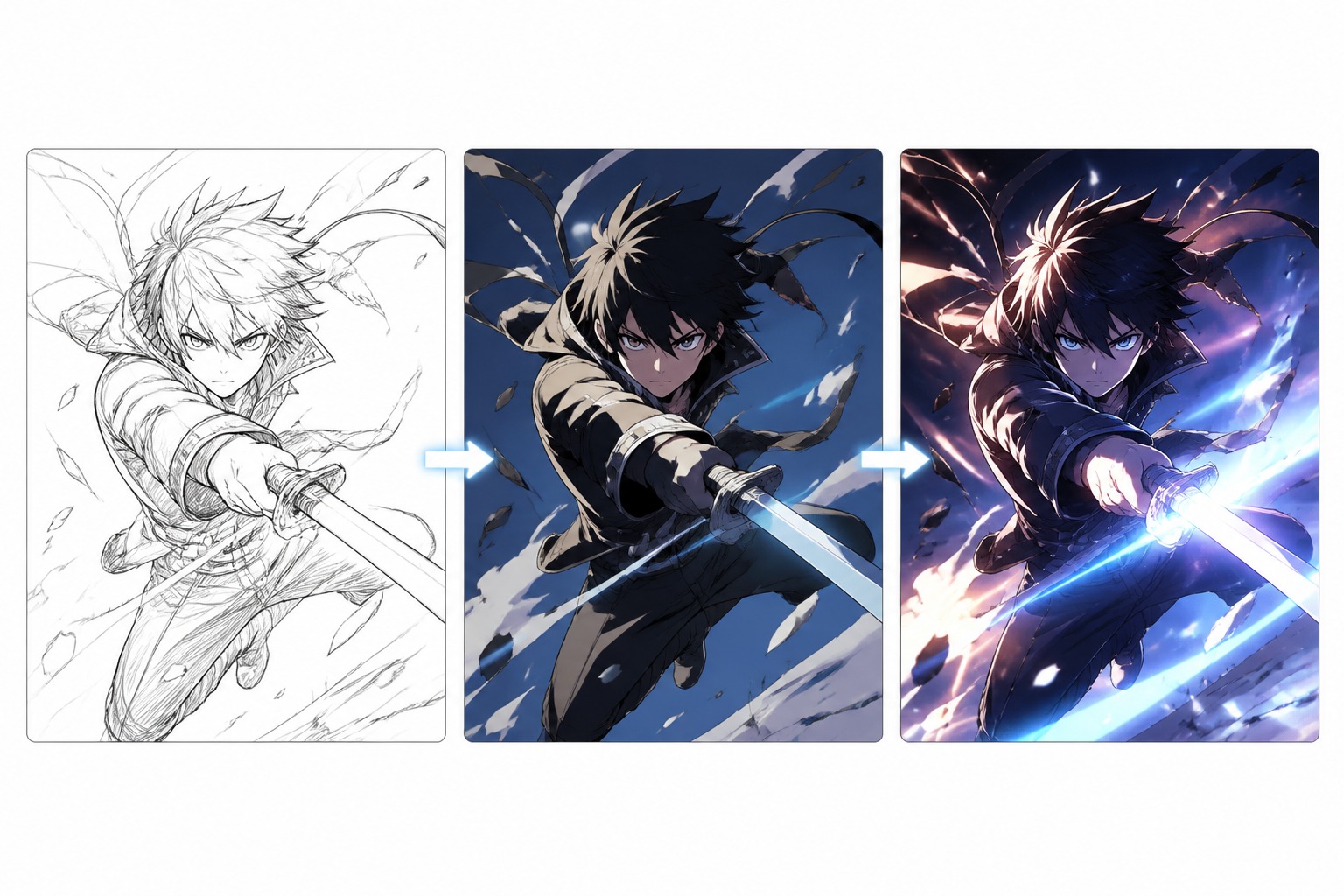
Final Impact Moment
Build Anime Intros With Opening-Sequence Logic
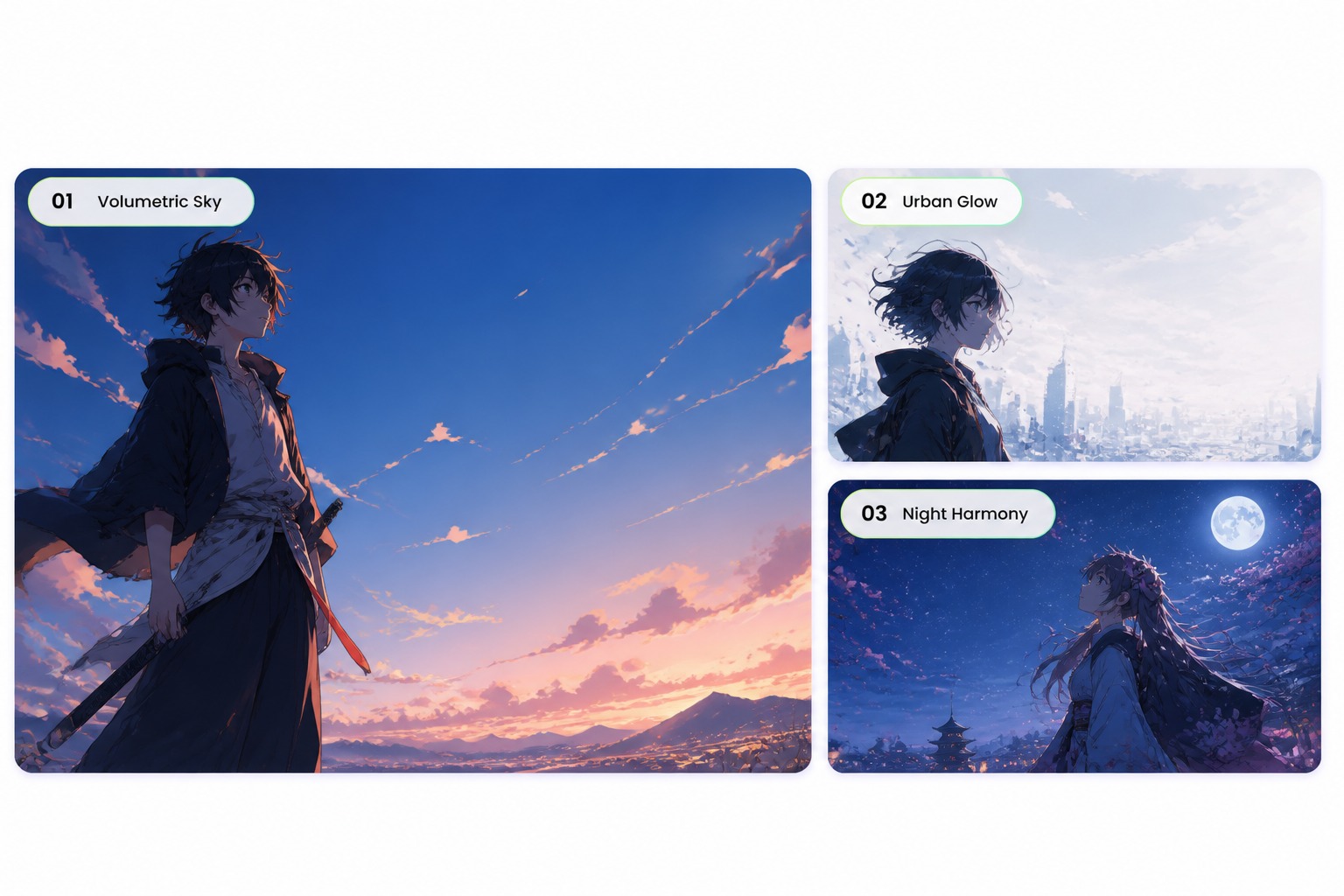
Create Title-Ready Frames
Generate intro visuals with enough clean space for a logo, episode title, channel name, or overlay added later in editing. You can start with an AI anime generator for the anime-style concept, then use AI video tools to turn the result into a short animated intro. This is stronger than asking the model to draw text directly, because generated letters often become messy and hard to fix.
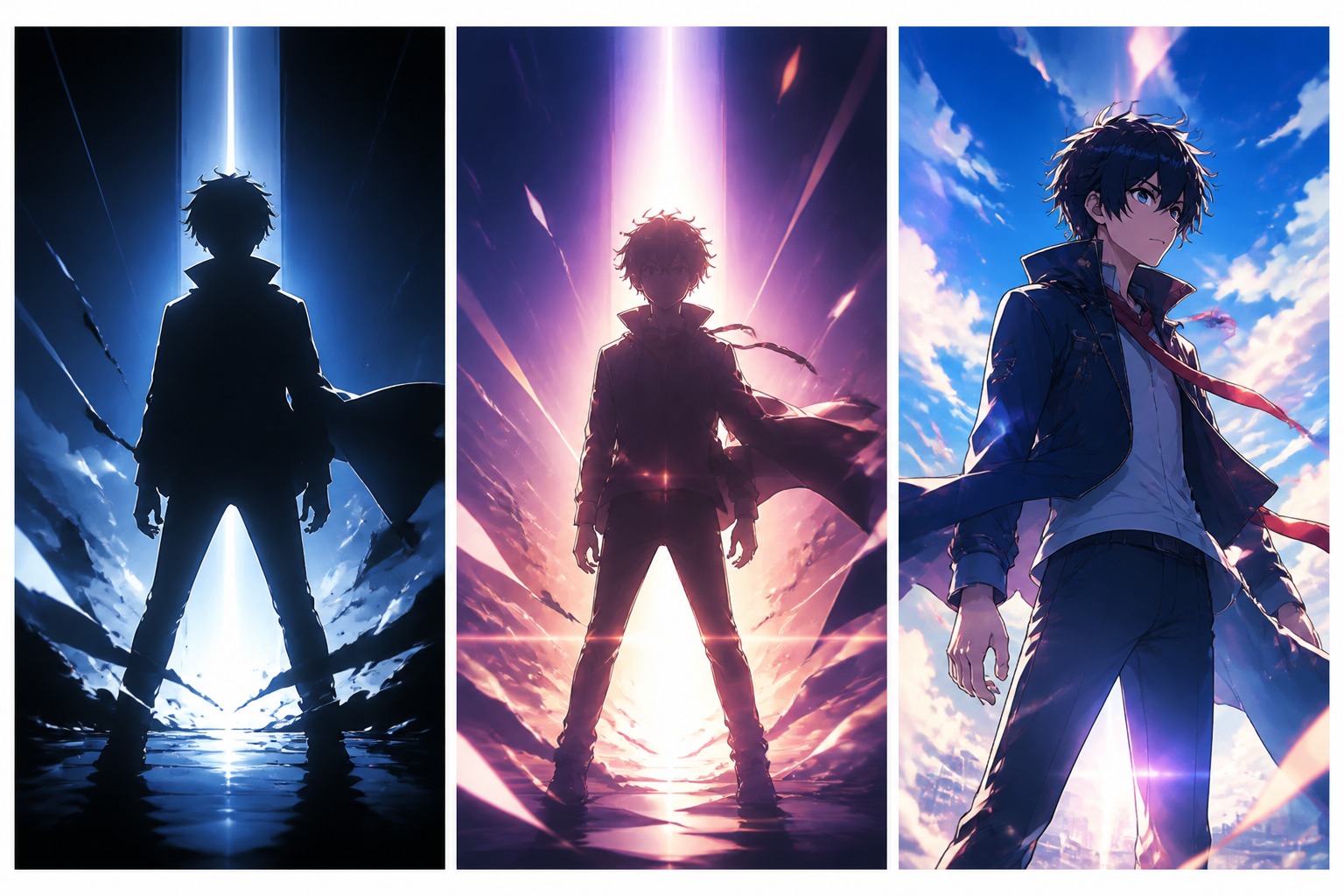
Design Character Reveals
Use the anime intro creator workflow to stage the first look at a hero, rival, idol, mascot, or OC. Face angle, pose, lighting, and camera distance decide whether the reveal feels like an opening sequence instead of a still portrait.
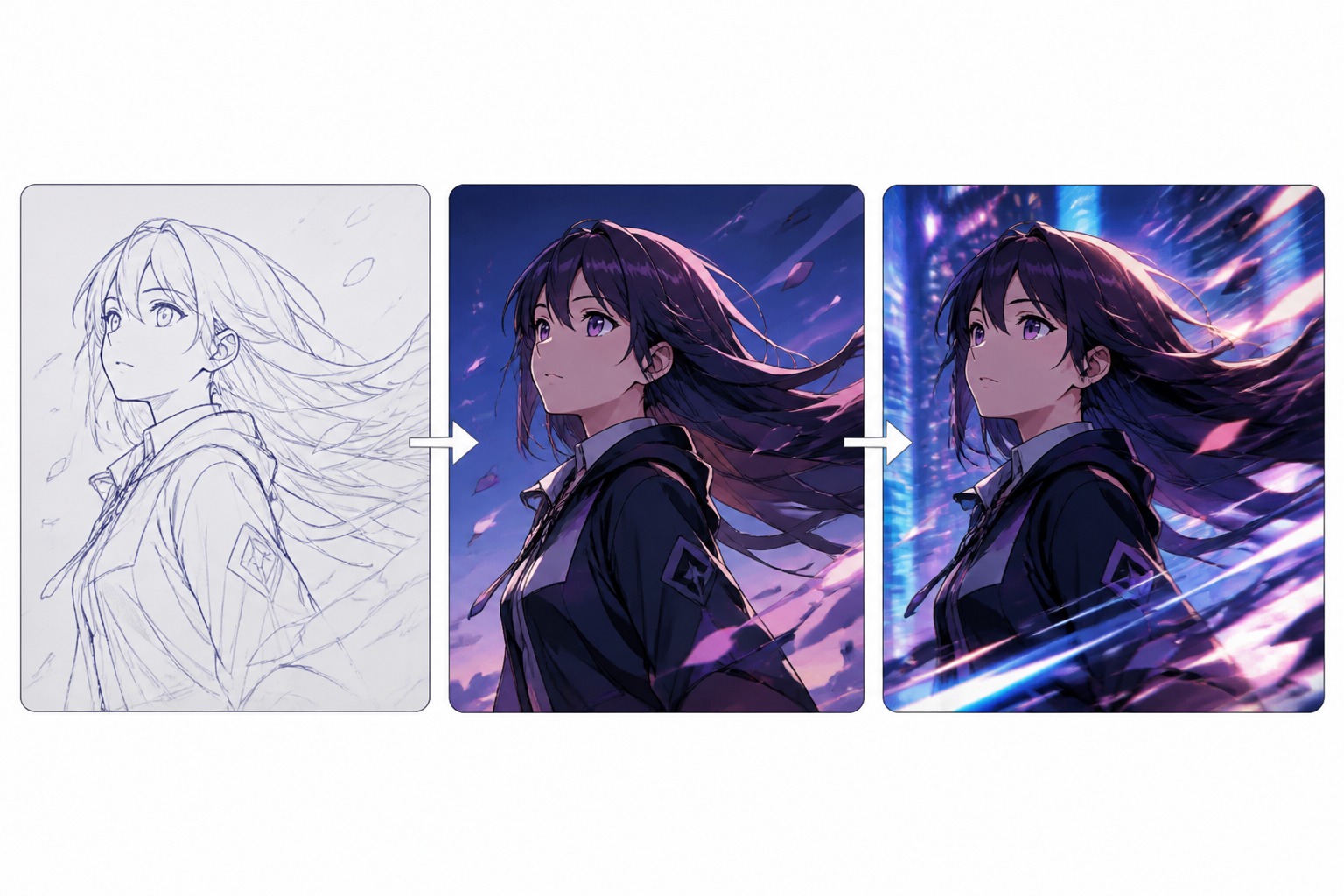
Plan Motion Between Shots
Create directions for pans, hair movement, turnarounds, falling petals, speed lines, or a quick cut into action. A strong AI generated anime intro needs visible movement cues even when you are planning frames before final video editing.
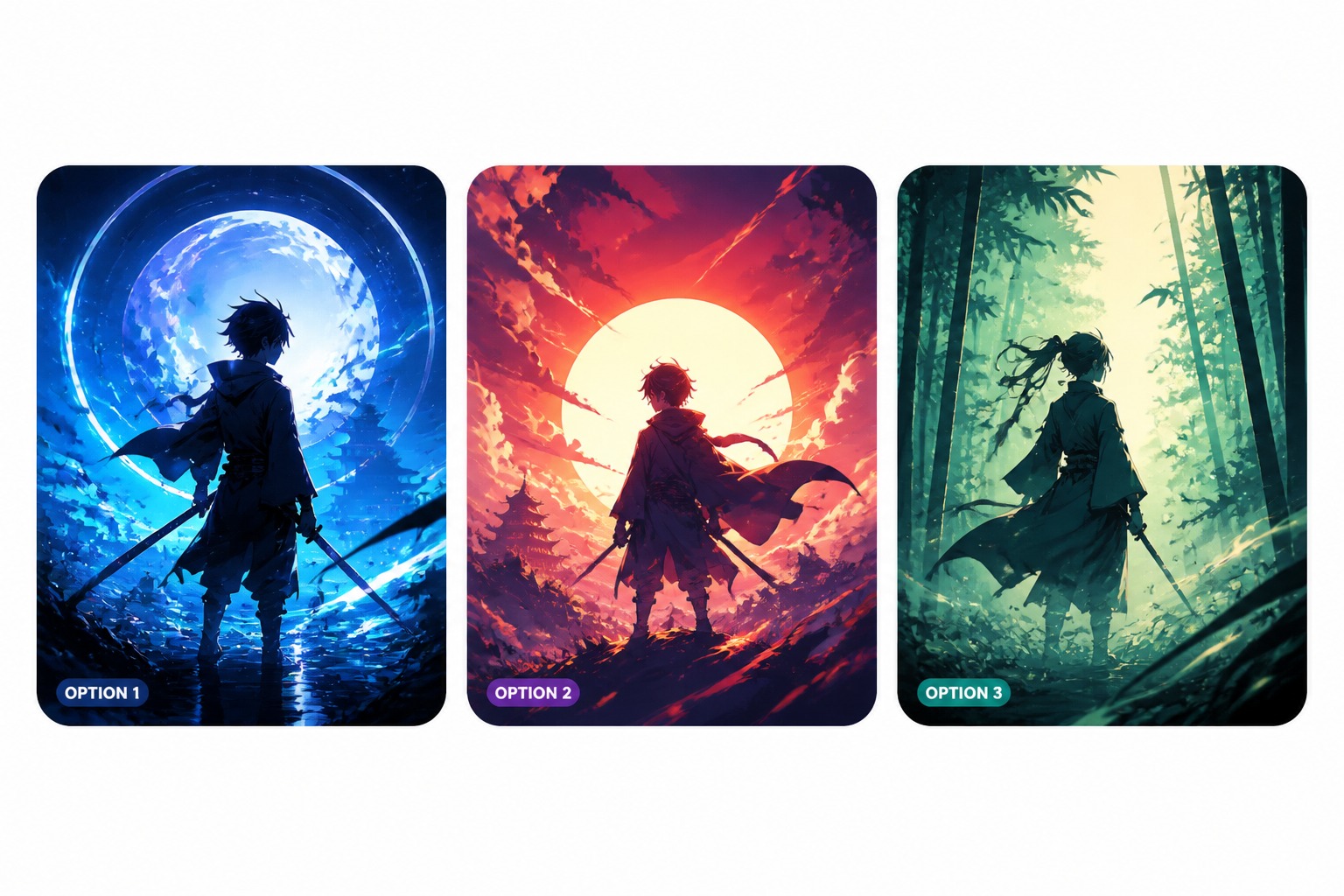
Adapt Intros for Platforms
Build opening concepts for YouTube channels, short trailers, story pitches, social edits, or profile banners without using the same crop everywhere. Wide intros need space and rhythm; vertical intros need a faster hook and simpler composition.
How to Make an Anime Intro Concept
01
Upload an Image and Enter a Prompt
Upload a character image, artwork, or reference visual, then enter a prompt describing the anime intro you want to create, including the scene, mood, camera movement, and opening idea.
02
Choose a Video Model
Select the video model that best fits your anime intro idea. Different models may handle motion, camera movement, character consistency, and visual detail in different ways.
03
Generate and Refine the Intro
Generate the anime intro concept, then check the result for clean motion, clear character identity, and enough space for titles or final editing.
What Makes an Anime Intro Feel Finished
Readable First Frame
Keep the opening composition clear enough for a viewer to understand the mood and subject within the first second.
Title Space That Works
Leave clean areas for manual text, logos, or episode names instead of relying on generated words inside the image.
Character Identity Fast
Use hairstyle, outfit color, pose, and expression to make the lead recognizable before the intro cuts away.
Motion Cues in Still Frames
Add wind, camera angle, fabric movement, speed lines, or background streaks so frames feel ready for animation or editing.
Sequence-Friendly Variety
Mix close-ups, wide shots, silhouettes, and action beats so the intro has rhythm rather than repeating one pose.
Cleaner Editing Handoff
Review hands, face details, edges, and empty title areas before saving frames for video assembly or thumbnails.
Anime Intro Maker FAQ
Create an Anime Intro Concept
Turn a character, channel, or story idea into anime opening frames with reveal shots, title space, camera notes, and edit-friendly pacing.