
Pricing
Log In
AI Generator
Graphic Novel Creator: Turn Ideas Into Visual Stories
Use OCMaker AI as a graphic novel creator for story panels, character scenes, page concepts, panel flow, and make-your-own graphic novel planning.
Graphic Novel Creator
Plan graphic novel concepts by turning story beats into panels, character moments, visual continuity notes, and scene references before building a full page.
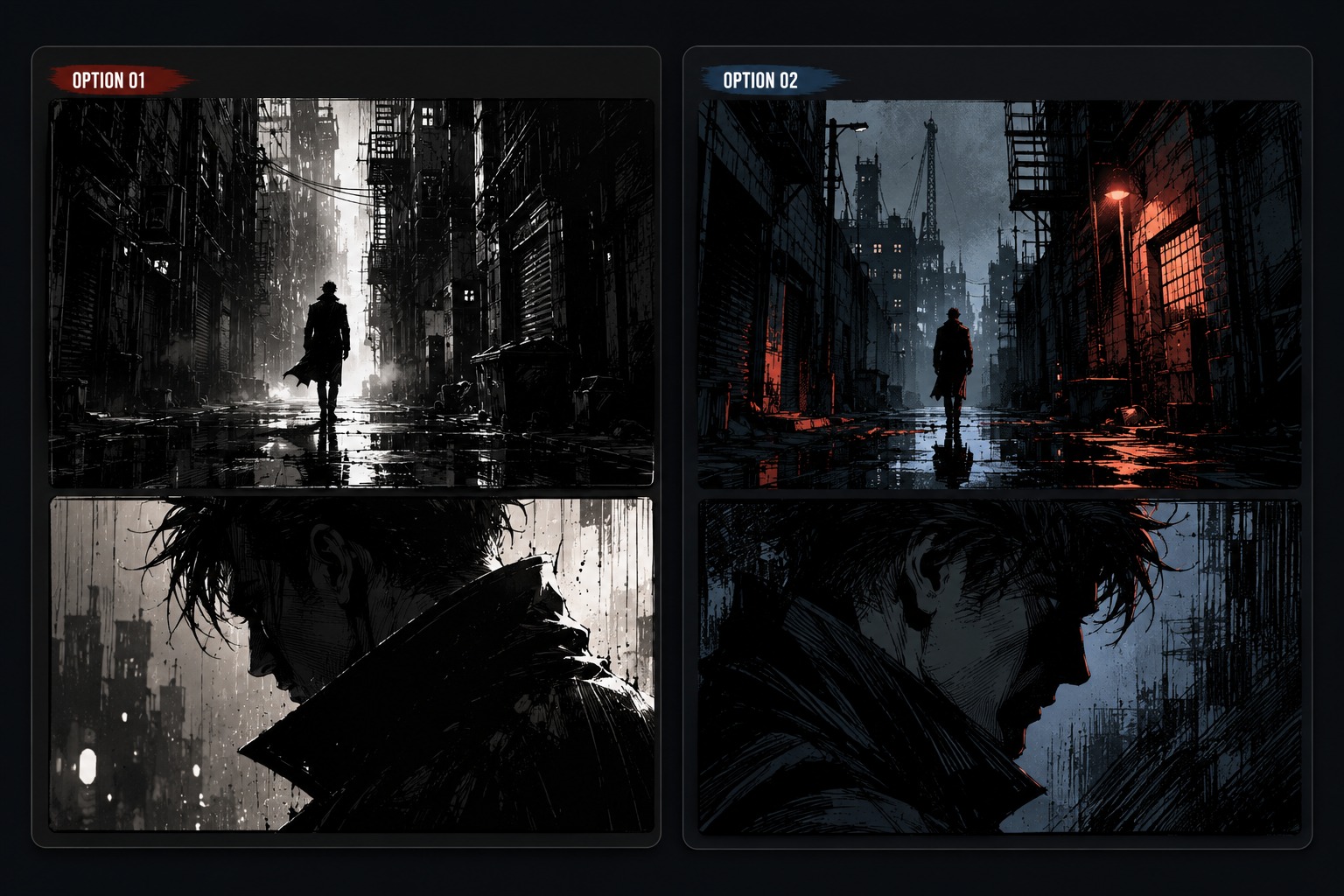
Graphic Novel Scene Directions
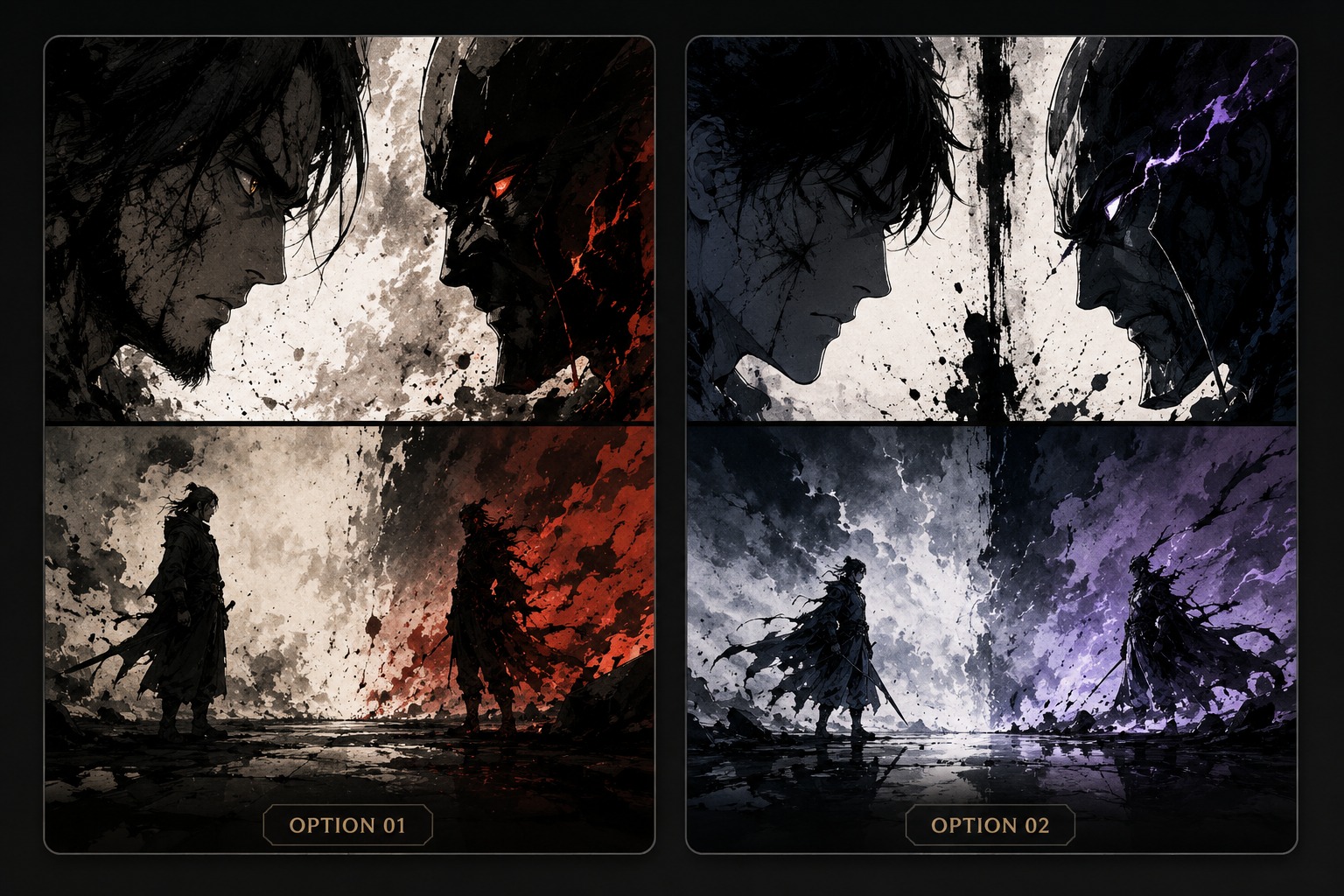
Explore story-driven directions: a character confrontation, a quiet establishing scene, and a page-concept panel moment for planning a longer graphic novel.
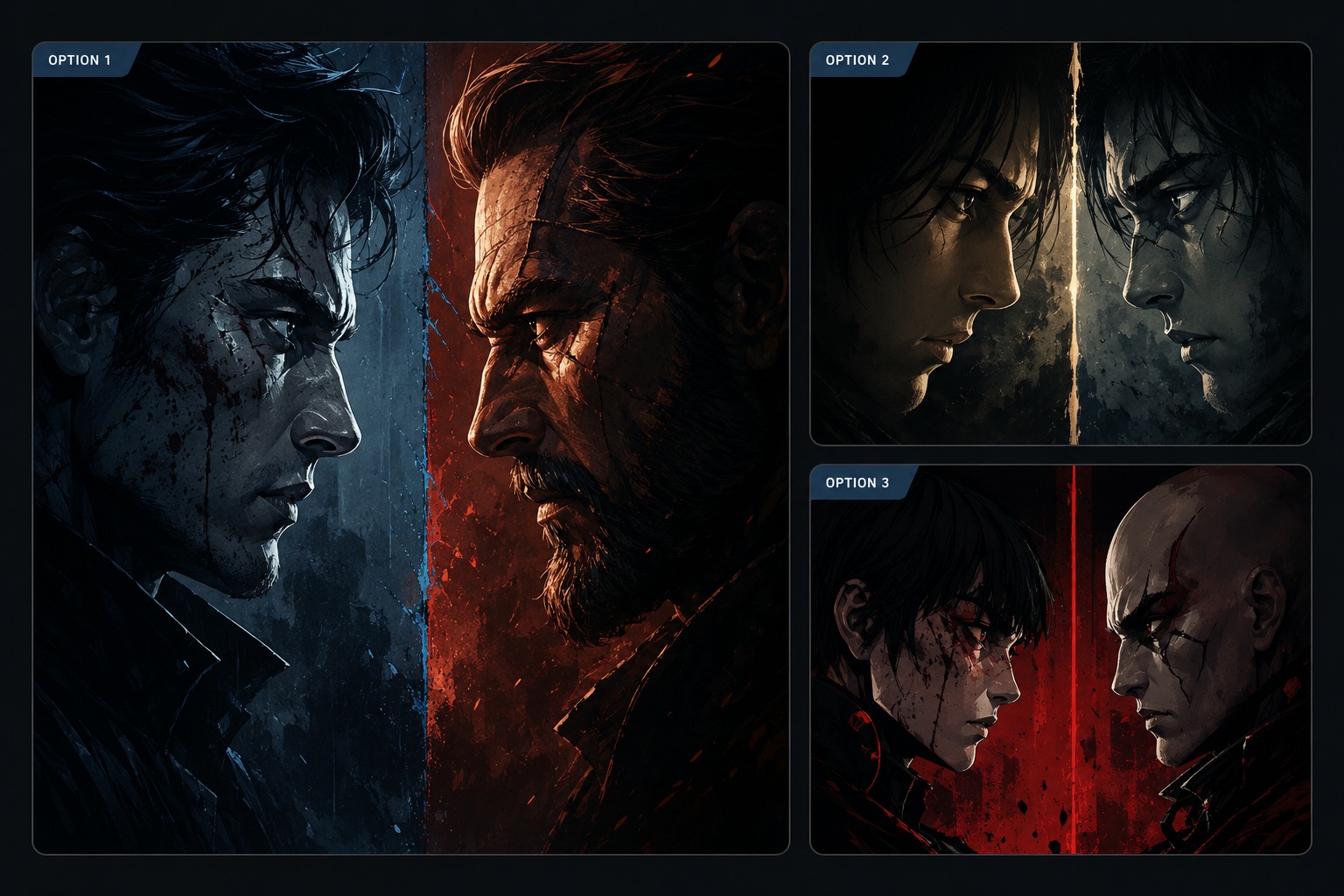
Character Confrontation Panel
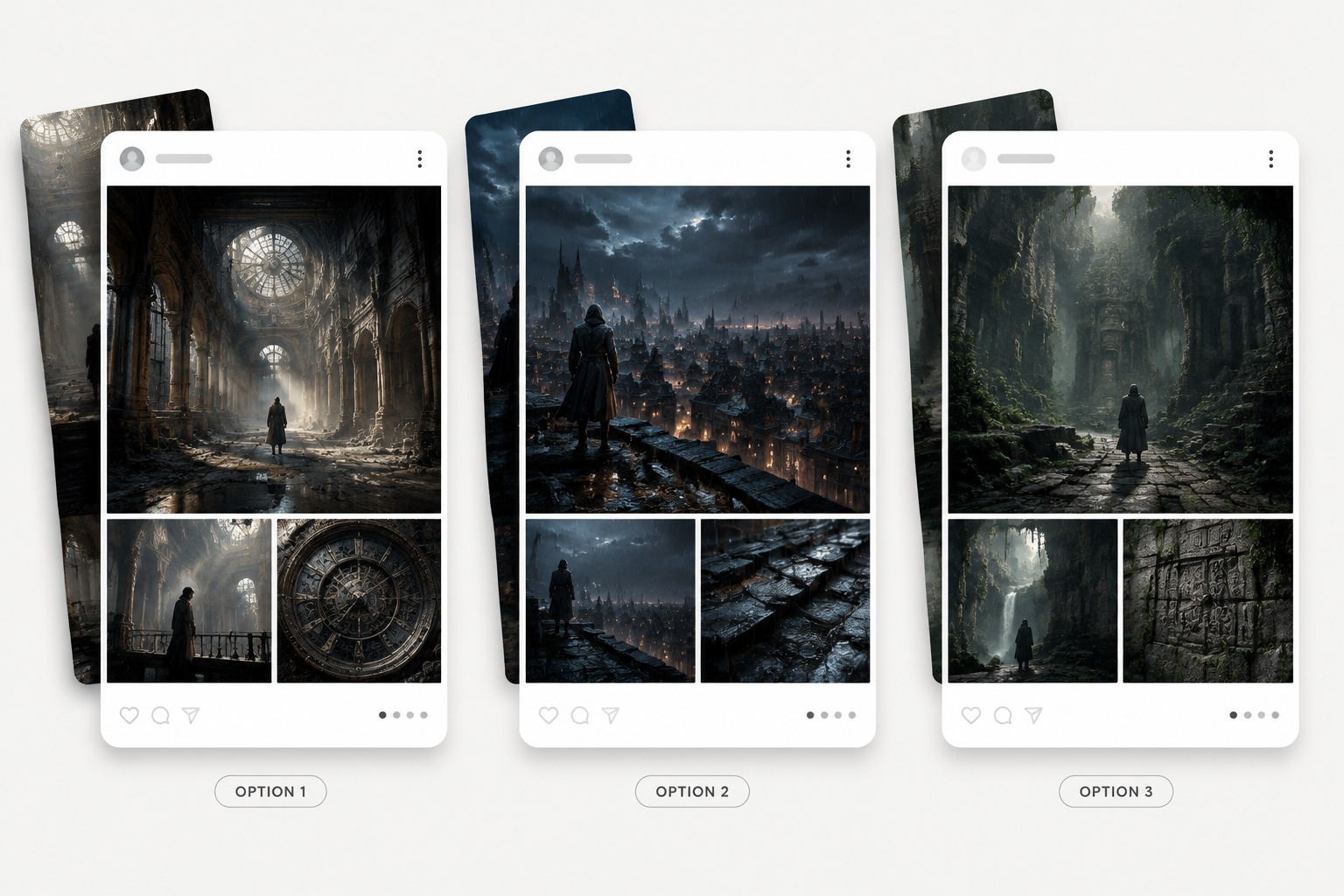
Quiet Establishing Scene
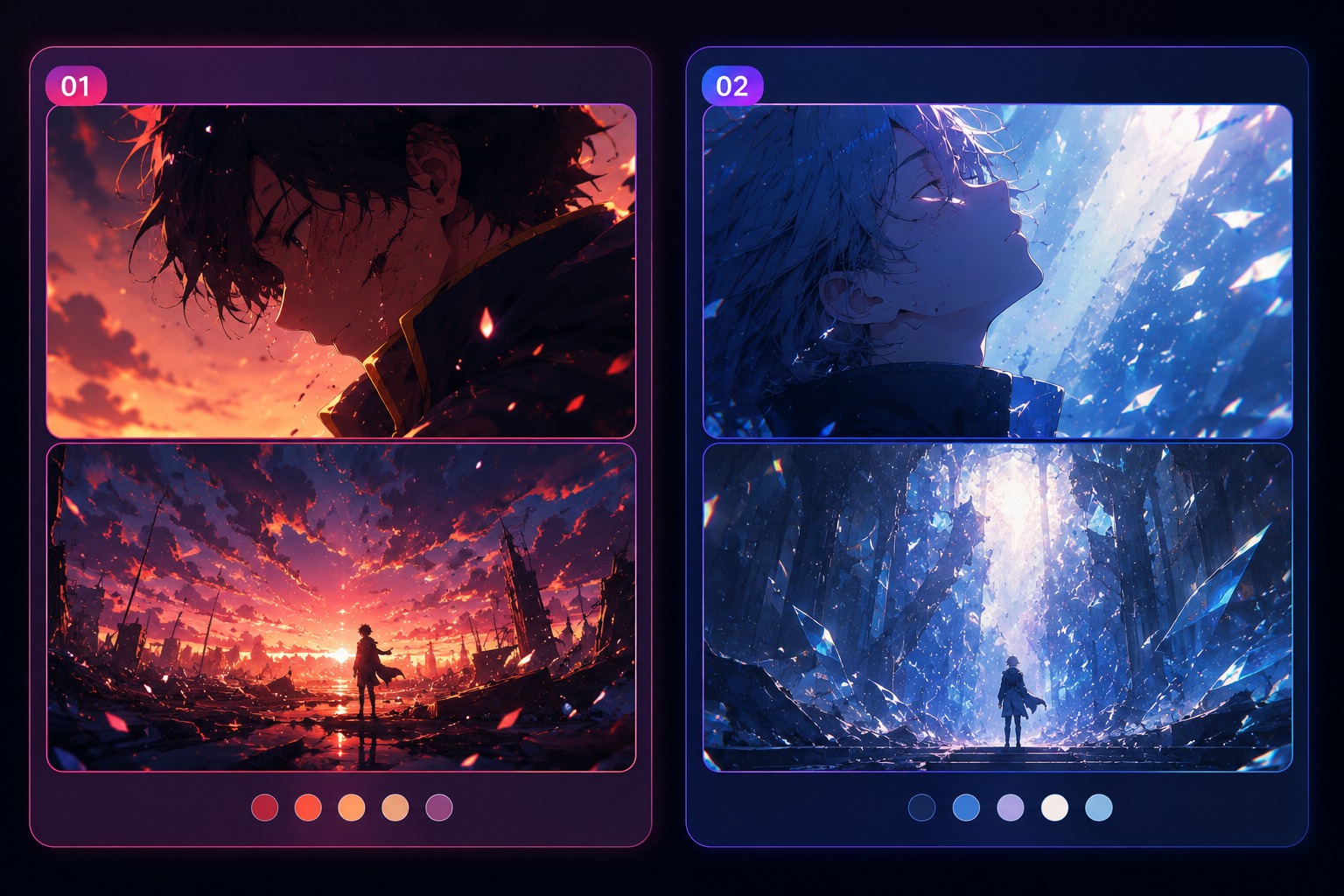
Page Concept Moment
From Story Beat to Graphic Novel Panel
Premise and Conflict
Start with a short premise: who wants what, what blocks them, and what changes by the end of the page. OCMaker AI can help visualize story moments, but the strongest graphic novel draft begins with conflict, emotional direction, and a clear reason the scene needs panels.
Panel Beat Planning
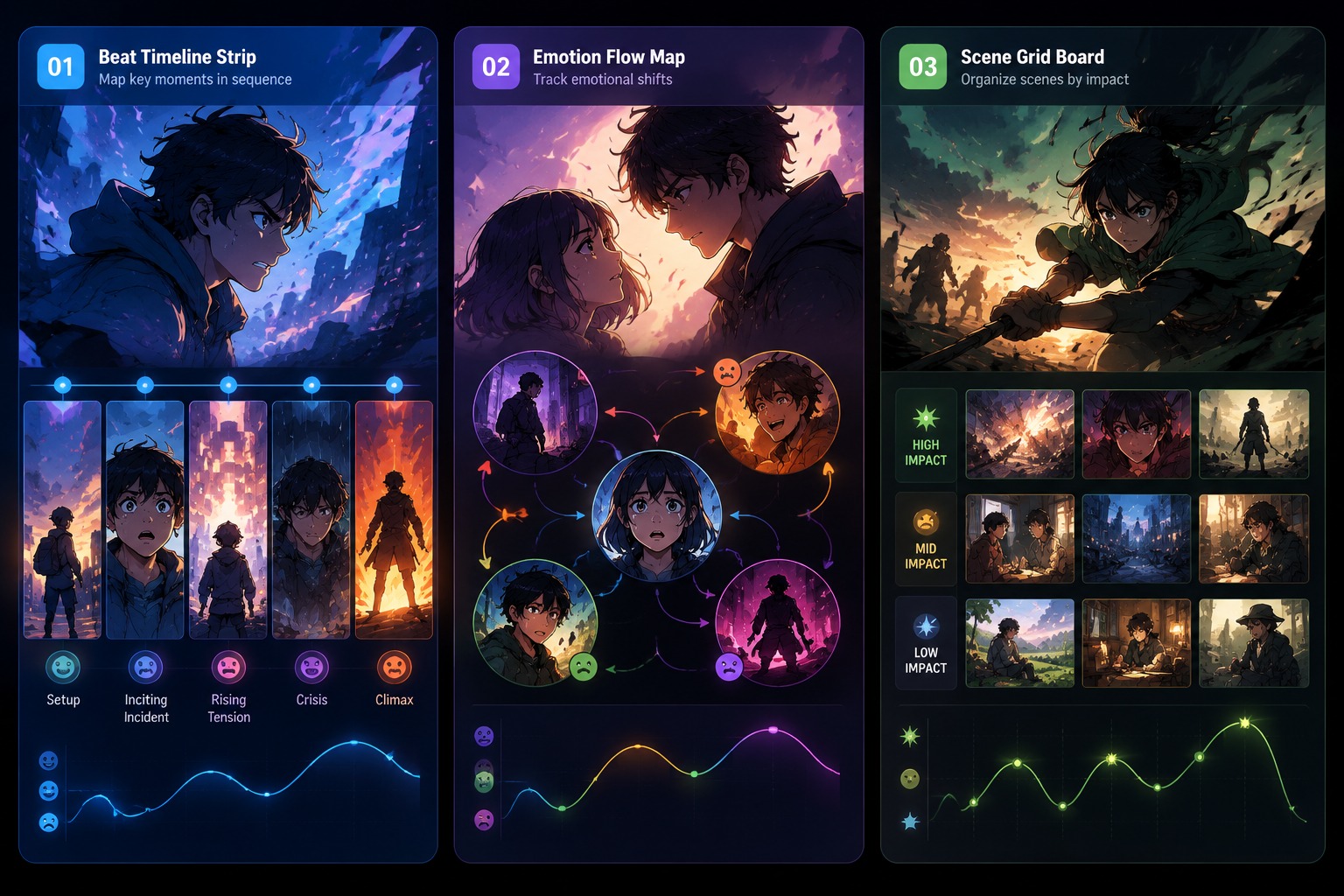
Make your own graphic novel by dividing the scene into visual beats instead of asking for a complete book at once. A setup shot, reaction, decision, and hook give the text to image process clearer targets for each panel concept.
Continuity and Dialogue Space
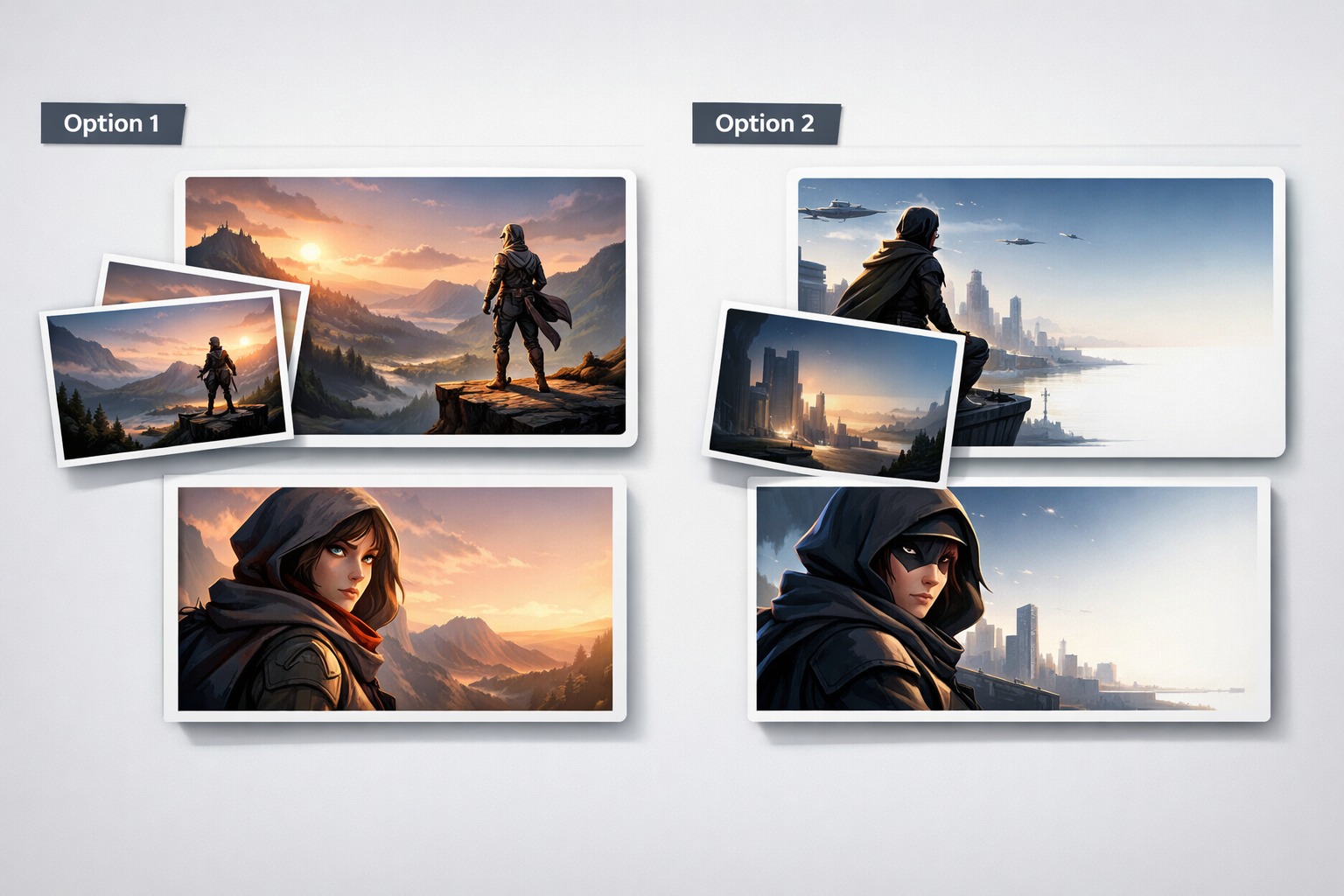
Use character sheets, outfit notes, and repeated color cues to reduce drift across panels. Leave blank or low-detail space for captions and speech bubbles, because readable final dialogue is usually safer to add after the image is generated and easier to edit during layout.
Page Revision Review
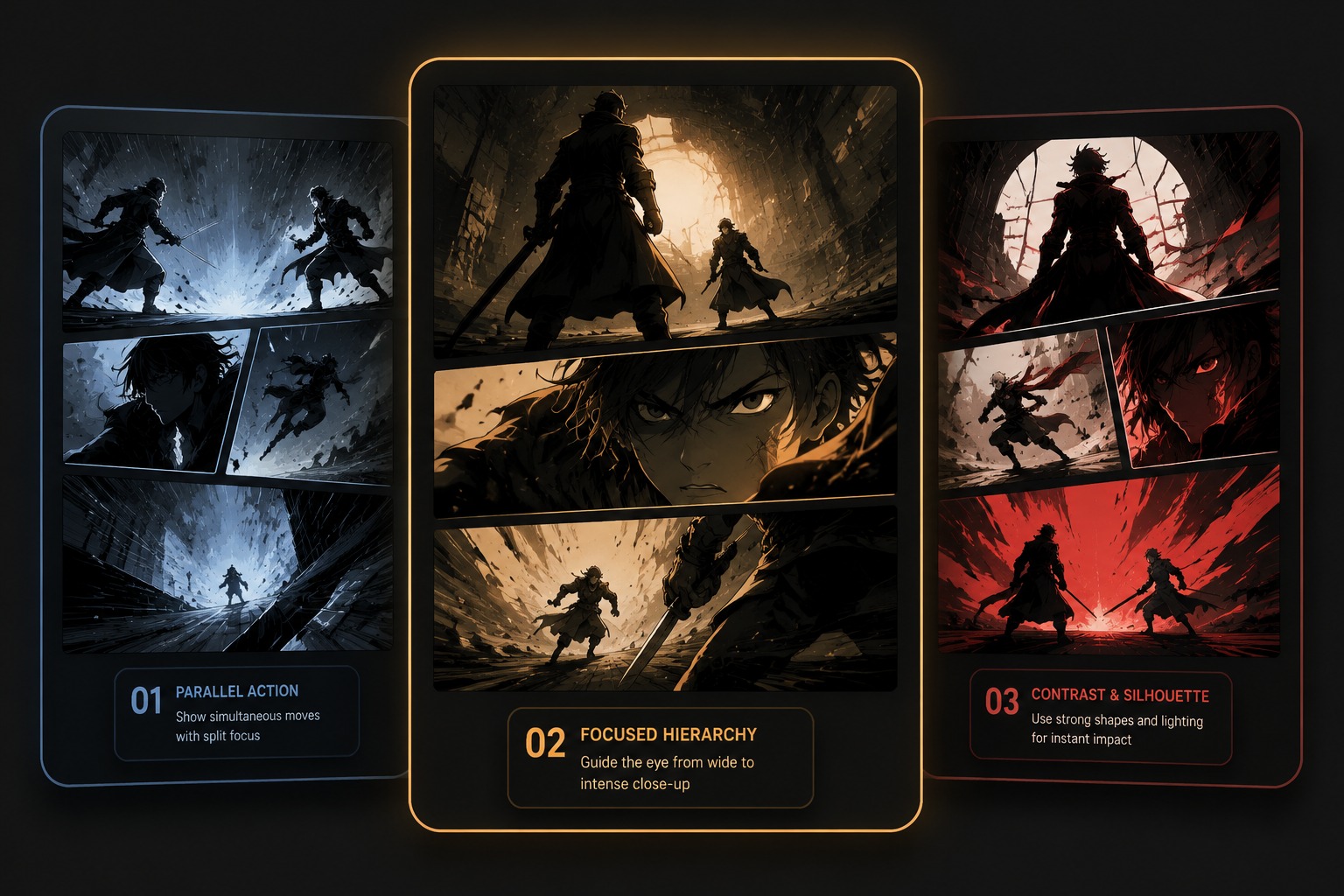
Before treating a panel as usable, check whether the camera angle, eye direction, action line, and emotion connect to nearby beats. A good graphic novel creator workflow produces editable references, while final sequencing still needs human story judgment and page-level revision.
Shape a graphic novel draft around story beats, panel clarity, character continuity, and revision planning.
Story Panel Features for Graphic Novels
Premise Drives the First Page
Start with a clear conflict, world detail, or relationship change before asking for visuals. A graphic novel maker result becomes easier to organize when every panel exists to show a story beat rather than a random dramatic image.
Panel Beats Stay Manageable
Break the scene into three to five visual moments: setup, reaction, decision, consequence, and hook. Free online graphic novel creator workflows work best when each generated image supports one beat, because crowded panels become hard to revise.
Character Continuity Needs Notes
Track hairstyle, outfit, color palette, scars, props, and emotional state across scenes. AI can help create strong single panels, but graphic novel planning still needs continuity notes so characters do not drift between pages.
Dialogue Space Is Planned Early
Leave clean areas for captions or speech bubbles instead of asking the model to render long readable dialogue. Exact lettering is usually better added in editing software, while the image focuses on acting, composition, and mood.
Scene Flow Beats Single Beauty
A stunning panel can still fail if it does not connect to the previous or next beat. Review eye direction, camera angle, character placement, and action continuity so the page reads like a sequence rather than isolated artwork.
Drafts Stay Editable
Treat each output as a scene reference or layout draft, not a locked final page. Strong graphic novel creator results leave room for redrawing, rearranging panels, adjusting dialogue, and refining character consistency later.
How to Use Graphic Novel Creator
A focused workflow based on this page intent
01
Define the Real Output
Choose whether the result should work as a portrait, panel concept, quote draft, surreal OC profile, avatar, or story reference before adding decoration.
02
Add Theme-Owned Details
Include details that only matter for this topic, such as portrait anchors, panel beats, character voice, relationship tension, split palette, or symbolic props.
03
Review for Reuse
Check the result for small AI errors, readability, originality, crop safety, and whether it can support the intended profile, panel, quote post, or publishing use.
Frequently Asked Questions