
Pricing
Log In
AI Generator
Photo to Sketch: Turn Your Memories into Art
Convert photo to sketch instantly with our AI tool. Try photo to pencil sketch online free and create clean, high-quality line art in seconds.
Photo to Sketch: Turn Your Memories into Art
Convert photo to sketch instantly with our AI tool. Try photo to pencil sketch online free and create clean, high-quality line art in seconds.
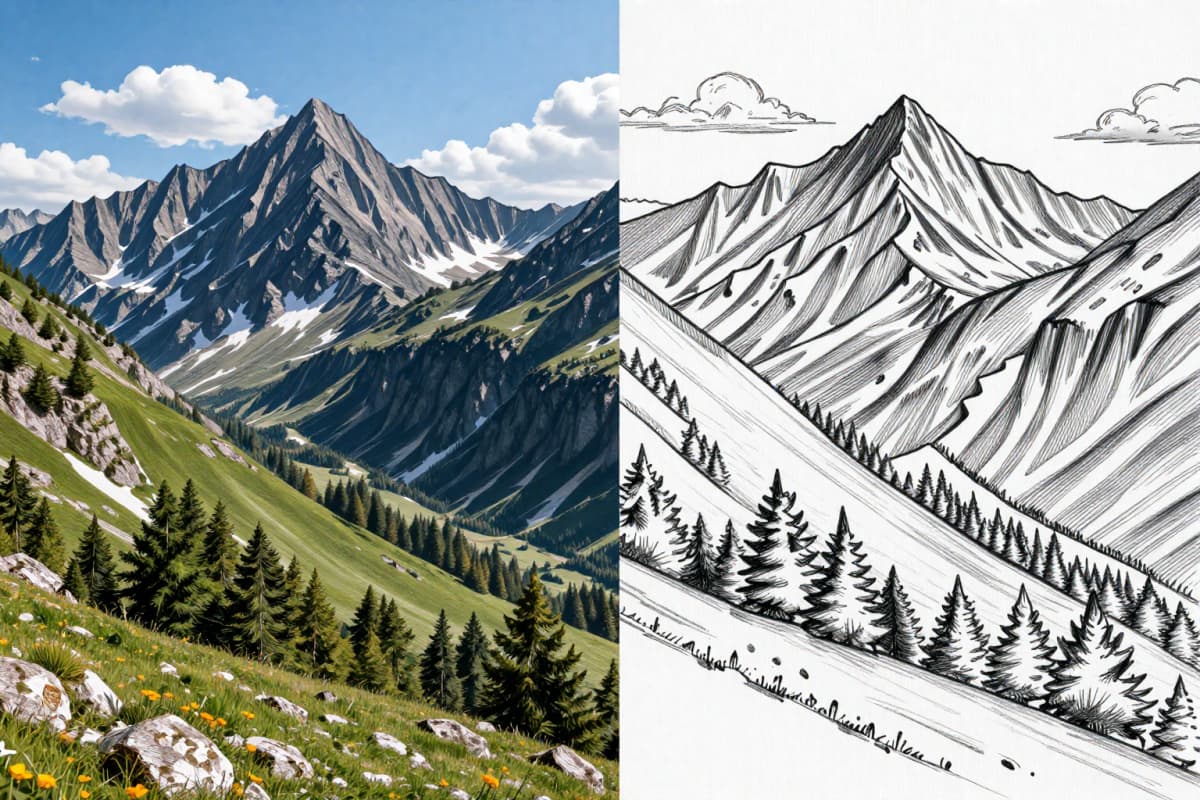
Image Gallery Section
Image Gallery Section
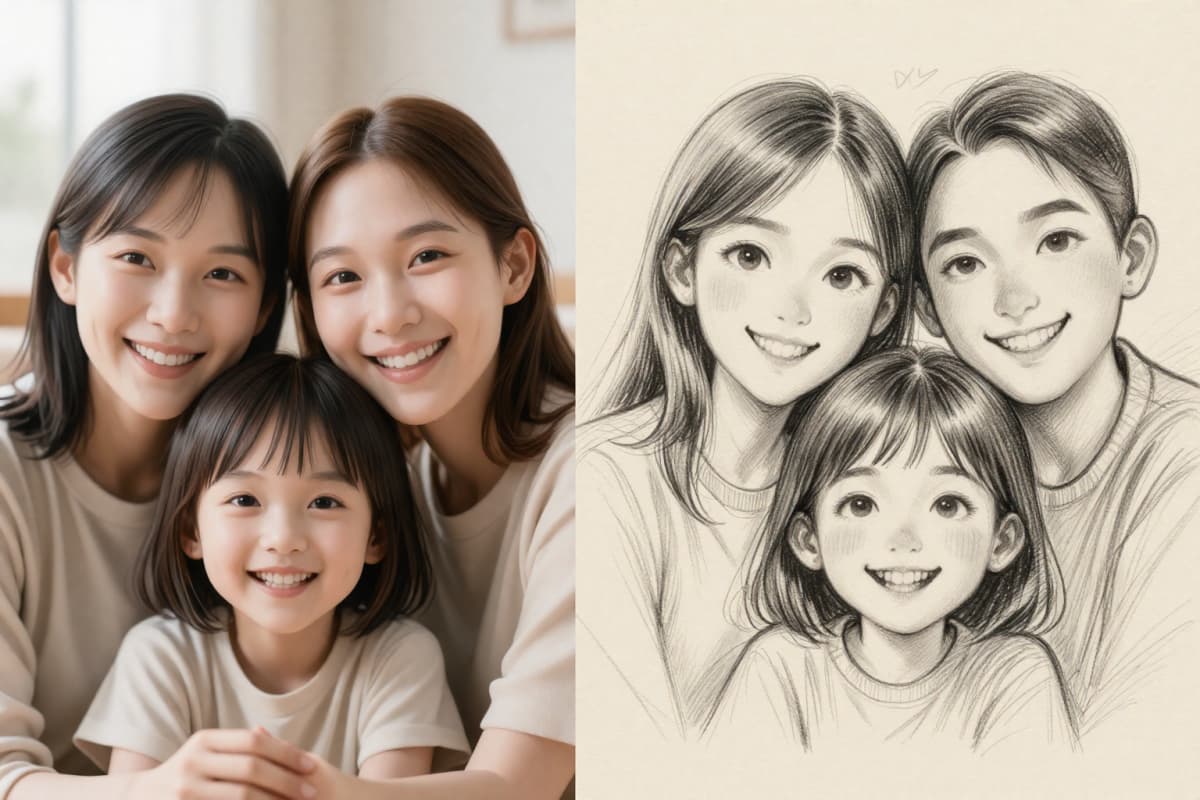
Family Memory
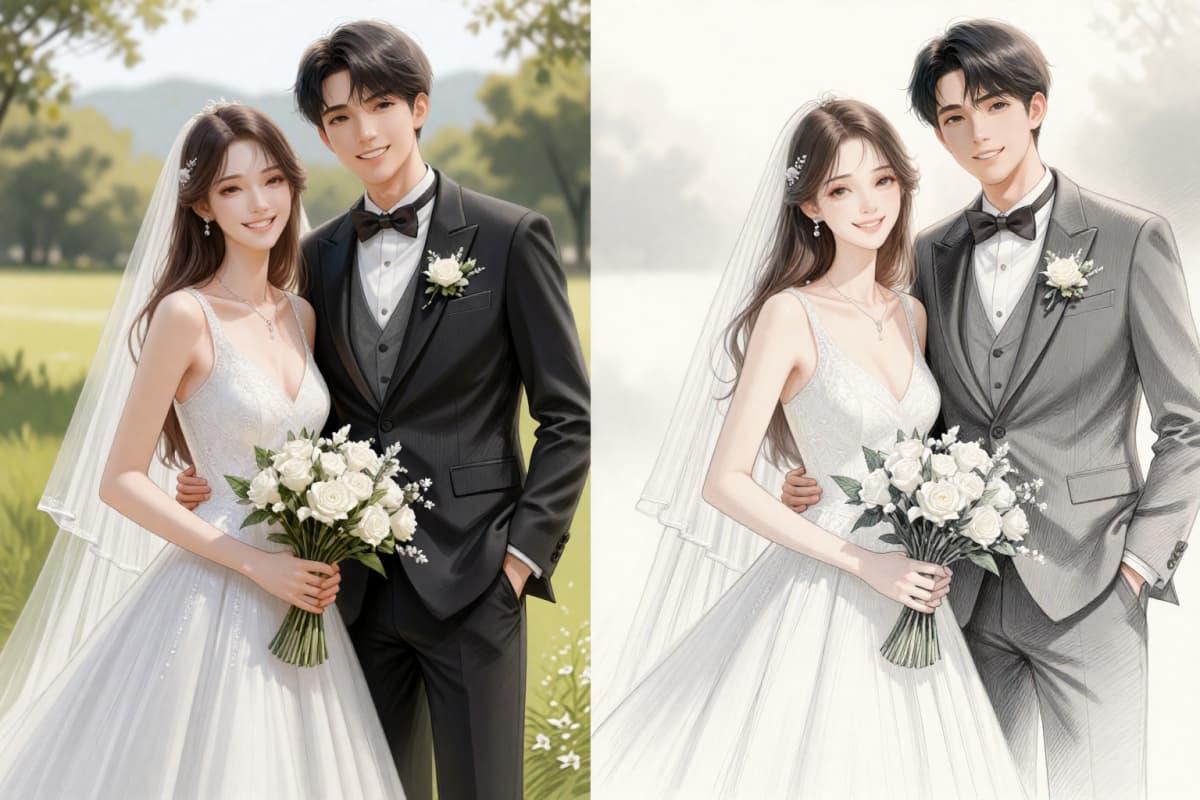
Wedding Transformation
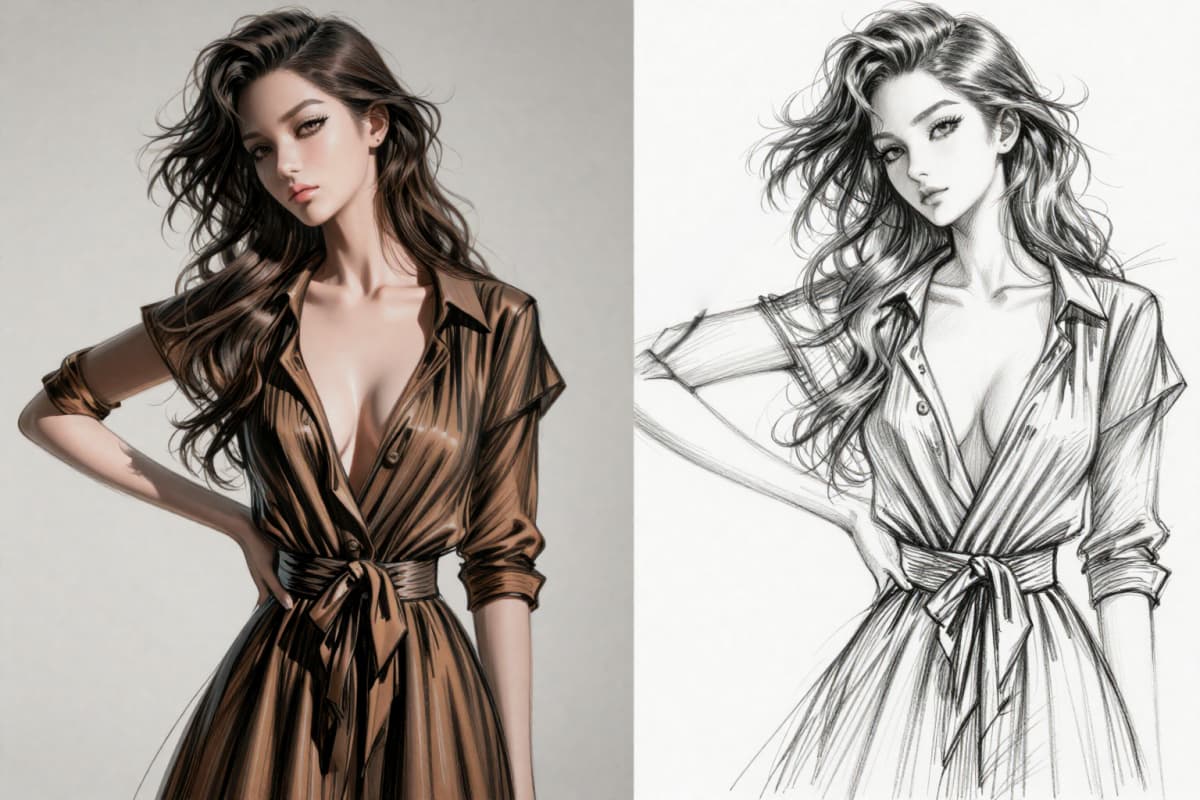
Portrait Photo to Sketch
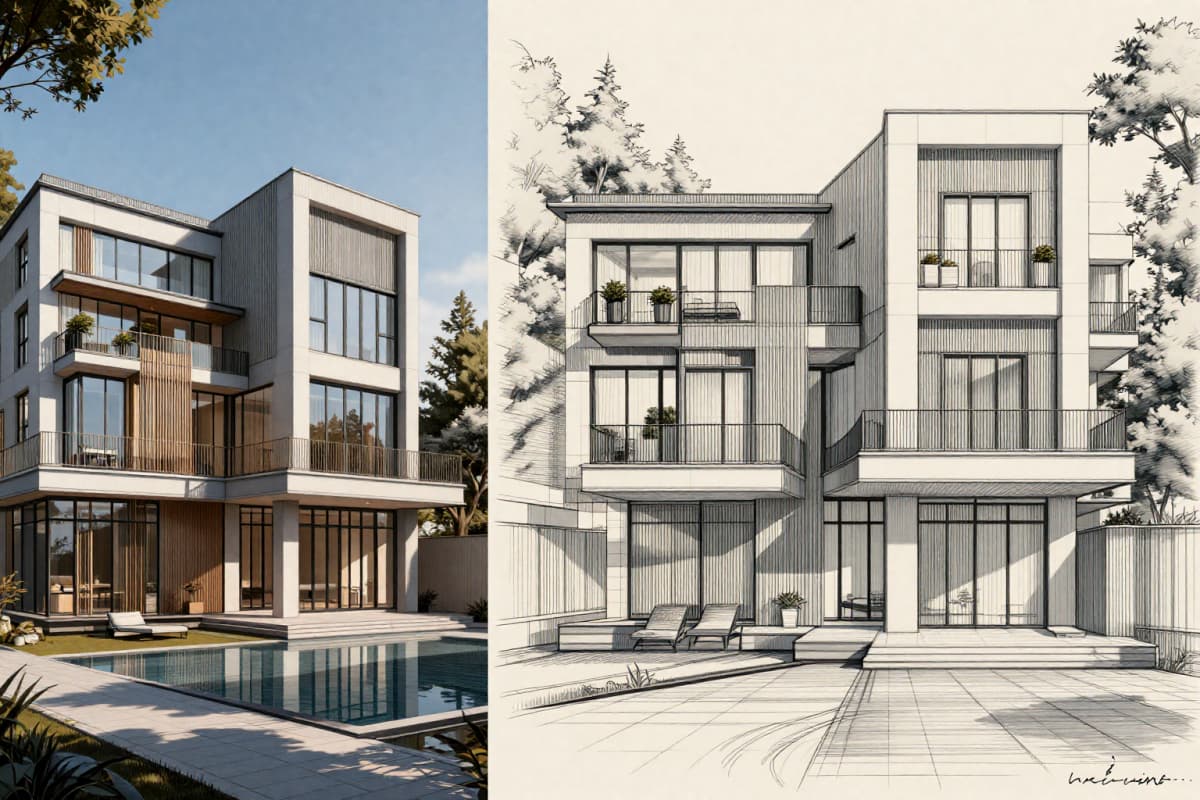
Architecture Line Art
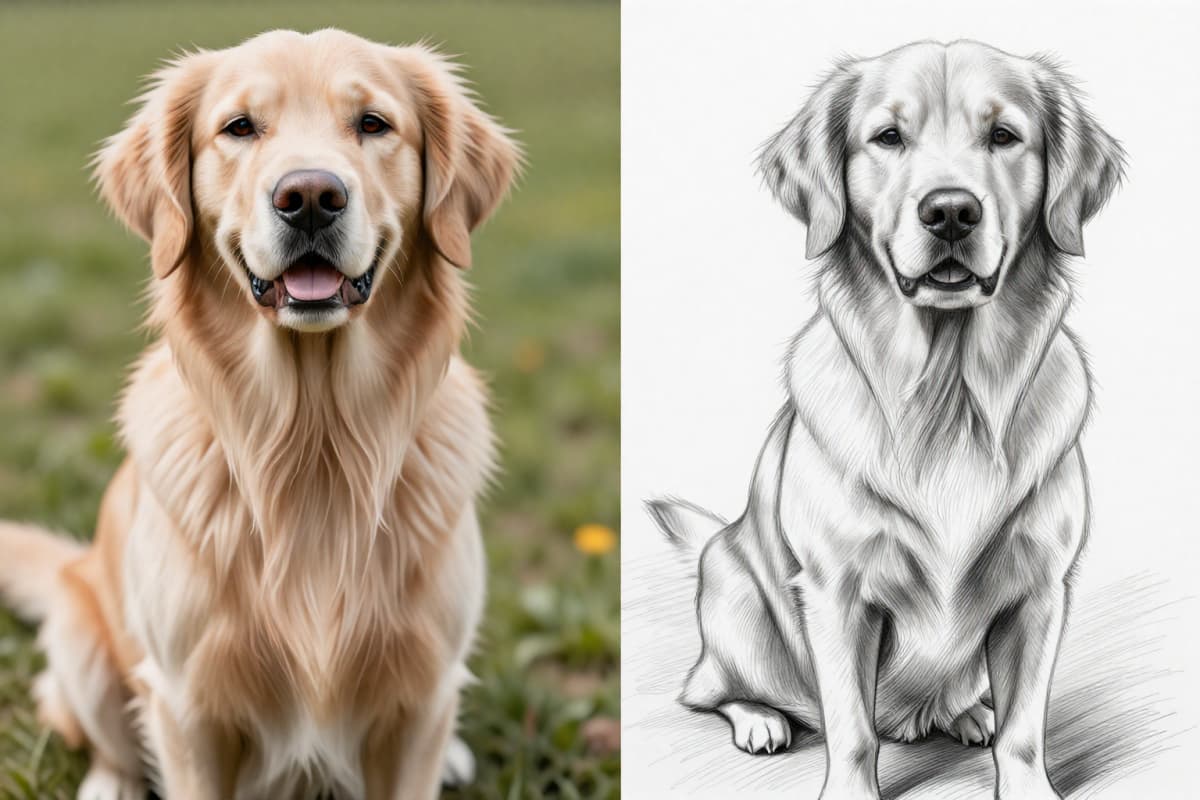
Pet Transformation
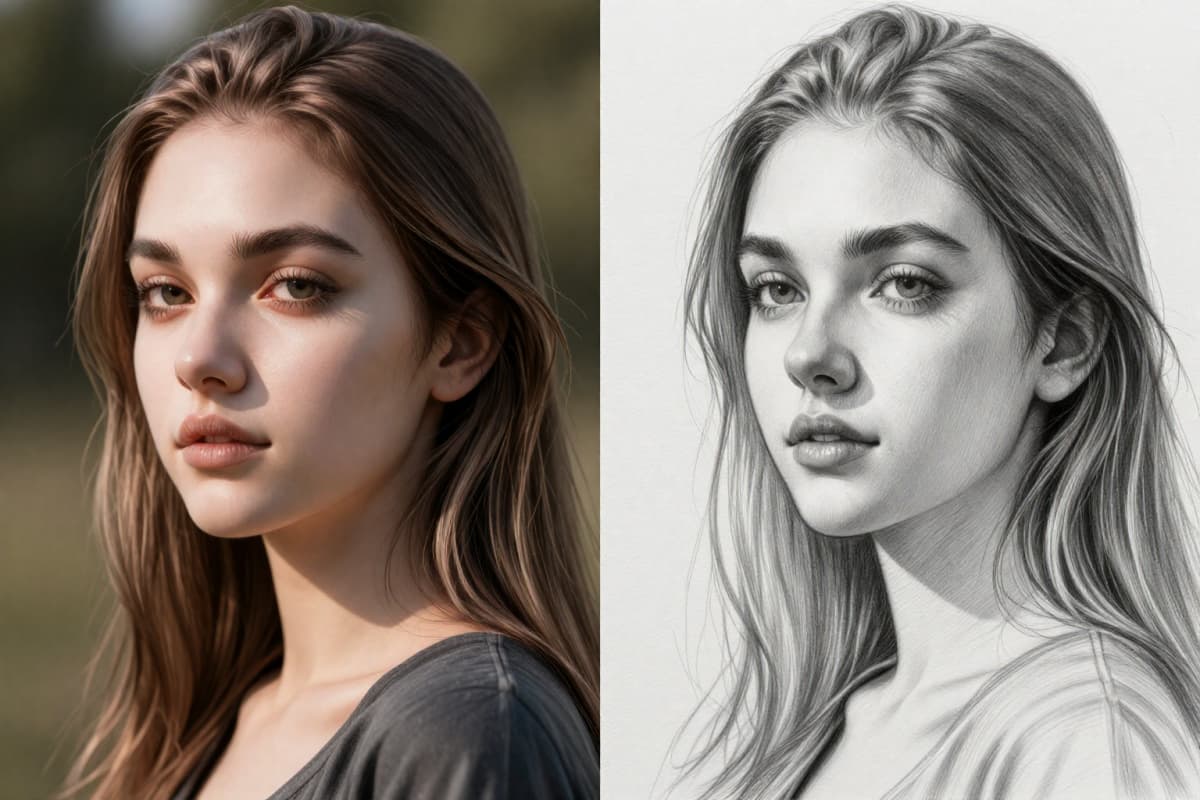
Beatiful Lady Photo to Sketch
Explore the Photo to Sketch Converter Features
Professional-Grade Sketch Quality in Every Conversion
Our AI photo to sketch converter delivers exceptional visual fidelity with true high-resolution output. Every uploaded image is carefully analyzed to preserve its original clarity, ensuring that facial features, textures, and fine details remain sharp and well-defined.
Unlike lower-quality converters that produce jagged edges or fragmented lines, our advanced rendering system creates smooth, continuous strokes with balanced contrast and natural shading. The AI intelligently complements contours and intensity with out over-processing, ensuing in clean, elegant, and artistically subtle sketches.
Fully integrated into OCMaker AI, this tool provides studio-level sketch quality instantly — no manual editing, no software installation, and no design experience required.
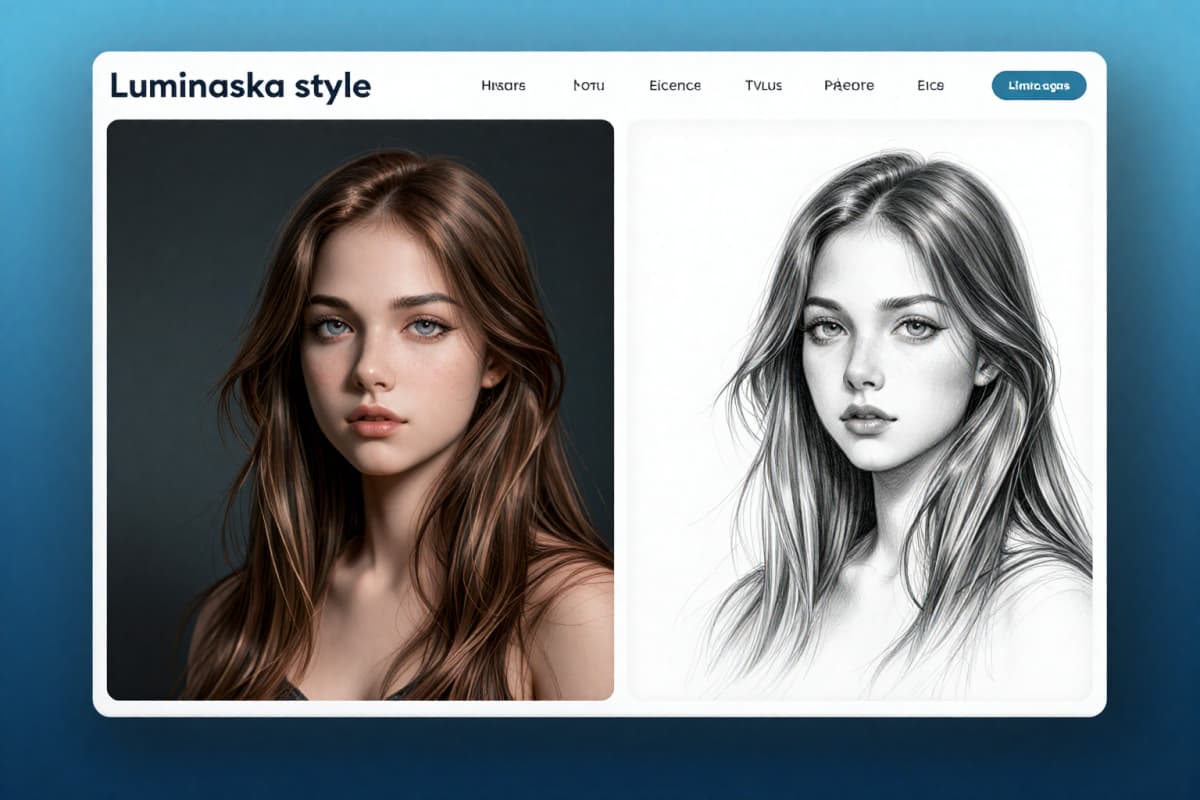
Four Distinct Sketch Styles
Choose the Exact Photo-to-Sketch Effect You Love: Creative control matters. That's why our photo to sketch converter offers four carefully optimized sketch styles, each designed for a different visual outcome.
Classic Sketch:Replicates the look of a traditional pencil drawing. Both subject and background are preserved with fine, natural linework and soft tonal transitions.
Bold Outline Sketch:Strengthens key contours around the main subject while keeping background elements subtly visible. Ideal for profile images and visually striking compositions.
Background-Free Sketch:Removes all background elements to isolate the subject with crisp, defined lines. Perfect for avatars, branding visuals, or clean presentation layouts.
Normal Sketch:Provides a straightforward and balanced transformation without additional stylization — a pure, natural photo-to-sketch conversion.
If you're looking to explore more stylized or creative transformations, you can also experiment with our AI anime generator for illustration-style outputs, or generate entirely new concepts using our text to image tool.
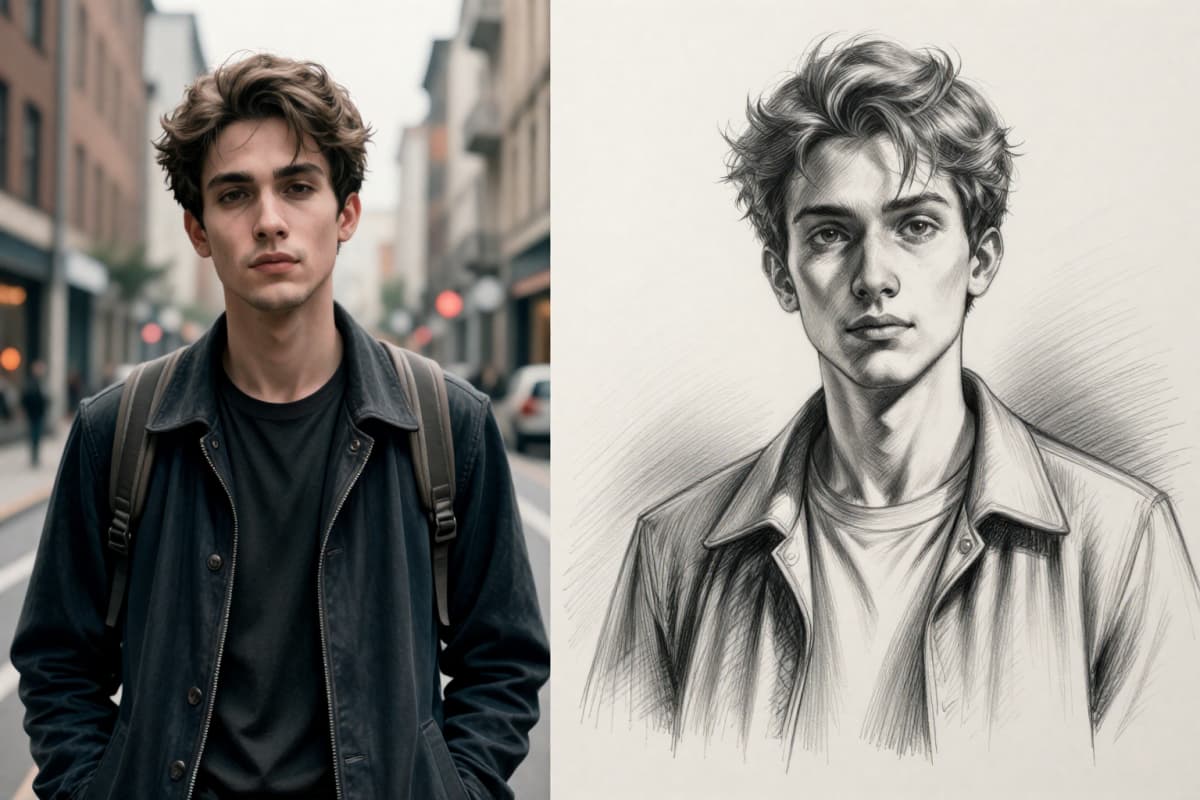
Convert Any Photo into a Sketch in Seconds
Speed and versatility define our AI tool. It converts most photos in seconds, detecting composition, lighting, and edges for a clean, accurate sketch.
Supports portraits, couples, families, pets, landscapes, architecture, and products. No watermarks, no quality loss — professional results instantly for all users.
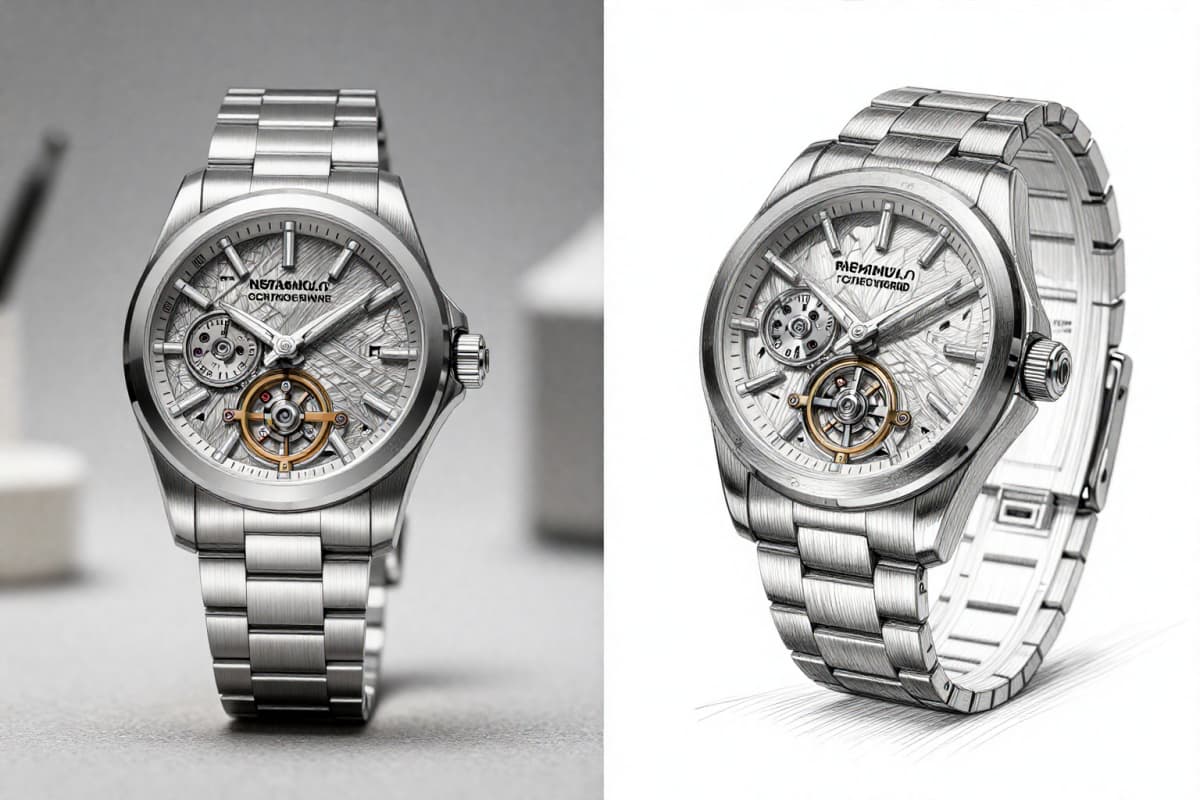
Advantages of Using Photo to Sketch Tool
Smart Edge Detection
Our AI accurately detects outlines, facial contours, and fine details to create smooth, natural pencil strokes. No broken lines or rough edges — just clean, balanced sketch results.
Multiple Sketch Modes
Choose from Classic, Bold Outline, Background-Free, or Normal Sketch. Easily switch styles to match portraits, products, pets, or landscape photos.
Fast & Free Conversion
Upload your photo and get a high-quality sketch in seconds. No signup required. No watermarks. Completely free to use online.
How to Turn a Photo into a Sketch Online Free
01
Upload a Clear Photo
Click "Upload" and choose a sharp, well-lit image. Natural light works best. Avoid heavy filters or blur. If you want detailed pencil texture, make sure the subject's edges (face, hair, clothing) are clearly visible.
02
Select Your Sketch Style
Choose from Classic, Bold Outline, Background-Free, or Normal Sketch. If the background is messy, use Background-Free. If you want stronger facial structure, try Bold Outline. For a natural pencil look, Classic usually gives the most balanced result.
03
Generate and Download
Click "Generate" and wait a few seconds. The AI will analyze edges, contrast, and lighting before generating the sketch. Preview the result, then download the high-resolution version for free.
Common Questions About Photo to Sketch Conversion
Start Your Artistic Journey with OCMaker
Jump into artistic transformation by converting your photos...