
Pricing
Log In
Style*
Background
4tokens•~30s
Roblox OC Maker
Create Roblox-style OCs around blocky proportions, outfit themes, accessory choices, game-role identity, and profile icon readability instead of turning the avatar into a standard anime portrait.
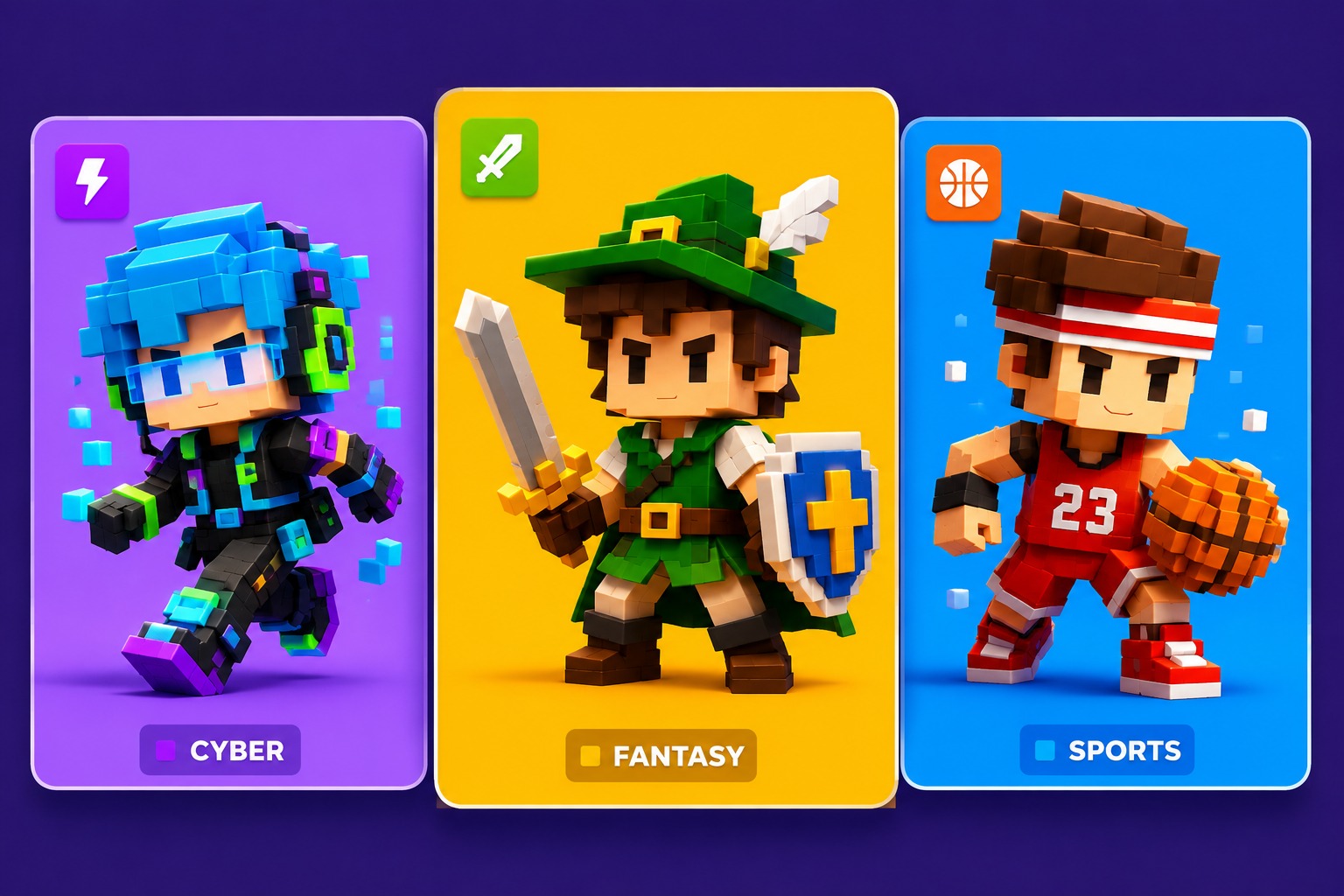
Blocky Avatar and Game Icon Concepts
Compare blocky avatar directions: a profile-ready game icon, a playful outfit concept, and a character pose that keeps toy-like proportions clear.
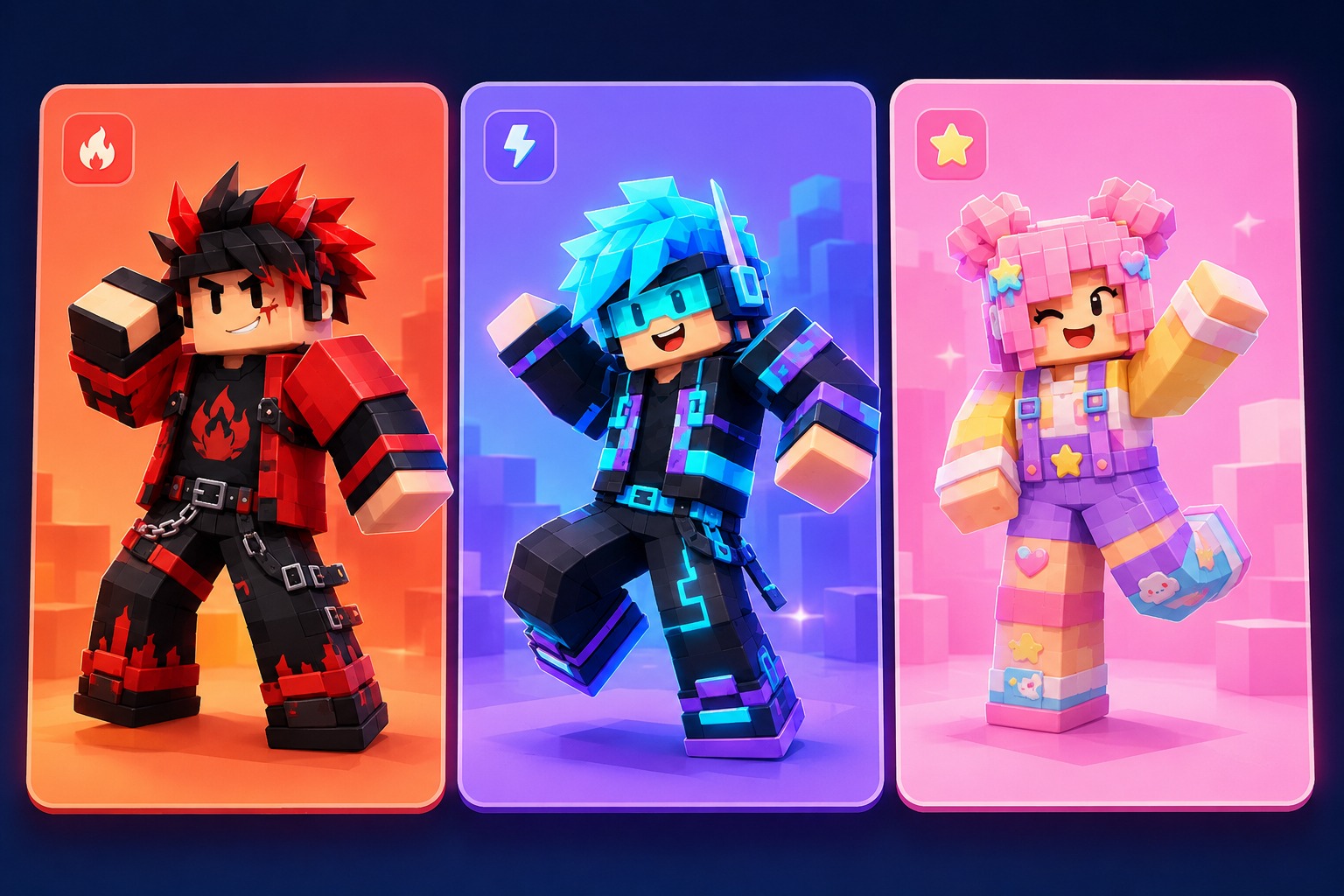
Blocky Avatar OC
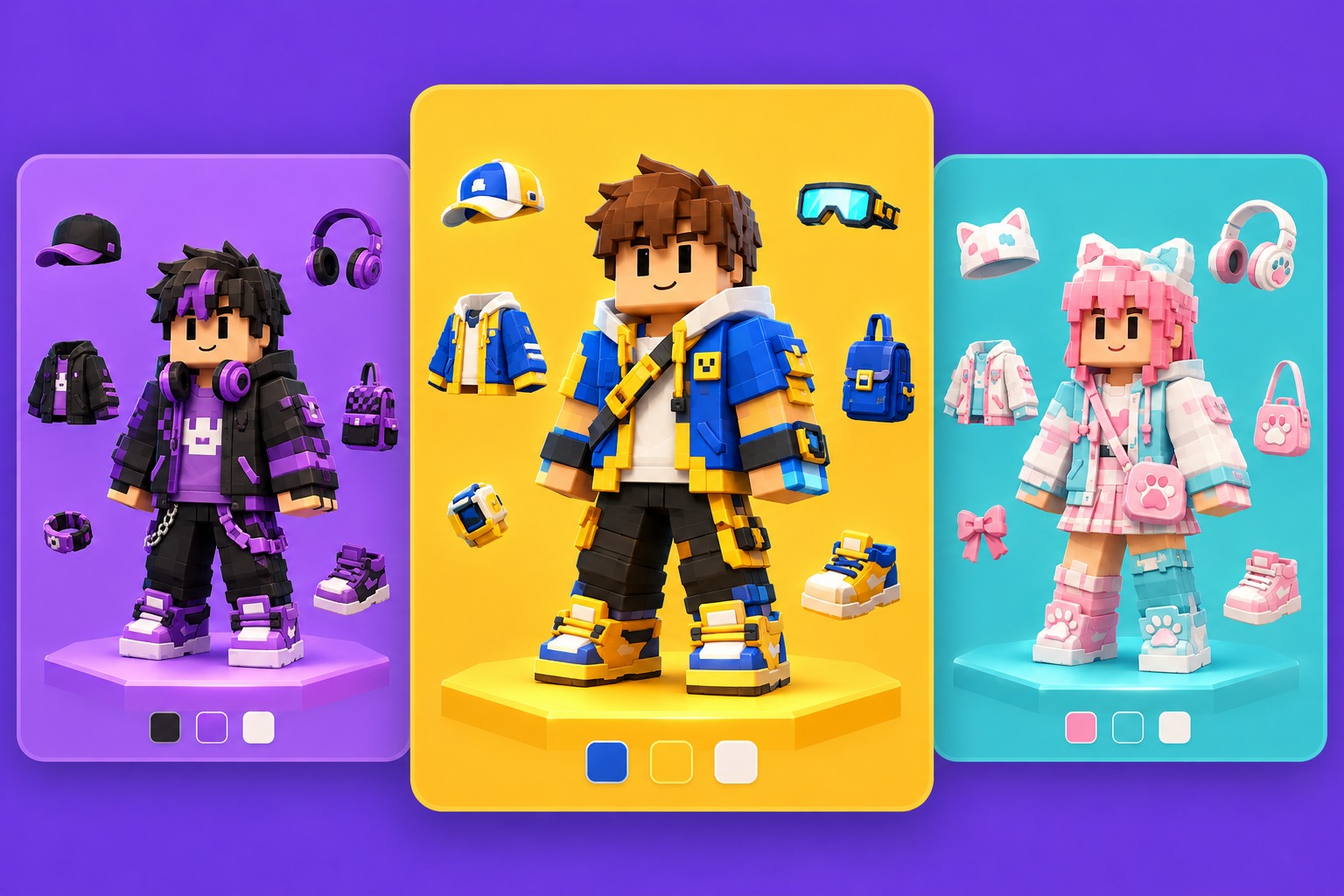
Playful Outfit Concept
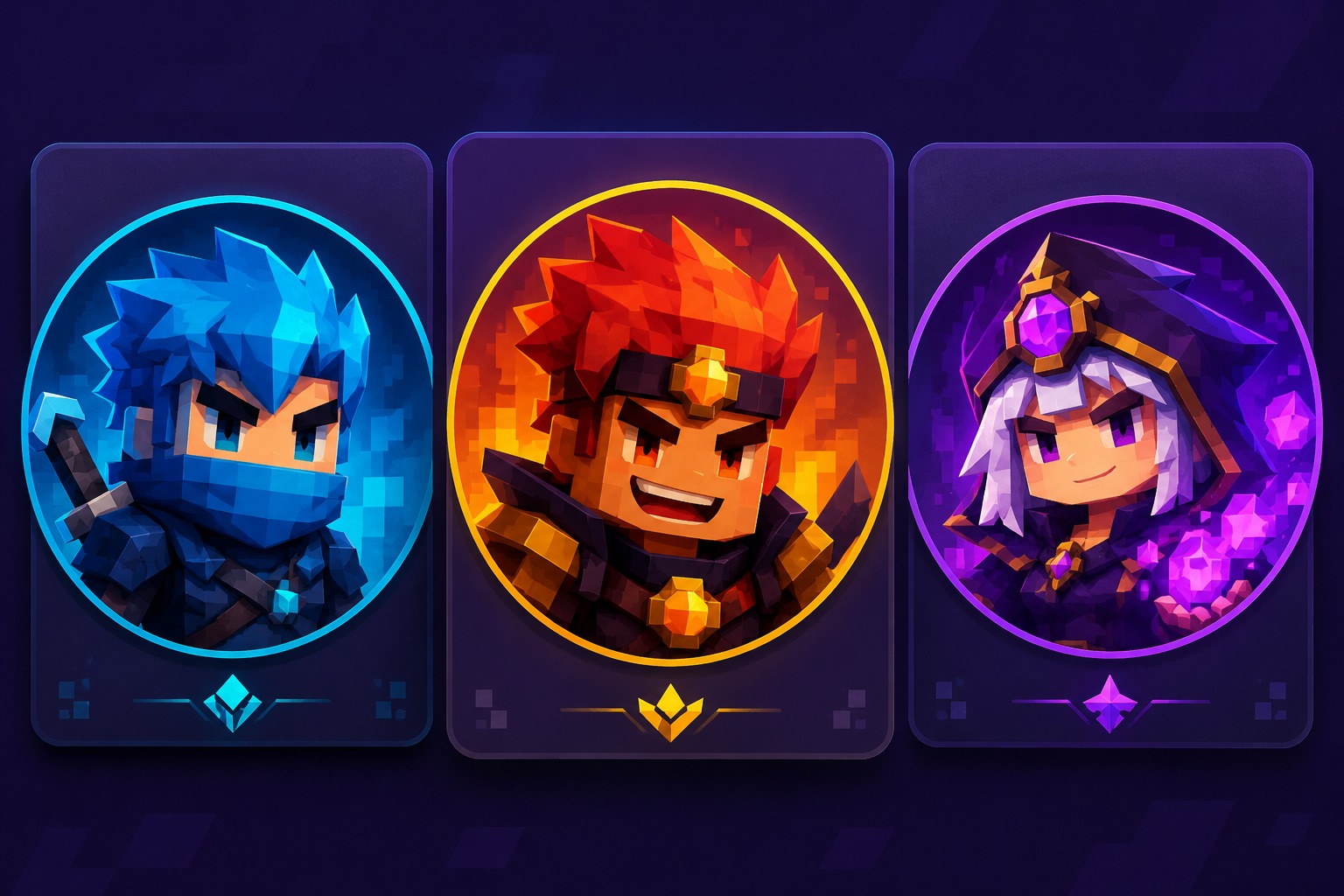
Game Profile Icon
Avatar Kit Logic for Blocky Game OCs
Blocky Identity Brief
Start with modular body shape, head silhouette, color theme, and role before adding style polish. OCMaker AI is most useful when the prompt protects the blocky avatar format, because otherwise the design may drift into a generic anime character.
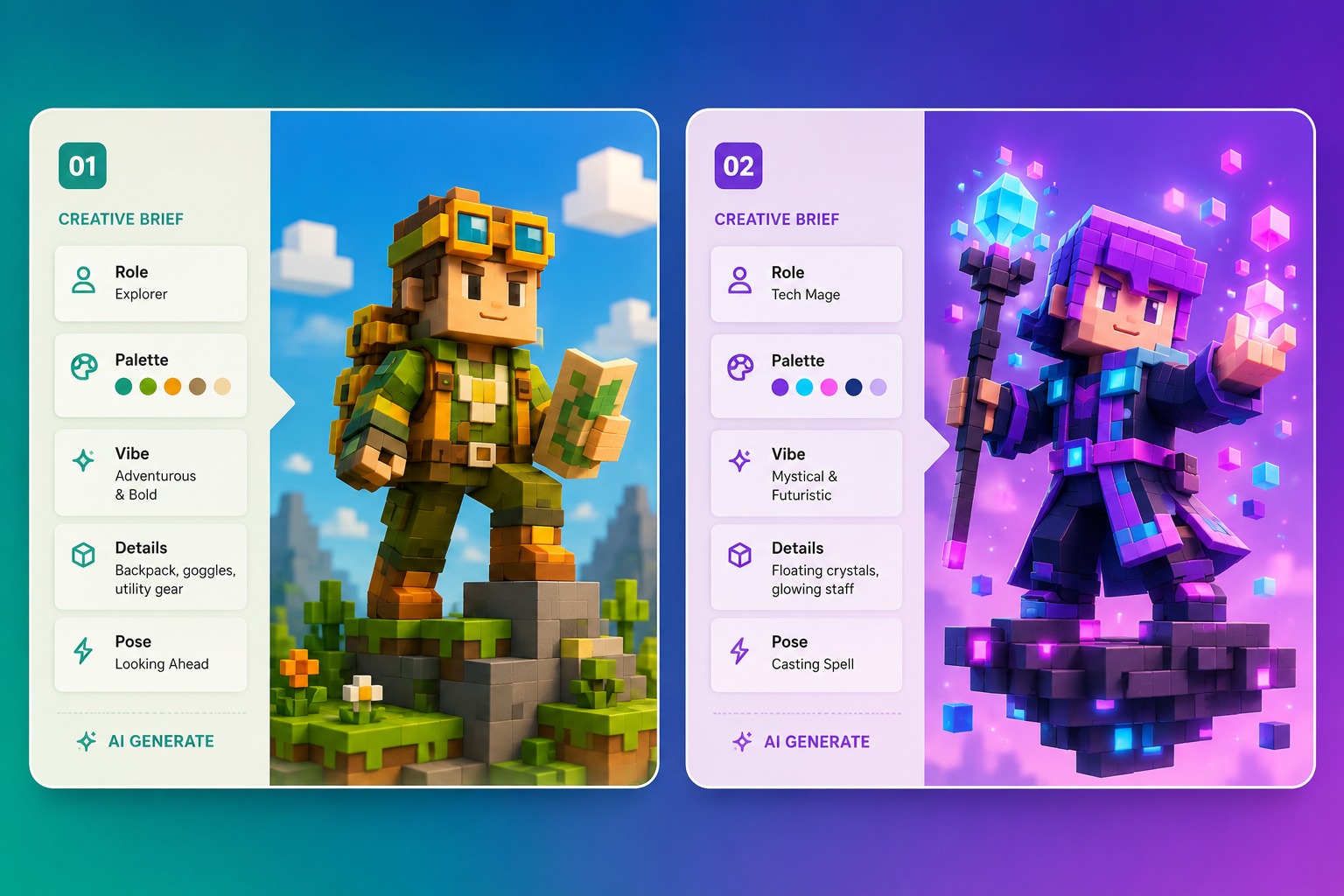
Outfit and Accessory Kit
Use the showcase to compare hats, props, outfit layers, and mascot cues as a kit. The strongest Roblox OC concepts look playable and recognizable; the weaker ones pile on decorative details that would not read clearly in a game profile or avatar crop.
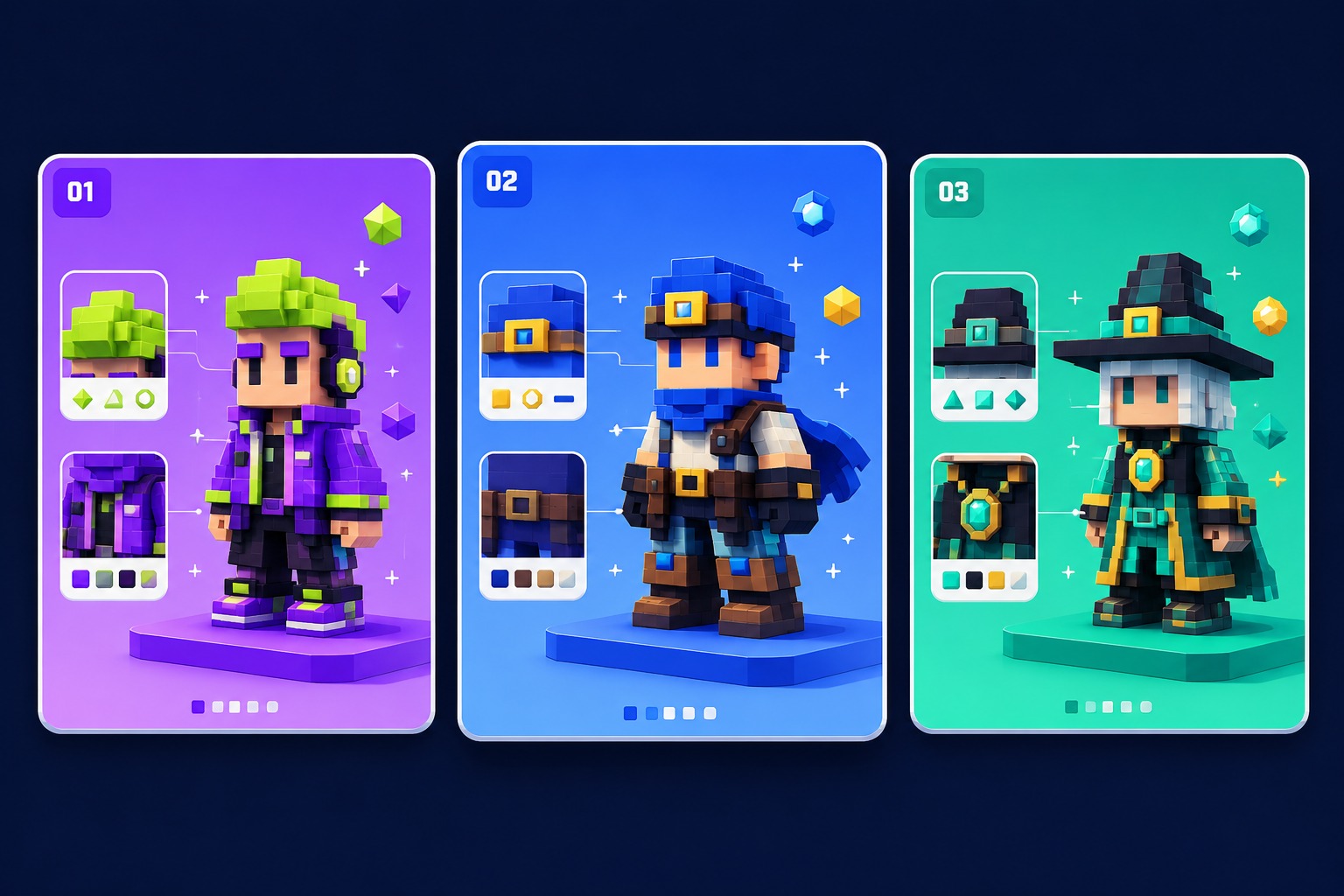
Game Icon Framing
A Roblox OC maker page should help users produce profile icons as well as full-body concepts. AI anime generator styling can polish the image, but the crop still needs a clear face, color theme, and one memorable accessory.
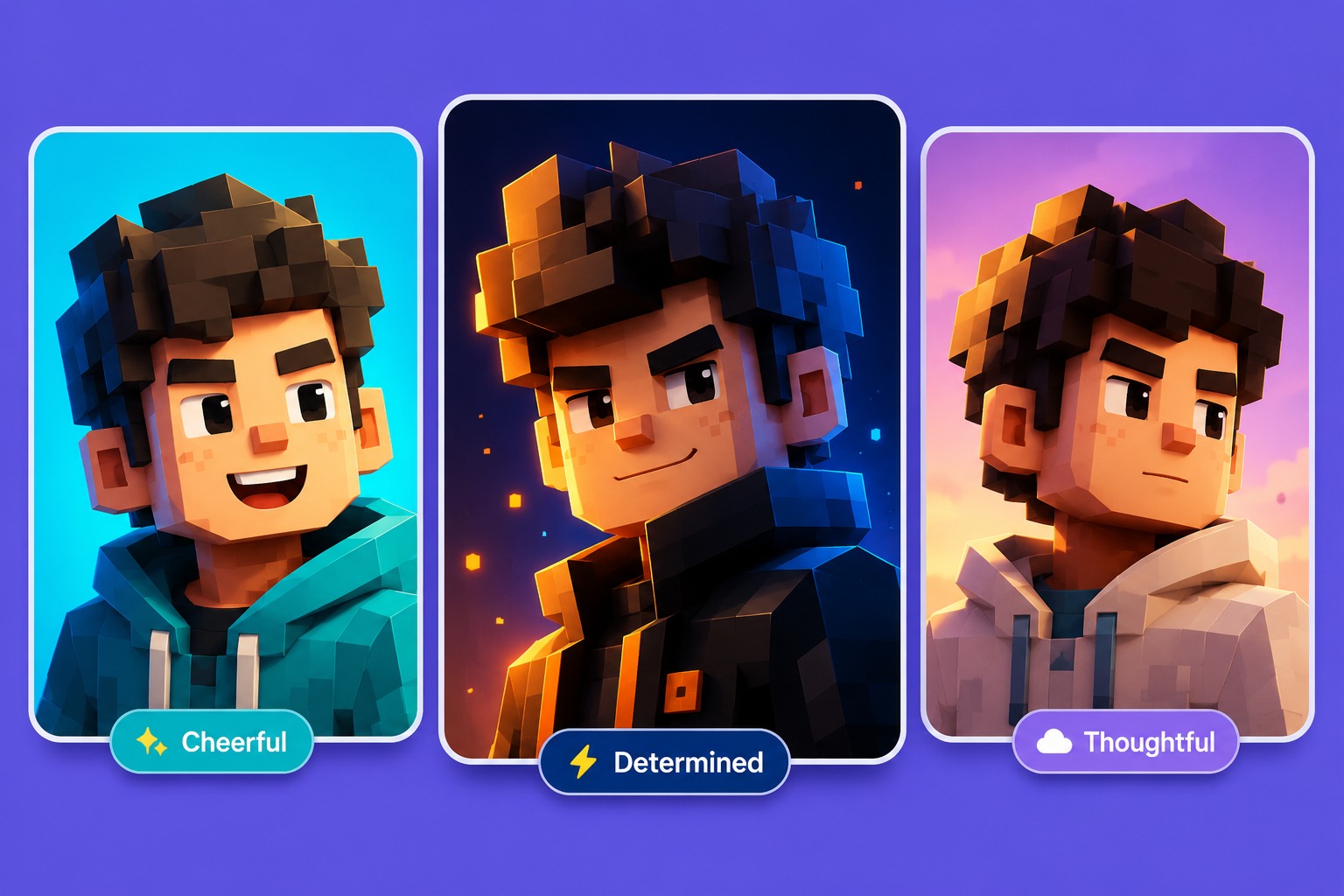
Platform-Style Review
Before publishing, check whether the character still feels like a blocky game avatar after removing the title. If proportions, outfit theme, or role hook are unclear, simplify the design around one playable identity instead of adding more detail or anime-style polish.
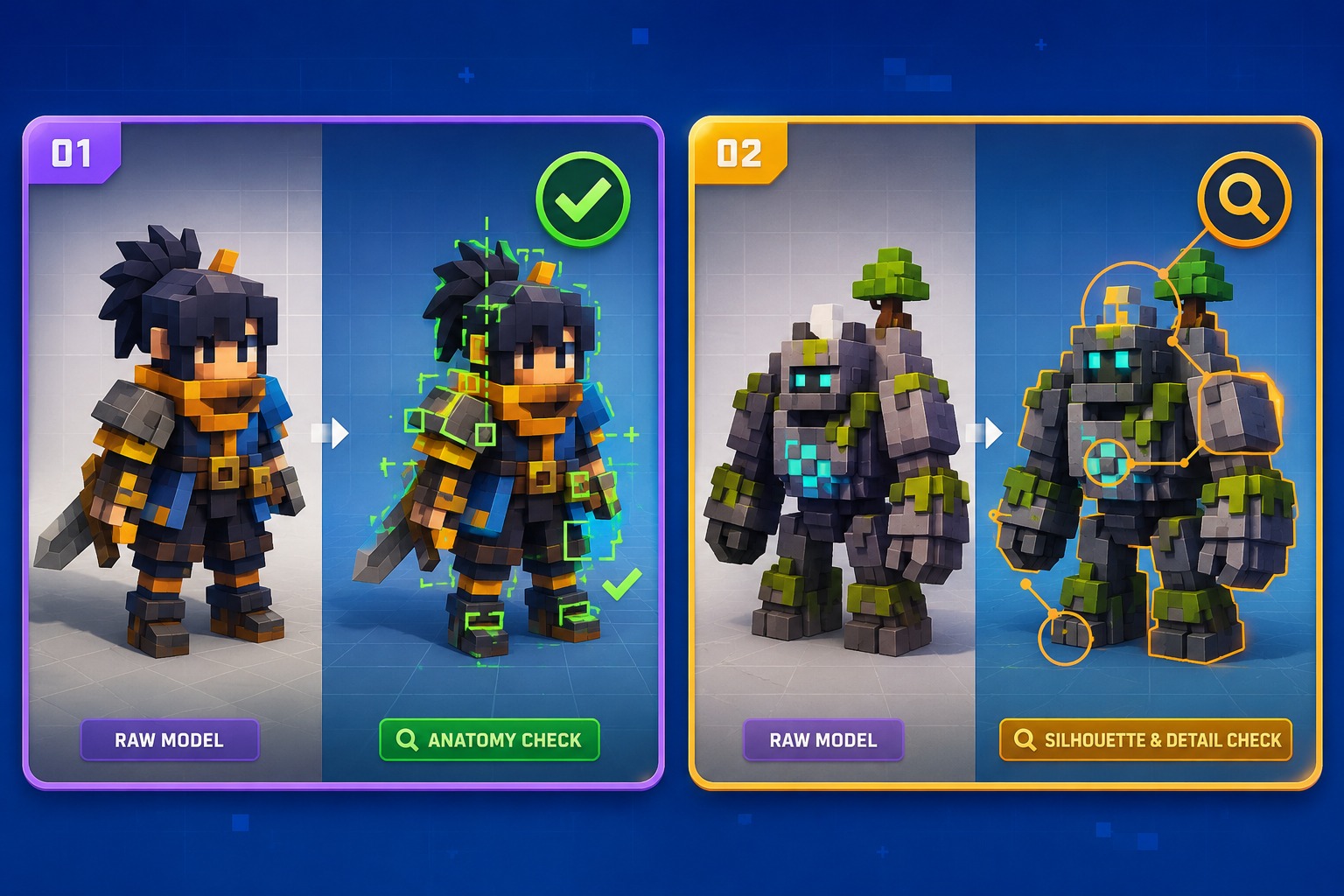
Keep proportions, outfit kits, accessories, and profile icons readable for game-style character use.
Blocky Avatar Features for Roblox OCs
Blocky Proportion Control
Keep the body structure toy-like and modular instead of smoothing it into a normal anime figure. Roblox-style OCs rely on readable block proportions, so square shoulders, simplified limbs, and clear head shapes should guide the design.
Outfit Kit Readability
Build the outfit around a simple theme such as mascot, explorer, performer, spooky toy, shopkeeper, or game rival. A focused outfit kit helps the avatar feel playable and recognizable rather than overloaded with unrelated accessories.
Accessory Economy
Choose a small number of hats, props, backpacks, face details, or handheld items that explain the OC’s role. Too many accessories can hide the blocky silhouette and make the design harder to recognize as a game avatar.
Profile Icon Cropping
Check whether the face, head accessory, and color theme remain readable in a square icon. Roblox OC maker users often need profile images, so the strongest outputs work even when the full outfit is not visible.
Dandy-Inspired Originality
For Dandy’s World inspired ideas, use broad toy, mascot, or playful horror cues without copying named characters. Original colors, props, and role concepts make the avatar safer and more flexible for roleplay or social use.
Game Role Hooks
Define what the avatar does in a world: helper, trickster, shop NPC, explorer, performer, or spooky mascot. A role hook turns the design from a fashion look into an OC that can support bios, scenes, and gameplay-inspired stories.
How to Use the Roblox OC Maker in 3 Steps
A simple workflow that reduces messy retries
01
Define the Brief
Choose the character type, role, mood, framing, and intended use.
02
Generate Variations
Add palette, outfit or markings, pose, expression, prop, and one story hook.
03
Review and Refine
Review originality, anatomy, readable details, and whether the concept can be reused.
Frequently Asked Questions