
Pricing
Log In
Style*
Background
4tokens•~30s
Wings Of Fire OC Maker
Create dragon OCs with full-body anatomy, wings, scale palettes, tribe-inspired traits, and personality hooks that make the creature design useful for profiles, stories, and roleplay.
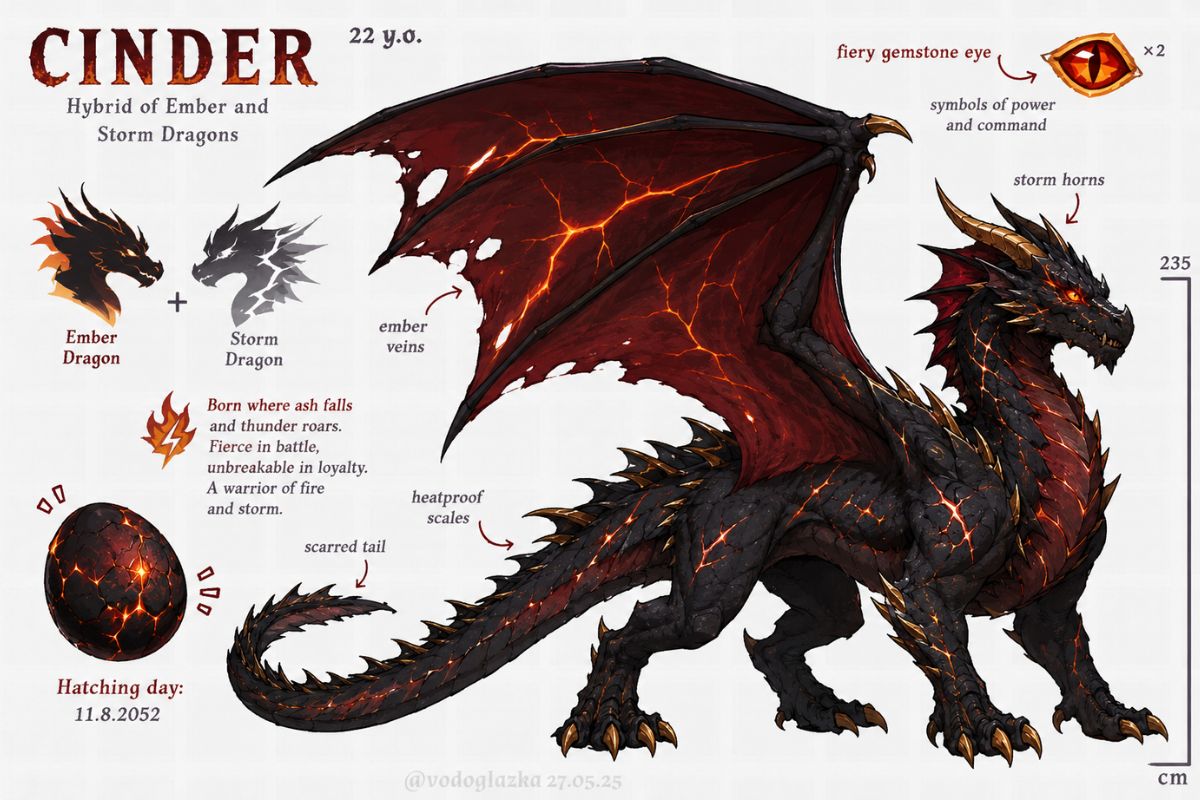
Dragon OC Full-Body and Wing Concepts
Compare dragon directions through body shape, wing markings, and fantasy tribe-inspired traits so the character feels like a lore-ready creature rather than a generic monster.
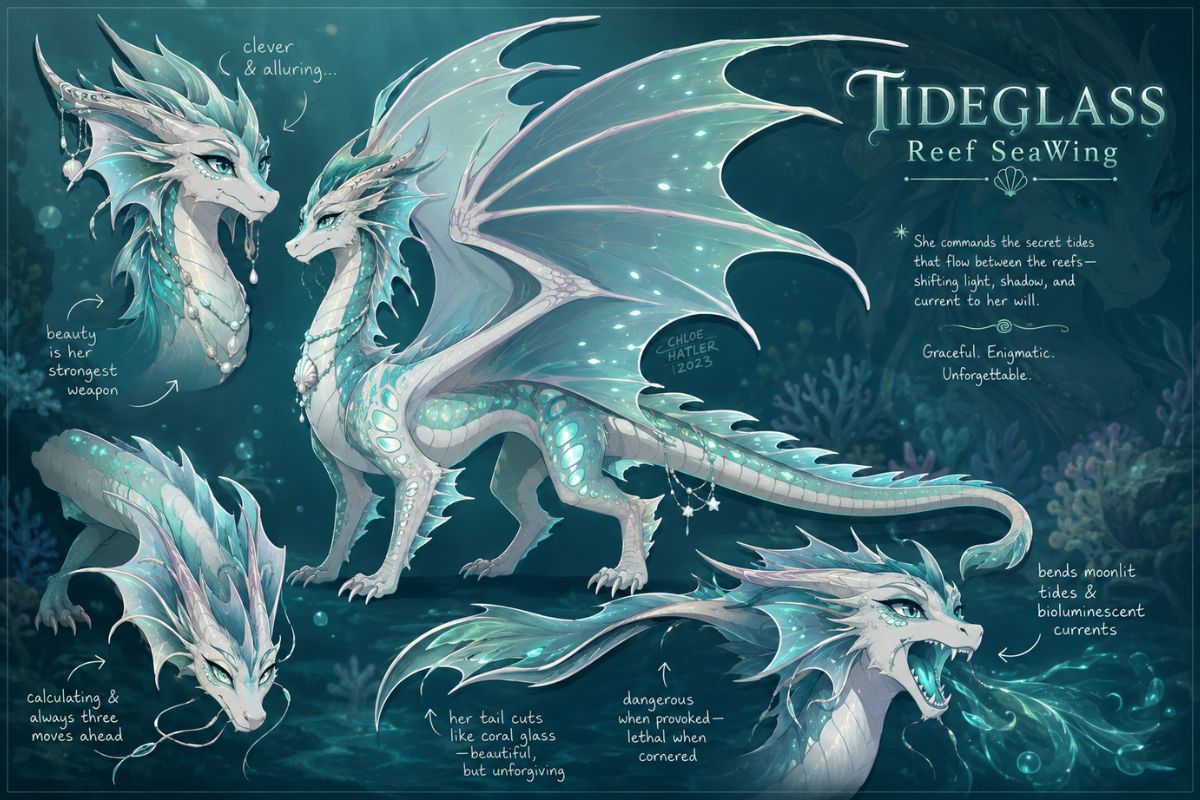
Full-Body Dragon OC
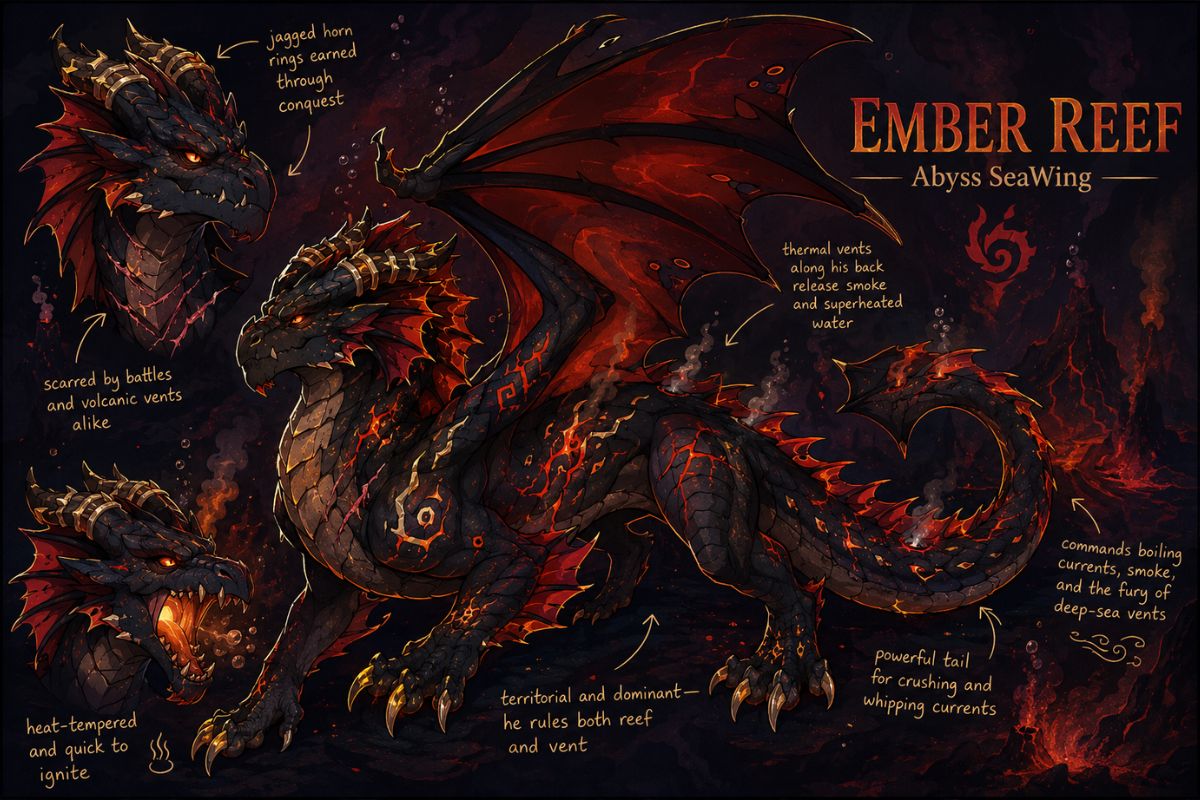
Ember Reef Dragon OC
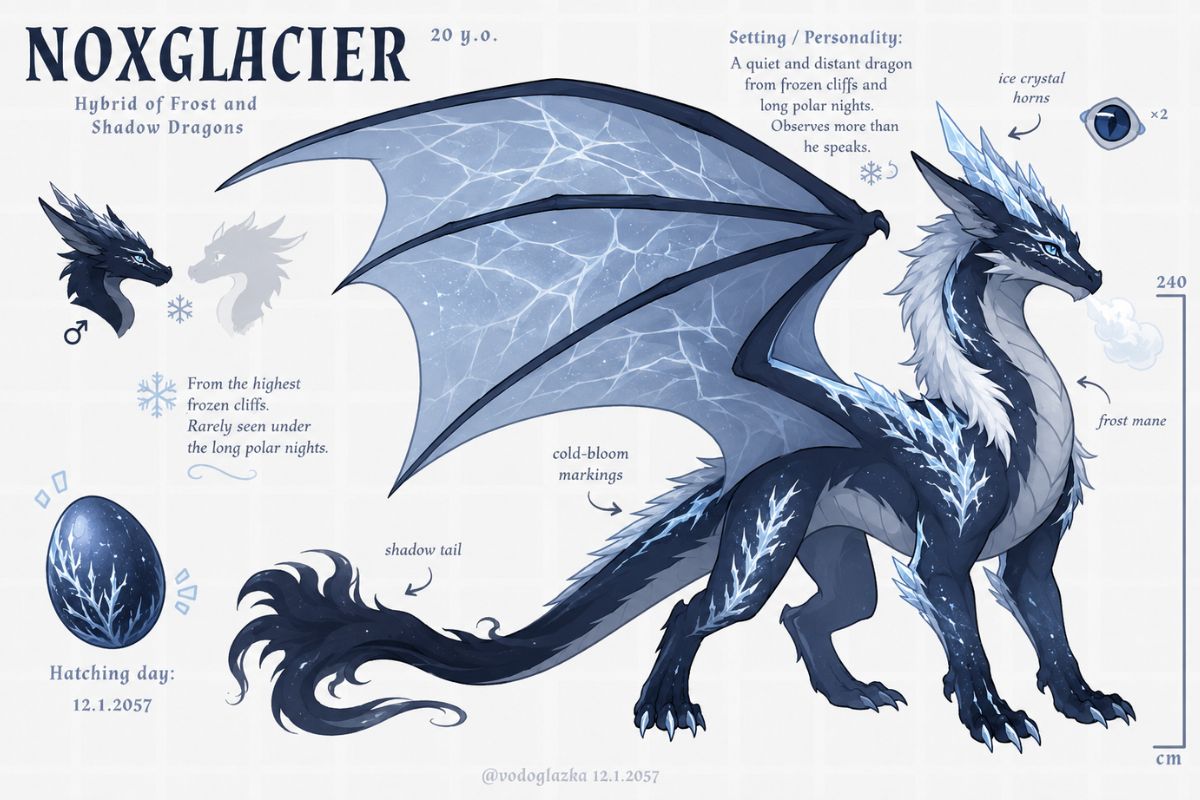
Frost Shadow Dragon OC
Full-Body Dragon Logic for Lore-Ready OCs
Anatomy Before Decoration
Begin with the creature structure: body length, head shape, horns, claws, tail, and wing scale. OCMaker AI is most useful when the dragon’s anatomy is clear first, because accessories or markings cannot fix a silhouette that does not read.
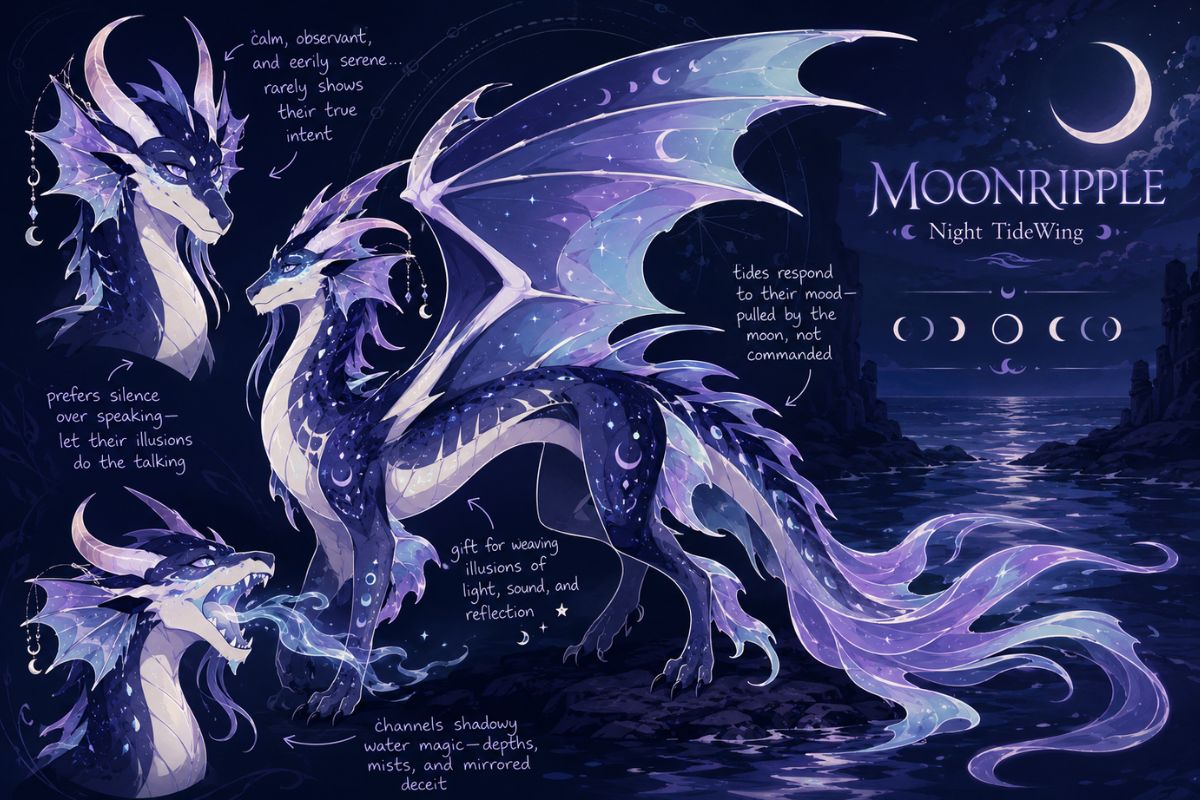
Wing and Scale Systems
Use the showcase to compare wing patterns, scale palettes, and elemental or habitat cues as one coherent design system. A strong dragon OC feels built around anatomy and lore logic, while a weaker one simply adds random colors to a generic creature pose.
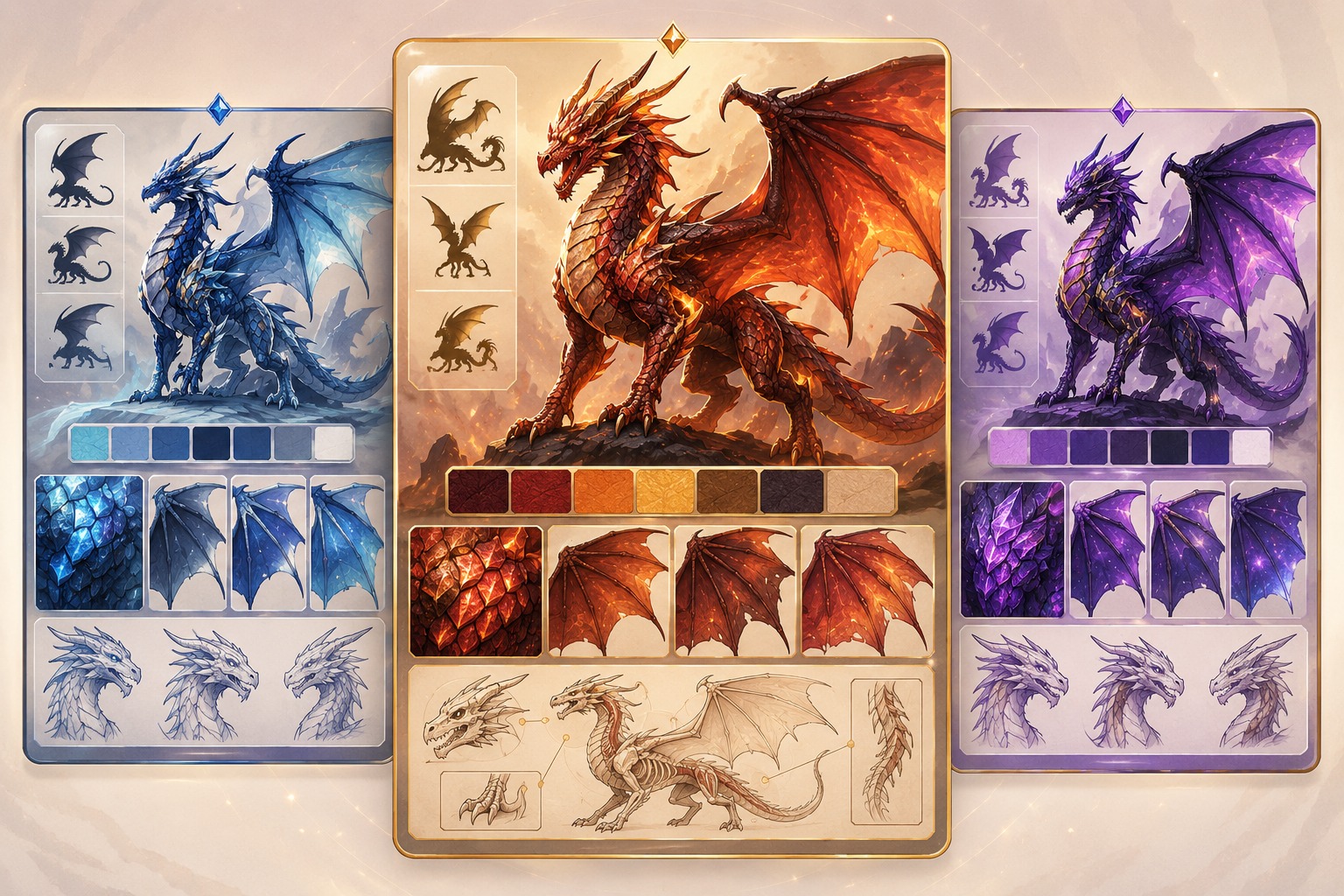
Full-Body Reference Value
Wings of Fire OC maker full body searches usually need a usable reference, not only a portrait. Test whether the image shows proportions, tail, wings, and markings clearly enough for roleplay sheets, redraws, or AI anime generator style experiments.
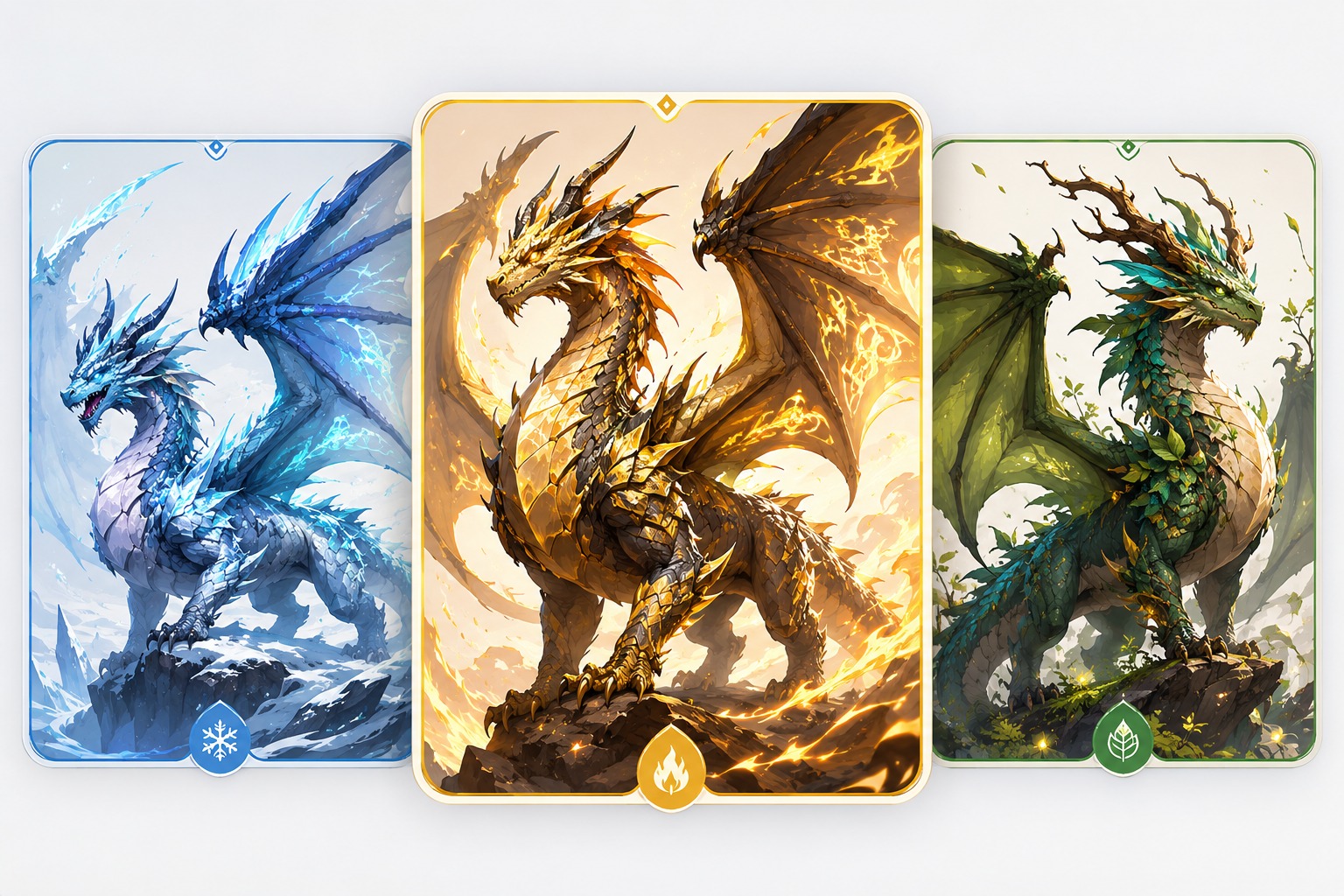
Lore and Originality Review
Before publishing, check whether traits imply habitat, personality, and backstory without relying on exact canon symbols. The strongest outputs become dragon profiles with visual logic; the weaker outputs look polished but give writers little to explain powers, flaws, or alliances.
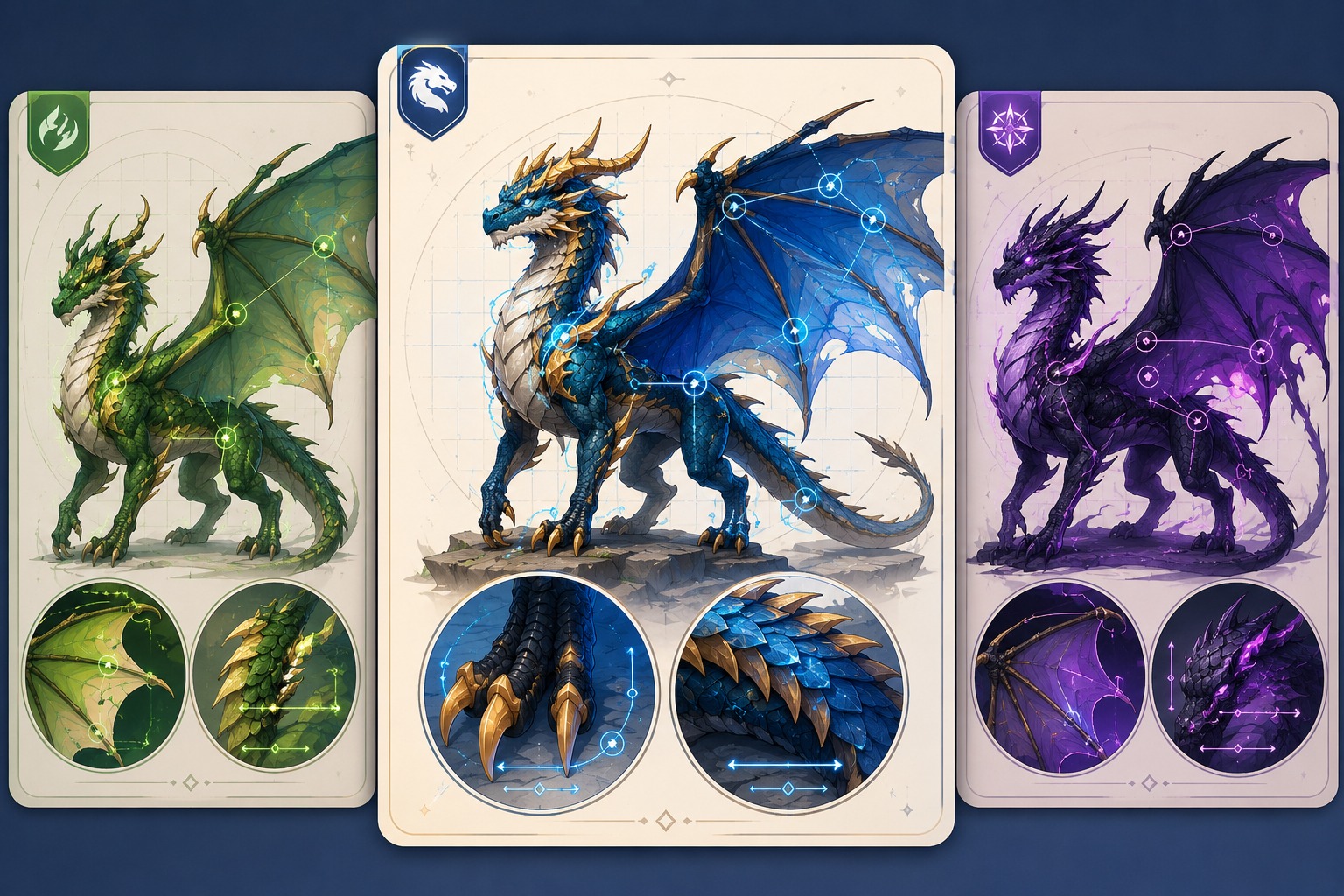
Build full-body creature identity through wings, scale patterns, ecology cues, and lore-ready traits.
Dragon Design Features for Wings of Fire OCs
Full-Body Dragon Anatomy
Start with body type, horn shape, snout, claws, tail, and posture before adding decoration. Dragon OCs depend on readable anatomy, so a full-body plan makes the design more useful for references, bios, roleplay, and future redraws.
Wing Pattern Identity
Use wing membranes, edge markings, scars, or color gradients as a signature feature. Wings are often the largest readable surface on a dragon, so controlled patterns help the OC stand out without crowding the face or body silhouette.
Scale Palette With Lore Logic
Choose scale colors that suggest habitat, temperament, element, or tribe-inspired background. A strong palette makes the dragon easier to place in a story world, while random bright colors can make the design feel detached from its setting.
Creature Expression and Posture
Plan whether the dragon feels proud, anxious, cunning, gentle, royal, or wild. Head angle, eye shape, wing position, and tail motion can communicate personality even when the design has no clothing or human-style accessories.
Original Tribe-Inspired Traits
Use broad ecological or elemental cues rather than copying exact canon symbols or tribe markings. Original scale textures, fin shapes, claws, and wing details keep the OC fandom-friendly while giving the design its own fantasy identity.
Profile and Story Hooks
Check whether the dragon design supports a name, tribe background, powers, weaknesses, friendships, or conflict. Creature OCs become more useful when visual traits connect to story hooks instead of existing only as a polished dragon image.
How to Use the Wings Of Fire OC Maker in 3 Steps
A simple workflow that reduces messy retries
01
Define the Brief
Choose the character type, role, mood, framing, and intended use.
02
Generate Variations
Add palette, outfit or markings, pose, expression, prop, and one story hook.
03
Review and Refine
Review originality, anatomy, readable details, and whether the concept can be reused.
Frequently Asked Questions