
Pricing
Log In
Style*
Background
4tokens•~30s
Wolf OC Maker
Create wolf OCs around pack role, fur markings, posture, fantasy restraint, and profile hooks so the character feels like a usable roleplay identity, not a generic wolf image.
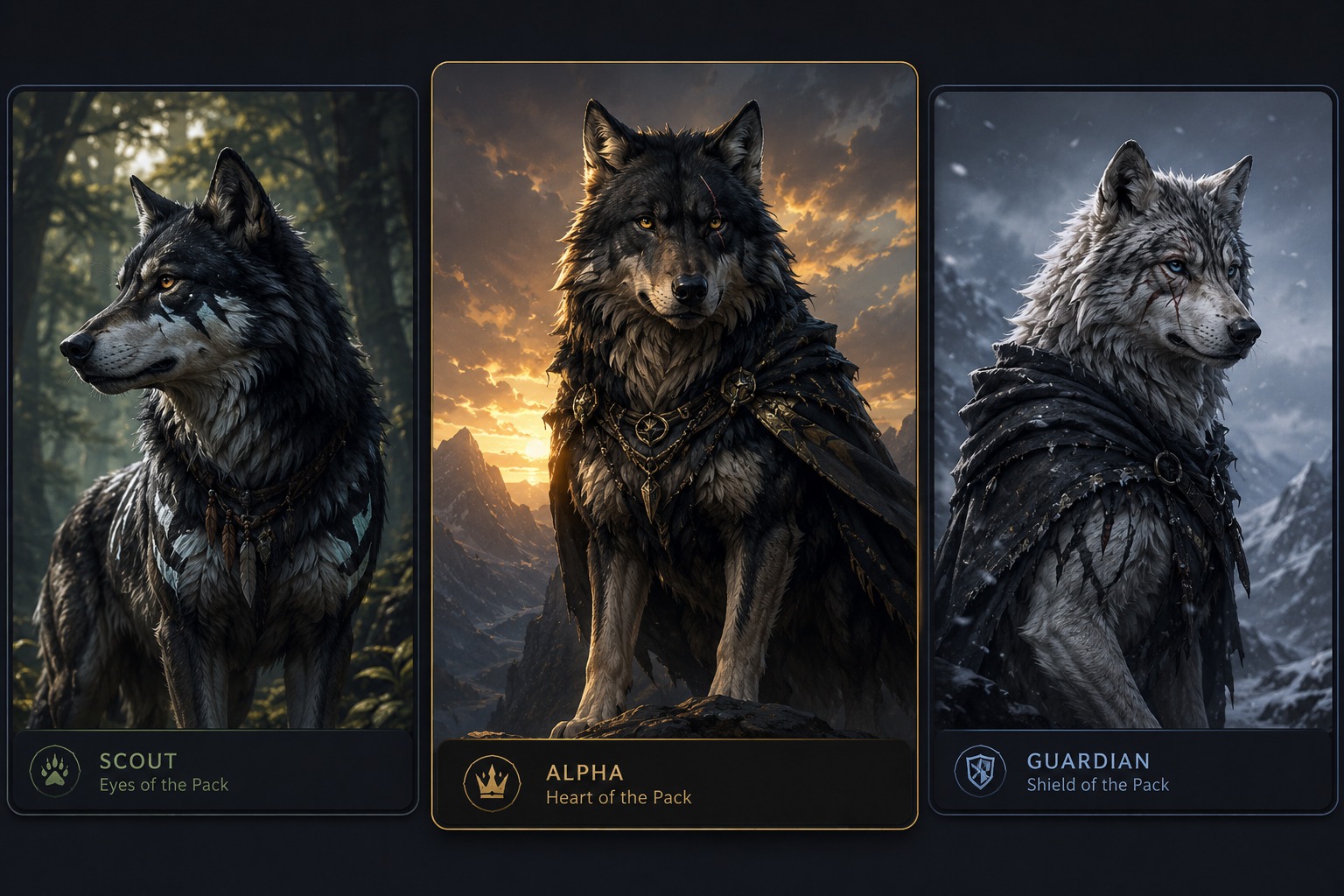
Wolf OC Pack and Marking Concepts
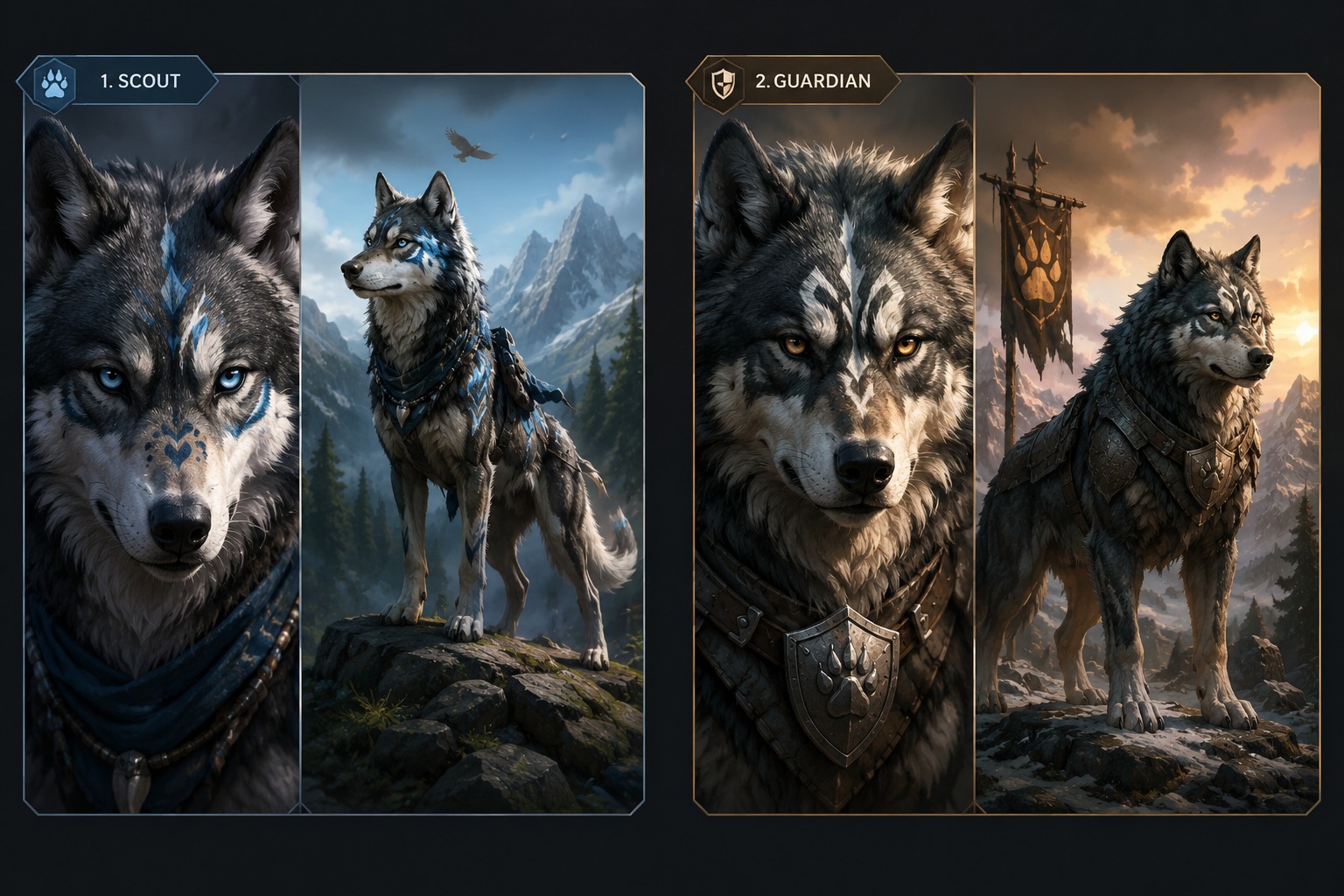
Compare wolf OC directions through pack role, fur pattern, and pose: a lone scout, a moonlit guardian, and a profile-ready wolf character with clear markings.
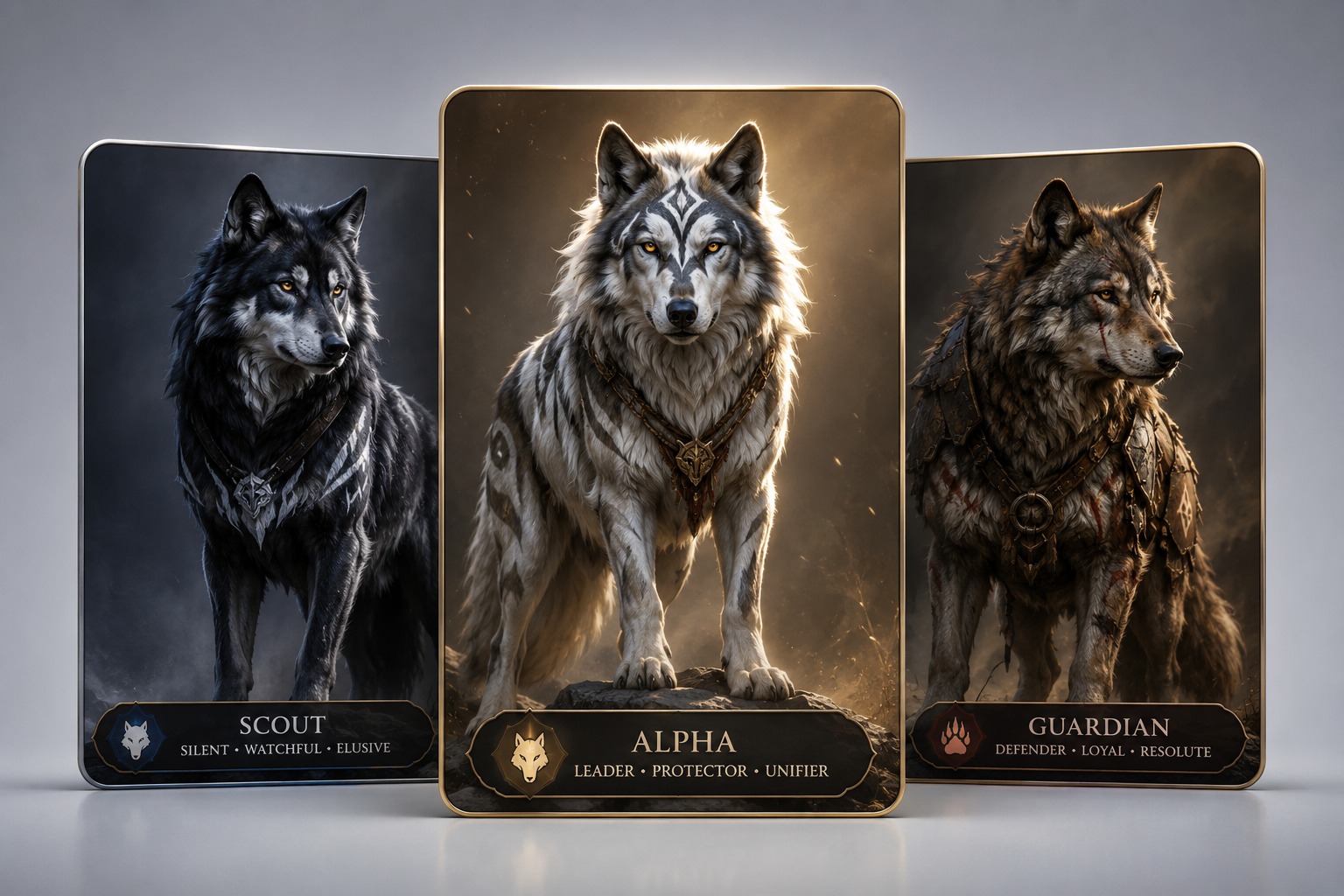
Lone Scout Wolf OC
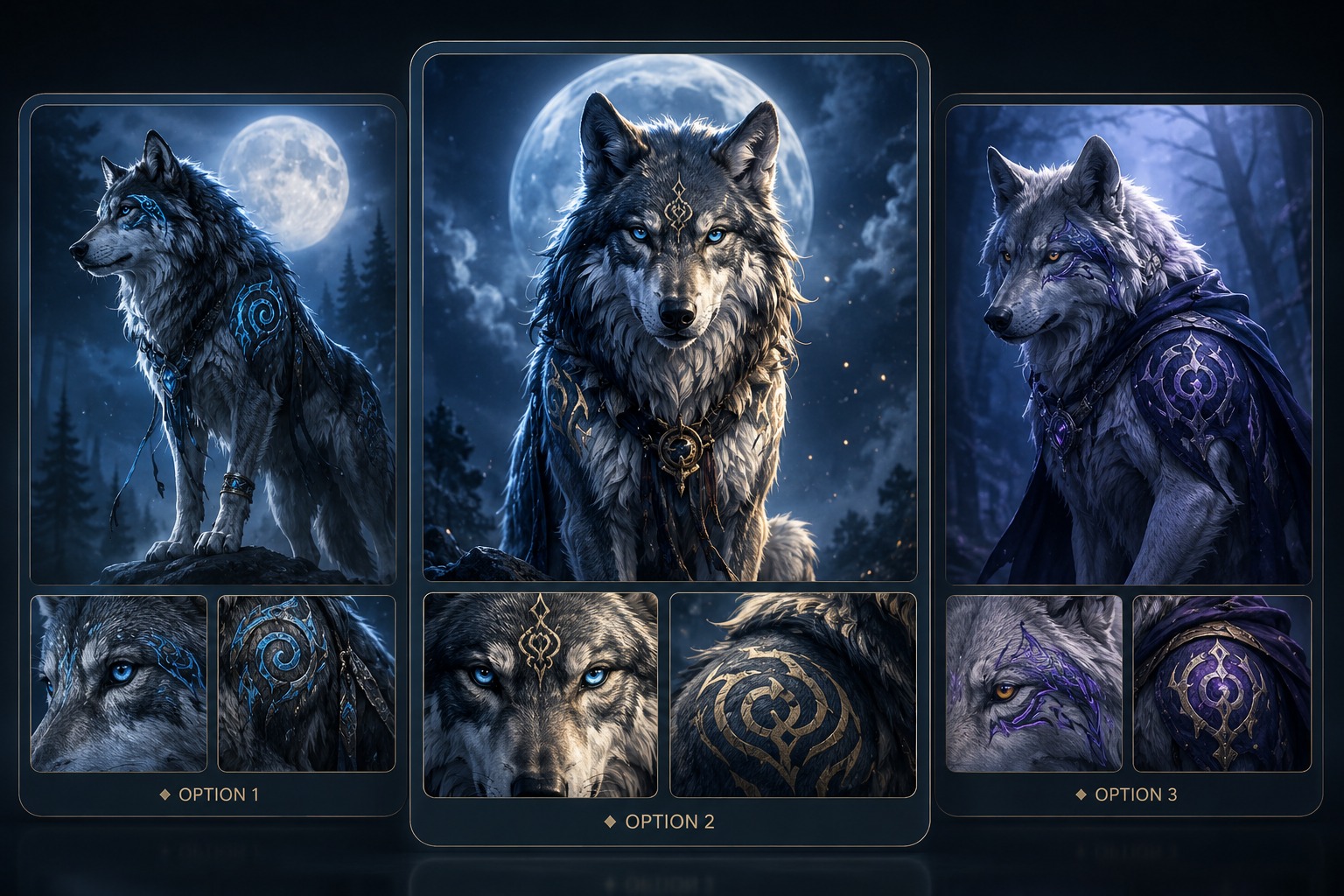
Moonlit Guardian Profile
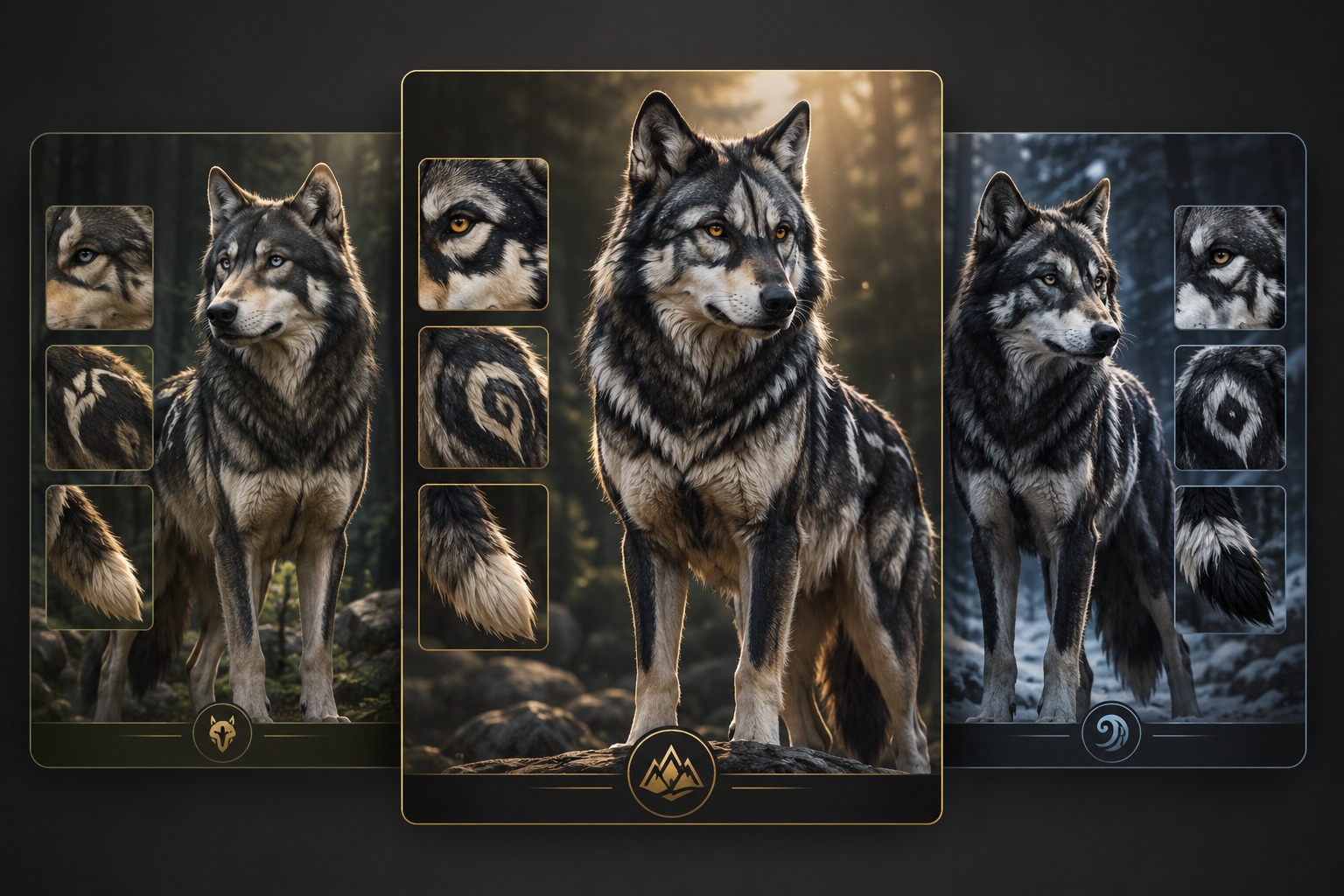
Marked Pack Character
From Pack Role to Wolf Character Profile
Pack Role Brief
Start with the wolf’s relationship to a pack or territory: scout, guardian, exile, healer, pup, elder, or rival. OCMaker AI can then align posture, markings, scars, and expression with a real character role instead of producing a generic animal portrait.
Marking and Posture System
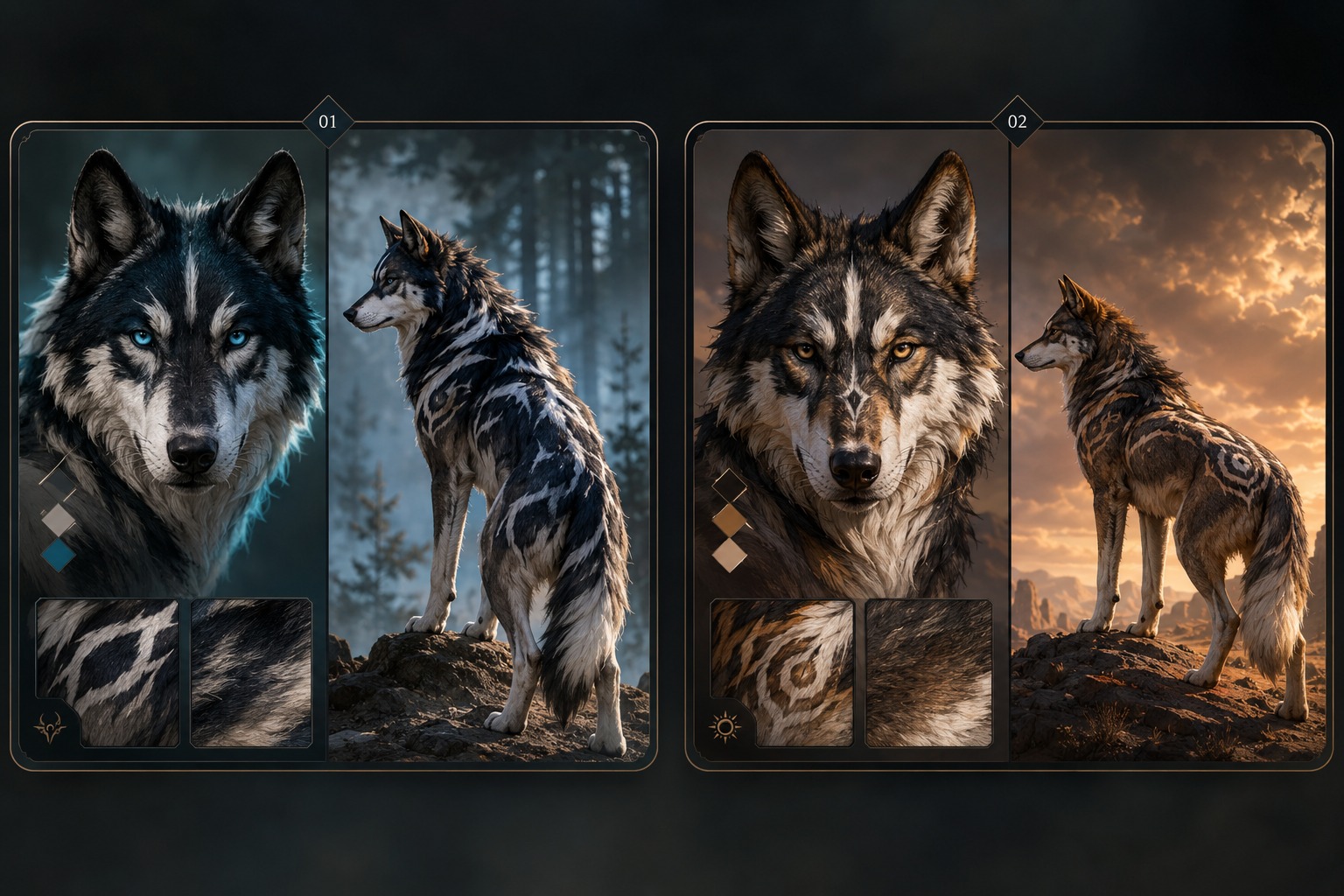
Use the showcase to compare face masks, tail tips, shoulder marks, scars, and stance. The strongest wolf OC creator result remains recognizable after the prompt is removed because fur patterns and body language carry identity, not only background mood.
Avatar and Full-Body Use
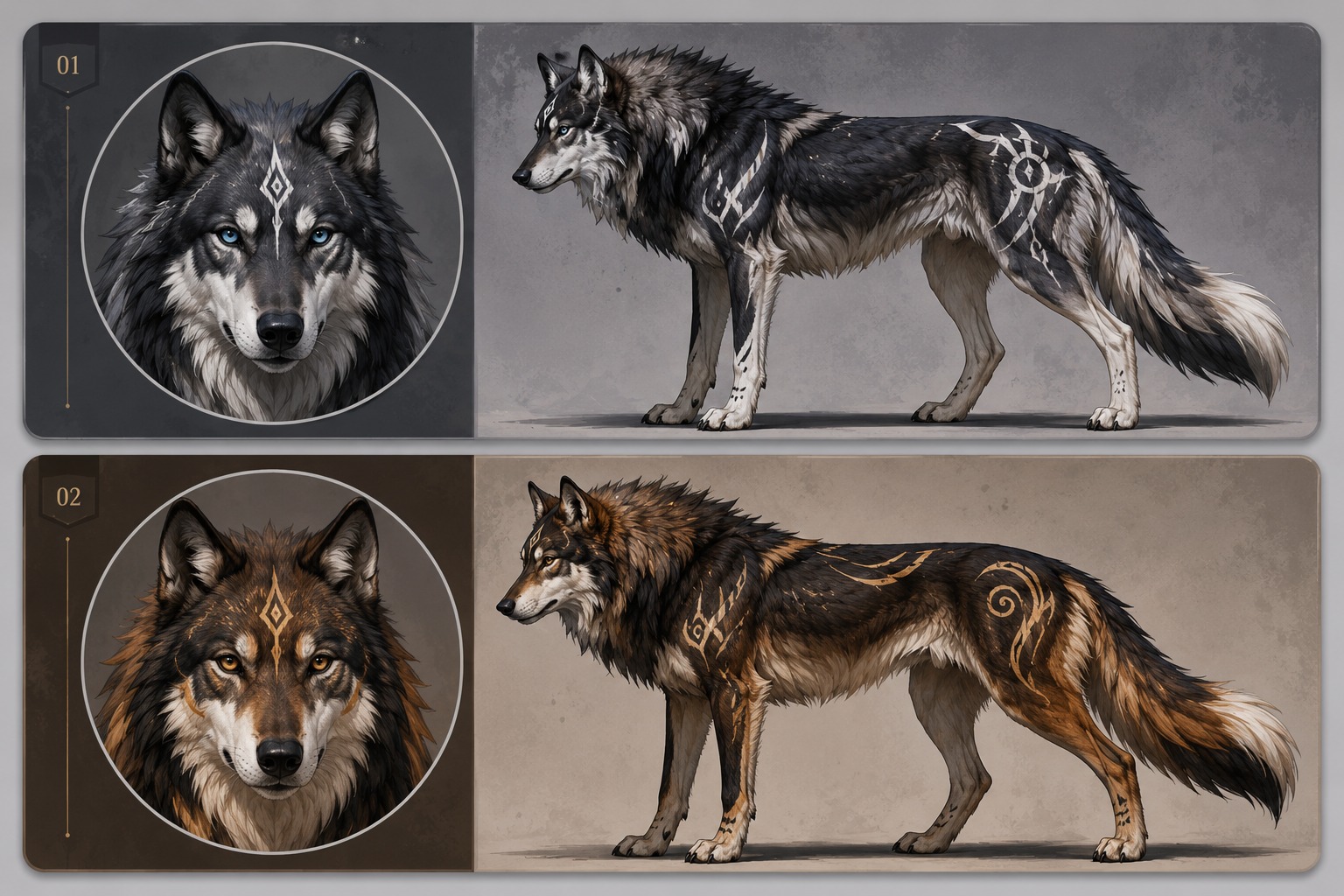
How to make a wolf OC often involves both a profile icon and a body reference. Use AI anime generator styling if you want a softer avatar finish, but keep species anatomy, tail shape, paws, markings, and pack-role cues consistent across both formats.
Story-Ready Review
Before publishing, check whether the wolf has a role, motive, and visual hook that can support pack drama or fantasy lore. If the image only looks like a pretty wolf, add social status, territory, scars, relationship tension, or a restraint-based fantasy trait that explains the character.
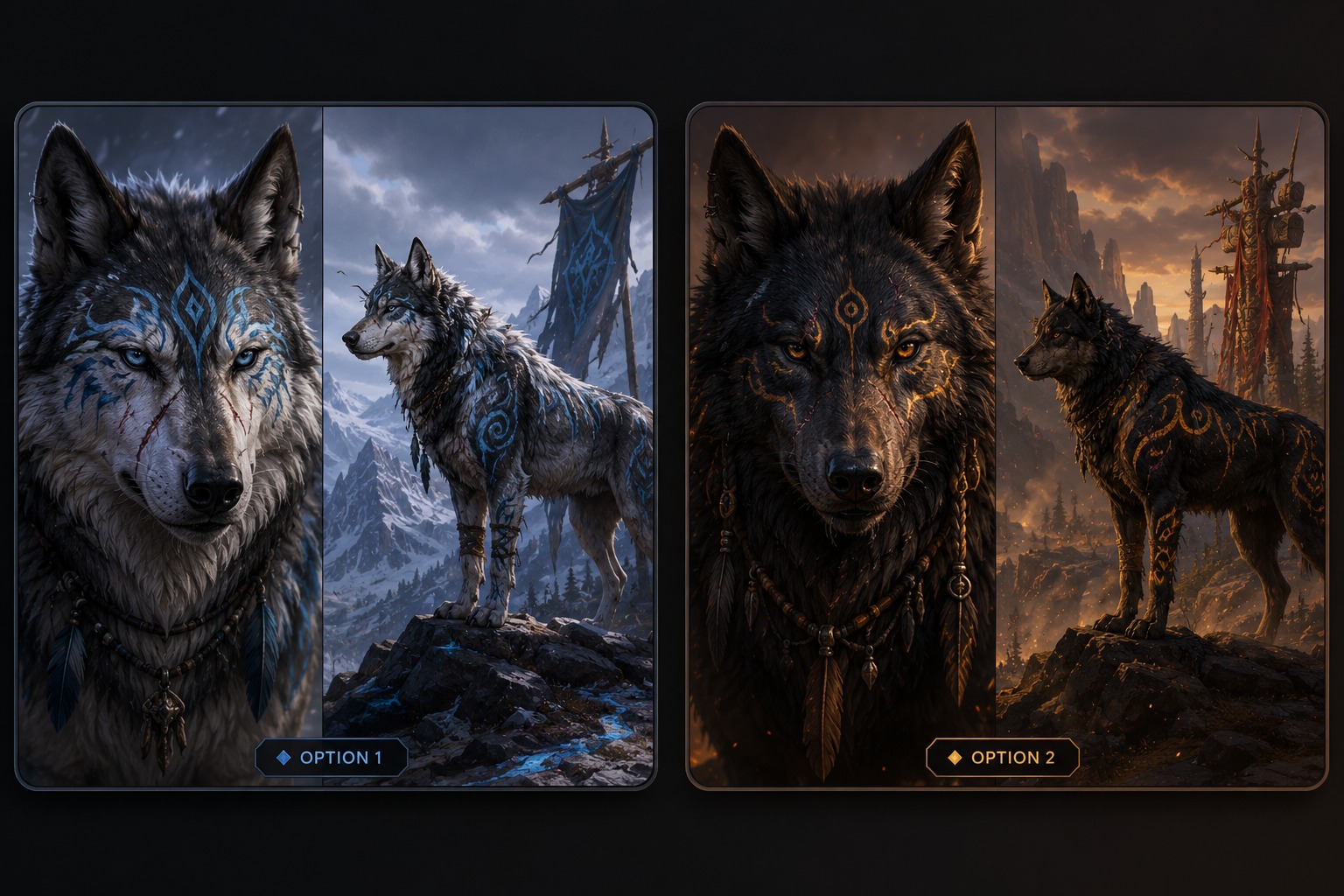
Build a wolf character around markings, posture, role, and story hooks instead of a generic animal portrait.
Pack Identity Features for Wolf OCs
Pack Role and Social Status
Decide whether the wolf is a scout, guardian, healer, rogue, young challenger, elder, or lone survivor. Pack role changes posture, expression, scars, accessories, and backstory, making the OC more useful for roleplay than a neutral wolf image.
Fur Markings With Story Value
Use face masks, shoulder patches, tail tips, paw colors, scars, or moonlike markings as identity anchors. Strong fur patterns help the wolf remain recognizable across avatars, full-body references, and written character sheets.
Posture That Shows Temperament
Choose body language that matches personality: alert ears, lowered head, proud stance, guarded shoulders, playful crouch, or wary side glance. Wolf OCs communicate heavily through posture, so expression is not limited to the face.
Fantasy Traits With Restraint
If adding glowing eyes, elemental markings, armor, antlers, or spirit details, tie them to the wolf’s role or lore. Random fantasy effects can overwhelm the animal identity, while purposeful traits make the character feel story-ready.
Avatar and Reference Balance
Plan both a readable headshot and a useful full-body reference. Wolf OC creator users often need profile icons and pack sheets, so the best designs keep facial markings clear while still showing body shape, tail, and stance.
Original Wolf Profile Hooks
Check whether the wolf supports a name, pack history, weakness, rivalry, or territory. A strong wolf OC should suggest where it belongs and what it wants, not just display attractive fur colors.
How to Use Wolf OC Maker
A focused workflow based on the page intent
01
Define the Use Case
Clarify the output format first: avatar, face crop, creature profile, stat block, item concept, or roleplay reference. The right format changes what details matter.
02
Add Theme-Specific Details
Write the traits that actually separate the subject: identity anchors, expression, markings, pack role, mechanics, abilities, or table-use limits.
03
Review Before Publishing
Check readability, originality, small-detail errors, and whether the result can support the intended profile, sheet, portrait, or tabletop use.
Frequently Asked Questions