Demo Preview

Text To Anime Video

Text to Anime Video

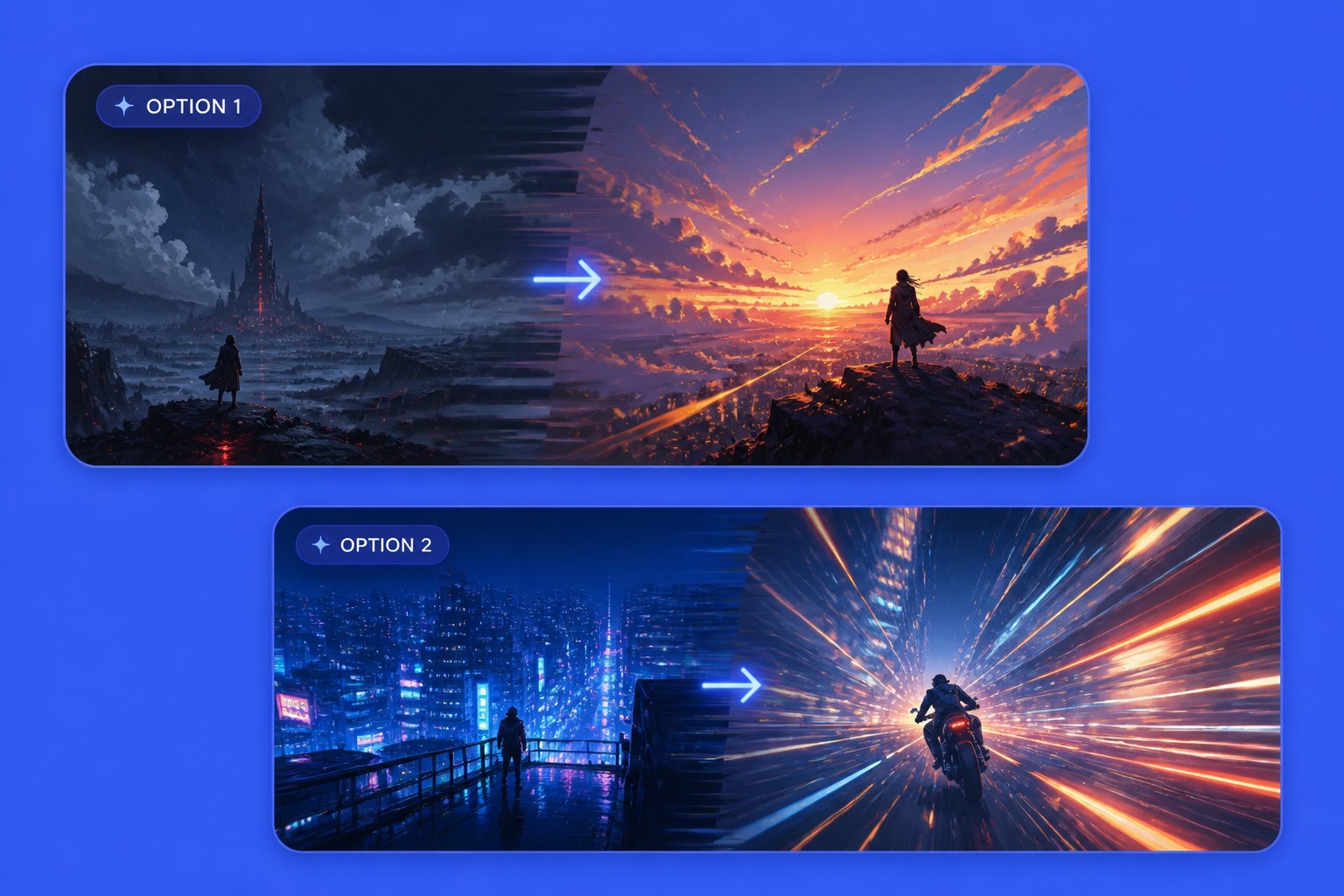
Generate anime-style video concepts from plain text prompts, with scene beats, character motion, camera direction, and mood cues for AMV drafts, story clips, and social edits.

Create Anime Videos From Text Prompts

Turn Ideas Into Scene Prompts
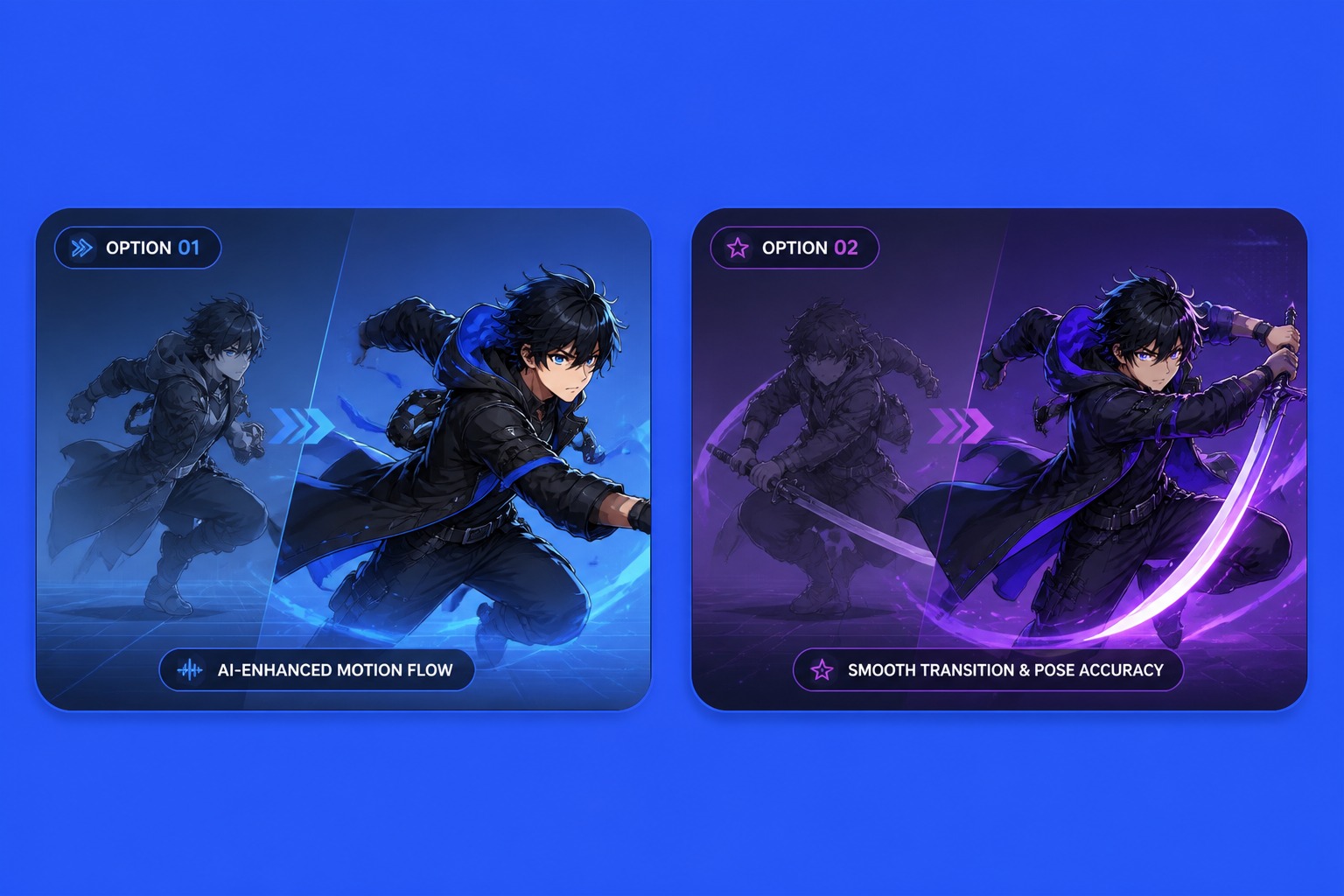
Control Character Motion
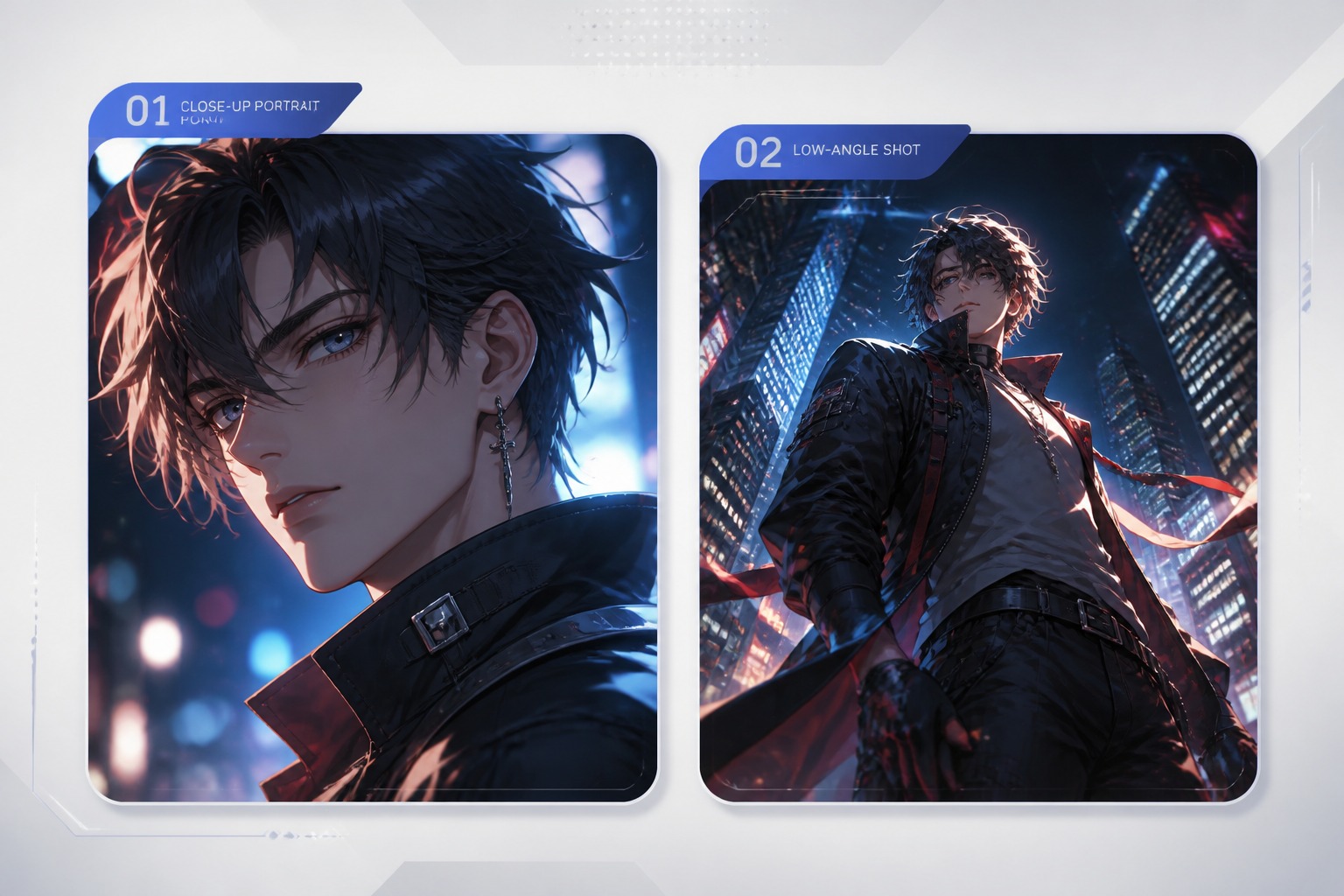
Add Camera And Shot Direction
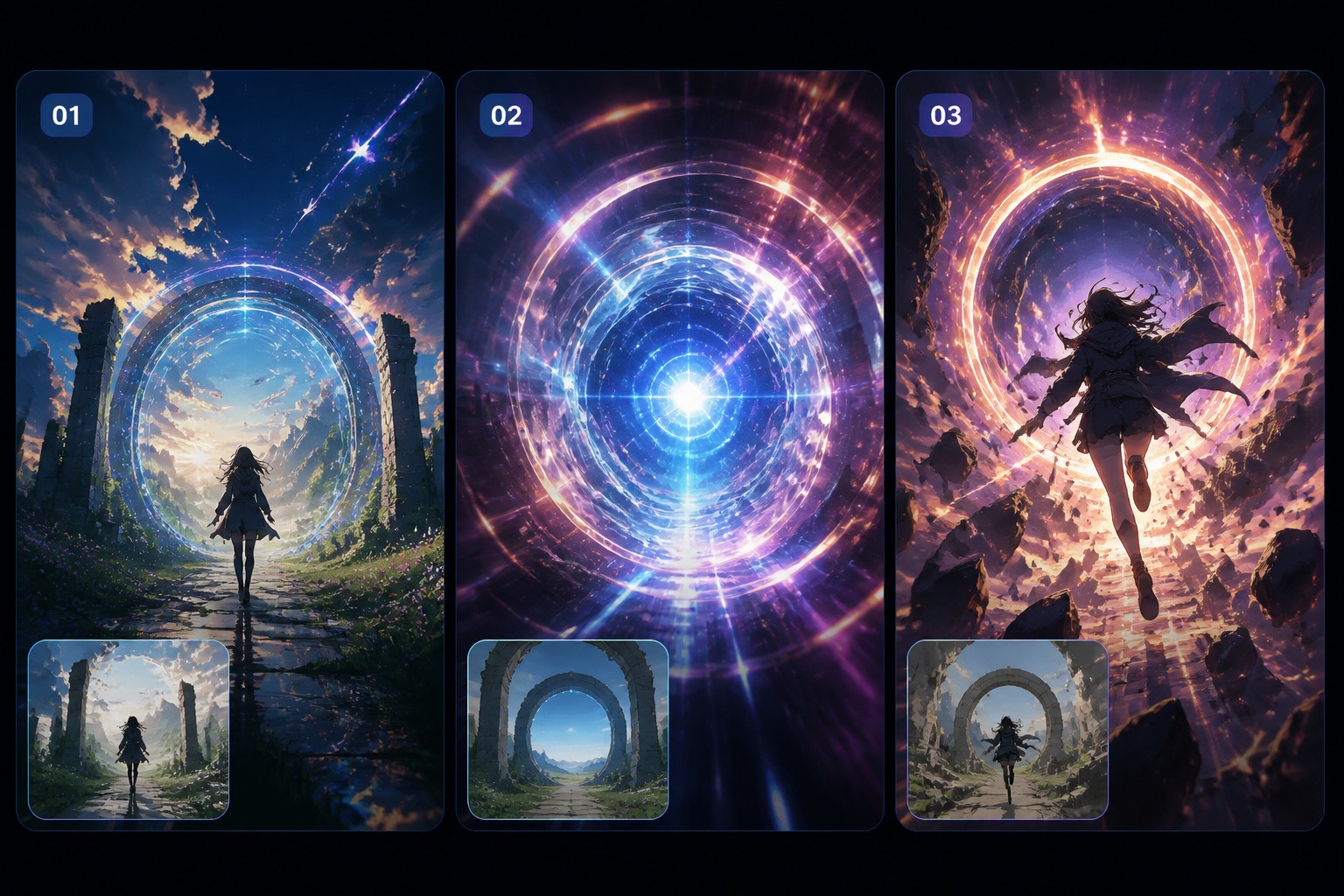
Make Clips For Stories And Posts

What Makes Text-to-Anime Video Work

Motion Before Detail

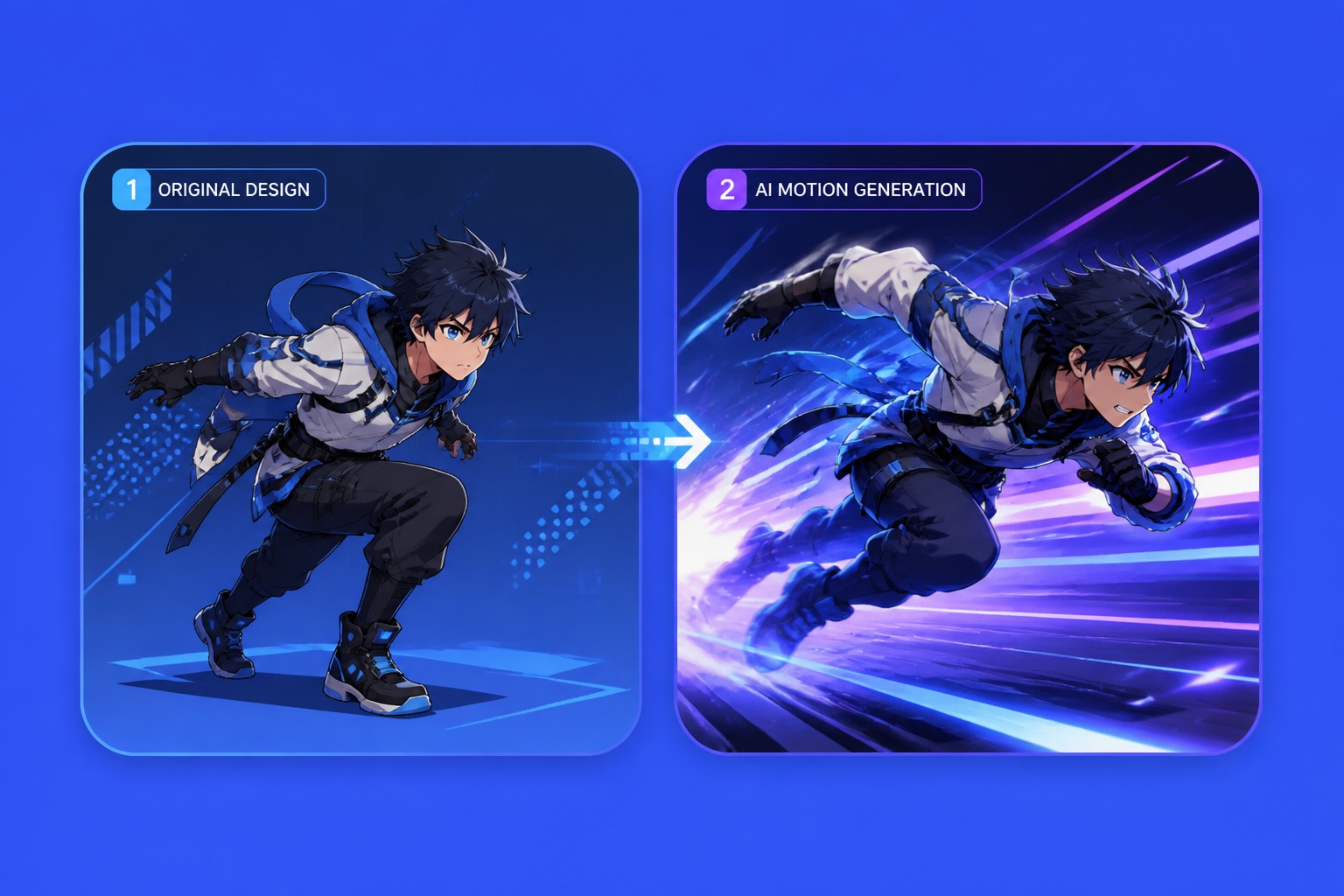
Describe the action first so the clip has visible change, not only a beautiful anime still.

Camera Cues Matter

Add close-ups, pans, pushes, or wide shots to make the generated scene feel directed.

Short Clip Focus

Prompts work best when they target one scene beat, transition, or moment instead of a whole episode.

Consistent Character Signals

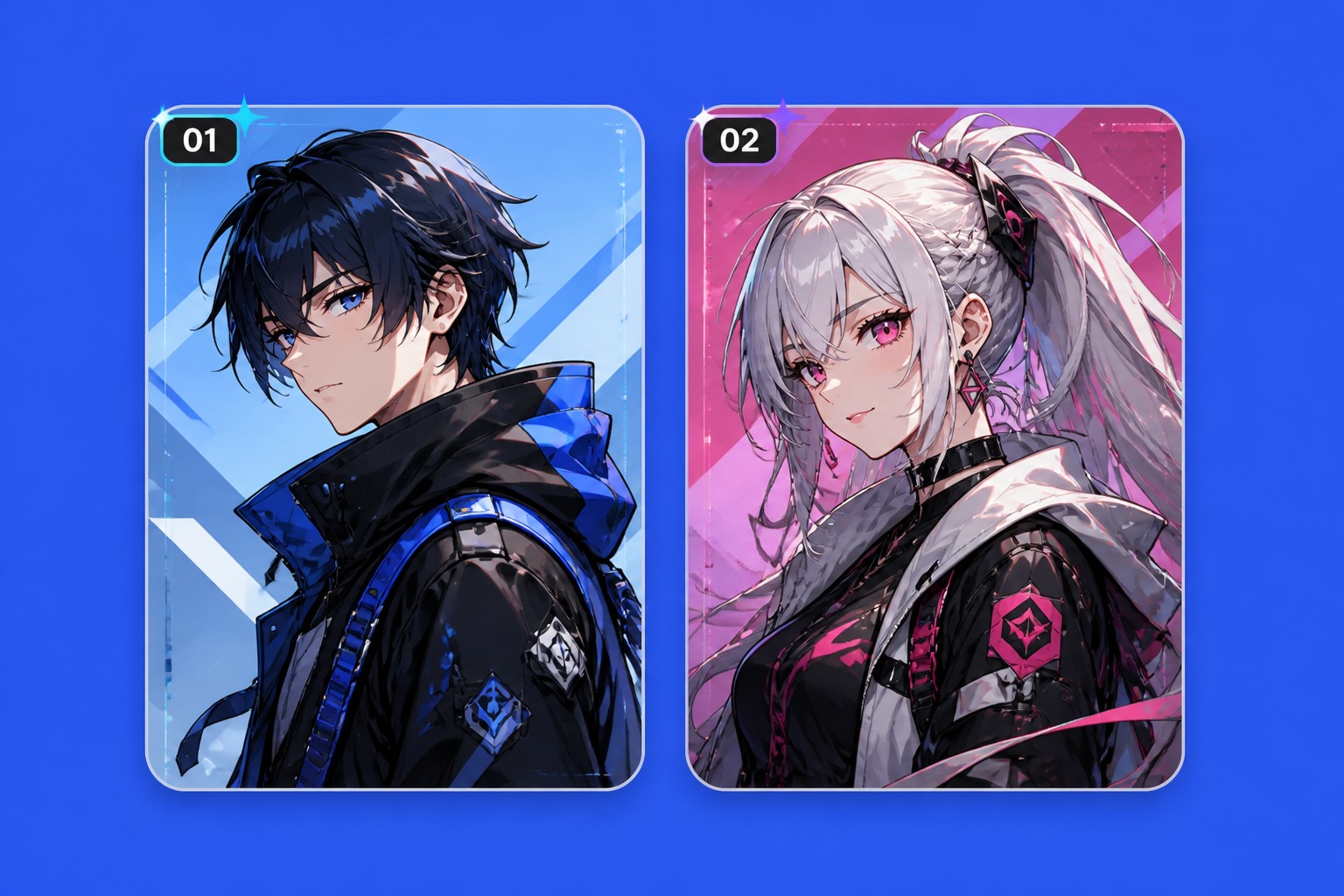
Repeat hairstyle, outfit colors, expression, and role so the character stays recognizable across attempts.

Cleaner Text Handling

Avoid asking the video to render titles or subtitles directly; add real text later in editing.

Edit-Friendly Results

Plan shots with room for cropping, transitions, overlays, and platform-specific video formats.

How to Create AI Text to Anime Video

01

Write the Scene Hook

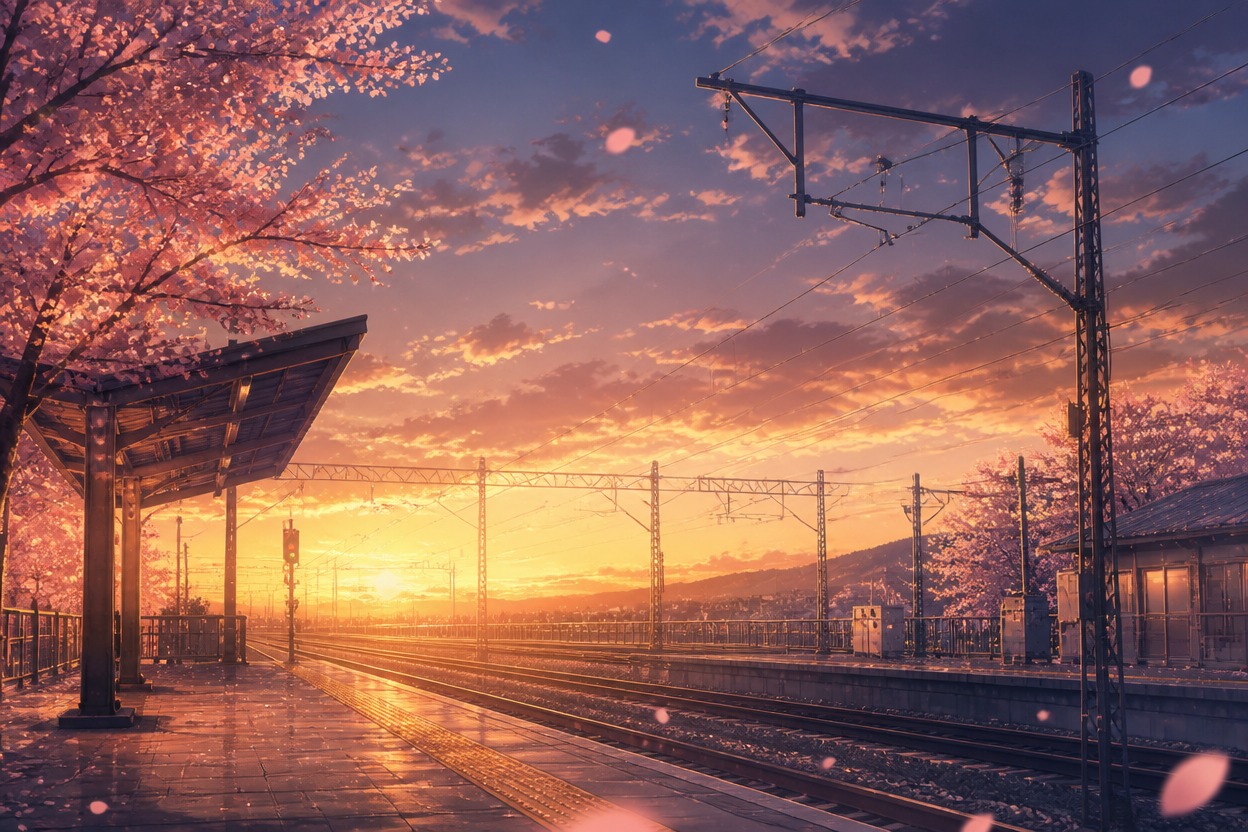
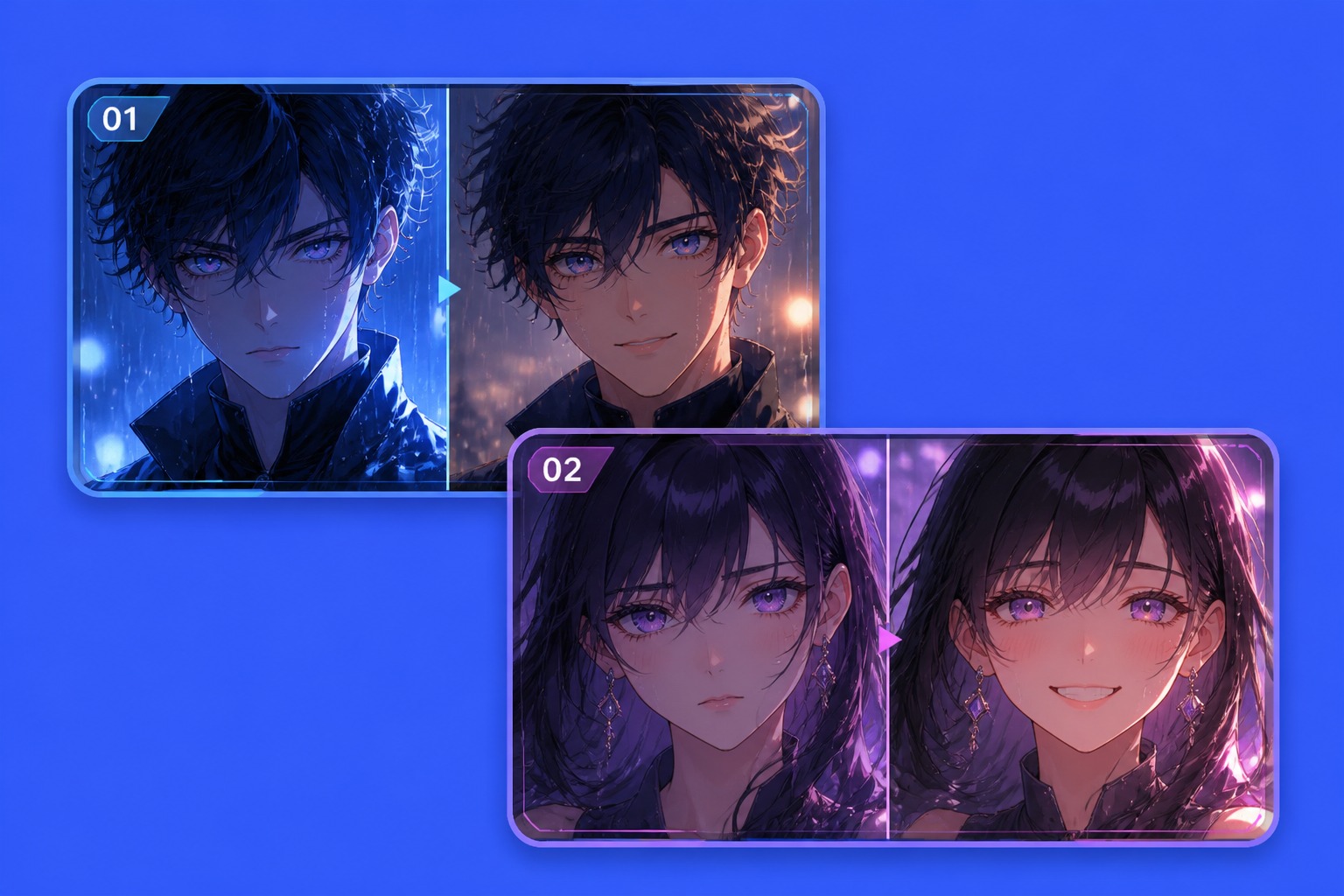
Start with one clear moment: a rooftop reveal, train-station goodbye, battle dash, idol stage turn, or quiet rain scene. Keep the first prompt focused.

02

Add Motion and Camera

Describe what moves and how the camera reacts. Include speed, direction, framing, lighting, and the emotional beat you want the clip to carry.

03

Refine for the Edit

Check whether the best result has clean motion, recognizable character details, and a crop that works for your target platform before exporting or regenerating.

Frequently Asked Questions

Text to Anime Video FAQ

Create Text to Anime Video Ideas

Turn a written prompt into anime scene concepts with motion, camera direction, mood, and edit-friendly short-clip structure.