
Pricing
Log In
AI Generator
Cartoon Text Generator: Custom Cartoon Fonts Online
Create bold cartoon text for comics, thumbnails, stickers, and logos with OCMaker AI. Try a cool font generator workflow built for readable display lettering.
Cartoon Text Generator
Turn a short word or phrase into bold cartoon lettering for comics, thumbnails, stickers, posters, and original mascot graphics. Check every character at final crop size before publishing.
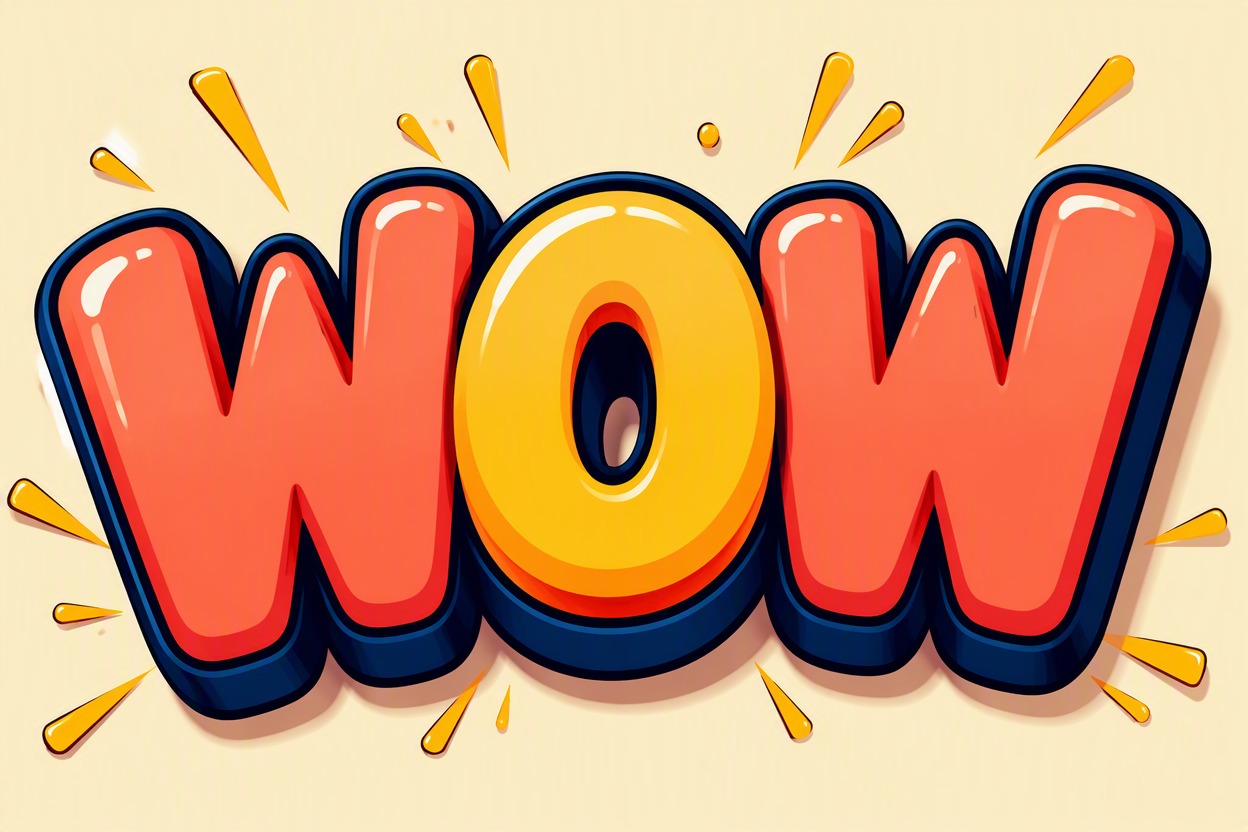
Cartoon Font Generator Styles to Try
Compare each direction with the same short word so the choice is based on readability and treatment, not different content.
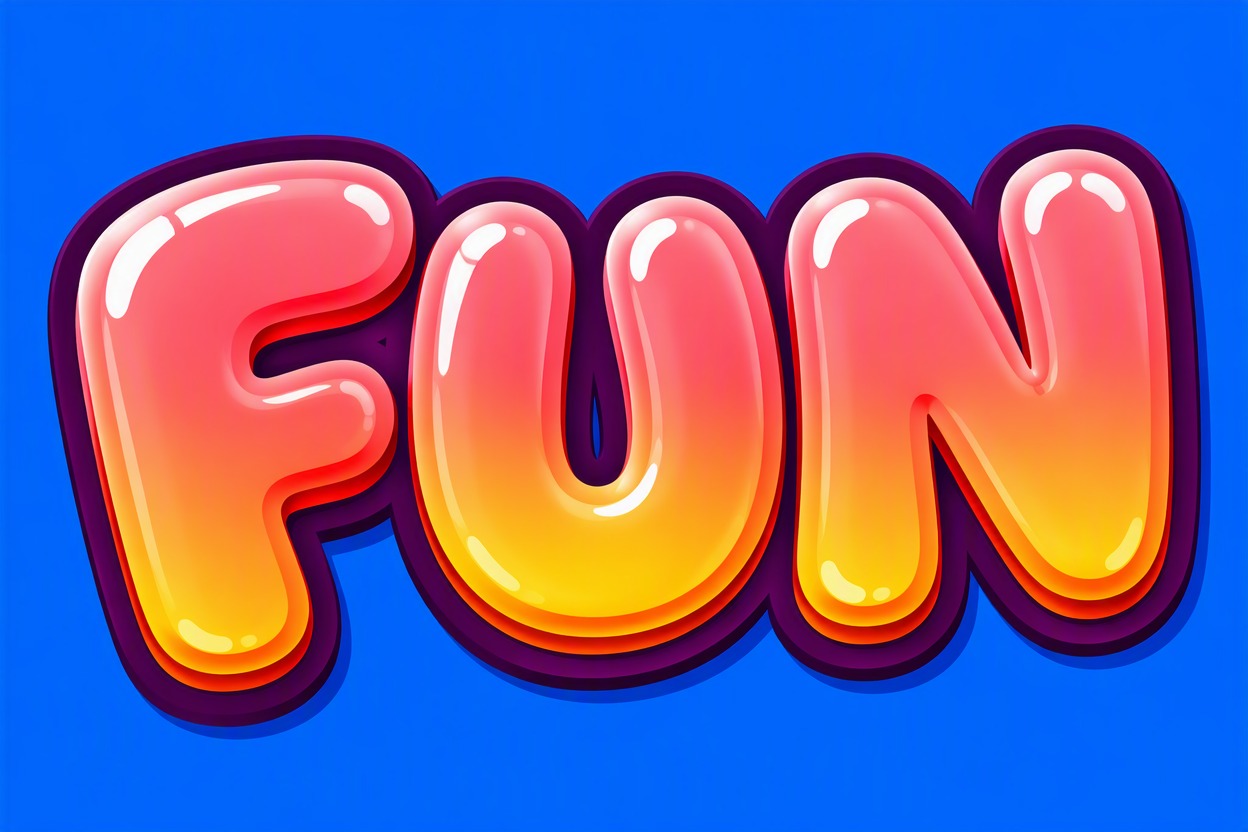
Bubble Candy
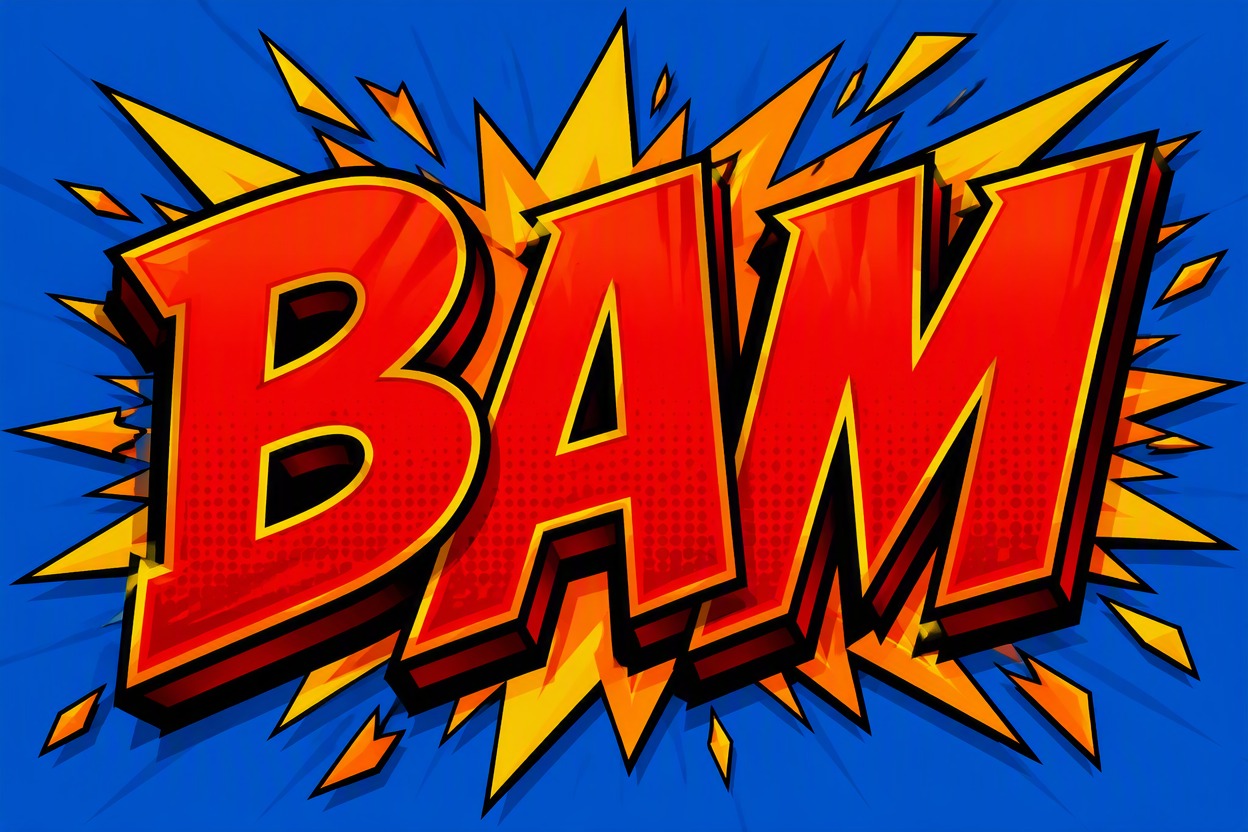
Comic Impact
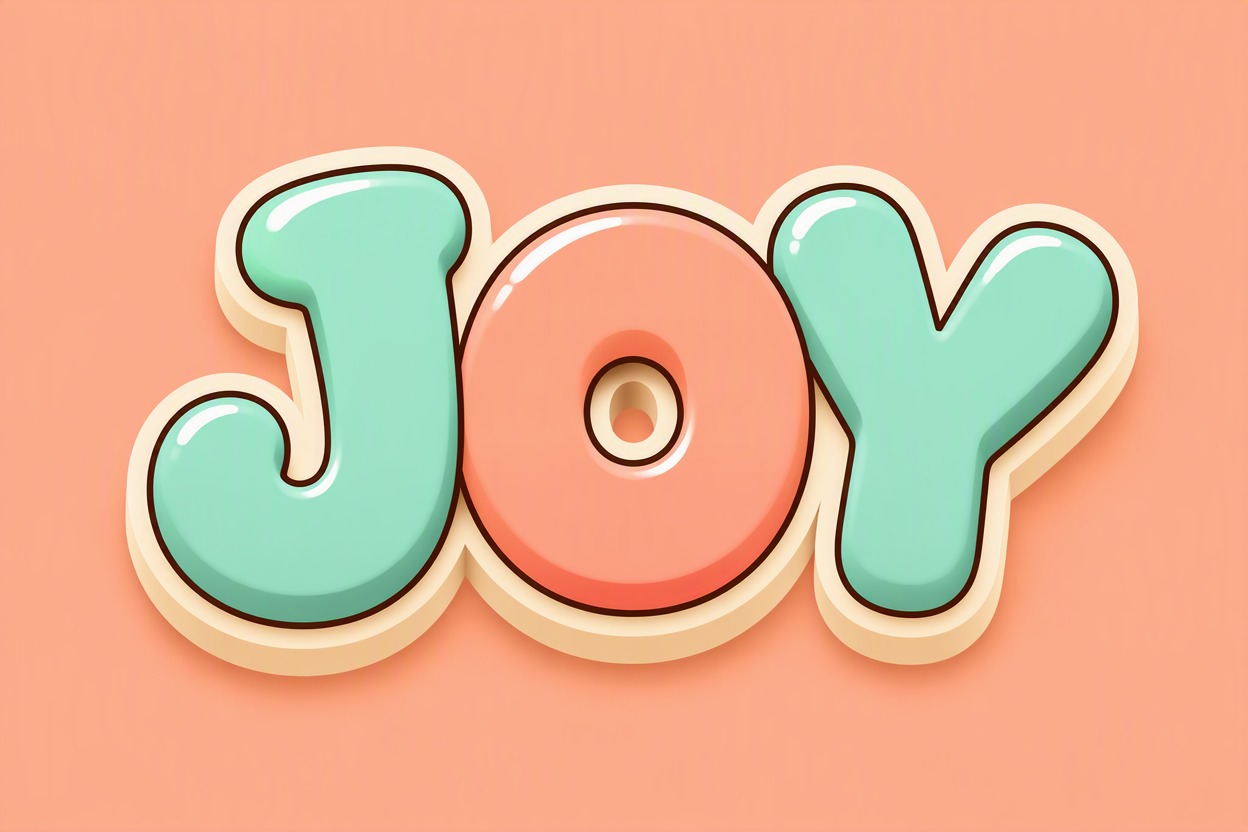
Mascot Soft Type
Build Cartoon Text That Stays Readable
Readable Display Lettering
Treat the result as a finished text graphic rather than a font file. Short phrases support thicker outlines, brighter fills, and cleaner silhouettes that remain recognizable when the image is reduced for a thumbnail or sticker.
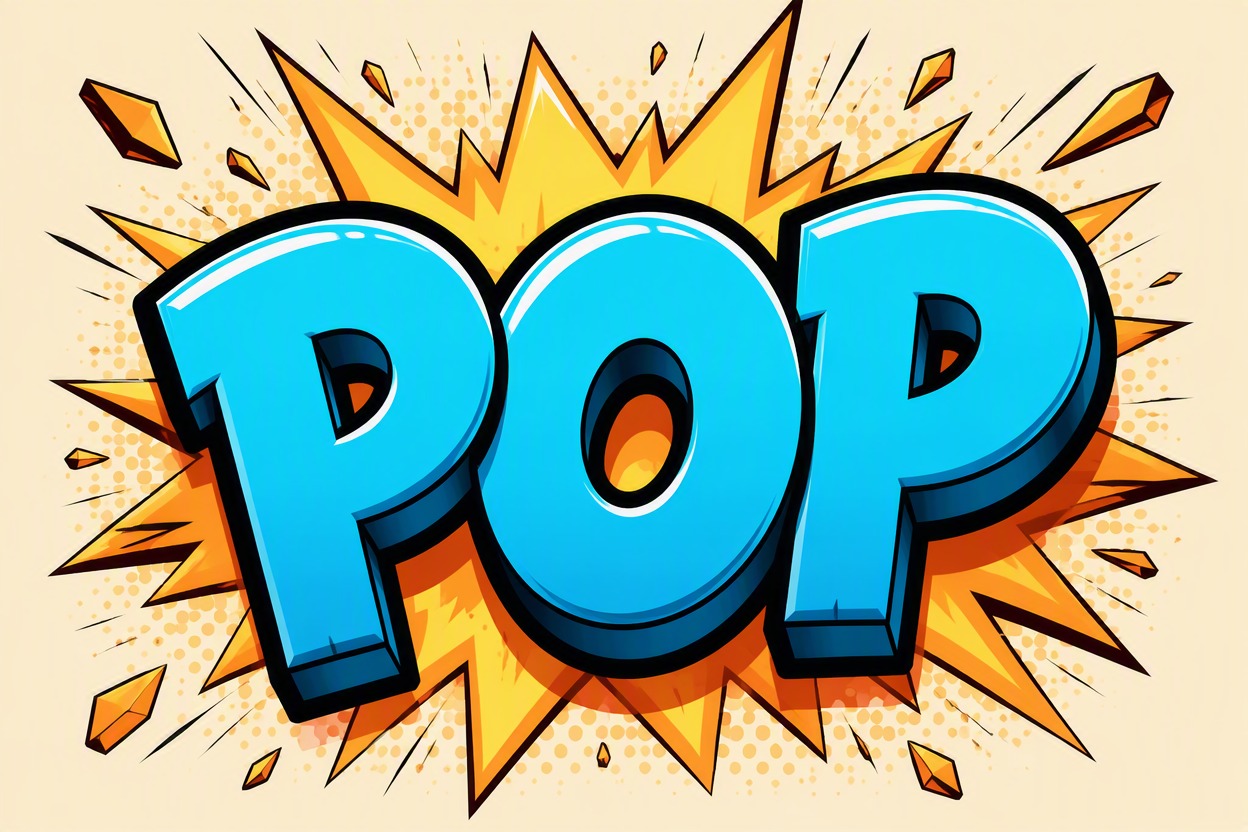
Cool Fonts With Contrast
Use the cool font generator workflow as three contrast layers: fill, outline, and shadow. Simplify one layer when the word feels muddy instead of regenerating every detail or adding more decoration.
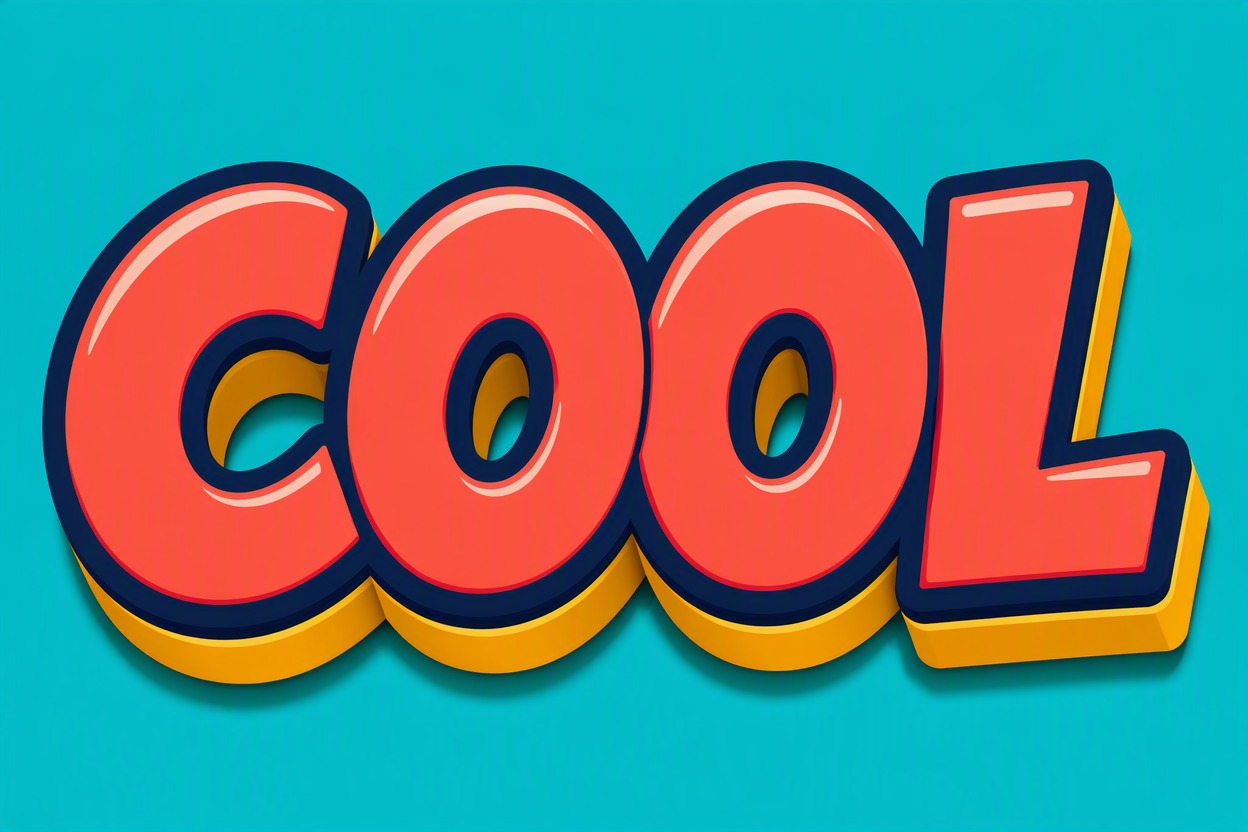
Styles With One Direction
Define one coherent style through letter shape, palette, outline, and mood. Rounded candy letters, sharp comic caps, and soft mascot lettering each solve a different visual job without imitating a protected franchise logo.
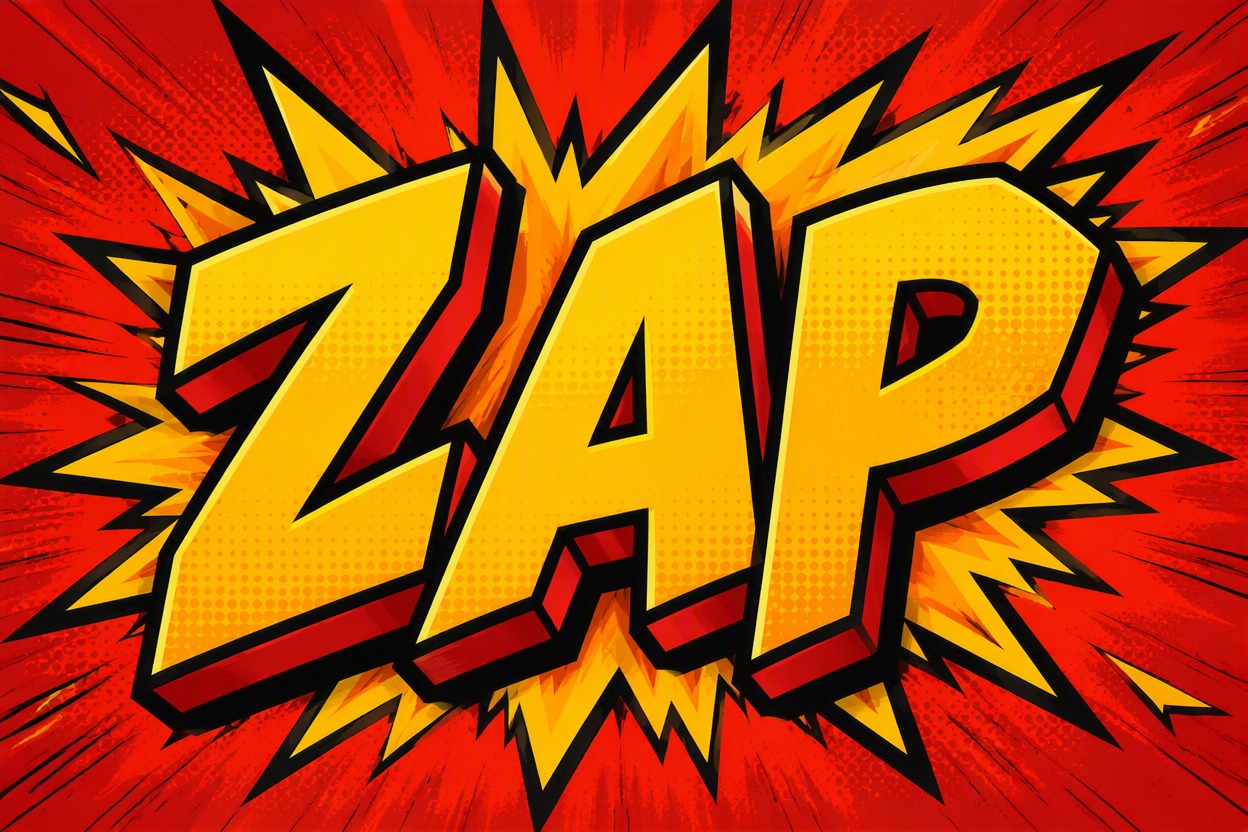
Controlled Letter Shapes
Choose letter mass before outline weight and shadow depth. Open counters, wider spacing, and a clean outer contour matter most when repeated letters or rounded pairs begin to merge in generated lettering.
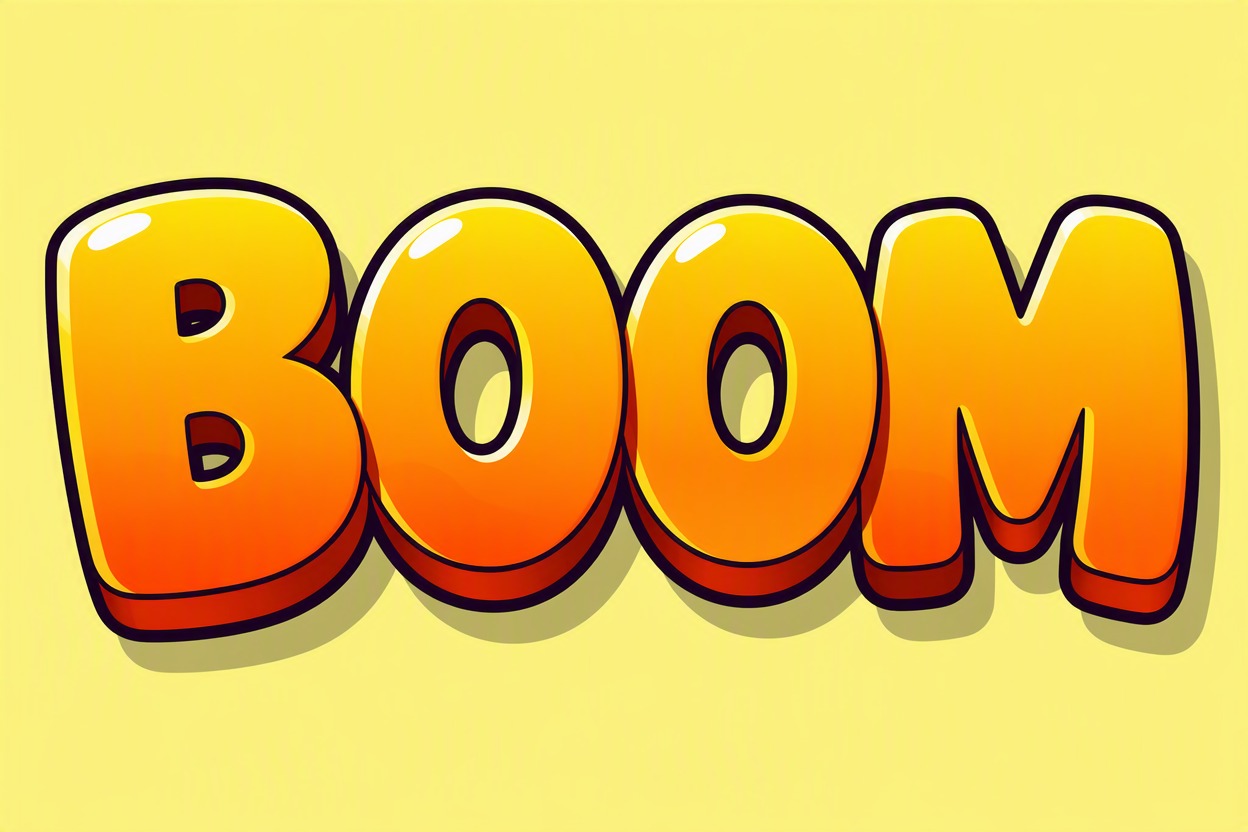
Six concrete uses for short display lettering
Where Cartoon Font Generator Results Fit
Thumbnail Hooks
Use broad letter shapes and hard contrast so a short title survives a small mobile preview.
Sticker Phrases
Add a clean outer contour that remains intact after cropping, cutting, or adding a border.
Comic Action Words
Build energetic impact lettering for panels, chapter cards, and original sound-effect graphics.
Mascot Nameplates
Pair an original character with a short readable name while leaving room for the face or emblem.
Poster Headlines
Explore a strong display treatment while keeping dates, details, and body copy in standard fonts.
Stream Overlays
Create repeatable headline graphics for episode names, event hooks, and channel segments.
Create Cartoon Text in 3 Steps
Lock the words, define one style, then review at final size
01
Enter Short Wording
Use one to four words and name the destination, such as a thumbnail, sticker, comic panel, poster, or mascot logo.
02
Describe One Style
Choose letter shape, palette, outline, and mood. Keep the direction coherent instead of stacking unrelated aesthetics.
03
Generate and Inspect
Check spelling, counters, spacing, and contrast at the final crop size. Revise only the weakest layer first.
Practical answers about styles, readability, workflow, and final cleanup.