Social Posts & Thumbnails
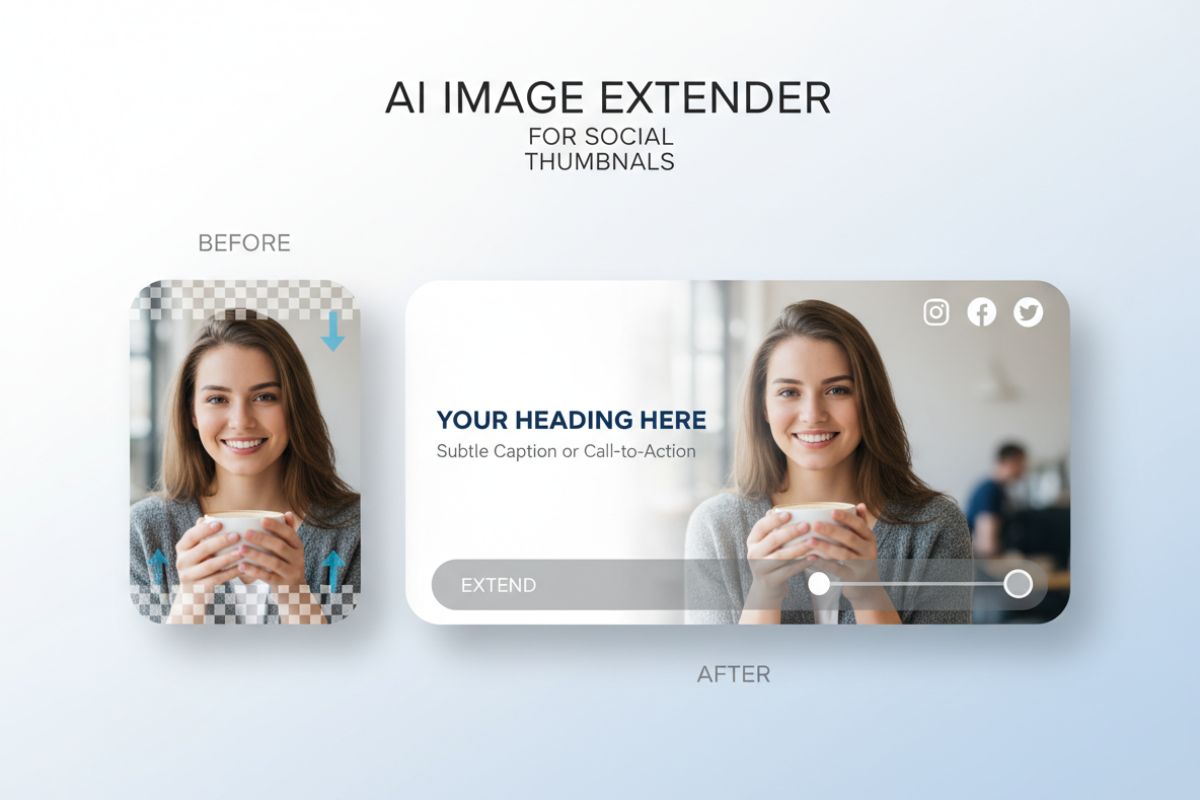
Extend the canvas to make room for captions, logos, or UI overlays without cropping out important parts of the subject.

Drop in a photo, choose the direction you want to grow the canvas, and let the AI image extender fill in the missing edges with natural detail. It’s an easy way to fix tight crops, expand backgrounds, or create wider scenes for banners and social posts.
Extend the canvas to make room for captions, logos, or UI overlays without cropping out important parts of the subject.
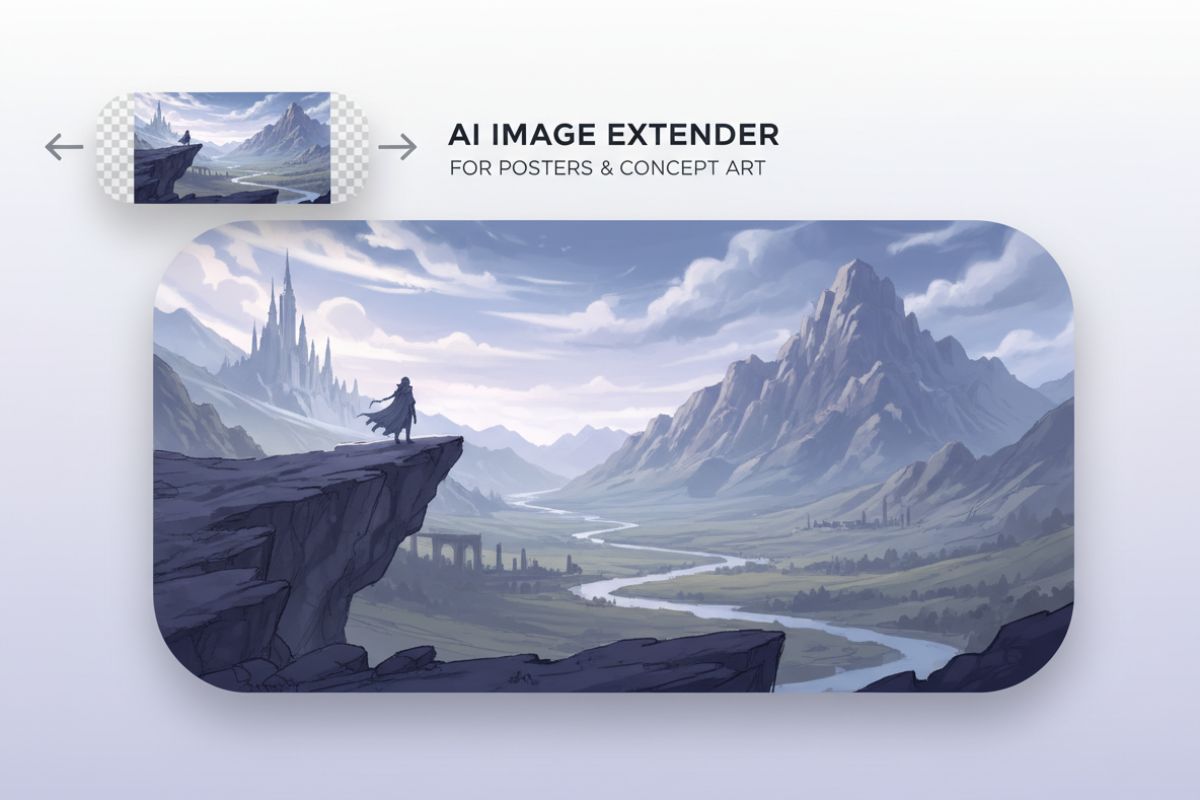
Just upload the image you want to expand and the AI image extender analyzes colors, textures, and depth to keep the new area blended with the original photo. You can use AI to extend image borders for posters, web headers, thumbnails, or print layouts without visible seams or awkward cloning.
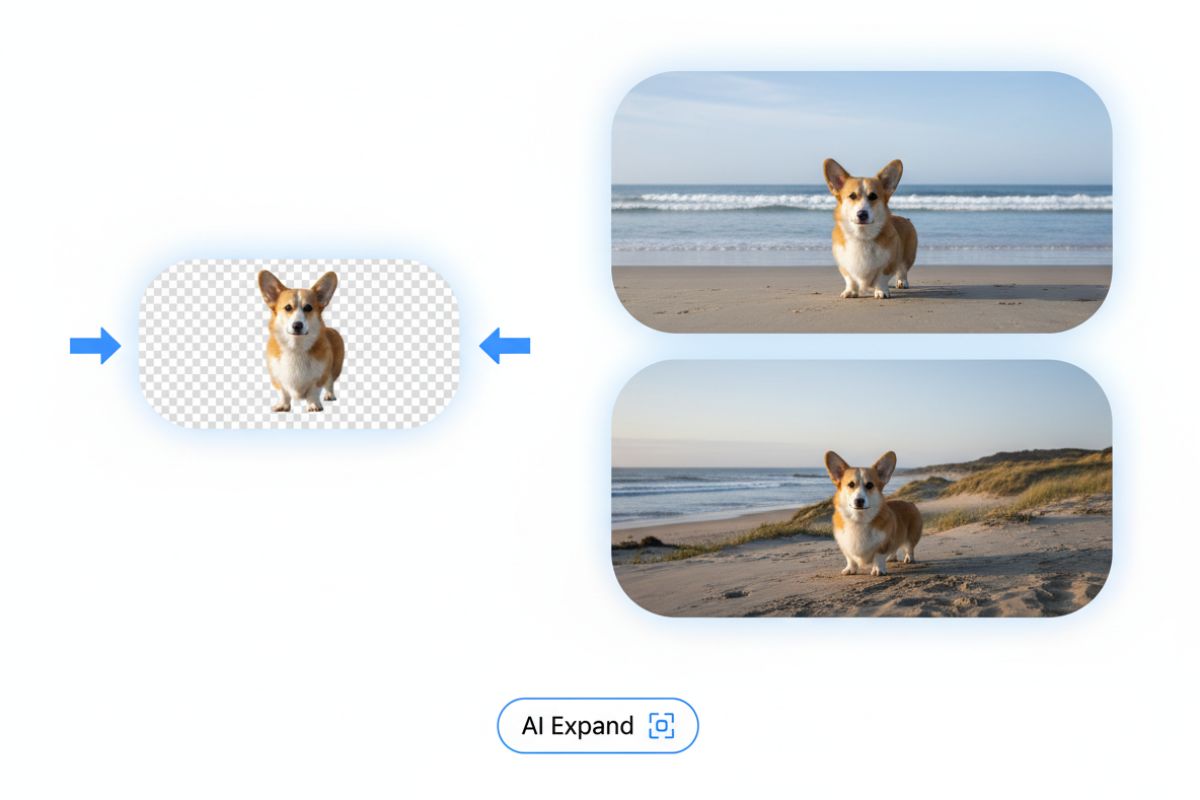
For anime-style outpainting, try OC maker or the dedicated AI anime generator, and if you want to restyle the expanded frame, use our image to image generator. Together, they turn a simple crop fix into a full creative workflow.
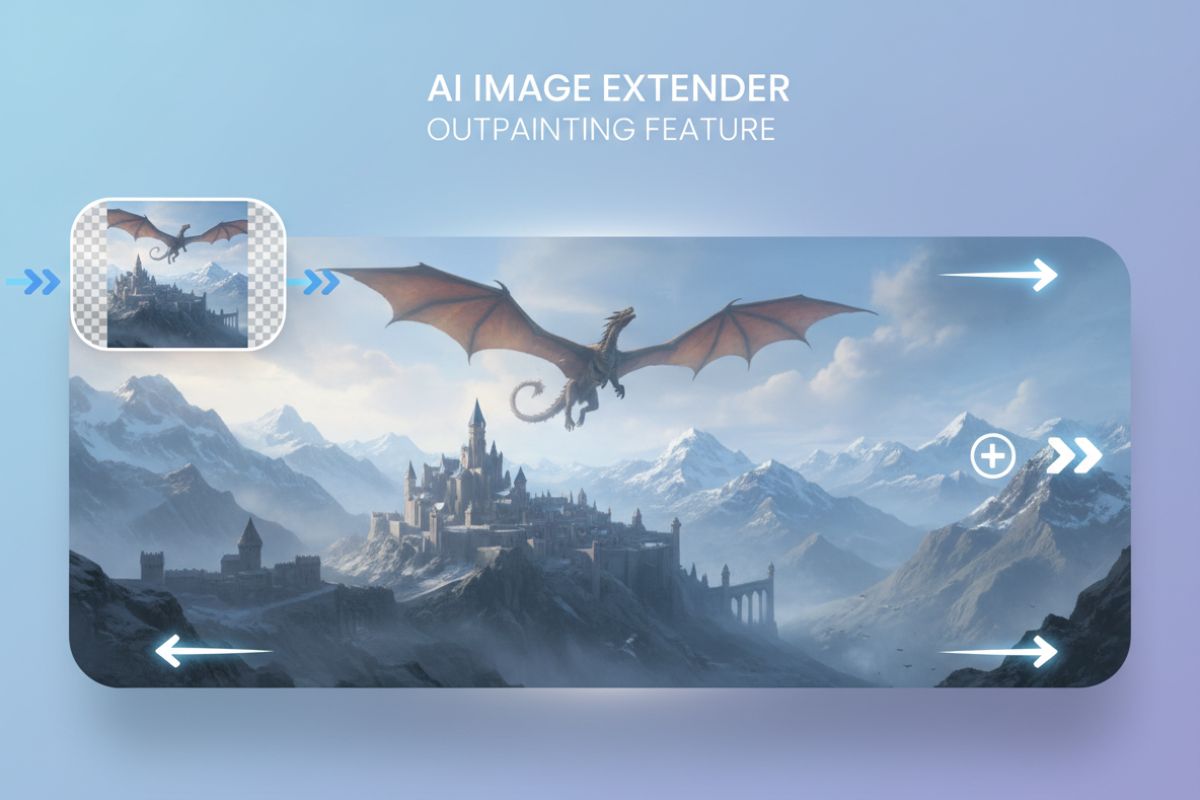
If your image loses important edges or details, the AI image extender can regenerate a natural-looking background that aligns with the original scene’s lighting and perspective. It’s ideal for restoring older photos, repairing awkward cuts, or preparing images for new aspect ratios without sacrificing quality.
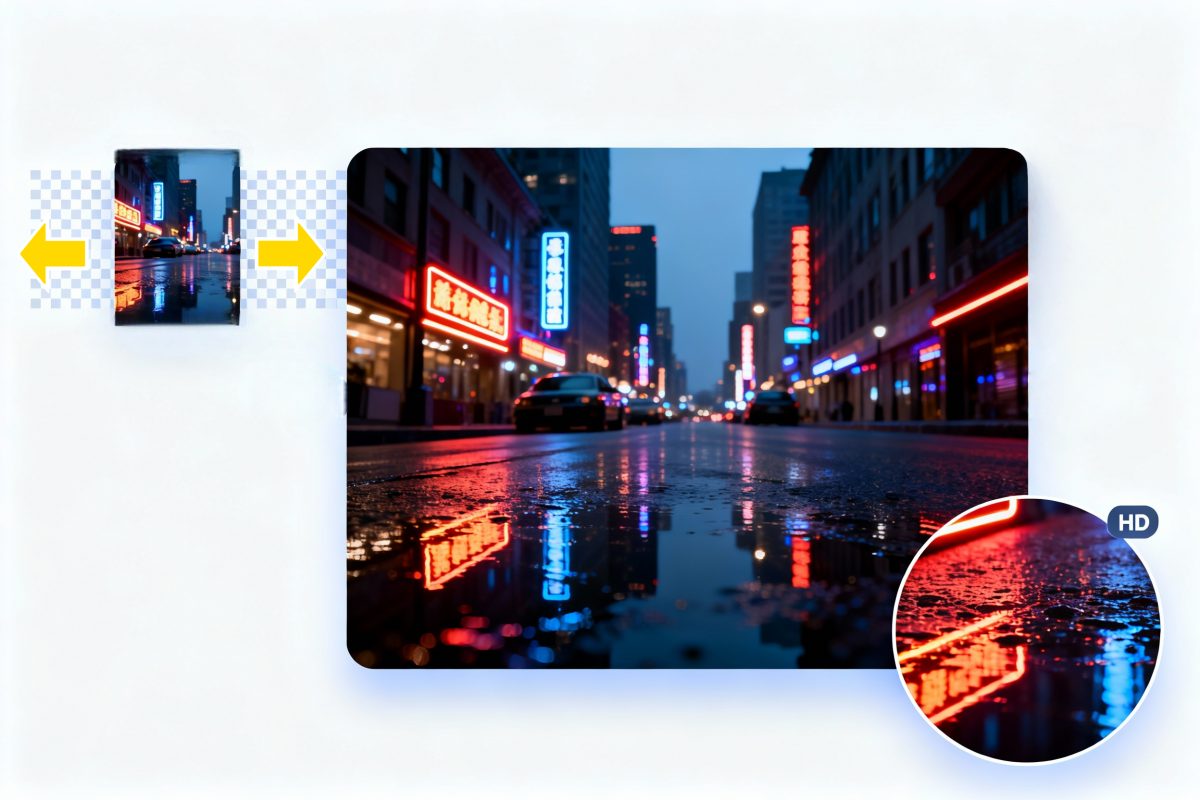
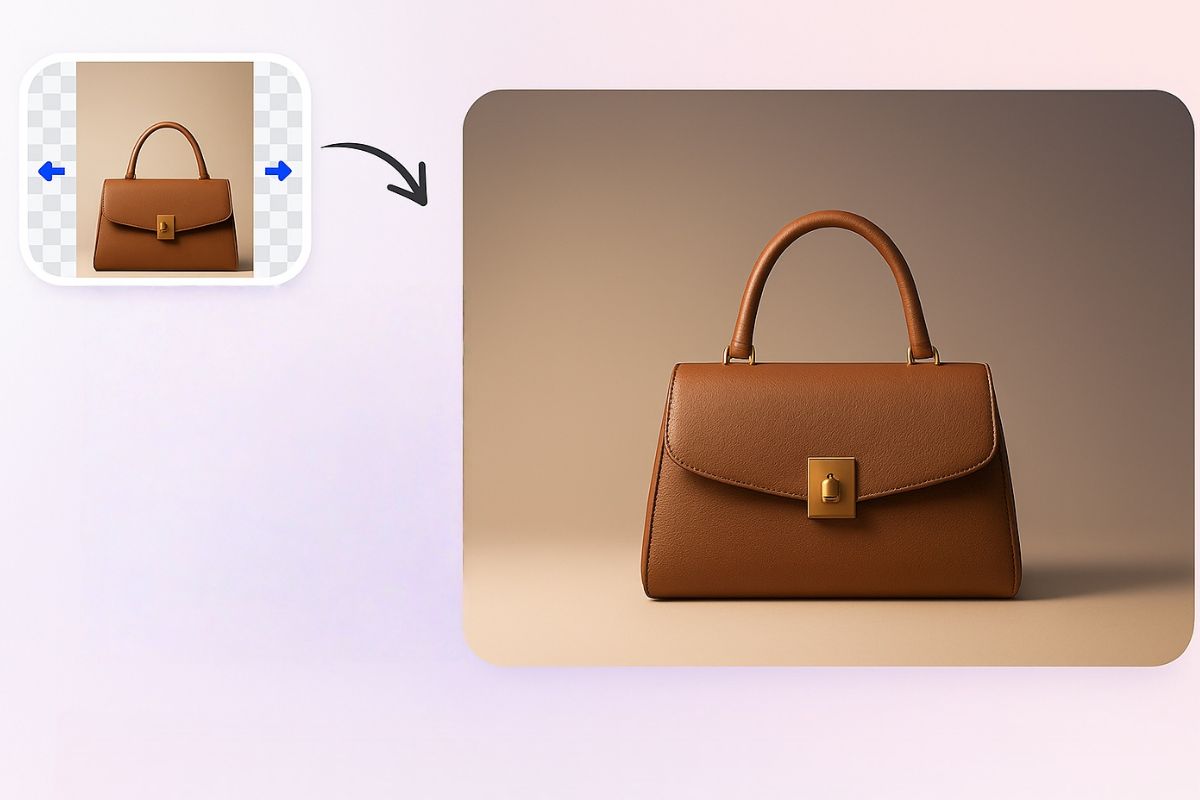
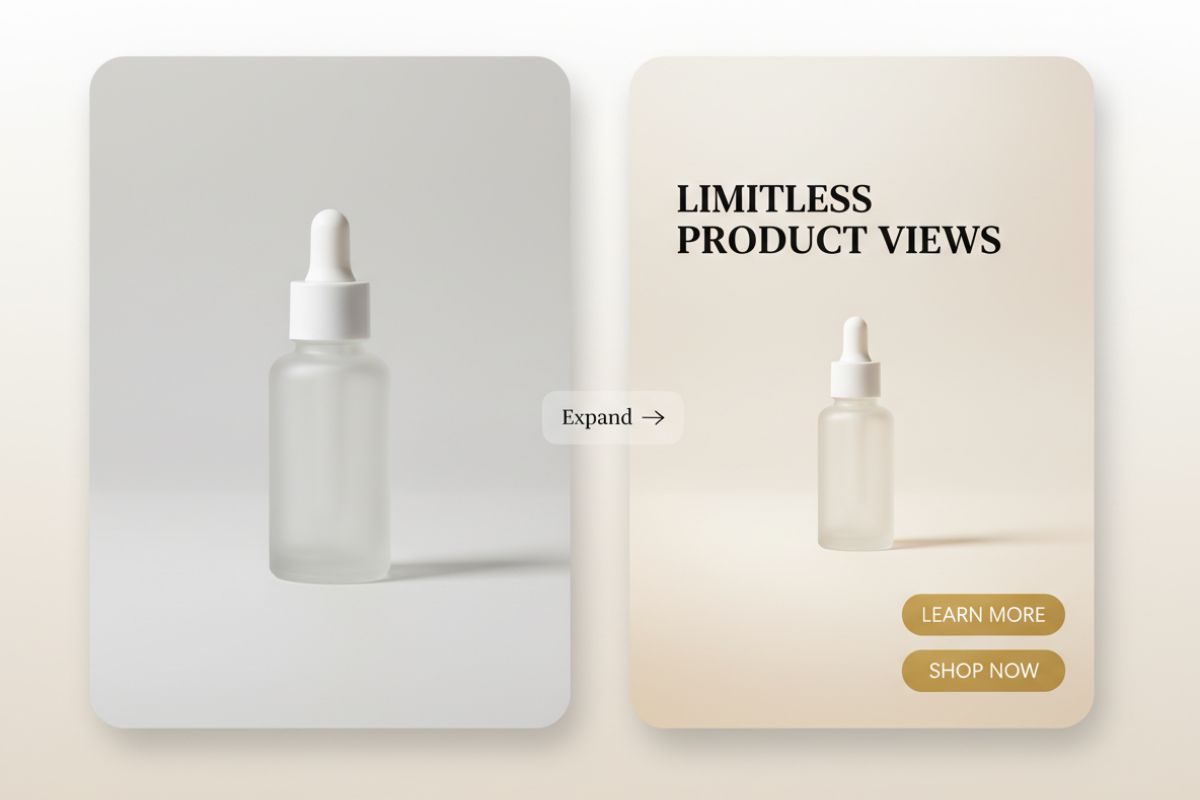
Use the AI image extender to grow a simple product shot into a fuller, more polished scene. It can extend the frame, add clean studio-style or subtle lifestyle backgrounds, and create layouts that look made for hero sections, ad creatives, and premium product pages.