0104
More Dimensional Anime Faces
Generate anime characters with rounded facial depth, glossy eyes, soft shadows, and cleaner expressions. The result feels closer to a stylized 3D model than a flat character sketch.
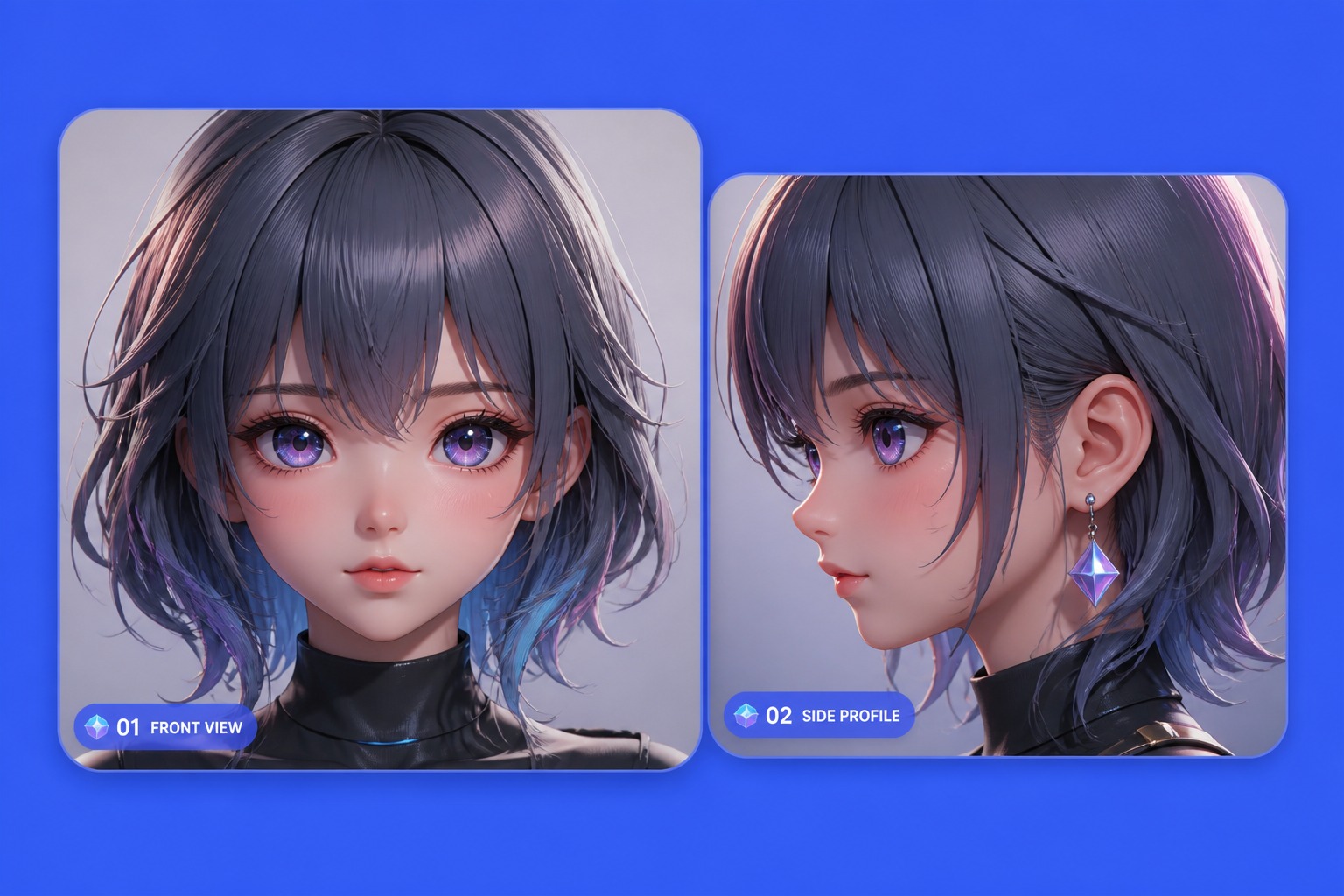

Create stylized 3D anime character concepts with model-like depth, clean pose direction, outfit materials, soft lighting, and polished avatar-ready presentation.
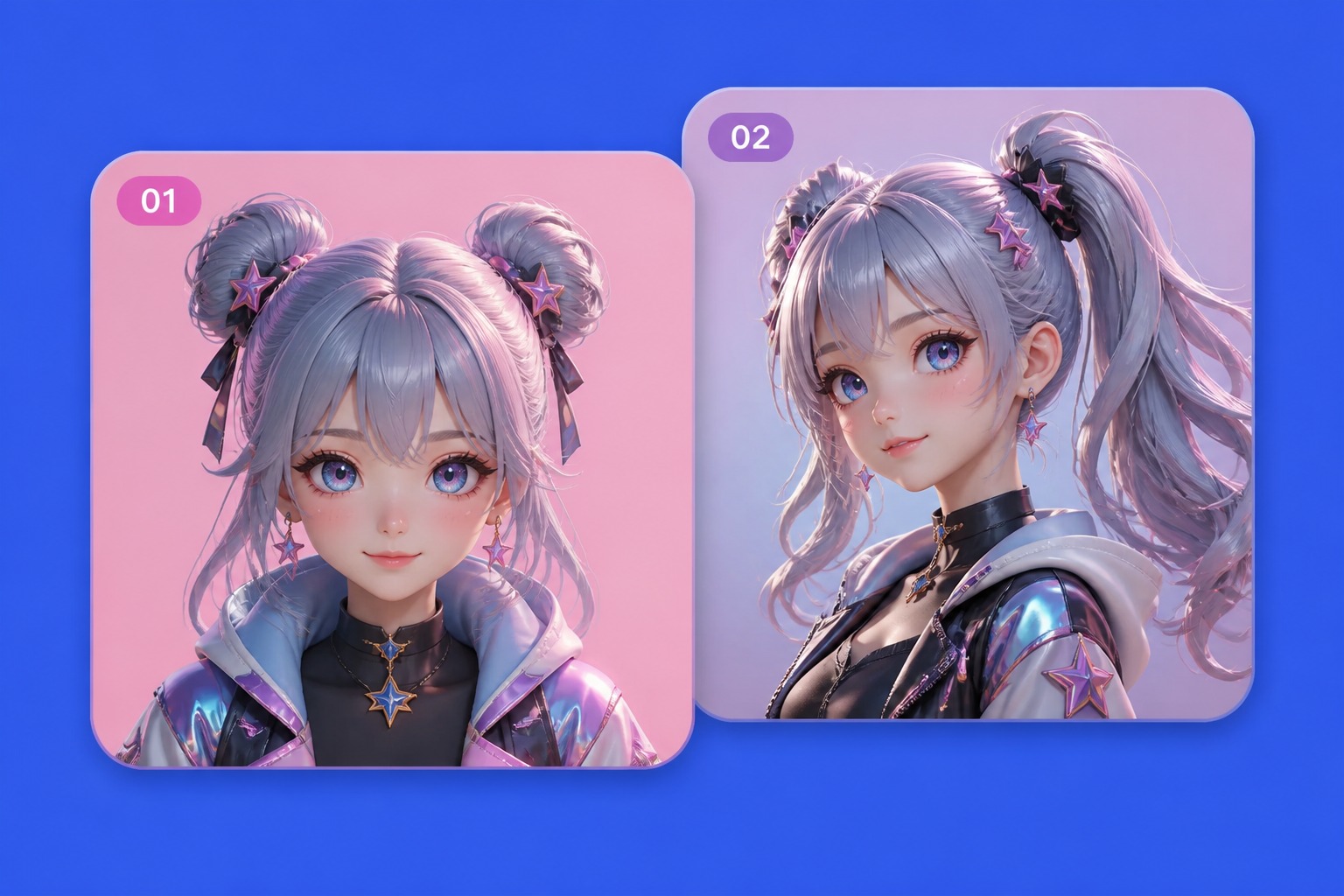
Explore model-like anime portraits, full-body concepts, and collectible figure looks before refining pose, materials, and lighting.
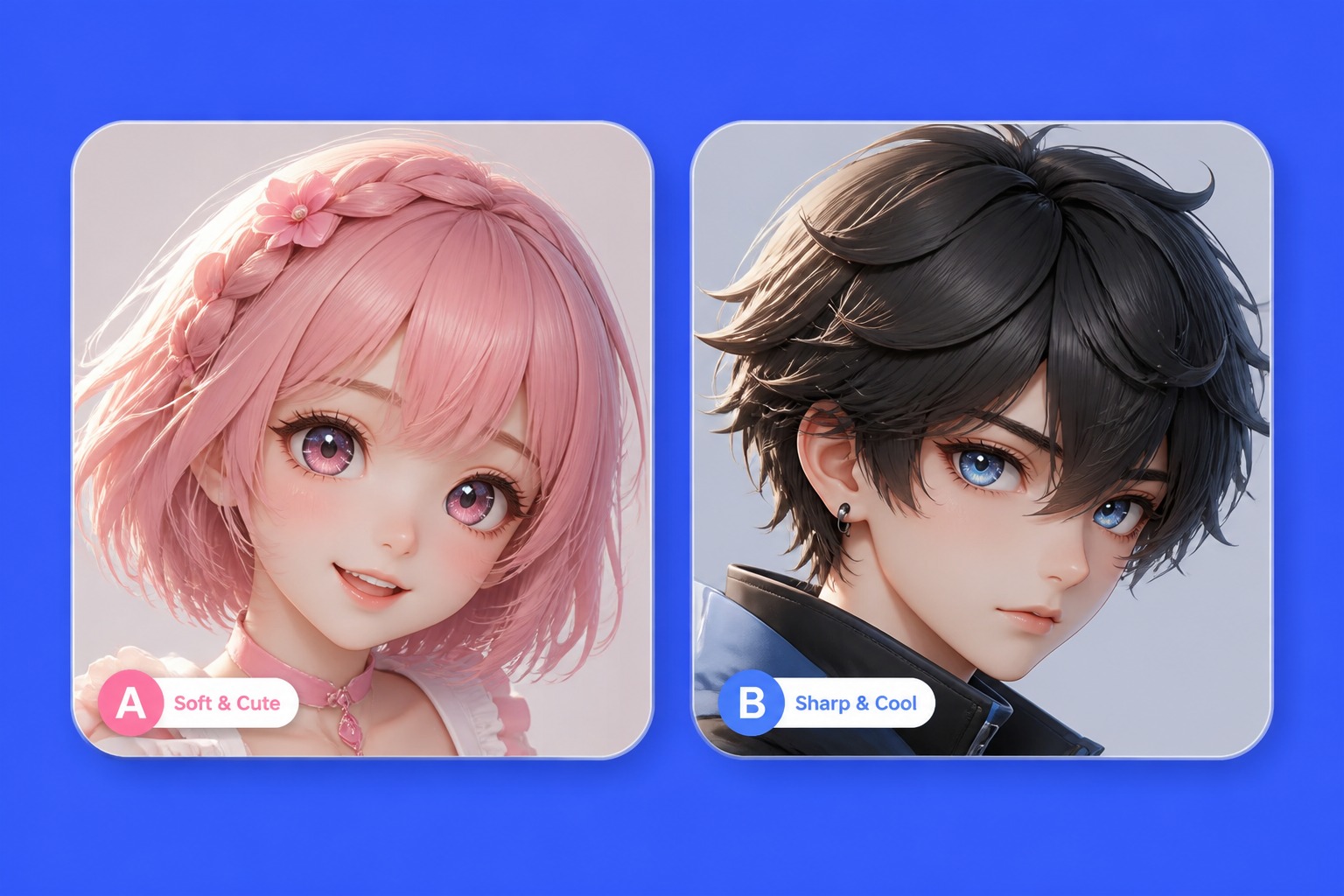 01
Stylized 3D Portrait
Build a close-up anime character with rounded facial depth, glossy eyes, soft hair volume, and lighting that feels more sculpted than flat illustration.
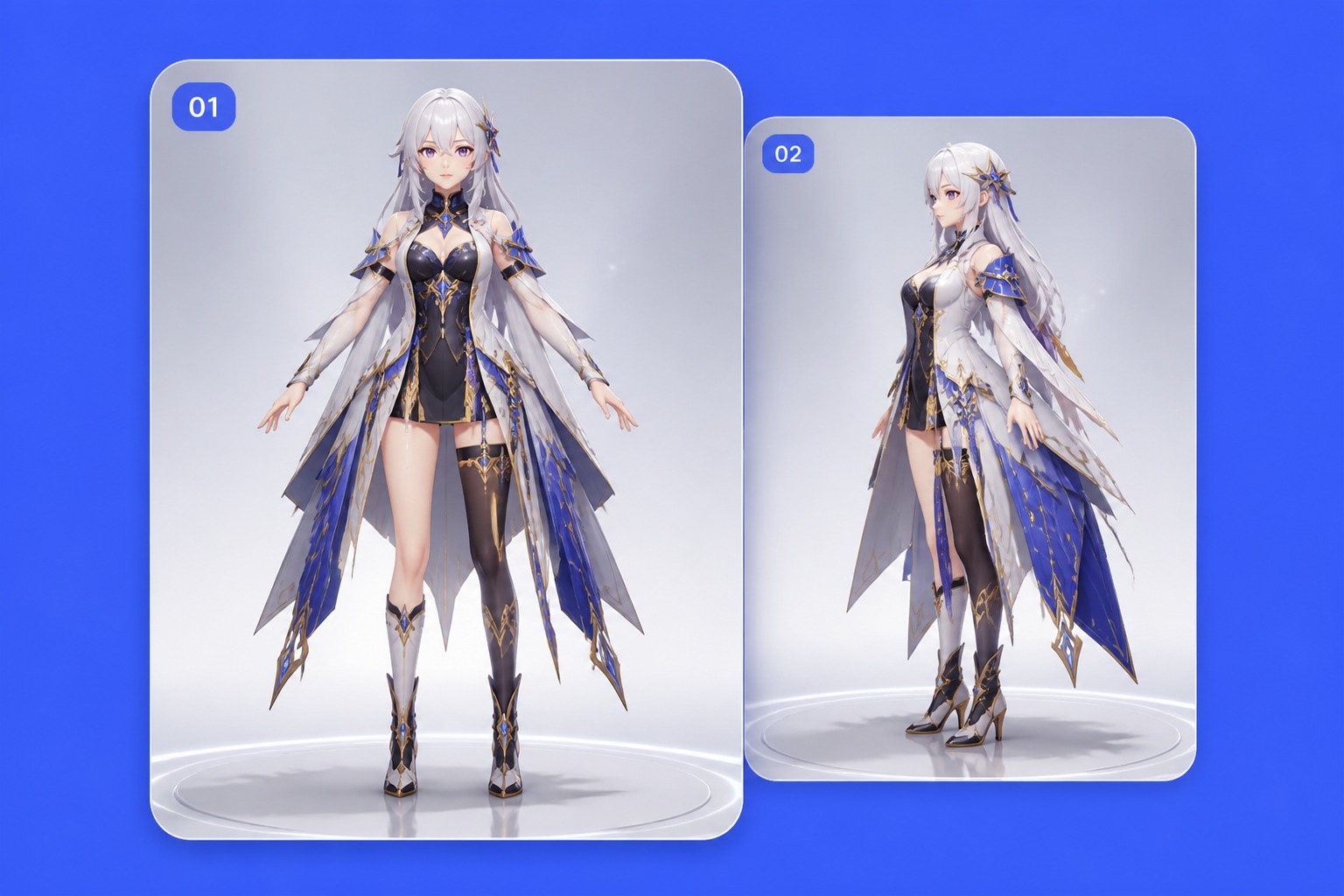 02
Full-Body Model Pose
Plan the character as a complete figure with pose balance, readable silhouette, outfit layers, shoes, and accessories that work from head to toe.
 03
Collectible Figure Look
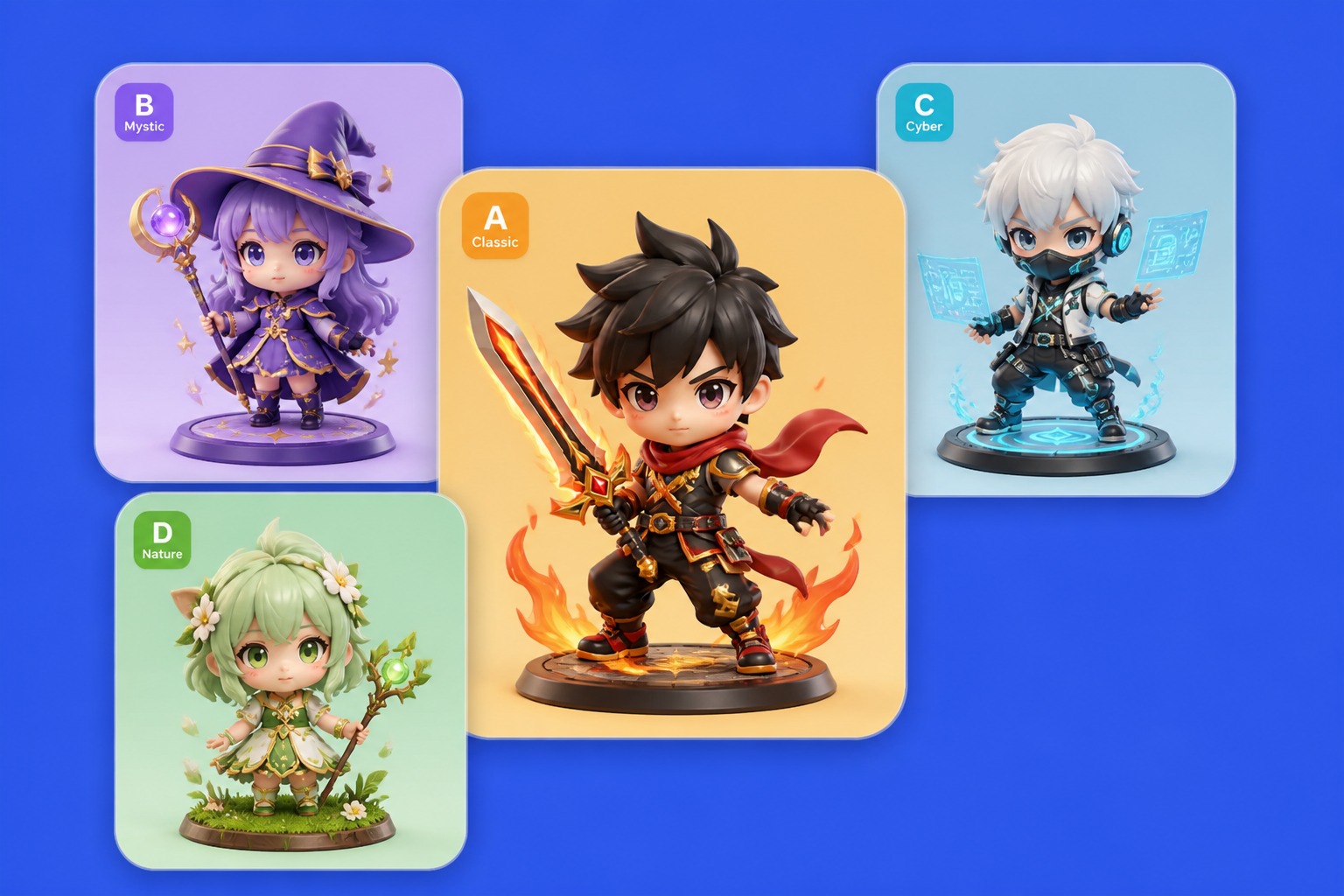
Create a polished toy-like anime concept with clean materials, display lighting, simple base space, and a presentation angle for previews.
A good 3D anime concept needs clear shape, controlled materials, and lighting that shows the character without clutter.
Use soft facial volume, large expressive eyes, and simplified nose and mouth details to keep the character stylized.
Choose a pose with readable weight and gesture so the figure does not look stiff, twisted, or hard to understand.
Describe hair chunks, bangs, ponytails, curls, or sculpted strands so the hairstyle has depth from multiple angles.
Separate cloth, metal, leather, glass, armor, and accessories with distinct texture words and color choices.
Use soft shadows and rim light to show the model shape without hiding the face or outfit in heavy background effects.
Pick portrait, waist-up, or full-body framing depending on whether the result is for icons, previews, or character references.
Create polished anime characters with more depth, stronger visual presence, and better usability across avatars, profile images, concept art, and creative references.
0104
Generate anime characters with rounded facial depth, glossy eyes, soft shadows, and cleaner expressions. The result feels closer to a stylized 3D model than a flat character sketch.
0204
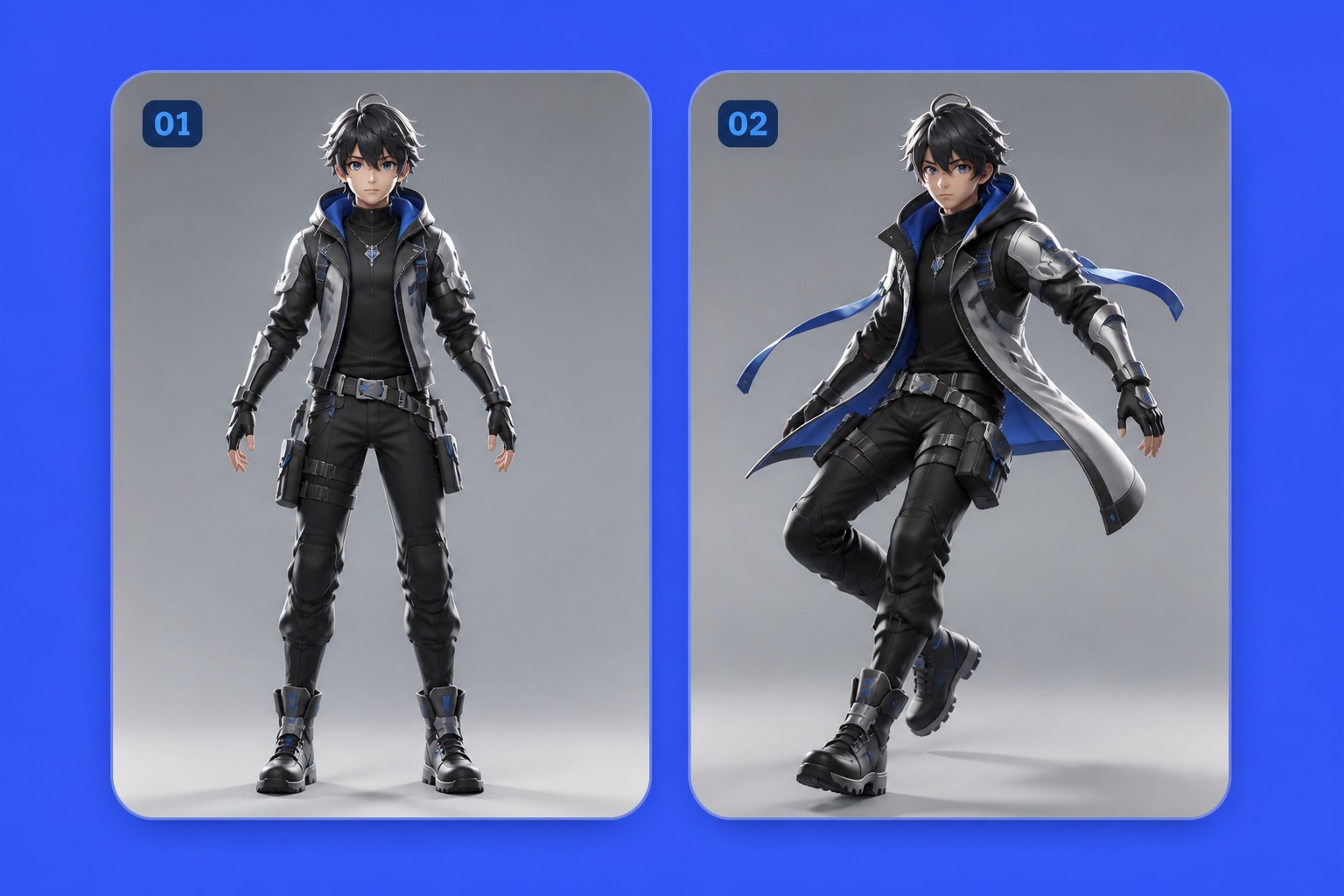
Create full-body anime characters with clearer posture, better balance, and more expressive silhouettes. This makes each design more suitable for avatars, character previews, social profiles, and visual storytelling.
0304
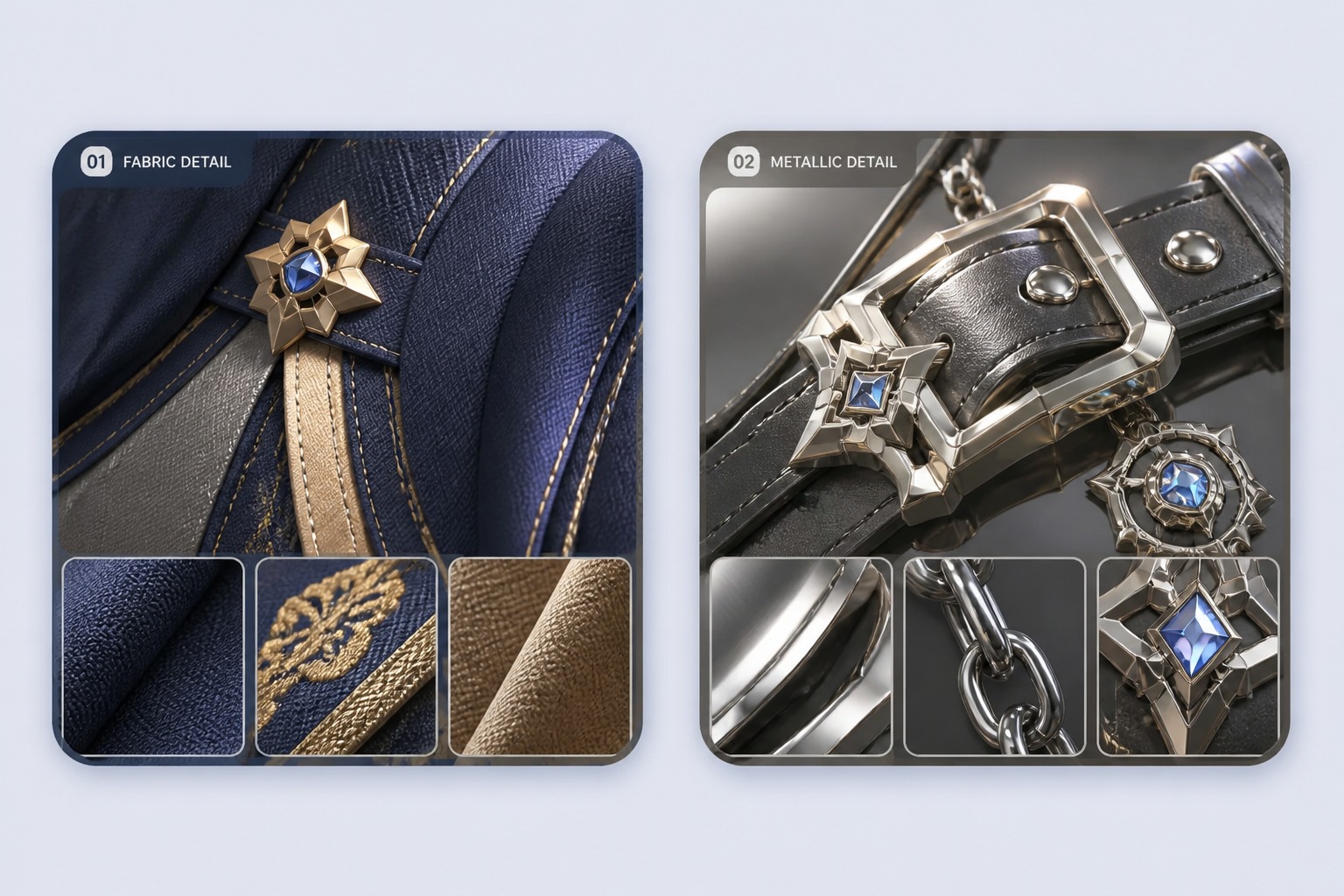
Bring clothing, accessories, armor, shoes, and fabric layers to life with better texture separation and surface detail. It is especially useful when turning a reference into a new character through an image to image workflow.
0404
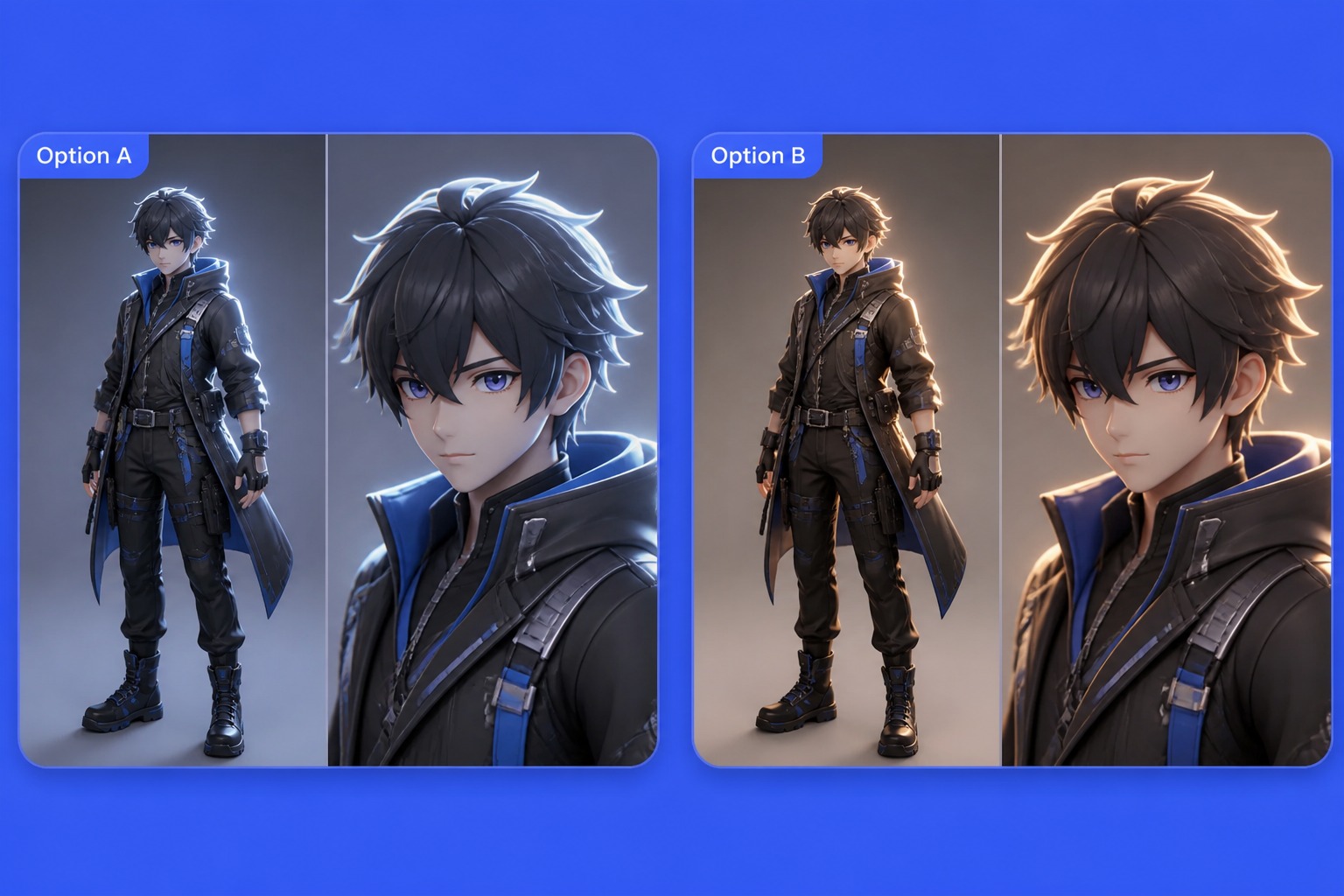
Get studio-style character visuals with simple backgrounds, soft lighting, and a more polished model-preview feel. This helps you review, save, and reuse the design more easily for creative projects.
Set the model type, define pose and materials, then check whether the result reads clearly as a stylized anime figure.
Decide whether you need a close-up portrait, waist-up avatar, full-body figure, or collectible-style preview. The view changes how much outfit and pose detail you should include.
Describe the stance, expression, hairstyle volume, clothing layers, and material finish. Use words like glossy, matte, soft fabric, metal trim, or translucent detail when needed.
Review face depth, hands, pose balance, hair shape, and outfit separation. Regenerate with simpler lighting or framing if the model looks crowded or unclear.
Answers about 3D anime prompts, character views, pose control, materials, avatars, and usage limits.
Include the character type, view, pose, expression, hairstyle, outfit, materials, lighting, and background. A prompt for a 3D-style anime result should describe shape and depth, not only color and clothing.
Yes. Use it to create stylized character concepts with model-like depth, rounded features, sculpted hair, and clean studio presentation. It works especially well for avatars, full-body references, and figure-style previews.
Mention studio lighting, soft shadows, rim light, rounded face volume, layered hair, material finish, and a clean camera angle. These details guide the result toward a dimensional model look instead of a flat illustration.
Yes. Ask for full-body framing and describe shoes, stance, hand position, outfit layers, and accessories. Keep the pose simple when you need cleaner anatomy and a more readable silhouette.
Simple studio backgrounds, soft gradients, or clean display spaces usually work best. Busy scenes can hide the model shape, distort the silhouette, or make outfit materials harder to judge.
Yes. For avatars, use close-up or waist-up framing, clear face lighting, simple background, and a strong expression. Avoid tiny accessories that disappear when the image is cropped into a profile circle.
Use simpler hand positions, clear camera angles, and balanced standing or seated poses. If a pose looks broken, regenerate with fewer props and a more direct stance before adding complex action details.
Commercial use depends on OCMaker AI terms, source materials, character rights, and platform rules. Avoid copying protected characters, brand assets, or official designs, and check the current license terms before publishing or selling results.
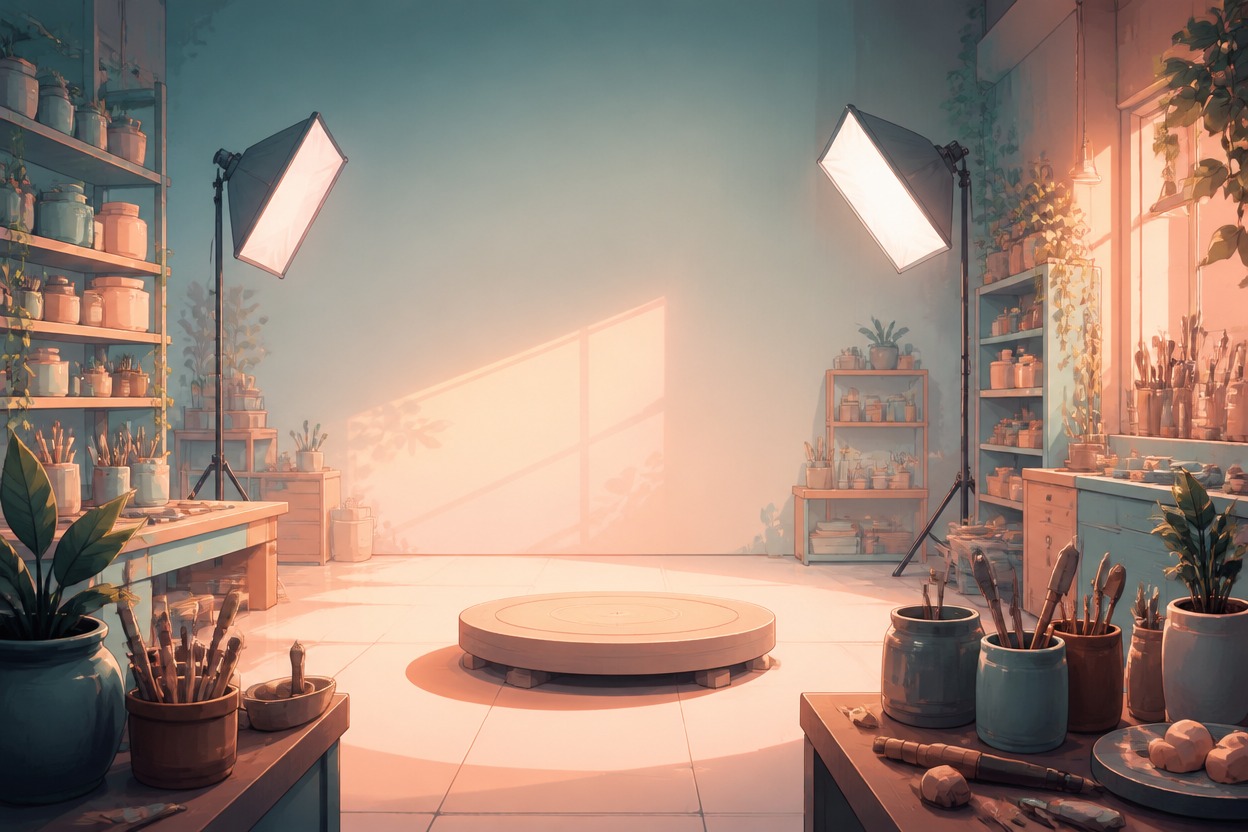
Design a stylized anime figure with clear pose, sculpted depth, outfit materials, and clean studio lighting.