3D Anime Model Maker
Generate polished 3D anime character concepts with controllable proportions, face shape, hairstyle, outfit layers, materials, pose, and studio lighting. Create visual references for avatars, game pitches, animation planning, commissions, and modeling briefs.

3D Anime Character Styles to Explore

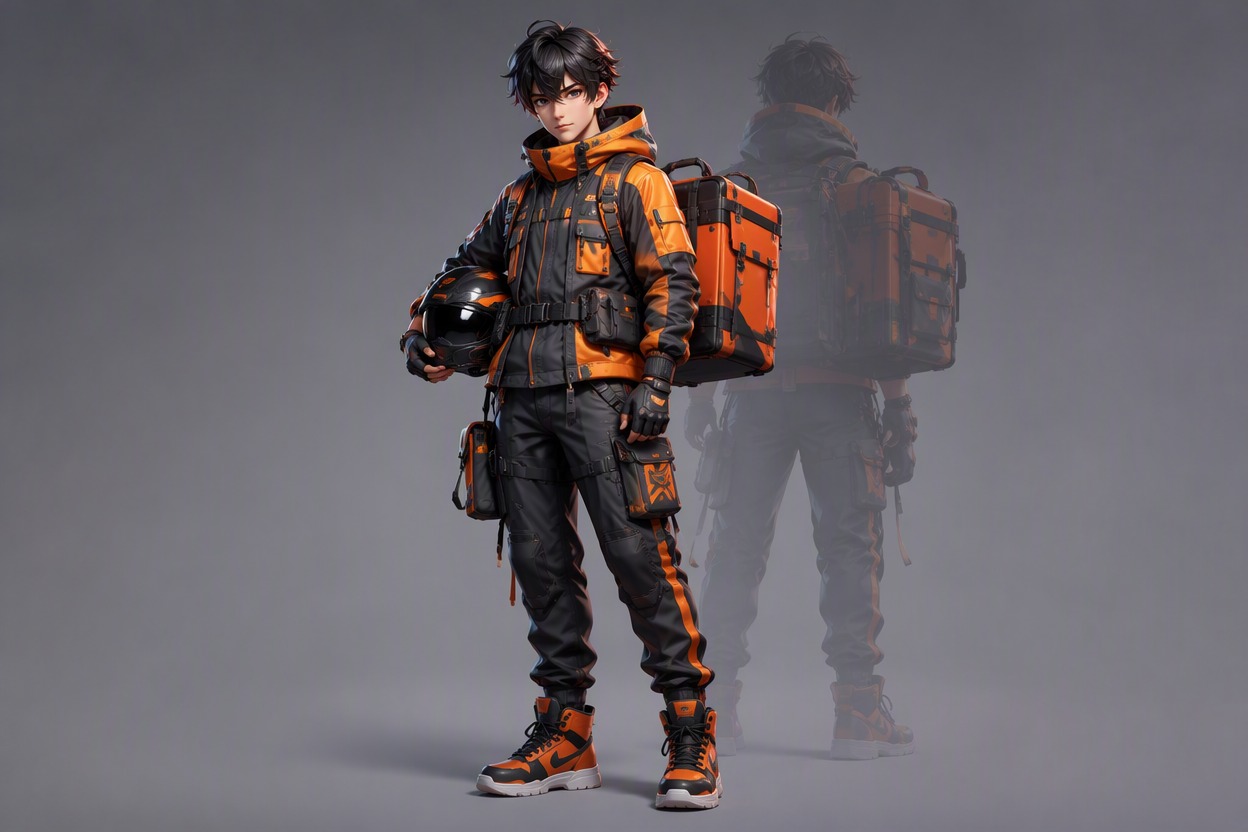
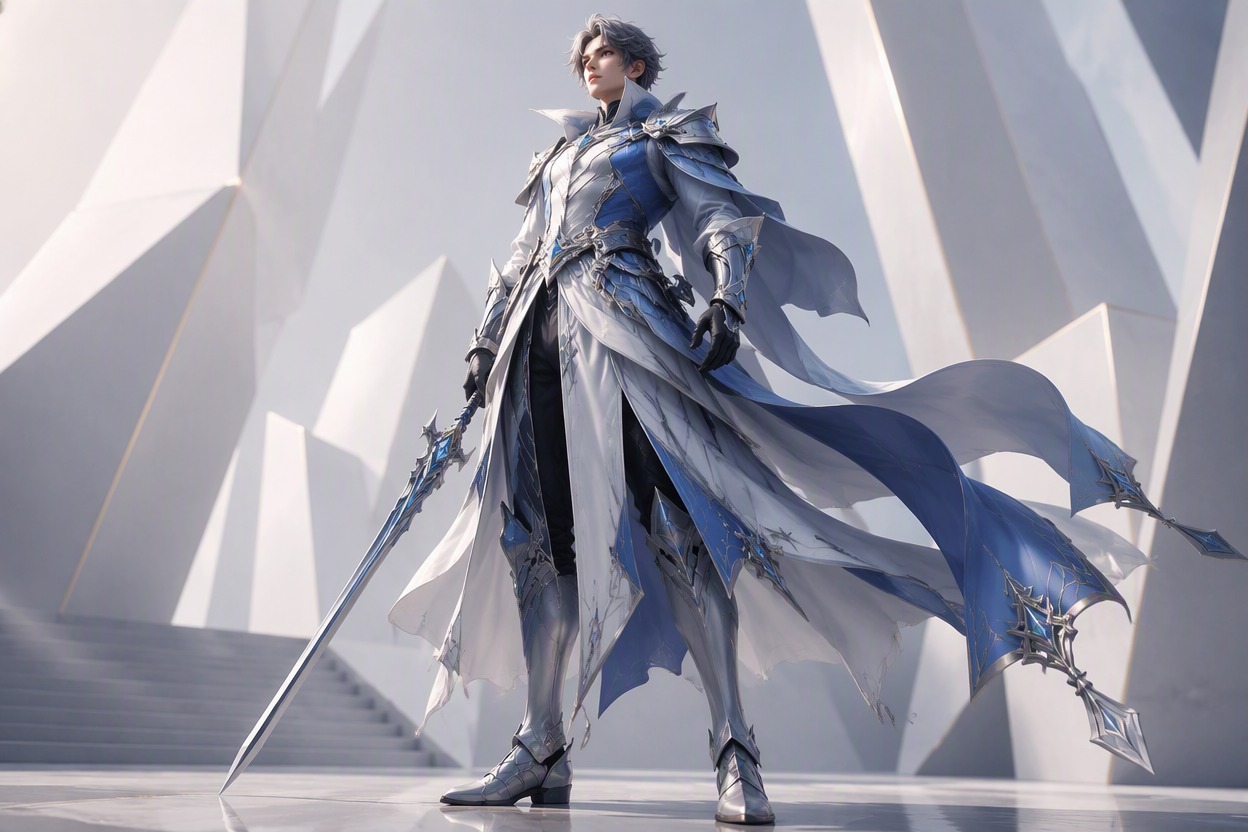
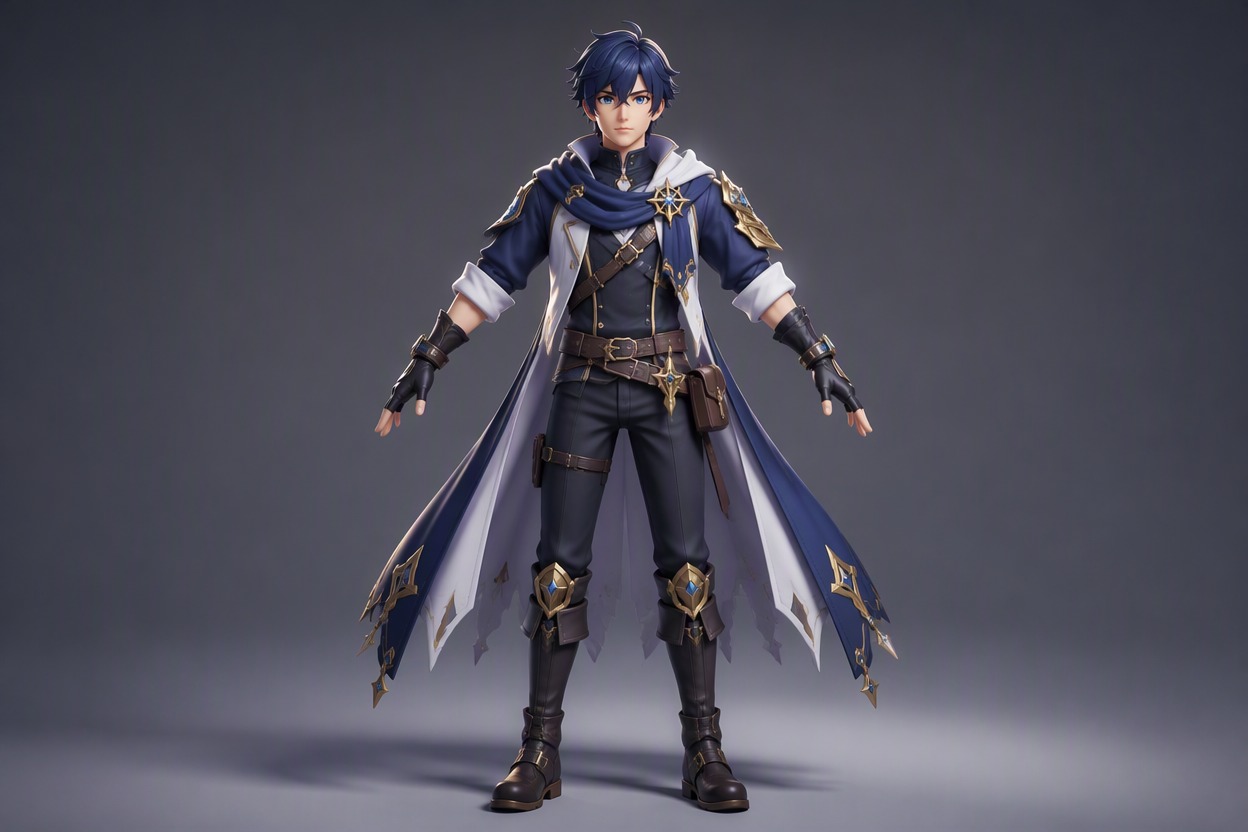
Stylized RPG Hero

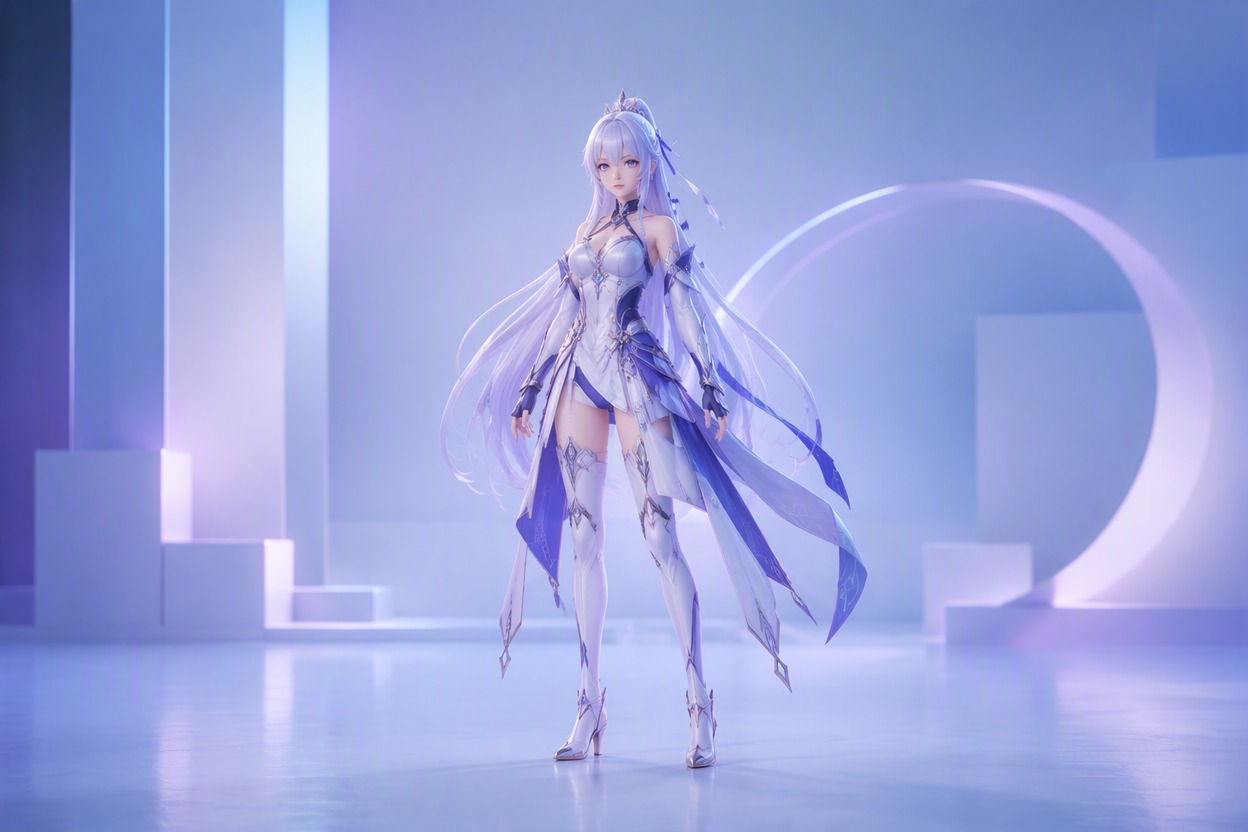
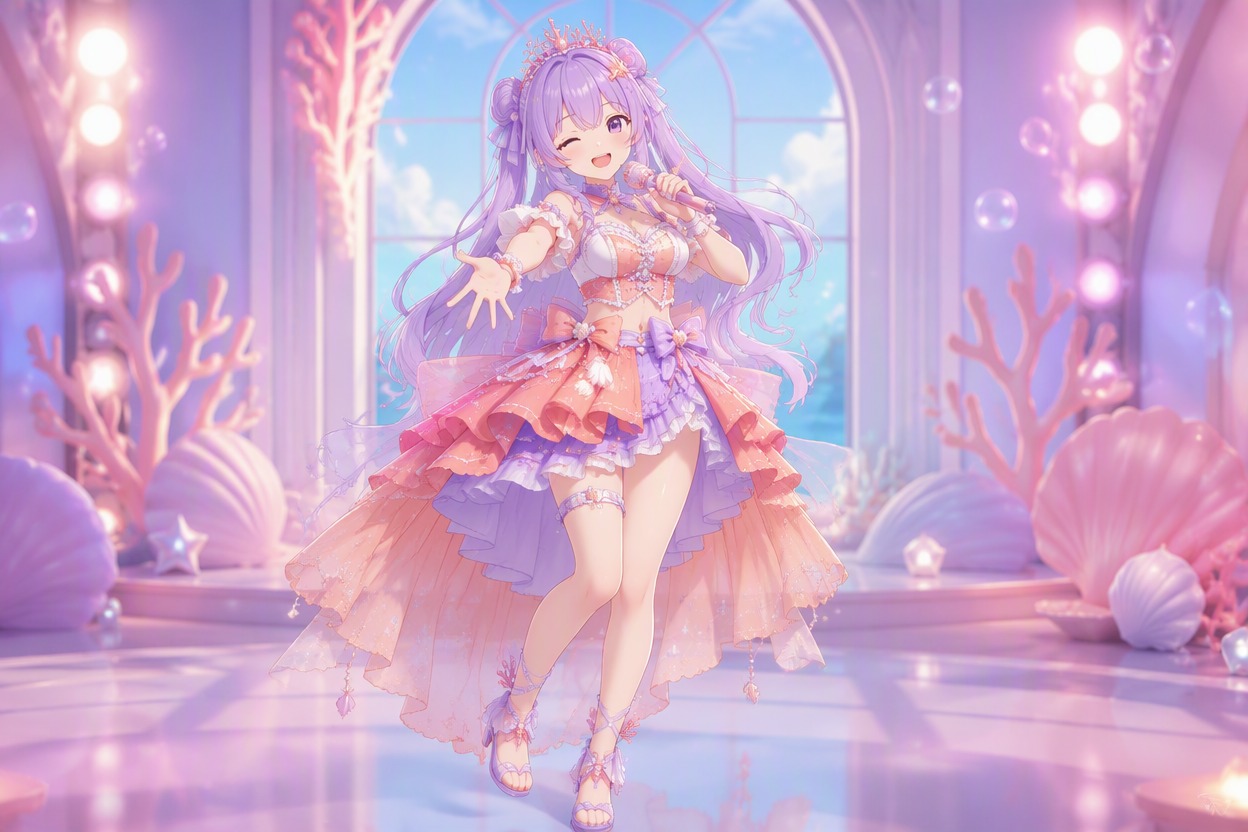
Soft Cel-Shaded Idol

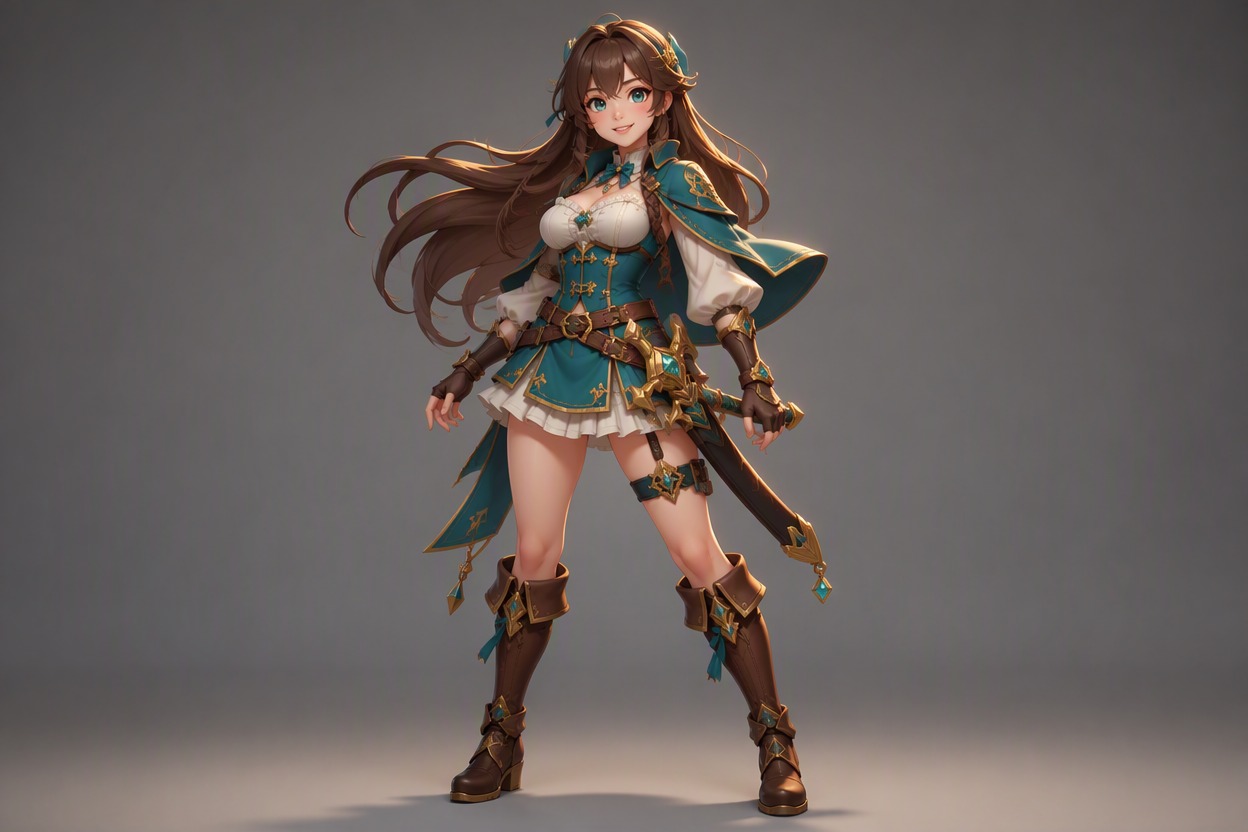
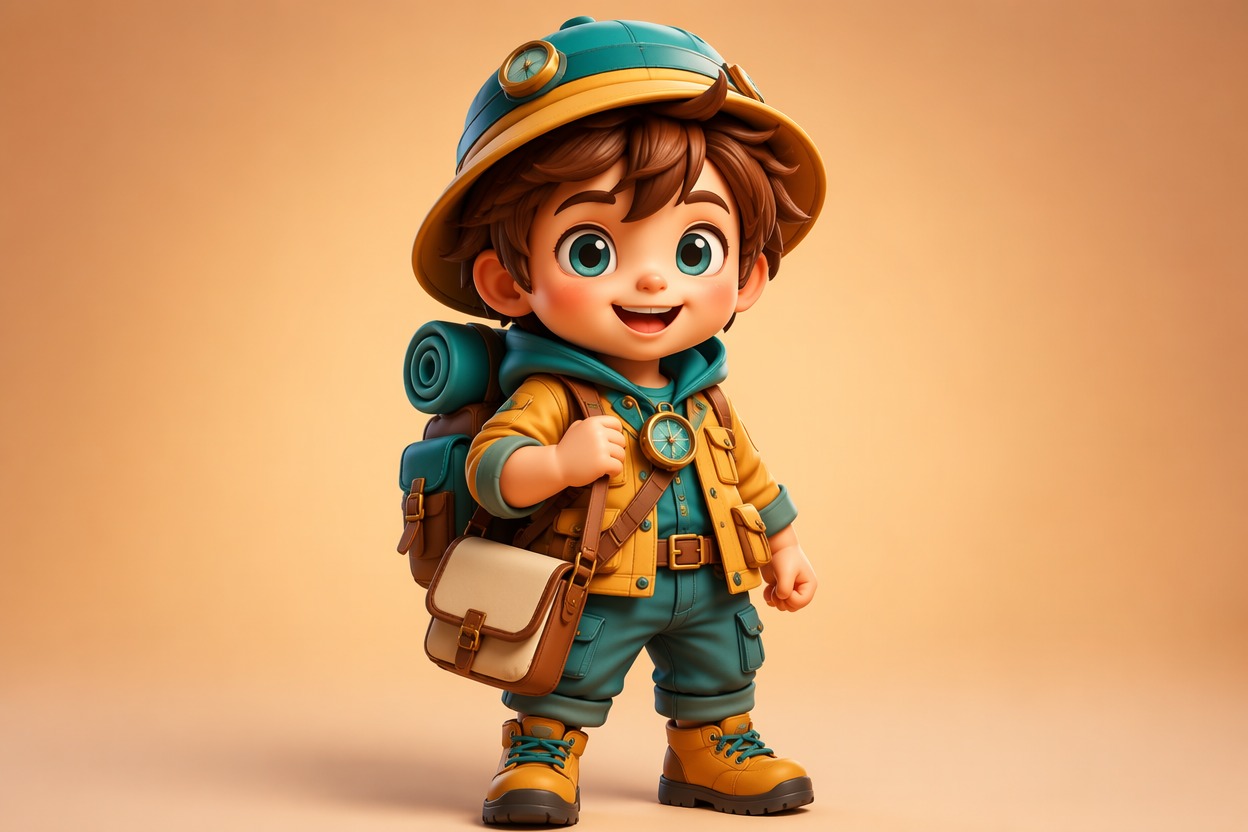
Chibi Adventure Mascot
Turn Anime Character Ideas Into 3D Model Direction
Create a Model-Ready Silhouette
Set head-to-body ratio, shoulder width, limb length, hand scale, footwear, hairstyle mass, and outfit volume before adding tiny details. The OC maker helps establish a recognizable character identity first, giving later 3D references a cleaner silhouette for avatars, game pitches, animation tests, or sculpting briefs.
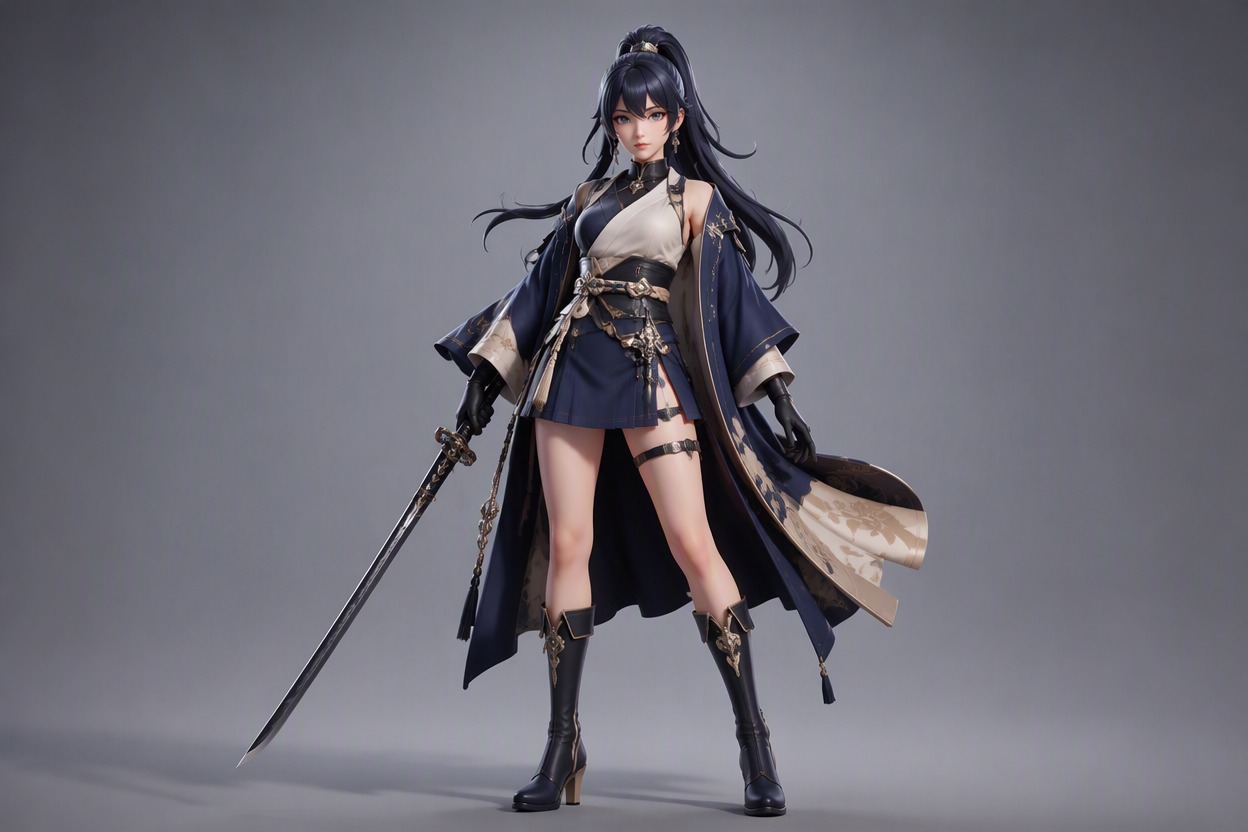
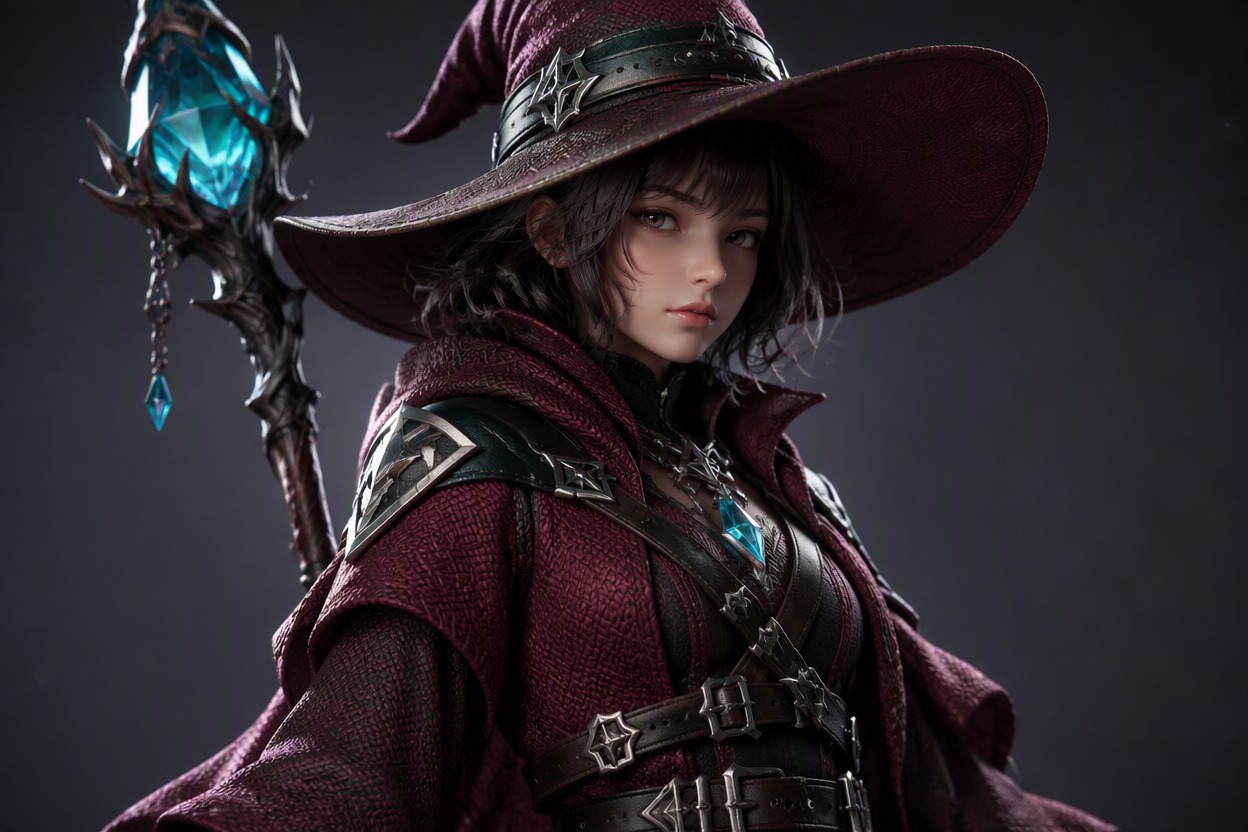
Translate Fabrics Into Materials
Describe cloth weight, leather trim, painted metal, translucent pieces, knit texture, glossy accessories, and matte skin as separate material groups. Clear material contrast helps the anime model maker produce references that are easier to discuss with modelers, while studio light reveals edges without flattening the face or outfit. You can also use text-to-image tools to visualize different material combinations and explore character design variations before production.

Plan Turntable and Expression Views
Generate front, three-quarter, side, and back directions plus a small set of facial expressions while keeping hair, face, palette, and costume layers stable. These coordinated views expose hidden construction problems, clarify overlapping garments, and provide a stronger reference package for commissions, rigging discussions, or character approval.

Produce a Polished Hero Render
Move the approved face, hairstyle, proportions, outfit, materials, palette, and pose into an AI anime generator direction for a presentation image. Compare neutral studio, game-menu, cinematic, and avatar crops while treating the output as visual concept art unless a real editable 3D file is created separately.

Why Use This Anime Model Maker
Proportion and Silhouette Control
Face and Hair Definition
Layered Outfit Construction
Material-Aware References
Multi-View Planning
Avatar and Game-Pitch Use
Build a 3D Anime Character Concept in 3 Steps
Lock the Model Proportions
Choose body ratio, face shape, hairstyle volume, hand and foot scale, pose, and the silhouette needed for the final use.
Separate Outfit and Materials
Describe garment layers, accessories, surface materials, palette, roughness, transparency, and how each piece overlaps the body.
Generate the Presentation Views
Create studio and hero renders, then compare face consistency, material readability, garment construction, and hidden-view gaps.